gemini 2.5 flash image vs imagen 4
In the rapidly evolving world of AI-driven creativity, choosing the right image generation tool can significantly impact your project's success. Two prominent contenders in this space are Gemini 2.5 Flash Image and Imagen 4. Understanding their unique capabilities will empower you to select the tool that best aligns with your creative objectives.
Join thousands of creators who have enhanced their projects using cutting-edge AI tools like Gemini 2.5 Flash Image and Imagen 4.
Why Choose Pixel Dojo for gemini 2.5 flash image vs imagen 4
Professional-quality results with cutting-edge AI technology
Enhanced Creative Control
Achieve precise image edits and transformations using natural language prompts, allowing for seamless integration of your vision.
High-Quality Image Generation
Generate photorealistic images with exceptional detail, capturing textures, colors, and lighting with remarkable accuracy.
Efficient Workflow
Utilize ultra-fast modes to produce multiple images swiftly, enabling rapid iteration and experimentation.
How It Works
Creating stunning images with AI tools like Gemini 2.5 Flash Image and Imagen 4 is a straightforward process:
Step 1: Select Your AI Tool
Choose between Gemini 2.5 Flash Image for advanced editing capabilities or Imagen 4 for high-resolution image generation.
Step 2: Input Your Prompt
Enter a detailed description of the image you wish to create, specifying elements like style, composition, and subject matter.
Step 3: Generate and Refine
Initiate the image generation process and, if necessary, make adjustments using additional prompts to achieve your desired outcome.
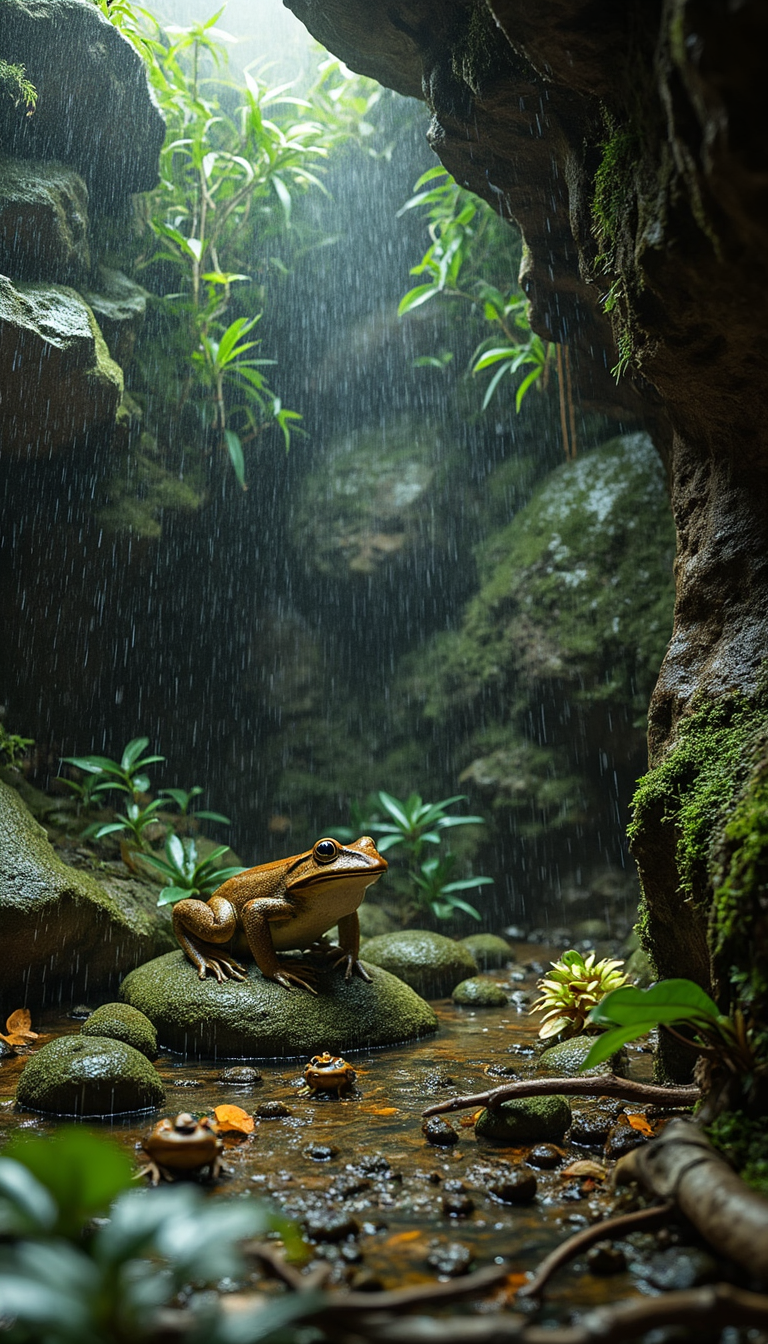


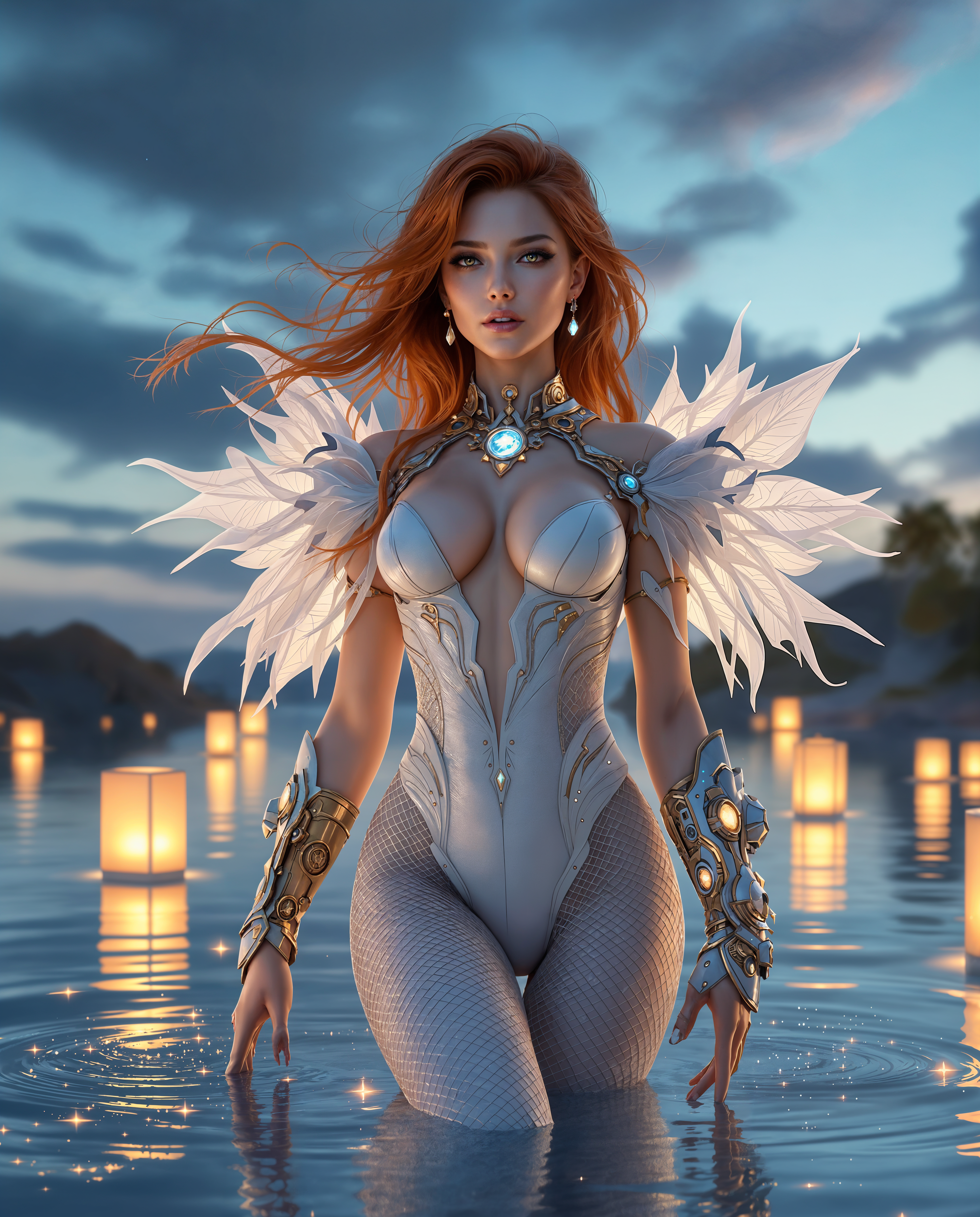
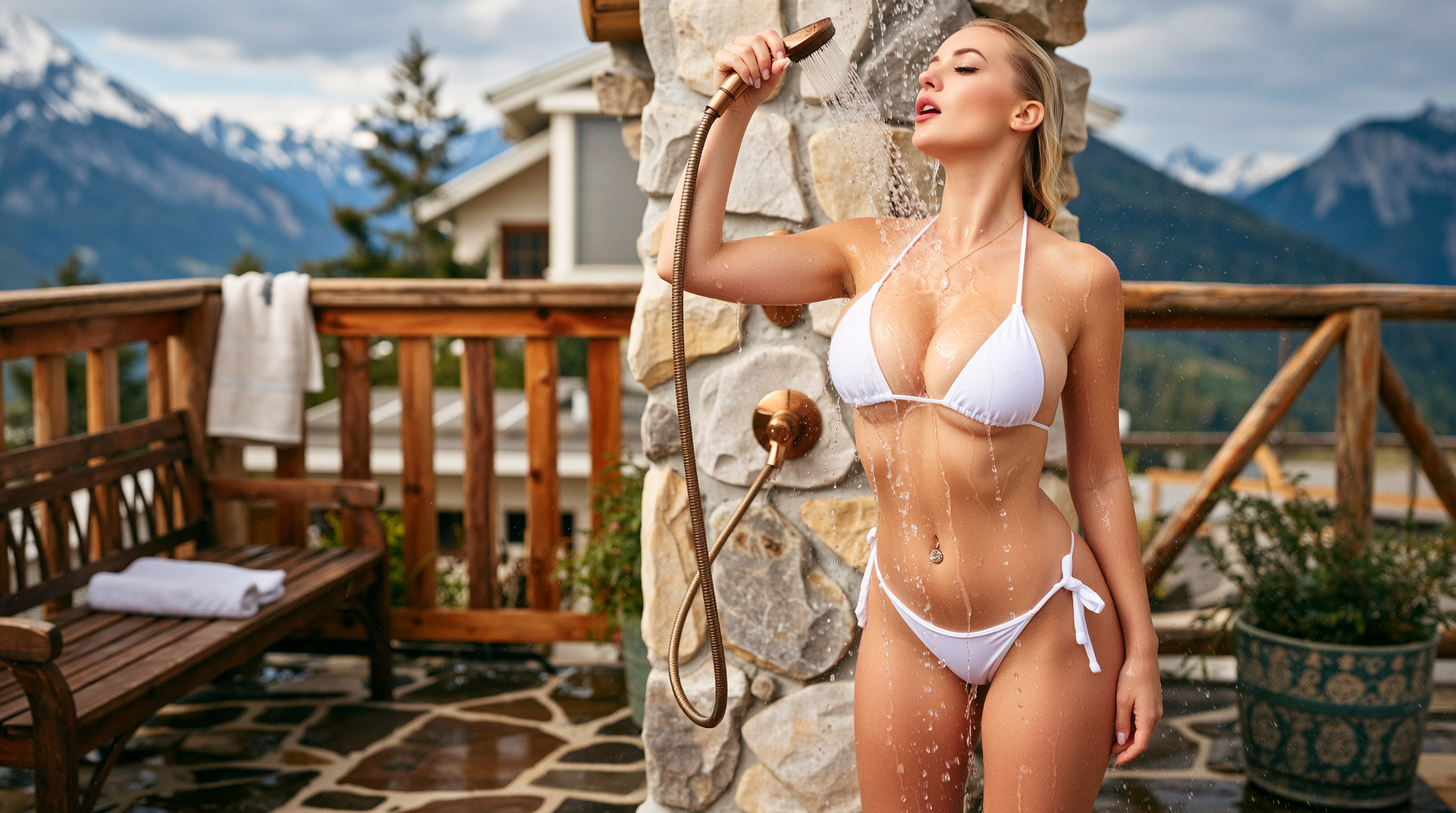
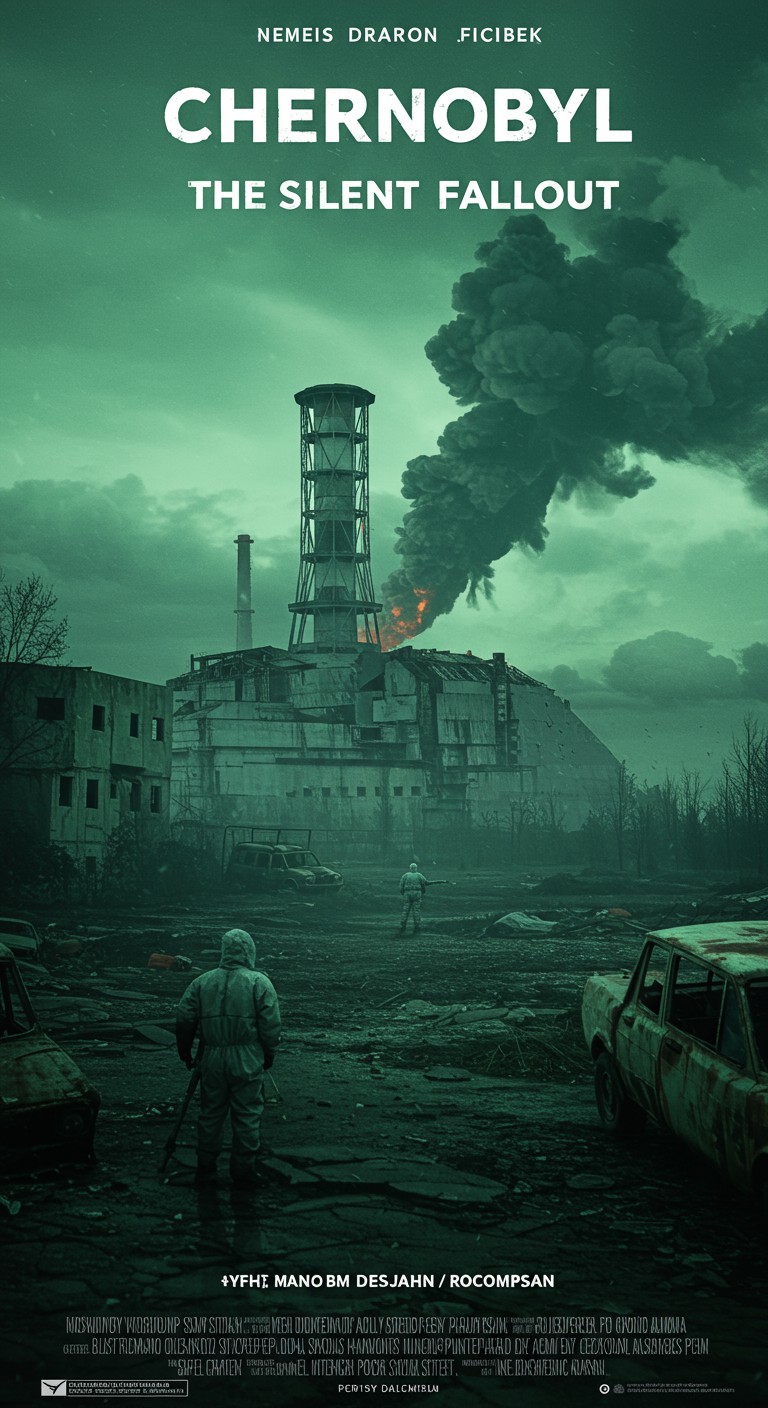
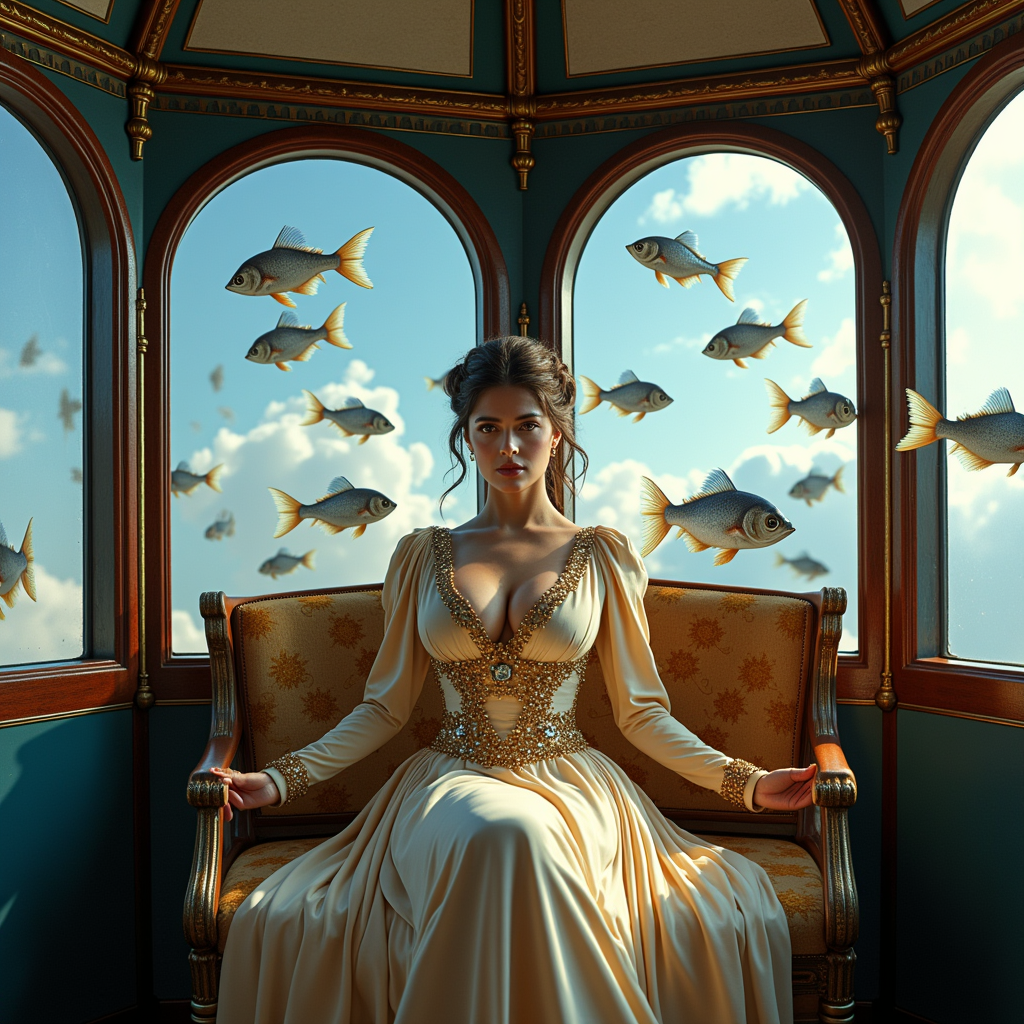
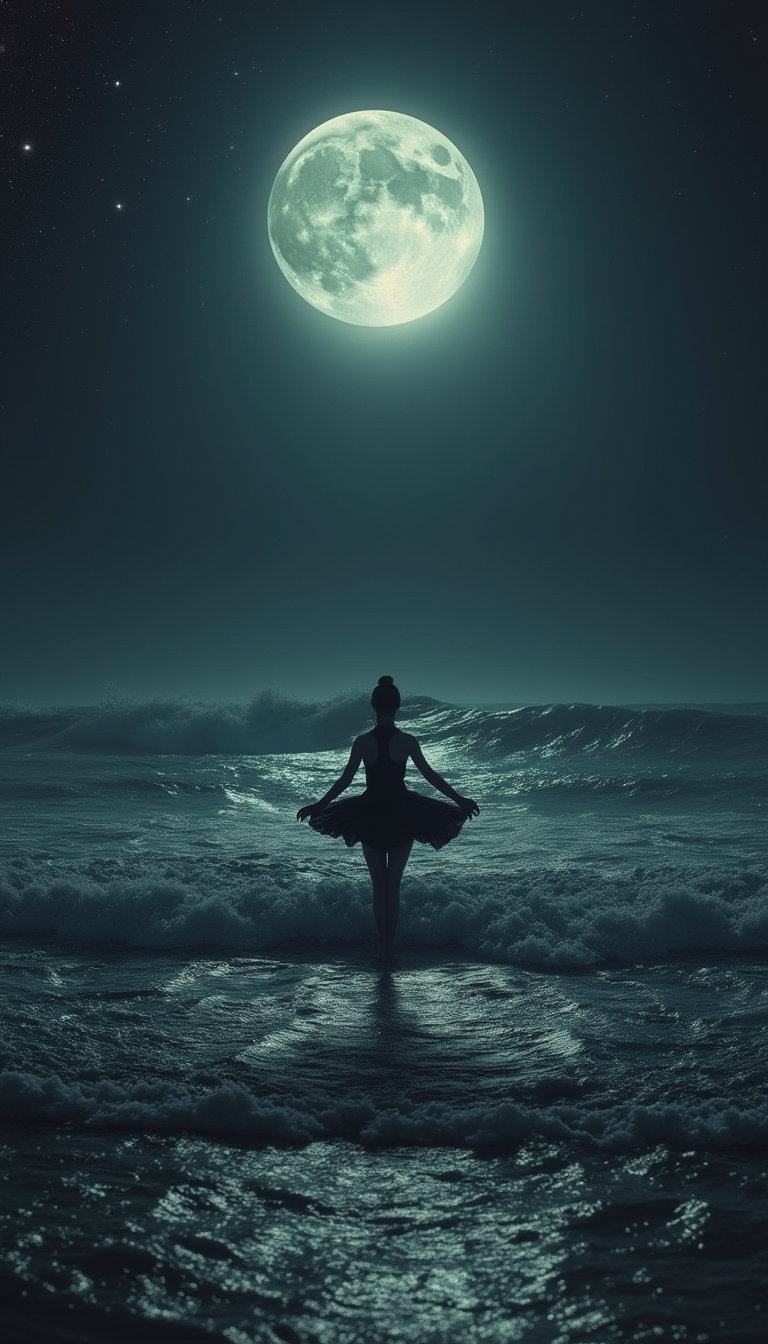

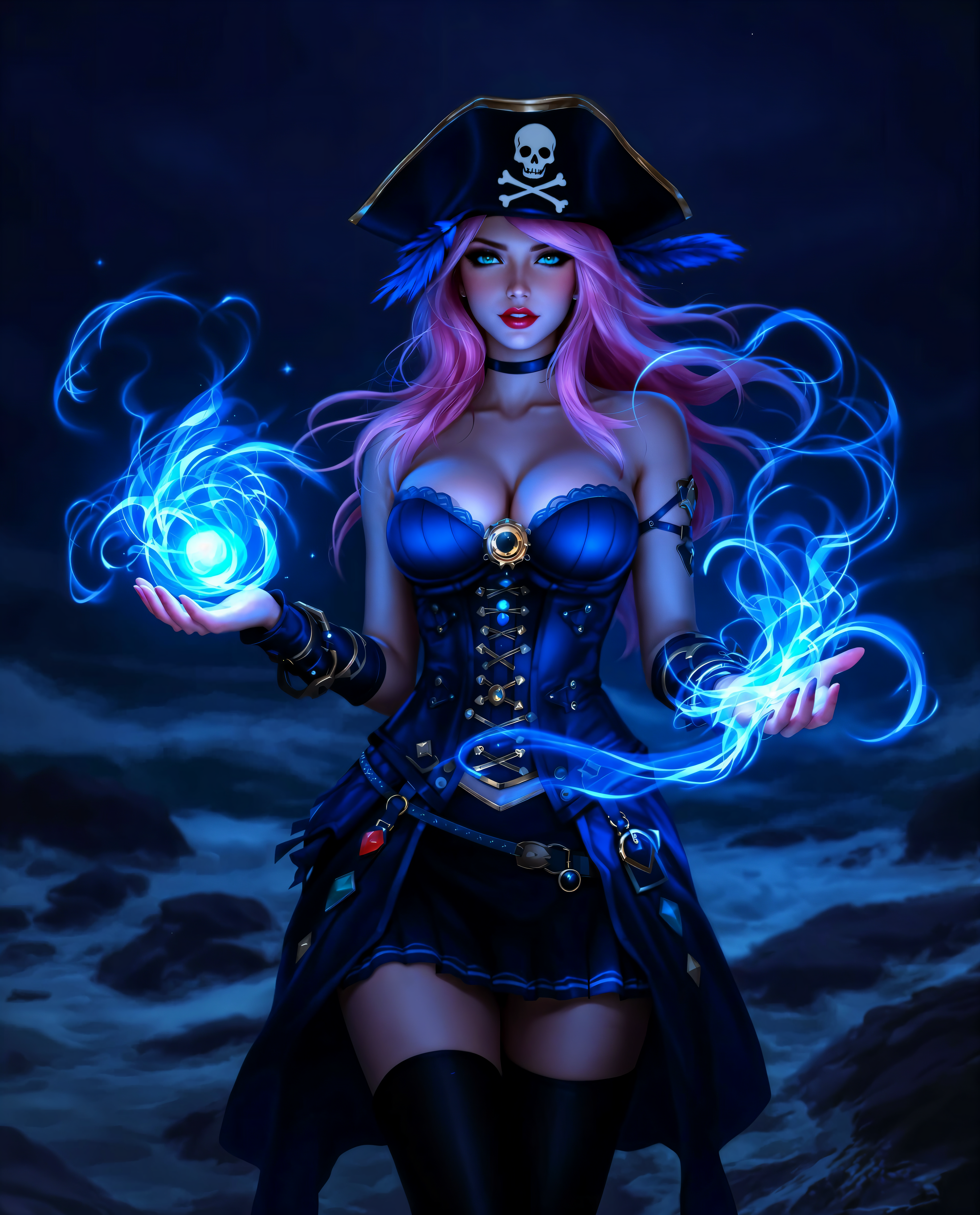


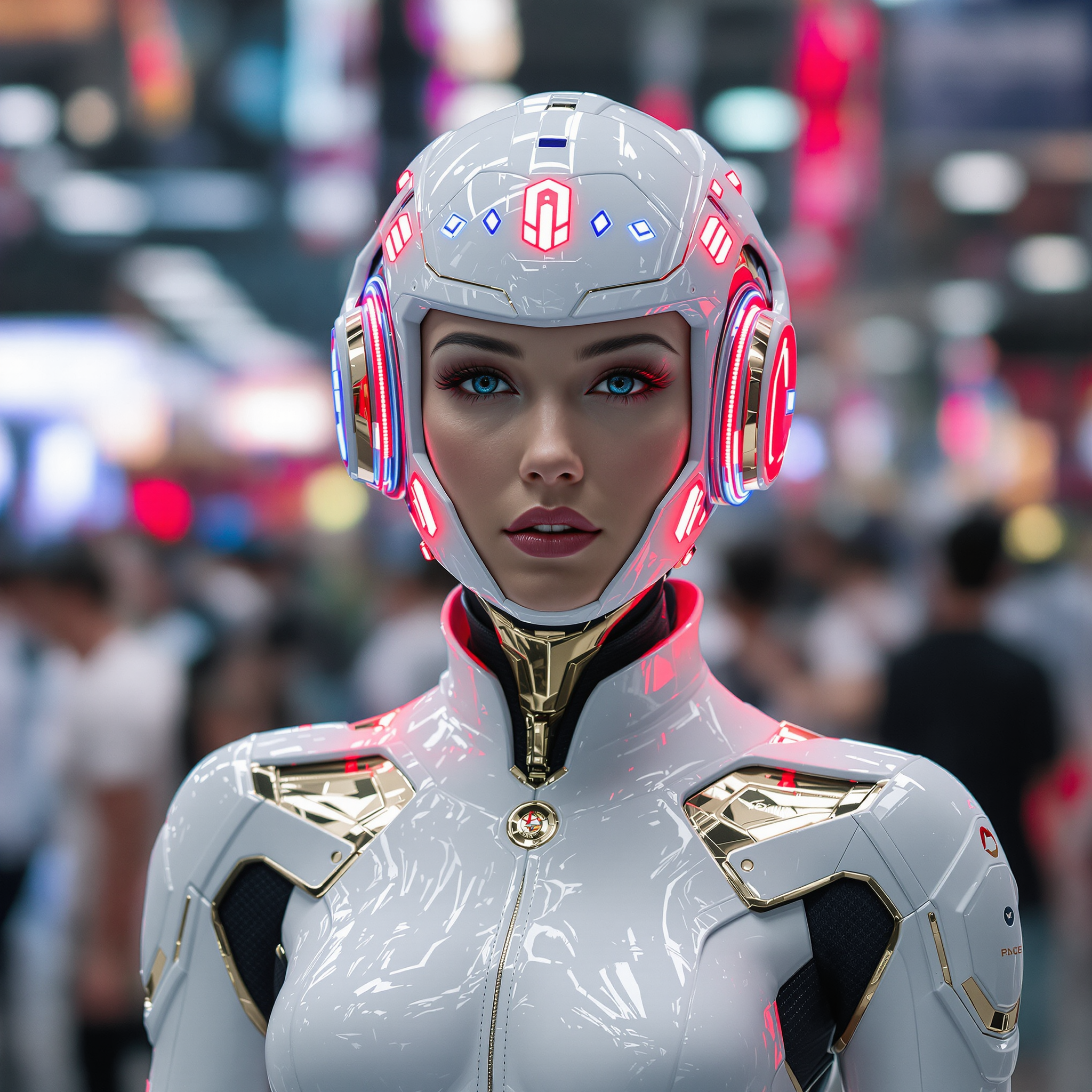
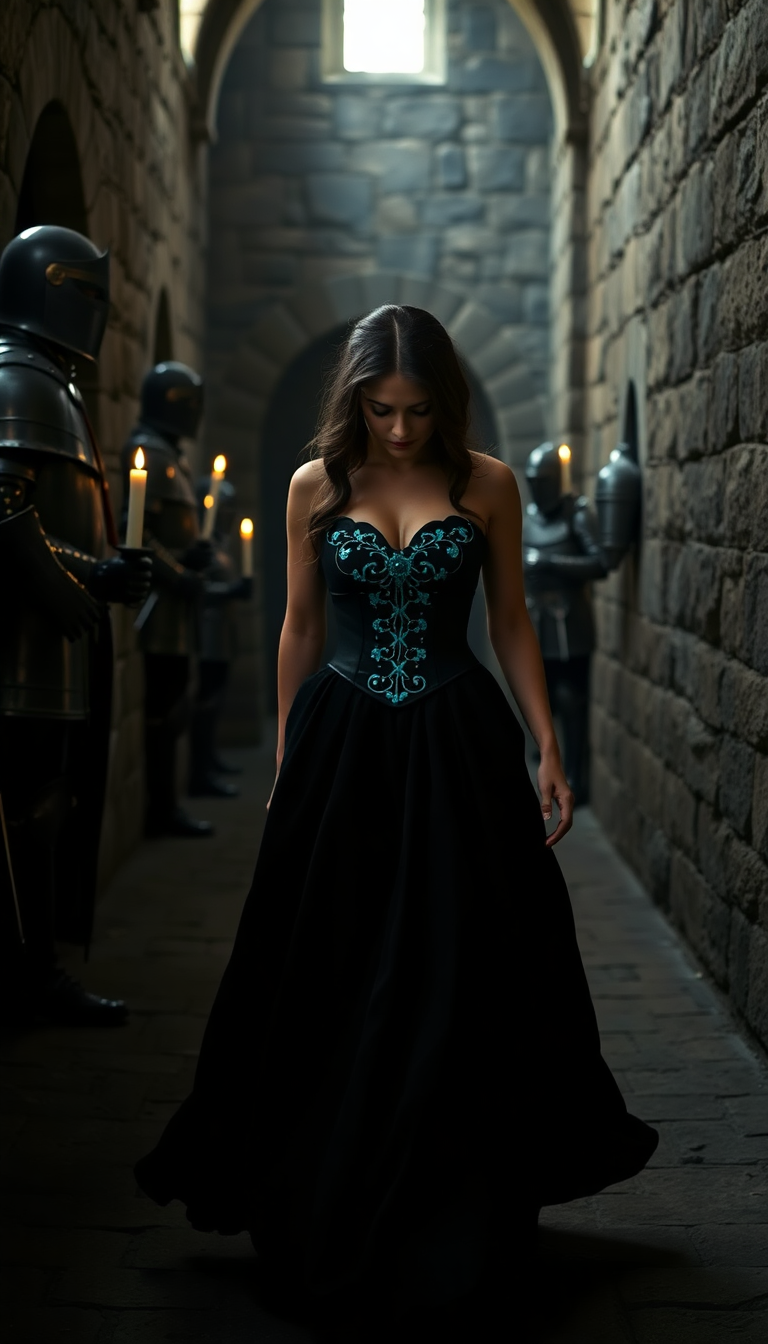
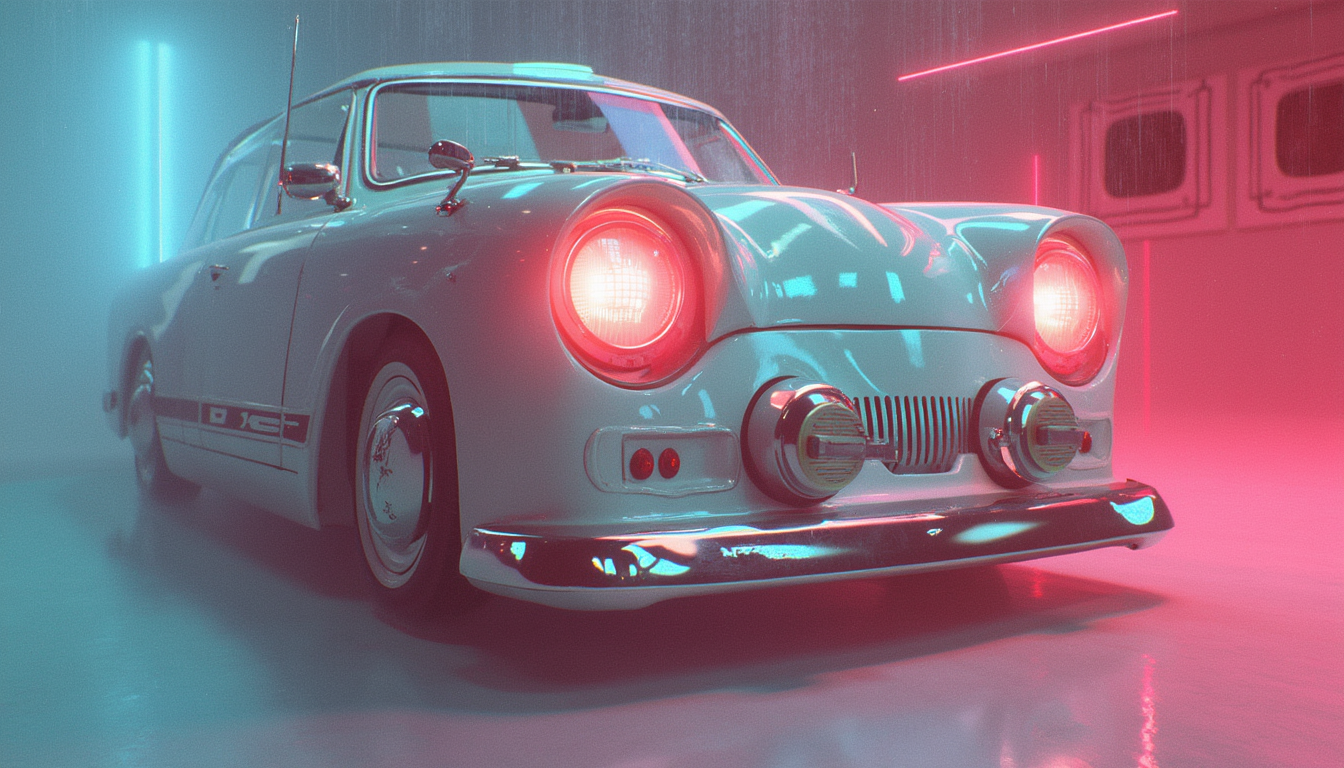

The Pixel Dojo Advantage
Understanding the distinctions between Gemini 2.5 Flash Image and Imagen 4 will help you make an informed decision:
| Others | Pixel Dojo |
|---|---|
| Gemini 2.5 Flash Image | Offers advanced image editing features, including character consistency and prompt-based transformations, ideal for dynamic storytelling and precise edits. |
| Imagen 4 | Excels in generating high-resolution, photorealistic images with enhanced textures and colors, suitable for projects requiring detailed visuals. |
Loved by creators on PixelDojo
Real feedback from people using PixelDojo, pulled from our in-product surveys.
the amount you can do on this site
all in one place
It is a lot of fun to uae and easy too.
So many different models to try out
You keep adding to it to stay up to date and that is GOLD.
very easy to use and good support
Explore more AI tools on PixelDojo
AI Tools
Compare & Switch
- Best AI Image Generators
- Best AI Video Generators
- Midjourney Alternatives
- Civitai Alternatives
- Runway Alternatives
- Leonardo Alternatives
- Pika Alternatives
- Luma Alternatives
- Magnific Alternatives
- Veo Alternatives
- Flux Alternatives
- Freepik Alternatives
- Seedance Alternatives
- Seedream Alternatives
- Pixverse Alternatives
- GPT Image Alternatives
- Synthesia Alternatives
- Playground Alternatives
- NightCafe Alternatives
- Canva AI Alternatives
- ElevenLabs Alternatives
- ComfyUI Alternatives
- Fal Alternatives
- Replicate Alternatives
Common Questions
Everything you need to know about gemini 2.5 flash image vs imagen 4
What are the key differences between Gemini 2.5 Flash Image and Imagen 4?
Gemini 2.5 Flash Image focuses on advanced editing capabilities, such as character consistency and prompt-based transformations, making it ideal for dynamic storytelling. Imagen 4 specializes in generating high-resolution, photorealistic images with enhanced textures and colors, suitable for projects requiring detailed visuals.
Can I use both Gemini 2.5 Flash Image and Imagen 4 for the same project?
Yes, integrating both tools can leverage their unique strengths—using Gemini 2.5 Flash Image for precise edits and character consistency, and Imagen 4 for generating high-quality base images.
How do I access Gemini 2.5 Flash Image and Imagen 4?
Both models are available through platforms like Google AI Studio and Vertex AI, providing developers and creators with access to their capabilities.
Are there cost differences between Gemini 2.5 Flash Image and Imagen 4?
Pricing details may vary based on usage and platform. It's advisable to consult the respective platforms for the most current pricing information.
Which tool is better for generating images with specific artistic styles?
Imagen 4 supports a wide range of artistic styles, including abstract, impressionistic, and realistic portrayals, making it suitable for diverse artistic endeavors.
Can I perform prompt-based image editing with Imagen 4?
While Imagen 4 excels in generating high-quality images, Gemini 2.5 Flash Image offers more advanced prompt-based editing capabilities for targeted transformations.