Ghibli Art Style
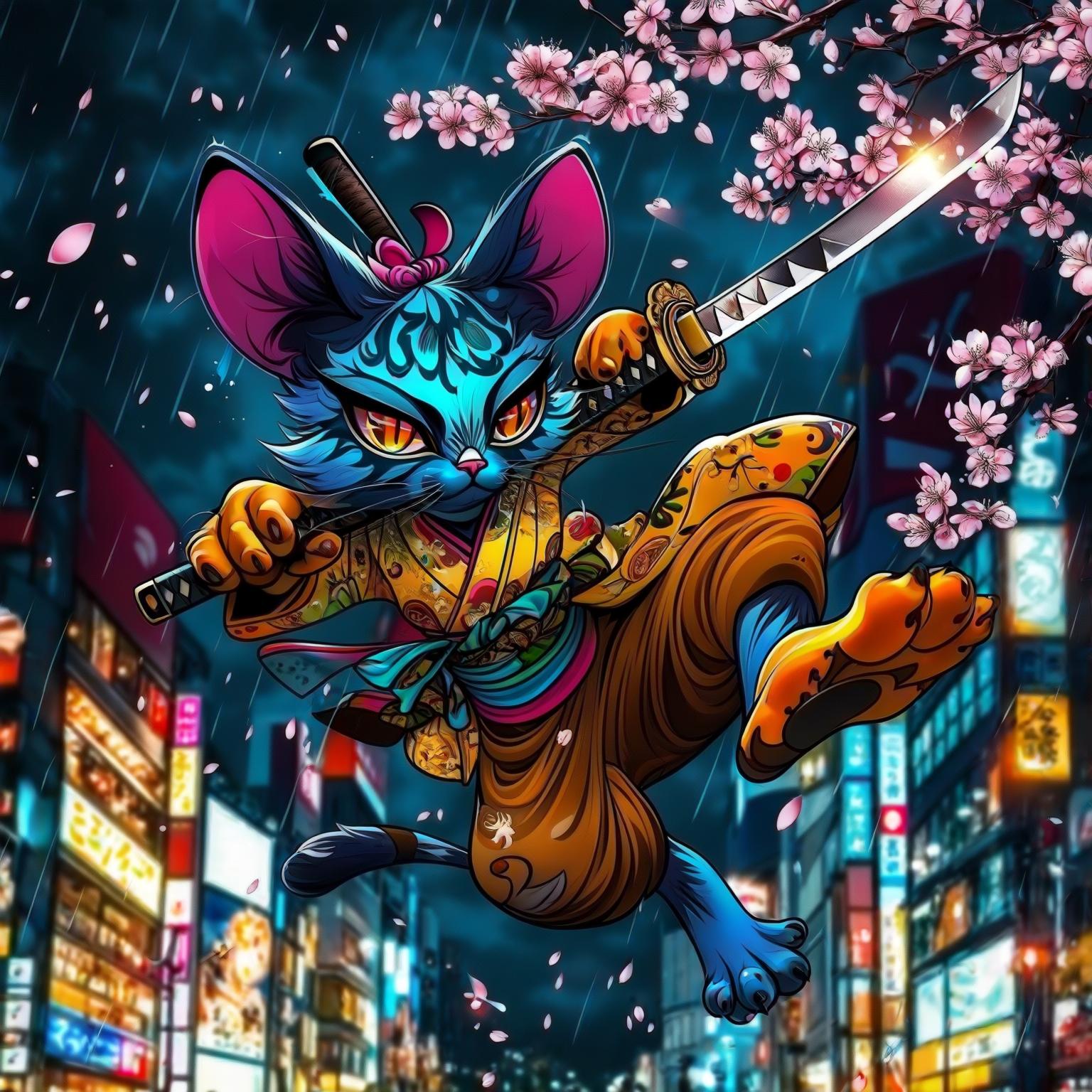
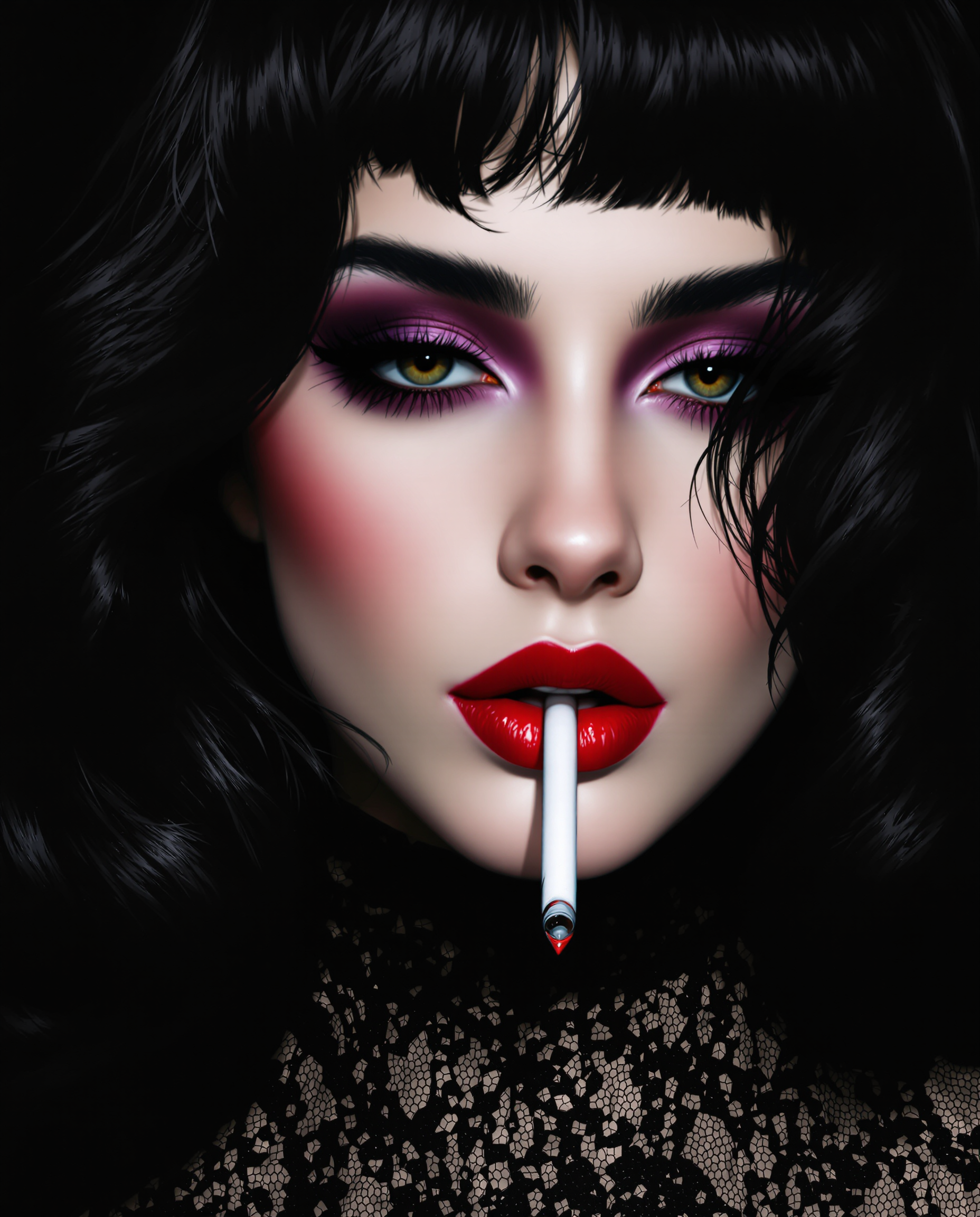
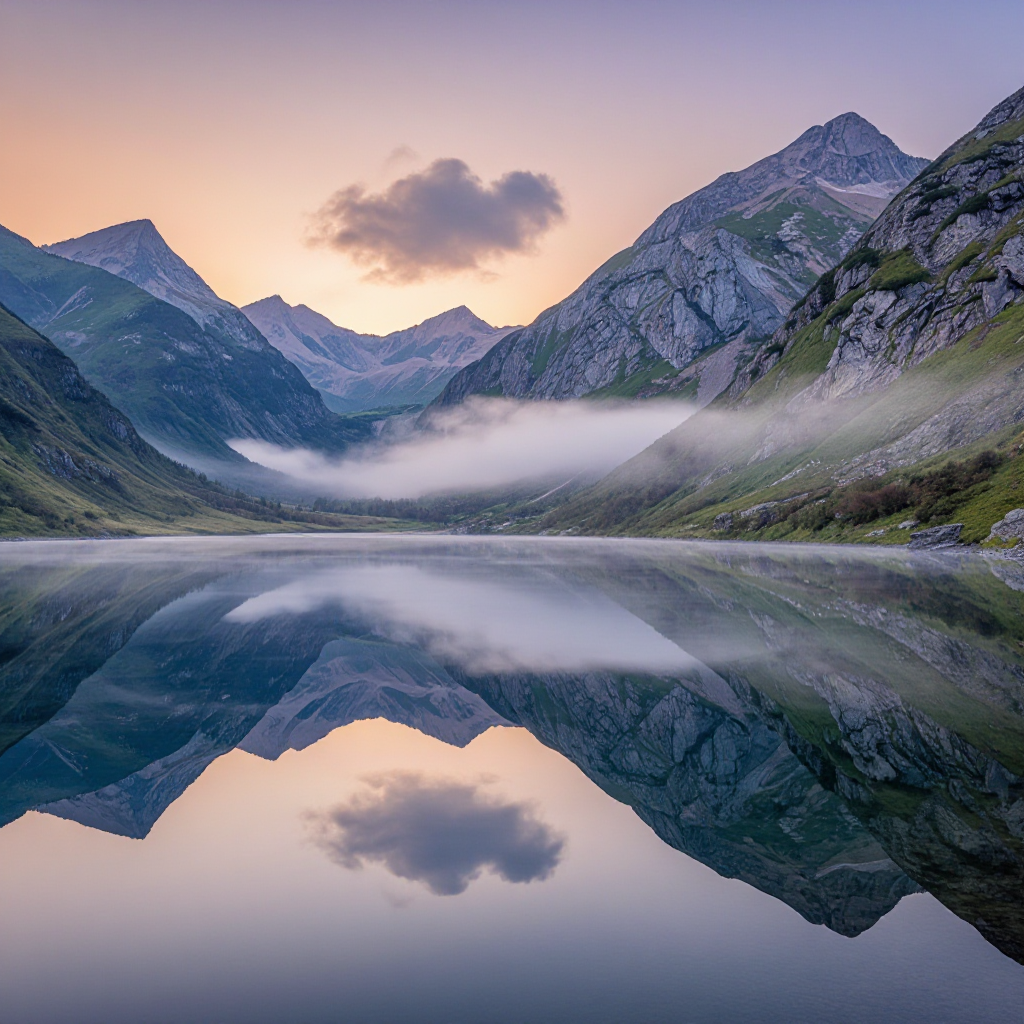
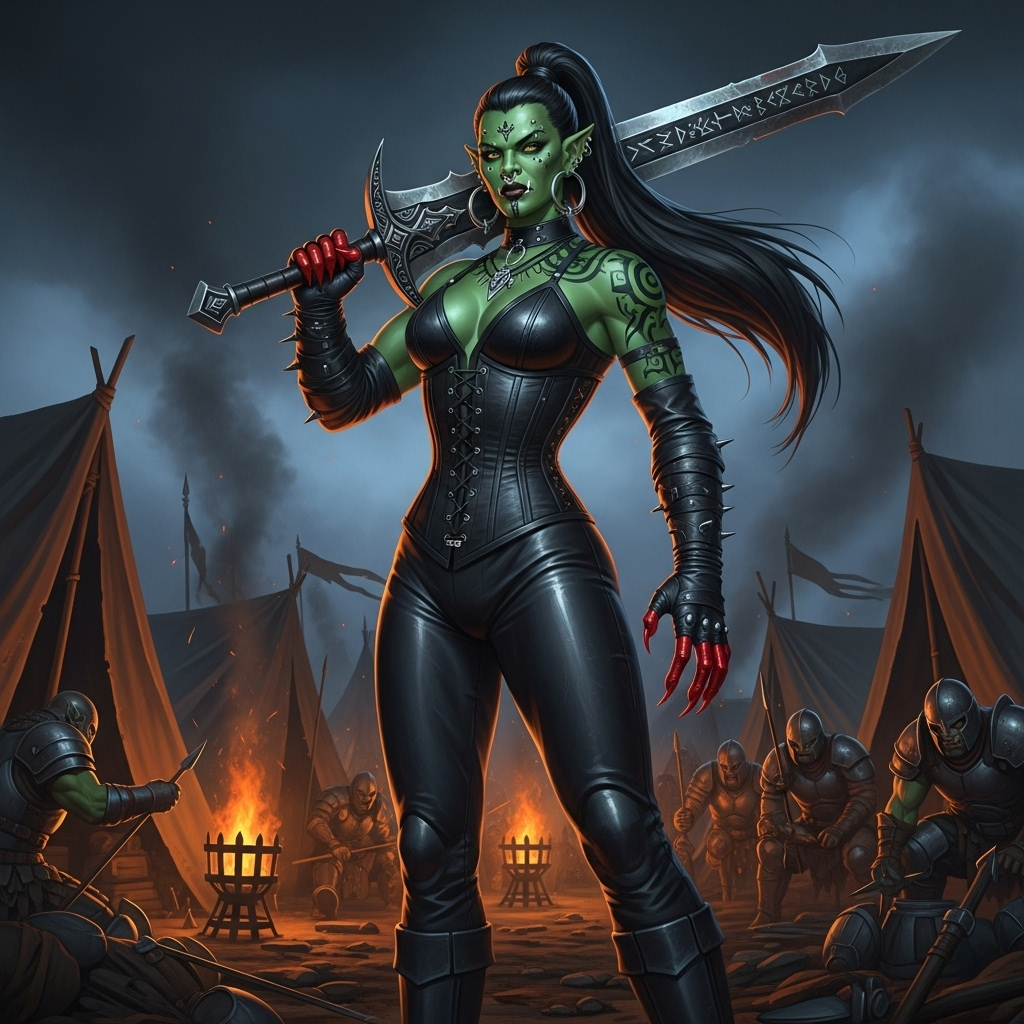
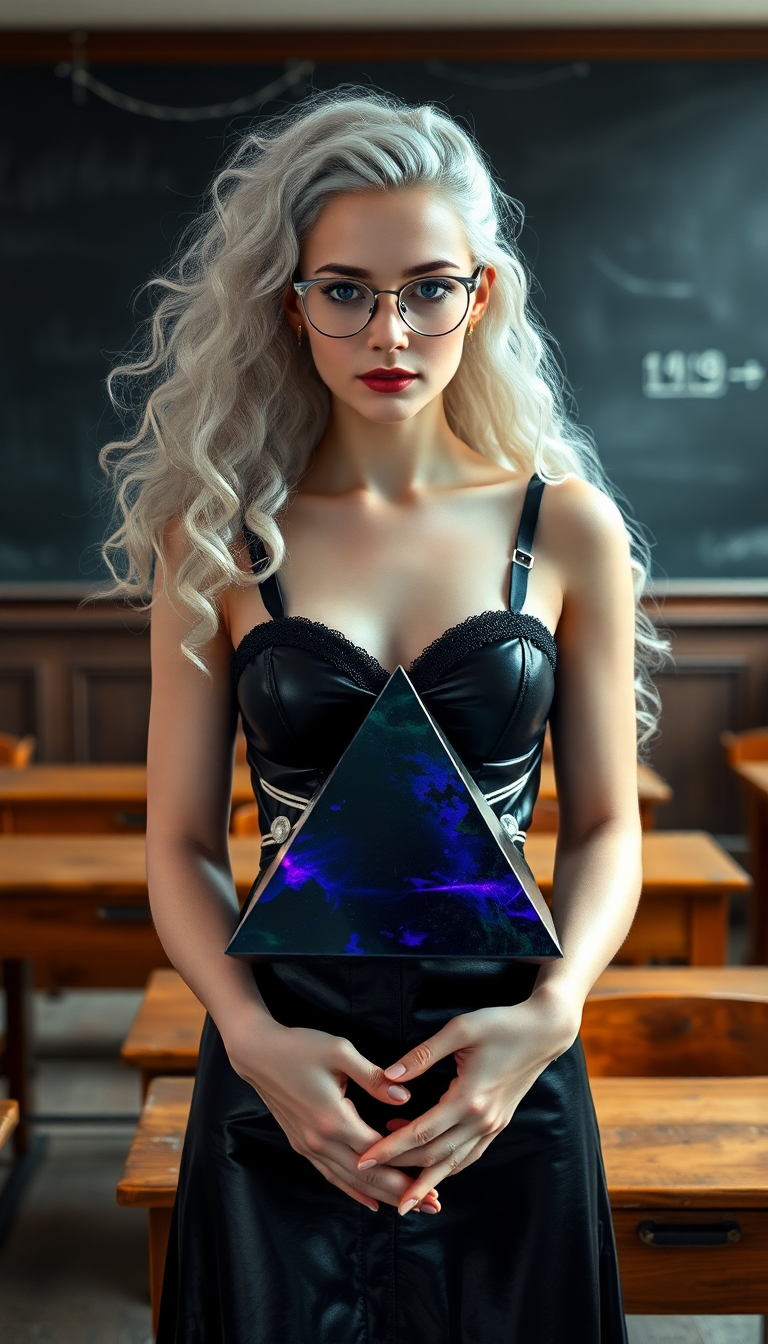
Immerse yourself in the enchanting world of Studio Ghibli by creating your own Ghibli-style artwork. With PixelDojo's advanced AI tools, you can effortlessly transform your ideas into captivating images that reflect the magic and whimsy of Ghibli films. Whether you're an artist seeking inspiration or a fan wanting to recreate the charm of Ghibli, our platform empowers you to bring your visions to life.
Join thousands of creators who have generated over 1 million Ghibli-style images using PixelDojo's AI tools, rated 4.8/5 by our satisfied users.
Why Choose Pixel Dojo for Ghibli Art Style
Professional-quality results with cutting-edge AI technology
Effortless Creativity
Generate stunning Ghibli-style images without any prior artistic skills.
Time-Saving
Quickly produce high-quality artwork, reducing the time spent on manual creation.
Unlimited Possibilities
Explore endless creative options with customizable prompts and styles.
How It Works
Creating Ghibli-style images with PixelDojo is simple and intuitive. Follow these steps to bring your ideas to life:
Step 1: Choose Your Tool
Select the 'Flux Creator' tool from PixelDojo's suite to begin your Ghibli-style image creation.
Step 2: Enter Your Prompt
Describe the scene you envision in detail, such as 'A serene village at sunset, in Ghibli art style.'
Step 3: Customize & Download
Adjust the generated image to your liking using customization options, then download your final artwork.
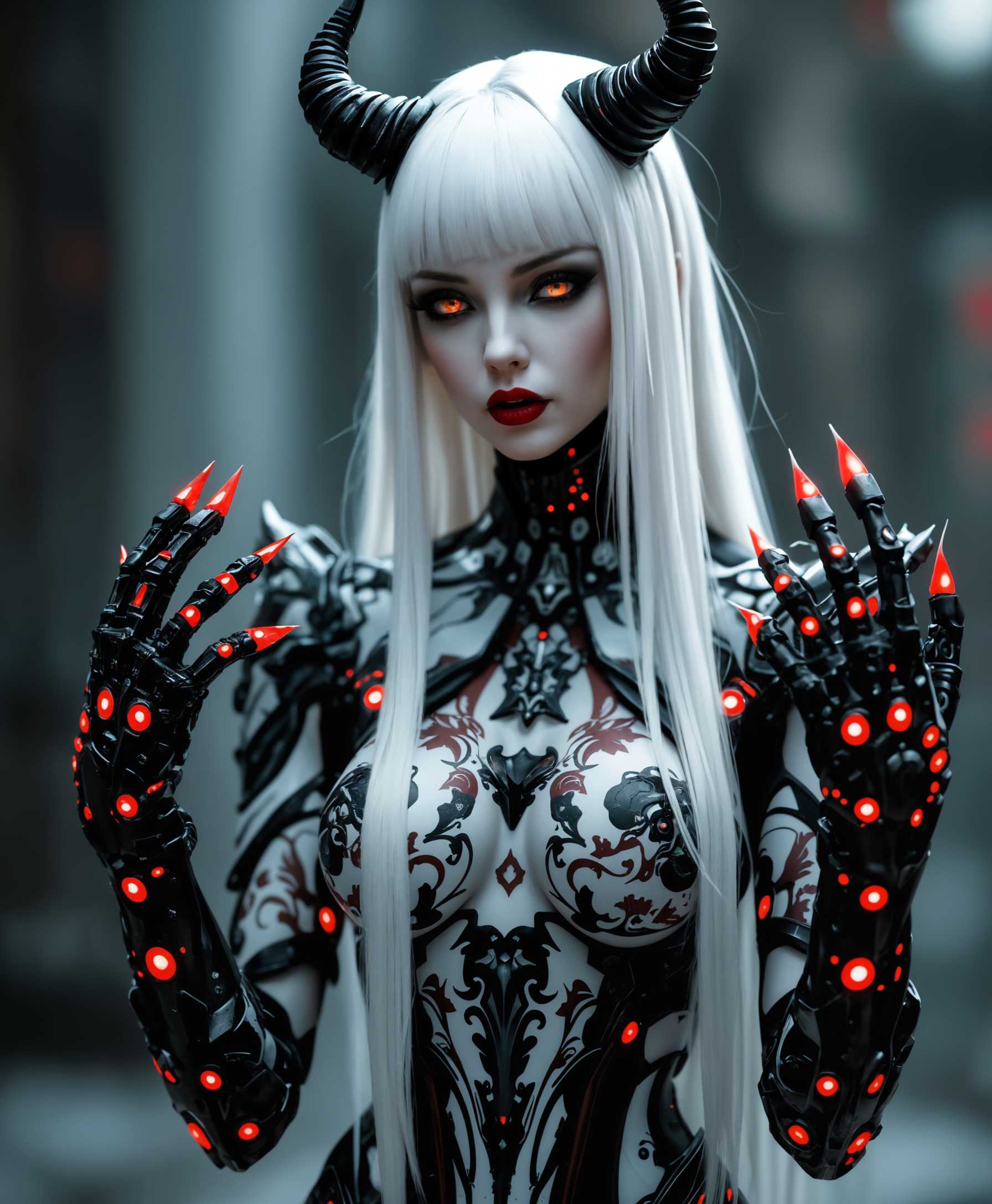
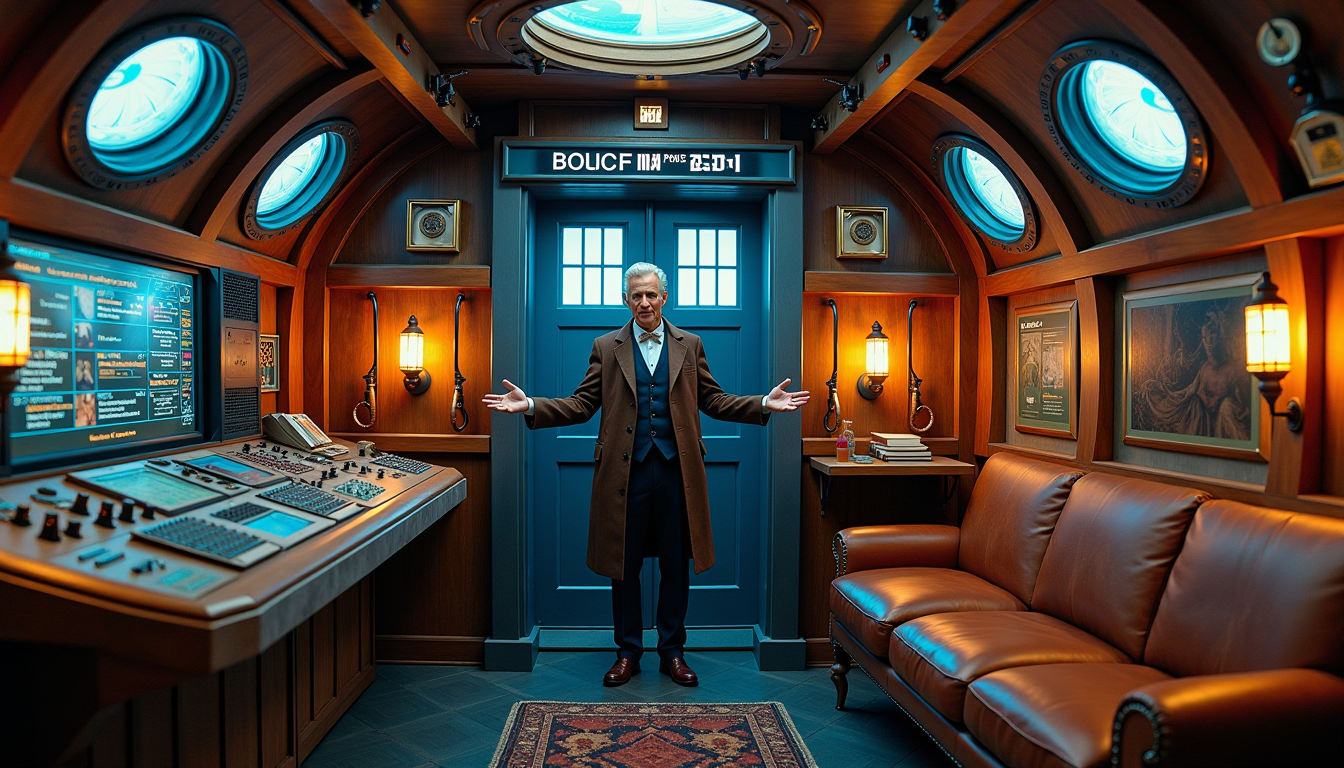
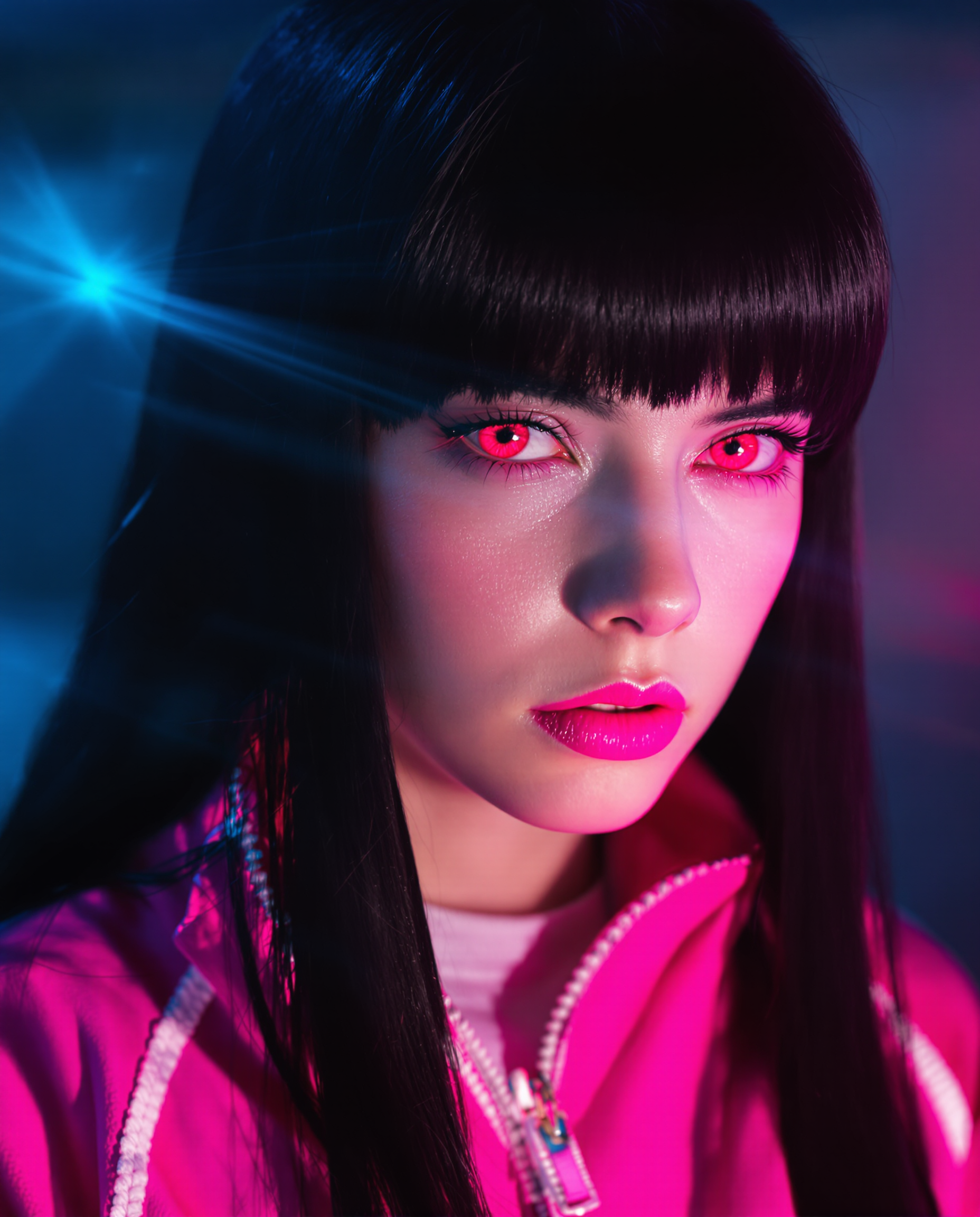
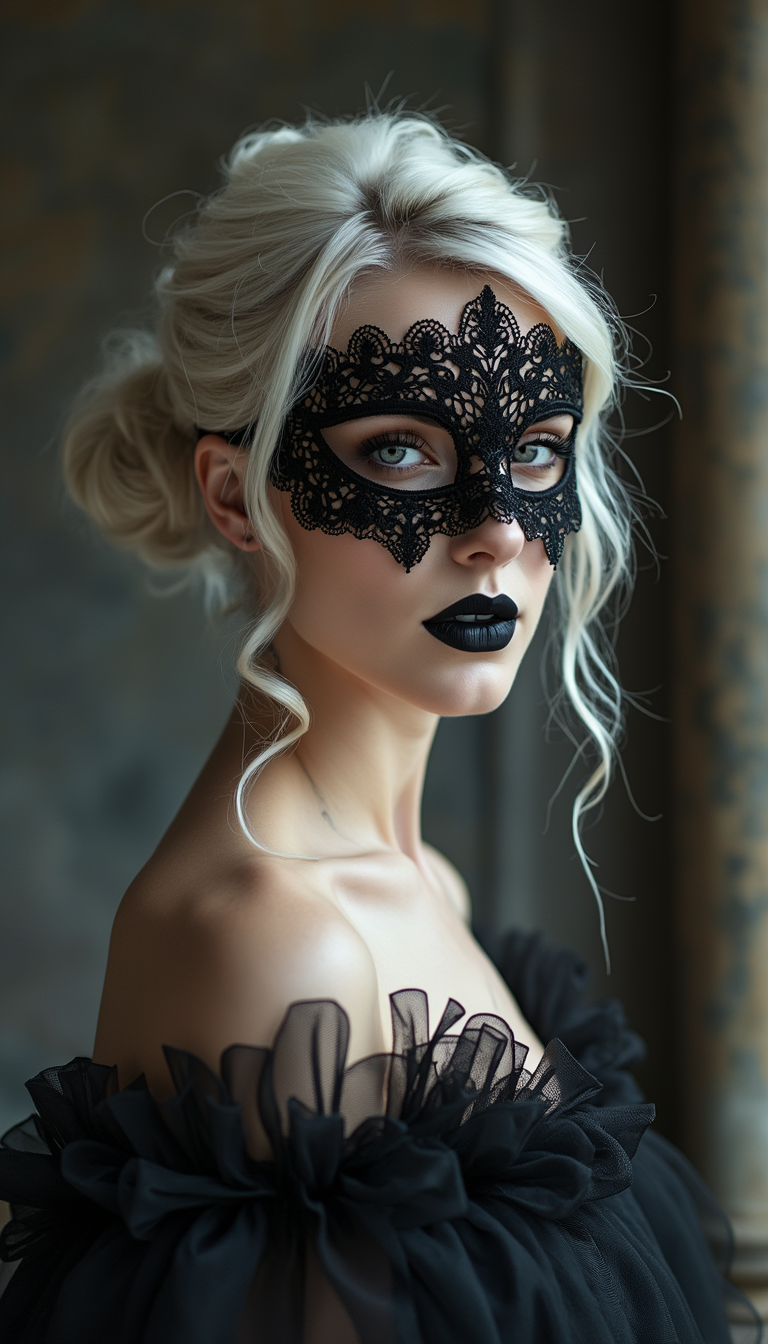
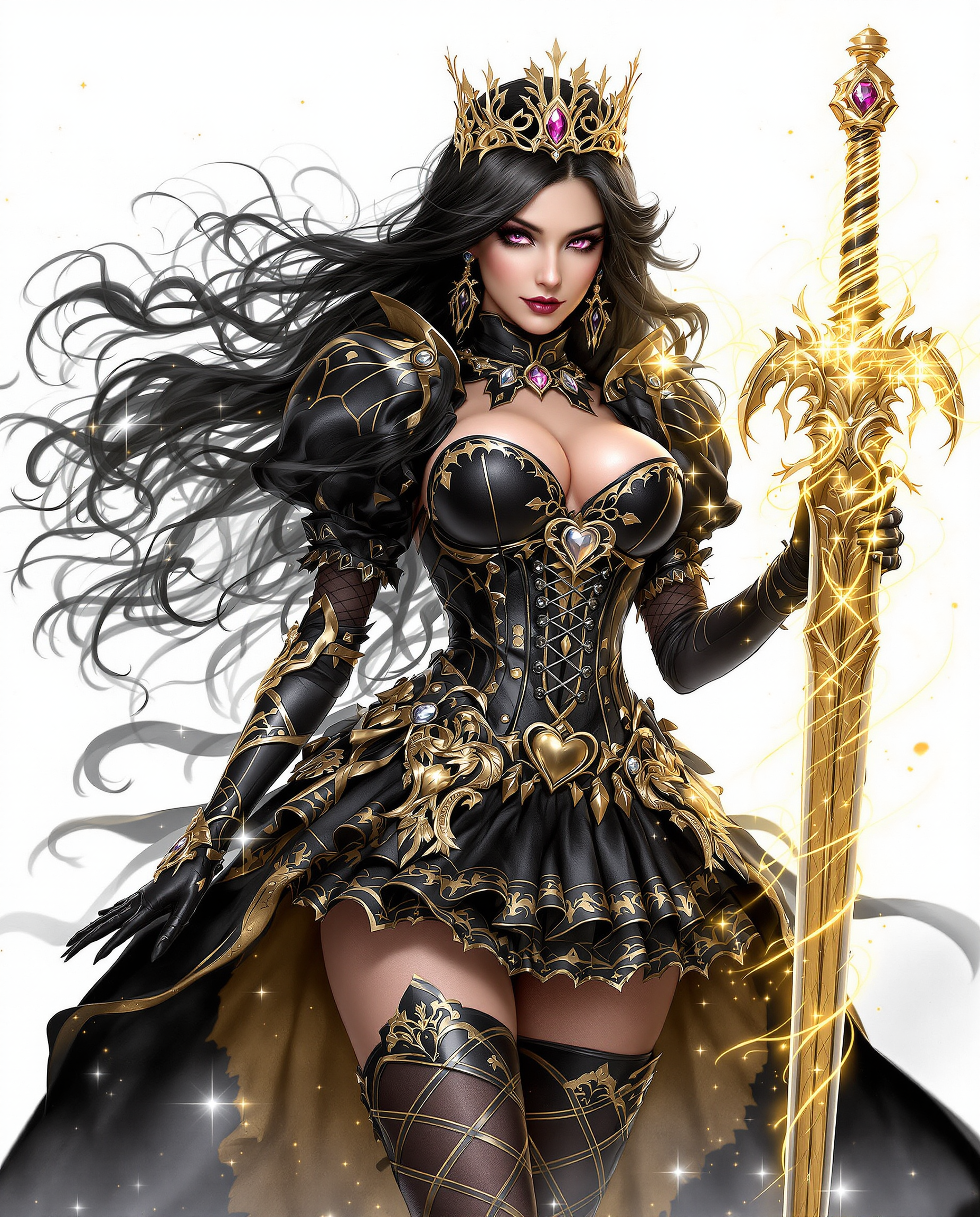
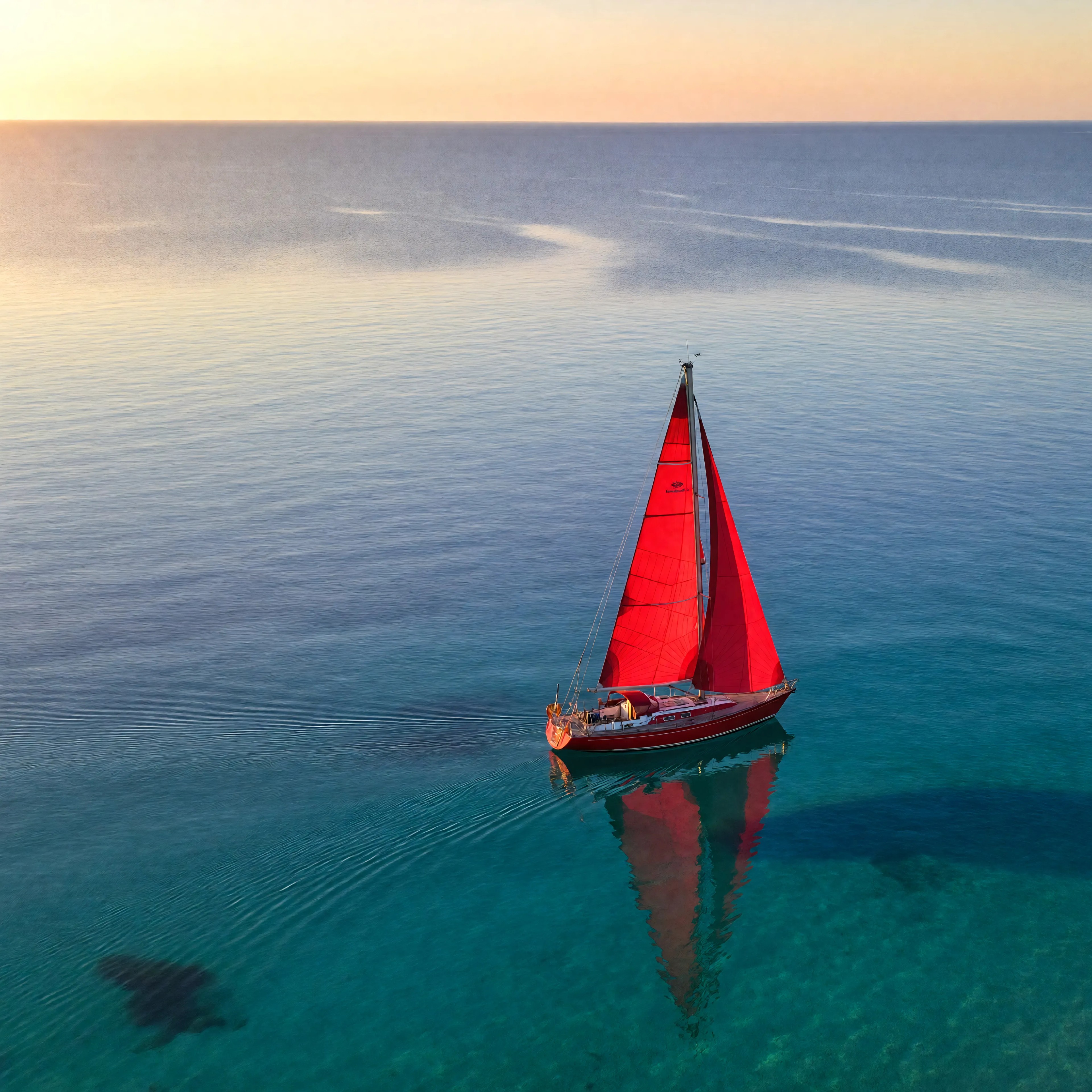
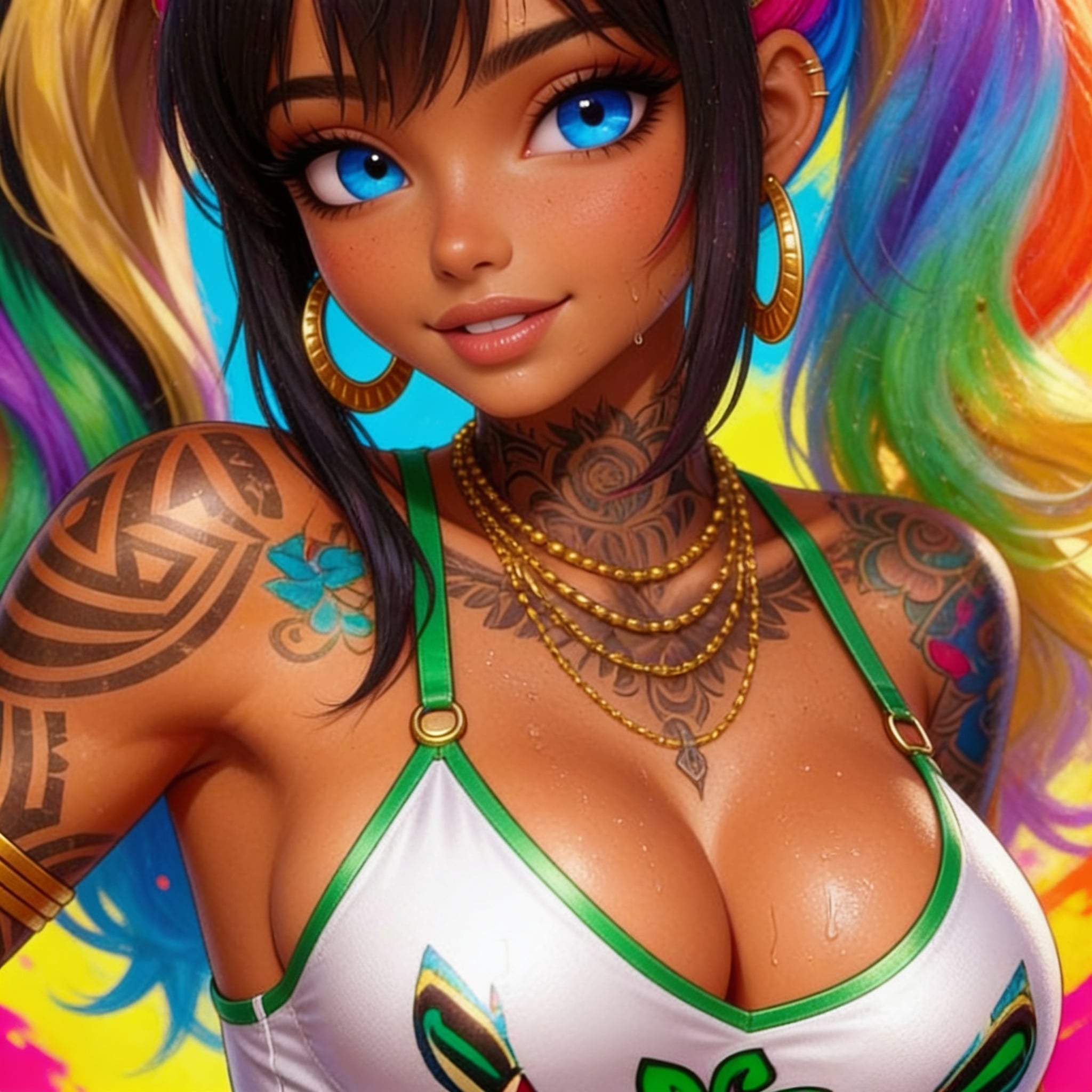
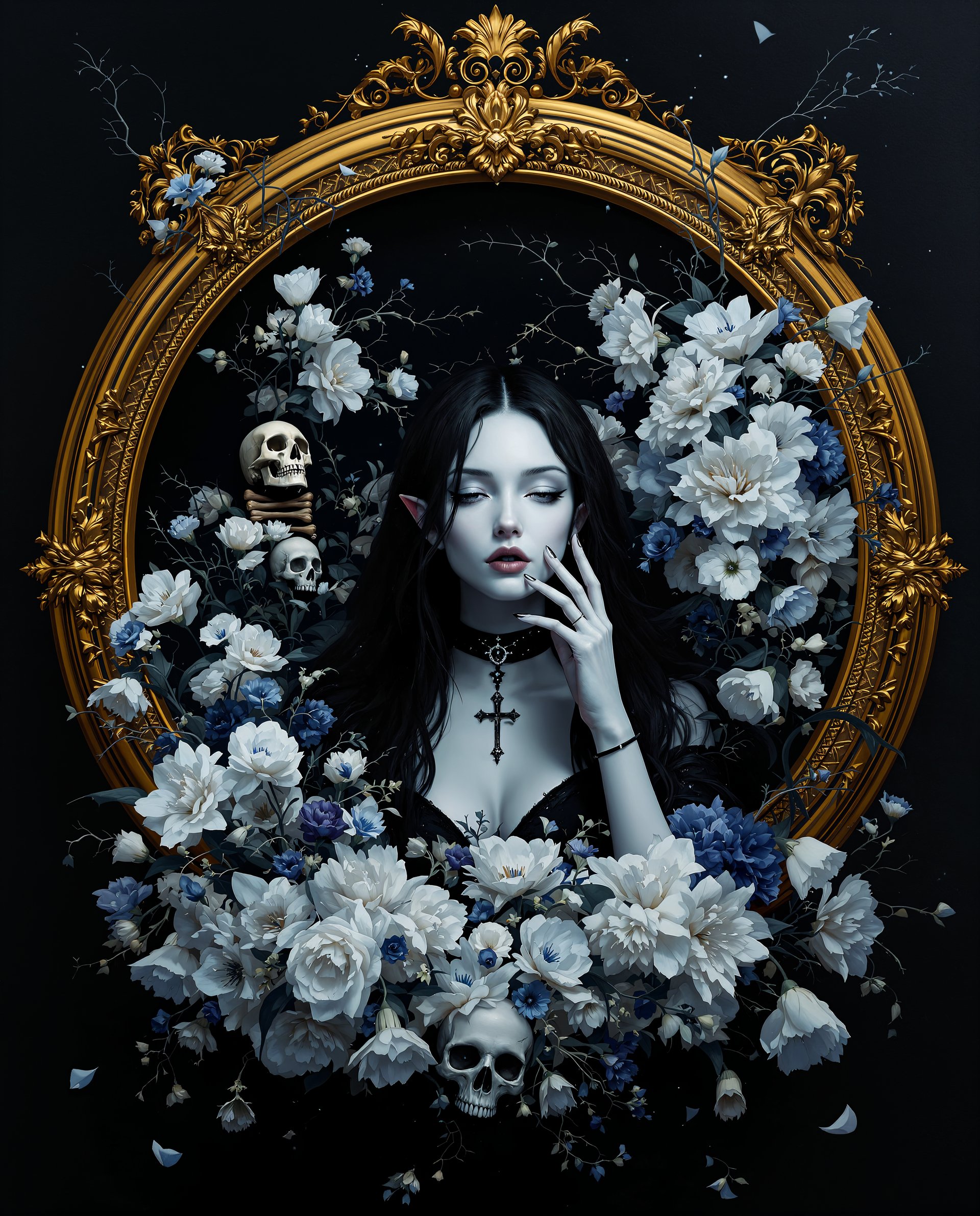
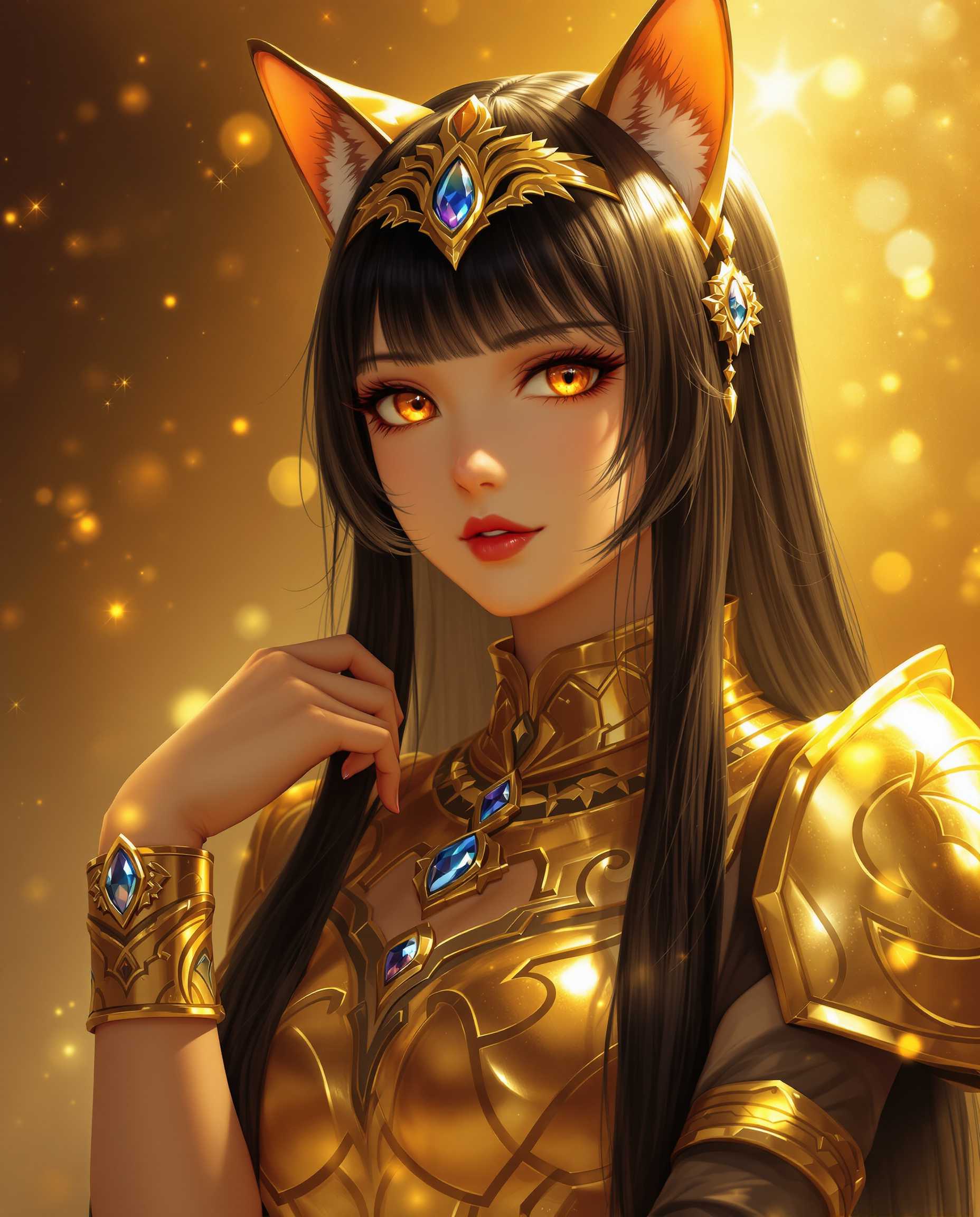
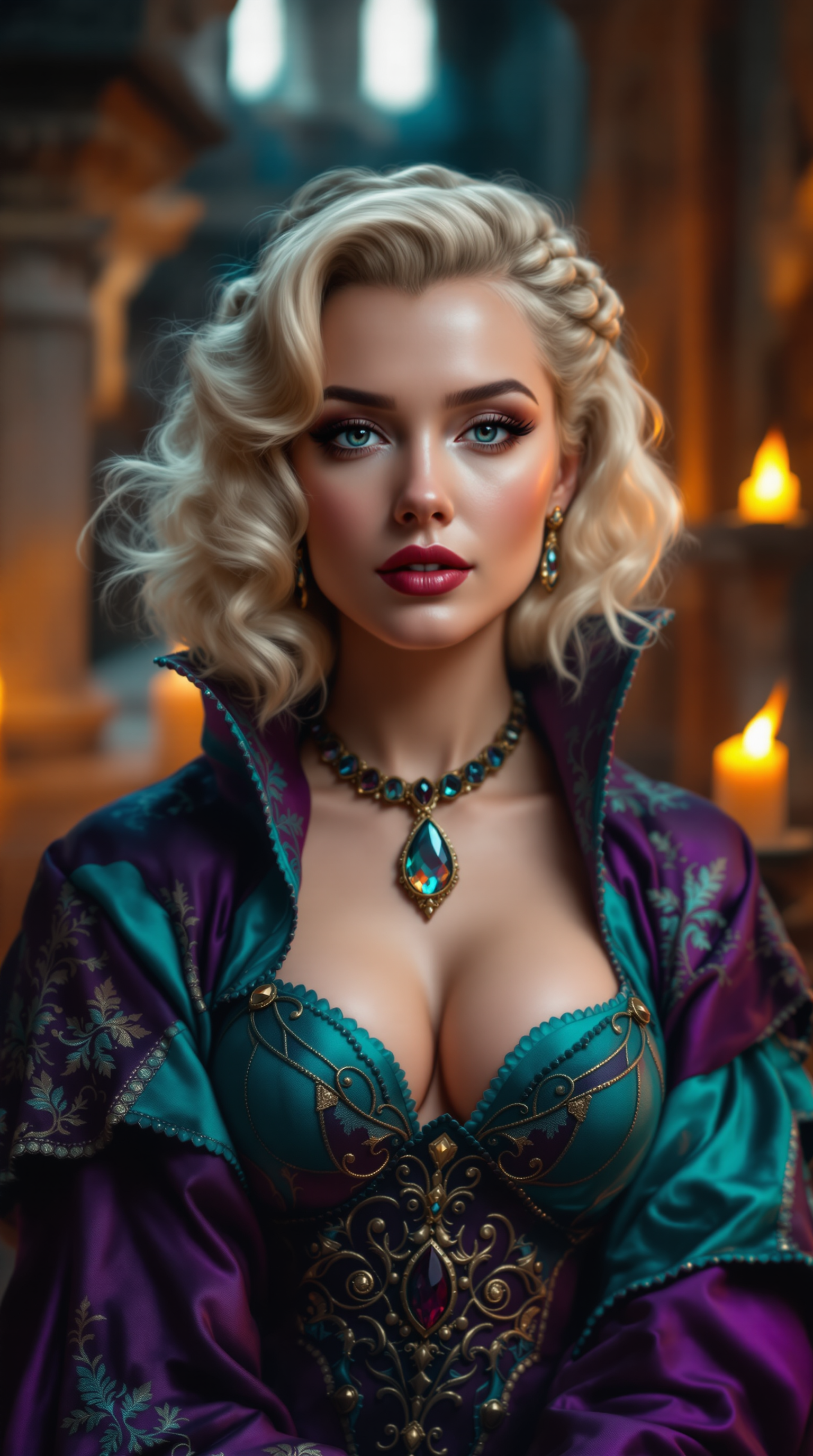
The Pixel Dojo Advantage
Why PixelDojo outperforms other options for Ghibli-style image generation
| Others | Pixel Dojo |
|---|---|
| Traditional Ghibli-style creation | Eliminates the need for manual drawing skills, making it accessible to everyone. |
| Generic AI tools | Specifically trained to replicate the unique Ghibli aesthetic with high accuracy. |
| Manual photo editing | Automates the transformation process, saving hours of editing time. |
Loved by creators on PixelDojo
Real feedback from people using PixelDojo, pulled from our in-product surveys.
It is a lot of fun to uae and easy too.
So many different models to try out
You keep adding to it to stay up to date and that is GOLD.
very easy to use and good support
Very easy to use
super easy to use
Explore more AI tools on PixelDojo
AI Tools
Compare & Switch
- Best AI Image Generators
- Best AI Video Generators
- Midjourney Alternatives
- Civitai Alternatives
- Runway Alternatives
- Leonardo Alternatives
- Pika Alternatives
- Luma Alternatives
- Magnific Alternatives
- Veo Alternatives
- Flux Alternatives
- Freepik Alternatives
- Seedance Alternatives
- Seedream Alternatives
- Pixverse Alternatives
- GPT Image Alternatives
- Synthesia Alternatives
- Playground Alternatives
- NightCafe Alternatives
- Canva AI Alternatives
- ElevenLabs Alternatives
- ComfyUI Alternatives
- Fal Alternatives
- Replicate Alternatives
Common Questions
Everything you need to know about Ghibli Art Style
How can I create Ghibli-style images using PixelDojo?
Simply select the 'Flux Creator' tool, input a detailed description of your desired scene, and let the AI generate the image for you.
Do I need artistic skills to use PixelDojo's tools?
No, PixelDojo is designed for users of all skill levels. Our AI handles the artistic process based on your descriptions.
Can I customize the generated images?
Yes, after the initial generation, you can adjust various elements to better fit your vision.
Is there a limit to how many images I can create?
PixelDojo offers various subscription plans, including options for unlimited image generation.
Are the generated images high resolution?
Yes, PixelDojo provides high-resolution outputs suitable for both digital and print use.
Can I use the generated images commercially?
Yes, with the appropriate subscription plan, you have the rights to use the images for commercial purposes.