google flow alternatives
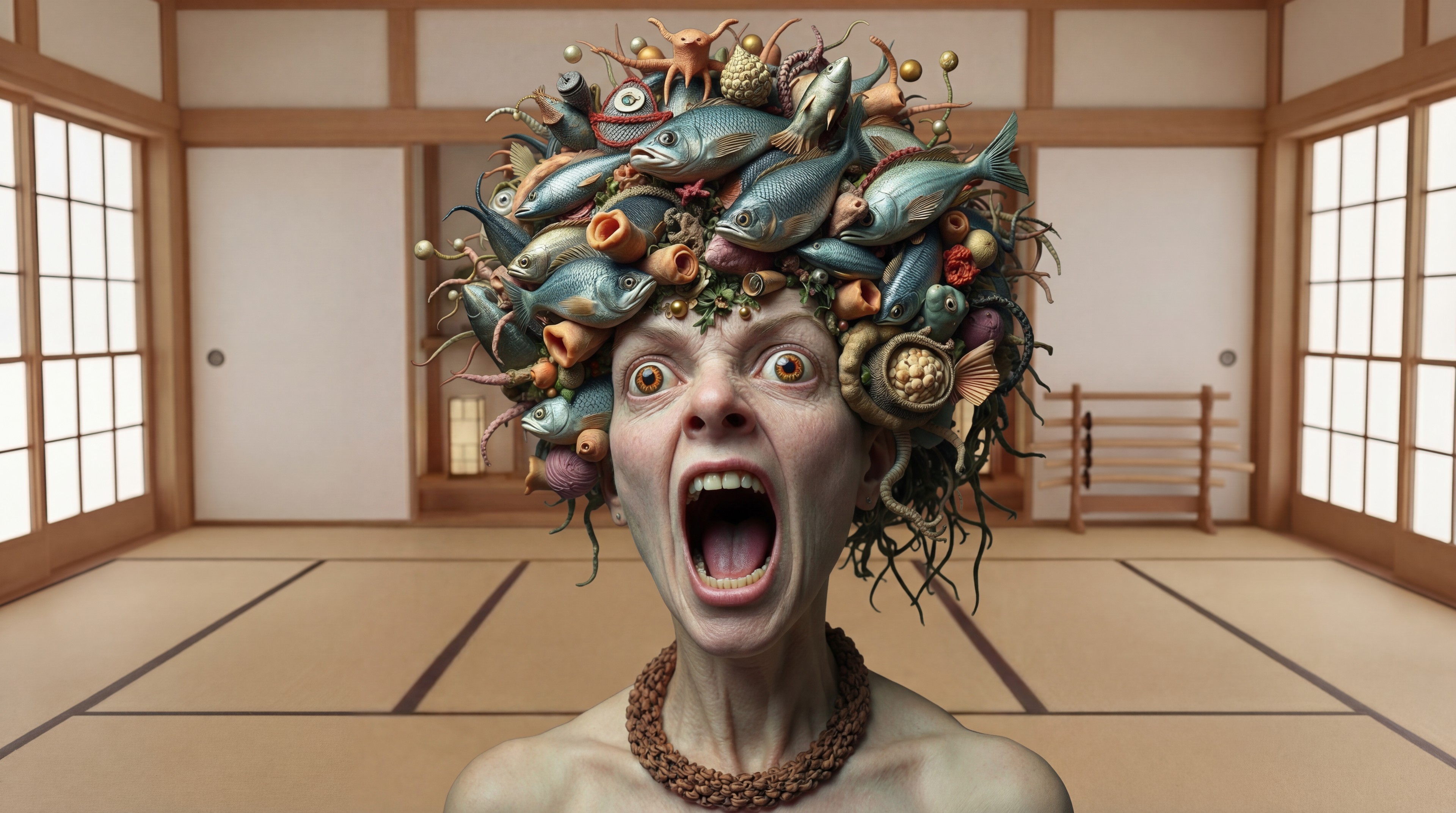
Generated on PixelDojo. Produced by PixelDojo's generation pipeline.
You deserve boundless creative power to produce images and videos that captivate, convert, and tell unforgettable stories. PixelDojo serves as your premier Google Flow alternative, letting you generate photorealistic scenes, dynamic cinematic sequences, and cohesive brand visuals in minutes instead of days. Craft marketing campaigns that drive sales, social content that goes viral, or narrative films with physics-accurate motion and perfect lighting—all while maintaining character consistency across every frame. Our platform puts 40+ specialized tools at your fingertips, from Nano Banana 2 and Flux.2 Studio for stills to VEO 3.1, Kling Video, and Seedance 2.5 for motion, so you iterate freely and achieve professional results without ecosystem restrictions. Thousands of creators already rely on PixelDojo to transform ideas into high-converting assets. Experience the speed, quality, and flexibility that elevate your work, then cancel anytime if it doesn't fit. Start creating today and watch your visions become reality.
Real image examples generated on PixelDojo
Every example below was produced on PixelDojo. Hover to see the prompt.
Replace the woman in the black dress with the woman with the fish edited with Google Nano…
google-gemini-image

Fs-product
image-to-image

Wan-food
image-to-image
Gv-product
image-to-video
Marketing Studio example — ugc-testimonial
seedance-2-reference
Marketing Studio example — ugc-testimonial
seedance-2-reference
Models you can run on PixelDojo for google flow alternatives
Switch models without switching tools. Each one runs in the same PixelDojo studio.
What you can do with google flow alternatives on PixelDojo
Multiple image models
We give you access to several image generation models in one place so you can compare looks and pick what fits the brief.
Prompt to finished stills
You can generate stills from text, refine with follow-up prompts, and export files ready for mockups, posts, and client decks.
Style and aspect control
We let you set aspect ratios, quality settings, and style direction so outputs stay consistent across a campaign or series.
Workspace for iterations
Creators keep generations in one workspace, reuse strong prompts, and run variants without switching tools for each pass.
Loved by thousands of creators worldwide who generate millions of images and videos monthly. Users praise 10x faster workflows and standout results that boost engagement.
Why Choose Pixel Dojo for google flow alternatives
Professional-quality results with cutting-edge AI technology
Master Any Style with 40+ Specialized Tools
You gain instant access to Nano Banana 2, GPT Image 2, Grok Image, Flux.2 Studio, Krea Image, and Riverflow for images plus VEO 3.1, Gemini Omni Flash, Grok Video, Kling Video, WAN 3.0, Seedance 2.5, Hailuo 2.3, and PixVerse V6 for videos. Produce photorealistic product shots, artistic concepts, or full cinematic narratives that match your exact brief, iterating until every detail converts viewers into customers.
Keep Characters Consistent Across Every Project
Build lasting brand identities or story worlds using Consistent Characters, Character Sheets, Ideogram Character, WAN Video Character Swap, Kling Avatar, and Face Swap. You maintain identical looks, expressions, and details from stills to motion, creating series, ads, or films that feel unified and professional, strengthening recognition and emotional connection with your audience.
Polish and Deliver Broadcast-Ready Assets Fast
Refine everything with Image to Image, Inpainting, Change Camera Angle, Style Transfer, Magic Lighting, Background Remover, Reality Polisher, plus video tools like Grok Video Edit, Kling Video Edit, Video Autocaption, Video Reframe, and Merge Videos. Upscale via P-Image Upscale, Magnific Upscaler, or FLUX Video Upscale to 4K. You skip hours of manual work and export files ready for campaigns, social, or production.
How It Works
PixelDojo makes Google Flow-style cinematic creation effortless, guiding you from concept to finished image or video with intuitive steps anyone can follow.
Step 1: Choose Your Tool
Pick the perfect engine for your goal. Start with Nano Banana 2 or Flux.2 Studio for high-fidelity images that capture every texture and light, or select VEO 3.1, Seedance 2, or WAN 2.7 Video when you need motion. This targeted choice ensures your first generation already aligns with photorealism, style, or narrative needs, setting you up for rapid success.
Step 2: Enter Your Prompt
Describe your vision in everyday language, such as a photorealistic hero standing in a rain-soaked neon alley with dramatic rim lighting and consistent facial features from your character library. Our models excel at complex instructions, physics, and mood, delivering detailed results you can tweak on the spot. You stay in control, refining until the output perfectly matches the story you want to tell.
Step 3: Customize & Download
Apply precise edits using Inpainting to fix details, Style Transfer for new looks, or Change Camera Angle for fresh perspectives. For video, extend clips, add captions, reframe, or merge sequences. Finish with upscaling and download high-resolution files instantly. You walk away with polished, ready-to-use assets that look professionally produced.
The Pixel Dojo Advantage
Why PixelDojo outperforms other options for Google Flow alternative image and video generation
| Others | Pixel Dojo |
|---|---|
| Traditional photography and filmmaking | You eliminate costly locations, crews, and reshoots. Generate unlimited photorealistic variations and cinematic sequences in minutes, testing ideas freely until you land the perfect shot that sells or entertains. |
| Generic AI tools | You escape single-model limits with 40+ engines including Flux.2 Studio, Seedream 5, WAN 2.6, Kling Image, and full video suites. Combined with dedicated editing, character, and upscale tools, you achieve professional versatility generic platforms cannot match. |
| Manual photo and video editing | You replace tedious hours of masking, color grading, and compositing with AI-powered Inpainting, Reality Polisher, Video Analyzer, and Merge Videos. Focus on storytelling while PixelDojo handles the technical lift, delivering studio-quality results faster. |
Loved by creators on PixelDojo
Real feedback from people using PixelDojo, pulled from our in-product surveys.
it's very easy to use
Practically every Ai suite in one place? Who wouldn't?
versatile menu of tools
Best AI tool availble the suite is rad
Versatility quality, value, ROI, innovation
variety of tools available and prompt tools
Explore more AI tools on PixelDojo
AI Tools
Compare & Switch
- Best AI Image Generators
- Best AI Video Generators
- Midjourney Alternatives
- Civitai Alternatives
- Runway Alternatives
- Leonardo Alternatives
- Pika Alternatives
- Luma Alternatives
- Magnific Alternatives
- Veo Alternatives
- Flux Alternatives
- Freepik Alternatives
- Seedance Alternatives
- Seedream Alternatives
- Pixverse Alternatives
- GPT Image Alternatives
- Synthesia Alternatives
- Playground Alternatives
- NightCafe Alternatives
- Canva AI Alternatives
- ElevenLabs Alternatives
- ComfyUI Alternatives
- Fal Alternatives
- Replicate Alternatives
Common Questions
Everything you need to know about google flow alternatives
What are the best Google Flow alternatives for AI image generation in 2026?
PixelDojo provides the most complete solution with Nano Banana 2, GPT Image 2, Flux.2 Studio, QWEN Image 2, Seedream 5, Ideogram 4, Recraft V4.1, and Hunyuan Image 3. You create photorealistic stills, perfect text, and consistent subjects, then seamlessly move into video with VEO 3.1 or Kling Video. This all-in-one approach gives you more creative range and faster results than typical single-ecosystem options, all while letting you cancel anytime.
How can I generate consistent characters like Google Flow using PixelDojo?
Begin in Characters & Faces with Consistent Characters or Character Sheets to lock in looks. Train personalized models via Flux Trainer, QWEN Trainer, or SDXL Trainer. Generate matching images with PonyXL or Z Image Turbo, then bring them to life using WAN Video Character Swap, Kling Video Character Swap, or P Video Avatar. You keep every detail identical across campaigns, stories, or series, building stronger brand recognition.
Can PixelDojo produce cinematic videos with audio as a Google Flow alternative?
Yes. Tools like VEO 3.1, Seedance 2.5, Kling Video, WAN 3.0, Hailuo 2.3, MiniMax H3, and PixVerse V6 generate high-quality motion with strong physics and prompt adherence. Add sound through Seed Audio 1.0 or Text to Speech, extend scenes with Grok Imagine Video Extend, and polish via Video Autocaption or Video Reframe. You create longer, more complete narratives ready for professional use.
Which latest AI image generation techniques does PixelDojo support for photorealistic results?
You leverage Flux.2 Studio and Seedream 5 for unmatched lighting, texture, and realism, plus Image to Image and Inpainting for precise control. Style Transfer and Reality Polisher add authentic finishing. These capabilities align with 2026 trends toward photorealism, character consistency, and collaborative editing, letting you produce images that look indistinguishable from high-end photography.
Is there a no-risk way to try Google Flow alternatives on PixelDojo?
Absolutely. Jump in today with all 40+ tools including Grok Image, ImagineArt, Ernie, Bria 3.2, and the full video and edit suites. Loved by thousands of creators, you can explore every feature, generate your first assets, and cancel anytime. There is zero long-term commitment, only the chance to experience faster, higher-quality creation.
How do PixelDojo editing tools improve AI images and videos compared to basic alternatives?
Our Edit Images collection—Inpainting, Change Camera Angle, Magic Lighting, Background Remover, Image Outpainting, and Image Analyzer—gives surgical precision. Video tools include Grok Video Edit, WAN 2.7 Video Edit, Happy Horse Video Edit, Seedance 2.5 Video Edit, Video Analyzer, and Extract Frame. Combined with upscalers like Clarity Pro and Portrait Upscaler, you transform raw generations into polished, campaign-ready files in minutes.