google nano banana 2 image creation tool
Generated on PixelDojo. Produced by PixelDojo's generation pipeline.
You can now turn any idea into photorealistic, campaign-ready images that look like they came from a professional photoshoot – complete with accurate real-world details, crisp multilingual text, and characters that stay perfectly consistent across an entire series. PixelDojo's Google Nano Banana 2 image creation tool delivers these outcomes in seconds instead of days or weeks. Marketers launch localized ads that convert globally. Storytellers build cohesive visual narratives without recasting. Product teams generate unlimited mockups and lifestyle shots without hiring models or booking studios. Entrepreneurs and agencies produce 4K assets for social, print and video that actually match their brand vision the first time. Combined with PixelDojo's full suite including Flux.2 Studio, Image to Image, Inpainting, Consistent Characters and P-Image Upscale, you control every detail from concept to final download. No more waiting, no more expensive reshoots, no more inconsistent results. Just the images you need, when you need them, at the quality your audience expects.
Real image examples generated on PixelDojo
Every example below was produced on PixelDojo. Hover to see the prompt.
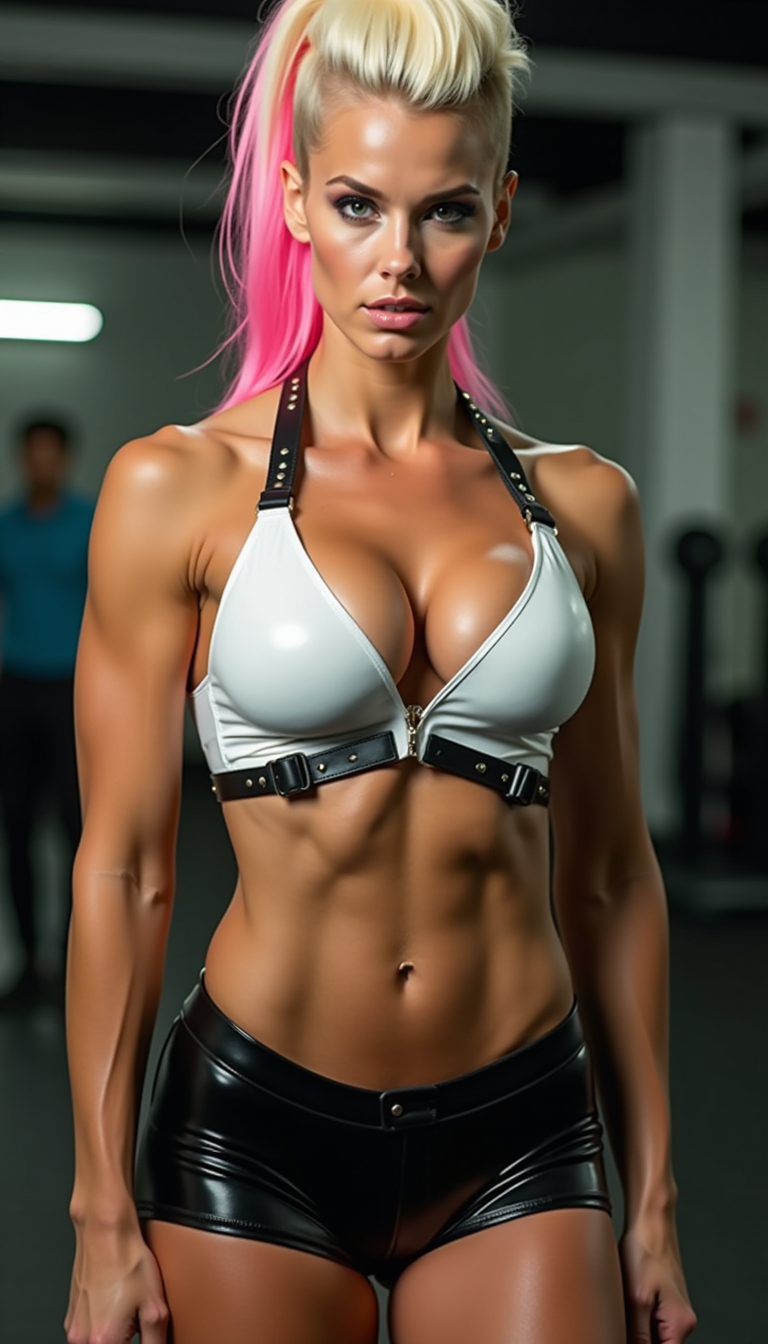
A muscle-bound bimbo amazon standing 6'2" with an impossible physique—massive breasts that…
flux
Image from library
seedream-4
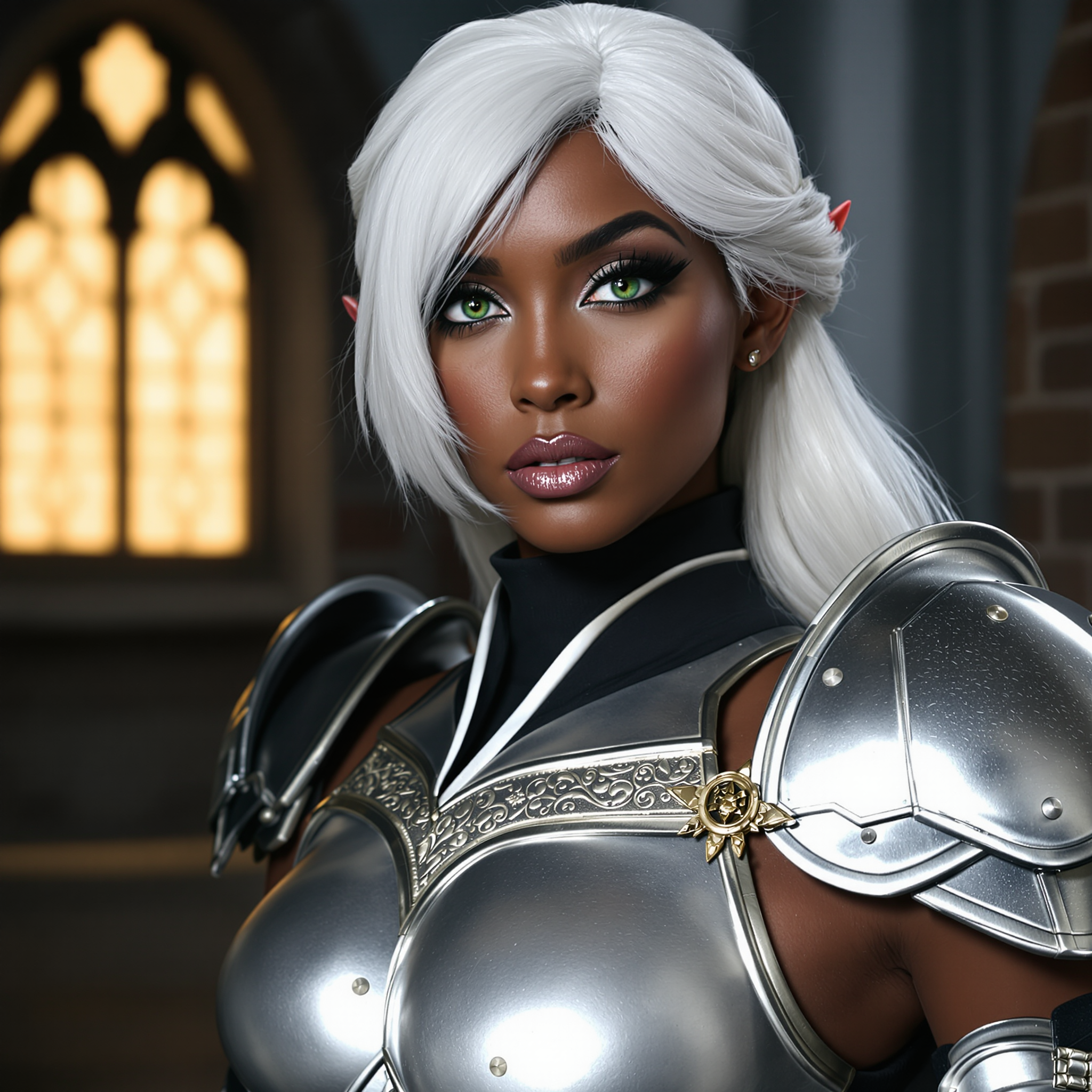
google nano banana 2 image creation tool on PixelDojo
flux-redux

Masterpiece
creative-upscaler
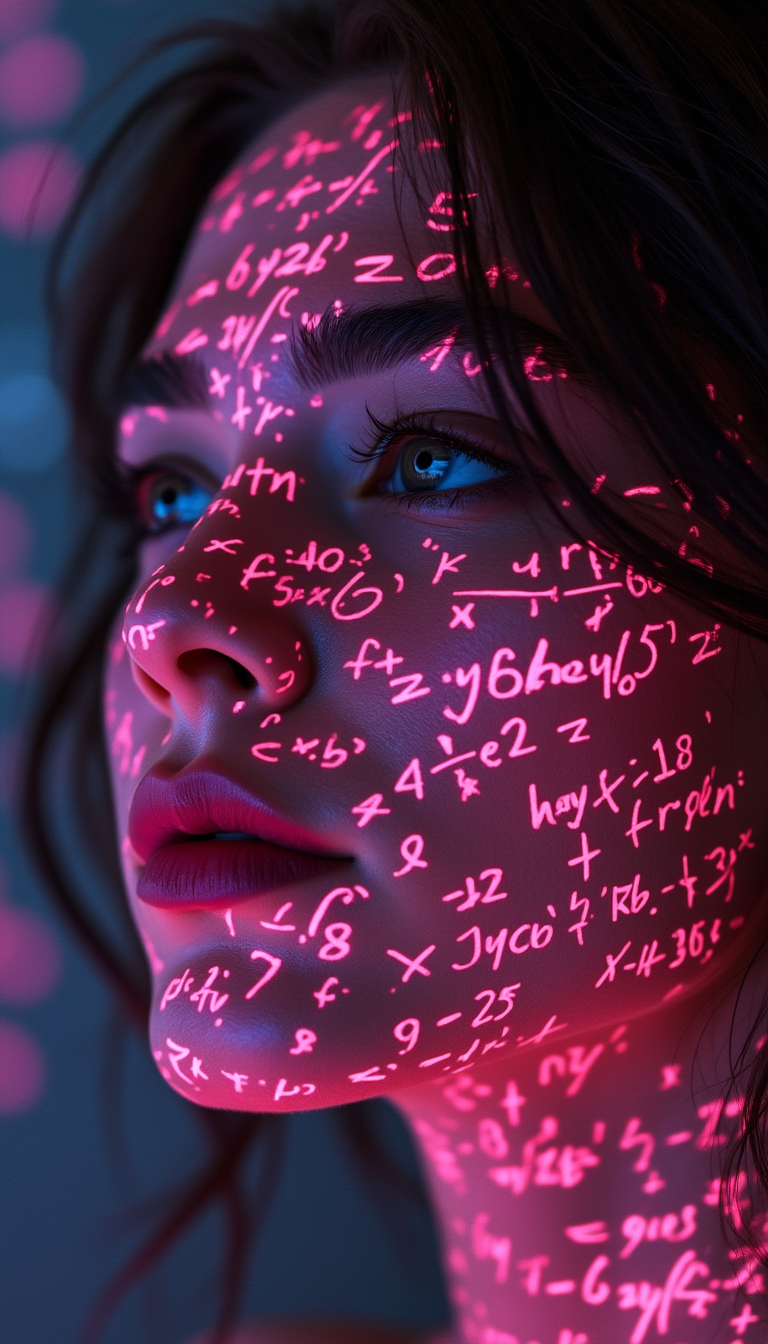
Shadowrun Math Projection - A close-up of a person's face Jessica Szohr with set logical a…
flux
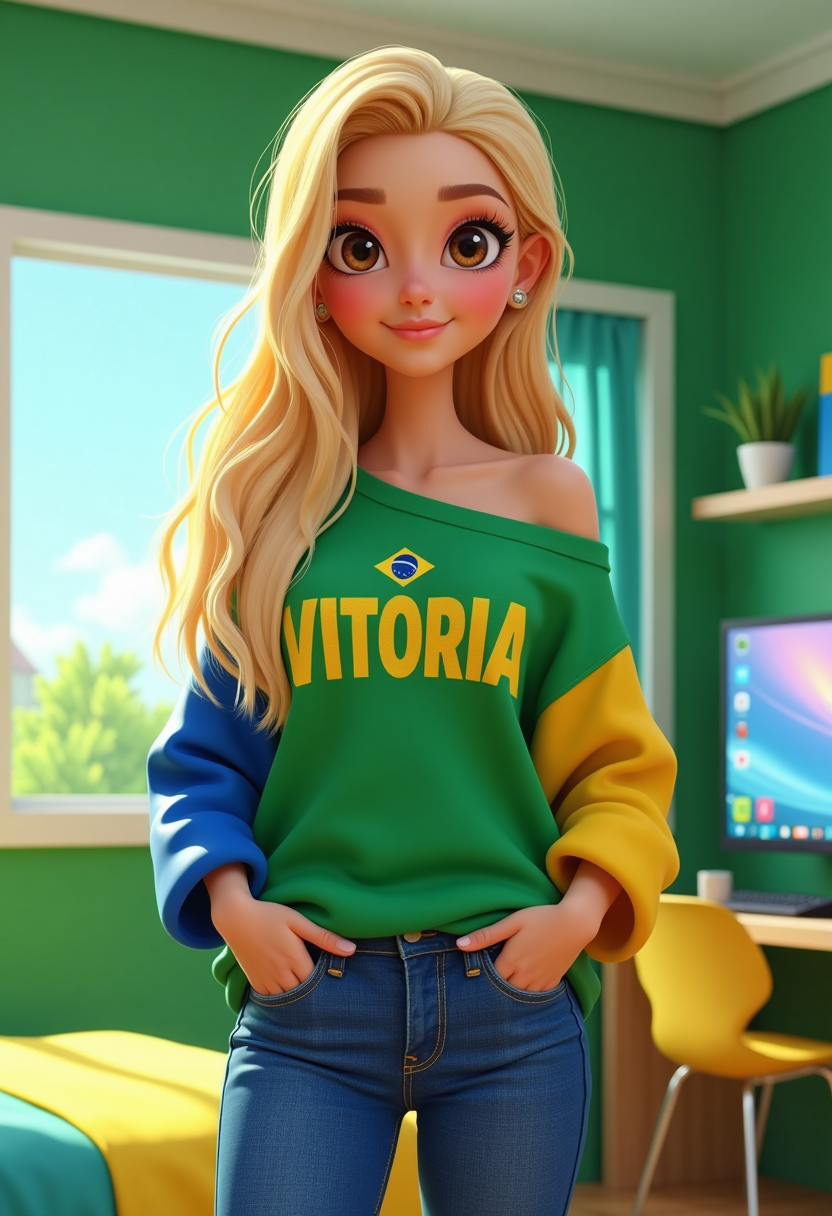
3d cartoon
flux
Models you can run on PixelDojo for google nano banana 2 image creation tool
Switch models without switching tools. Each one runs in the same PixelDojo studio.
What you can do with google nano banana 2 image creation tool on PixelDojo
Nano Banana 2 Access
We give you Google Nano Banana 2 image generation on PixelDojo so you can turn text prompts into stills without leaving the workspace.
Prompt And Style Control
We let you refine subject, lighting, composition, and look so outputs stay aligned with the brief you wrote.
Iterate And Upscale Stills
We support variations, regenerations, and higher-resolution exports so you can pick a frame and prepare it for use.
Download Ready Assets
We provide image downloads you can place in decks, social posts, and production files according to your PixelDojo plan.
Loved by 50,000+ creators worldwide | 4.9/5 rating from 15,000+ reviews | Over 12 million images generated this month | Trusted by e-commerce brands, agencies and content teams in 80+ countries
Why Choose Pixel Dojo for google nano banana 2 image creation tool
Professional-quality results with cutting-edge AI technology
Studio-Quality Images in Seconds, Not Days
You generate 4K photorealistic visuals with rich textures, vibrant lighting and precise real-world details instantly, so you test more campaign ideas and ship assets the same day instead of waiting on photographers.
Crisp Text and Instant Global Localization
You place perfectly readable headlines, logos and body copy in any language directly inside your images, creating posters, infographics and ads that work in every market without extra design work.
Characters and Products That Stay Identical Across Scenes
You keep up to five people and fourteen objects looking exactly the same through an entire storyboard, product line or comic series, eliminating the usual AI inconsistency that kills professional workflows.
How It Works
You create professional Nano Banana 2 images on PixelDojo in three simple steps. The platform combines Google's latest model with complementary tools so you go from idea to polished, downloadable asset without leaving the site.
Step 1: Choose Your Tool
Open PixelDojo's Generate Images section and select Nano Banana 2. For extra artistic control add Flux.2 Studio or Krea Image. If you need a series of matching characters, start with Consistent Characters or Character Sheets so the model already knows your subjects. This combination gives you both Nano Banana 2's speed and PixelDojo's specialized refinements from the first generation.
Step 2: Enter Your Prompt
Describe your scene narratively rather than with keyword lists: start with the subject and action, add location and time of day, specify lighting and camera (85mm lens, golden hour, shallow depth of field), then mention any text you want rendered exactly. For real-world accuracy you can reference current events or landmarks – Nano Banana 2 pulls live knowledge automatically. Upload up to 14 reference images if you want to lock a product, face or style. PixelDojo's interface accepts long, detailed prompts so you get the image you actually asked for.
Step 3: Customize & Download
Refine with Image to Image, Inpainting or Change Camera Angle for precise edits. Apply Style Transfer or Magic Lighting if you want a different mood. Upscale to print-ready 4K with P-Image Upscale or Magnific Upscaler, remove backgrounds, and export in any of the native aspect ratios including ultra-wide 8:1 banners. Everything stays inside PixelDojo so your workflow never breaks. Download once you're happy – commercial use included.
The Pixel Dojo Advantage
Why PixelDojo outperforms other options for Google Nano Banana 2 image generation
| Others | Pixel Dojo |
|---|---|
| Traditional photography and stock images | You skip location scouting, model fees and weeks of scheduling. Generate unlimited custom 4K shots, localized versions and variations in minutes for a fraction of the cost, then refine them with Inpainting and Magic Lighting until they are perfect. |
| Generic AI tools | You get Nano Banana 2's search-grounded accuracy, superior text rendering and character consistency plus 40+ complementary tools (Flux.2 Studio, Consistent Characters, Reality Polisher, video generators) in one place so you never have to jump between platforms or lose quality. |
| Manual photo editing and compositing | You replace hours of layer work, masking and lighting adjustments with conversational edits, one-click camera-angle changes and automatic background removal. The result is professional output in seconds instead of an afternoon in editing software. |
Loved by creators on PixelDojo
Real feedback from people using PixelDojo, pulled from our in-product surveys.
Lots of Tools, and the one time I needed support I got help right away
Easy to use once you get the hang of it
Love it make anything I can think of so far
Great for all your ideas use it encourage more people to use it
Because it is awesome
exceptional quality and great overall design of platform and interface. very intuative. love the creative freedom.
Explore more AI tools on PixelDojo
AI Tools
Compare & Switch
- Best AI Image Generators
- Best AI Video Generators
- Midjourney Alternatives
- Civitai Alternatives
- Runway Alternatives
- Leonardo Alternatives
- Pika Alternatives
- Luma Alternatives
- Magnific Alternatives
- Veo Alternatives
- Flux Alternatives
- Freepik Alternatives
- Seedance Alternatives
- Seedream Alternatives
- Pixverse Alternatives
- GPT Image Alternatives
- Synthesia Alternatives
- Playground Alternatives
- NightCafe Alternatives
- Canva AI Alternatives
- ElevenLabs Alternatives
- ComfyUI Alternatives
- Fal Alternatives
- Replicate Alternatives
Common Questions
Everything you need to know about google nano banana 2 image creation tool
What is the Google Nano Banana 2 image creation tool and how does PixelDojo enhance it?
Google Nano Banana 2 is the latest Gemini 3.1 Flash Image model that delivers Pro-level fidelity at Flash speed, with real-world search grounding, perfect text rendering and strong subject consistency. On PixelDojo you access it together with Flux.2 Studio, Image to Image, Inpainting, Consistent Characters, P-Image Upscale and dozens of other specialized tools. This combination lets you generate, edit, upscale and even turn stills into video without leaving the platform, giving you complete creative control and commercial-ready files in one workflow.
How do I write the best prompts for Nano Banana 2 photorealistic images on PixelDojo?
Use a narrative structure instead of keyword lists: describe the subject and what they are doing, the exact location and time of day, the lighting setup, camera and lens, plus any textures or mood. Example: 'A 35-year-old ceramicist with clay-dusted hands examining a freshly thrown vase in her sunlit studio, morning window light from the left, 50mm lens, visible skin texture, photorealistic.' PixelDojo's long-prompt support and reference-image upload make these detailed instructions produce the exact image you envisioned.
Can I keep characters consistent across multiple Nano Banana 2 images?
Yes. Nano Banana 2 itself maintains up to five characters and fourteen objects in a single workflow. On PixelDojo you make this even stronger by first generating a Character Sheet or using the Consistent Characters tool, then feeding those references into Nano Banana 2 along with your scene prompts. The result is a complete visual story, product catalog or comic series where every person and item looks identical from the first frame to the last.
Does Nano Banana 2 render accurate text and support multiple languages?
Absolutely. You simply put the exact words you want in quotes and describe the font style. Nano Banana 2 places crisp, readable text directly in the image and can translate or localize it into many languages in the same generation. This is ideal for posters, packaging, infographics and global ad campaigns. PixelDojo's Image Analyzer and Reality Polisher then let you fine-tune the typography if needed.
What resolutions and aspect ratios can I generate with Nano Banana 2 on PixelDojo?
You can output from 512 px all the way to native 4K in more than a dozen aspect ratios, including extreme banners such as 8:1 and 1:8. After generation you can further upscale with P-Image Upscale, Magnific Upscaler or Creative Upscaler and reframe with Video Reframe or Image Outpainting. Everything is optimized for social, print, web and video so you never have to crop or lose quality.
Is there any risk or lock-in when I try Nano Banana 2 on PixelDojo?
None. You get access to Nano Banana 2 plus 40+ other cutting-edge AI tools (GPT Image 2, Flux.2 Studio, Kling Image, Seedream 5, video generators, trainers and more). Thousands of creators already use the platform daily. You can cancel at any time with no questions asked, so you only pay while you are creating. Start generating your first professional images in the next two minutes.