gpt image 2 generator
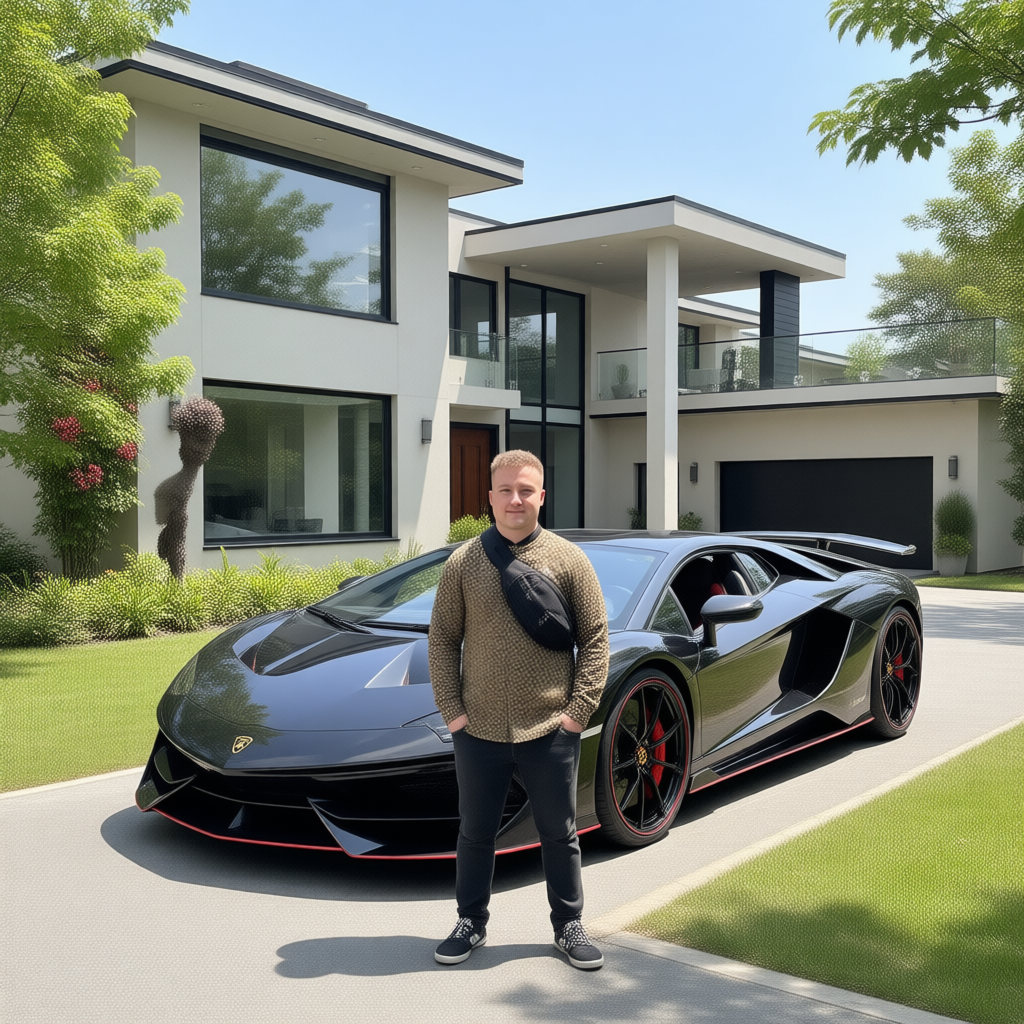
Generated on PixelDojo. Produced by PixelDojo's generation pipeline.
You can now produce magazine-quality visuals, conversion-focused marketing assets, and detailed custom illustrations without a design team or expensive software. PixelDojo's GPT Image 2 generator lets you describe what you need in everyday language and receive photorealistic images featuring crisp, readable text, accurate compositions, and professional polish. Imagine launching product campaigns, social series, infographics, UI mockups, and branded posters that look like they came from a high-end studio—all generated in moments. You iterate freely, refine with powerful editing tools, and download commercial-ready files that help you attract customers, tell your story, and grow your brand faster than ever. Thousands of marketers, entrepreneurs, and creators already rely on this approach to replace stock photos and lengthy editing sessions with custom work that actually matches their vision.
Real image examples generated on PixelDojo
Every example below was produced on PixelDojo. Hover to see the prompt.
Canvas generate — From qwen-image
canvas-generate
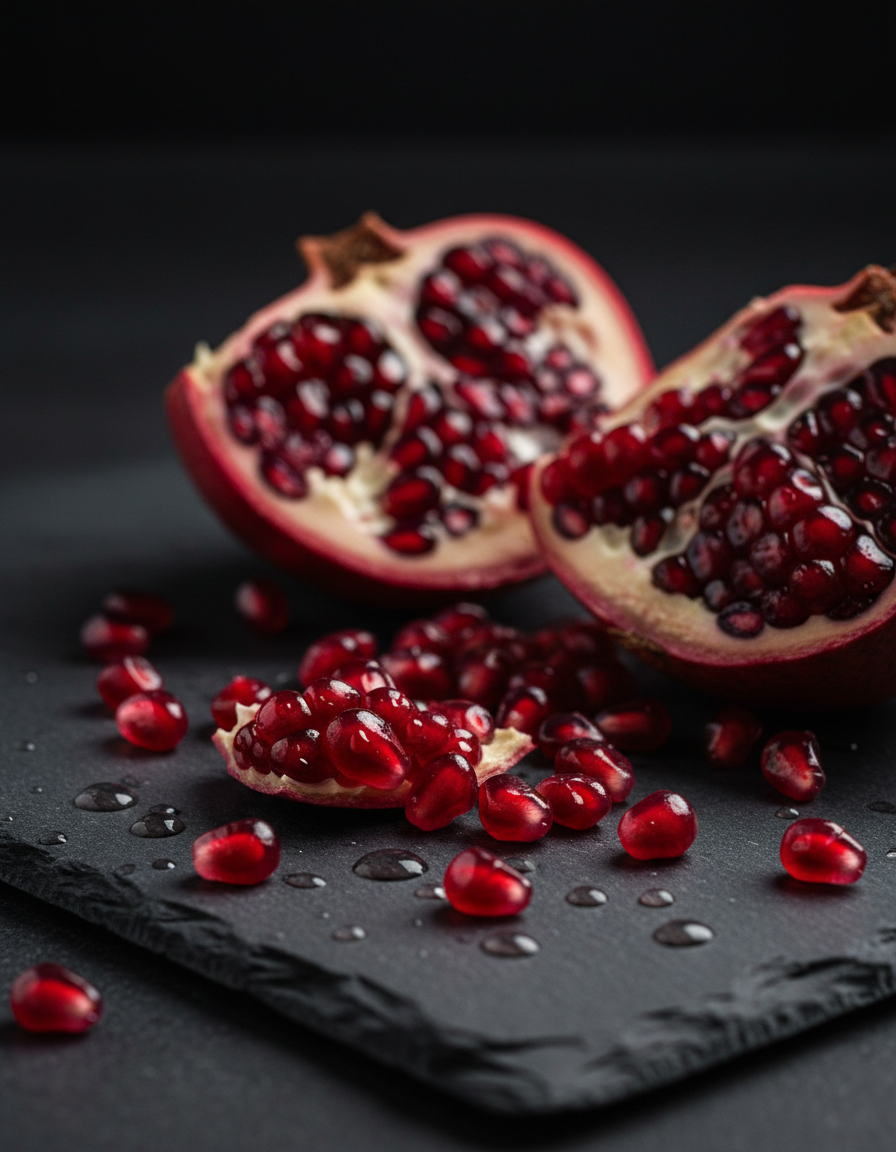
Gg-product
image-to-image
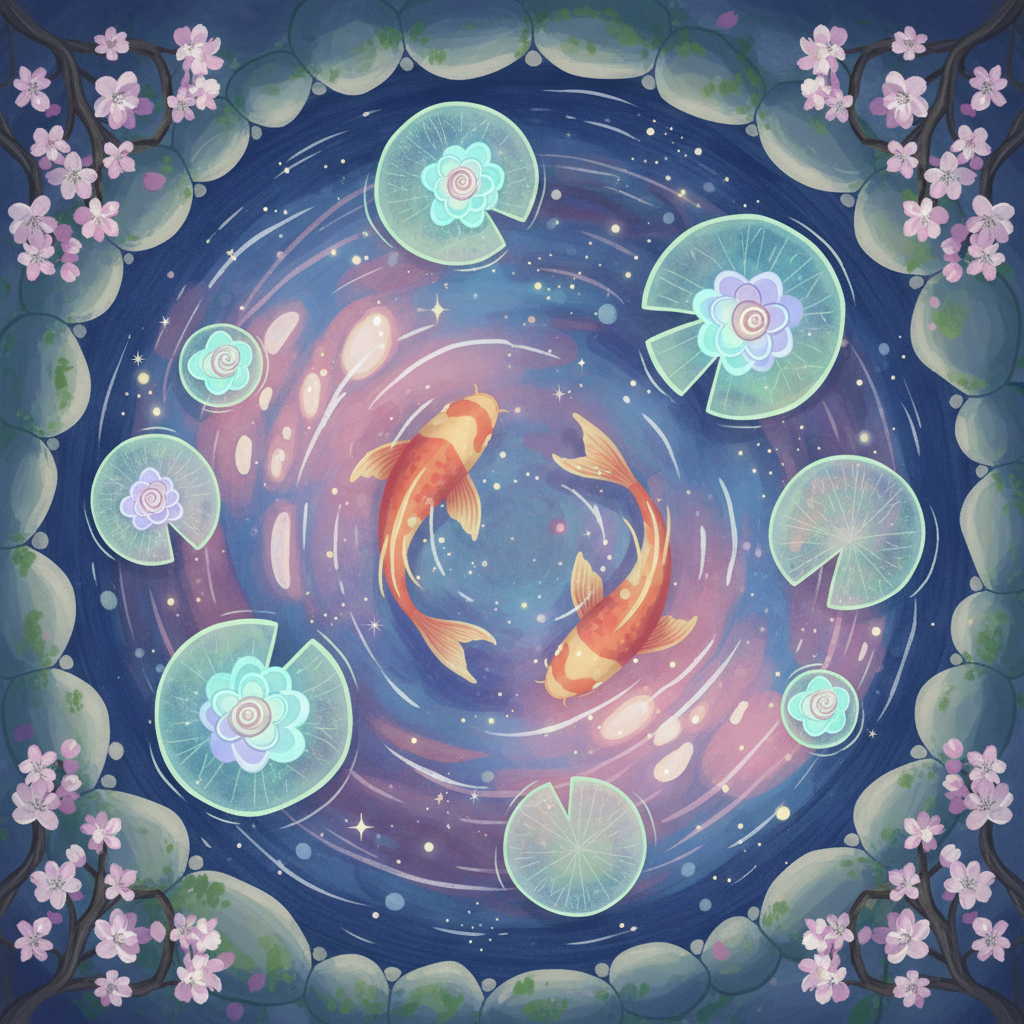
Gg-illustration
image-to-image
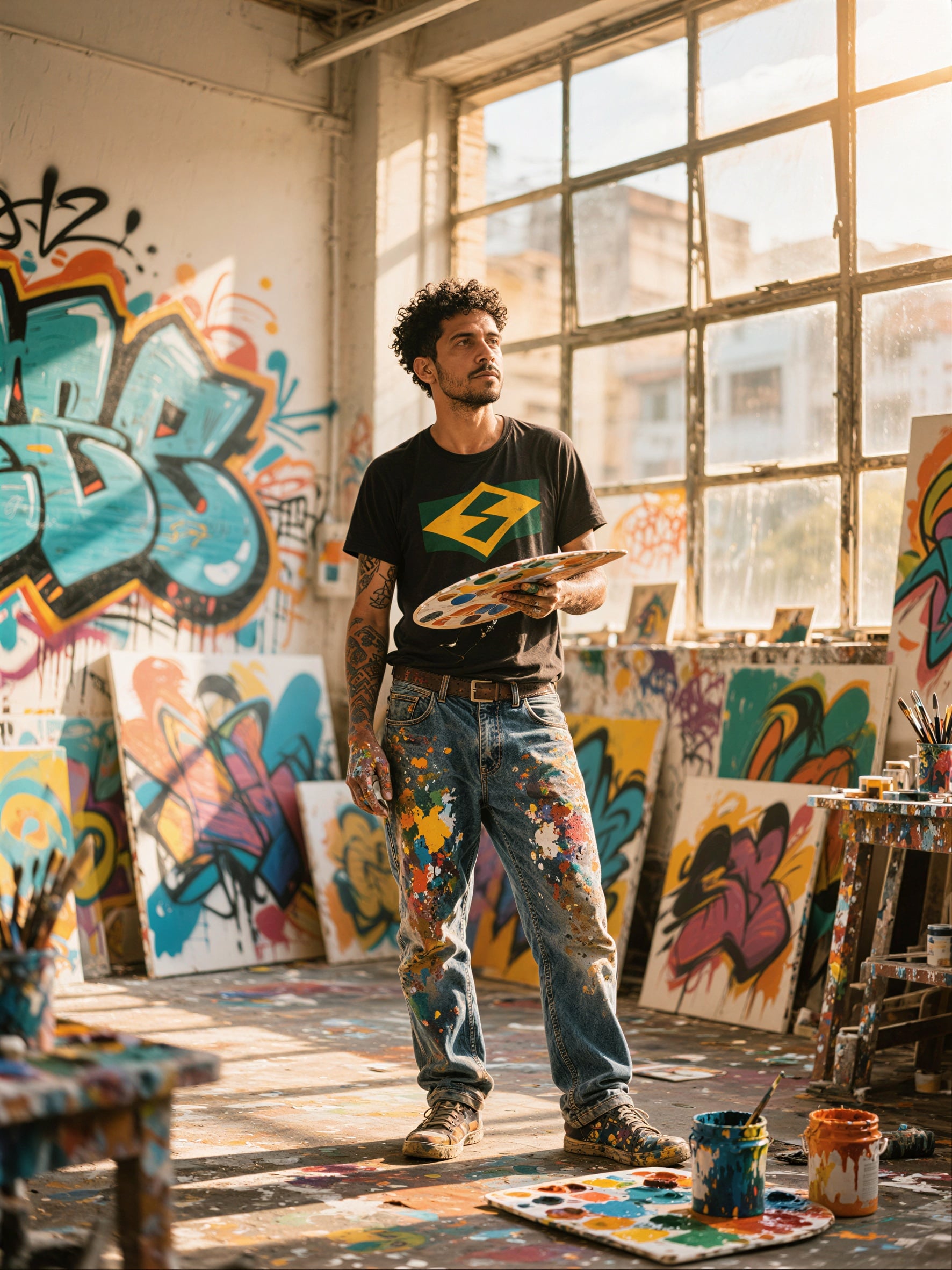
P-Image Upscale
p-image-upscale
Gv-product
image-to-video
Pv-product
image-to-video
Models you can run on PixelDojo for gpt image 2 generator
Switch models without switching tools. Each one runs in the same PixelDojo studio.
What you can do with gpt image 2 generator on PixelDojo
GPT Image 2 Access
We host GPT Image 2 so you can turn text prompts into stills inside PixelDojo. You stay in one workspace from prompt to preview.
Prompt And Style Control
We let you set subject, composition, and visual style in the same request. You can regenerate variants until the frame matches what you need.
Iterate Without Restarting
We keep your last prompt and settings so you can tweak wording and try again. That makes small edits faster than starting from a blank field.
Exports For Creator Work
We give you downloadable images you can drop into decks, posts, and mockups. You keep the files for your own production pipeline.
Loved by thousands of creators worldwide with a 4.9/5 rating from over 12,500 users. More than 1 million images generated monthly. Trusted by agencies and businesses for professional results. 40+ cutting-edge AI tools available, cancel anytime.
Why Choose Pixel Dojo for gpt image 2 generator
Professional-quality results with cutting-edge AI technology
Deliver Images With Perfectly Readable Text
You produce posters, packaging, infographics, websites, and ads where every headline, label, and paragraph appears sharp, correctly spelled, and professionally typeset—even across languages. Your mockups and campaigns look polished instead of broken, helping you win client approval and audience trust on the first try.
Achieve Photorealistic Scenes That Convert
You generate lifelike product shots, lifestyle photography, environments, and portraits with natural lighting, materials, and details that feel real. These images capture attention on social feeds, landing pages, and ads, turning browsers into buyers without the cost of photoshoots.
Build Consistent Visual Campaigns Effortlessly
You create matching series of images from a single idea—keeping characters, products, colors, and style identical across posts, stories, ads, and presentations. Your brand stays cohesive while you scale content production in a fraction of the time.
How It Works
Creating professional GPT Image 2 images on PixelDojo takes just three straightforward steps. You combine the model's reasoning-powered generation with our full suite of complementary tools for even better results.
Step 1: Choose Your Tool
Sign up or log in free, go to Generate Images, and select GPT Image 2. For extra options you can also explore Nano Banana 2, Flux.2 Studio, Krea Image, or QWEN Image 2 in the same workspace. Check your credits in the dashboard—free users start with daily generations.
Step 2: Enter Your Prompt
Describe your image in natural language. Start with the overall scene and mood, then the main subject, then key details like lighting, materials, camera angle, and any text that must appear. Adding words like photorealistic or specifying the intended use (ad, infographic, poster) helps you get closer to your vision on the first generation. You can request multiple images at once for variations.
Step 3: Customize & Download
Review your results, then refine using Edit Images tools such as Image to Image, Inpainting, Style Transfer, Background Remover, Change Camera Angle, or Magic Lighting. Enhance further with P-Image Upscale, Magnific Upscaler, or Reality Polisher. When ready, download in high resolution for commercial use. Pair with Consistent Characters or Character Sheets if you need ongoing series.
The Pixel Dojo Advantage
Why PixelDojo outperforms other options for GPT Image 2 image generation
| Others | Pixel Dojo |
|---|---|
| Traditional photography and stock image libraries | You get fully custom, on-brand images in seconds instead of waiting days or paying per photo. No licensing restrictions, unlimited variations, and the ability to match exact product details or campaign concepts that stock never covers. |
| Generic AI tools | You access GPT Image 2 alongside 40+ specialized tools like Flux.2 Studio, Kling Image, Seedream 5, and full editing suites in one platform. Transparent credits, commercial licenses, and the ability to combine models give you more control and better results than single-model experiences. |
| Manual photo editing and design software | You skip hours of layering, masking, and retouching. Generate the base image, then apply targeted edits like Inpainting or Background Remover in moments. Scale your output without hiring extra designers or learning complex software. |
Loved by creators on PixelDojo
Real feedback from people using PixelDojo, pulled from our in-product surveys.
Practically every Ai suite in one place? Who wouldn't?
versatile menu of tools
Best AI tool availble the suite is rad
Versatility quality, value, ROI, innovation
variety of tools available and prompt tools
A "one-stop-shop" for creators! Thanks!!
Explore more AI tools on PixelDojo
AI Tools
Compare & Switch
- Best AI Image Generators
- Best AI Video Generators
- Midjourney Alternatives
- Civitai Alternatives
- Runway Alternatives
- Leonardo Alternatives
- Pika Alternatives
- Luma Alternatives
- Magnific Alternatives
- Veo Alternatives
- Flux Alternatives
- Freepik Alternatives
- Seedance Alternatives
- Seedream Alternatives
- Pixverse Alternatives
- GPT Image Alternatives
- Synthesia Alternatives
- Playground Alternatives
- NightCafe Alternatives
- Canva AI Alternatives
- ElevenLabs Alternatives
- ComfyUI Alternatives
- Fal Alternatives
- Replicate Alternatives
Common Questions
Everything you need to know about gpt image 2 generator
What is the best GPT Image 2 generator for creating professional marketing images?
PixelDojo gives you direct access to GPT Image 2 plus 40+ complementary tools so you can generate photorealistic product shots, ads, and social assets then refine them with Image to Image, Inpainting, and upscalers. You get commercial-use rights, consistent character options, and the ability to produce matching campaign sets. Thousands of marketers already use it to replace expensive photoshoots and stock libraries while keeping full creative control.
How can I generate GPT Image 2 images with perfectly accurate text and infographics on PixelDojo?
Select GPT Image 2, write a structured prompt that clearly states the layout, exact wording, fonts or style of text, and intended use such as infographic or poster. The model excels at rendering readable headlines, labels, and body copy. After generation you can fine-tune with Inpainting or Style Transfer and upscale for print or web. Pair it with Image Analyzer if you want to extract or iterate on existing designs.
Can I use PixelDojo's GPT Image 2 generator for consistent character series and brand campaigns?
Yes. Generate an initial image, then use Consistent Characters, Character Sheets, or Ideogram Character tools to lock in identity. GPT Image 2 supports multiple images from one prompt while maintaining style. You can further edit with Face Swap, Virtual Try-On, or WAN Video Character Swap if you later need motion. This workflow lets you build entire visual identities without starting from scratch each time.
What are the latest GPT Image 2 techniques for photorealistic results that I can use on PixelDojo?
Describe the scene first, then the subject, then lighting, materials, camera details, and mood. Include the word photorealistic and specify the intended output (lifestyle photo, product shot, cinematic still). Request specific aspect ratios and generate several variations at once. Afterward apply Reality Polisher, Magic Lighting, or Portrait Upscaler. Combining GPT Image 2 with Flux.2 Studio or Krea Image often yields even richer textures.
Is there a free way to try the GPT Image 2 generator before committing?
Yes. Sign up on PixelDojo and receive daily credits to generate with GPT Image 2 at no cost. You can test prompts, try editing tools like Background Remover and Image Outpainting, and see the quality yourself. Upgrade only when you need more volume. Plans include cancel-anytime flexibility so you stay in control.
How does PixelDojo help me go from GPT Image 2 stills to video or 3D if needed?
After creating your image you can send it into Generate Videos tools such as Kling Video, WAN 2.7 Video, Seedance 2.5, or Marketing Studio. For 3D use Rodin or Hunyuan 3D. Editing options like Runway Aleph or Video Autocaption keep everything in one platform. This lets you expand a single GPT Image 2 concept into full campaigns without leaving PixelDojo.