hailuo standard AI Generator
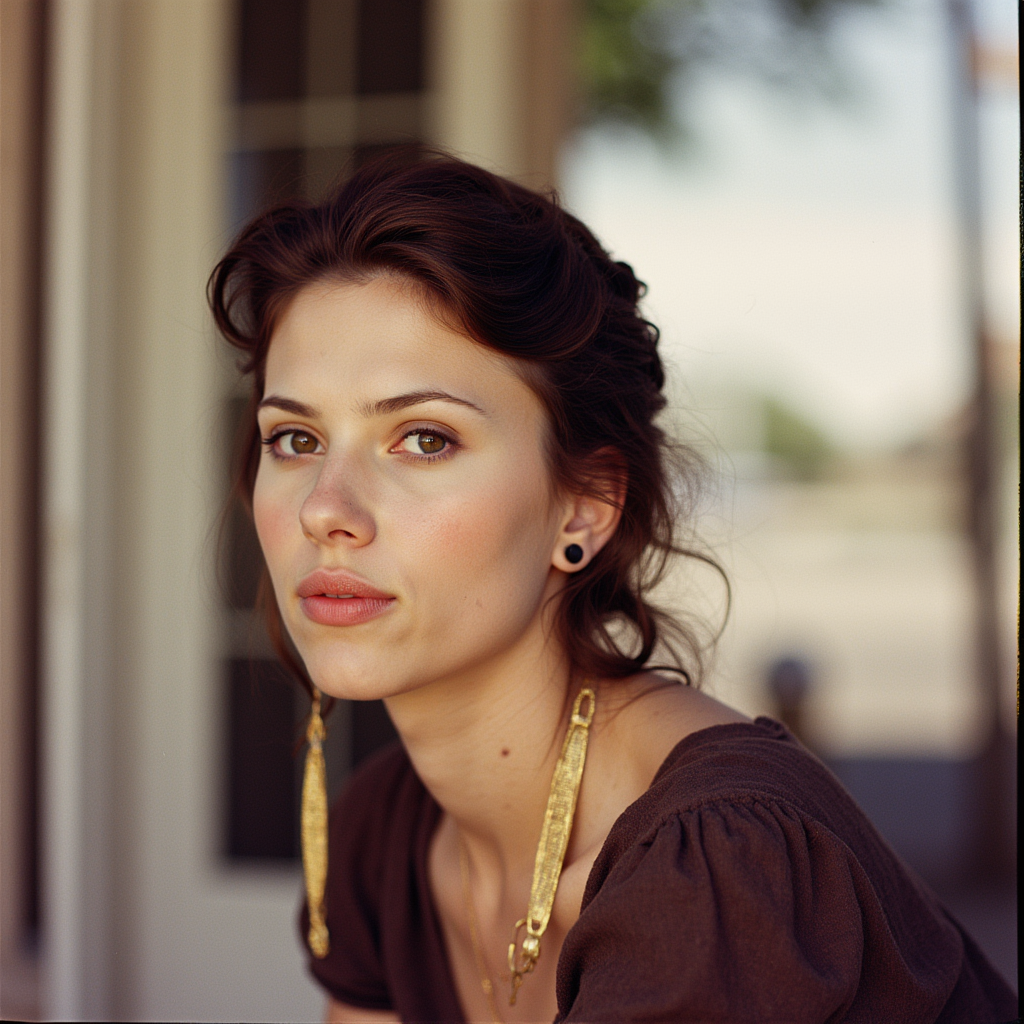
Generated on PixelDojo. Produced by PixelDojo's generation pipeline.
You can produce breathtaking cinematic videos that rival professional studio work, featuring fluid physics, lifelike micro-expressions and director-level camera movements—all from a simple idea. PixelDojo gives you Hailuo Standard quality through Hailuo 2.3 and MiniMax H3 so you transform text descriptions or still images into polished 6-10 second 1080p clips in minutes. Imagine launching products with steam rising realistically, telling character stories with natural emotion, or creating viral social shorts that stop the scroll. You start by generating a perfect still with Flux.2 Studio, Seedream 5 or Kling Image, then animate it with Hailuo 2.3 Standard for unmatched motion accuracy. No crews, no locations, no weeks of editing. Thousands of creators already rely on PixelDojo’s 40+ cutting-edge AI tools to deliver results that look expensive yet cost almost nothing. You keep full commercial rights, iterate instantly and cancel anytime. Whether you need e-commerce demos, narrative shorts or branded content, Hailuo Standard on PixelDojo puts Hollywood-grade visuals in your hands today.
Real video examples generated on PixelDojo
Every example below was produced on PixelDojo. Hover to see the prompt.
hailuo standard on PixelDojo
flux
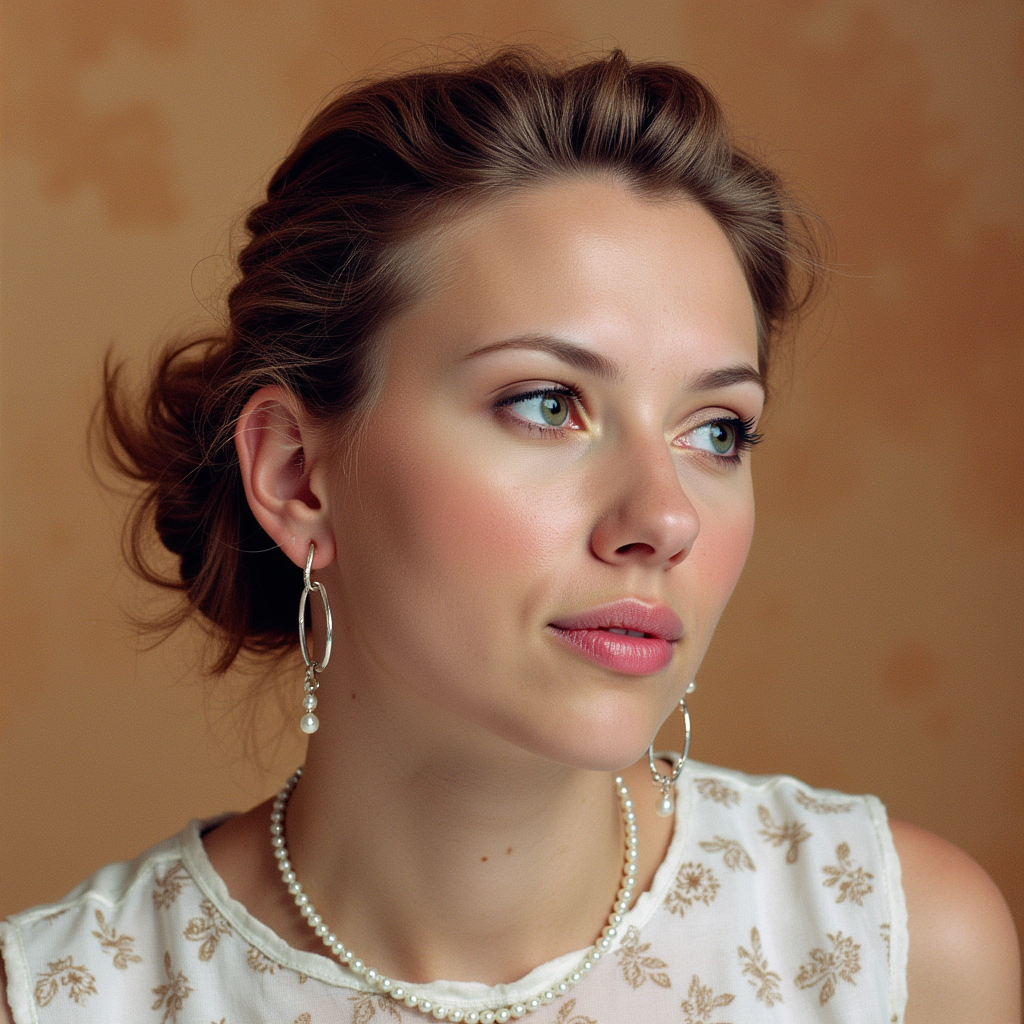
hailuo standard on PixelDojo
flux
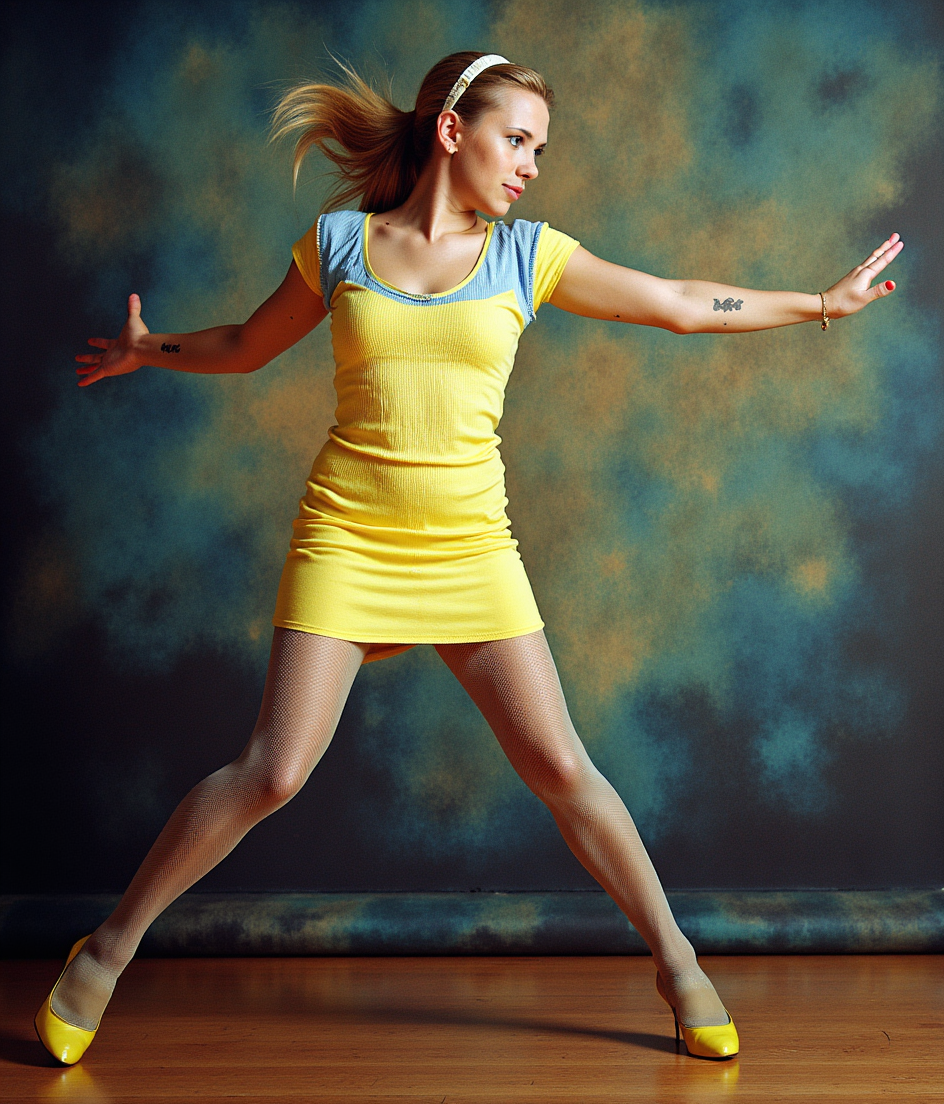
hailuo standard on PixelDojo
flux-pose-control
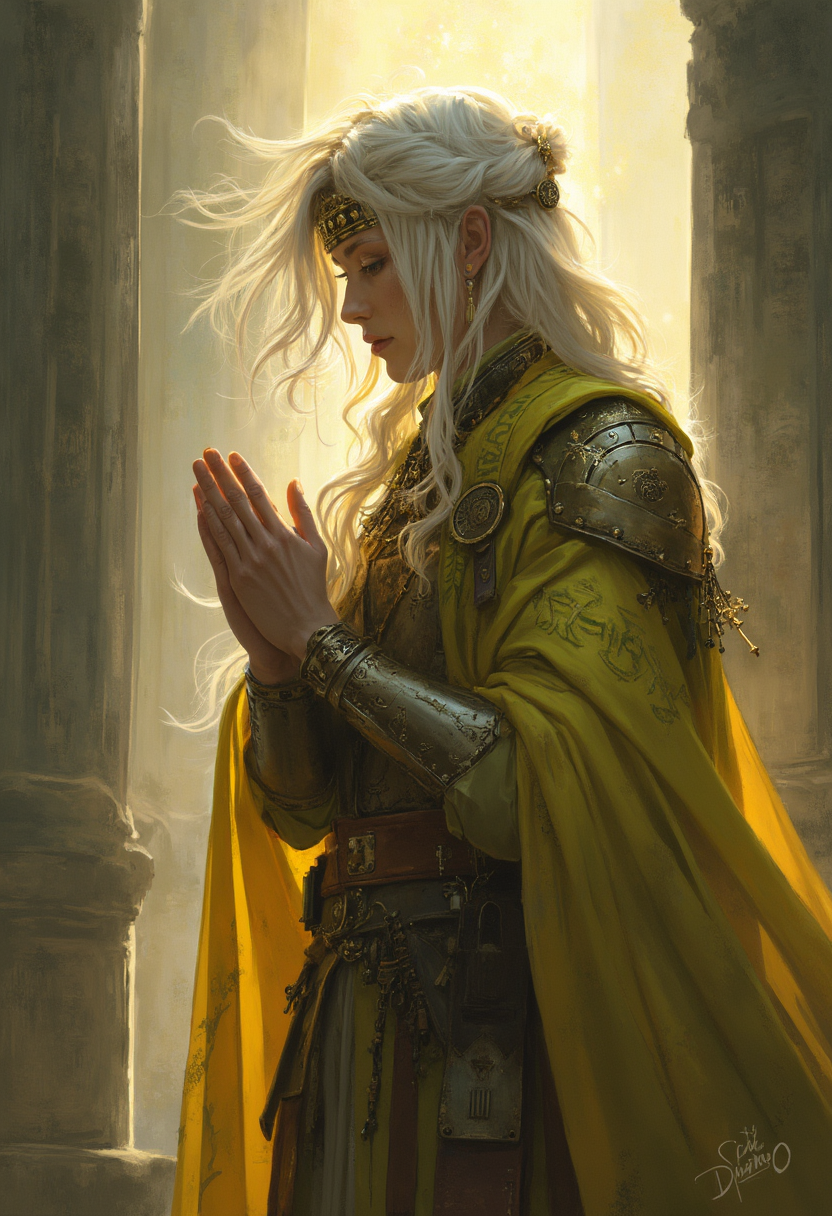
hailuo standard on PixelDojo
flux

Masterpiece
creative-upscaler
A half robot man looks around the room and smiles
image-to-video
Models you can run on PixelDojo for hailuo standard
Switch models without switching tools. Each one runs in the same PixelDojo studio.
What you can do with hailuo standard on PixelDojo
Text to video clips
We generate short videos from your written prompts with Hailuo Standard so you can turn a scene description into a playable clip without a camera crew.
Image to video motion
You can start from a still frame and we animate it with Hailuo Standard, adding camera movement and subject motion while staying close to the source image.
Prompt driven camera control
Describe shot type, subject action, and environment in the prompt and we produce a clip that follows those directions within Hailuo Standard limits.
Standard quality video output
Hailuo Standard on PixelDojo gives you a practical generation tier for drafts and social-length videos, with the same prompt workflow you already use for other models.
Loved by thousands of creators worldwide. Access 40+ cutting-edge AI tools including Hailuo 2.3 Standard and MiniMax H3. Fast 30-90 second generations, high motion ratings, cancel anytime.
Why Choose Pixel Dojo for hailuo standard
Professional-quality results with cutting-edge AI technology
Produce Studio-Grade Motion Without a Crew
You generate videos with authentic physics—water cascading and splashing, fabric flowing naturally, athletes performing complex moves—that generic tools simply cannot replicate. Hailuo 2.3 Standard on PixelDojo delivers 1080p clips with temporal consistency so every frame feels filmed, not generated. You save days of production time and thousands in costs while achieving results ready for ads, social media or client presentations. Pair it with starting images from Flux.2 Studio or Seedream 5 and you control every detail from the first frame.
Direct Precise Camera Moves Like a Pro
You add simple bracketed commands such as [Push in], [Truck right] or [Tracking shot] and Hailuo 2.3 Standard executes smooth cinematic motion that elevates your story. PixelDojo makes it effortless so you create emotional close-ups, product reveals and dynamic action sequences without learning complex software. Combined with tools like Change Camera Angle and Kling Video Edit you refine shots until they look exactly as you envisioned. Your audience feels the professional polish immediately.
Animate Any Image with Perfect Consistency
You upload or generate a character, product or scene using Ideogram 4, Recraft V4.1 or Consistent Characters, then bring it to life in Hailuo Standard with identity preserved across every frame. Micro-expressions, lighting and physics stay true to the original still. Follow up with FLUX Video Upscale, Reality Polisher or WAN 2.7 Video Edit and you ship content that looks custom-shot. This workflow lets you scale branded series, e-commerce videos and storytelling without reshooting.
How It Works
You create Hailuo Standard videos on PixelDojo by combining world-class image generation with Hailuo 2.3 animation in three simple steps. The platform handles the technical side so you focus on your vision.
Step 1: Choose Your Tool
Open Generate Images and pick Flux.2 Studio, Seedream 5, Kling Image or Ideogram 4 to craft a photorealistic or stylized starting frame. For characters use Consistent Characters or Ideogram Character. If you already have an image, skip straight to Hailuo 2.3 in Generate Videos. PixelDojo’s 40+ tools sit side-by-side so you stay in one workflow.
Step 2: Enter Your Prompt
Write a focused prompt that includes the subject, one clear action, lighting and a camera command in brackets such as [Slow push in] or [Pan left]. Example: “[Push in] A chef plating a gourmet dish, steam rising, cinematic side lighting, photorealistic.” Hailuo 2.3 Standard understands professional cinematography language and physics details. Keep it under 50 words for best results. PixelDojo optimizes automatically.
Step 3: Customize & Download
Select Hailuo 2.3 Standard quality, 6 or 10 seconds and 1080p. Generate in 30-90 seconds. Then enhance with P-Image Upscale, Magnific Upscaler or FLUX Video Upscale. Fine-tune using Kling Video Edit, WAN 2.7 Video Edit, Video Autocaption or Merge Videos. Download watermark-free and ready to post. You can iterate instantly or train custom models with Flux Trainer for even tighter brand consistency.
The Pixel Dojo Advantage
Why PixelDojo outperforms other options for Hailuo Standard video generation
| Others | Pixel Dojo |
|---|---|
| Traditional video production | You eliminate crews, locations, lighting setups and weeks of post-production. Hailuo 2.3 Standard plus PixelDojo’s image and edit suite delivers equivalent cinematic quality in minutes at a tiny fraction of the budget. |
| Generic AI video tools | You gain Hailuo 2.3 Standard’s superior physics, micro-expressions and camera precision plus 40+ integrated tools—Flux.2 Studio for stills, FLUX Video Upscale, Kling Video Edit and character trainers—that standalone platforms simply do not offer. |
| Manual photo editing and animation | You turn any still into fluid, physics-accurate video without keyframing, 3D software or hours of work. PixelDojo’s one-click Hailuo Standard workflow plus outpainting, style transfer and video merge tools lets you ship professional content the same day. |
Loved by creators on PixelDojo
Real feedback from people using PixelDojo, pulled from our in-product surveys.
Lots of different tools. It's easy to purchase more credits.
Amazing performance!
Excellent website for creating all types of media
Very eay to use, works well to train SDXL loras.
The amazing tools
Top notch quality and strong prompt adherence.
Explore more AI tools on PixelDojo
AI Tools
Compare & Switch
- Best AI Image Generators
- Best AI Video Generators
- Midjourney Alternatives
- Civitai Alternatives
- Runway Alternatives
- Leonardo Alternatives
- Pika Alternatives
- Luma Alternatives
- Magnific Alternatives
- Veo Alternatives
- Flux Alternatives
- Freepik Alternatives
- Seedance Alternatives
- Seedream Alternatives
- Pixverse Alternatives
- GPT Image Alternatives
- Synthesia Alternatives
- Playground Alternatives
- NightCafe Alternatives
- Canva AI Alternatives
- ElevenLabs Alternatives
- ComfyUI Alternatives
- Fal Alternatives
- Replicate Alternatives
Common Questions
Everything you need to know about hailuo standard
What is Hailuo Standard quality and how does PixelDojo deliver it?
Hailuo Standard is the high-fidelity mode of MiniMax Hailuo 2.3 that produces 1080p videos with exceptional motion smoothness, realistic physics and detailed textures. On PixelDojo you access it directly inside Generate Videos alongside MiniMax H3, Flux.2 Studio, Seedream 5 and a full editing suite. You generate starting frames, animate them, upscale and refine in one place. Thousands of creators use this combination daily for ads, stories and social content. You get commercial rights, fast queues and the ability to cancel anytime.
How do I create the best Hailuo Standard videos from a still image on PixelDojo?
First generate or upload a high-quality still using Seedream 5, Kling Image, Recraft V4.1 or Ideogram 4. Then switch to Hailuo 2.3 image-to-video, add a motion-focused prompt with one camera command such as [Slow push in] and generate in Standard quality. PixelDojo preserves character and product identity perfectly. Follow up with Reality Polisher, Image Outpainting or FLUX Video Upscale for extra polish. The entire process takes minutes instead of hours.
What camera techniques work best for Hailuo Standard videos?
Use exact bracketed commands like [Push in], [Pull out], [Truck left], [Pan right] or [Tracking shot] at the start of your prompt. Hailuo 2.3 Standard understands professional cinematography language and executes smooth, physics-aware movement. Keep one primary camera move plus one subject action for the cleanest results. PixelDojo lets you iterate quickly, then refine the clip with Change Camera Angle, Kling Video Edit or WAN 2.7 Video Edit until it matches your vision.
Can I use Hailuo Standard for product videos, e-commerce and ads?
Absolutely. You create stunning product reveals with realistic reflections, steam, fabric movement and lighting that sell. Generate the hero still with Flux.2 Studio or Recraft V4.1, animate in Hailuo 2.3 Standard, then enhance with Magnific Upscaler and Video Autocaption. PixelDojo’s Marketing Studio and Consistent Characters tools let you produce entire branded series that stay on-model. Many creators already run profitable ad campaigns this way.
How fast and affordable is Hailuo Standard generation on PixelDojo?
Most Hailuo 2.3 Standard clips render in 30-90 seconds at 1080p. PixelDojo bundles it with 40+ other tools so you never leave the platform. You pay only for what you use, enjoy watermark-free commercial downloads and can cancel anytime. Combined with image generators, upscalers and editors you get a complete production studio at a fraction of traditional or standalone video-tool costs.
Can I keep characters consistent across multiple Hailuo Standard videos?
Yes. Use Consistent Characters, Ideogram Character, Face Swap or train a custom LoRA with Flux Trainer or QWEN Trainer. Generate matching stills, then animate each one in Hailuo 2.3 Standard. PixelDojo’s WAN Video Character Swap and Kling Video Character Swap give you even more control. The result is a cohesive series that looks professionally shot rather than pieced together from random generations.