haircut ai
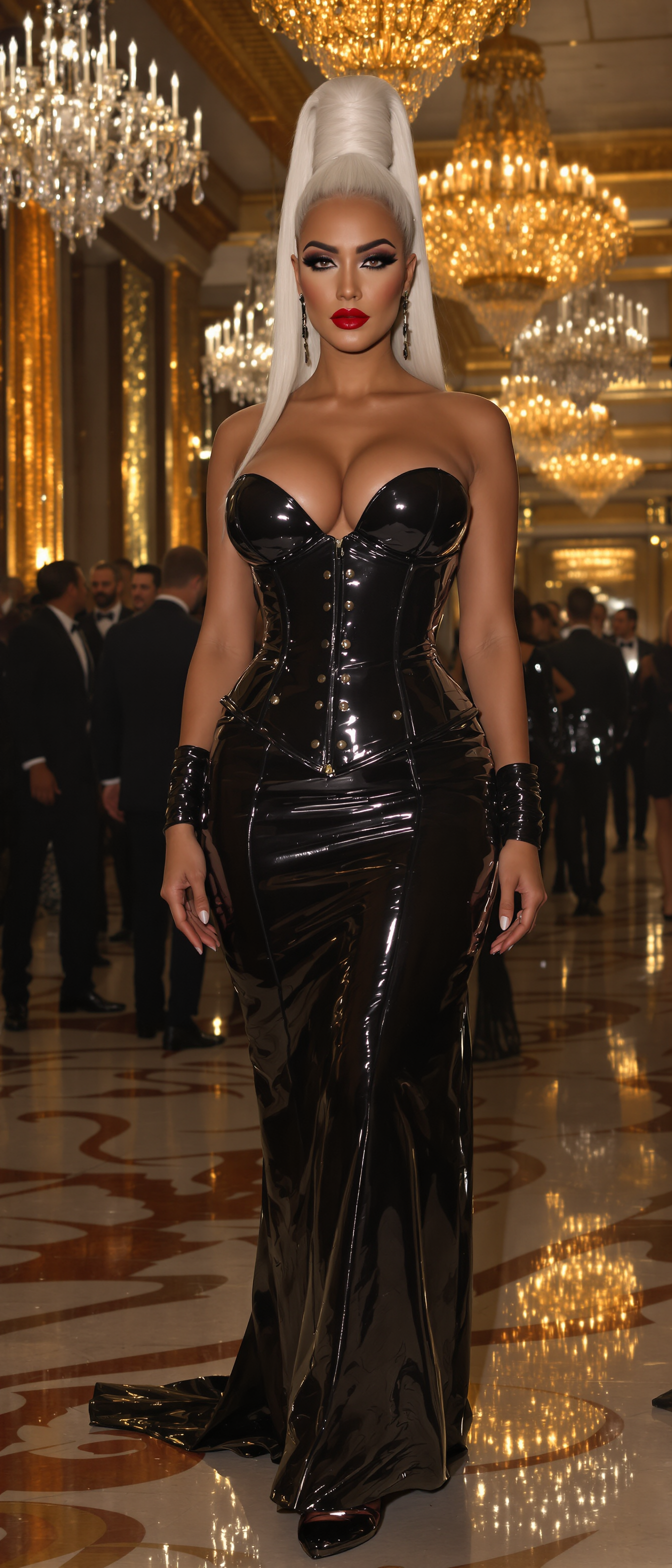
Imagine seeing exactly how you'd look with a bold pixie cut, flowing butterfly layers, or a modern mullet before stepping into the salon. PixelDojo's haircut AI tools let you generate photorealistic images of yourself with any hairstyle, giving you the confidence to experiment without commitment. Whether you're exploring 2026 trends or perfecting a specific look for your face shape, you can create personalized previews that match your features, lighting, and hair texture in minutes.
Over 75,000 creators and stylists trust PixelDojo for haircut AI visualizations. 4.9/5 average rating from thousands of users who have tried on everything from curtain bangs to low taper fades. Cancel anytime with our flexible plans.
Why Choose Pixel Dojo for haircut ai
Professional-quality results with cutting-edge AI technology
Risk-Free Haircut Experimentation
Preview dozens of styles on your own photo before any real change, saving time, money, and regret from bad cuts.
Discover Personalized 2026 Trends
See trending looks like butterfly cuts, wolf cuts, and broccoli hair on your unique face shape with realistic texture and volume matching.
Professional Visuals for Stylist Consultations
Generate high-quality images to share with your barber or colorist, ensuring you get the exact result you envision every time.
How It Works
Creating realistic haircut images with PixelDojo is simple and fast using our specialized AI tools designed for virtual try-ons and precise edits.
Step 1: Choose Your Tool
Select Virtual Try-On or Flux Pro Virtual Try-On for instant hairstyle swaps, or start with Flux.2 Studio and Ideogram 4 for custom prompt-based generations of any haircut style.
Step 2: Enter Your Prompt or Upload Photo
Upload a clear selfie and describe your desired look, such as 'shoulder-length bob with side-swept bangs on oval face' or 'short pixie cut with textured layers 2026 trend'. Tools like Image to Image or Inpainting help refine details.
Step 3: Customize & Download
Adjust lighting, color, or density using Magic Lighting and Style Transfer. Generate multiple variations, then download your favorite realistic haircut images in high resolution.

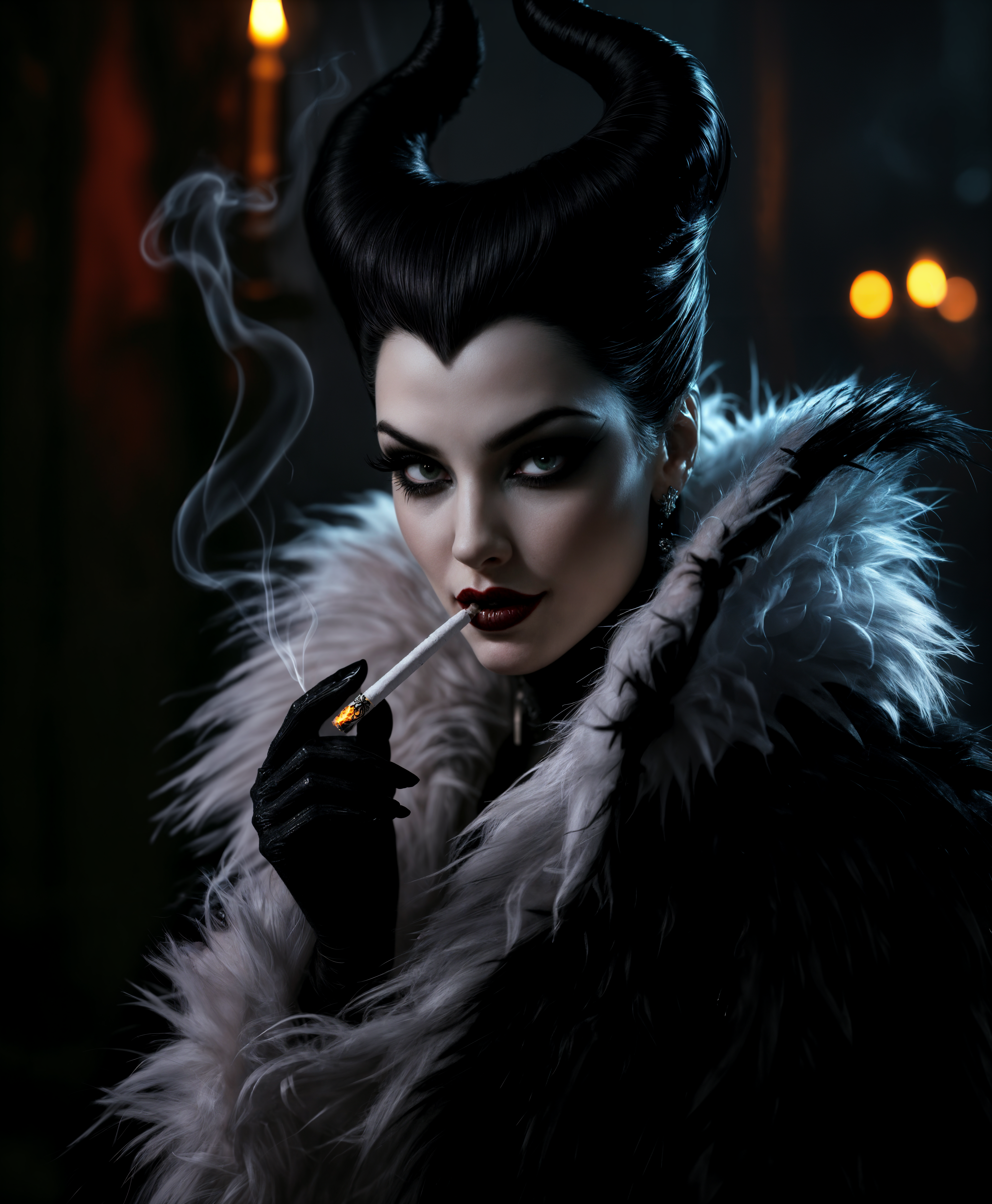
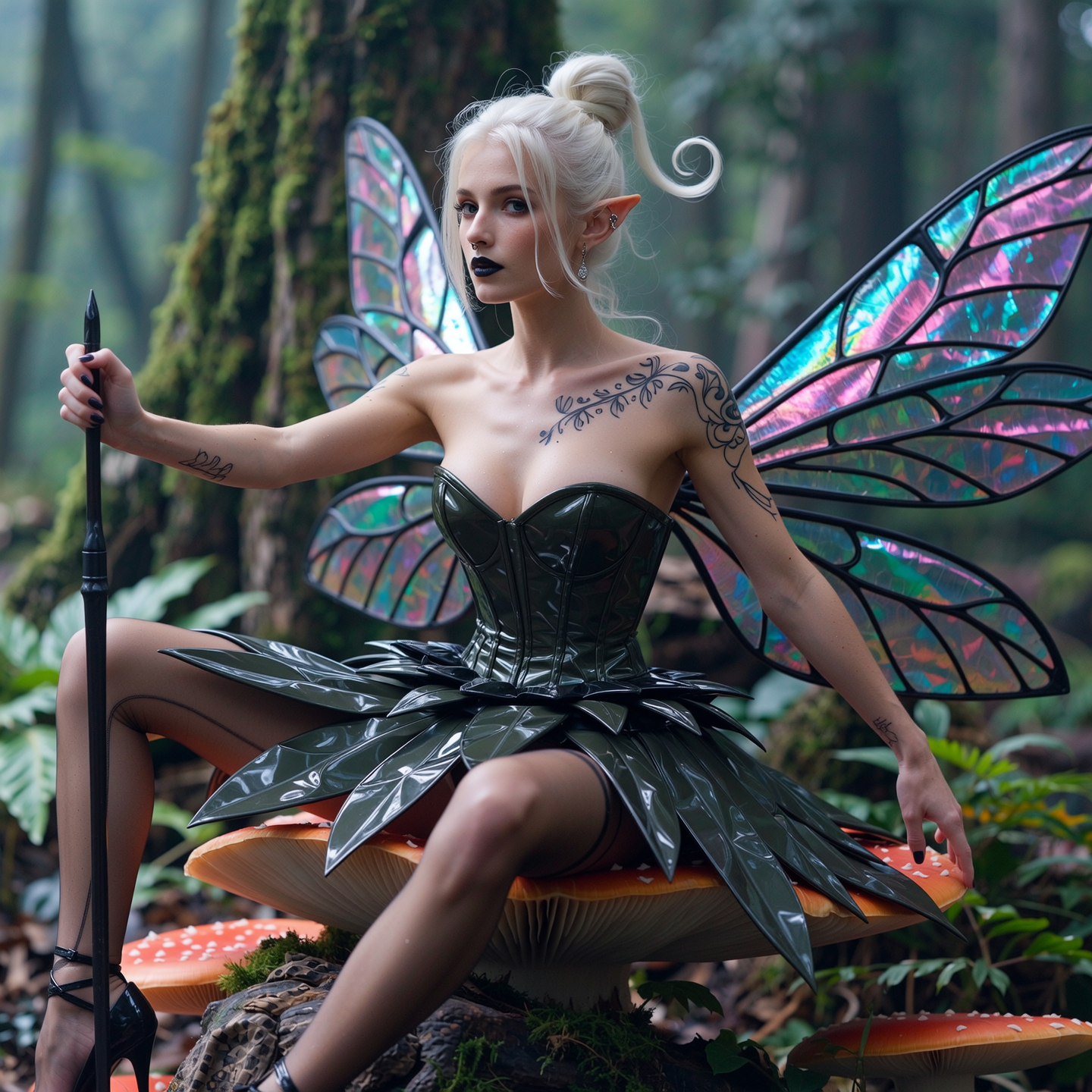
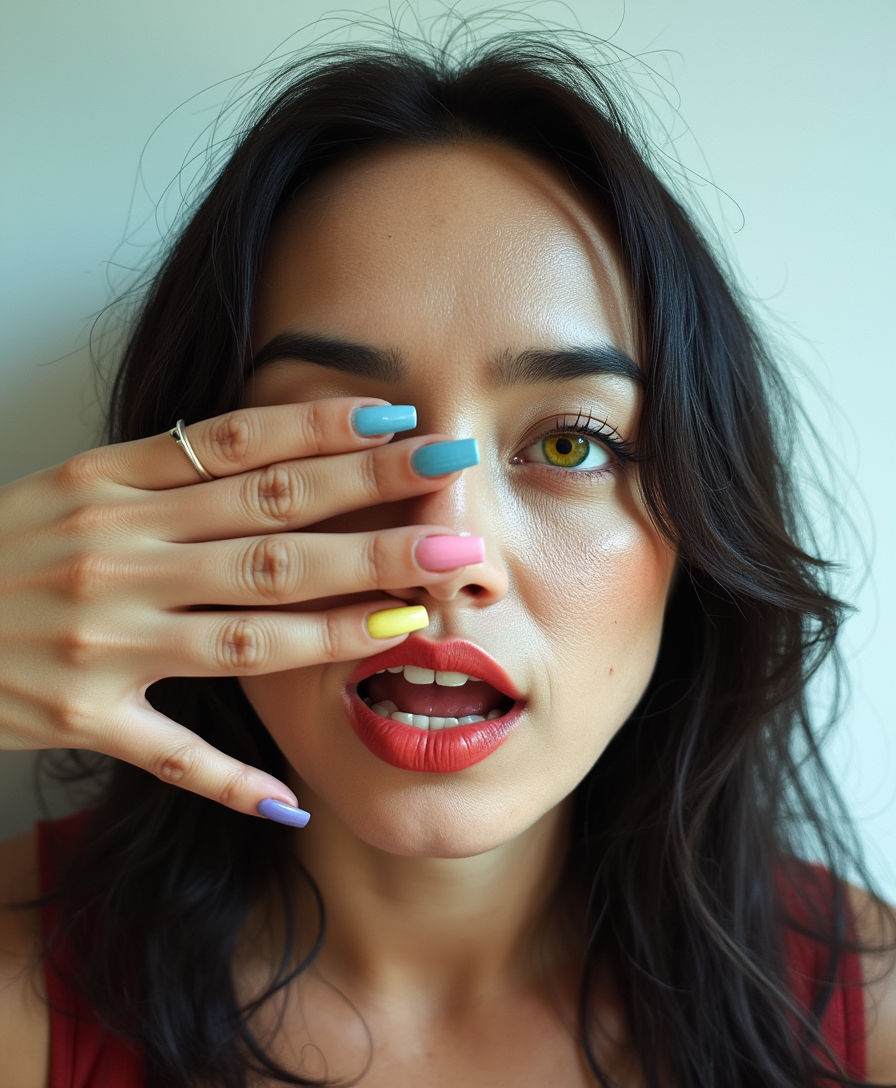
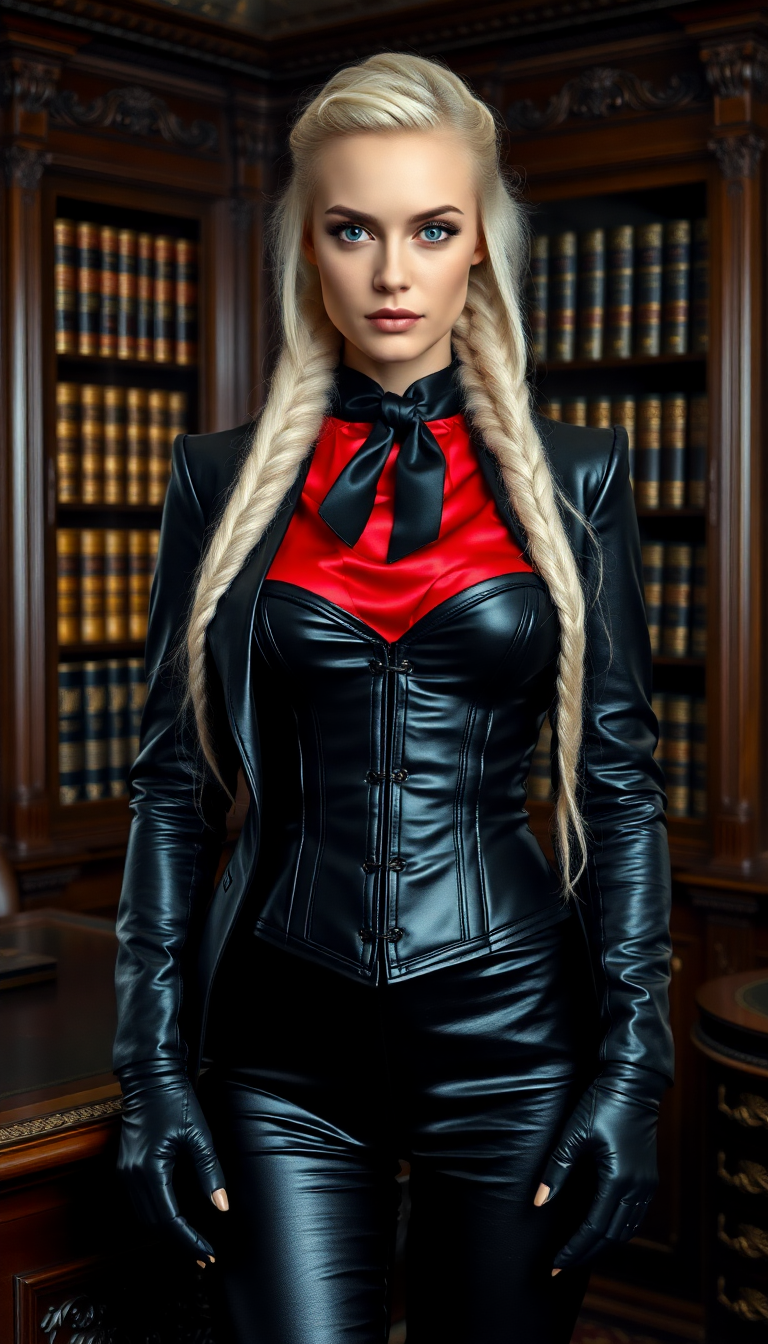
The Pixel Dojo Advantage
Why PixelDojo outperforms other options for haircut AI image generation
| Others | Pixel Dojo |
|---|---|
| Traditional haircut visualization | Instant digital previews eliminate the need for physical wigs or consultations, letting you test unlimited styles from home. |
| Generic AI tools | Specialized Virtual Try-On and Character tools deliver face-accurate, photorealistic results tailored specifically to hairstyle transformations. |
| Manual photo editing | AI handles complex texture mapping, lighting, and volume automatically in seconds instead of hours of tedious manual work. |
Loved by creators on PixelDojo
Real feedback from people using PixelDojo, pulled from our in-product surveys.
Great variety of tools to create and modify images and video.
Lots of Tools, and the one time I needed support I got help right away
Easy to use once you get the hang of it
Love it make anything I can think of so far
Great for all your ideas use it encourage more people to use it
Because it is awesome
Explore more AI tools on PixelDojo
AI Tools
Compare & Switch
- Best AI Image Generators
- Best AI Video Generators
- Midjourney Alternatives
- Civitai Alternatives
- Runway Alternatives
- Leonardo Alternatives
- Pika Alternatives
- Luma Alternatives
- Magnific Alternatives
- Veo Alternatives
- Flux Alternatives
- Freepik Alternatives
- Seedance Alternatives
- Seedream Alternatives
- Pixverse Alternatives
- GPT Image Alternatives
- Synthesia Alternatives
- Playground Alternatives
- NightCafe Alternatives
- Canva AI Alternatives
- ElevenLabs Alternatives
- ComfyUI Alternatives
- Fal Alternatives
- Replicate Alternatives
Common Questions
Everything you need to know about haircut ai
How does haircut AI generate realistic images of new hairstyles on my photo?
PixelDojo's haircut AI uses advanced tools like Flux Pro Virtual Try-On and Image to Image to analyze your facial geometry, hair texture, and lighting from your uploaded photo. It then maps realistic new styles such as 2026 butterfly cuts or curtain bangs while preserving your natural features for photorealistic results.
What are the best prompts for generating 2026 haircut trends with AI?
Effective prompts include specific details like 'low taper fade on square face with modern mullet texture' or 'wolf cut with curtain bangs in copper balayage'. Combine with tools like Ideogram 4 or Flux.2 Studio and add face shape references for the most accurate, trend-forward images.
Can I try on multiple haircuts at once using PixelDojo's AI tools?
Yes, generate batches of variations instantly with Consistent Characters or Character Sheets. Upload one photo and create side-by-side previews of pixies, bobs, undercuts, and more, then refine favorites using Inpainting for perfect density and color matches.
Is haircut AI suitable for both men's and women's hairstyle visualizations?
Absolutely. PixelDojo supports all genders with tools optimized for diverse styles—from men's textured crops and fades to women's layered waves and bold pixies. Virtual Try-On handles face shape analysis for flattering, personalized results every time.
How accurate are AI-generated haircut images compared to real salon results?
Our specialized tools like Reality Polisher and Portrait Upscaler ensure high fidelity by matching your exact skin tone, hair density, and lighting. Thousands of users report salon results that closely match their PixelDojo previews, making it a trusted planning tool.
Do I need any design experience to create professional haircut AI images?
No experience required. Simply upload your photo to Virtual Try-On or enter a natural language prompt in Flux.2 Studio. The AI handles all technical aspects, letting anyone produce salon-quality visualizations in under a minute.