hairstyle ai
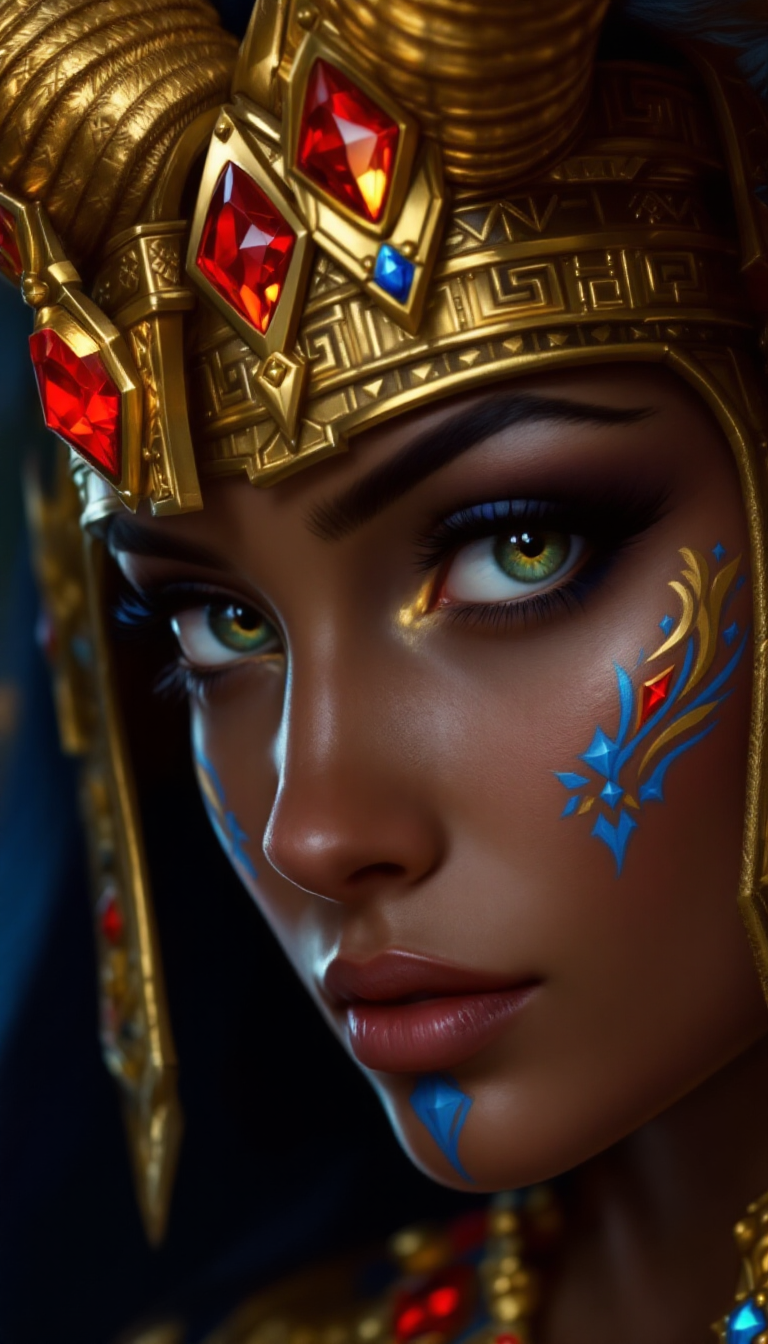
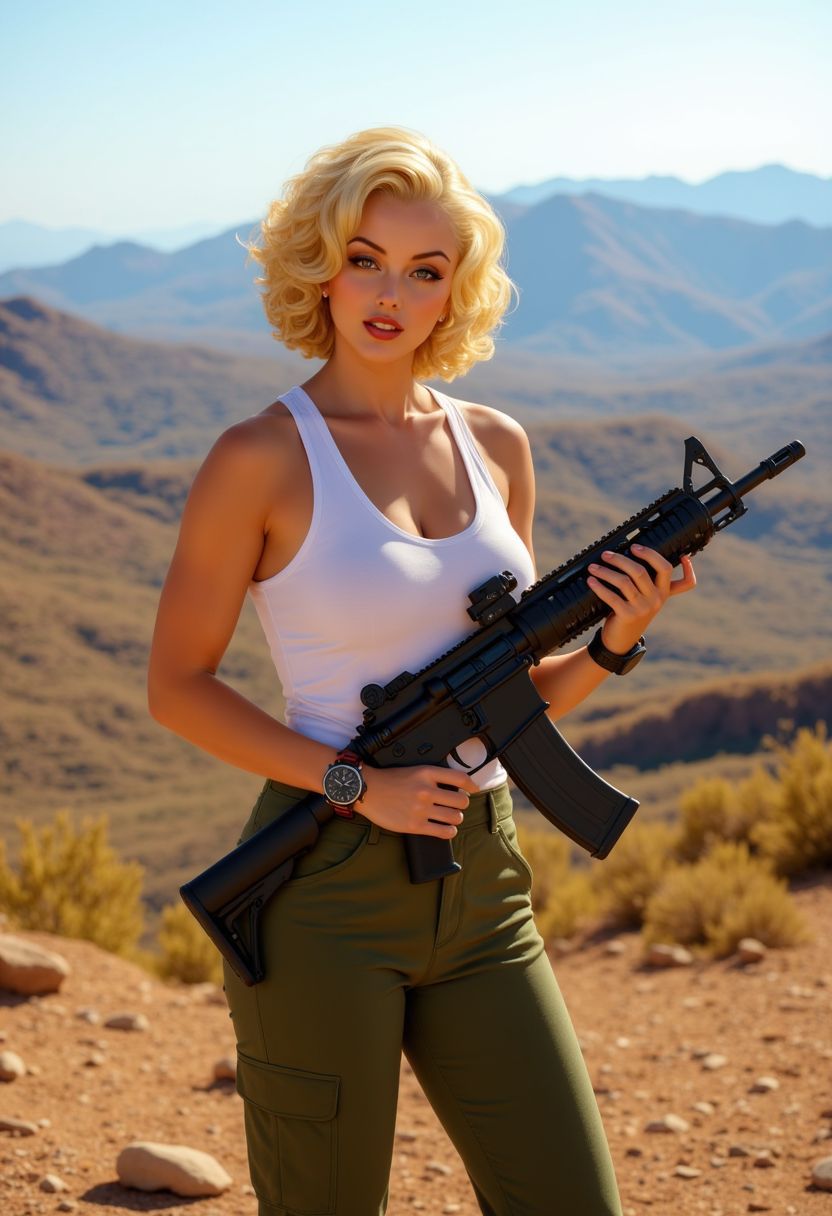
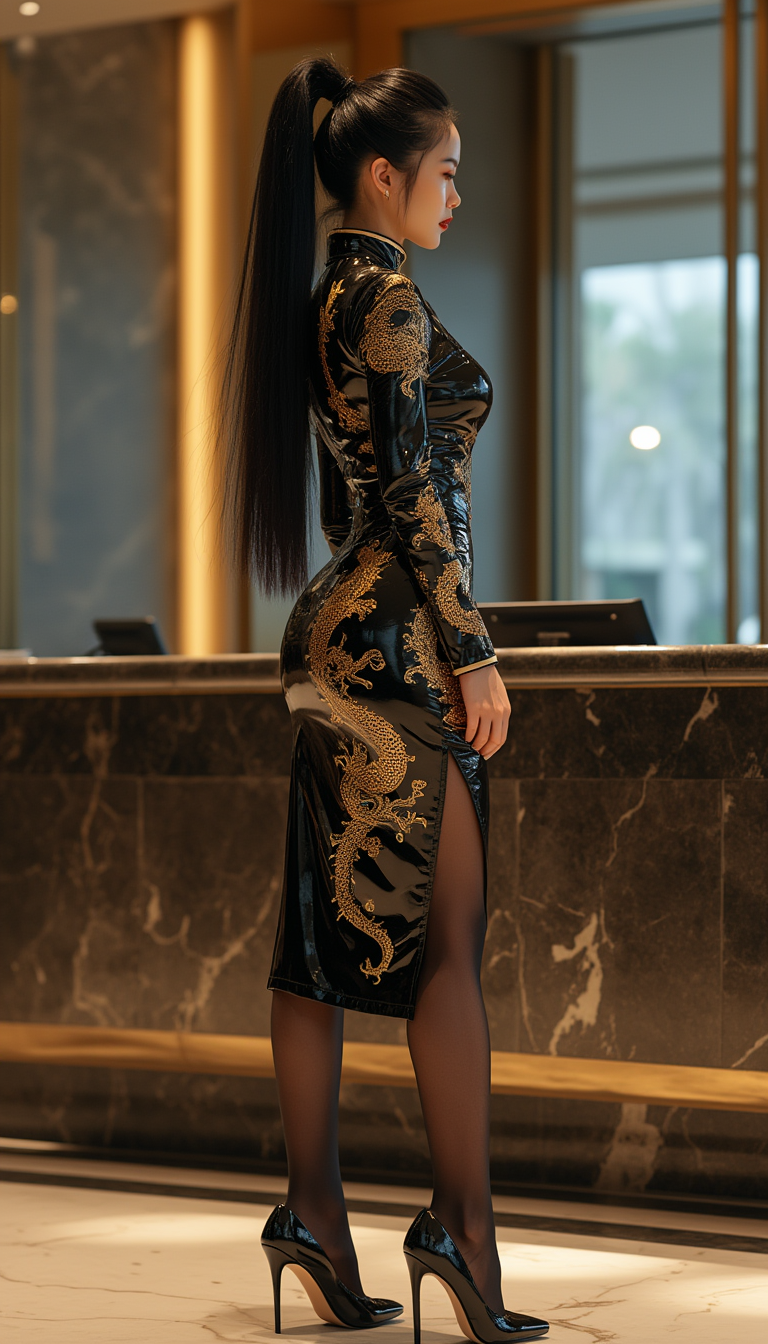
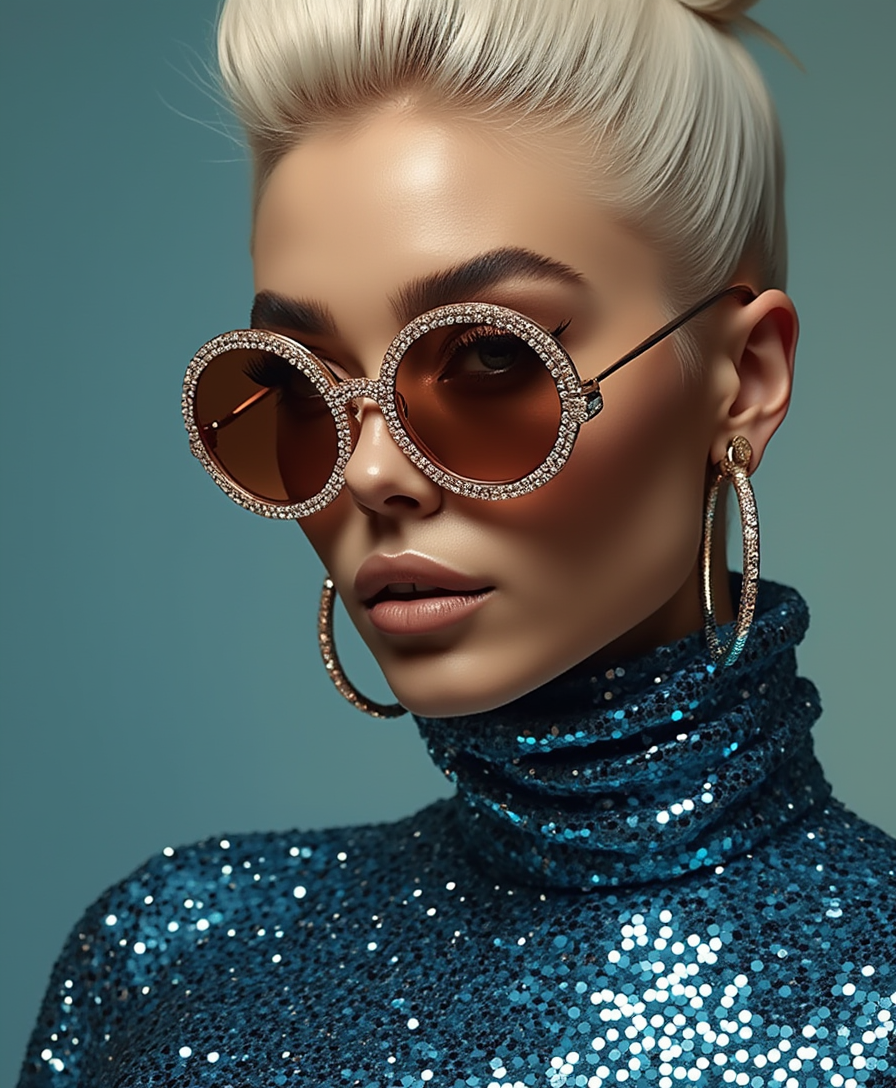
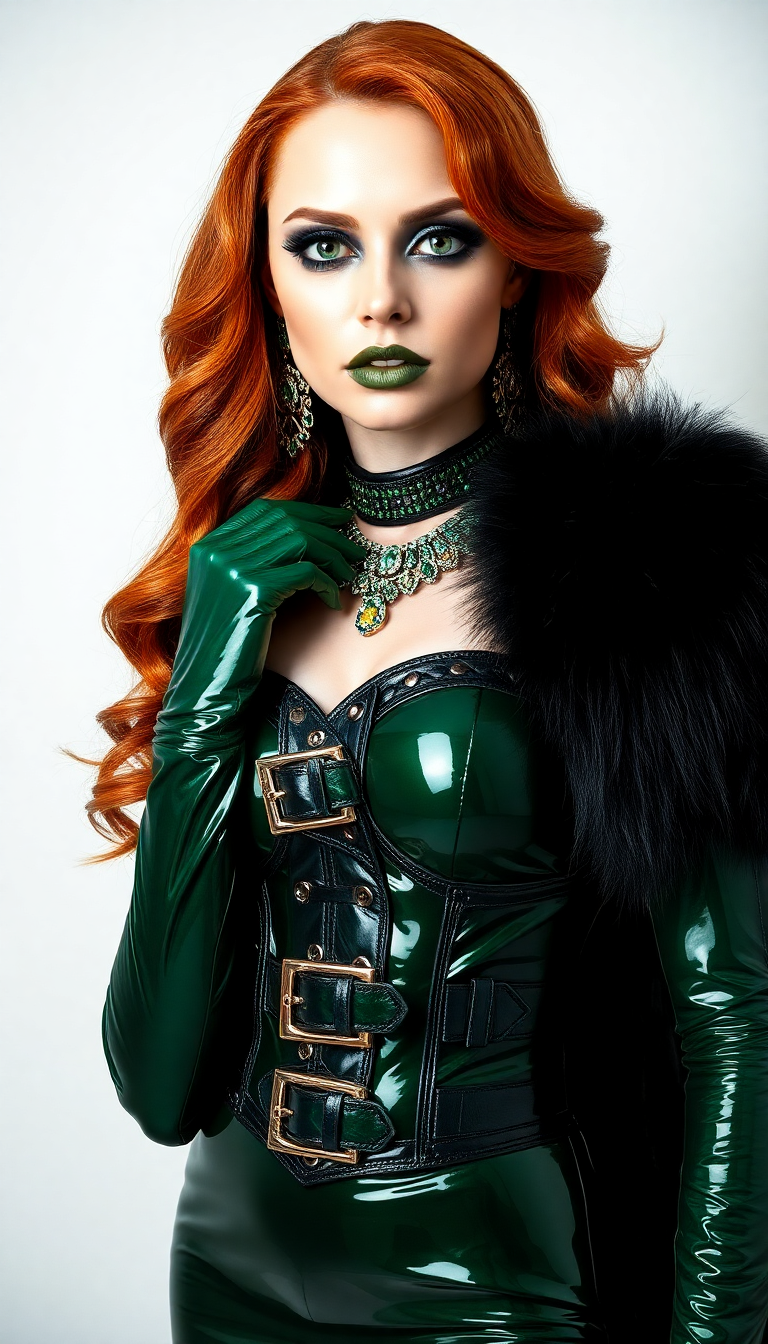
Imagine knowing exactly how you'd look with that bold new pixie cut, voluminous wolf cut, or trendy Old Money Bob before ever stepping into a salon. With PixelDojo's hairstyle AI tools, you can upload your photo and instantly see realistic previews of any style, color, or length on your exact face shape, skin tone, and features. No more haircut anxiety or buyer's remorse. Experiment with curtain bangs, soft mullets, textured fades, pastels, and hundreds more 2026 trends in seconds. Whether you're a stylist seeking client inspiration, a content creator building transformation videos, or simply someone ready for a change, PixelDojo delivers photorealistic results that help you make confident decisions and create share-worthy visuals.
Over 85,000 creators and stylists have used PixelDojo hairstyle AI to preview looks and generate content. 4.9/5 average rating from 12,400+ reviews. Trusted for hyper-realistic face-preserving transformations that match your unique features every time.
Why Choose Pixel Dojo for hairstyle ai
Professional-quality results with cutting-edge AI technology
Eliminate Salon Regret with Perfect Previews
See exactly how any hairstyle will flatter your face shape, jawline, and features before committing. Upload one photo and generate dozens of realistic options instantly, saving time, money, and emotional stress from bad cuts.
Discover 2026 Trending Styles Tailored to You
Explore the latest looks like bottleneck bangs, soft mullets, Old Money Bobs, and textured fades. Our AI analyzes your photo and suggests flattering styles with perfect color, volume, and texture matches for your hair type and skin undertones.
Create Professional Content & Client Visuals Fast
Generate consistent character sheets, before-and-after transformations, and styled portraits for social media, portfolios, or client consultations. Keep the same face across unlimited hairstyle variations with precise control.
How It Works
Creating stunning hairstyle AI images takes just three simple steps using PixelDojo's specialized tools designed for realistic virtual try-ons and creative hair transformations.
Step 1: Choose Your Tool
Start with Virtual Try-On or Consistent Characters for face-preserving hairstyle swaps. For full creative control, select Flux.2 Studio, Ideogram 4, or Grok Image to generate from scratch or refine existing photos.
Step 2: Enter Your Prompt
Upload your selfie or reference photo. Describe the desired style in natural language: 'long wavy auburn hair with curtain bangs and soft layers on this exact face' or 'short textured fade with highlights for men, realistic lighting'. Add details like color, length, texture, and 2026 trends for best results.
Step 3: Customize & Download
Use Image to Image or Style Transfer for fine-tuning. Adjust with Magic Lighting for perfect highlights, Background Remover for clean portraits, or Consistent Characters to generate multiple variations of the same person. Download high-resolution images ready for sharing or printing.
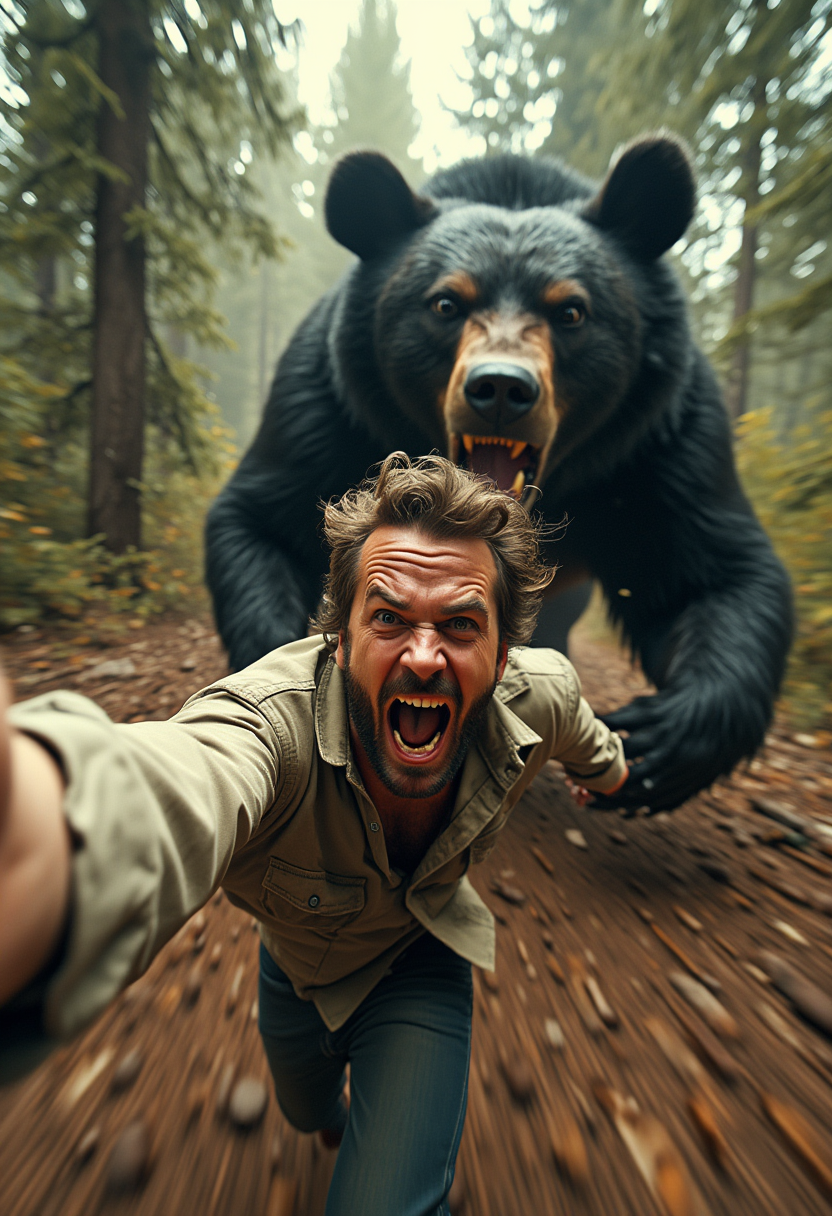
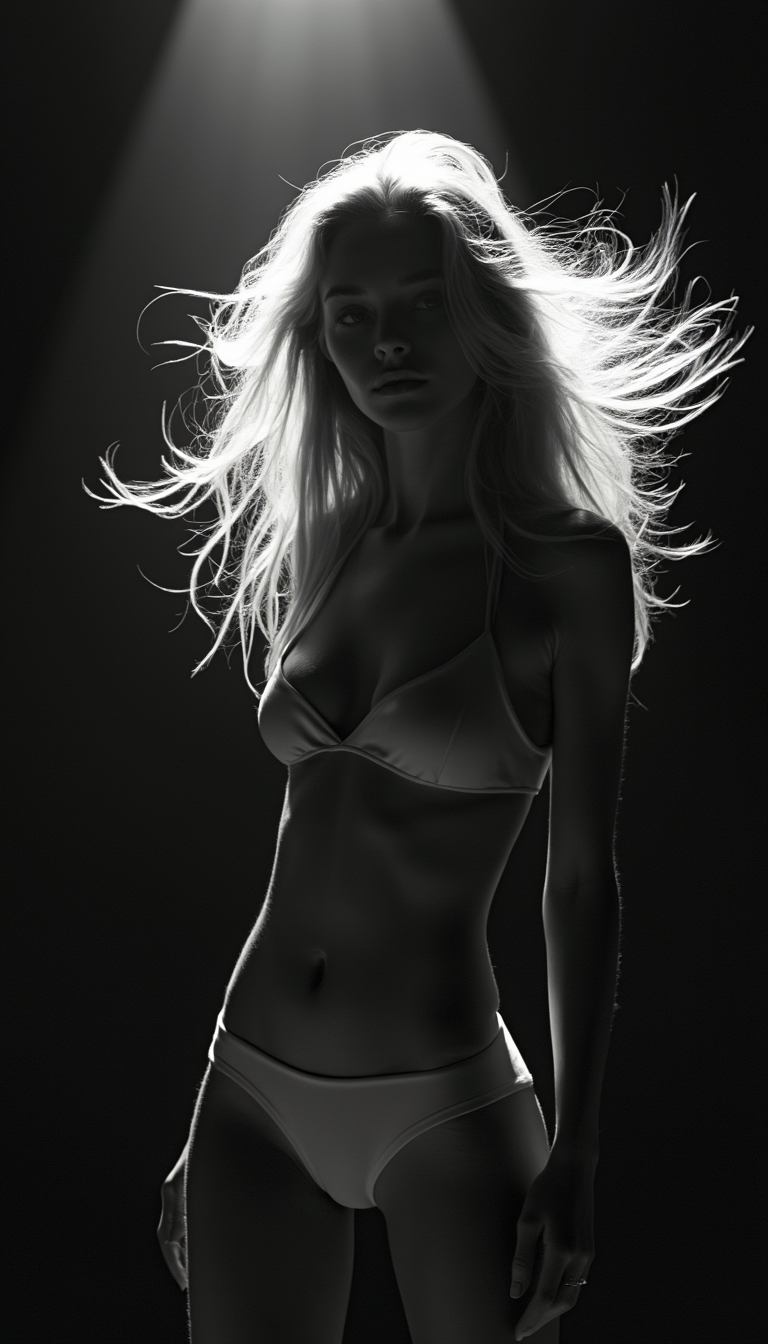
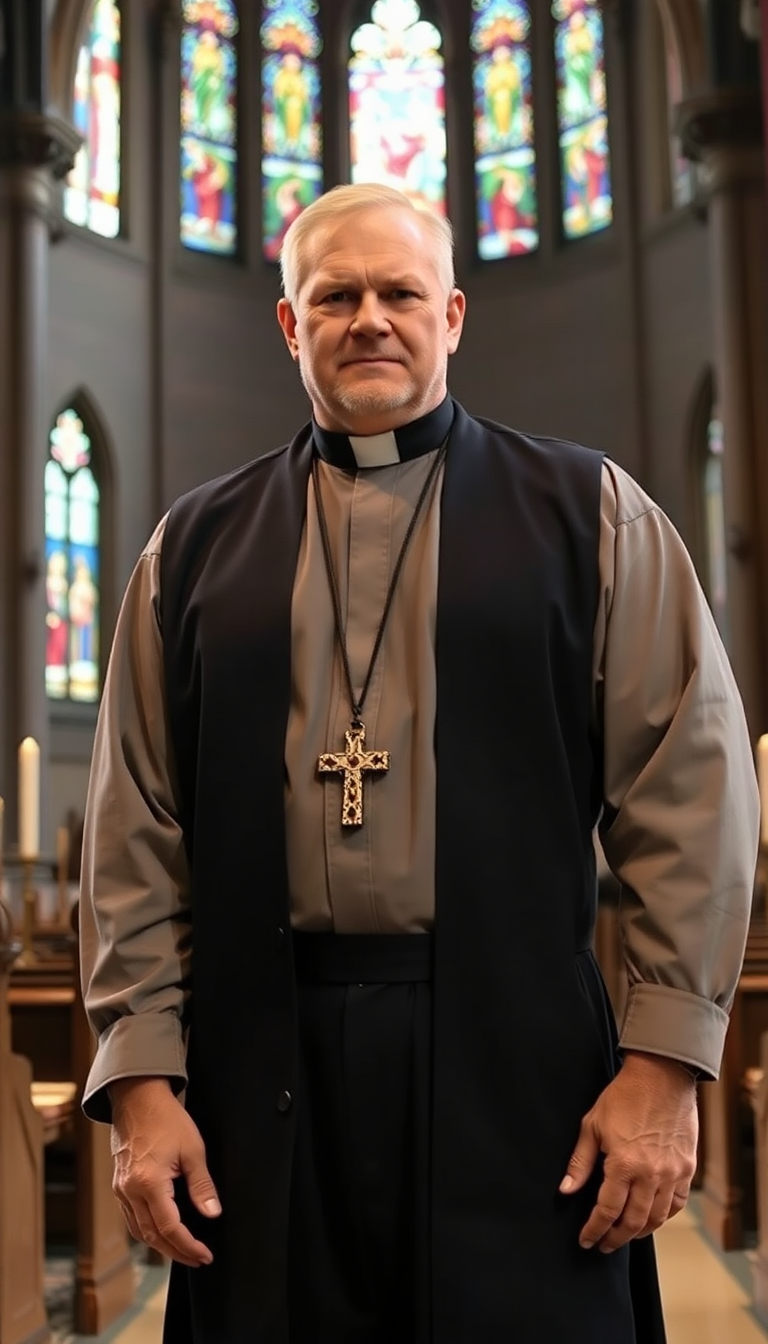
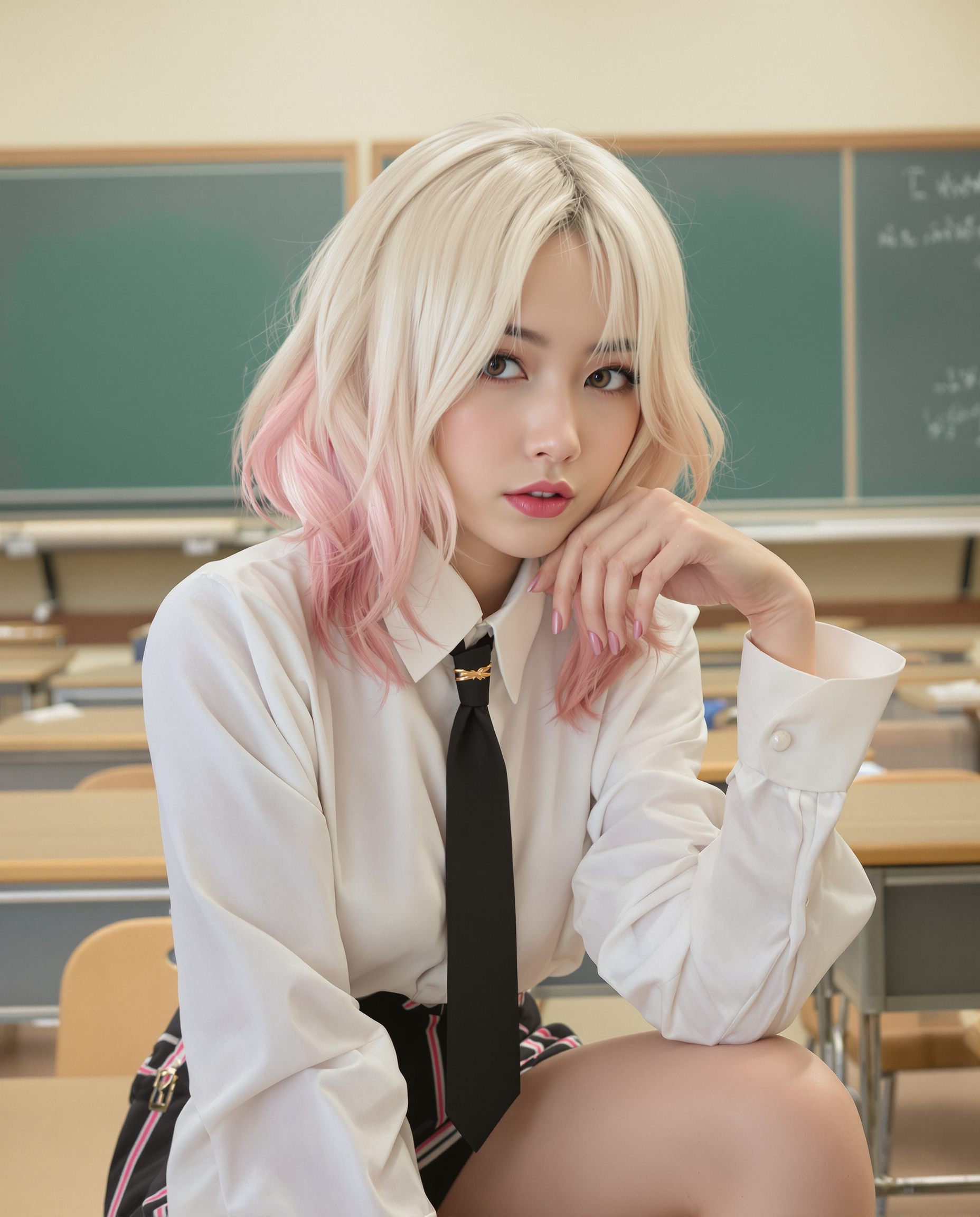
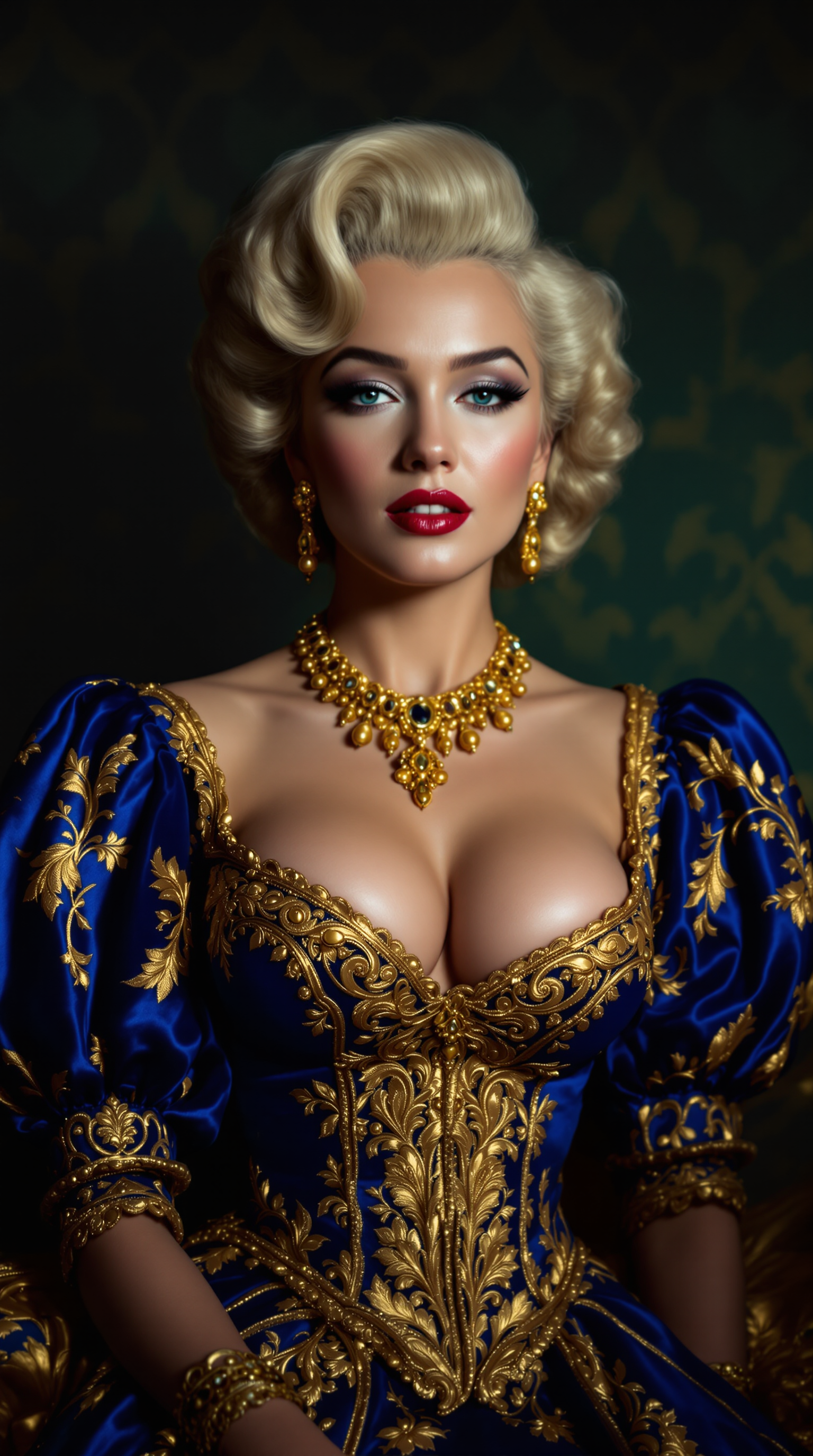
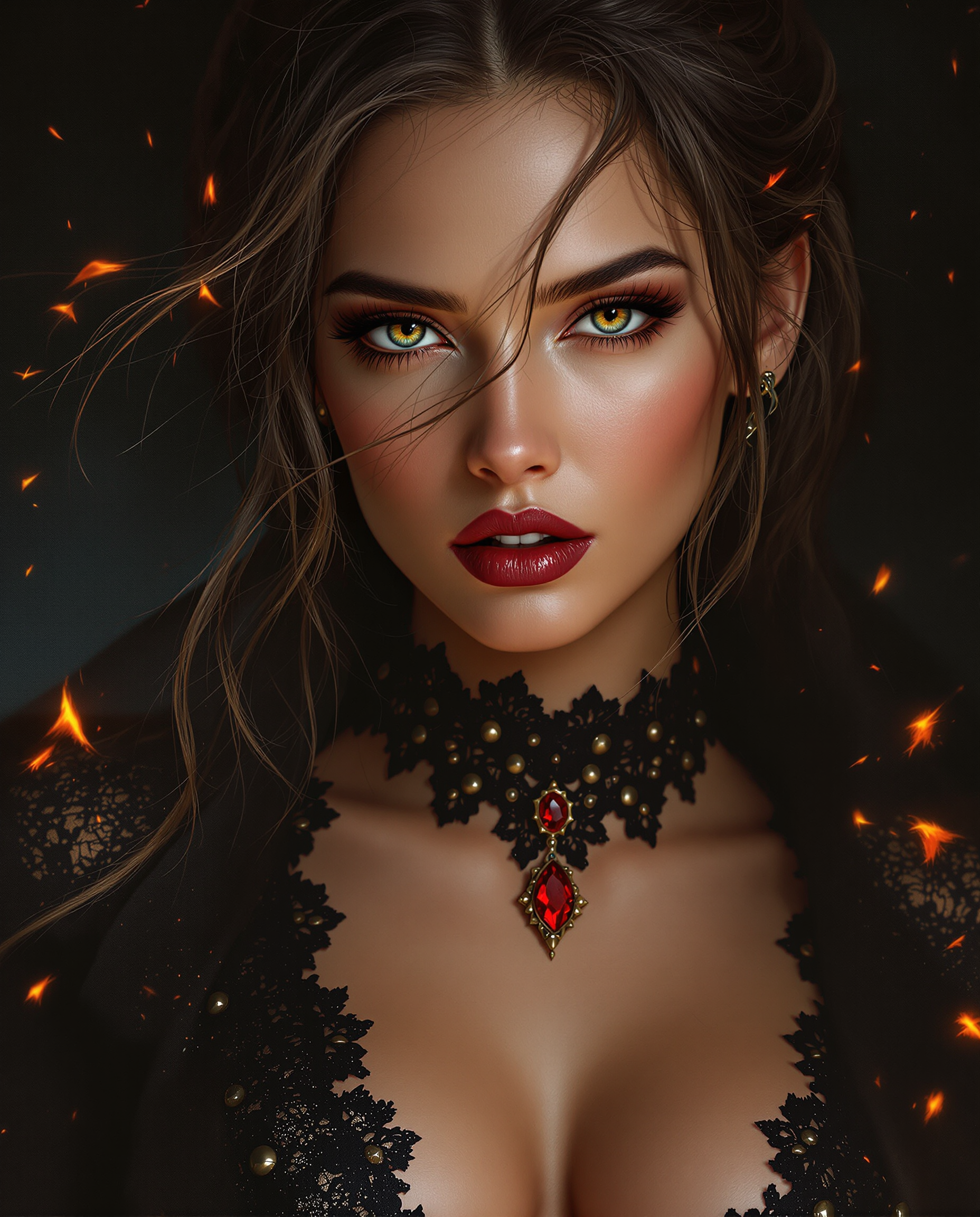
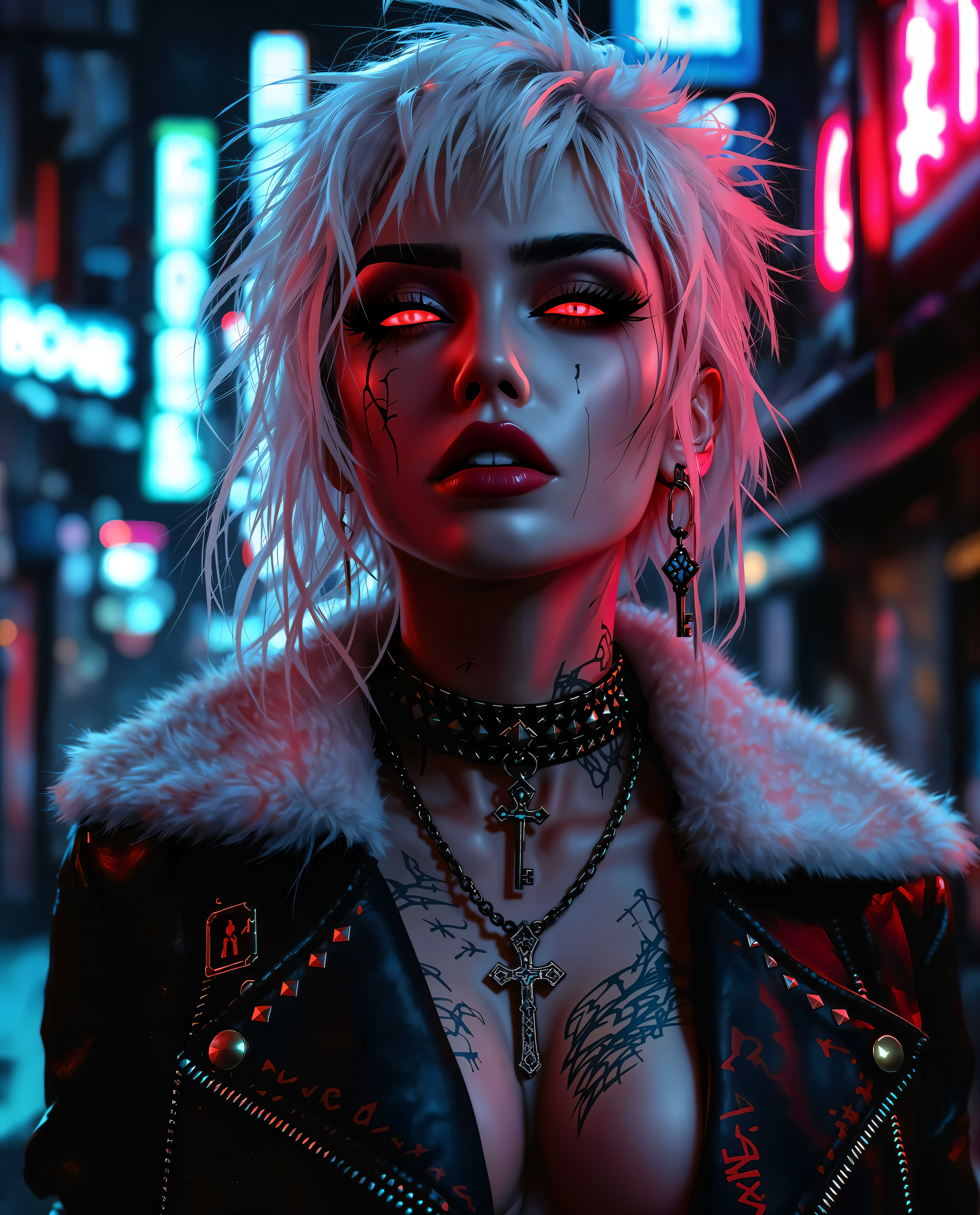
The Pixel Dojo Advantage
Why PixelDojo outperforms other options for hairstyle AI image generation
| Others | Pixel Dojo |
|---|---|
| Traditional salon consultations | Preview unlimited styles and colors on your exact face in minutes without appointments, travel, or pressure to decide on the spot |
| Generic AI tools | Specialized Virtual Try-On and Consistent Characters tools preserve your unique facial features, lighting, and skin tone for hyper-realistic results every time |
| Manual photo editing | AI handles complex hair textures, volume, and blending automatically in seconds instead of hours of tedious layering and masking work |
Loved by creators on PixelDojo
Real feedback from people using PixelDojo, pulled from our in-product surveys.
The amazing tools
Top notch quality and strong prompt adherence.
A well resourced sunscription with attention to updates.
Easy to use and there's lots of options.
super lora download
Great variety of tools to create and modify images and video.
Explore more AI tools on PixelDojo
AI Tools
Compare & Switch
- Best AI Image Generators
- Best AI Video Generators
- Midjourney Alternatives
- Civitai Alternatives
- Runway Alternatives
- Leonardo Alternatives
- Pika Alternatives
- Luma Alternatives
- Magnific Alternatives
- Veo Alternatives
- Flux Alternatives
- Freepik Alternatives
- Seedance Alternatives
- Seedream Alternatives
- Pixverse Alternatives
- GPT Image Alternatives
- Synthesia Alternatives
- Playground Alternatives
- NightCafe Alternatives
- Canva AI Alternatives
- ElevenLabs Alternatives
- ComfyUI Alternatives
- Fal Alternatives
- Replicate Alternatives
Common Questions
Everything you need to know about hairstyle ai
How does hairstyle AI image generation work with PixelDojo?
Upload your photo to Virtual Try-On or Consistent Characters. Our AI analyzes your face shape, skin tone, and features then applies any hairstyle description you provide using advanced models like Flux.2 Studio or Ideogram 4. Results are photorealistic because the system regenerates hair while preserving your exact likeness, lighting, and angles.
Can I try 2026 trending hairstyles like Old Money Bob or soft mullets?
Absolutely. Simply describe the trend in your prompt or choose from suggested styles. PixelDojo's hairstyle AI supports all current trends including bottleneck bangs, wolf cuts, textured fades, curtain bangs, and pastel colors. The AI matches them perfectly to your face for flattering previews.
Is PixelDojo hairstyle AI good for virtual hair try-on before a real haircut?
Yes, it's designed exactly for that. Thousands of users eliminate regret by testing dozens of cuts, lengths, and colors on their own photo first. Tools like Image to Image and Magic Lighting let you refine until the preview looks perfect, giving you confidence before booking any salon appointment.
How do I keep the same face across multiple hairstyle variations?
Use Consistent Characters or Character Sheets. Upload one reference photo once, then generate unlimited hairstyle changes while the AI locks in your facial features, expression, and identity. Perfect for creating transformation series or client mood boards.
What PixelDojo tools are best for realistic hairstyle color changes?
Start with Virtual Try-On for instant color swaps, then refine with Flux.2 Studio or WAN Image for precise shade control. Add highlights, balayage, or fantasy colors using detailed prompts. Magic Lighting ensures the new color interacts naturally with your skin tone and lighting.
Can I use hairstyle AI images for professional content or client presentations?
Yes. Download high-resolution results perfect for Instagram transformations, stylist portfolios, mood boards, or showing clients options. Combine with Character Stylist or Image Outpainting for full creative control. All images are yours to use commercially with your PixelDojo subscription.