Halloween Day AI Generator
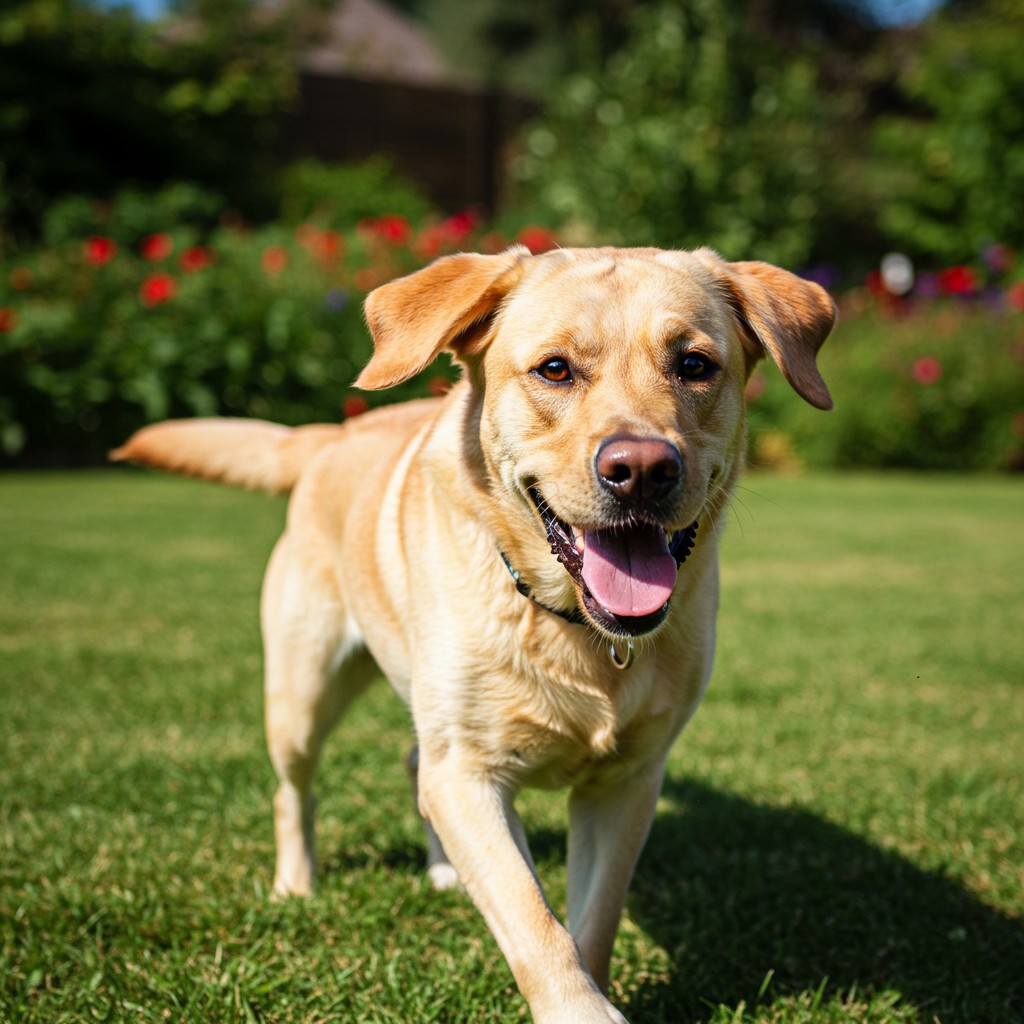
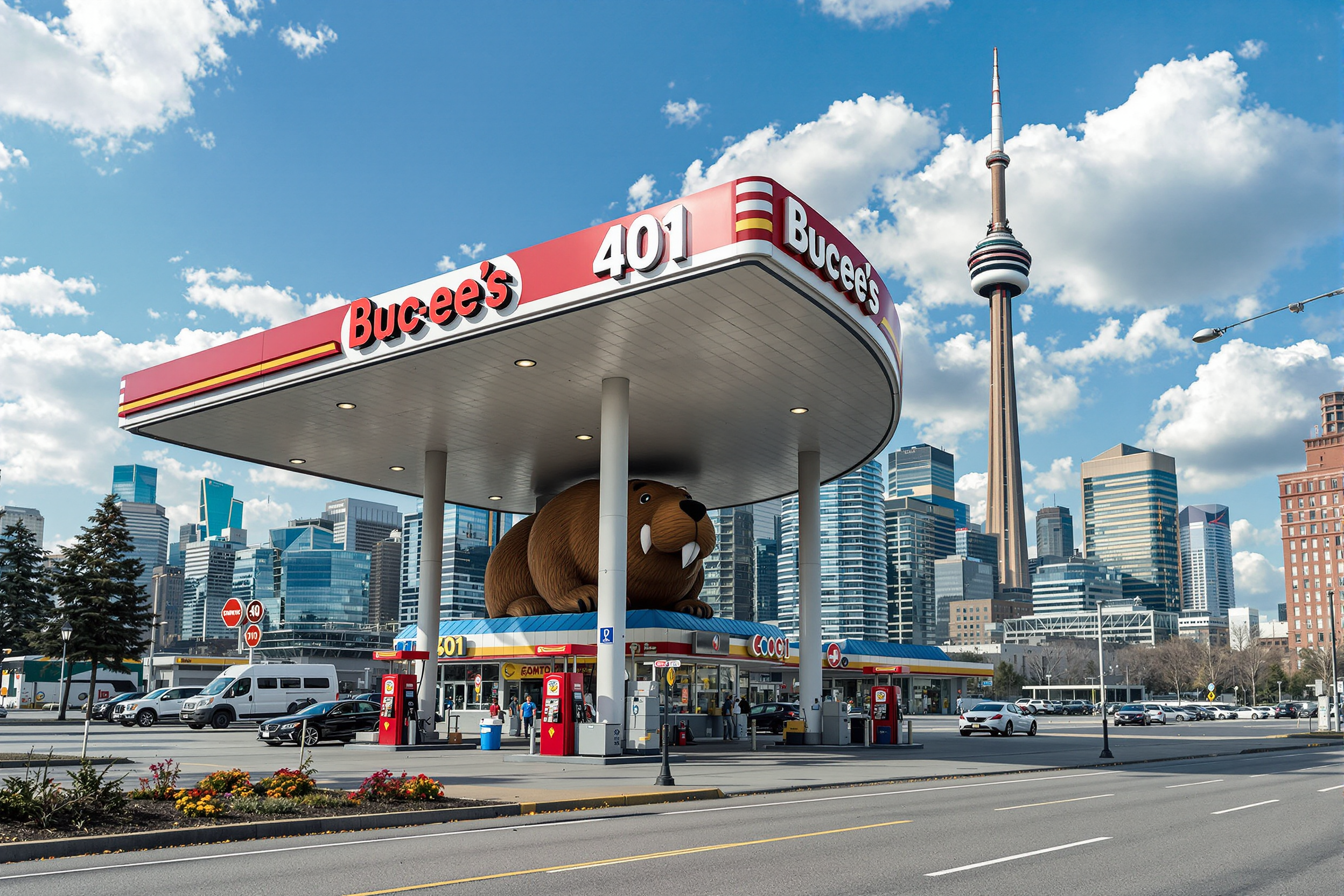
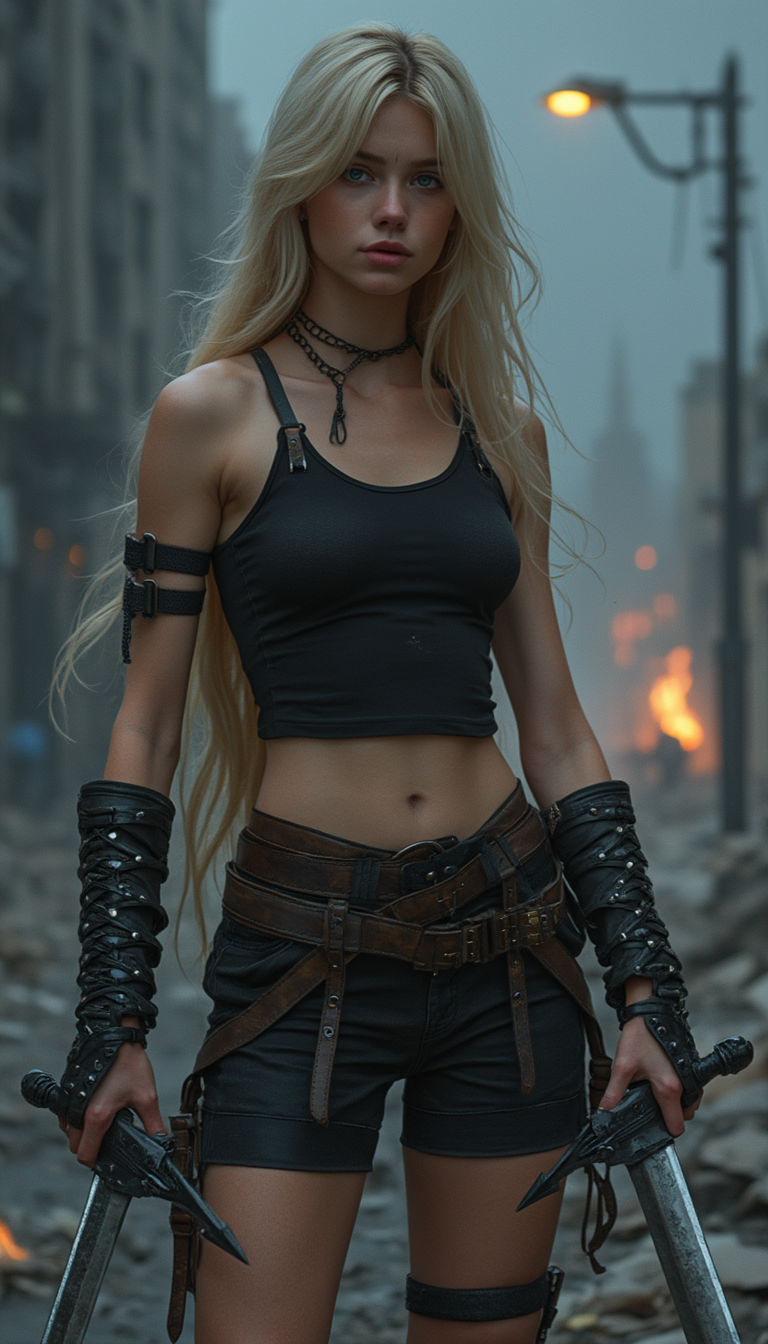
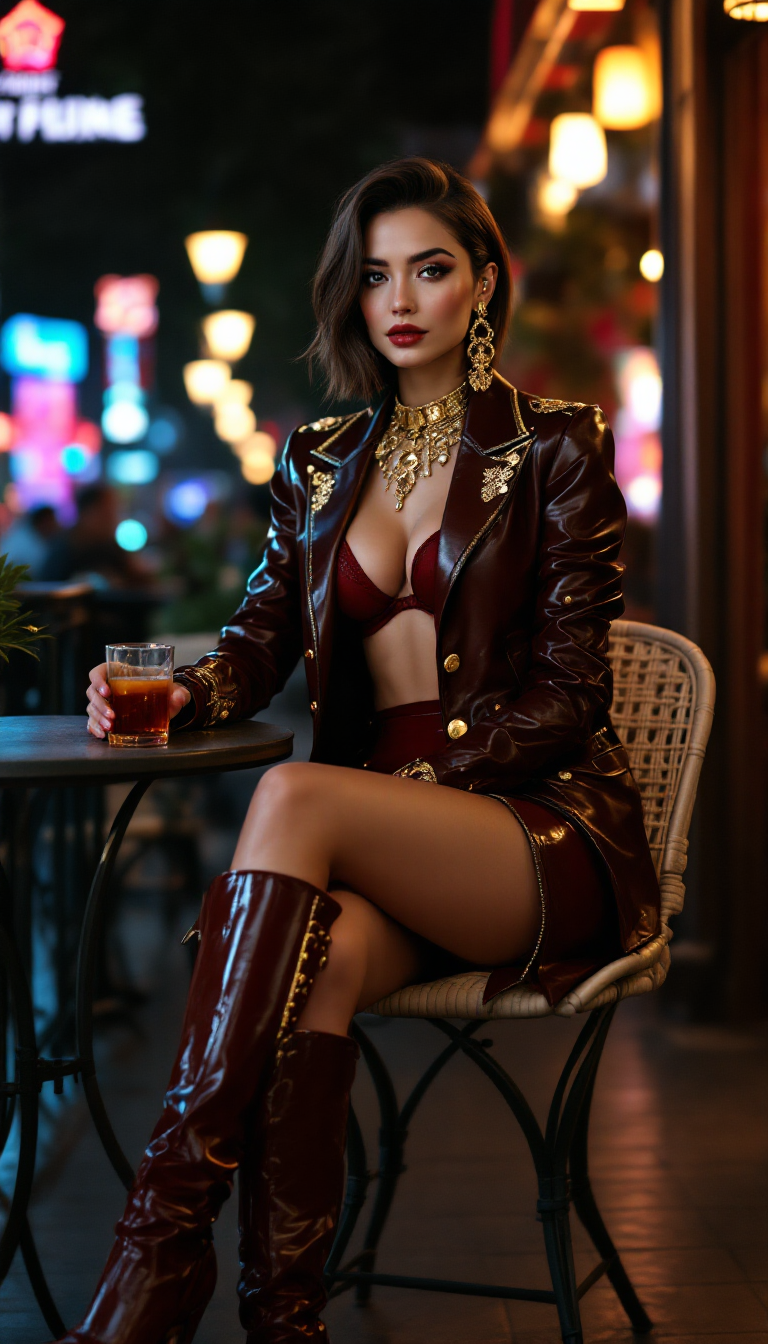
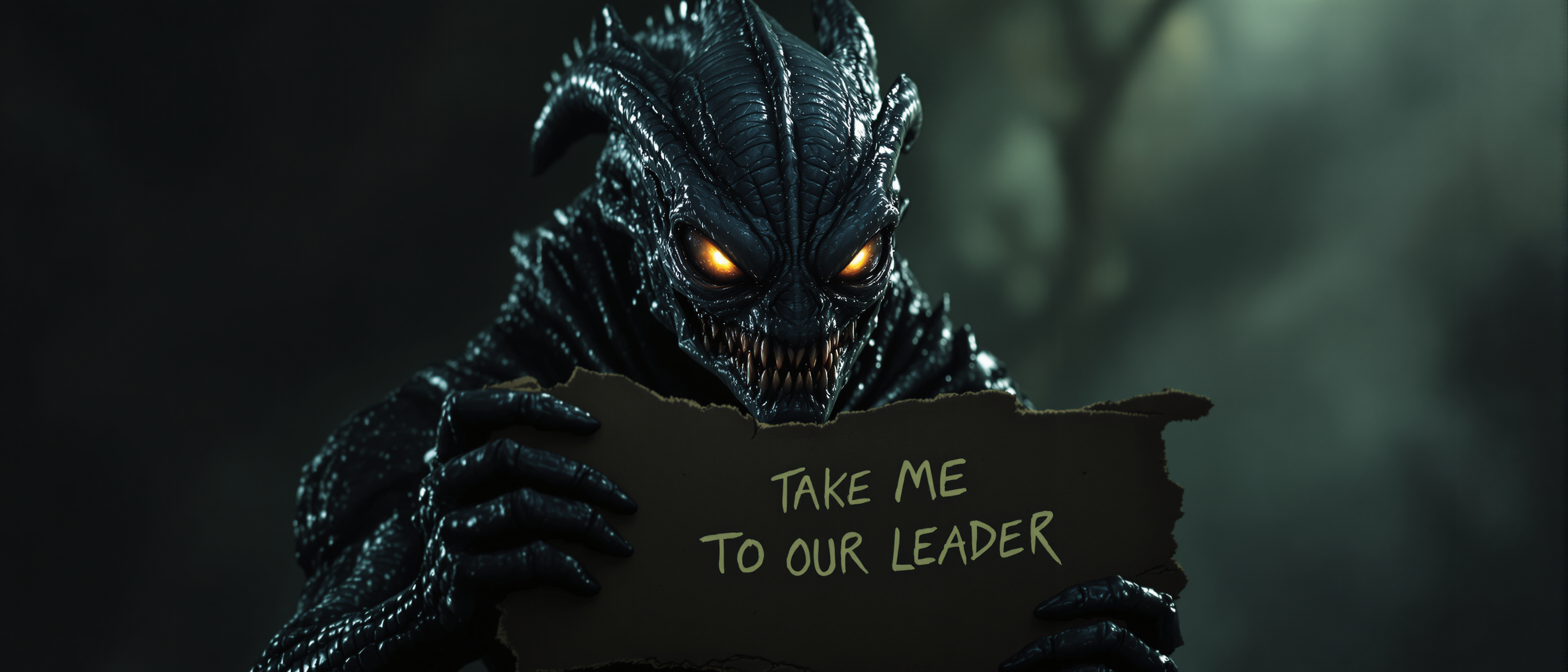
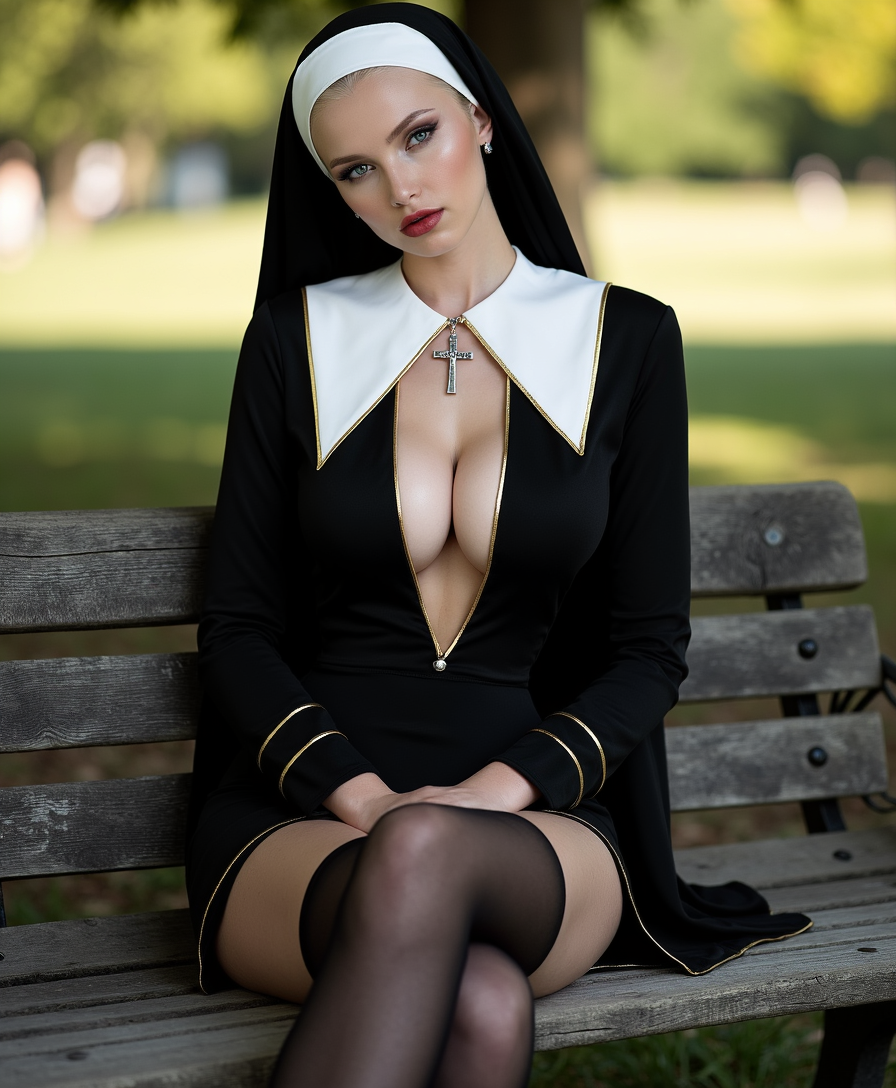
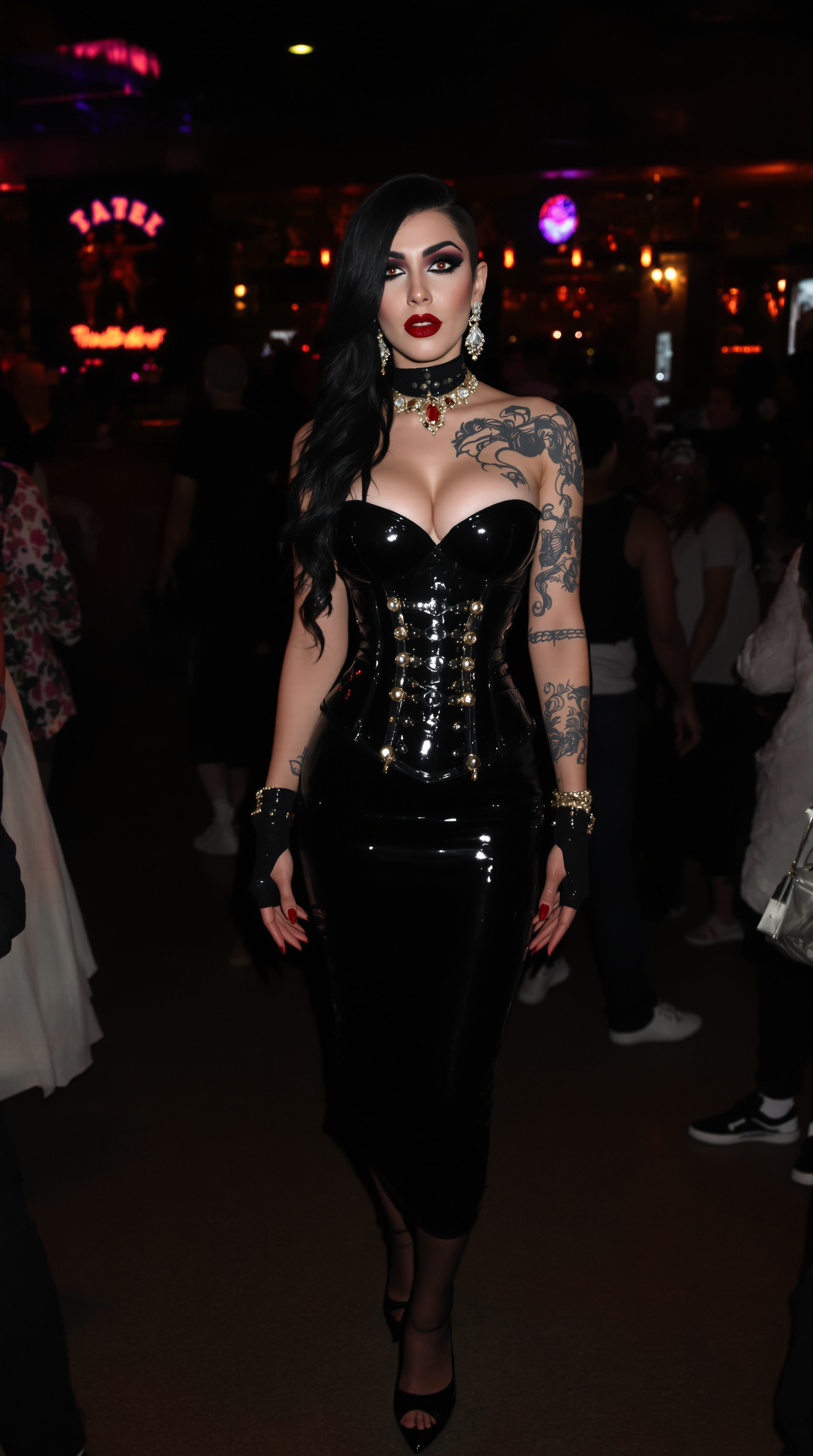
Unleash your creativity this Halloween with PixelDojo's AI-powered tools. Effortlessly generate spine-chilling images perfect for party invitations, social media posts, and festive decorations. Bring your haunting visions to life without any design experience.
Join over 10,000 creators who have crafted over 50,000 Halloween images using PixelDojo's AI tools. Rated 4.8/5 by our satisfied users.
Why Choose Pixel Dojo for Halloween Day
Professional-quality results with cutting-edge AI technology
Effortless Creation
Generate professional-quality Halloween images in minutes, no design skills required.
Versatile Applications
Use your AI-generated images for invitations, social media, decorations, and more.
Unlimited Creativity
Experiment with various spooky themes and styles to match your unique vision.
How It Works
Creating haunting Halloween images with PixelDojo is simple and fun. Follow these steps to bring your spooky ideas to life:
Step 1: Choose Your Tool
Select from PixelDojo's AI tools like Flux Creator or SDXL Image Creator to begin your creation.
Step 2: Enter Your Prompt
Describe your desired Halloween scene, such as 'a haunted house under a full moon with bats flying'.
Step 3: Customize & Download
Adjust settings like color palette and lighting to perfect your image, then download the final result.
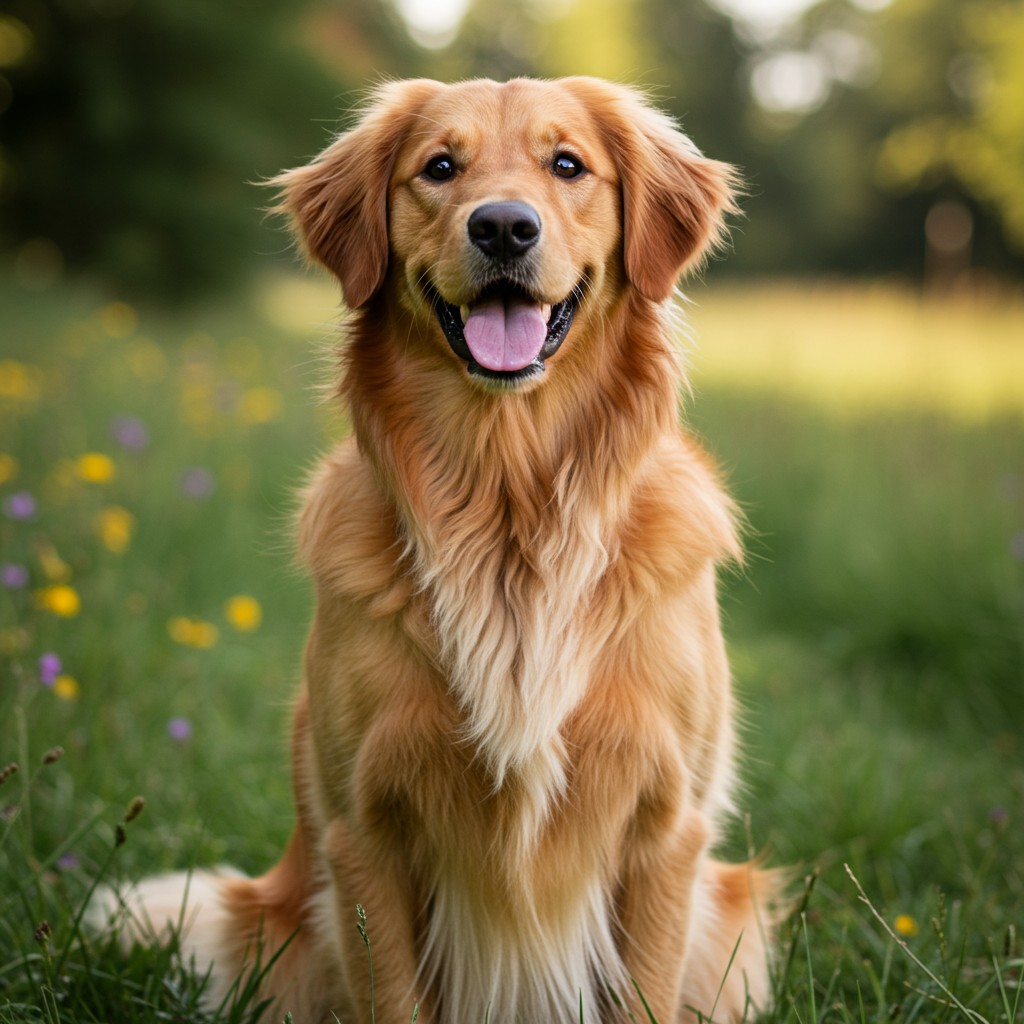
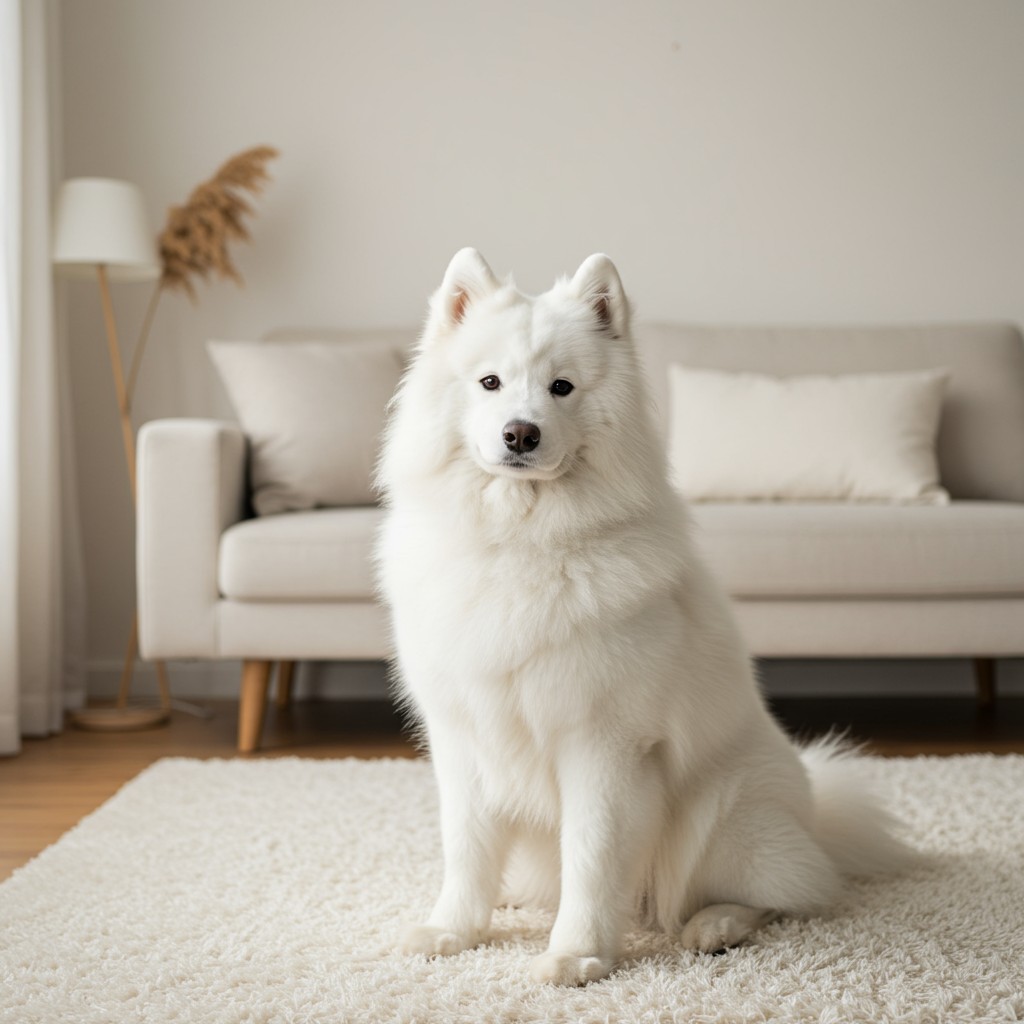
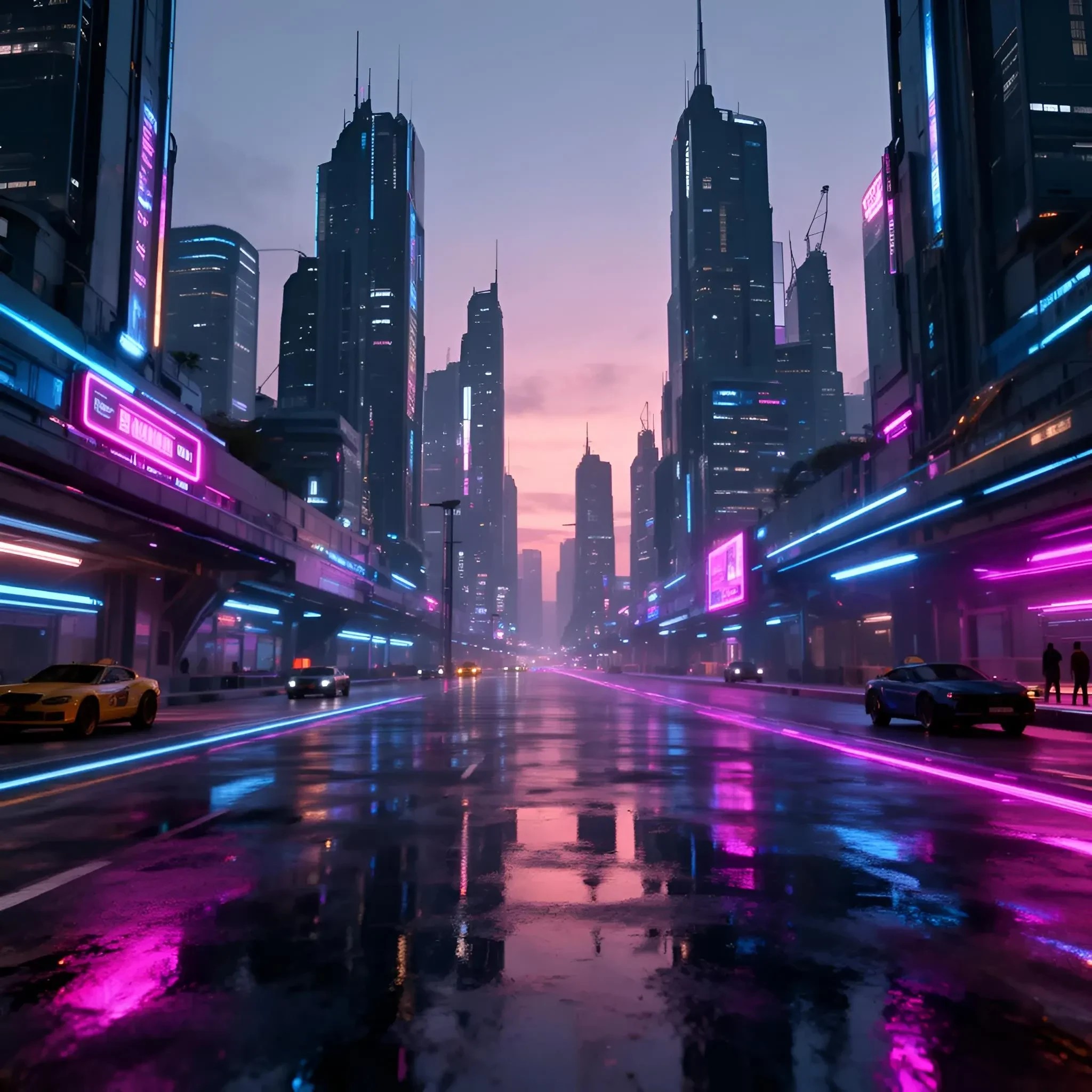
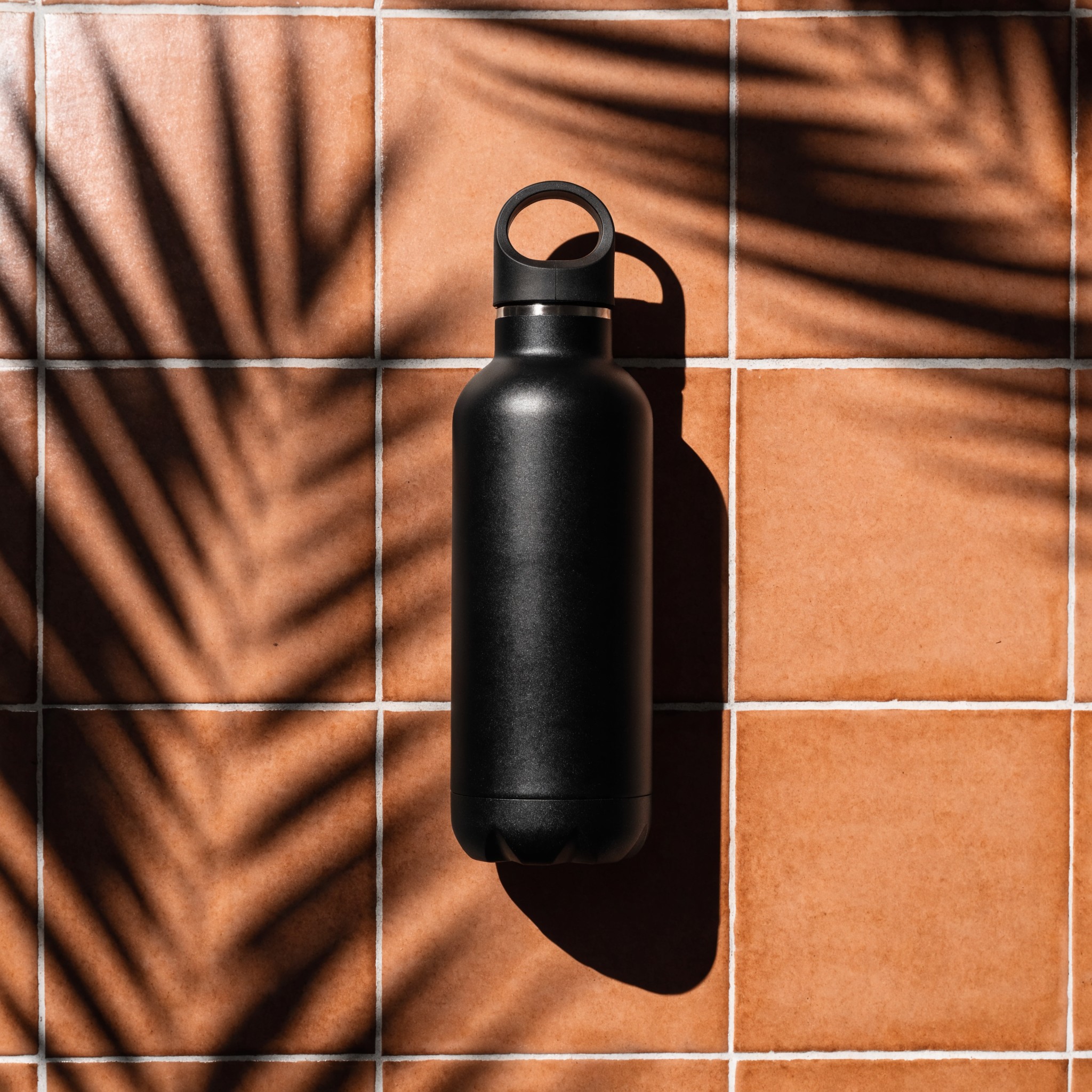
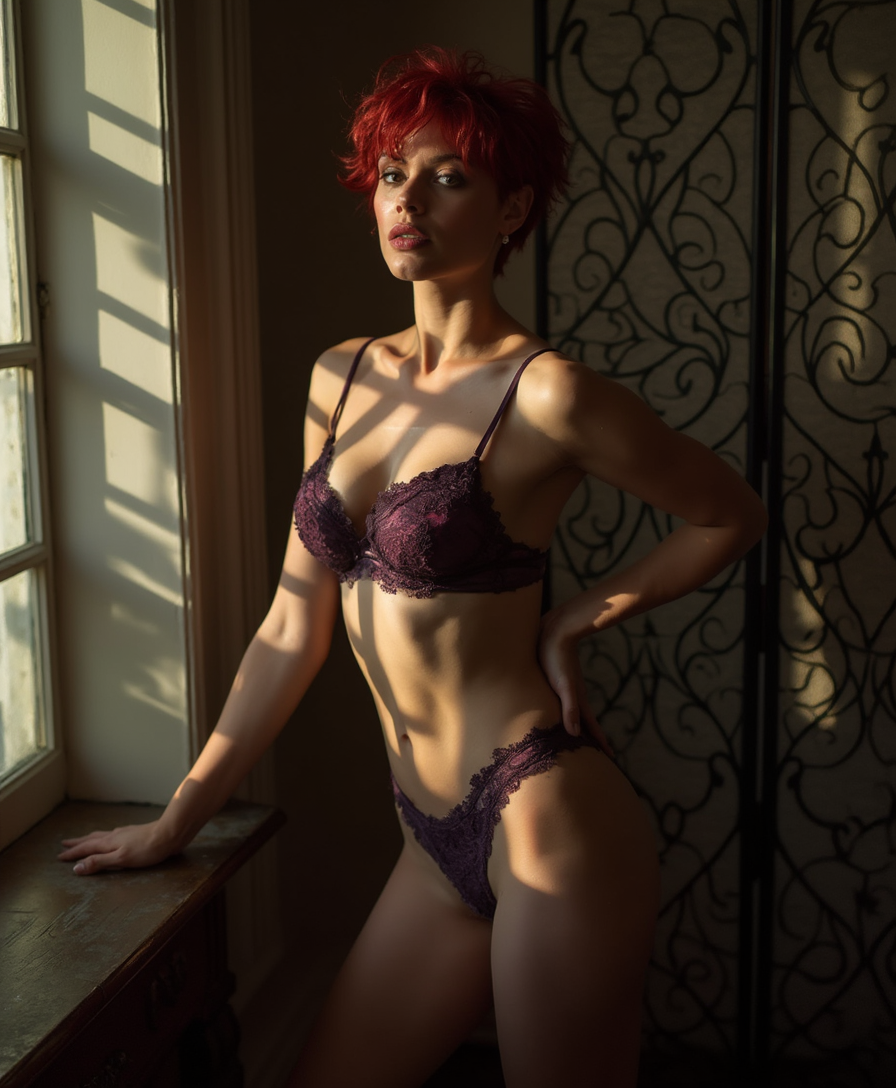
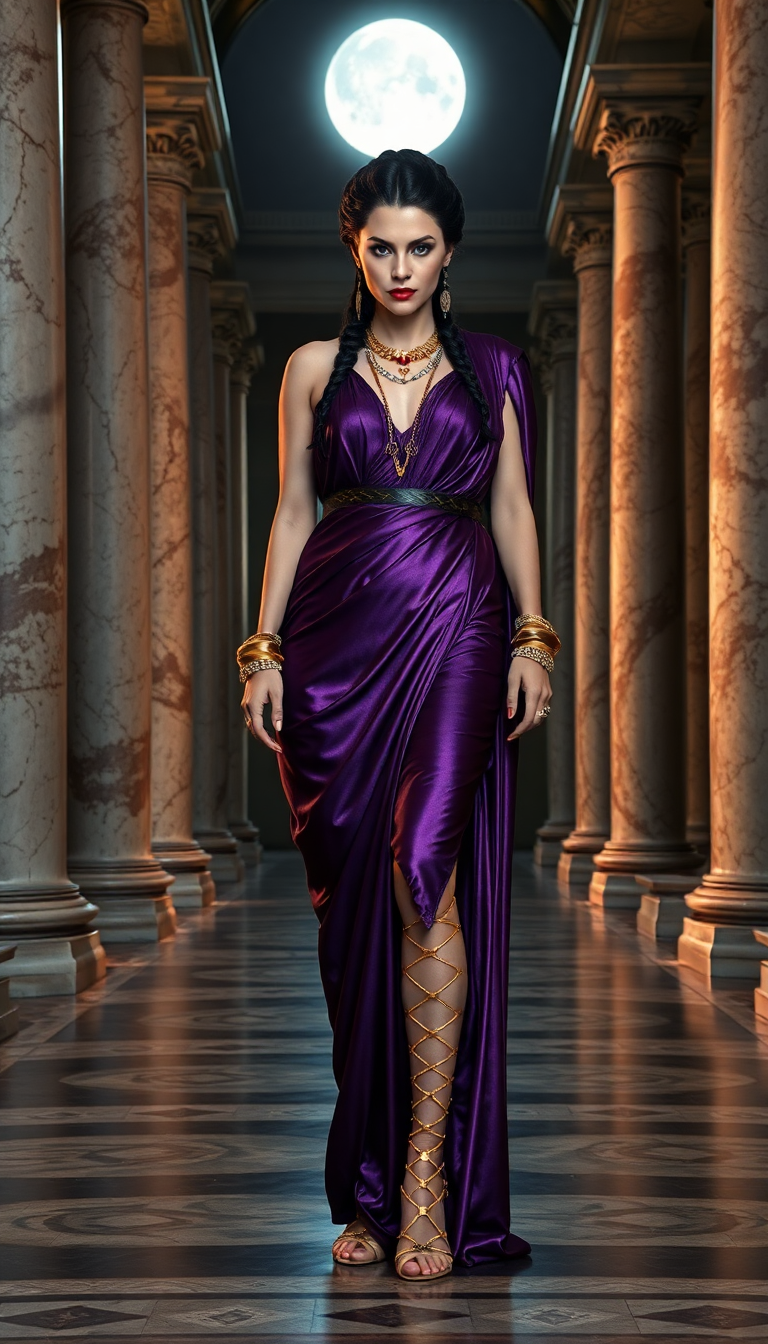
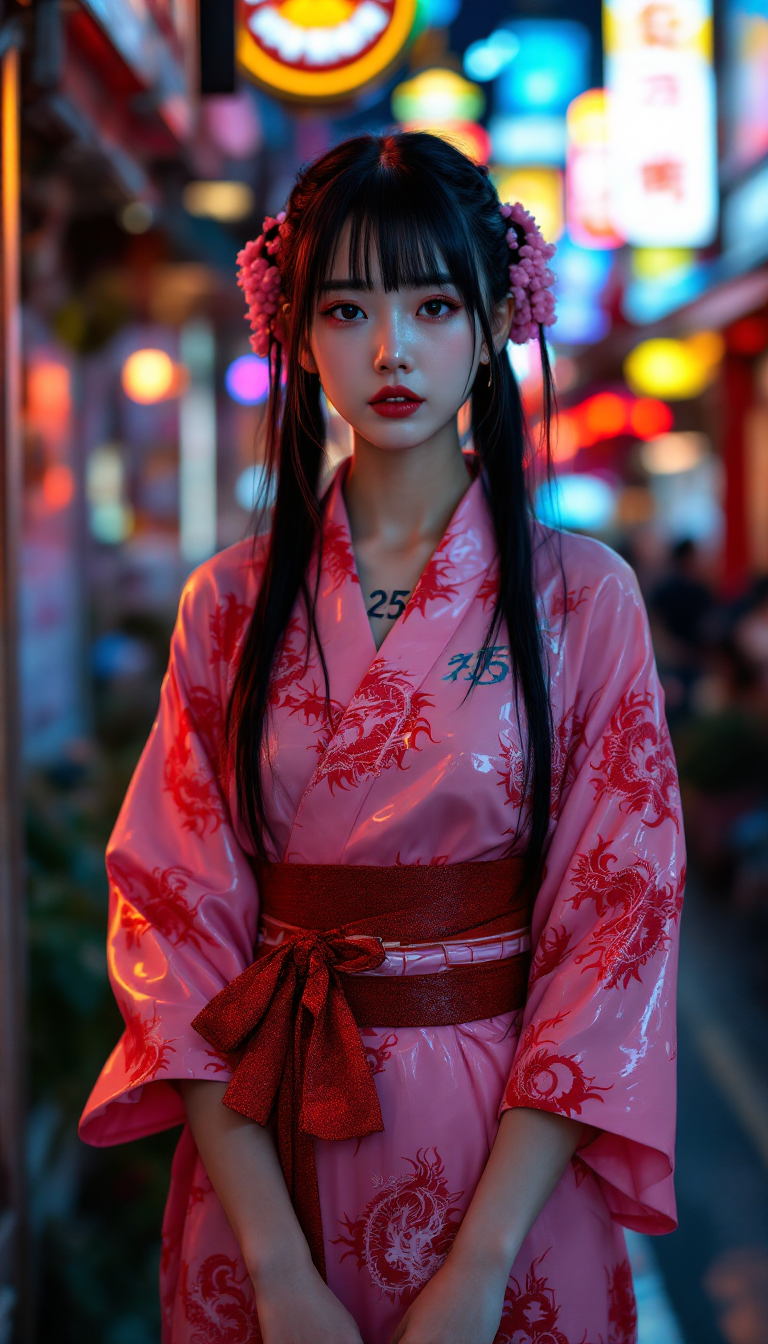
The Pixel Dojo Advantage
Why PixelDojo outperforms other options for Halloween image generation
| Others | Pixel Dojo |
|---|---|
| Traditional Design Methods | Save hours of manual design work with instant AI-generated images. |
| Generic AI Tools | Access specialized tools tailored for Halloween themes and styles. |
| Stock Images | Create unique, personalized images instead of using generic stock photos. |
Loved by creators on PixelDojo
Real feedback from people using PixelDojo, pulled from our in-product surveys.
All the tools needed in one dashboard
Very fair and very broad in tools.
Accurate results
Great site and so much fun to use!
very useful set of tools for image creation, upscaling and enhancement
ease of use, variety of tools, high quality trainings, and a well-maintained discord channel
Explore more AI tools on PixelDojo
AI Tools
Compare & Switch
- Best AI Image Generators
- Best AI Video Generators
- Midjourney Alternatives
- Civitai Alternatives
- Runway Alternatives
- Leonardo Alternatives
- Pika Alternatives
- Luma Alternatives
- Magnific Alternatives
- Veo Alternatives
- Flux Alternatives
- Freepik Alternatives
- Seedance Alternatives
- Seedream Alternatives
- Pixverse Alternatives
- GPT Image Alternatives
- Synthesia Alternatives
- Playground Alternatives
- NightCafe Alternatives
- Canva AI Alternatives
- ElevenLabs Alternatives
- ComfyUI Alternatives
- Fal Alternatives
- Replicate Alternatives
Common Questions
Everything you need to know about Halloween Day
Can I use PixelDojo to create Halloween images for commercial purposes?
Yes, PixelDojo allows you to create and use images for both personal and commercial projects.
Do I need any design experience to use PixelDojo's AI tools?
No, our tools are user-friendly and designed for creators of all skill levels.
How long does it take to generate a Halloween image?
Most images are generated within minutes, allowing for quick and efficient creation.
Can I customize the generated images?
Absolutely! You can adjust various settings to match your specific vision.
Is there a limit to how many images I can create?
No, you can create as many images as you like with your subscription.
What file formats are available for download?
Images can be downloaded in common formats like JPEG and PNG for easy use.