happy horse 1.0 image to video
Generated on PixelDojo. Produced by PixelDojo's generation pipeline.
You want to capture the pure joy of your horse in motion without cameras, crews, or hours of editing. With PixelDojo's Happy Horse 1.0 image to video, you upload any still photo of a horse and transform it into a lively, cinematic clip that shows it prancing, galloping, or nuzzling with authentic happiness. You achieve heartwarming videos perfect for sharing memories, growing your social following, or promoting equine brands. Creators like you produce professional results in minutes, turning ordinary snapshots into engaging content that stands out on every platform. PixelDojo gives you the tools to bring those moments to life so your audience feels the energy and smiles along with you.
Real video examples generated on PixelDojo
Every example below was produced on PixelDojo. Hover to see the prompt.
A single continuous cinematic shot of a powerful white horse galloping directly toward the…
image-to-video
Generatee a video of a unicorn stomping on a fox
image-to-video
Hello! This entire video was generated from one still image
p-video-avatar
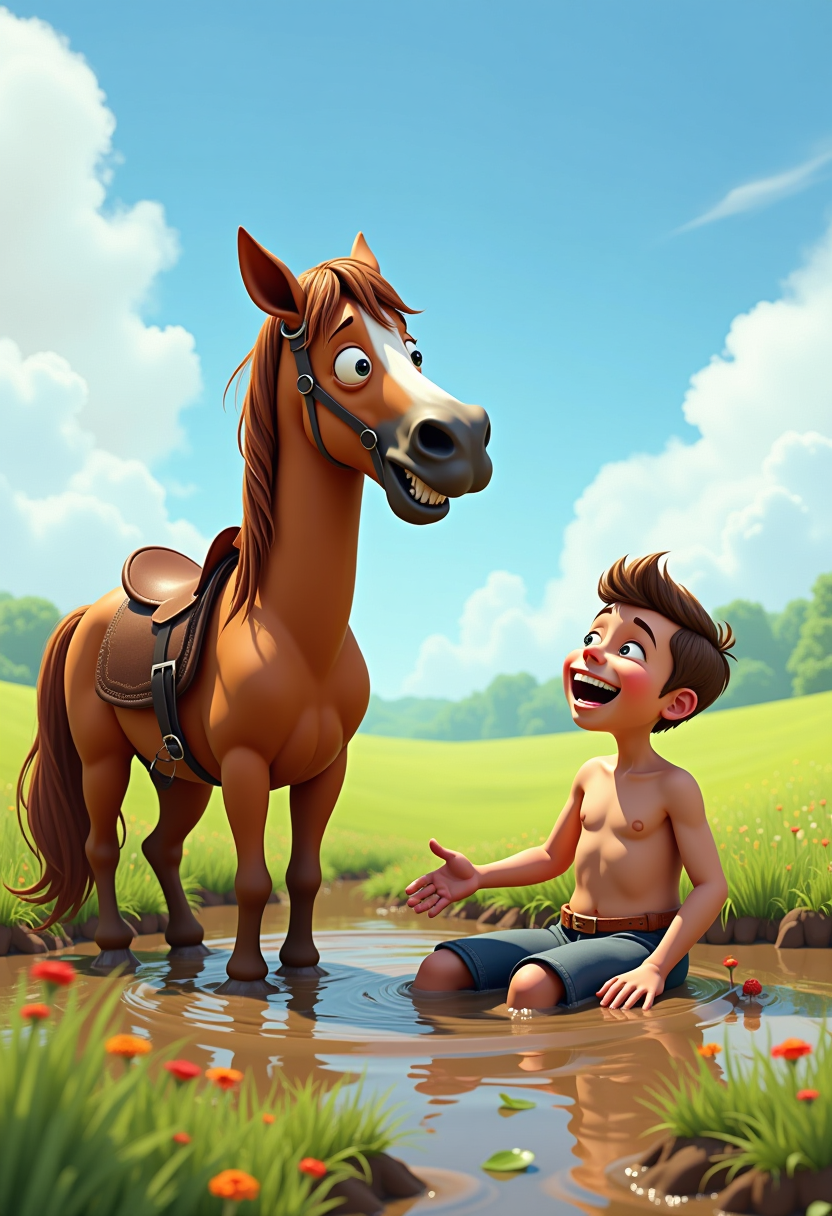
A whimsical digital photo pixar by Quentin Blake of a pixar 3d horse with a light brown co…
flux
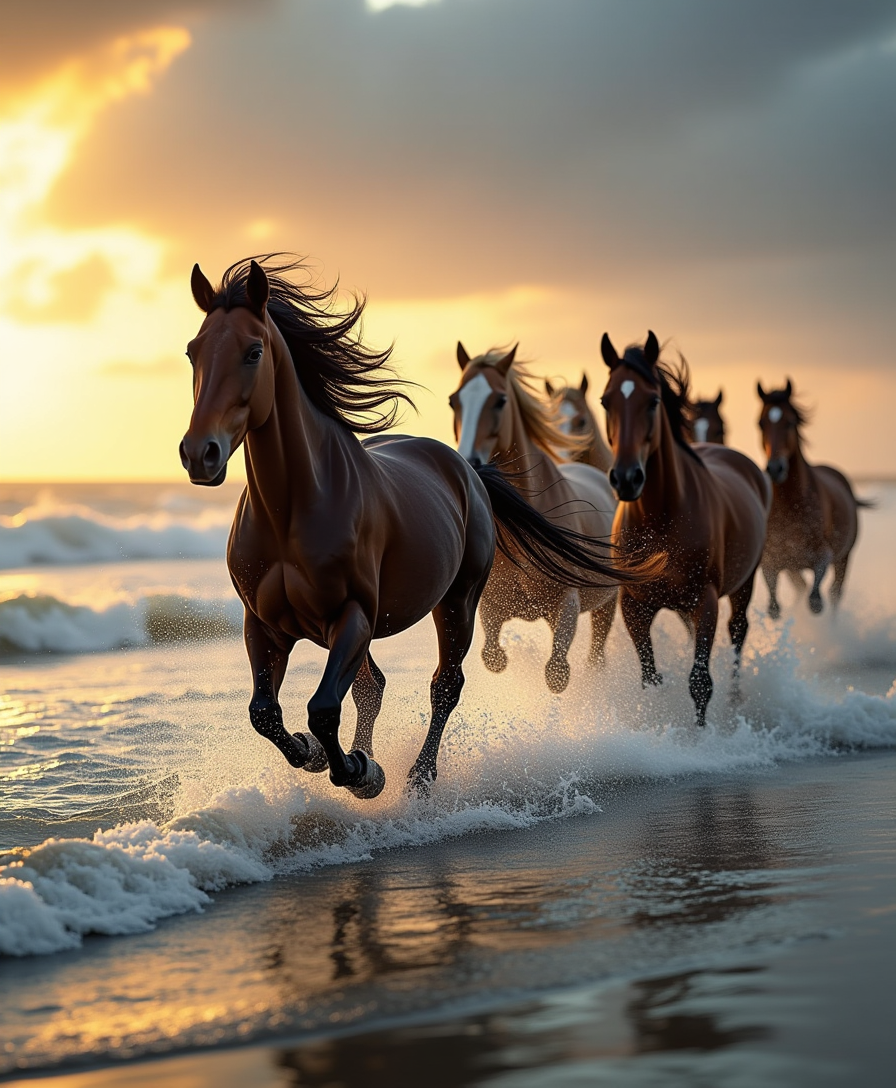
A dynamic scene capturing a wild herd of horses galloping majestically along the shoreline
flux
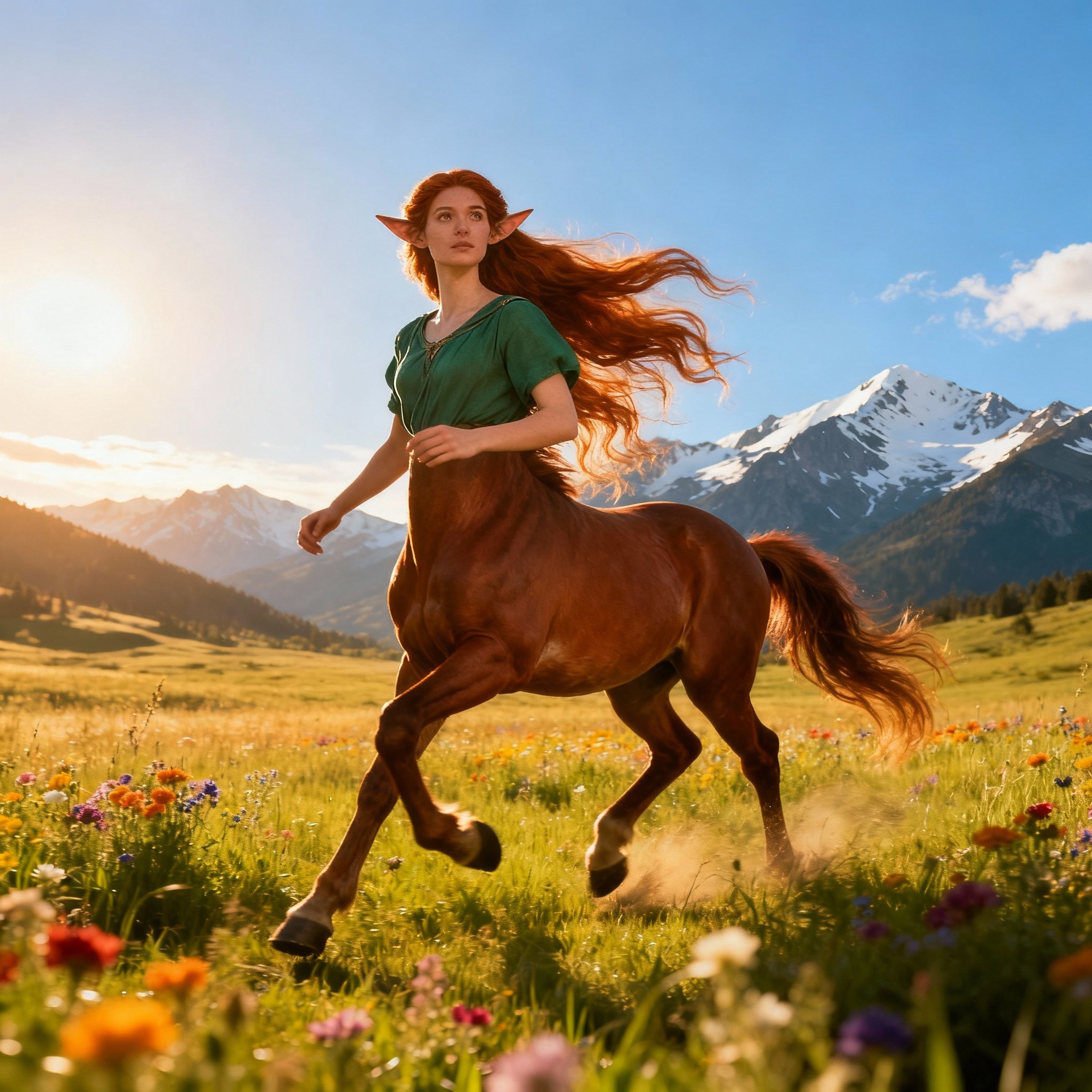
Shot composition: Medium shot from a low angle capturing the female centaur mid-stride in…
seedream-4
Models you can run on PixelDojo for happy horse 1.0 image to video
Switch models without switching tools. Each one runs in the same PixelDojo studio.
What you can do with happy horse 1.0 image to video on PixelDojo
Still Image to Video
We turn a single image into a short video with Happy Horse 1.0, so you can add motion without shooting new footage.
Guided Motion Controls
We let you describe how the scene should move so the model follows your intent instead of random animation.
Creator Workflow Output
We generate clips you can review, iterate, and download for edits, posts, and client work.
Consistent Subject Motion
We keep the subject from your source image recognizable while applying camera and body movement across frames.
Join thousands of creators worldwide who have generated over a million joyful horse videos. Rated 4.9 out of 5 by equestrians, influencers, and marketers. Trusted for fast, consistent results that capture real emotion.
Why Choose Pixel Dojo for happy horse 1.0 image to video
Professional-quality results with cutting-edge AI technology
Watch Your Horse Photos Burst into Joyful Motion
You upload a simple image and see your horse come alive with fluid, happy movements like tail swishes, playful rearing, or gentle trots across a meadow. Happy Horse 1.0 preserves every unique feature of your horse while adding cinematic camera work and natural physics so the video feels real and delightful. You create content that instantly connects with viewers and spreads happiness.
Produce Viral Social Clips That Boost Engagement
You generate short, looping videos tailored for Reels, TikTok, and Shorts that grab attention with sunny scenes, vibrant colors, and infectious energy. Combine Happy Horse 1.0 with PixelDojo image tools to start from perfect stills, then share videos that drive likes, comments, and follows. You turn casual horse photos into content that grows your audience without extra effort.
Get Studio-Quality Videos with Zero Experience Required
You skip complicated software and filming setups. Simply choose Happy Horse, add a motion prompt, and download HD results ready to post. Enhance further with PixelDojo's video editors and upscalers for polished, commercial-ready output. You save time and money while delivering professional animations that look like they came from a production team.
How It Works
You create stunning happy horse videos in three straightforward steps using PixelDojo's specialized tools. Start with a great image, animate it with Happy Horse 1.0 for cinematic motion, then refine and download. The process is designed so you achieve beautiful, consistent results every time.
Step 1: Choose Your Tool
Log into PixelDojo and head to Generate Images. Use PonyXL or Flux.2 Studio to create a vibrant, well-lit horse photo with a happy expression in a sunny setting, or upload your own image via Image to Image. For best results, keep the horse centered and the background uncluttered so Happy Horse 1.0 can preserve identity perfectly. This foundation ensures your final video looks authentic and full of life.
Step 2: Enter Your Prompt
Switch to Generate Videos and select Happy Horse. Upload your prepared image and write a clear motion prompt that describes the action, camera, and mood, such as a gentle gallop toward the camera with tail wagging joyfully under warm golden hour light. Happy Horse 1.0 excels at source fidelity and cinematic aesthetics, adding multi-shot consistency and natural physics. Generate to watch your still photo transform into a 3 to 15 second clip at 720p or 1080p.
Step 3: Customize & Download
Refine your video using Happy Horse Video Edit or Kling Video Edit for speed, lighting, or background tweaks. Upscale with FLUX Video Upscale or Creative Upscaler for extra sharpness. Add captions via Video Autocaption or merge clips if needed. Download your finished HD video, ready for social sharing or commercial use. You now have a professional animation that captures the happiness of your horse perfectly.
The Pixel Dojo Advantage
Why PixelDojo outperforms other options for happy horse 1.0 image to video generation
| Others | Pixel Dojo |
|---|---|
| Traditional horse video creation | You skip expensive filming, location scouting, and days of editing. Generate joyful, consistent animations from one photo in minutes at a fraction of the cost, with cinematic quality that traditional methods struggle to match for short-form content. |
| Generic AI tools | Happy Horse 1.0 on PixelDojo delivers superior source fidelity and physics-accurate happy motions that generic tools often distort or make unnatural. You get reliable identity preservation and atmospheric control tailored for equine subjects, plus seamless integration with 40+ specialized editors. |
| Manual photo editing | You avoid tedious frame-by-frame work and animation software learning curves. The AI automatically adds realistic lighting, expressions, and camera movement so your videos look professional without any manual interpolation or compositing skills. |
Loved by creators on PixelDojo
Real feedback from people using PixelDojo, pulled from our in-product surveys.
user friendly all in one thing
I really like the schedule of AI work performed!
The best tools for IA on the web !
The guy that operates the website is constantly updating it
I’ve been using PixelDojo for around 8 months now and it’s always worked wonderfully while constantly adding features.
The site is easy to navigate and use.
Explore more AI tools on PixelDojo
AI Tools
Compare & Switch
- Best AI Image Generators
- Best AI Video Generators
- Midjourney Alternatives
- Civitai Alternatives
- Runway Alternatives
- Leonardo Alternatives
- Pika Alternatives
- Luma Alternatives
- Magnific Alternatives
- Veo Alternatives
- Flux Alternatives
- Freepik Alternatives
- Seedance Alternatives
- Seedream Alternatives
- Pixverse Alternatives
- GPT Image Alternatives
- Synthesia Alternatives
- Playground Alternatives
- NightCafe Alternatives
- Canva AI Alternatives
- ElevenLabs Alternatives
- ComfyUI Alternatives
- Fal Alternatives
- Replicate Alternatives
Common Questions
Everything you need to know about happy horse 1.0 image to video
How does Happy Horse 1.0 image to video work on PixelDojo?
You upload a horse photo to the Happy Horse tool in Generate Videos, add a prompt describing joyful motion and camera work, and generate. The model preserves your horse's unique look while adding fluid, cinematic animation with strong aesthetic control. Then use Happy Horse Video Edit or WAN 2.7 Video Edit to polish. You receive HD clips in seconds that are perfect for sharing, all within PixelDojo's easy interface.
What are the best prompts for happy horse 1.0 image to video generation?
Focus on explicit motion, atmosphere, and camera: 'Cheerful horse trots happily through a flower field, slow pan right, golden hour lighting, tail swishing joyfully, cinematic shallow depth of field.' Pair with images from PonyXL or Flux.2 Studio. Specify details like 'gentle swaying mane' or 'playful rearing' for the most natural, happy results that Happy Horse 1.0 renders with high fidelity.
Can I use my own horse photos for Happy Horse 1.0 image to video?
Yes, you upload personal photos directly. Use Background Remover or Image Analyzer first for a clean, well-lit starting frame. Happy Horse 1.0 maintains your horse's identity across the clip while adding happy movements. This lets you create personalized videos of your own animals that feel authentic and emotionally engaging.
How long are the videos from Happy Horse 1.0 image to video?
You generate clips from 3 to 15 seconds, ideal for social media. Extend them using Grok Imagine Video Extend or Kling Video Edit. Short, looping joyful sequences perform best for engagement, and PixelDojo tools keep consistency high so your horse stays recognizable throughout.
Is Happy Horse 1.0 image to video free to try on PixelDojo?
You can start with PixelDojo's free tier that includes Happy Horse 1.0 and 40+ other tools. Upgrade for more generations, higher resolution, and priority. Thousands of creators use it daily with the option to cancel anytime, so you try without risk and see results immediately.
What other PixelDojo tools work with Happy Horse 1.0 image to video?
After generating, you enhance with Happy Horse Video Edit, Seedance 2.5 Video Edit, or Video Reframe. Upscale using FLUX Video Upscale or Magnific Upscaler. Create starting images with Seedream 5 or Ideogram 4, add audio via Text to Music, and analyze with Video Analyzer. This complete workflow lets you produce fully customized, professional happy horse videos from start to finish.