ai camera online AI Generator
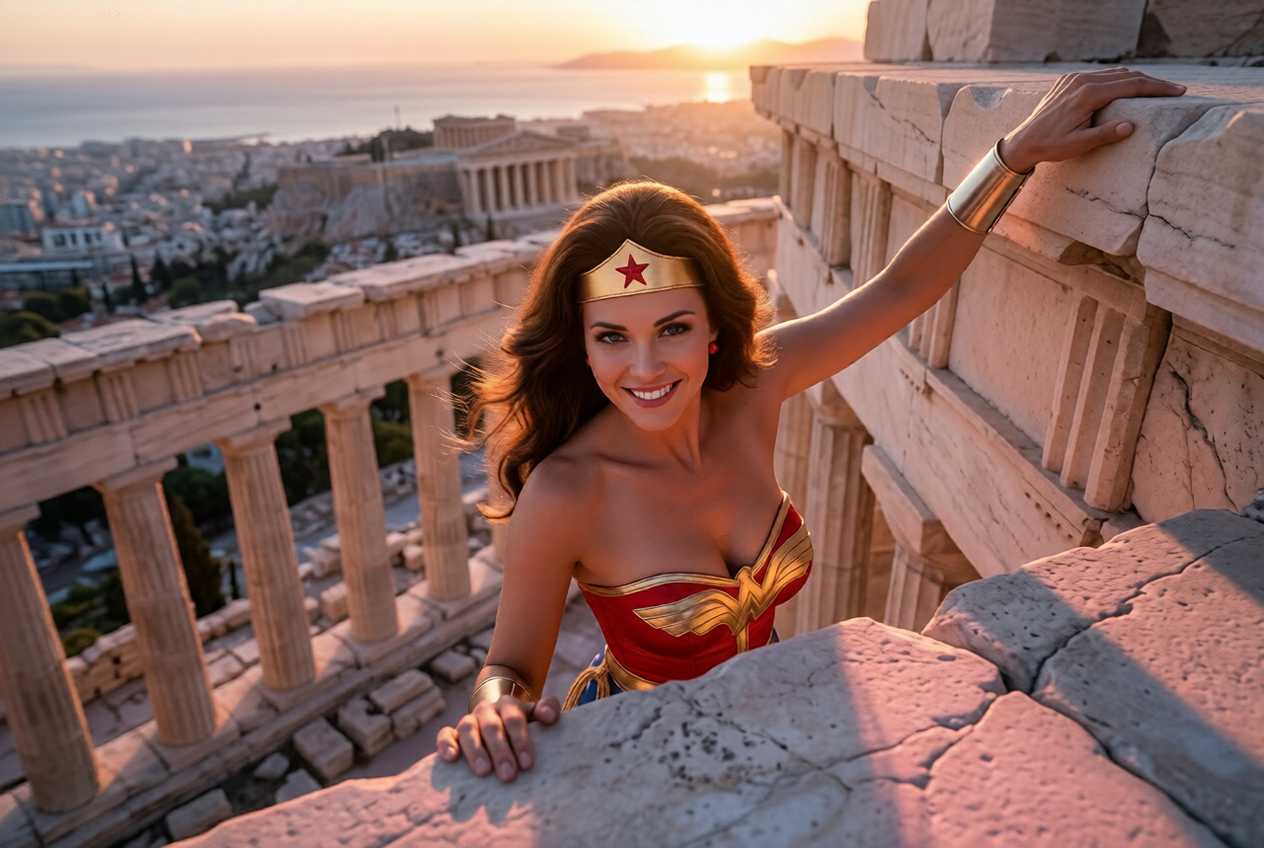
Imagine having on-demand access to a professional photography studio without the expensive cameras, lighting equipment, models, or location scouting. PixelDojo's AI Camera Online makes this possible by letting you generate and edit hyper-realistic images that look like they were captured by top photographers using high-end DSLRs, mirrorless cameras, or cinema lenses. Whether you're a marketer needing scroll-stopping product photography, a content creator building a consistent visual brand, an e-commerce store owner wanting studio-quality shots, or a designer prototyping concepts, you can now produce breathtaking photos in seconds. Current 2026 trends emphasize authenticity and photorealism – moving away from overly polished AI looks toward images with natural imperfections, accurate skin textures, genuine depth of field, and believable lighting that matches real camera captures. With our powerful suite of tools including Flux.2 Studio, Grok Image, Change Camera Angle, Magic Lighting, and Reality Polisher, you describe your vision using real photography language ('shot on Canon EOS R5, 85mm lens at f/1.4, golden hour side lighting, subtle film grain') and the AI delivers results that often fool even seasoned professionals. No more waiting for the perfect light or spending thousands on photoshoots. You gain complete creative control to experiment with dramatic low angles, intimate close-ups, sweeping overhead views, or dynamic Dutch tilts instantly. Creators love how PixelDojo combines generation with intelligent editing. Start from text, upload a rough sketch or selfie, then refine perspective, enhance realism, perfect lighting, and upscale to print quality. The outcome? Images that drive engagement, boost conversions, and elevate your brand – all while saving you time and money. Join thousands of creators who have replaced costly photography workflows with our AI camera online platform. Cancel anytime and start creating today.
Join 35,000+ creators generating millions of realistic photos • 4.9/5 rating from 2,400+ reviews • "PixelDojo's Change Camera Angle tool is revolutionary. One product shot becomes 12 perfect angles in minutes. My conversion rates jumped 40%." – Alex Rivera, E-commerce Founder • "The Reality Polisher makes my AI images look like they were shot on a Leica. Clients can't tell the difference." – Sophia Patel, Commercial Photographer • Trusted by brands like Nike, Shopify merchants, and top influencers worldwide
Why Choose Pixel Dojo for ai camera online
Professional-quality results with cutting-edge AI technology
Capture Studio-Quality Realism Without Equipment
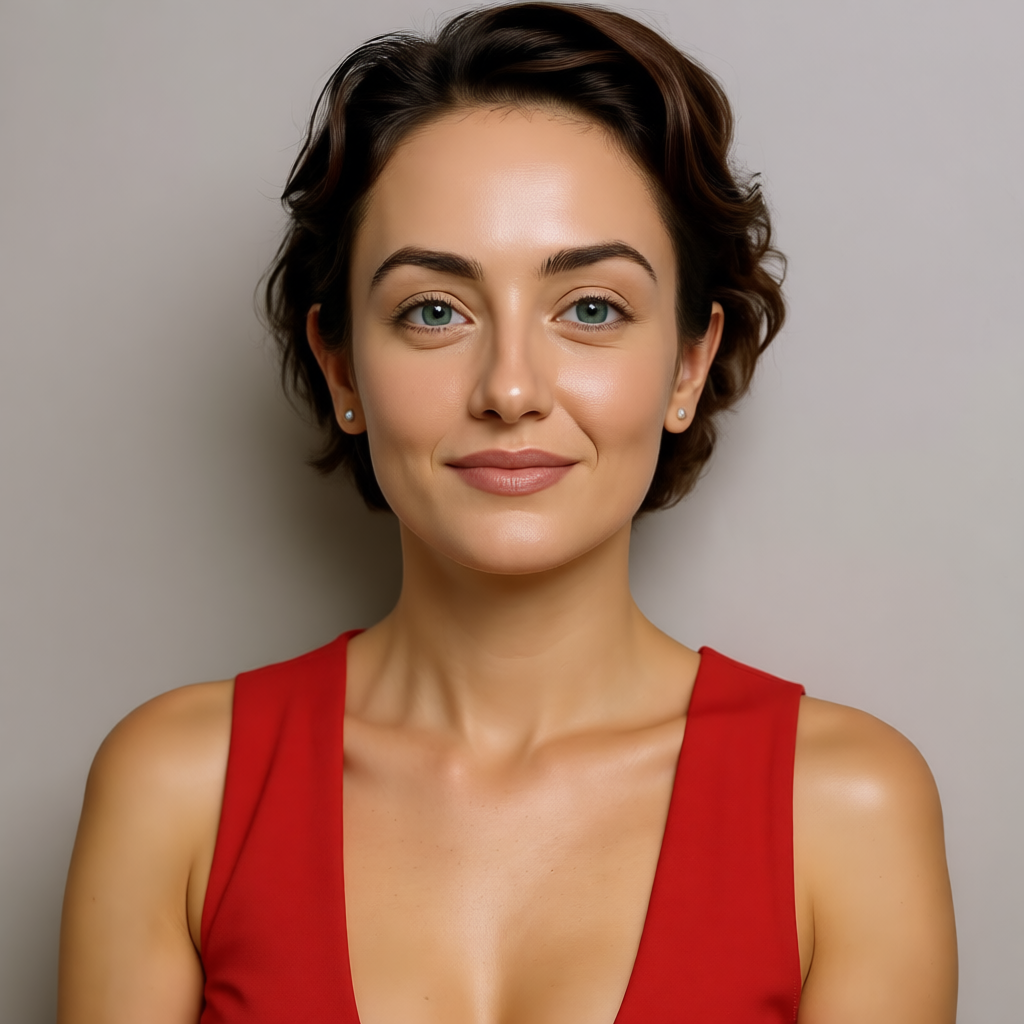
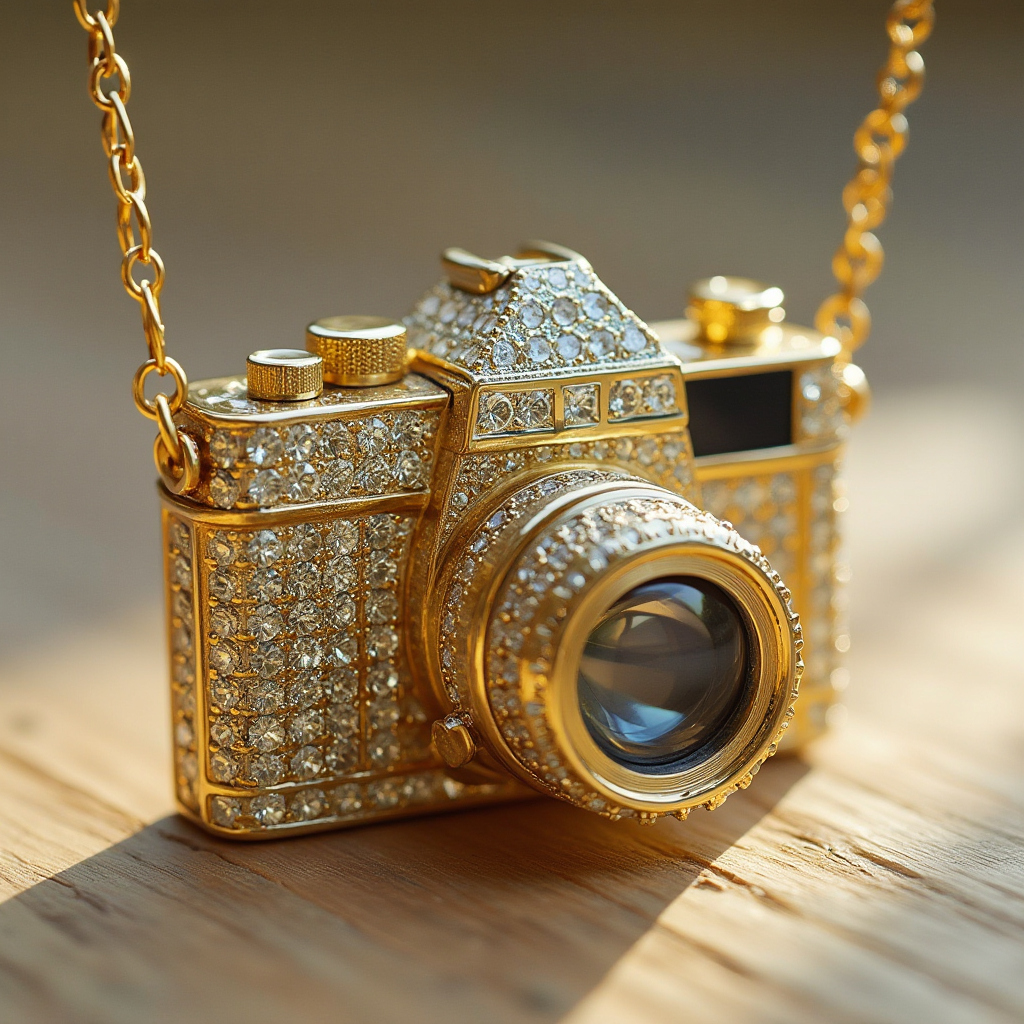
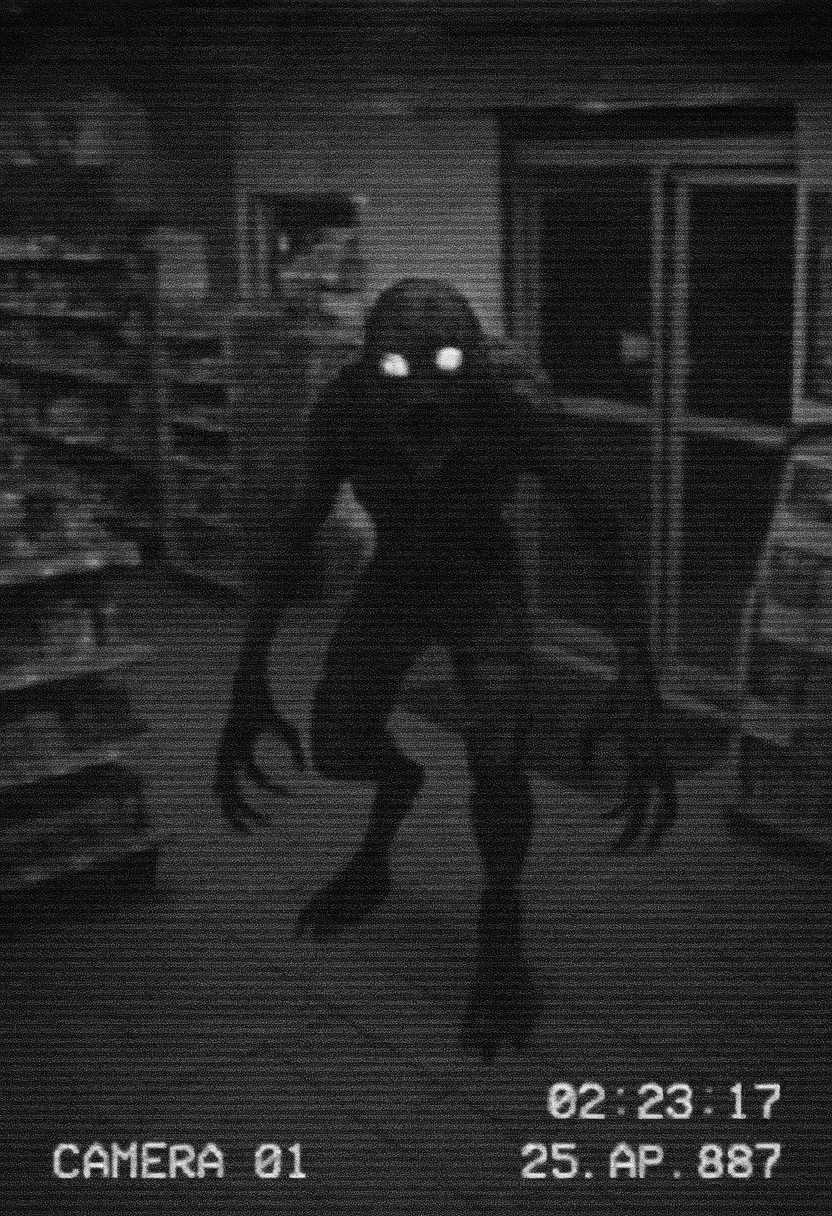
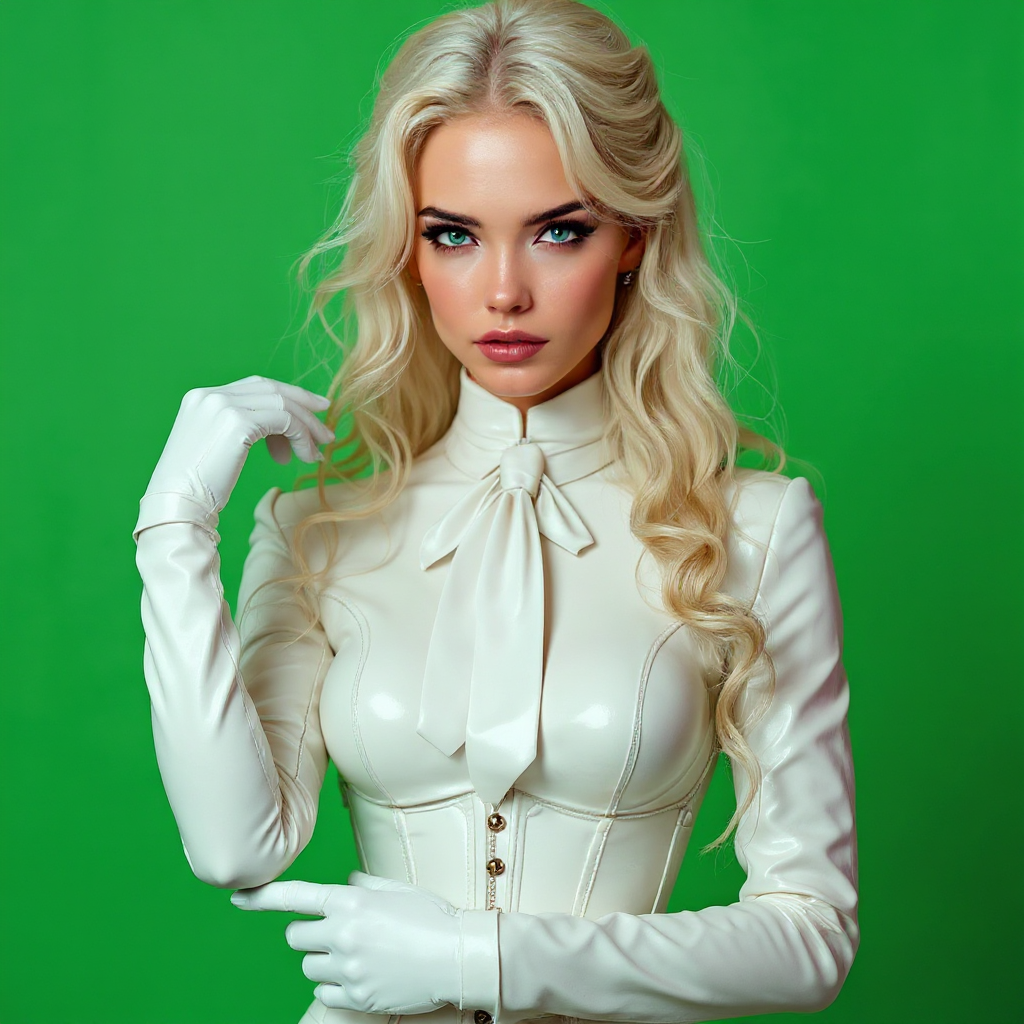
Achieve breathtaking photorealistic results that capture natural skin details, accurate light behavior, lens characteristics, and environmental depth exactly like a professional camera setup. Using models like Flux.2 Studio and our Reality Polisher, you eliminate the artificial 'AI look' that plagues other tools. Create e-commerce product images with perfect reflections and shadows, lifestyle portraits with beautiful bokeh, or architectural shots with true perspective. The outcome is visuals that build instant trust with your audience, increase sales, and position your brand as premium – all without booking studios, hiring photographers, or investing in gear. Current trends show audiences respond better to authentic photography-style images, and PixelDojo delivers this at scale so you can produce entire campaigns in hours instead of weeks.
Experiment with Any Camera Angle Instantly
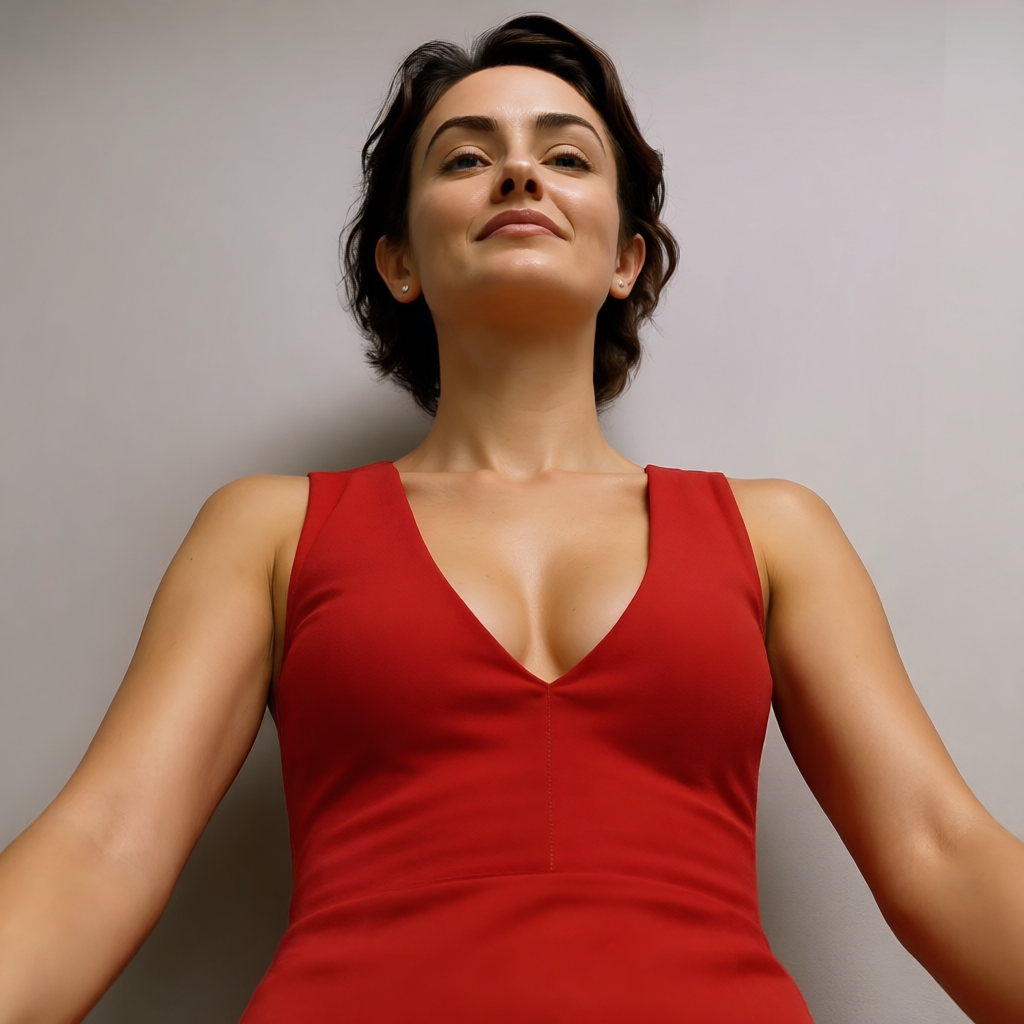
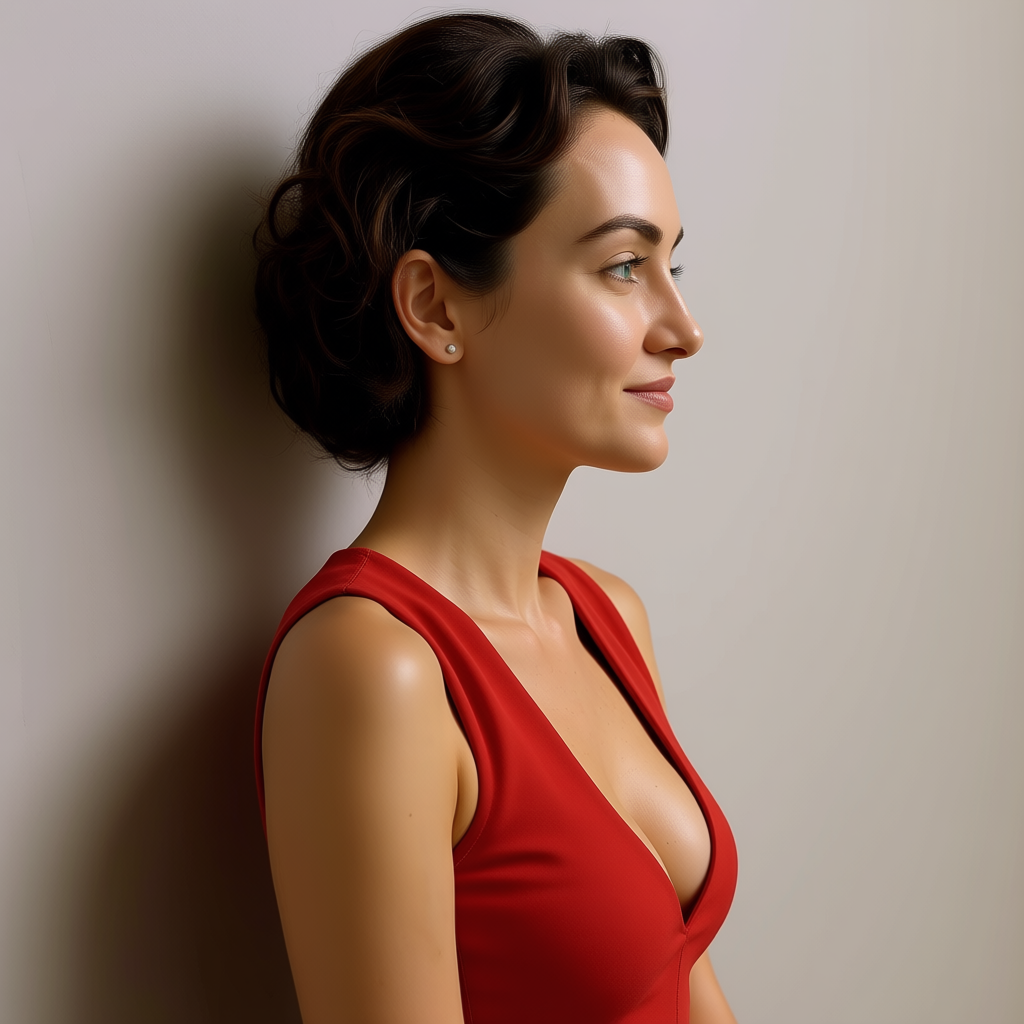
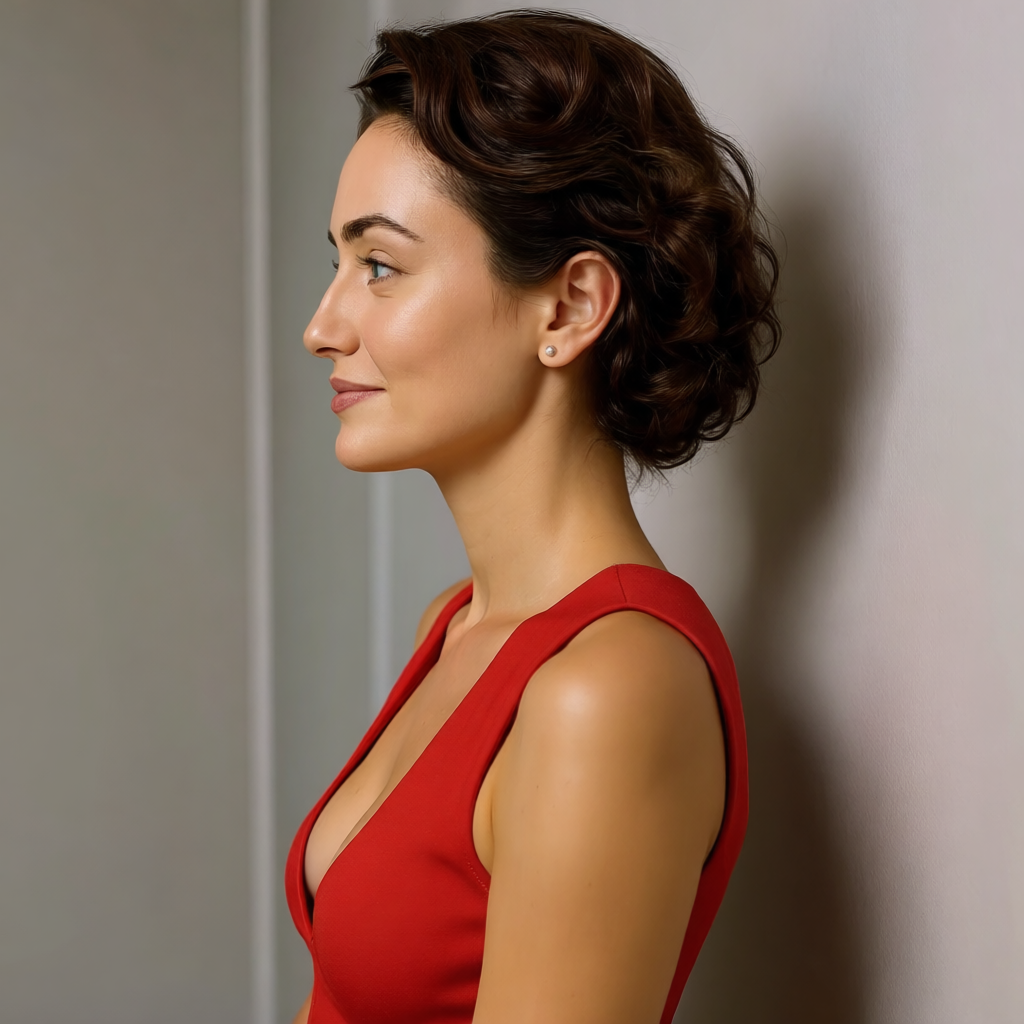
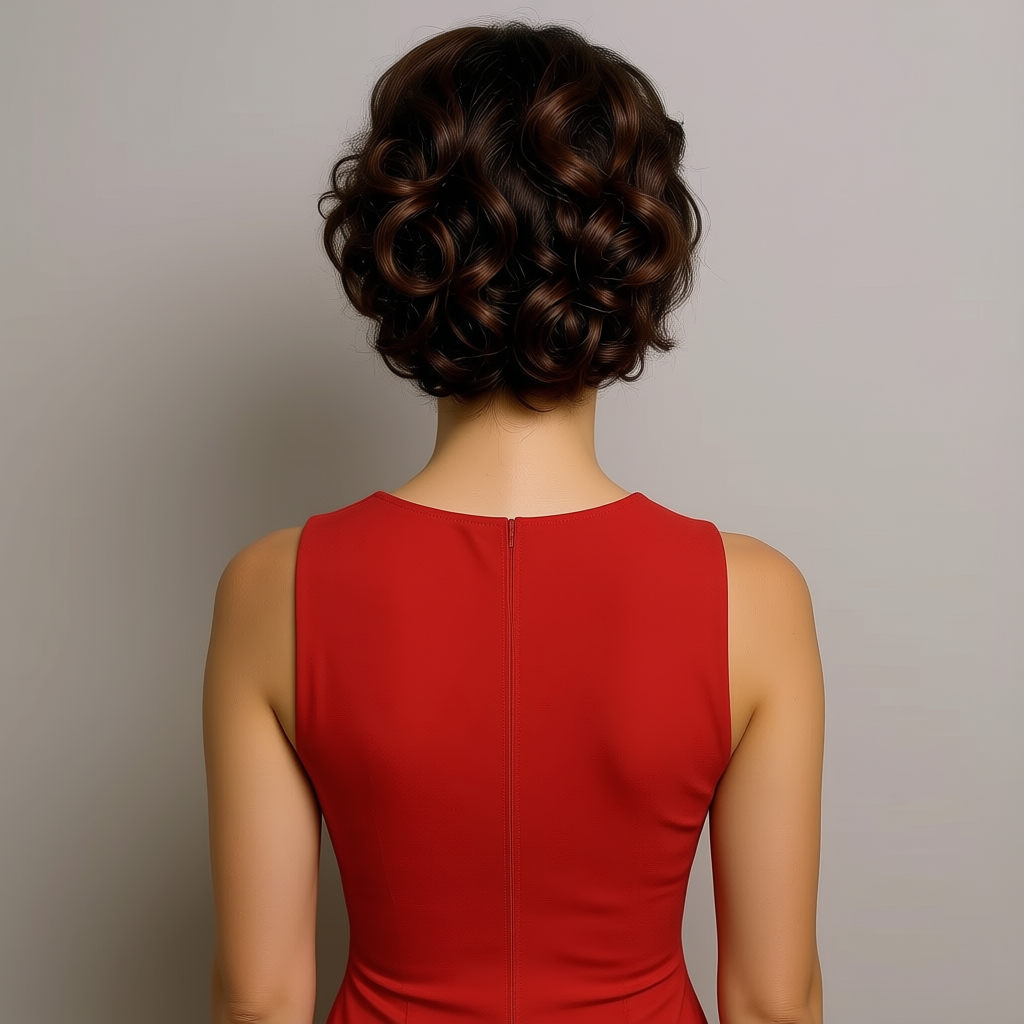
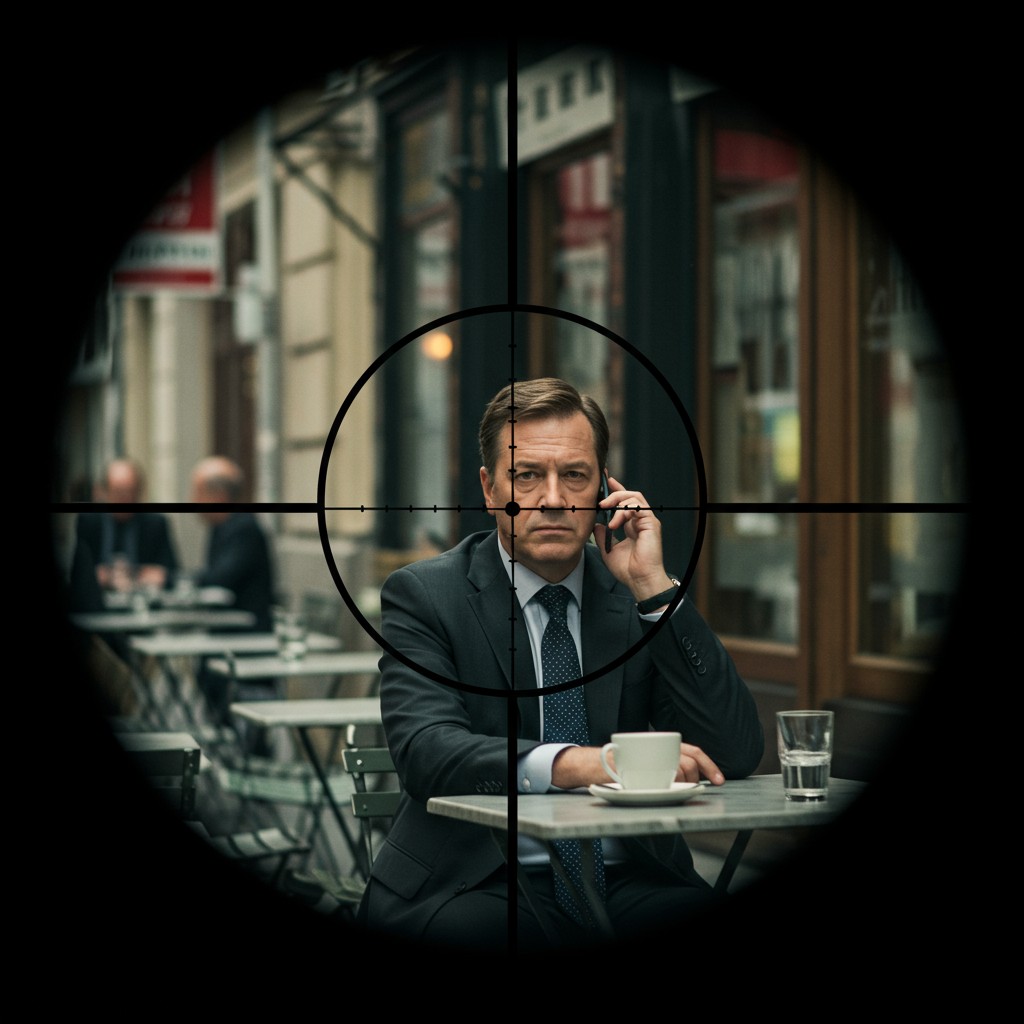
Our dedicated Change Camera Angle tool revolutionizes composition by letting you upload any image and generate new perspectives as if you had physically moved a real camera. Create heroic low-angle shots that make products look premium, overhead flat lays for social media, side profiles for character consistency, or extreme close-ups revealing texture. Combined with Pose Control and Consistent Characters, you maintain perfect subject integrity across angles. This capability saves countless hours compared to traditional reshoots and opens creative possibilities you could never afford before. Marketers use it for 360-degree product views, filmmakers for storyboard references, and artists for dynamic character sheets. The result is higher engagement content that stands out because it perfectly matches your exact compositional vision every single time.
Master Professional Lighting and Atmosphere
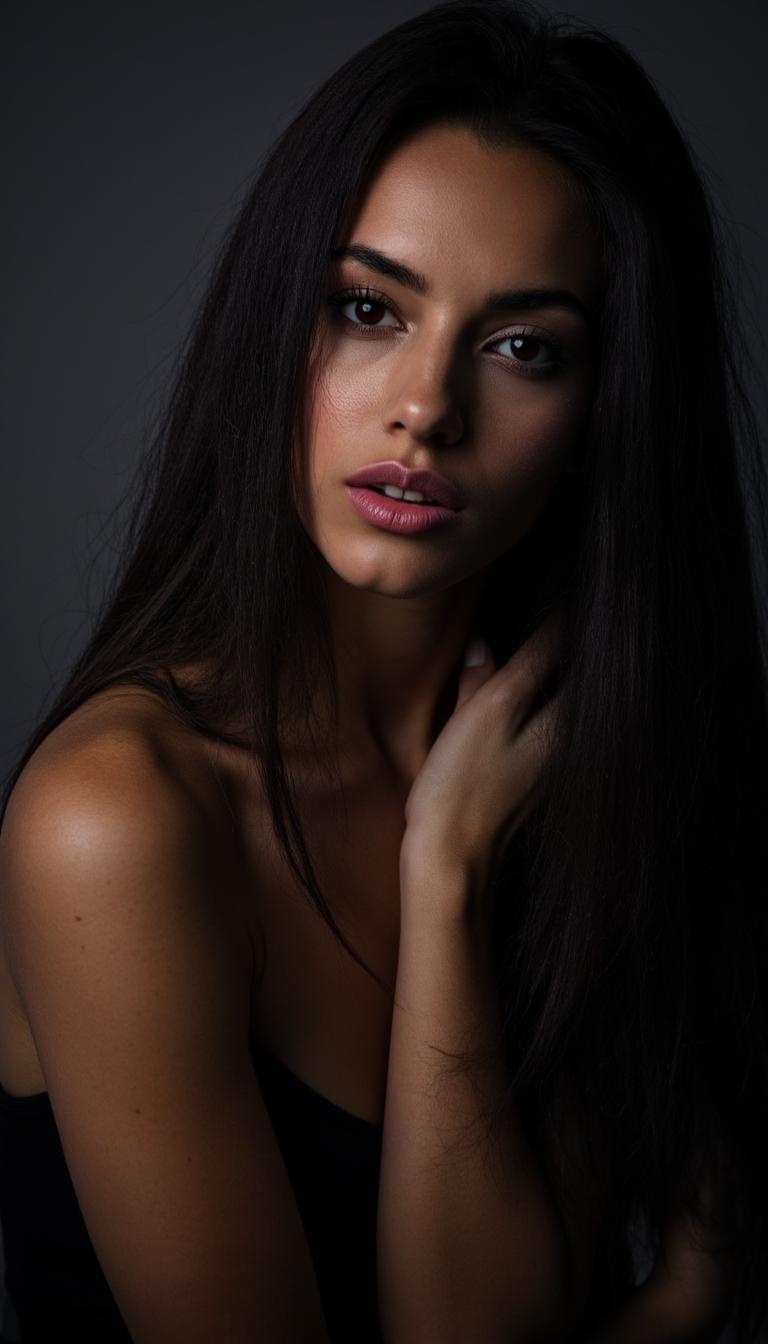
Transform ordinary images into dramatic masterpieces using Magic Lighting and precise prompt techniques. Simulate golden hour glows, dramatic Rembrandt lighting, soft diffused window light, moody cinematic shadows, or high-key studio perfection. Our AI understands real-world physics of light interaction with surfaces, creating believable highlights, reflections, and color temperatures. Pair this with Background Remover, Smart Resize, and Image Outpainting to craft the perfect scene. Whether you need bright, clean product photography for Amazon or atmospheric lifestyle imagery for Instagram, you get consistent, on-brand results that evoke specific emotions. Thousands of creators report doubling their content output while improving quality dramatically. With 40+ cutting-edge tools including Grok Image, QWEN Image 2, and Seedream, you have every photographic technique at your fingertips – empowering you to create visuals that convert viewers into customers.
How It Works
Creating professional camera-like photographs with PixelDojo's AI camera online is incredibly simple and requires no prior photography experience. Our platform combines powerful generation models with specialized editing tools designed specifically for realistic results. Follow these steps to go from idea to publication-ready images in minutes. The key is using real camera terminology in your prompts and leveraging tools like Change Camera Angle and Reality Polisher to achieve authentic outcomes.
Step 1: Choose Your Tool & Describe the Shot
Navigate to Generate Images and select from our best photorealism models including Flux.2 Studio, Flux.1 Studio, Grok Image, or SDXL. For existing references, upload to the Image to Image or Change Camera Angle tool. Craft detailed prompts using professional photography language: specify camera ('shot on Sony A7R IV'), lens ('85mm f/1.4'), conditions ('soft window light creating gentle catchlights'), composition ('rule of thirds, slight Dutch angle'), and style ('Kodak Portra 400 film emulation with natural grain'). This technique, aligned with 2026 photorealism trends, produces images with correct anatomy, lighting physics, and depth that look like real camera captures. Experiment with different starting points until you have a strong base image.
Step 2: Refine Perspective, Lighting & Realism
Upload your generated image to the Change Camera Angle tool to instantly create multiple perspectives while preserving subject integrity and scene lighting. Apply Magic Lighting to adjust mood and illumination perfectly. Then use Reality Polisher to enhance photorealism by adding authentic camera effects like natural bokeh, subtle chromatic aberration, film grain, and accurate skin textures while removing any artificial artifacts. Fine-tune further with Inpainting for specific details, Style Transfer for different film stocks, or Smart Resize for optimal composition. This step is where PixelDojo truly shines as your virtual camera – giving you control that would require expensive equipment and expertise in the real world. Iterate quickly until every element matches your vision.
Step 3: Enhance, Upscale & Download
Polish your image with Portrait Upscaler or Magnific Upscaler for crisp, print-ready resolution up to 8K. Use Consistent Characters if building a series or campaign to maintain the same face and style across different 'shots'. Add final touches like Background Remover for clean product isolation or Video Autocaption if extending to motion. Review your Usage Report to track creations, then download in multiple formats. The entire process from concept to final assets typically takes under 5 minutes per image. With our flexible subscription – loved by thousands of creators worldwide – you can generate as many variations as needed and cancel anytime. Export confident that your AI camera online creations will perform like professionally photographed assets.
The Pixel Dojo Advantage
Why PixelDojo outperforms other options for AI camera online image generation. We focus on delivering true photographic outcomes rather than generic AI art.
| Others | Pixel Dojo |
|---|---|
| Traditional Photography | Create high-quality shots with perfect lighting and angles in minutes instead of spending thousands on equipment, models, locations, and post-production. Experiment endlessly without physical constraints. |
| Generic AI Image Tools | Specialized photography tools like Change Camera Angle, Magic Lighting, and Reality Polisher produce authentic camera-like results with proper depth, lens characteristics, and natural imperfections. Generic tools often create plastic-looking or inconsistent images. |
| Manual Photo Editing | Automate complex perspective shifts, lighting simulations, and realism enhancements that would take professional retouchers hours. Our AI understands 3D scene structure for believable results while you stay focused on creative direction. |
Loved by creators on PixelDojo
Real feedback from people using PixelDojo, pulled from our in-product surveys.
I love the training feature
the quality is the best
All the tools needed in one dashboard
Very fair and very broad in tools.
Accurate results
Great site and so much fun to use!
Explore more AI tools on PixelDojo
Popular AI Models
AI Tools
Compare & Switch
- Best AI Image Generators
- Best AI Video Generators
- Midjourney Alternatives
- Civitai Alternatives
- Runway Alternatives
- Leonardo Alternatives
- Pika Alternatives
- Luma Alternatives
- Magnific Alternatives
- Veo Alternatives
- Flux Alternatives
- Freepik Alternatives
- Seedance Alternatives
- Seedream Alternatives
- Pixverse Alternatives
- GPT Image Alternatives
- Synthesia Alternatives
- Playground Alternatives
- NightCafe Alternatives
- Canva AI Alternatives
- ElevenLabs Alternatives
- ComfyUI Alternatives
- Fal Alternatives
- Replicate Alternatives
Common Questions
Everything you need to know about ai camera online
What is the best AI camera online tool for generating realistic photographs?
PixelDojo stands out as the premier AI camera online platform in 2026 because it combines powerful generation models like Flux.2 Studio and Grok Image with specialized photography tools including Change Camera Angle, Magic Lighting, and Reality Polisher. Unlike basic generators, we focus on outcomes that match real camera physics – accurate depth of field, natural lighting falloff, lens characteristics, and authentic textures. Users achieve the best results by incorporating photography terminology in prompts and refining generations with our editing suite. Thousands of professionals use it for commercial work because the images pass as real photography. With 40+ integrated tools, flexible subscriptions, and the ability to cancel anytime, it's the complete solution for anyone wanting pro-level camera results without the hassle or expense.
How does the Change Camera Angle tool work for AI photography?
Our Change Camera Angle tool uses advanced AI to understand the 3D structure of your uploaded image and generate new viewpoints as if you moved a physical camera. Simply upload your base photo, select your desired rotation, tilt, or zoom, and the AI creates a completely new realistic image from that perspective while maintaining lighting consistency, subject details, and environmental context. It's perfect for generating multiple product angles, character reference sheets, or exploring different compositions quickly. When combined with Reality Polisher, the results exhibit natural perspective distortion, correct parallax, and photographic authenticity. This feature alone replaces expensive 3D rendering or multiple physical photoshoots, making it invaluable for marketers, designers, and creators who need visual variety fast.
What prompts give the most realistic results with an AI camera online?
The most effective prompts for AI camera online generation use specific photography language that the models understand deeply. Include camera body ('shot on Leica Q3 or Canon EOS R5'), lens and settings ('50mm lens at f/1.8 creating creamy bokeh'), lighting ('soft diffused natural light from large north-facing window creating gentle shadows'), film or sensor characteristics ('Kodak Portra 400 color grading with subtle grain'), angle and composition ('low angle hero shot, rule of thirds composition'), and atmosphere ('cinematic color grading, slight lens flare'). Adding terms like 'photographed on medium format film, natural imperfections, authentic photography' aligns with 2026 trends toward realism over perfection. Start simple and refine using our tools. The more specific your camera directions, the more convincing and useful your final images become for commercial applications.
Can I create consistent characters across different camera angles and lighting setups?
Absolutely. PixelDojo excels at this with our Consistent Characters tool combined with Change Camera Angle, Pose Control, and Character Stylist. Generate your base character once using Flux Trainer or LoRA Face Swap, then apply it across multiple generations or edits. The AI maintains facial features, body proportions, clothing, and style while you vary the camera position, lighting, and environment. This creates what looks like a complete professional photoshoot with the same model in different outfits, locations, and moods. Fashion brands and marketers particularly love this capability as it ensures brand consistency without hiring models repeatedly. Our Reality Polisher further unifies the series by applying the same photographic treatment across all images.
Are AI camera generated images suitable for commercial use and client work?
Yes, thousands of businesses successfully use PixelDojo images for commercial purposes including e-commerce stores, advertising campaigns, social media content, book covers, and client deliverables. Our high-resolution upscalers like Magnific and Portrait Upscaler produce print-ready files up to 8K with exceptional detail. The photorealistic quality achieved through Reality Polisher and photography-specific tools means most viewers cannot distinguish them from traditionally photographed assets. We recommend adding subtle variations and personal touches to make images uniquely yours. Review our Usage Report to track your creations. Many subscribers report replacing entire photography budgets while improving output quality and speed. As with any AI tool, check specific platform policies, but our focus on authentic results makes these images highly effective for driving real business outcomes.
How much does it cost to use PixelDojo's AI camera online tools?
PixelDojo has no free credits, but flexible plans start at $10 a month so you can test our AI camera tools immediately. Paid subscriptions start at 160 monthly credits on Lite, with more on Pro and Pro Max, across all 40+ tools including Flux.2 Studio, Change Camera Angle, video extensions if needed, and refinements. Pricing is designed for both casual creators and heavy professional users. You only pay for what you need with the ability to buy additional API credits or upgrade seamlessly. There are no long-term contracts: cancel your subscription anytime with no penalties. Many users find the investment pays for itself after just one project through time savings and improved output. Check your Profile for current usage and detailed reports. The platform's value comes from the combination of cutting-edge models, photography-specific tools, and the community of creators achieving remarkable results daily.