happy horse 1.1 AI Generator
Generated on PixelDojo. Produced by PixelDojo's generation pipeline.
You can transform simple ideas into stunning cinematic videos complete with perfectly synchronized native audio and multilingual lip-sync in just minutes. PixelDojo's Happy Horse 1.1 tool lets you achieve production-ready clips for marketing campaigns, social content, character-driven stories, and product demos without any film crew or post-production headaches. Whether you start from a text description, animate a still image, or lock in up to nine consistent characters, you get fluid motion, natural details, and audio that matches every action from the first frame. Pair it with Marketing Studio for campaign-ready assets or Consistent Characters for series that stay on-brand. Thousands of creators already use these 40+ cutting-edge AI tools to launch faster, iterate freely, and cancel anytime if it does not fit. Your next professional video is one prompt away.
Real image examples generated on PixelDojo
Every example below was produced on PixelDojo. Hover to see the prompt.
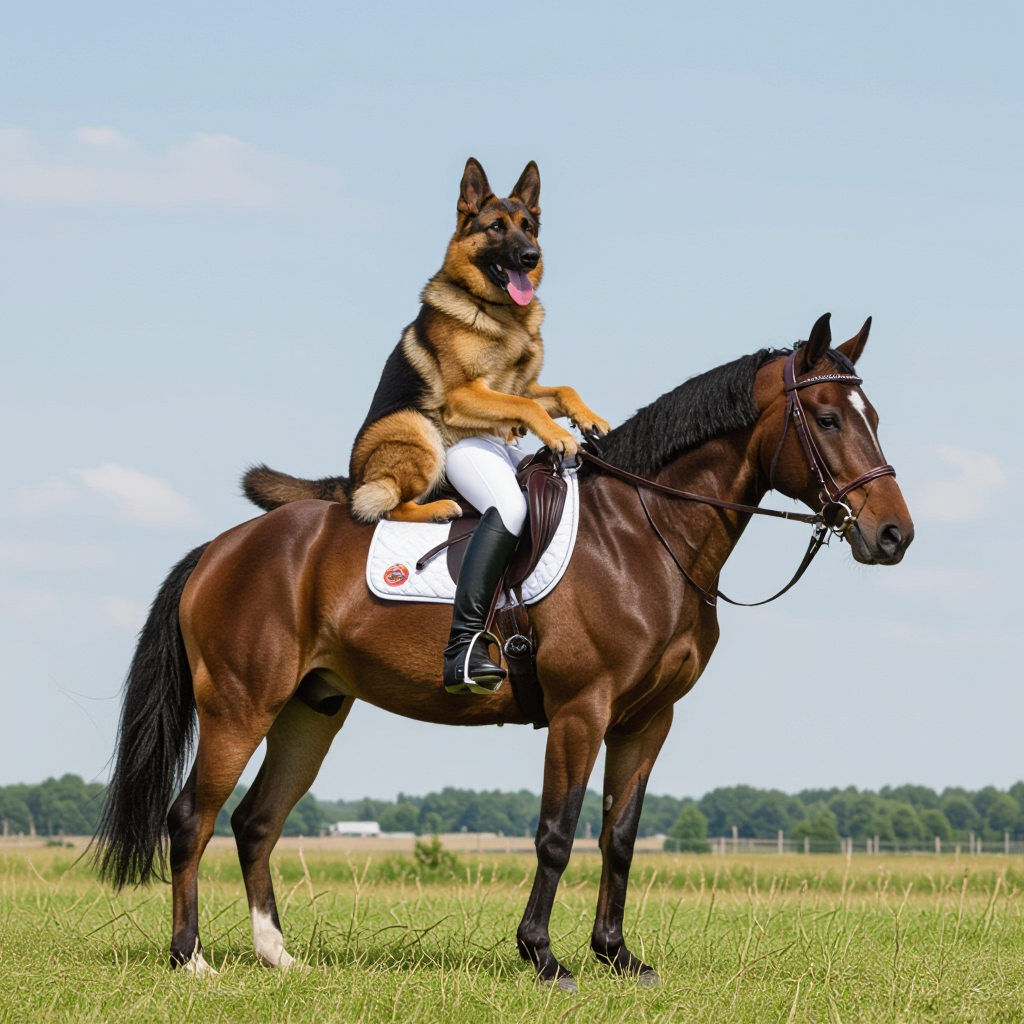
A german shepherd riding a horse
hidream
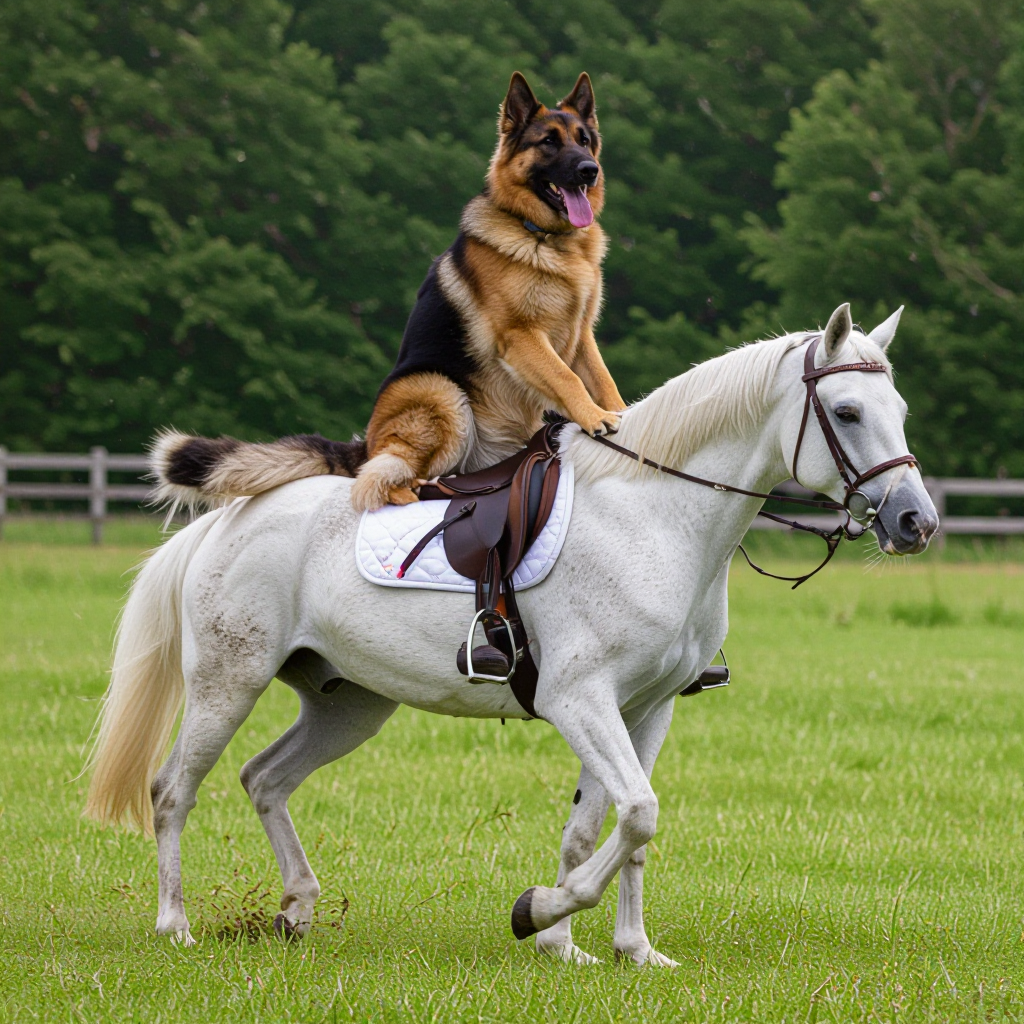
A german shepherd riding a horse
hidream
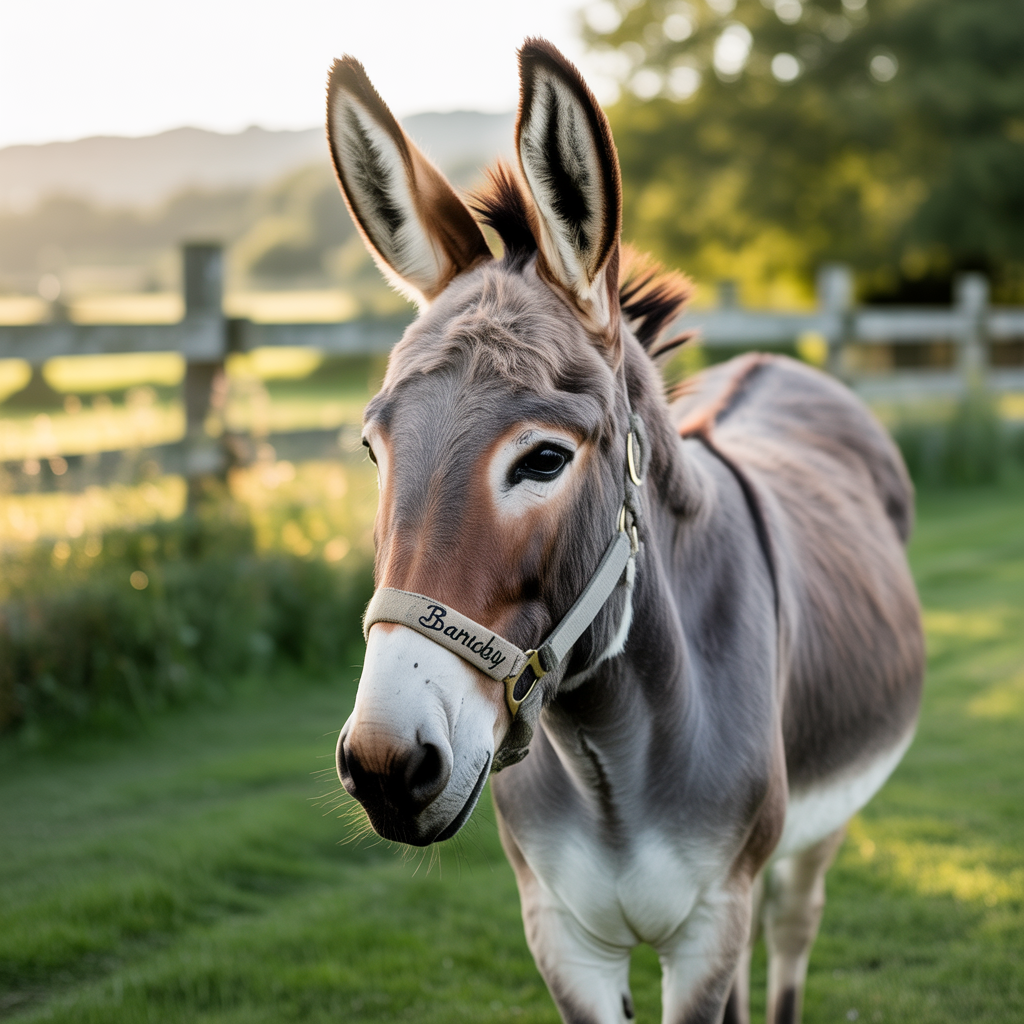
A donkey
stable-diffusion
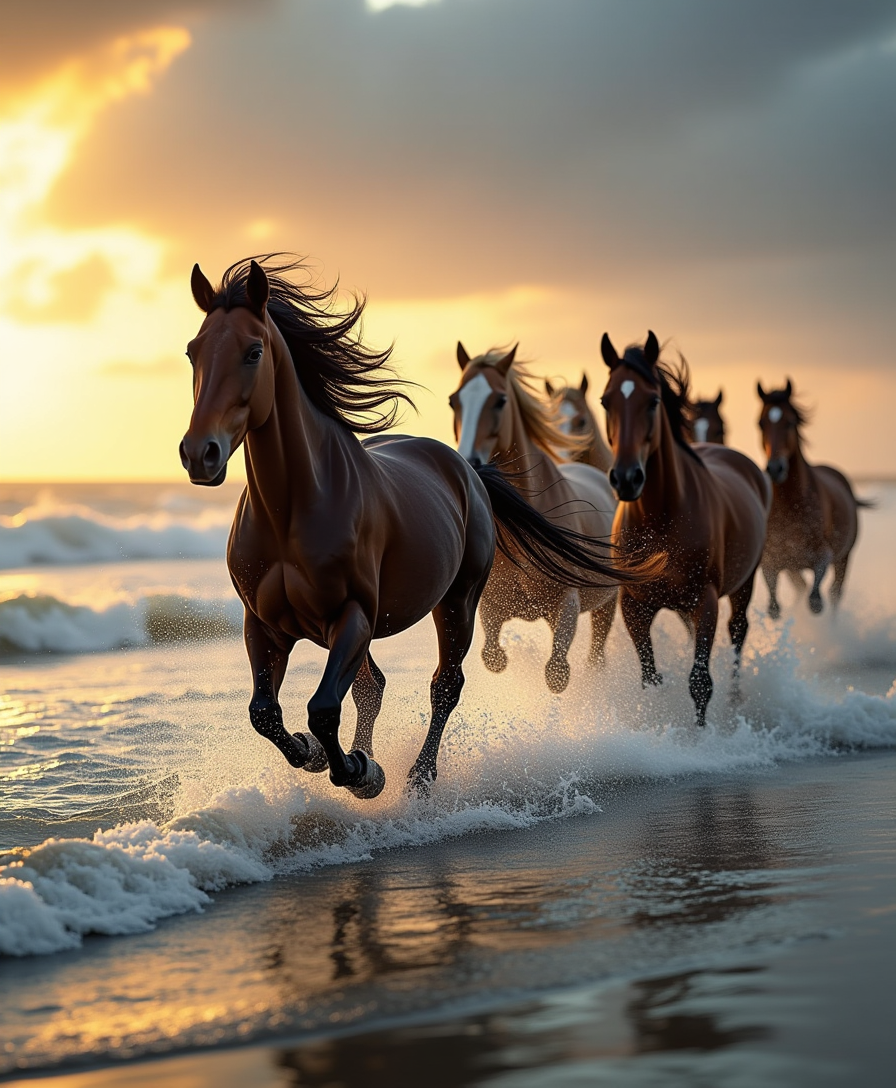
A dynamic scene capturing a wild herd of horses galloping majestically along the shoreline
flux
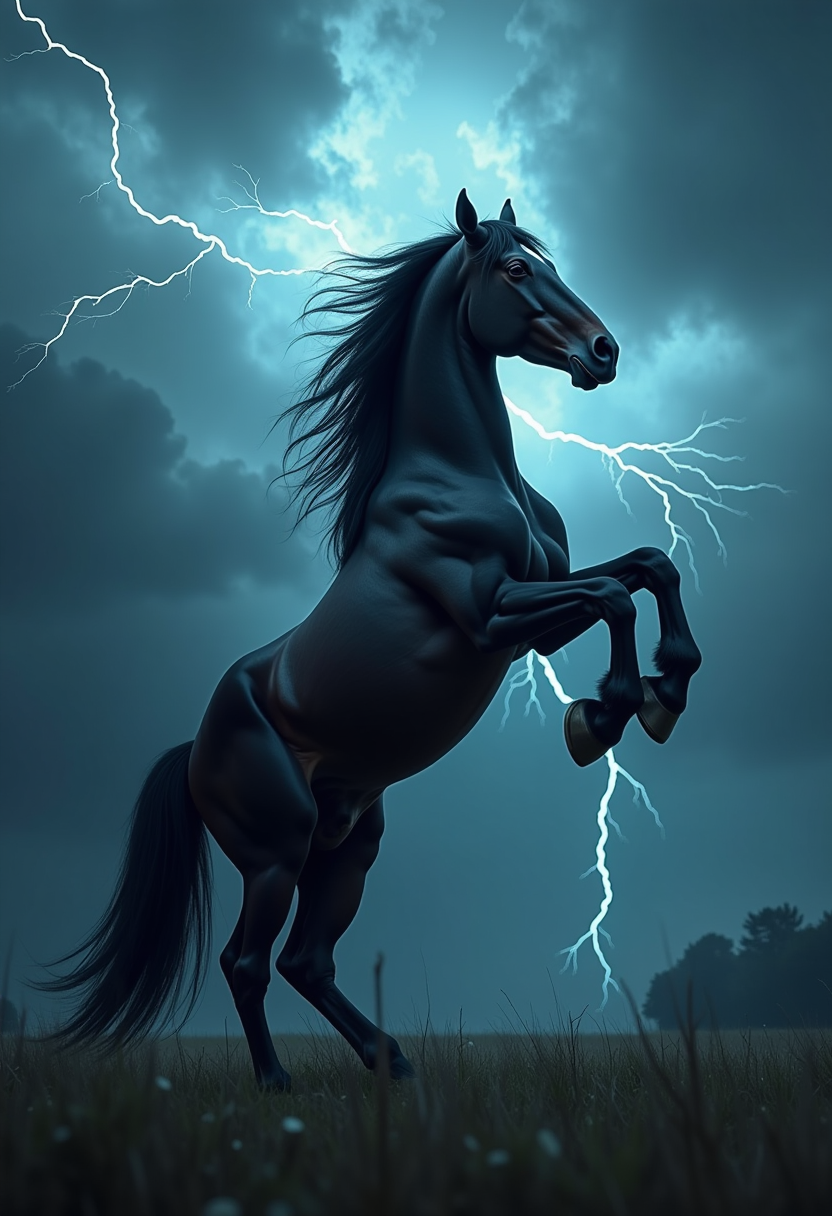
Clydesdale rearing up on its hind legs
flux
Happy Horse Guide Character Close-Up — copper hair
image-to-video
Models you can run on PixelDojo for happy horse 1.1
Switch models without switching tools. Each one runs in the same PixelDojo studio.
What you can do with happy horse 1.1 on PixelDojo
Happy Horse 1.1 Images
We run Happy Horse 1.1 so you can generate stills from text prompts and iterate on composition, lighting, and subject without leaving PixelDojo.
Prompt And Seed Control
We keep your prompt, negative prompt, and seed available so you can rerun a look, compare variants, and lock in a direction you like.
Style And Aspect Options
We let you set aspect ratio and style cues so outputs fit social crops, concept boards, or print layouts you already use.
Download And Reuse Assets
We give you generated files you can save, share with a team, and bring into the next edit or campaign round.
Loved by thousands of creators worldwide who rely on PixelDojo's 40+ cutting-edge AI tools for daily video production. High ratings for quality, speed, and complete workflows. Cancel anytime with no risk.
Why Choose Pixel Dojo for happy horse 1.1
Professional-quality results with cutting-edge AI technology
Produce Ready-to-Launch Marketing Videos Instantly
You create complete ad clips, talking-head explainers, and social posts with built-in dialogue, sound effects, and music using Happy Horse plus Marketing Studio, skipping expensive shoots and audio syncing.
Maintain Perfect Character Consistency Across Every Clip
You lock in up to nine unique characters with reference images in Happy Horse, then reuse them via Consistent Characters, Character Sheets, WAN Video Character Swap, and Kling Video Character Swap for professional series and brand stories.
Deliver in Any Format and Quality You Need
You generate 720p or 1080p videos in nine aspect ratios from ultrawide cinematic to vertical social, then refine with Happy Horse Video Edit, Video Autocaption, FLUX Video Upscale, and Video Reframe for polished, platform-ready results.
How It Works
You create professional Happy Horse 1.1 videos on PixelDojo by combining the model's native audio and consistency strengths with our full editing and enhancement suite. Follow these simple steps to go from idea to downloadable clip.
Step 1: Choose Your Tool
Sign in to PixelDojo and go to Generate Videos. Select Happy Horse for text-to-video, image-to-video, or reference-to-video modes. Prepare character looks first with Consistent Characters or Character Sheets if you need multi-subject consistency, then upload up to nine references.
Step 2: Enter Your Prompt
Write a clear shot brief covering the subject, how it moves, camera action, and audio such as spoken lines, effects, and ambience. Label references as character1 through character9. Choose duration from 3 to 15 seconds, resolution, and one of nine aspect ratios. PixelDojo's interface makes these settings instant.
Step 3: Customize & Download
Generate your clip, then polish it using Happy Horse Video Edit, Grok Video Edit, Video Analyzer, Merge Videos, or Extract Frame. Add captions with Video Autocaption, reframe for platforms, and upscale with FLUX Video Upscale or Creative Upscaler. Download the finished 1080p video ready for use.
The Pixel Dojo Advantage
Why PixelDojo outperforms other options for Happy Horse 1.1 video generation
| Others | Pixel Dojo |
|---|---|
| Traditional video production | You generate complete clips with native audio, lip-sync, and motion in one pass instead of hiring crews, booking studios, and spending days on editing and sound design. |
| Generic AI tools | You access Happy Horse together with 40+ specialized tools including Marketing Studio, Kling Video, WAN 3.0, Seedance models, and a full edit suite so your workflow stays inside one platform. |
| Manual video editing | You iterate in minutes with AI-powered Happy Horse Video Edit, Video Reframe, and upscalers rather than hours of timeline work, while keeping characters consistent automatically. |
Loved by creators on PixelDojo
Real feedback from people using PixelDojo, pulled from our in-product surveys.
Great site and so much fun to use!
very useful set of tools for image creation, upscaling and enhancement
ease of use, variety of tools, high quality trainings, and a well-maintained discord channel
Ease of use, friendliness and support of the owner, continued innovation.
it is an amazing site to create a pics and vids for those who don't have the hardware themselves
good tools in one place
Explore more AI tools on PixelDojo
AI Tools
Compare & Switch
- Best AI Image Generators
- Best AI Video Generators
- Midjourney Alternatives
- Civitai Alternatives
- Runway Alternatives
- Leonardo Alternatives
- Pika Alternatives
- Luma Alternatives
- Magnific Alternatives
- Veo Alternatives
- Flux Alternatives
- Freepik Alternatives
- Seedance Alternatives
- Seedream Alternatives
- Pixverse Alternatives
- GPT Image Alternatives
- Synthesia Alternatives
- Playground Alternatives
- NightCafe Alternatives
- Canva AI Alternatives
- ElevenLabs Alternatives
- ComfyUI Alternatives
- Fal Alternatives
- Replicate Alternatives
Common Questions
Everything you need to know about happy horse 1.1
What is Happy Horse 1.1 and how does PixelDojo make it better for creators?
Happy Horse 1.1 is Alibaba's advanced video model that generates 3-15 second cinematic clips at 720p or 1080p with native synchronized audio and lip-sync in seven languages. PixelDojo enhances it by placing the model inside a complete ecosystem of 40+ tools so you can prepare characters with Consistent Characters, generate with Happy Horse, then edit, caption, upscale, and merge without leaving the platform. You get production-ready results faster and can cancel anytime.
How do I create consistent multi-character videos with Happy Horse 1.1 on PixelDojo?
Upload up to nine clean portrait or full-body references and refer to them as character1 through character9 in your prompt. PixelDojo's Consistent Characters and Character Sheets let you generate those references first, then reuse them across clips. Combine with WAN Video Character Swap or Kling Video Character Swap for extra control. The result is recognizable faces and outfits that stay stable from shot to shot, perfect for series and brand campaigns.
Can I generate videos with native audio and multilingual lip-sync using Happy Horse 1.1?
Yes. Happy Horse 1.1 creates video and audio together in a single pass so dialogue, sound effects, music, and ambience stay perfectly timed. Lip-sync works across English, Mandarin, Cantonese, Japanese, Korean, German, and French. On PixelDojo you simply include the spoken lines and audio cues in your prompt, then refine the clip with Happy Horse Video Edit or Video Autocaption if needed.
What resolutions, durations, and aspect ratios does Happy Horse 1.1 support on PixelDojo?
You can output 720p or 1080p clips lasting 3 to 15 seconds in nine aspect ratios including 16:9, 9:16, 1:1, 21:9, and 9:21. PixelDojo lets you pick these settings before generation and then adjust further with Video Reframe or FLUX Video Upscale so the same idea works for cinematic, vertical social, or square formats without extra work.
What are the best prompting techniques for Happy Horse 1.1 video generation on PixelDojo?
Write a short shot brief that names the subject, the motion and its timing, the camera move, and every audio element including dialogue and effects. Keep spoken lines brief for clean lip-sync and pack one clear action per clip. For references, always index them as character1 etc. PixelDojo's interface plus tools like Image Analyzer help you refine prompts quickly so you get stronger results on the first try.
Is there any risk to trying Happy Horse 1.1 video generation on PixelDojo?
None. PixelDojo gives you access to Happy Horse 1.1 plus 40+ other cutting-edge AI tools loved by thousands of creators worldwide. You can start generating immediately, explore Marketing Studio, editing suites, and upscalers, and cancel anytime if it does not meet your needs. Thousands already trust the platform for daily professional work.