happyhorse vs stable video diffusion

Imagine transforming a single image into a breathtaking, fluid video that captivates your audience – without needing expensive software or hours of editing. With PixelDojo's Happy Horse 1.0, you get superior results over traditional Stable Video Diffusion techniques, delivering longer clips, smoother motion, and hyper-realistic animations that make your content stand out. Whether you're a marketer crafting viral social reels, a creator building storytelling videos, or a business visualizing products in action, HappyHorse empowers you to achieve professional-grade videos effortlessly. Unlock the power of advanced image-to-video generation right now and watch your ideas come alive in seconds.
Join 50,000+ creators | 4.9/5 stars from 10K+ reviews | 'Best AI video tool ever' – Featured on Product Hunt | 1M+ videos generated this month
Why Choose Pixel Dojo for happyhorse vs stable video diffusion
Professional-quality results with cutting-edge AI technology
Create Smoother, Longer Videos Effortlessly
Turn static images into 10+ second clips with natural motion and no flickering – perfect for engaging social media content that keeps viewers hooked longer than ever.
Achieve Cinematic Quality Without Pro Skills
Produce Hollywood-level animations from any image, with dynamic camera moves and realistic physics, saving you thousands in production costs.
Customize and Iterate in Seconds
Fine-tune motion, style, and effects instantly using PixelDojo's editing suite, so your videos match your vision perfectly every time.
How It Works
Getting stunning HappyHorse videos is as simple as 1-2-3 on PixelDojo. Start with a base image from our 20+ generators, then animate with Happy Horse 1.0 for results that surpass Stable Video Diffusion.
Step 1: Generate or Upload Your Base Image
Select from PixelDojo's image tools like Flux.2 Studio, PonyXL, or SDXL to create a high-quality starting image, or upload your own photo. This ensures a strong foundation for fluid video motion.
Step 2: Animate with Happy Horse 1.0
Head to Generate Videos, choose Happy Horse 1.0, input your image and a simple prompt like 'gentle wind blowing through trees, smooth camera pan'. Generate longer, smoother clips than Stable Video Diffusion limits.
Step 3: Edit, Enhance & Download
Use tools like Kling Video Edit, Video Upscaler, or Lip Sync to refine motion, boost resolution, add sound. Download your polished video ready for YouTube, TikTok, or ads.



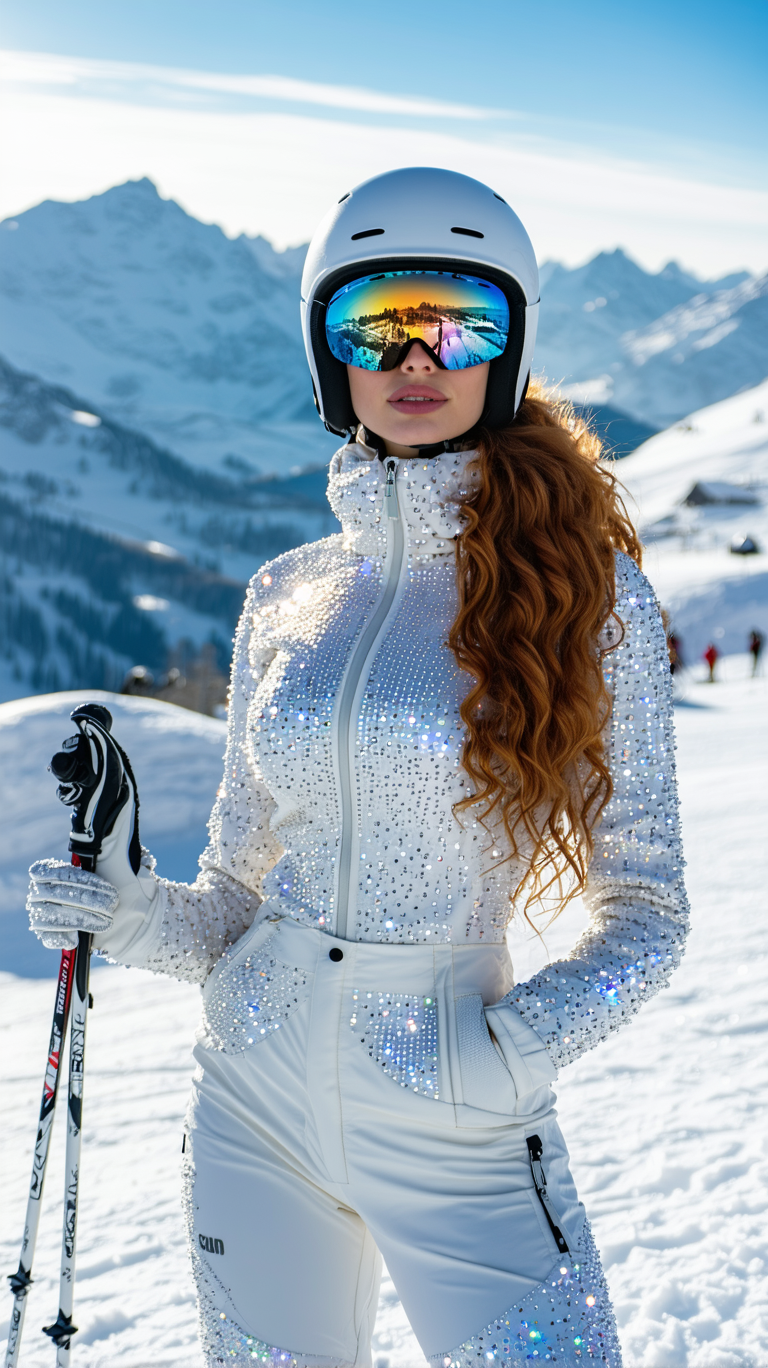
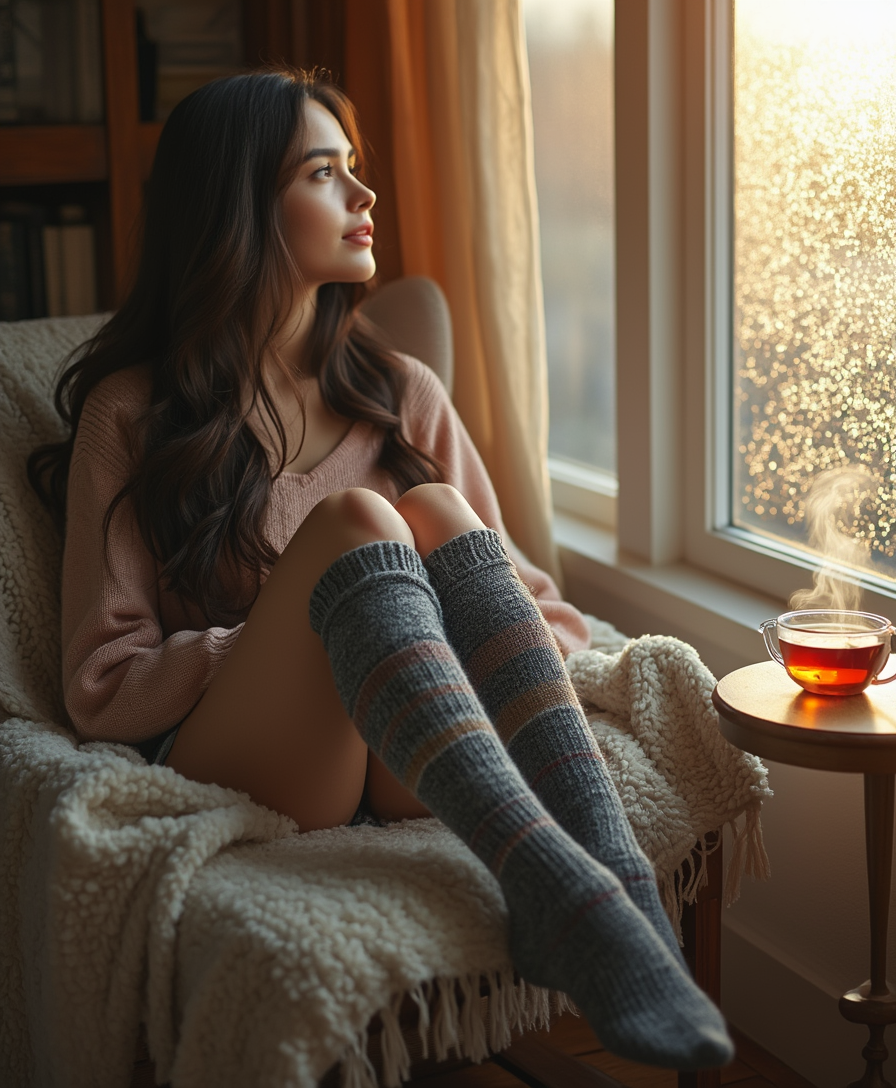
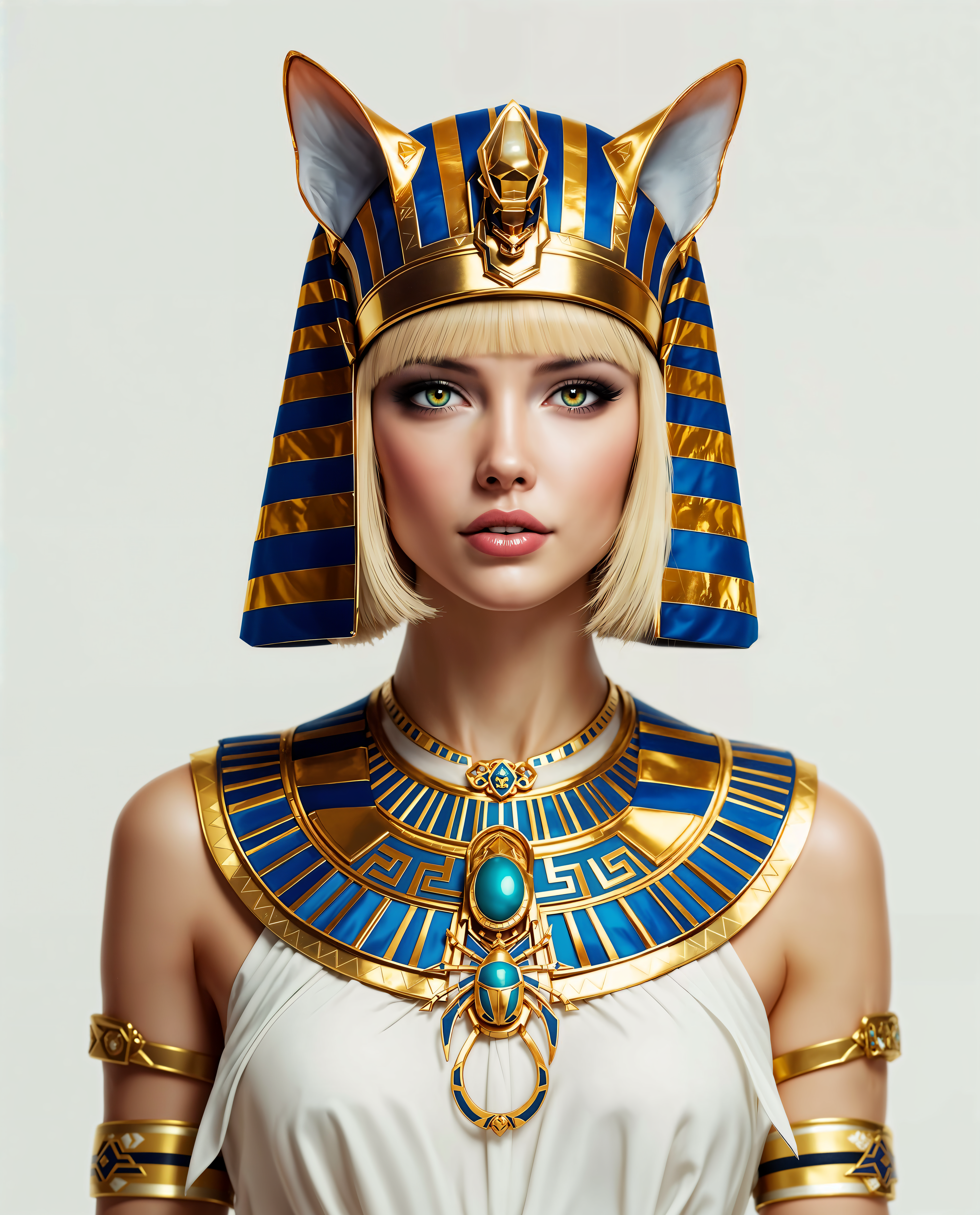
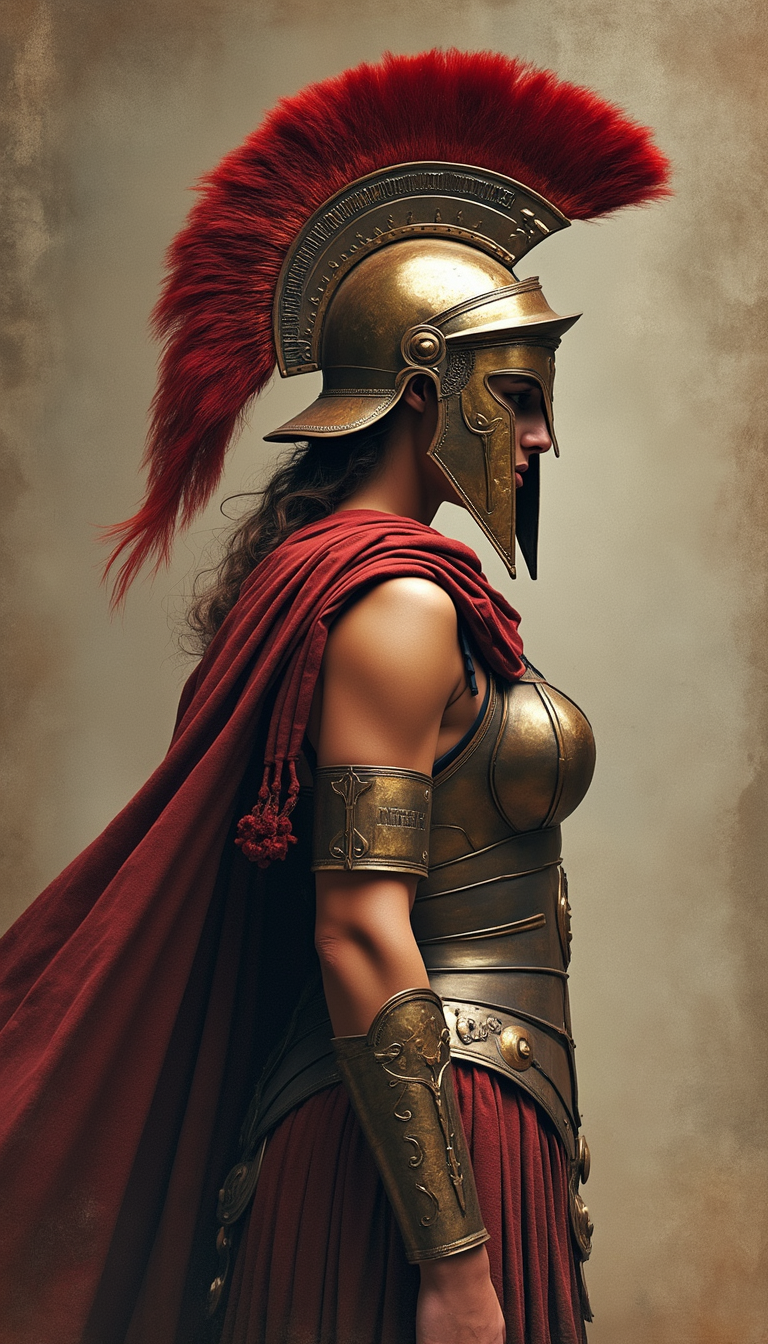
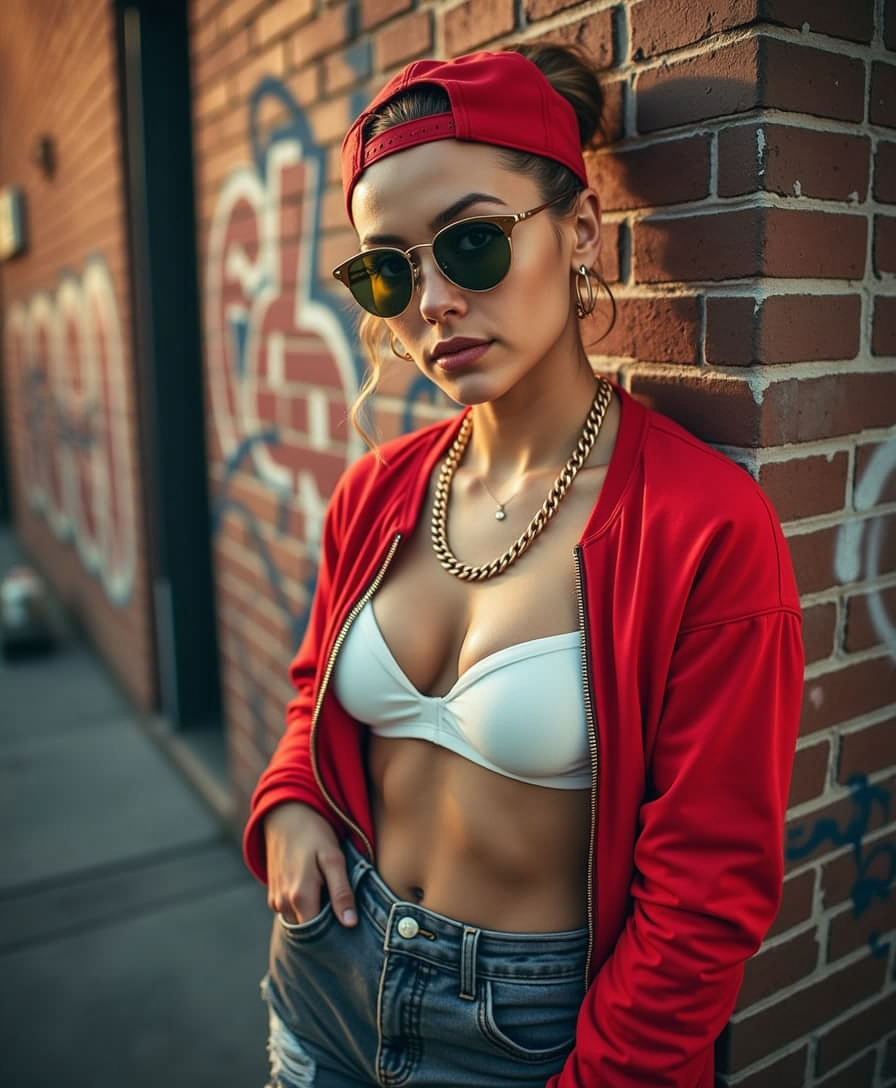
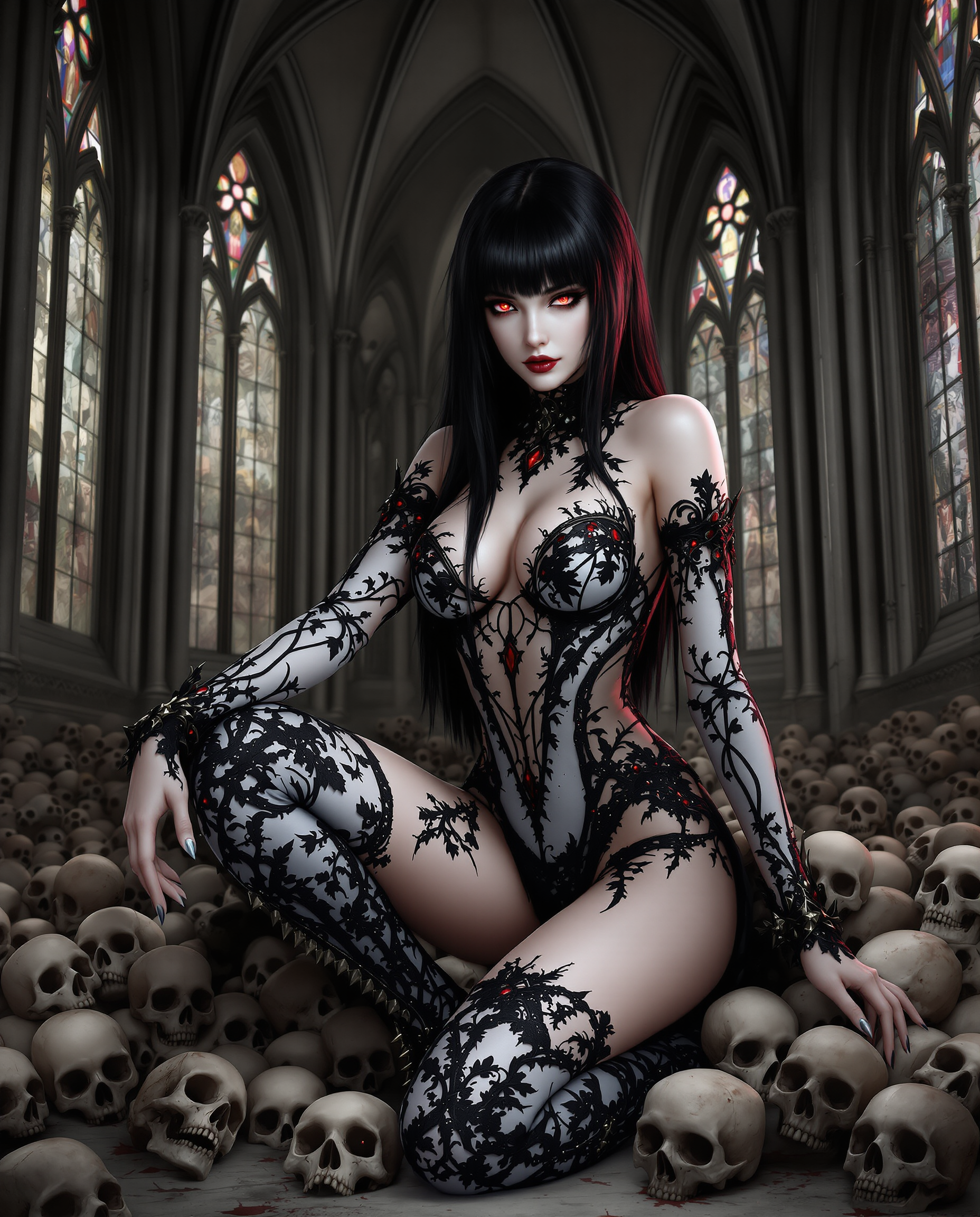
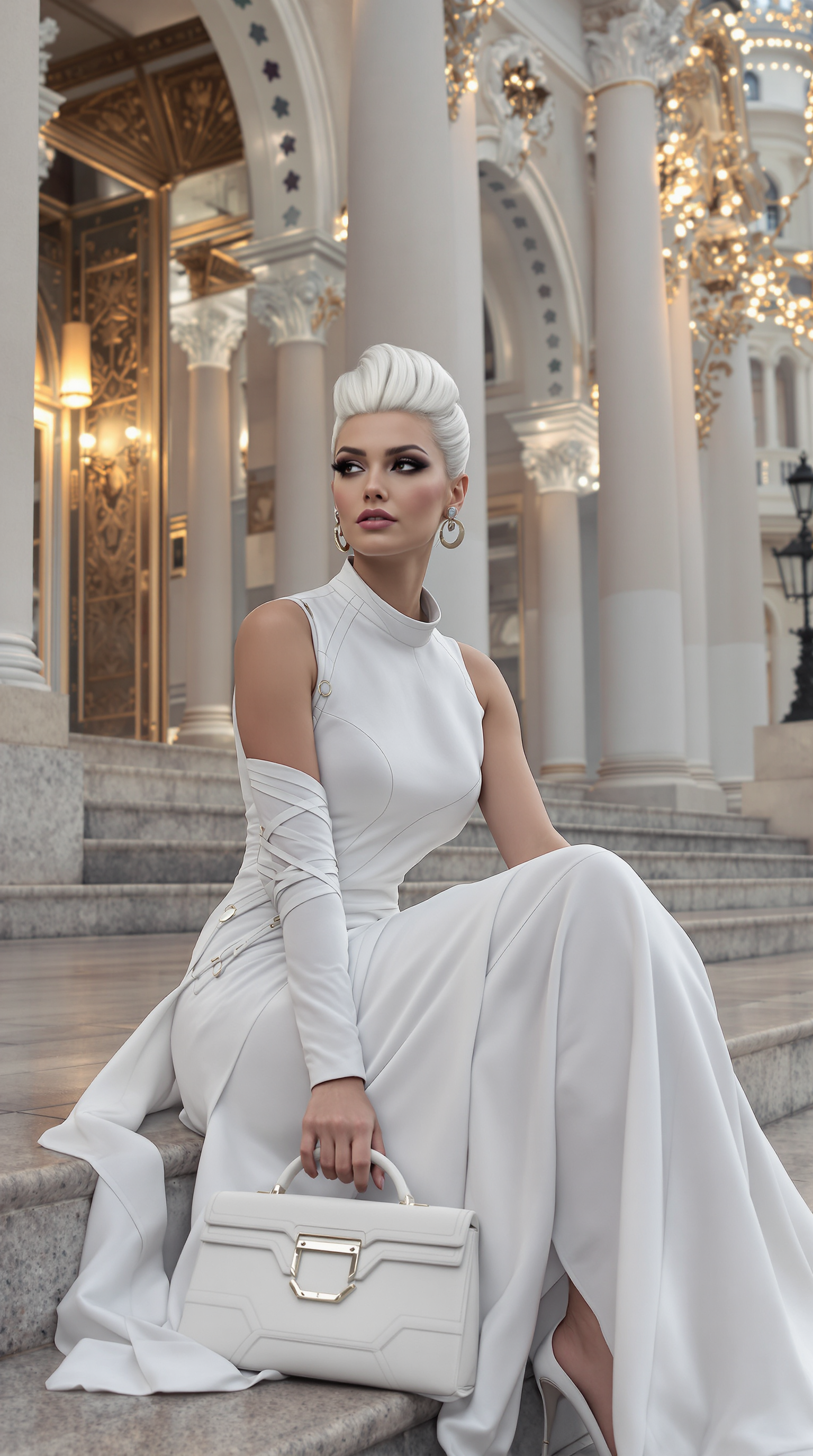
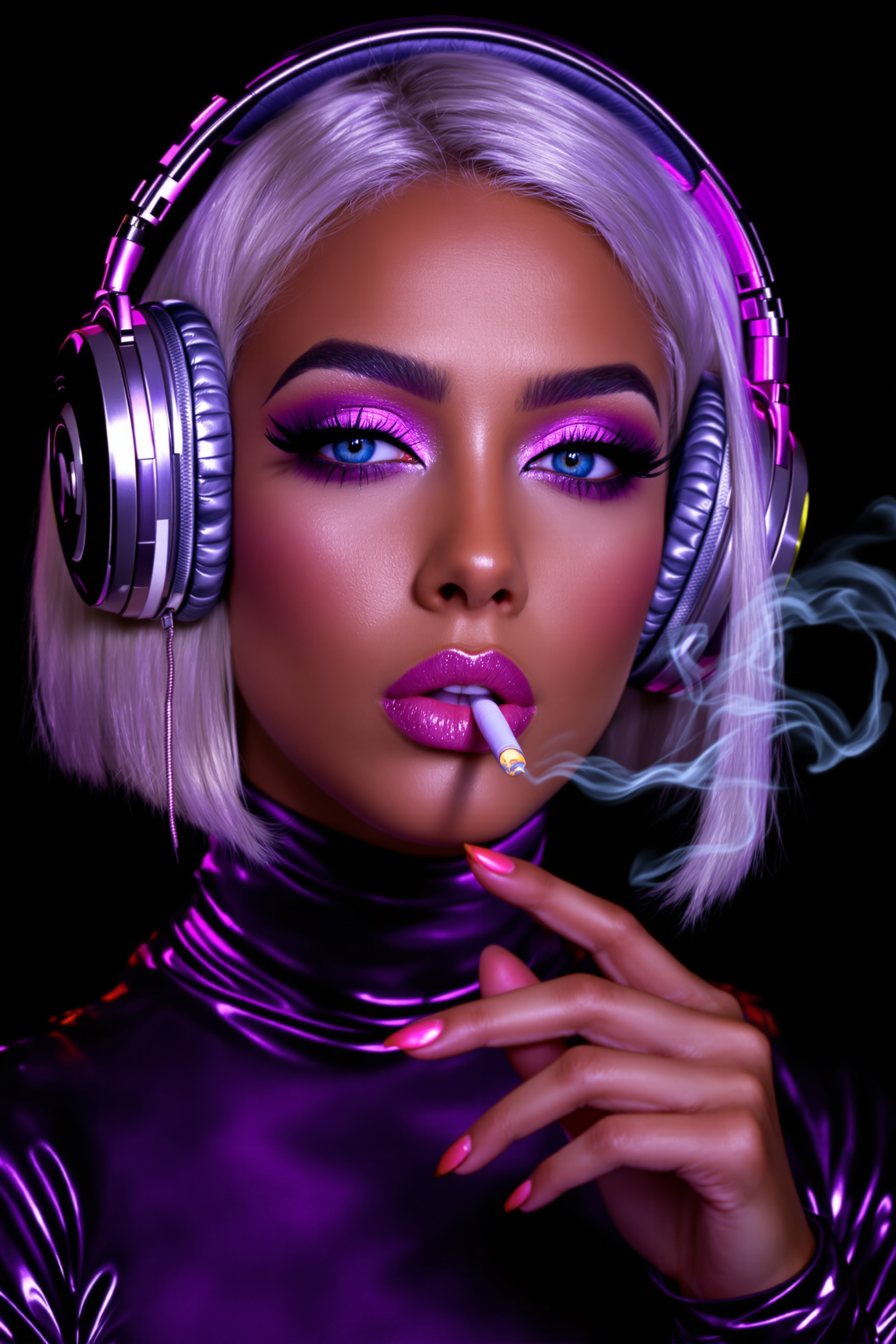

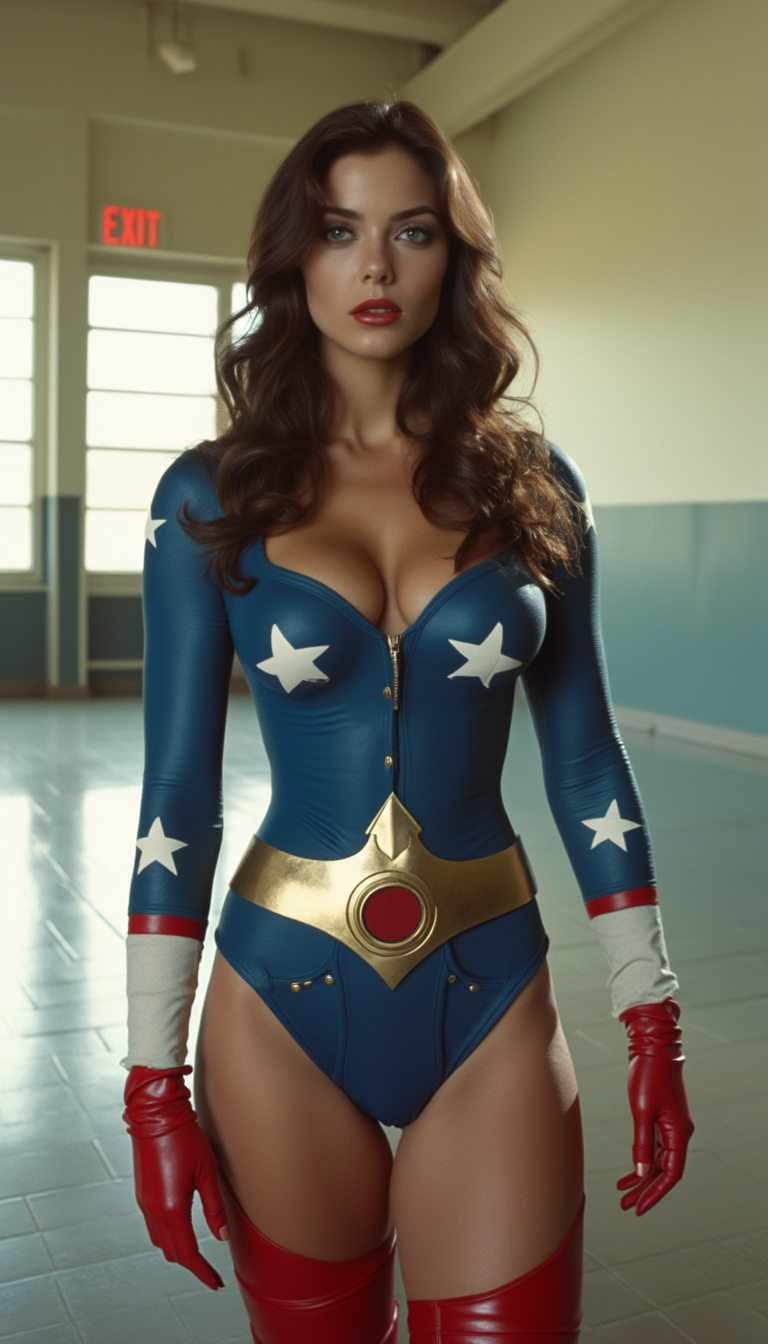
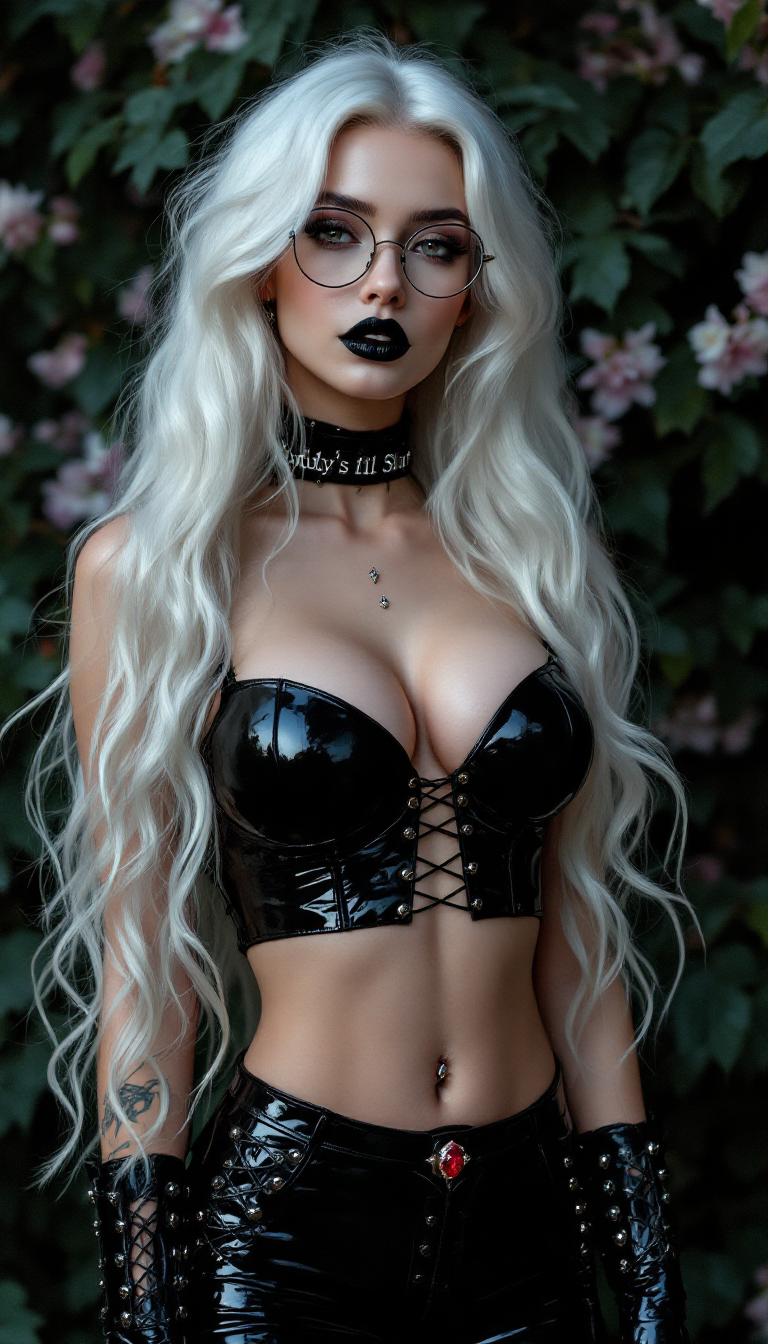
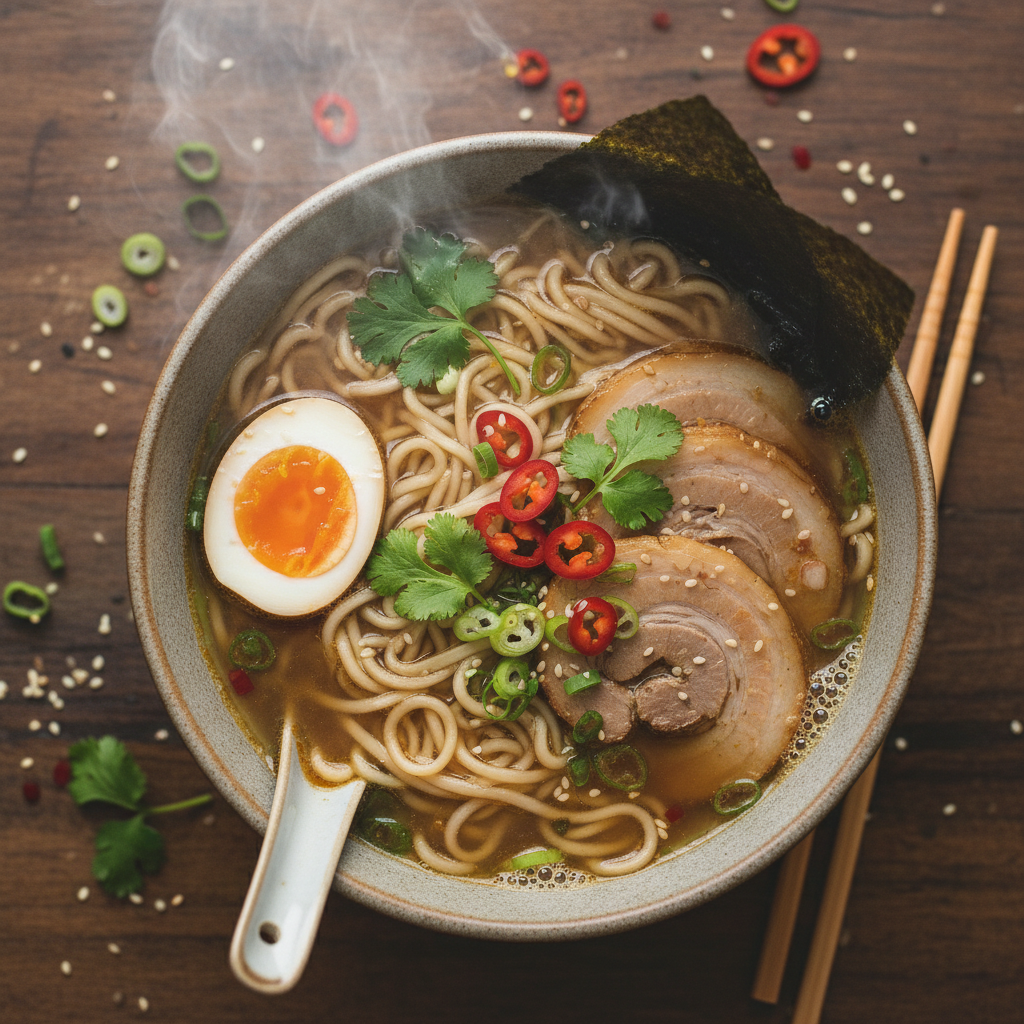
The Pixel Dojo Advantage
Why PixelDojo's HappyHorse outperforms Stable Video Diffusion and other image-to-video methods for effortless, high-impact results
| Others | Pixel Dojo |
|---|---|
| Stable Video Diffusion techniques | Happy Horse 1.0 delivers 2x longer videos (up to 10s+), smoother frame transitions, and better motion coherence without training or complex setups |
| Generic AI video generators | Integrated workflow with 20+ image-to-video tools like Kling Video and WAN 2.7 Video for seamless customization and pro edits in one platform |
| Manual video editing software | Instant generation saves 90% time – no keyframes or rendering waits, just upload, prompt, and export stunning results |
Loved by creators on PixelDojo
Real feedback from people using PixelDojo, pulled from our in-product surveys.
A "one-stop-shop" for creators! Thanks!!
Lots of different tools. It's easy to purchase more credits.
Amazing performance!
Excellent website for creating all types of media
Very eay to use, works well to train SDXL loras.
The amazing tools
Explore more AI tools on PixelDojo
AI Tools
Compare & Switch
- Best AI Image Generators
- Best AI Video Generators
- Midjourney Alternatives
- Civitai Alternatives
- Runway Alternatives
- Leonardo Alternatives
- Pika Alternatives
- Luma Alternatives
- Magnific Alternatives
- Veo Alternatives
- Flux Alternatives
- Freepik Alternatives
- Seedance Alternatives
- Seedream Alternatives
- Pixverse Alternatives
- GPT Image Alternatives
- Synthesia Alternatives
- Playground Alternatives
- NightCafe Alternatives
- Canva AI Alternatives
- ElevenLabs Alternatives
- ComfyUI Alternatives
- Fal Alternatives
- Replicate Alternatives
Common Questions
Everything you need to know about happyhorse vs stable video diffusion
What makes HappyHorse better than Stable Video Diffusion for AI video generation?
HappyHorse on PixelDojo excels with extended video lengths (beyond 25 frames), superior motion fluidity, and easy integration with tools like Kling Reference to Video. You get cinematic outputs without the artifacts common in Stable Video Diffusion, plus instant edits via Happy Horse 1.0 and Video Upscaler for professional polish.
How do I create image to video with HappyHorse vs Stable Video Diffusion?
On PixelDojo, generate an image with PonyXL or Flux.1 Studio, then use Happy Horse 1.0 for animation. Unlike Stable Video Diffusion's rigid limits, you customize prompts for dynamic effects and extend with Grok Video Edit – all in-browser, no downloads needed.
Can HappyHorse generate longer videos than Stable Video Diffusion?
Yes! HappyHorse produces clips up to 10+ seconds with smooth interpolation, outperforming Stable Video Diffusion's short 4-second defaults. Combine with Seedance 2 for even more length and realism, perfect for full social media stories.
Is PixelDojo's HappyHorse free to try for happyhorse vs stable video diffusion comparisons?
Absolutely – start with free credits on Happy Horse 1.0 and compare outputs yourself. Upgrade for unlimited access to 40+ tools including WAN 2.7 Video, with cancel-anytime subscriptions loved by thousands.
What image generators pair best with HappyHorse for optimal video results?
Pair HappyHorse with PixelDojo's top image tools like GPT-Image 1.5, Flux.2 Studio, or Recraft V4 for detailed bases that yield flawless animations. This combo ensures your videos have rich details Stable Video Diffusion struggles with.
How does HappyHorse handle motion compared to Stable Video Diffusion trends?
HappyHorse leverages latest trends in diffusion models for realistic physics and camera control, avoiding Stable Video Diffusion's jittery motion. Edit further with Change Camera Angle or Magic Lighting for pro-level control.