headshot generator ai
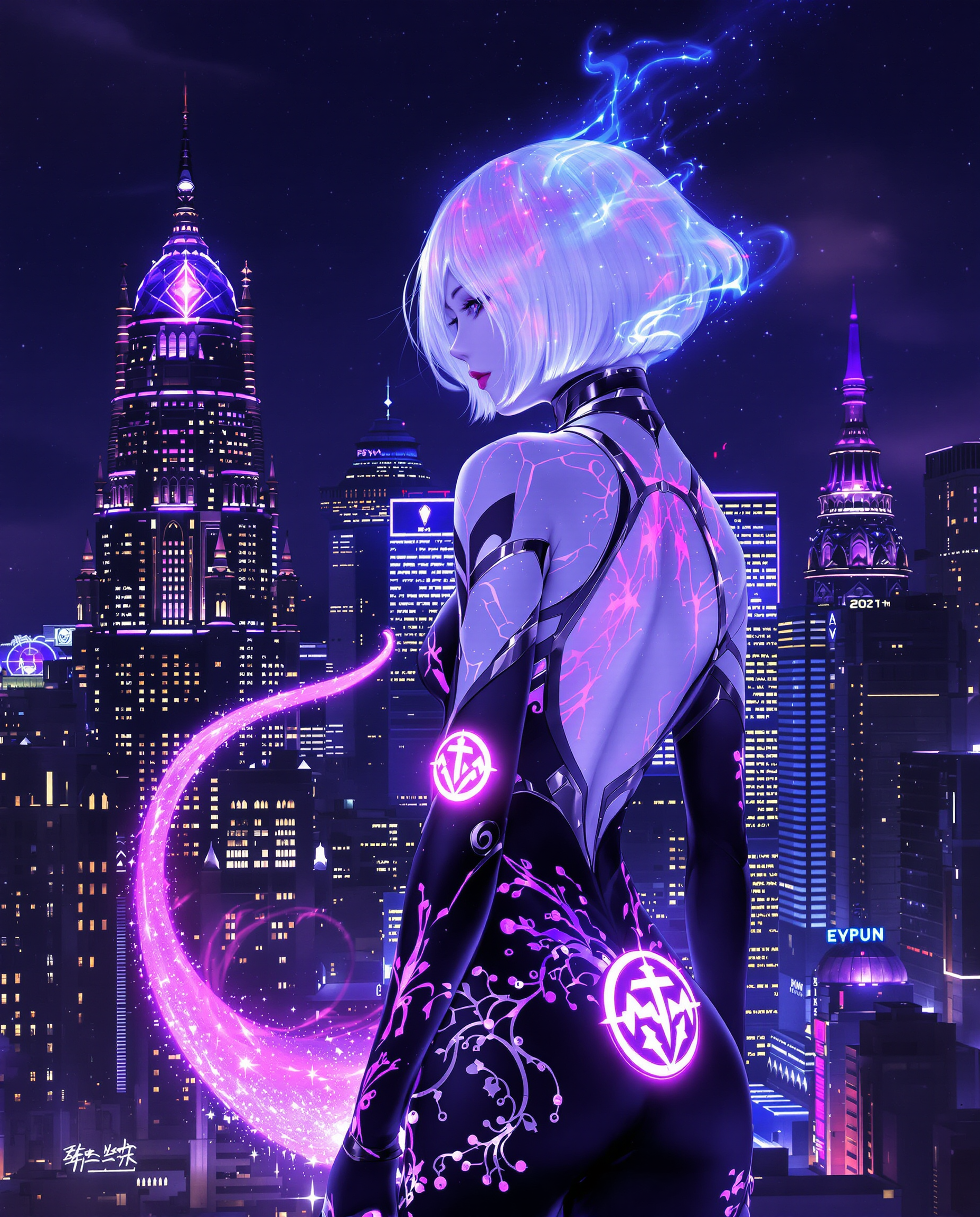
Generated on PixelDojo. Produced by PixelDojo's generation pipeline.
You deserve a professional headshot that actually looks like you and works for LinkedIn, your resume, team pages, and personal branding. With PixelDojo's AI headshot generator you skip the studio booking, travel, and weeks of waiting. Generate photorealistic portraits that capture your authentic expression, natural skin texture, and professional presence in minutes. Choose from models like Nano Banana 2 and Flux.2 Studio to create images recruiters and clients trust. Update your look for every platform without extra cost or scheduling headaches. Thousands of professionals already use these tools to appear more approachable and credible online. Start with a simple selfie or a detailed description and walk away with multiple polished options you can use immediately.
Real image examples generated on PixelDojo
Every example below was produced on PixelDojo. Hover to see the prompt.
This image is a realistic photo photograph of a female real person digital artwork that fe…
flux
Make it photo realistic edit
stable-diffusion
Photoshoot in a studio of a standing beautiful coffee mug
flux
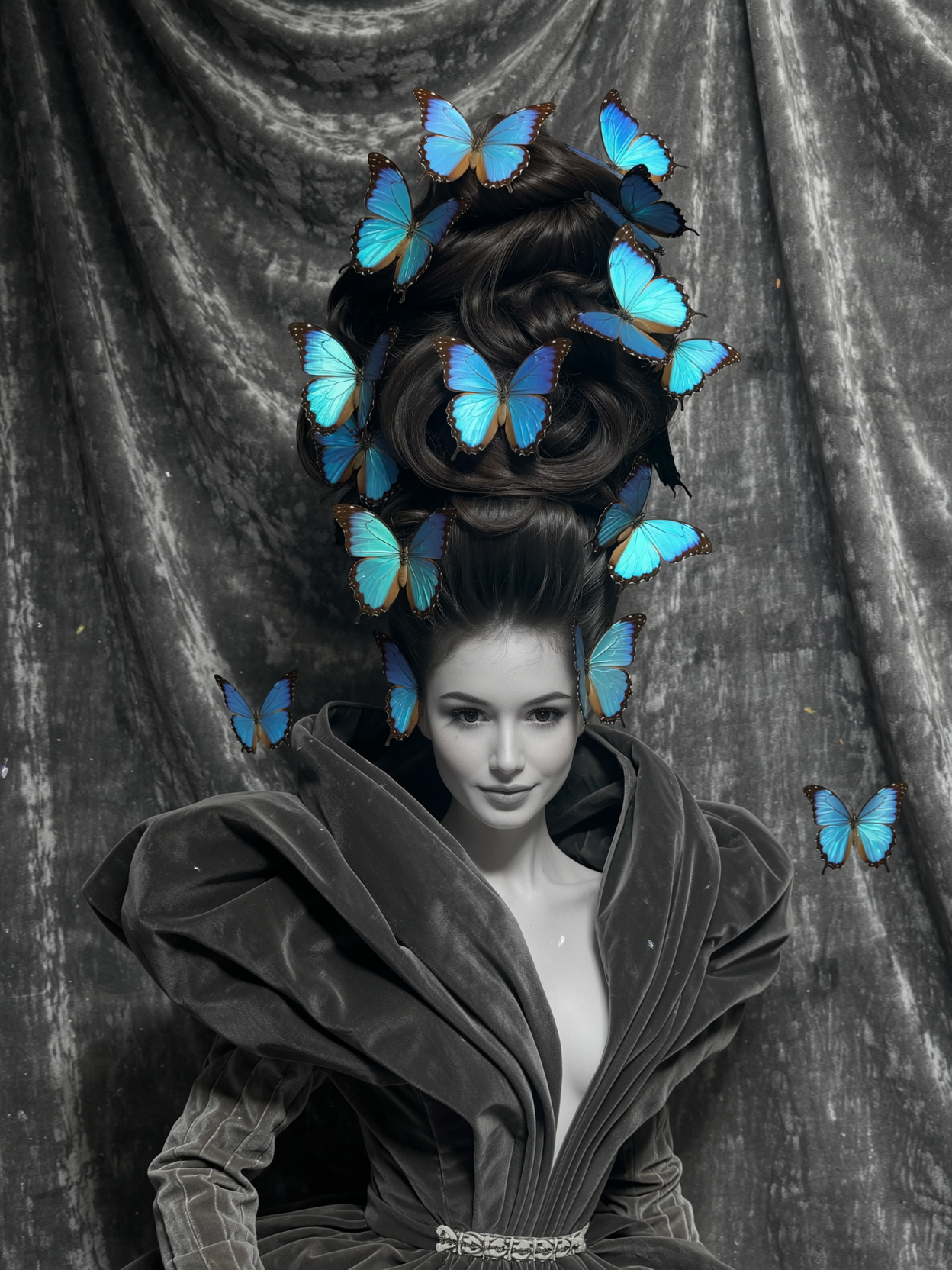
headshot generator ai on PixelDojo
wan-image

FantasyWomanLoRa
stable-diffusion

Masterpiece
creative-upscaler
Models you can run on PixelDojo for headshot generator ai
Switch models without switching tools. Each one runs in the same PixelDojo studio.
What you can do with headshot generator ai on PixelDojo
Studio Quality Headshots
Upload reference photos and we generate professional portraits with controlled lighting, framing, and clean backgrounds.
Wardrobe And Backdrop Options
You can specify attire, pose, and setting so the headshots fit LinkedIn, resumes, and team pages.
Consistent Face Across Shots
We keep identity stable across crops and angles so you can assemble a matching set from one session.
High Resolution Profile Exports
Download print-ready files sized for common profile crops without extra editing tools.
Loved by thousands of creators and professionals worldwide. 40+ cutting-edge AI tools delivering consistent, identity-true results. Cancel anytime.
Why Choose Pixel Dojo for headshot generator ai
Professional-quality results with cutting-edge AI technology
Look Credible on LinkedIn Overnight
Replace outdated selfies with studio-quality headshots that help your profile stand out. You get natural lighting, professional attire, and a confident expression that matches how you actually appear in meetings.
Stay Authentically You Across Every Photo
Preserve your unique facial features, skin tone, and personality while changing outfits, backgrounds, and lighting. No more generic faces or over-smoothed results that feel fake.
Generate Unlimited Looks for Every Platform
Create formal corporate versions, smart-casual team photos, and cinematic portraits from one session. Download high-resolution files ready for LinkedIn squares, websites, and speaker bios.
How It Works
Creating professional AI headshots on PixelDojo is straightforward. You pick a powerful portrait model, describe the look you want or start from a photo, then refine and download. The process keeps your identity intact while delivering photorealistic quality.
Step 1: Choose Your Tool
Open Generate Images and select Nano Banana 2 or Flux.2 Studio for the most photorealistic skin, hair, and lighting. These models excel at natural catchlights, realistic pores, and studio-quality depth of field. You can also start with GPT Image 2 or Flux.1 Studio if you prefer different rendering styles. For even closer likeness, prepare to use Image to Image with one of your own photos.
Step 2: Enter Your Prompt
Describe yourself clearly: age range, professional attire such as a navy blazer over a white shirt, soft diffused studio lighting, 85mm portrait lens, shallow depth of field, slight natural smile, and a clean gray or office-blurred background. Mention realistic skin texture and no plastic smoothing. If you have a selfie, upload it via Image to Image or Face Swap to lock in your exact features. Add details like “shoulders-up framing, direct eye contact, LinkedIn-ready square crop.” Generate several variations so you can pick the strongest expression and lighting.
Step 3: Customize & Download
Use Edit Images tools to perfect the result. Apply Background Remover for a clean studio look, Reality Polisher for extra photorealism, Magic Lighting to adjust catchlights, and Portrait Upscaler or P-Image Upscale for crisp detail. Inpainting lets you tweak clothing or expression if needed. When satisfied, download high-resolution files. You can also create consistent versions with Consistent Characters or Face Swap for additional outfits. All files are ready for LinkedIn, websites, and print.
The Pixel Dojo Advantage
Why PixelDojo outperforms other options for AI headshot generation
| Others | Pixel Dojo |
|---|---|
| Traditional photography sessions | You get dozens of variations in minutes instead of one look after weeks of scheduling, travel, and editing fees. No makeup artist or studio rental required. |
| Generic AI image tools | PixelDojo gives you specialized models like Nano Banana 2 and Flux.2 Studio plus dedicated face tools such as Face Swap, LoRA Face Swap, and Consistent Characters that keep your identity accurate across every generation. |
| Manual photo editing software | Skip hours of retouching. Generate a polished professional headshot, then quickly refine lighting, background, and resolution with one-click tools like Reality Polisher and Portrait Upscaler. |
Loved by creators on PixelDojo
Real feedback from people using PixelDojo, pulled from our in-product surveys.
ease of use, variety of tools, high quality trainings, and a well-maintained discord channel
Ease of use, friendliness and support of the owner, continued innovation.
it is an amazing site to create a pics and vids for those who don't have the hardware themselves
good tools in one place
Prompt updates, strong features, and a community that is always willing to help and hear/act on professional feedback. I've never had a better experience.
user friendly all in one thing
Explore more AI tools on PixelDojo
AI Tools
Compare & Switch
- Best AI Image Generators
- Best AI Video Generators
- Midjourney Alternatives
- Civitai Alternatives
- Runway Alternatives
- Leonardo Alternatives
- Pika Alternatives
- Luma Alternatives
- Magnific Alternatives
- Veo Alternatives
- Flux Alternatives
- Freepik Alternatives
- Seedance Alternatives
- Seedream Alternatives
- Pixverse Alternatives
- GPT Image Alternatives
- Synthesia Alternatives
- Playground Alternatives
- NightCafe Alternatives
- Canva AI Alternatives
- ElevenLabs Alternatives
- ComfyUI Alternatives
- Fal Alternatives
- Replicate Alternatives
Common Questions
Everything you need to know about headshot generator ai
How does an AI headshot generator create professional LinkedIn photos that still look like me?
You start with Nano Banana 2 or Flux.2 Studio and either a detailed prompt or your own selfie via Image to Image. The models preserve facial geometry, skin tone, and unique features while applying professional lighting, attire, and composition. Follow-up edits with Reality Polisher and Portrait Upscaler keep everything photorealistic and identity-true so the photo matches the person people meet in real life.
What is the best way to get realistic skin texture in an AI professional headshot?
Choose Flux.2 Studio or Nano Banana 2 and explicitly request “realistic skin texture, visible pores, natural catchlights, no plastic smoothing.” After generation, run Reality Polisher and Portrait Upscaler. These steps avoid the over-processed look and deliver the authentic, trustworthy appearance that performs best on LinkedIn and corporate sites.
Can I generate multiple consistent professional headshots for different platforms with PixelDojo?
Yes. After your first successful generation, use Consistent Characters or Face Swap plus Image to Image to create additional versions in different outfits, backgrounds, and lighting while keeping your face identical. Generate formal LinkedIn crops, environmental team-page shots, and cinematic portraits all from the same identity. Download each at the correct aspect ratio.
Is an AI generated headshot acceptable for LinkedIn and job applications?
Absolutely, provided it looks like you and uses natural lighting and expression. PixelDojo’s photorealistic models plus editing tools produce images that meet professional standards. Many users report stronger profile engagement after updating with these headshots. Always choose the version that most closely matches how you appear in person.
How do I keep my AI headshots looking natural instead of overly perfect?
Specify “slight natural smile, authentic expression, realistic skin imperfections, documentary photography style” in your prompt. Use Nano Banana 2 or Flux.2 Studio, then apply only light Reality Polisher rather than heavy smoothing. The result feels approachable and credible rather than airbrushed.
What PixelDojo tools should I use after generating my first AI headshot?
Start with Background Remover for a clean studio backdrop, Magic Lighting to refine catchlights, Inpainting for small clothing or expression tweaks, and Portrait Upscaler or P-Image Upscale for extra sharpness. For extra versions, switch to Face Swap or Consistent Characters. All tools work together so you never leave the platform.