heygen alternative
Generated on PixelDojo. Produced by PixelDojo's generation pipeline.
You can now produce studio-quality talking videos, photorealistic brand images and cinematic clips without ever picking up a camera or hiring talent. PixelDojo puts more than 40 specialized AI tools in one place so you instantly turn a simple photo, short script or text prompt into high-converting marketing videos, training presenters, social ads and consistent character visuals. Achieve the polished look of professional production while keeping full creative control, commercial rights and the freedom to cancel anytime. Thousands of creators already scale their content this way—generating unlimited variations for product launches, localized campaigns and daily social posts that actually drive sales and engagement.
Real image examples generated on PixelDojo
Every example below was produced on PixelDojo. Hover to see the prompt.
Hun-product
image-to-image
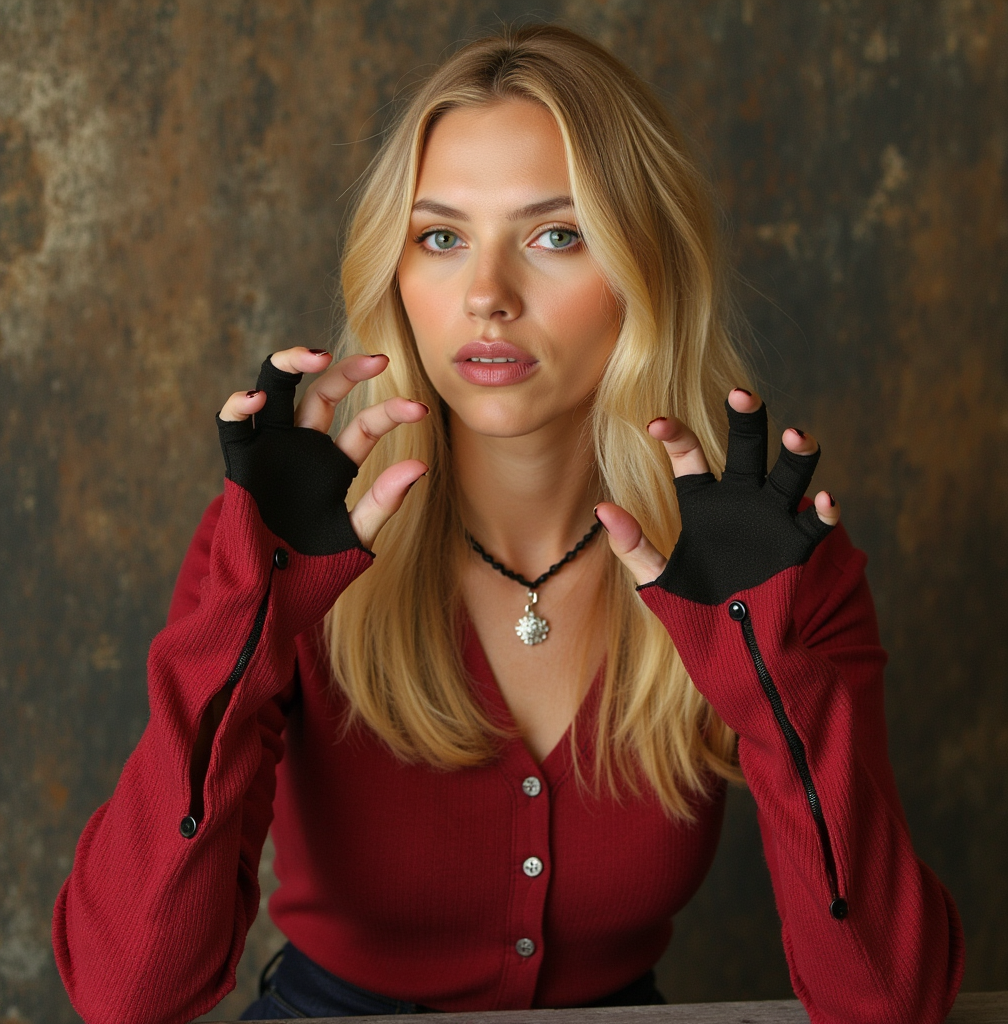
OHWX woman
flux-pose-control
Gg-product
image-to-image

Qwen-text
image-to-image
Goth hacker woman face closeup
imagen
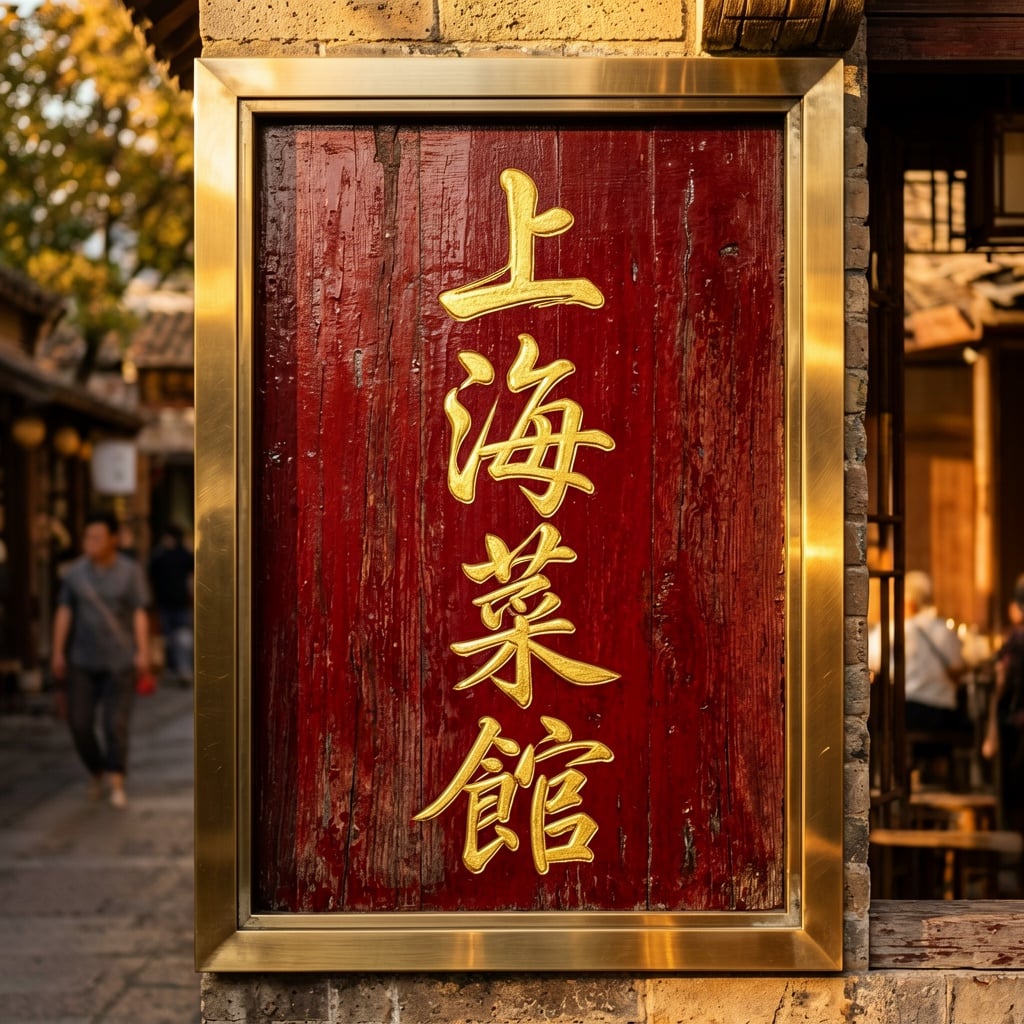
Ern-text
image-to-image
Models you can run on PixelDojo for heygen alternative
Switch models without switching tools. Each one runs in the same PixelDojo studio.
What you can do with heygen alternative on PixelDojo
Multiple Image Models
We give you access to several image generation models in one workspace so you can pick the look that fits each project. Switch models without leaving your current prompt and settings.
Reference And Style Control
We support prompts plus reference images so you can steer composition, lighting, and character consistency. Iterate on the same brief until the frame matches what you need.
Batch And Variation Tools
We let you generate multiple variations from one prompt so you can compare options quickly. Keep the versions you like and refine them without starting over.
Export Ready Assets
We output images you can download and use in your usual design and publishing tools. Organize generations by project so your team can find and reuse approved stills.
Loved by thousands of creators worldwide. Over a million images and videos generated. 4.9/5 average user rating. Commercial-use ready, cancel anytime with no contracts.
Why Choose Pixel Dojo for heygen alternative
Professional-quality results with cutting-edge AI technology
Launch High-Converting Talking Videos Instantly
You create realistic AI presenters and cinematic clips that hold attention and convert viewers into customers, all from a single photo or prompt, ready for ads, training and social in minutes.
Keep Your Brand Characters Perfectly Consistent
You build a recognizable face and style that appears identically across every image, video and campaign so your audience instantly knows it’s you, without reshooting or expensive talent.
Scale Unlimited Professional Content On Demand
You produce as many variations as you need for testing, localization and daily posting while staying inside one platform of 40+ tools you can cancel anytime.
How It Works
You go from idea to finished talking video or brand image in three straightforward steps using PixelDojo’s dedicated avatar, video and image tools.
Step 1: Choose Your Tool
Select Kling Avatar or P Video Avatar to turn any photo into a speaking presenter, Marketing Studio for complete campaign videos, or Flux.2 Studio and Ideogram 4 when you need still images and character sheets first.
Step 2: Enter Your Prompt
Describe the scene, lighting, emotion and script. Add your talking points for automatic lip-sync or upload a reference photo for identity lock. Tools like WAN 3.0, Seedance 2.5 and Kling Video understand natural language so you get exactly the motion and style you imagined.
Step 3: Customize & Download
Refine with Image to Image, Inpainting, Change Camera Angle, Style Transfer, Magic Lighting and Reality Polisher. Swap faces with Face Swap or LoRA Face Swap, upscale with Magnific Upscaler or P-Image Upscale, then download 4K-ready files or extend the clip with Grok Imagine Video Extend.
The Pixel Dojo Advantage
Why PixelDojo outperforms other options for creating talking videos, avatars and brand images
| Others | Pixel Dojo |
|---|---|
| Traditional video production | You eliminate cameras, studios, actors and weeks of editing. Generate finished talking presenters and cinematic clips in minutes at a fraction of the cost while keeping commercial rights. |
| Generic AI tools | You access 40+ specialized models in one dashboard including Kling Avatar, P Video Avatar, VEO 3.1, WAN 3.0, Seedance 2.5, Flux.2 Studio and Ideogram 4, giving you talking heads plus full cinematic video and consistent image sets. |
| Manual photo and video editing | You automate character consistency with Character Sheets and Face Swap, apply instant lighting and background changes, then upscale and caption everything without ever opening complex software. |
Loved by creators on PixelDojo
Real feedback from people using PixelDojo, pulled from our in-product surveys.
All the tools needed in one dashboard
Very fair and very broad in tools.
Accurate results
Great site and so much fun to use!
very useful set of tools for image creation, upscaling and enhancement
ease of use, variety of tools, high quality trainings, and a well-maintained discord channel
Explore more AI tools on PixelDojo
AI Tools
Compare & Switch
- Best AI Image Generators
- Best AI Video Generators
- Midjourney Alternatives
- Civitai Alternatives
- Runway Alternatives
- Leonardo Alternatives
- Pika Alternatives
- Luma Alternatives
- Magnific Alternatives
- Veo Alternatives
- Flux Alternatives
- Freepik Alternatives
- Seedance Alternatives
- Seedream Alternatives
- Pixverse Alternatives
- GPT Image Alternatives
- Synthesia Alternatives
- Playground Alternatives
- NightCafe Alternatives
- Canva AI Alternatives
- ElevenLabs Alternatives
- ComfyUI Alternatives
- Fal Alternatives
- Replicate Alternatives
Common Questions
Everything you need to know about heygen alternative
What is the best HeyGen alternative for creating realistic AI talking videos?
PixelDojo gives you Kling Avatar, P Video Avatar and WAN Video Character Swap so you turn a single photo into a natural-looking presenter that lip-syncs your script. Combine them with Kling Video, Seedance 2.5 and VEO 3.1 to produce complete marketing and training videos rather than isolated talking heads, all inside one platform you can cancel anytime.
How do I keep the same AI character consistent across images and videos?
You start with Consistent Characters and Character Sheets, then lock identity using Ideogram Character, LoRA Face Swap and Flux Trainer. Once trained, the same face and style appear in every Flux.2 Studio image, Kling Video clip and Marketing Studio campaign so your brand stays instantly recognizable.
Can I create cinematic AI videos beyond simple talking heads as a HeyGen alternative?
Yes. You use VEO 3.1, Flux 3 Video, WAN 3.0, Hailuo 2.3 and MiniMax H3 to generate full scenes with camera movement, physics and atmosphere. Start from a still created in Flux.2 Studio or Ideogram 4, then animate it with P Video Animate for product demos, ads and social stories that look professionally shot.
Is there an affordable way to try AI image and video generation like a HeyGen alternative?
You can start creating immediately with PixelDojo’s 40+ tools. There are no long-term contracts and you cancel anytime, so you only pay while you are producing the talking videos, avatars and images you actually need for your campaigns.
How does PixelDojo turn photos into talking avatars and videos?
Upload any photo to Kling Avatar or P Video Avatar, add your script, and the tool generates lip-synced motion. For more dynamic results you feed the same image into Kling Video, WAN Reference to Video or Seedance 2 Reference, then refine lighting and camera with Change Camera Angle and Magic Lighting before upscaling.
What editing and enhancement tools help me polish AI talking videos and images?
You have Inpainting, Style Transfer, Background Remover, Reality Polisher and Image Outpainting for stills, plus Runway Aleph, Grok Video Edit, Kling Video Edit, Video Autocaption and Video Reframe for motion. Finish with Magnific Upscaler, Clarity Pro or FLUX Video Upscale so every asset is ready for ads, websites or print.