Character Consistency AI Generator
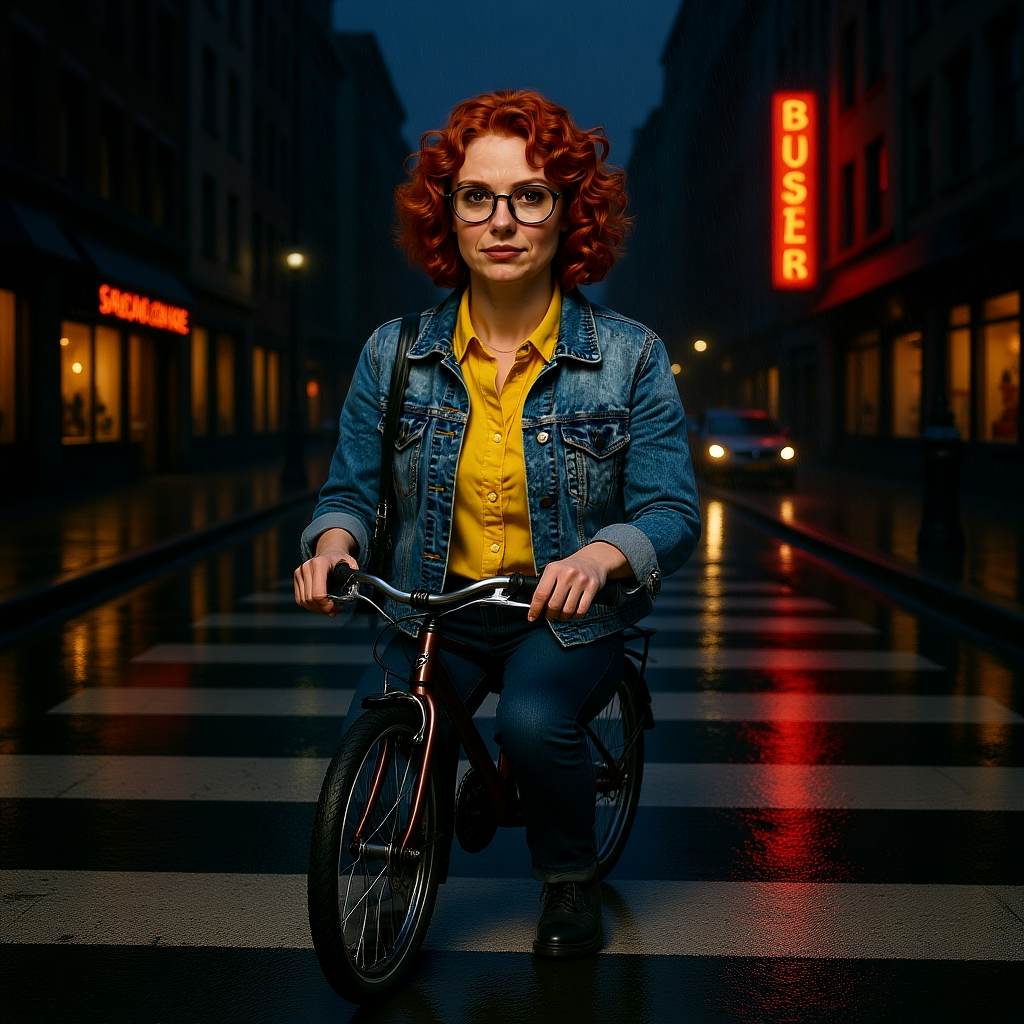
Generated on PixelDojo. Produced by PixelDojo's generation pipeline.
Generate the character once, lock the identity in a character sheet, then move that locked character into scenes with an edit model. We ran exactly those three steps on August 26, 2026 and the whole thing cost 2.5 credits. The base portrait came from Z Image Turbo for 0.5 credits. The four variant character sheet came from Consistent Characters for 1 credit, and her face, hair, glasses and outfit held across all four. One 1 credit Kontext edit then put her on a bicycle in the rain with the same face.
Base portrait, character sheet, scene placement
Every example below was produced on PixelDojo. Hover to see the prompt.
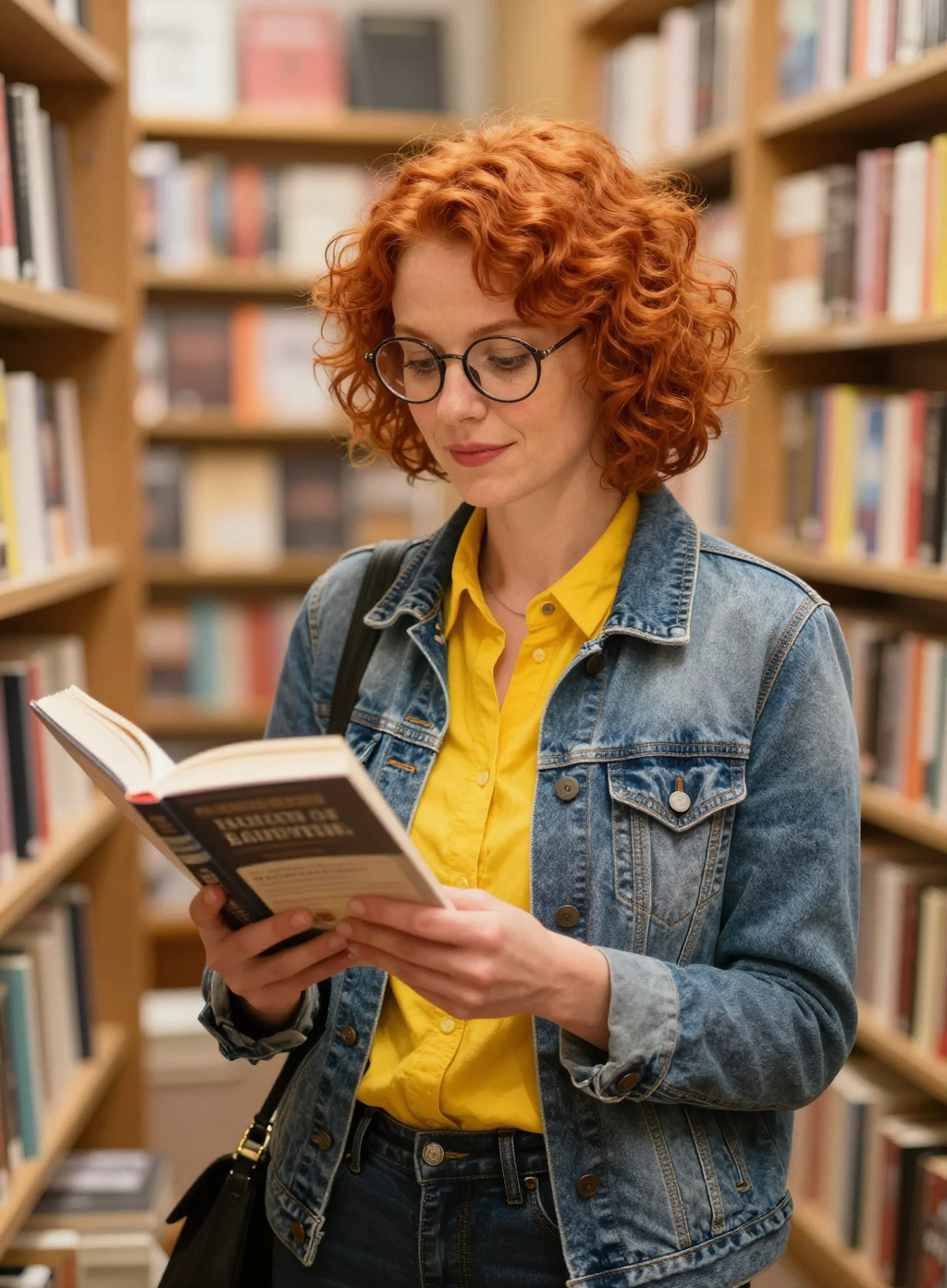
A woman in her 30s with short curly red hair, round glasses, a denim jacket over a yellow shirt, standing in a bookshop aisle holding a paperback, warm tungsten light, photorealistic
z-image-turbo
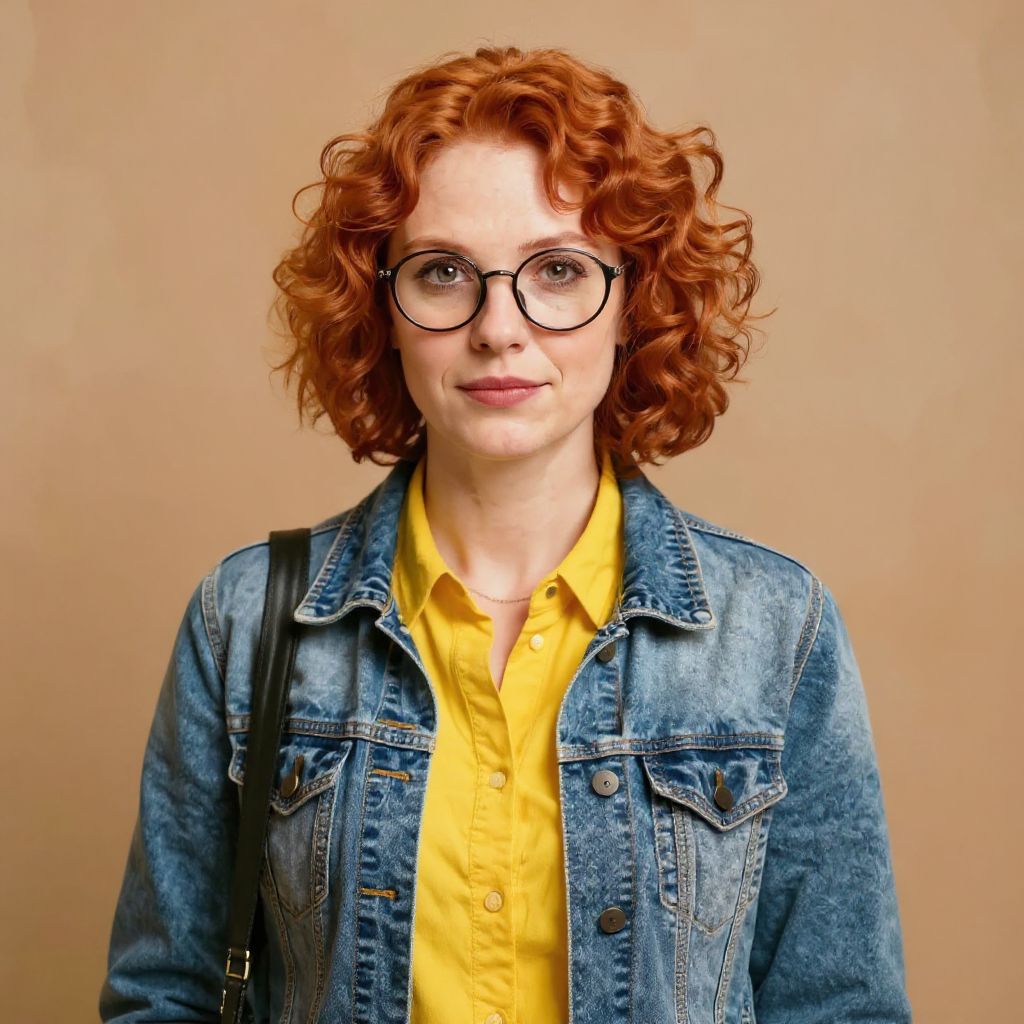
A woman in her 30s with short curly red hair, round glasses, a denim jacket over a yellow shirt, standing in a bookshop aisle holding a paperback, warm tungsten light, photorealistic
consistent-characters
Place this exact woman on a bicycle crossing a rainy city crosswalk at dusk, neon shop signs reflecting in puddles, cinematic wide shot, keep her face, glasses, red curly hair, denim jacket and yellow shirt identical
flux-edit
This workflow is three real runs on August 26, 2026, not a suggested method. The credits, the timings and the three images below are what came back.
How It Works
Three runs, 2.5 credits, all measured on August 26, 2026.
Generate the base portrait
Write one specific description of the person and generate it once. Ours was: A woman in her 30s with short curly red hair, round glasses, a denim jacket over a yellow shirt, standing in a bookshop aisle holding a paperback, warm tungsten light, photorealistic. Z Image Turbo returned it in about 25 seconds for 0.5 credits. Be specific about hair, eyewear and clothing, because those are the details the next step locks.
Lock the identity in a character sheet
Send that portrait to Consistent Characters. It returned four variants for 1 credit in about 45 seconds, and the face, hair, glasses and outfit were identical in every one. The background stayed plain in all four. This step defines the character, so plain is correct here.
Place the character in a scene
Send the locked character to a Kontext edit and describe the scene, naming every feature you want kept. Ours was: Place this exact woman on a bicycle crossing a rainy city crosswalk at dusk, neon shop signs reflecting in puddles, cinematic wide shot, keep her face, glasses, red curly hair, denim jacket and yellow shirt identical. It cost 1 credit, took about 25 seconds, and all five named features came back unchanged.
Loved by creators on PixelDojo
Real feedback from people using PixelDojo, pulled from our in-product surveys.
Great variety of tools to create and modify images and video.
Lots of Tools, and the one time I needed support I got help right away
Easy to use once you get the hang of it
Love it make anything I can think of so far
Great for all your ideas use it encourage more people to use it
Because it is awesome
Explore more AI tools on PixelDojo
AI Tools
Compare & Switch
- Best AI Image Generators
- Best AI Video Generators
- Midjourney Alternatives
- Civitai Alternatives
- Runway Alternatives
- Leonardo Alternatives
- Pika Alternatives
- Luma Alternatives
- Magnific Alternatives
- Veo Alternatives
- Flux Alternatives
- Freepik Alternatives
- Seedance Alternatives
- Seedream Alternatives
- Pixverse Alternatives
- GPT Image Alternatives
- Synthesia Alternatives
- Playground Alternatives
- NightCafe Alternatives
- Canva AI Alternatives
- ElevenLabs Alternatives
- ComfyUI Alternatives
- Fal Alternatives
- Replicate Alternatives
Common Questions
Everything you need to know about Character Consistency
Does the character tool put my character into a scene?
No, and that surprised us too. Consistent Characters locked the face, hair, glasses and outfit across all four variants, but it kept a plain studio background in every one. It builds a character sheet. Putting her into a real scene took one more 1 credit Kontext edit.
What did the whole workflow cost?
2.5 credits. That is 0.5 credits for the base portrait with Z Image Turbo, 1 credit for the four variant character sheet with Consistent Characters, and 1 credit for the Kontext scene edit.
How long did the three steps take?
About 25 seconds for the base portrait, about 45 seconds for the character sheet and about 25 seconds for the scene edit, measured on August 26, 2026.
Do I need to train a LoRA for character consistency?
Not for this. We trained nothing. LoRA training is available on PixelDojo when you want one character reused across hundreds of images, but three runs and 2.5 credits covered a base, a sheet and a finished scene.
What exactly stayed the same in the scene edit?
Her face, glasses, red curly hair, denim jacket and yellow shirt. We named all five in the edit prompt and all five came back identical on the bicycle in the rain.
How do I add more scenes with the same character?
Reuse the locked character and run another Kontext edit with a new scene description. Each one is 1 credit, so a second and third scene cost 1 credit each.