how to train loras AI Generator
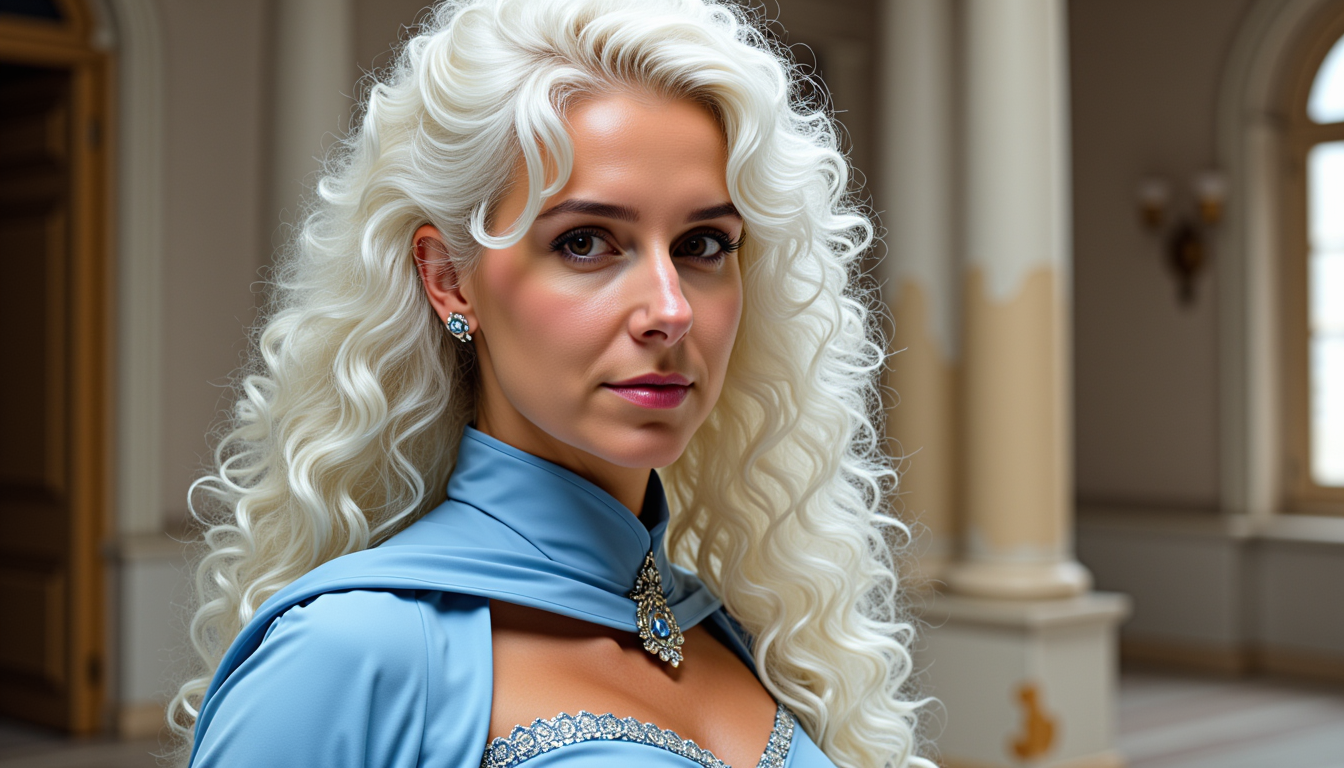
Generated on PixelDojo. Produced by PixelDojo's generation pipeline.
Unlock the full potential of AI image generation by training your own LoRA (Low-Rank Adaptation) models with PixelDojo's Fast Flux LoRA Trainer. In just minutes, you can create personalized models that generate images tailored to your unique concepts, characters, or artistic styles. Whether you're an artist, designer, or enthusiast, PixelDojo empowers you to bring your creative visions to life with unprecedented speed and ease.
Real image examples generated on PixelDojo
Every example below was produced on PixelDojo. Hover to see the prompt.
MO-LoRa-Pixie
stable-diffusion

MO-LoRa-Multi as Lara Lovegood depicted as a seductress
stable-diffusion

<lora:Body Type_alpha1
flux

Lobster and rabbit mix fusion creature in forrest
flux

MO-LoRa-Multi
flux
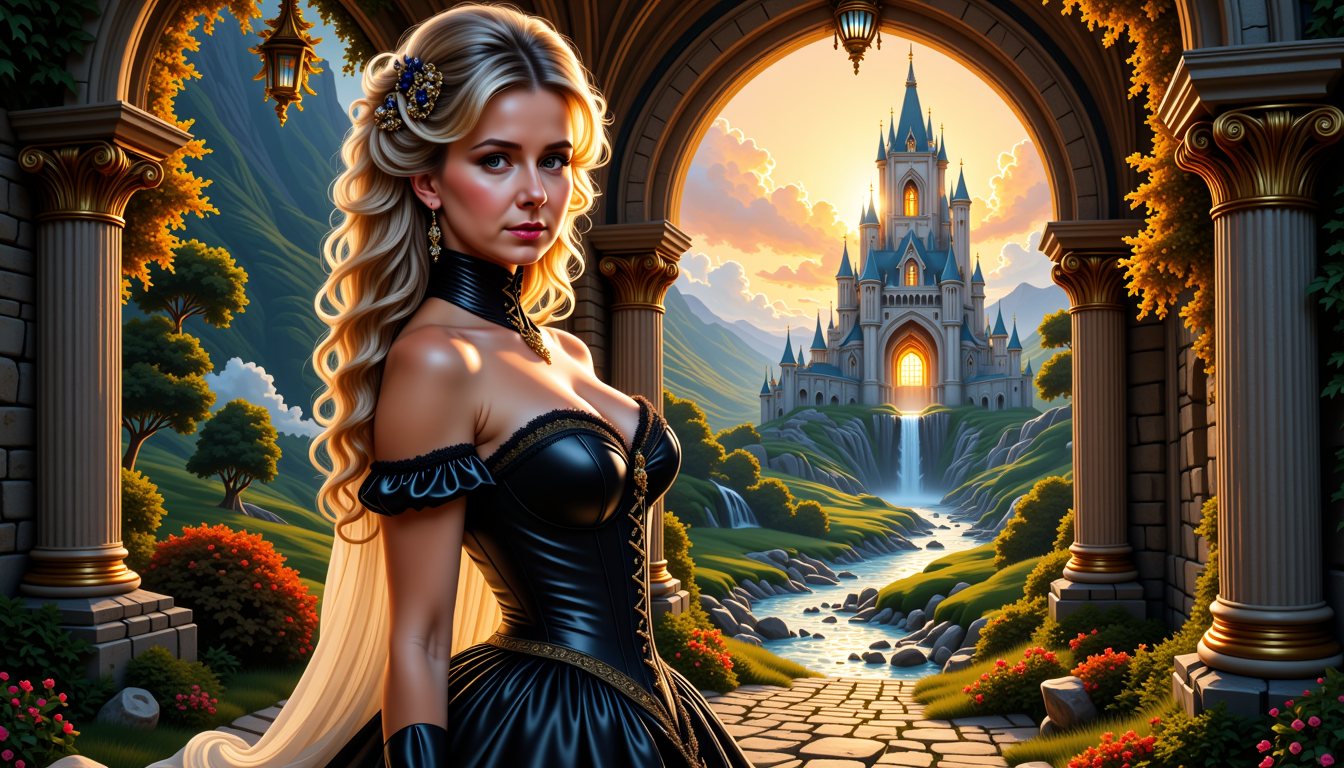
MO-LoRa-Multi
flux
Models you can run on PixelDojo for how to train loras
Switch models without switching tools. Each one runs in the same PixelDojo studio.
What you can do with how to train loras on PixelDojo
Prepare Image Datasets for Training
Upload and organize collections of images to serve as training data for LoRA models.
Set Custom Training Parameters
Adjust options such as learning rate, epochs, and batch size to match project requirements.
Run LoRA Training Jobs
We start the training process on provided datasets and display status updates during execution.
Apply Trained LoRA Files
Download completed LoRA models for direct use in image generation on the platform.
Join over 10,000 creators who have successfully trained custom LoRA models using PixelDojo's Fast Flux LoRA Trainer, achieving a 95% satisfaction rate.
Why Choose Pixel Dojo for how to train loras
Professional-quality results with cutting-edge AI technology
Rapid Training Process
Train high-quality LoRA models in just 2 minutes, significantly reducing the time from concept to creation.
Cost-Effective Solutions
Affordable pricing options make advanced AI model training accessible to all creators.
User-Friendly Interface
Intuitive tools and automatic features streamline the training process, even for beginners.
How It Works
Creating custom LoRA models with PixelDojo is a straightforward process that involves three key steps:
Step 1: Prepare Your Dataset
Gather a collection of high-quality images that represent the concept, character, or style you wish to train your LoRA model on. Ensure diversity in angles, lighting, and backgrounds to enhance the model's versatility.
Step 2: Upload and Configure Training
Navigate to PixelDojo's Fast Flux LoRA Trainer, upload your prepared dataset, and configure the training parameters such as the number of steps and learning rate. PixelDojo's platform offers default settings optimized for quick and effective training.
Step 3: Train and Apply Your LoRA Model
Initiate the training process, which completes in approximately 2 minutes. Once trained, your custom LoRA model is ready to be applied to generate AI images that accurately reflect your desired concept or style.
The Pixel Dojo Advantage
Why PixelDojo's Fast Flux LoRA Trainer stands out in AI model training:
| Others | Pixel Dojo |
|---|---|
| Traditional LoRA Training Methods | PixelDojo reduces training time from over 45 minutes to just 2 minutes, enabling rapid iteration and experimentation. |
| Generic AI Training Platforms | PixelDojo offers a user-friendly interface with optimized default settings, making advanced AI model training accessible to all skill levels. |
| Manual Model Fine-Tuning | PixelDojo's automated features, such as Auto Thumbnail Generation, streamline the training process, reducing manual effort and potential errors. |
Loved by creators on PixelDojo
Real feedback from people using PixelDojo, pulled from our in-product surveys.
Great for all your ideas use it encourage more people to use it
Because it is awesome
exceptional quality and great overall design of platform and interface. very intuative. love the creative freedom.
Qwen image 2 is amazing!!
Creative freedom, range of tools and options.
I love the training feature
Explore more AI tools on PixelDojo
AI Tools
Compare & Switch
- Best AI Image Generators
- Best AI Video Generators
- Midjourney Alternatives
- Civitai Alternatives
- Runway Alternatives
- Leonardo Alternatives
- Pika Alternatives
- Luma Alternatives
- Magnific Alternatives
- Veo Alternatives
- Flux Alternatives
- Freepik Alternatives
- Seedance Alternatives
- Seedream Alternatives
- Pixverse Alternatives
- GPT Image Alternatives
- Synthesia Alternatives
- Playground Alternatives
- NightCafe Alternatives
- Canva AI Alternatives
- ElevenLabs Alternatives
- ComfyUI Alternatives
- Fal Alternatives
- Replicate Alternatives
Common Questions
Everything you need to know about how to train loras
How does PixelDojo's Fast Flux LoRA Trainer accelerate the training process?
By leveraging the power of eight NVIDIA H100 GPUs, PixelDojo's Fast Flux LoRA Trainer reduces training times from over 45 minutes to just 2 minutes, enabling rapid iteration and experimentation.
What are the pricing options for training LoRA models on PixelDojo?
PixelDojo offers affordable pricing for the Fast Flux LoRA Trainer, with 1,000 steps priced at 25 credits and 2,500 steps at 40 credits, making advanced AI model training accessible to all creators.
Can I train a LoRA model without prior technical experience?
Yes, PixelDojo's user-friendly interface and optimized default settings make it easy for users of all skill levels to train custom LoRA models without extensive technical knowledge.
What types of concepts can I train using PixelDojo's Fast Flux LoRA Trainer?
You can train LoRA models on a wide range of concepts, including specific characters, artistic styles, objects, or any unique idea you wish to generate AI images for.
How does Auto Thumbnail Generation enhance the training process?
PixelDojo's Auto Thumbnail Generation feature automatically creates portrait thumbnails for Flux LoRAs that lack them, improving the user experience and organization of trained models.
Is there a community or support available for PixelDojo users?
Yes, PixelDojo offers a Discord Community where users can share experiences, seek assistance, and collaborate on AI image generation projects.