flux 2 pro vs krea

Generated on PixelDojo. Produced by PixelDojo's generation pipeline.
You no longer have to choose between photorealistic precision and lightning-fast creative flow. PixelDojo puts Flux.2 Studio and Krea Image together so you can produce campaign-ready visuals that look professionally photographed or explore bold artistic directions in real time. Marketers use these tools to generate consistent product shots, portraits, and branded assets that hold up in print and on screen. Designers iterate concepts live, testing styles, lighting, and compositions without waiting for long queues. The result is more ideas, higher quality output, and faster delivery to clients or campaigns. Whether you need technical accuracy in materials and lighting or aesthetic variety that feels unique, you control the entire process from first prompt to final download. Thousands of creators already rely on this combination to skip expensive photoshoots, reduce editing time, and launch visuals that convert. Start with a simple description of what you want to achieve and watch professional-grade images appear, then refine them with PixelDojo’s full editing suite until they match your exact vision.
Real image examples generated on PixelDojo
Every example below was produced on PixelDojo. Hover to see the prompt.
A close-up
flux
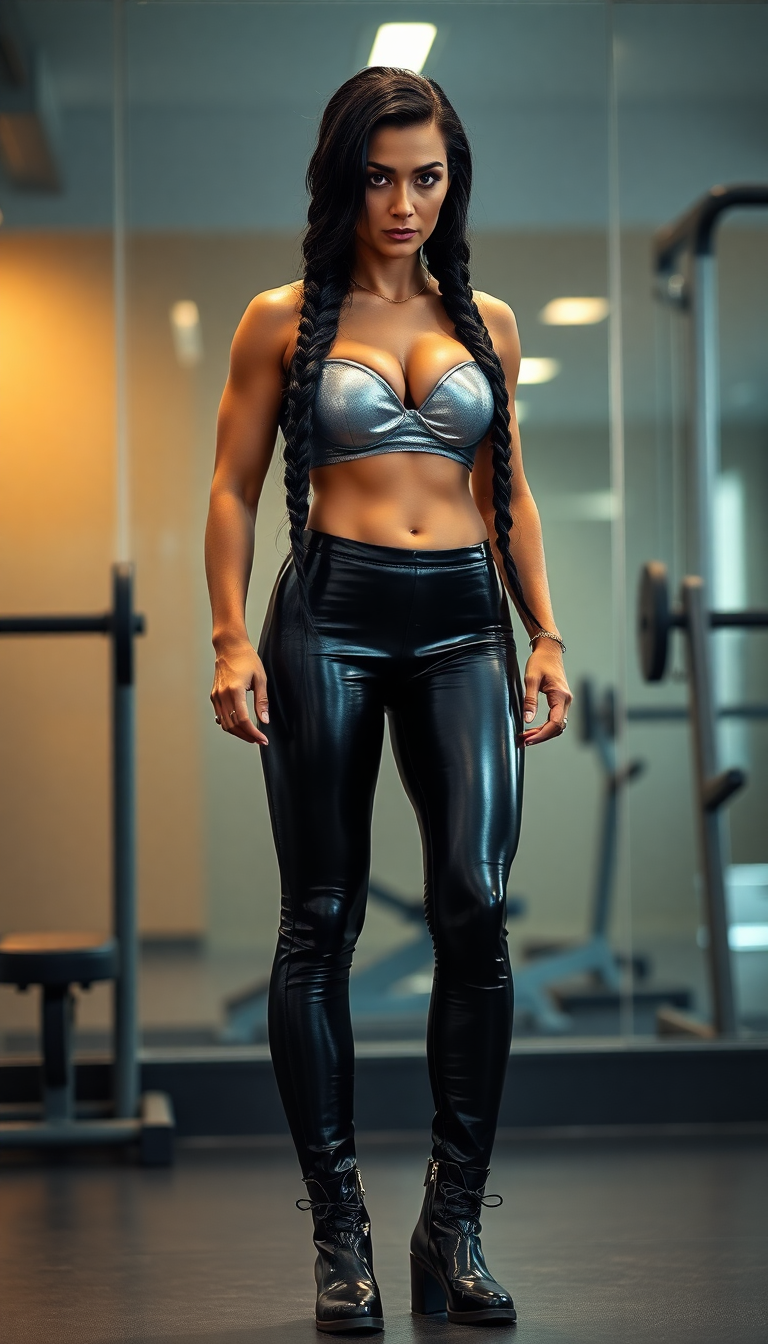
flux 2 pro vs krea on PixelDojo
flux
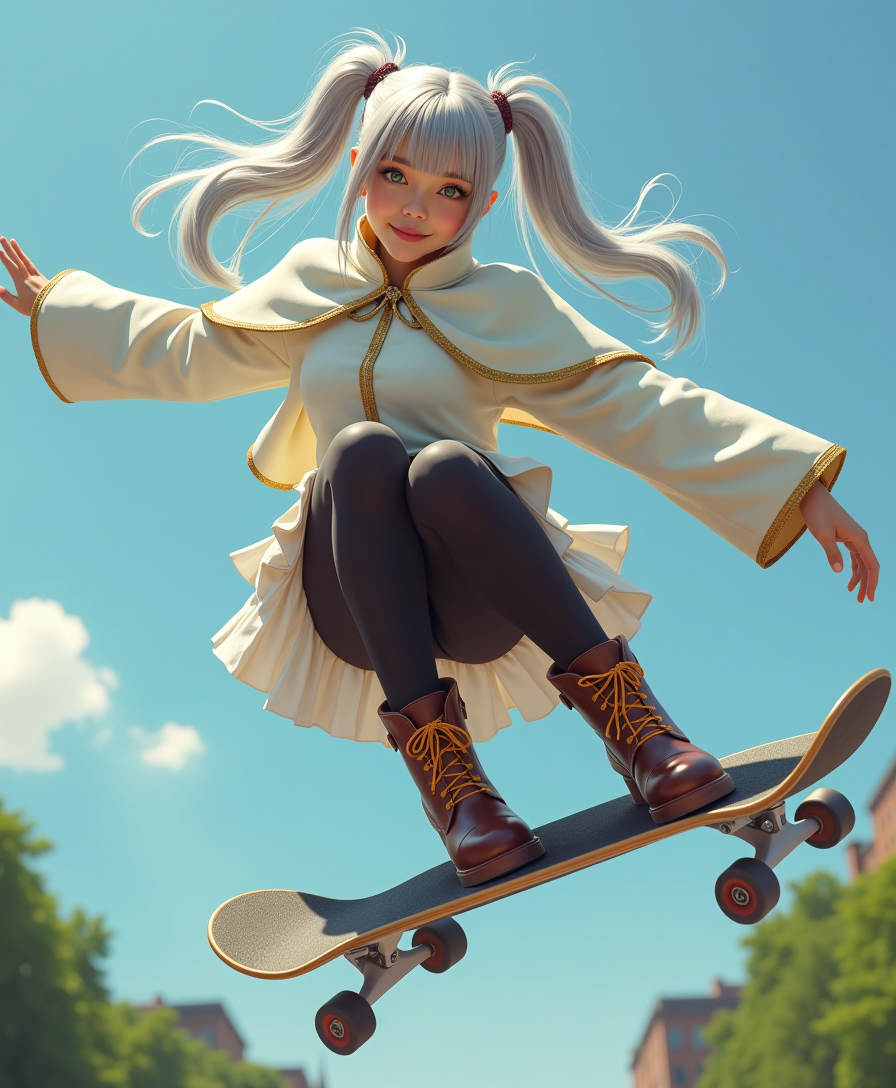
Photorealistic masterpiece
flux
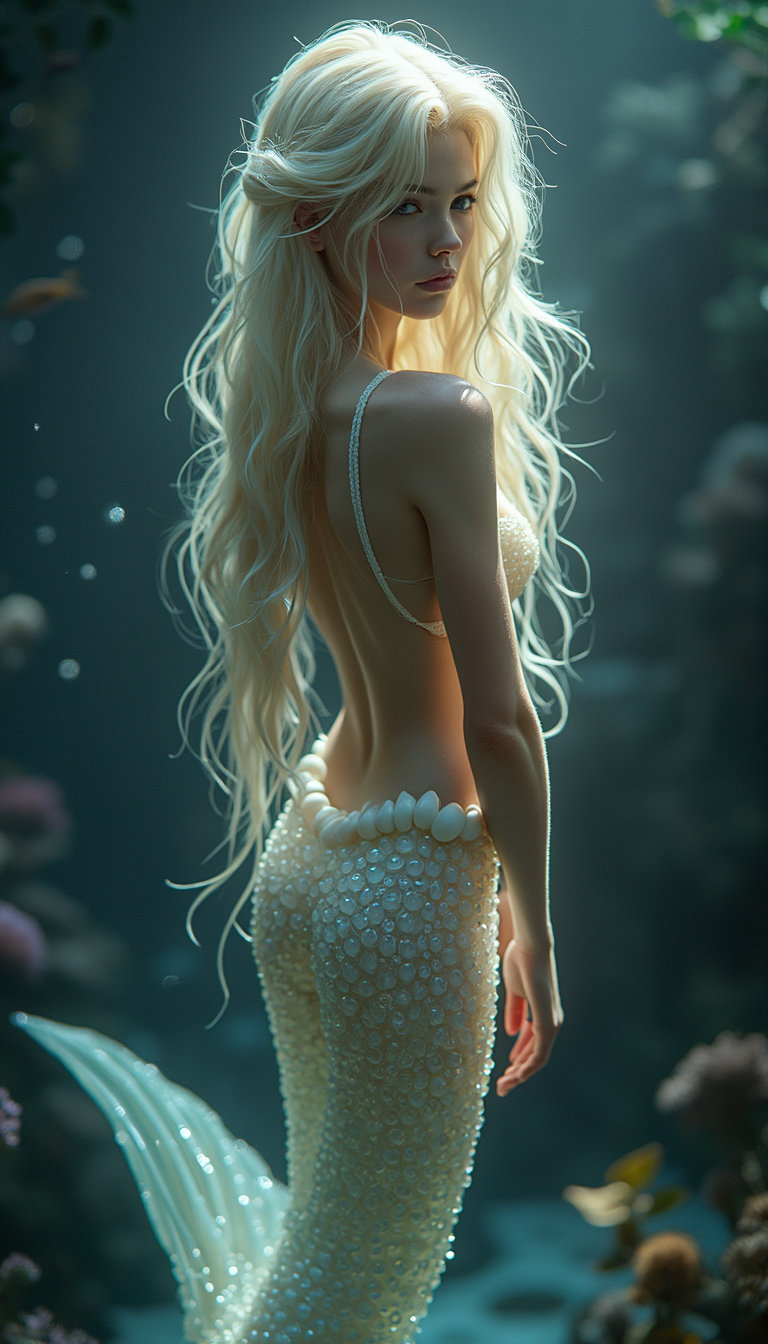
A translucent mermaid with long platinum blonde hair and a shapely slender body and fishta…
flux
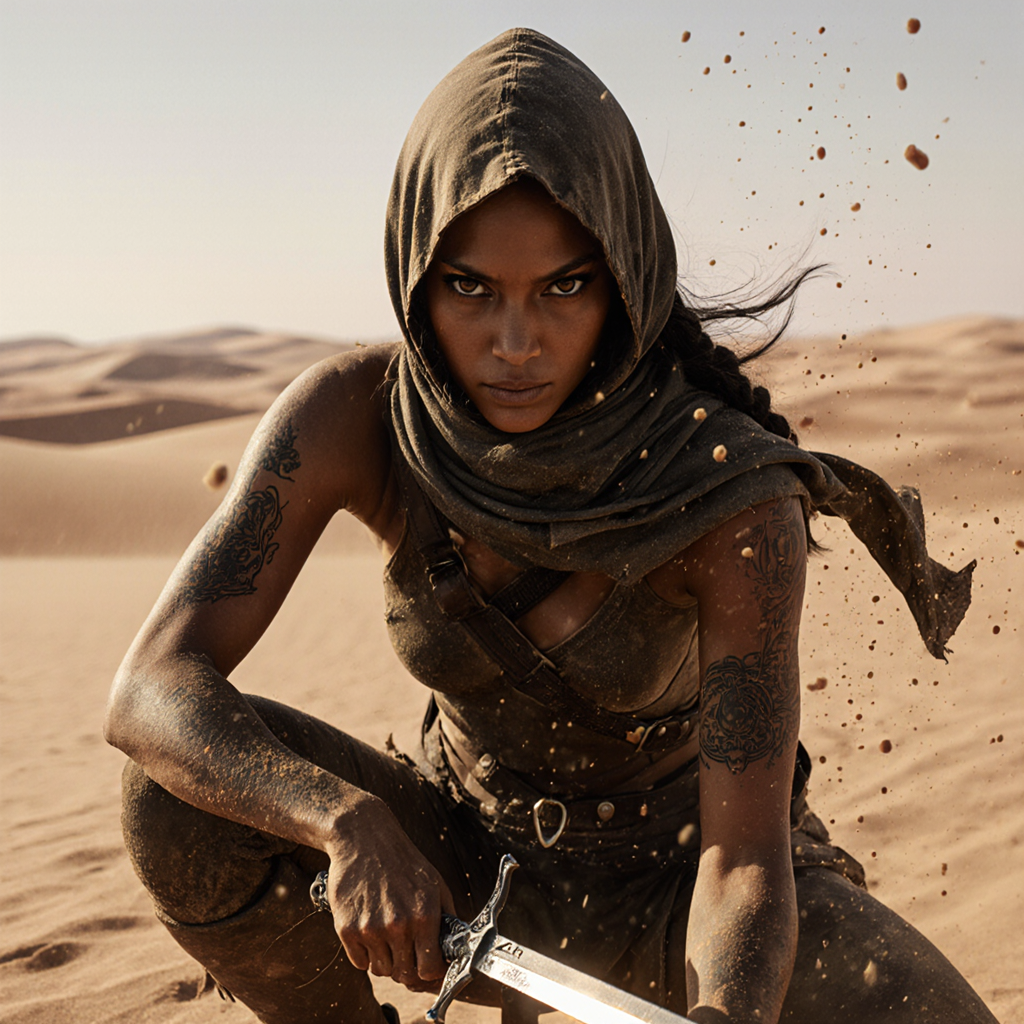
A desert rogue
flux-studio
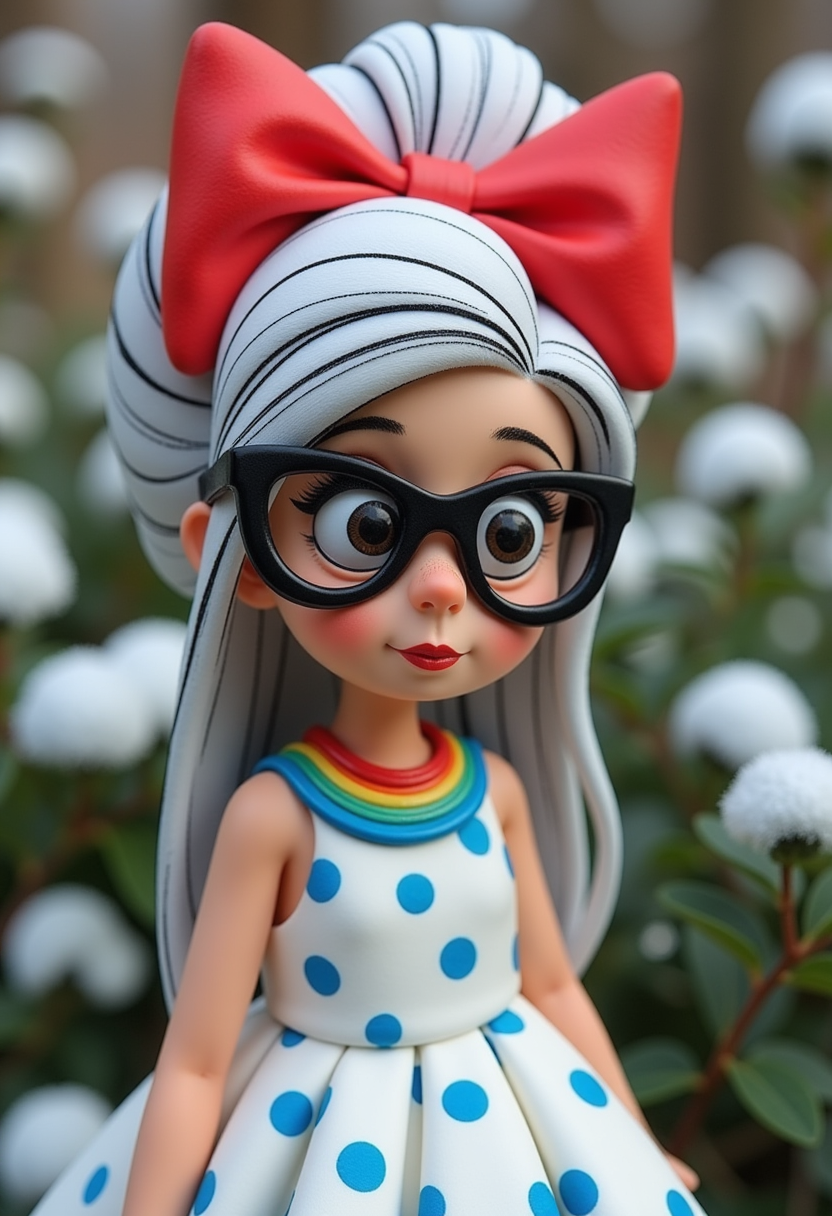
Claymation
flux
Models you can run on PixelDojo for flux 2 pro vs krea
Switch models without switching tools. Each one runs in the same PixelDojo studio.
What you can do with flux 2 pro vs krea on PixelDojo
Run Flux 2 Pro
We give you Flux 2 Pro for photoreal detail, lighting, and text-in-image work. Use it when you need tighter composition and cleaner faces.
Generate With Krea
We also offer Krea for fast concept art, stylized looks, and iterative mood boards. Switch models without leaving the same workspace.
Compare Outputs Directly
We let you send the same prompt to Flux 2 Pro and Krea and review both results together. Pick the pass that matches the brief before you refine.
Keep Prompts And Seeds
We store your prompts, seeds, and settings so you can rerun either model with controlled changes. Iterate on lighting, crop, or style without starting from scratch.
Loved by thousands of creators worldwide who generate millions of images every month. Access 40+ cutting-edge AI tools with the freedom to cancel anytime. Join the community turning ideas into professional results daily.
Why Choose Pixel Dojo for flux 2 pro vs krea
Professional-quality results with cutting-edge AI technology
Print-Ready Photorealism You Can Trust
Flux.2 Studio delivers the lighting, textures, and material accuracy you need for product photography, portraits, and marketing assets that look shot in a studio. Your images stay sharp at high resolution so you can send them straight to print or ads without extra work.
Real-Time Creative Exploration
Krea Image lets you generate, tweak, and evolve ideas in seconds on a live canvas. Test styles, add moodboards, and see variations instantly so your concepts stay fresh and your workflow never stalls.
One Platform From Concept to Final Asset
Move seamlessly between Flux.2 Studio, Krea Image, Image to Image, Inpainting, Style Transfer, Magic Lighting, and upscalers. You keep full control while finishing professional work faster than traditional methods.
How It Works
You can create professional Flux 2 Pro or Krea-style images in minutes on PixelDojo. The process is designed around outcomes: get the look you want, refine it, and download ready-to-use files.
Step 1: Choose Your Tool
Log in and pick Flux.2 Studio when you need photorealistic, production-quality results with precise lighting and detail. Select Krea Image when you want rapid iteration, artistic styles, and real-time canvas feedback. Both tools sit side by side so you can switch based on the job.
Step 2: Enter Your Prompt
Describe the scene, subject, lighting, and mood in natural language. For Flux.2 Studio add specifics about materials, camera angle, and composition. For Krea Image keep prompts concise and attach style references or moodboards. PixelDojo’s interface guides you so even first-time users get strong first results.
Step 3: Customize & Download
Generate variations then refine with Image to Image, Inpainting, Change Camera Angle, Style Transfer, or Magic Lighting. Upscale using P-Image Upscale, Magnific Upscaler, or Clarity Pro. Save high-resolution files or continue into video tools. Train a custom look later with Flux Trainer if you need brand consistency.
The Pixel Dojo Advantage
Why PixelDojo outperforms other options for Flux 2 Pro vs Krea image generation
| Others | Pixel Dojo |
|---|---|
| Traditional photography and design | You skip costly shoots, location fees, and hours of retouching. Generate photorealistic or artistic variations in seconds, then polish them with built-in editing tools that match professional studio quality. |
| Generic AI tools | You get both specialized Flux.2 Studio for production photorealism and Krea Image for real-time creativity plus 40+ complementary tools for editing, characters, video, and upscaling in one place. No more jumping between platforms. |
| Manual photo editing | You automate composition, lighting, and style while keeping creative control. Consistent Characters, Virtual Try-On, Reality Polisher, and upscalers let you produce campaign-ready assets in a fraction of the time. |
Loved by creators on PixelDojo
Real feedback from people using PixelDojo, pulled from our in-product surveys.
es facil de comprender asi uno no sea programador
amazing web site
phenomenal site. would highly recommend
Amazing features, easy to use, privacy
the number of options, and especially the quick response to questions on Discord
Love you guys!!
Explore more AI tools on PixelDojo
Popular AI Models
AI Tools
Compare & Switch
- Best AI Image Generators
- Best AI Video Generators
- Midjourney Alternatives
- Civitai Alternatives
- Runway Alternatives
- Leonardo Alternatives
- Pika Alternatives
- Luma Alternatives
- Magnific Alternatives
- Veo Alternatives
- Flux Alternatives
- Freepik Alternatives
- Seedance Alternatives
- Seedream Alternatives
- Pixverse Alternatives
- GPT Image Alternatives
- Synthesia Alternatives
- Playground Alternatives
- NightCafe Alternatives
- Canva AI Alternatives
- ElevenLabs Alternatives
- ComfyUI Alternatives
- Fal Alternatives
- Replicate Alternatives
Common Questions
Everything you need to know about flux 2 pro vs krea
What is the difference between Flux 2 Pro and Krea for AI image generation?
Flux 2 Pro, offered as Flux.2 Studio on PixelDojo, focuses on photorealistic output with accurate lighting, textures, materials, and improved text rendering. It is built for production work such as product shots and marketing assets. Krea Image emphasizes speed, real-time canvas iteration, aesthetic variety, style references, and moodboards, making it ideal for creative exploration and concept development. You can use both on the same platform and move results between them with Image to Image or Inpainting.
Which is better for photorealistic images, Flux 2 Pro or Krea?
Flux.2 Studio is the stronger choice when photorealism, technical accuracy, and print-ready quality matter most. It handles lighting falloff, skin texture, fabrics, and product details with high fidelity. Krea Image can produce attractive photoreal results too, especially with its artistic photorealism models, but it shines more in creative speed and style control. Many users start concepts in Krea Image then finish hero shots in Flux.2 Studio.
How do I use Flux 2 Pro vs Krea techniques on PixelDojo?
Open Flux.2 Studio or Krea Image, enter a clear natural-language prompt, and generate. For Flux.2 Studio describe lighting, materials, and camera details. For Krea Image add style references or keep prompts short for fast iteration. After generation, apply Image to Image, Inpainting, Style Transfer, Magic Lighting, or Background Remover. Upscale with P-Image Upscale or Magnific Upscaler and download. You can also train custom models with Flux Trainer for repeated brand looks.
Can I generate high-resolution images with Flux 2 Pro and Krea on PixelDojo?
Yes. Flux.2 Studio supports high-resolution photorealistic output suitable for print and large-format use. Krea Image delivers fast 1K and 2K results that you can immediately enhance with P-Image Upscale, Magnific Upscaler, Creative Upscaler, or Clarity Pro. Combined with Image Outpainting and Reality Polisher you get files ready for professional delivery without extra software.
Is Flux 2 Pro or Krea better for marketing visuals and product photography?
Flux.2 Studio typically wins for final marketing visuals and product photography because of its photorealism, consistent lighting, and material accuracy. Krea Image is excellent for rapid concepting, mood exploration, and generating many style options quickly. On PixelDojo you use Krea Image to lock the direction then switch to Flux.2 Studio or apply editing tools like Change Camera Angle and Virtual Try-On to produce client-ready assets.
How much does it cost to use Flux.2 Studio and Krea Image on PixelDojo?
PixelDojo gives you access to Flux.2 Studio, Krea Image, and 40+ other tools under one flexible plan. You can start creating immediately, cancel anytime, and only pay for what you use. This removes the friction of separate subscriptions and lets you test both photorealistic and real-time workflows before committing. Thousands of creators already produce professional work this way.