ideogram 4 generator

Generated on PixelDojo. Produced by PixelDojo's generation pipeline.
You can produce publication-ready posters, product packaging, social banners and logos that actually convert because the text reads perfectly and every element sits exactly where you intended. PixelDojo's Ideogram 4 generator gives you that outcome in seconds instead of hours of manual layout work. Describe the scene, quote the exact headline or label you need, and watch Ideogram 4 place crisp, correctly spelled typography into photoreal or illustrated designs at native 2K resolution. Then refine the result instantly with PixelDojo's Image to Image, Inpainting, Background Remover or P-Image Upscale tools so the finished asset drops straight into your campaign, print file or e-commerce listing. Thousands of creators already rely on this combination of Ideogram 4, P-Image Ideogram, Flux.2 Studio and Seedream 5 to ship design work that looks professionally art-directed without hiring a studio.
Real image examples generated on PixelDojo
Every example below was produced on PixelDojo. Hover to see the prompt.
Canvas generate — From qwen-image
canvas-generate
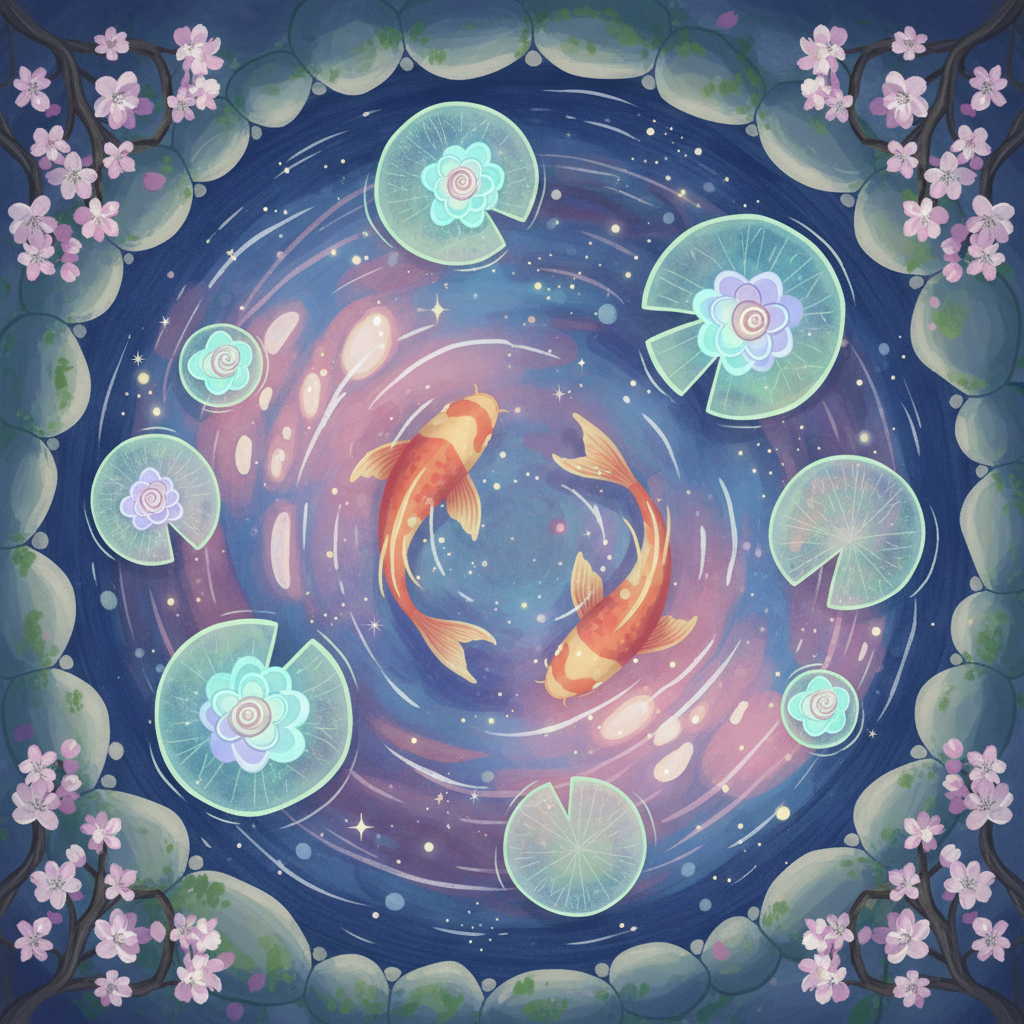
Gg-illustration
image-to-image
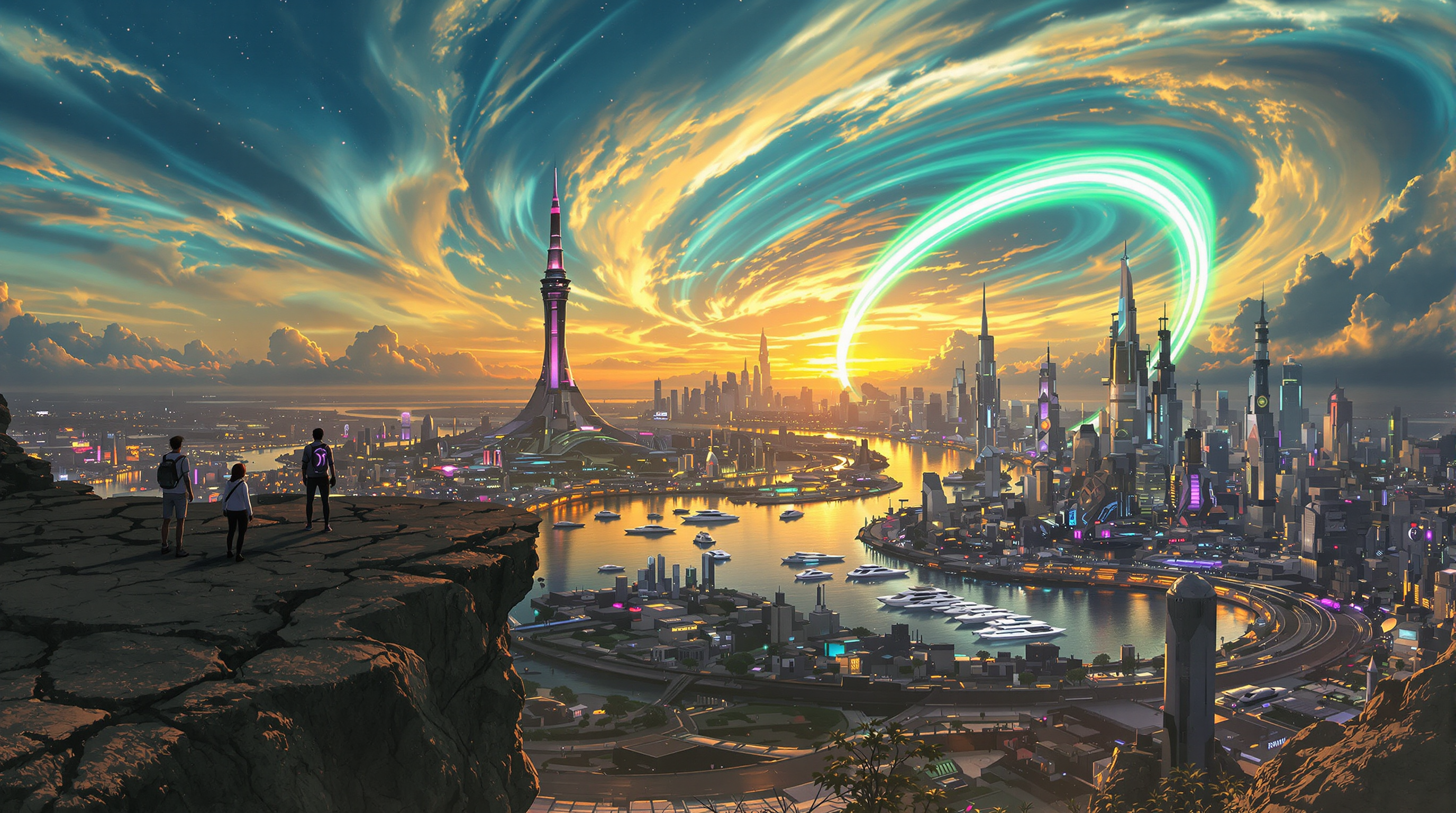
A breathtaking futuristic cityscape at twilight
flux
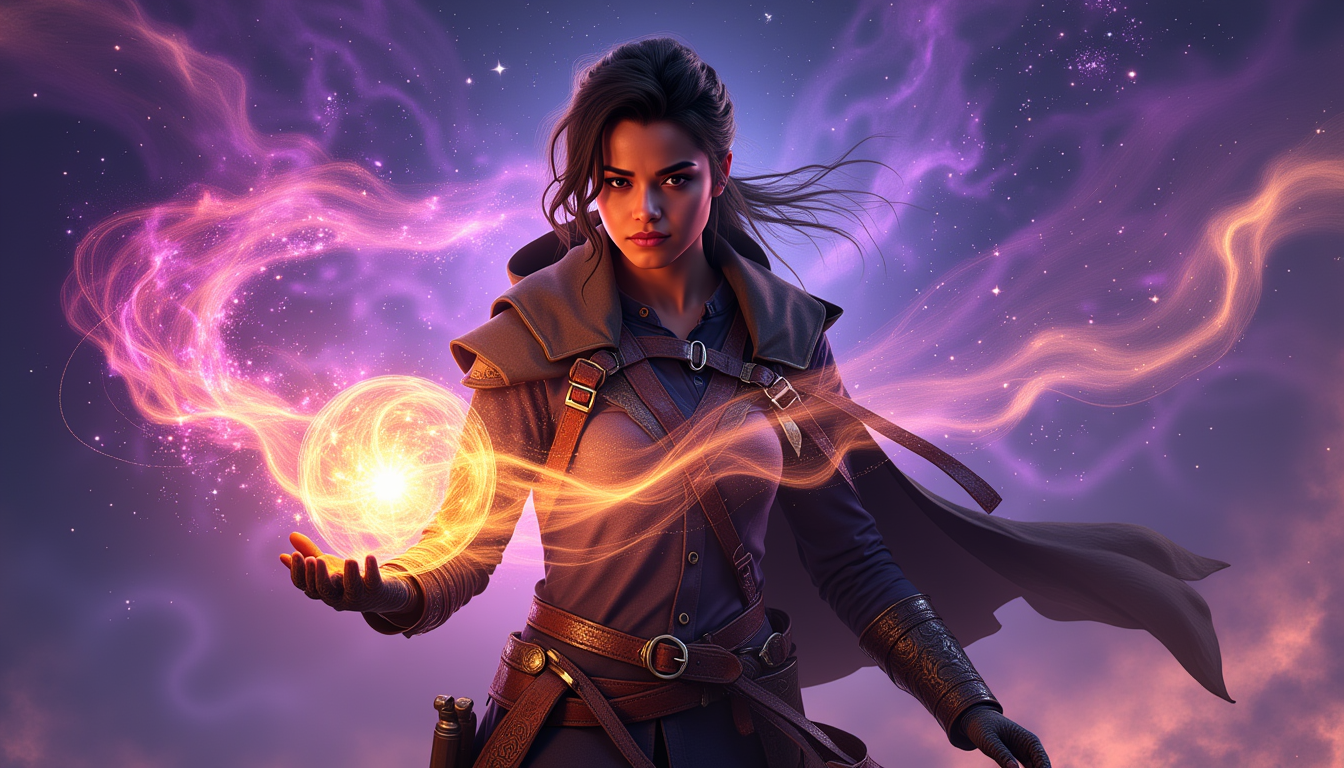
Ella-Forspoken-LoRA12
flux
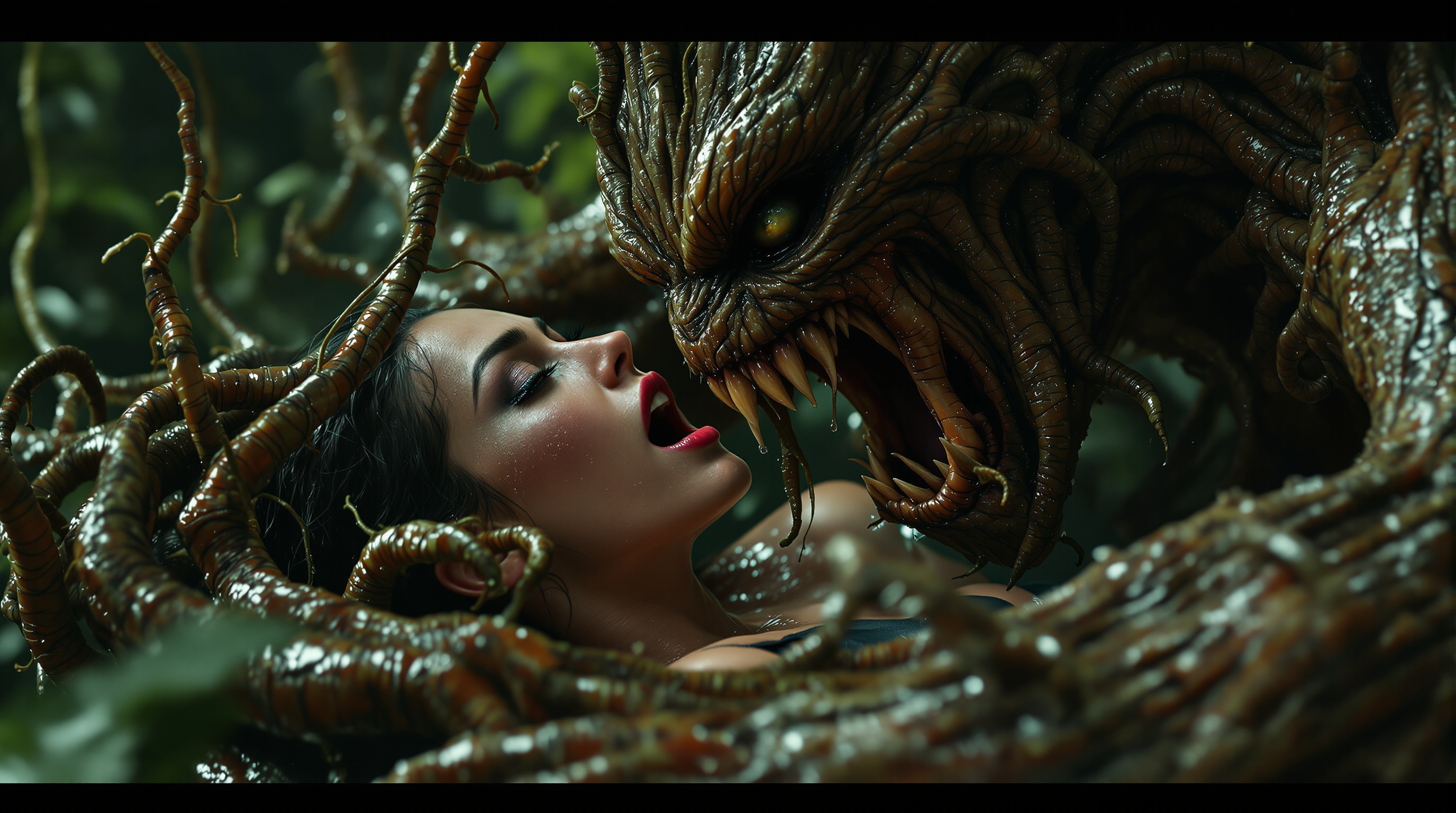
A hyper-realistic
flux
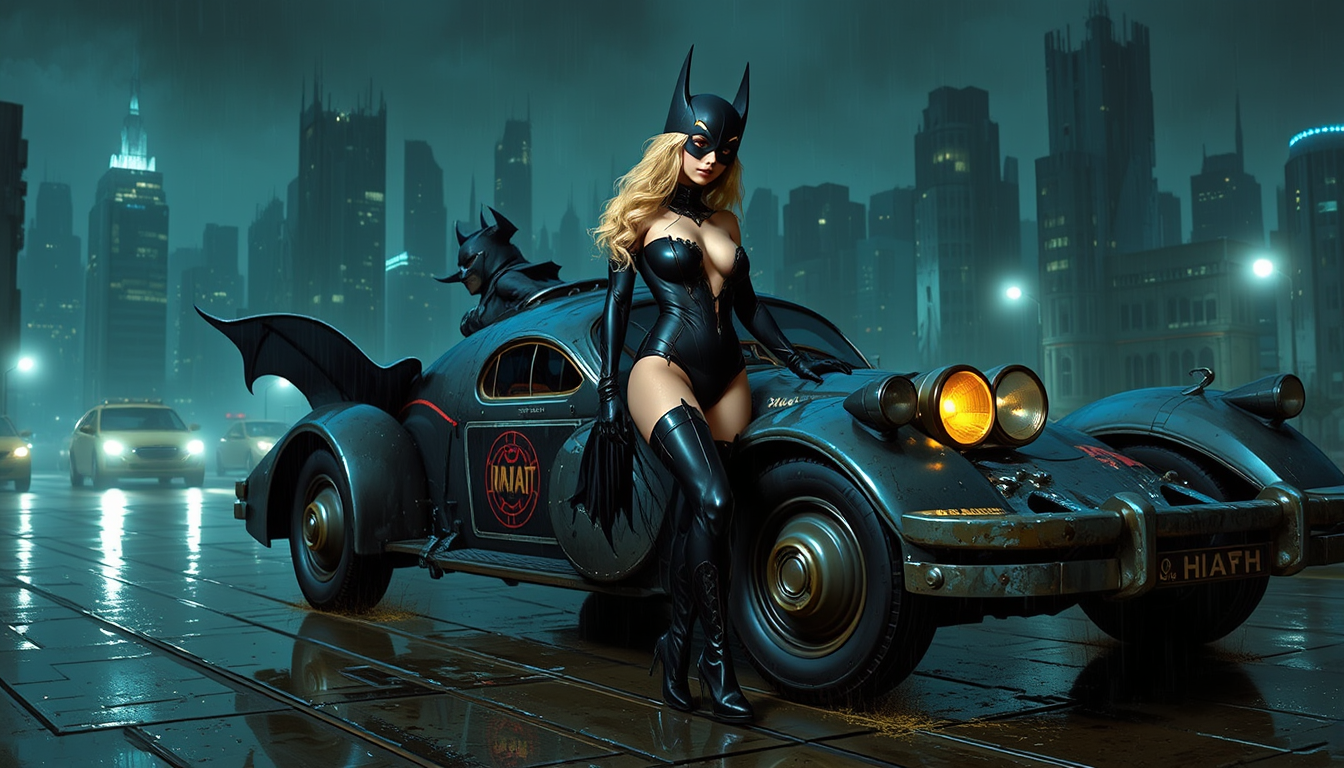
Batgirl showing cleavage in latex thigh-high boots
flux
Models you can run on PixelDojo for ideogram 4 generator
Switch models without switching tools. Each one runs in the same PixelDojo studio.
What you can do with ideogram 4 generator on PixelDojo
Ideogram 4 On PixelDojo
We give you Ideogram 4 image generation from text prompts so you can produce stills with clear composition and readable lettering.
Readable Text In Images
Create posters, covers, and branded frames where the words in the picture match what you asked for in the prompt.
Prompt Driven Visuals
Describe the scene, style, and copy, then generate images you can download for social, product, or campaign work.
Fast Variation Passes
Adjust the prompt and generate again so you can compare layouts and keep the version that fits the brief.
Loved by thousands of creators worldwide who generate design-quality images daily with PixelDojo's 40+ cutting-edge AI tools. Cancel anytime.
Why Choose Pixel Dojo for ideogram 4 generator
Professional-quality results with cutting-edge AI technology
Headlines and Logos That Actually Read
Your marketing materials, book covers and packaging feature correctly spelled, well-kerned text in multiple languages so customers instantly understand the message and your brand looks polished.
Layouts That Match Your Brief Exactly
You control where every headline, product shot and call-to-action appears using simple position cues, delivering consistent branded visuals you can reuse across ads, websites and print without extra compositing.
Print-Ready Files Without Extra Steps
Generate native high-resolution images you can immediately enhance with Magnific Upscaler or Portrait Upscaler, then export transparent versions via Background Remover for seamless use in any design software.
How It Works
You go from idea to finished design asset in three straightforward steps on PixelDojo, combining Ideogram 4's text and layout strengths with the rest of the 40+ tool suite.
Step 1: Choose Your Tool
Open Generate Images and select Ideogram 4 or the optimized P-Image Ideogram option. If you already have a sketch or photo, start with Image to Image so the model builds on your existing composition while adding perfect text.
Step 2: Enter Your Prompt
Write a natural description of the scene, putting every word you want rendered inside quotation marks and adding simple placement notes such as 'title across the top' or 'label on the bottle'. Ideogram 4 turns that into a professionally laid-out image with accurate typography and your chosen color mood.
Step 3: Customize & Download
Review the four variations, then use Inpainting to tweak a single element, Style Transfer to match an existing campaign look, or P-Image Upscale for extra sharpness. Download the final high-resolution file ready for print, web or social.
The Pixel Dojo Advantage
Why PixelDojo outperforms other options for Ideogram 4 image generation when you need design assets that look professionally produced
| Others | Pixel Dojo |
|---|---|
| Traditional graphic design software | You generate complete, on-brand posters and packaging in under a minute instead of spending hours drawing layouts, setting type and rendering mock-ups from scratch. |
| Generic AI tools | You get reliably readable text, precise element placement and native 2K output specifically tuned for marketing and product design rather than generic snapshots. |
| Manual photo editing and compositing | You create the entire scene with perfect text already integrated, then make targeted changes with Inpainting or Reality Polisher instead of assembling dozens of layers by hand. |
Loved by creators on PixelDojo
Real feedback from people using PixelDojo, pulled from our in-product surveys.
Great site and so much fun to use!
very useful set of tools for image creation, upscaling and enhancement
ease of use, variety of tools, high quality trainings, and a well-maintained discord channel
Ease of use, friendliness and support of the owner, continued innovation.
it is an amazing site to create a pics and vids for those who don't have the hardware themselves
good tools in one place
Explore more AI tools on PixelDojo
AI Tools
Compare & Switch
- Best AI Image Generators
- Best AI Video Generators
- Midjourney Alternatives
- Civitai Alternatives
- Runway Alternatives
- Leonardo Alternatives
- Pika Alternatives
- Luma Alternatives
- Magnific Alternatives
- Veo Alternatives
- Flux Alternatives
- Freepik Alternatives
- Seedance Alternatives
- Seedream Alternatives
- Pixverse Alternatives
- GPT Image Alternatives
- Synthesia Alternatives
- Playground Alternatives
- NightCafe Alternatives
- Canva AI Alternatives
- ElevenLabs Alternatives
- ComfyUI Alternatives
- Fal Alternatives
- Replicate Alternatives
Common Questions
Everything you need to know about ideogram 4 generator
How does the Ideogram 4 generator on PixelDojo produce images with accurate, readable text?
You simply put the exact words you want inside quotation marks and mention where they should appear. Ideogram 4 was built for in-image typography, so headlines, logos, labels and multi-line copy render with correct spelling, proper spacing and professional kerning. After generation you can further polish any remaining detail using PixelDojo's Inpainting or Reality Polisher tools.
What are the best prompts for Ideogram 4 generator when creating posters and packaging?
Keep the description focused: name the product or scene, quote the headline and any smaller copy, add a short placement cue and mention the overall mood or color direction. PixelDojo's Magic Prompt option expands your short idea into a richer version automatically. Pair the result with Background Remover or Image Outpainting if you need extra canvas or a clean cut-out.
Can I use Ideogram 4 generator images commercially for logos, ads and print-on-demand?
Yes. The images you create on PixelDojo are yours to use in commercial projects. Generate the core visual with Ideogram 4, then refine branding consistency using Consistent Characters or Ideogram Character tools and upscale with Magnific Upscaler so the file meets print specifications.
How do I combine Ideogram 4 with other PixelDojo tools like Inpainting and upscalers?
After Ideogram 4 delivers the initial design, send it straight to Inpainting to change one object or phrase, use Style Transfer to match an existing campaign, apply Background Remover for transparency, then finish with P-Image Upscale or Creative Upscaler. Everything stays inside one workspace so you never lose quality jumping between apps.
Does the Ideogram 4 generator handle multilingual text and complex layouts?
Yes. You can request text in many languages and Ideogram 4 places multiple text blocks, icons and product shots according to the positions you describe. For even tighter control you can later use Change Camera Angle or Image Analyzer to inspect and adjust the composition before downloading.
How do I get the highest-resolution outputs from the Ideogram 4 generator on PixelDojo?
Select a 2K-friendly aspect ratio when you generate, then run the result through P-Image Upscale, Magnific Upscaler or Clarity Pro. The combination gives you files sharp enough for large-format print, packaging mock-ups or high-end web hero images while keeping the original text perfectly legible.