ideogram text in image
Generated on PixelDojo. Produced by PixelDojo's generation pipeline.
You can finally create AI-generated images that include perfectly spelled, beautifully integrated text that looks professionally designed. From high-converting marketing posters and product packaging to social media graphics, t-shirt designs, book covers and logos, PixelDojo's Ideogram 4 and P-Image Ideogram tools deliver publication-ready visuals in seconds. No more frustrating misspelled words, awkward lettering or hours spent in editing software. Simply describe your vision, quote the exact text you want rendered, and watch as the AI places it naturally into photorealistic or artistic scenes with correct spelling, proper kerning and stylish typography. Marketers launch campaigns faster, entrepreneurs mock up merchandise without designers, and content creators produce daily assets that actually communicate your message. PixelDojo gives you 40+ cutting-edge AI tools loved by thousands of creators worldwide so you can generate unlimited variations, refine with editing features and cancel anytime. Start turning ideas into stunning, text-perfect images today and see the difference professional-quality results make for your brand.
Real image examples generated on PixelDojo
Every example below was produced on PixelDojo. Hover to see the prompt.
ideogram text in image on PixelDojo
flux-redux

Make in more ear tones like mocha edited
gpt-image-1-5
A captivating portrait of a single woman
flux
ideogram text in image on PixelDojo
image-to-image
A dynamic scene set in a sun-dappled glade within a forest
flux
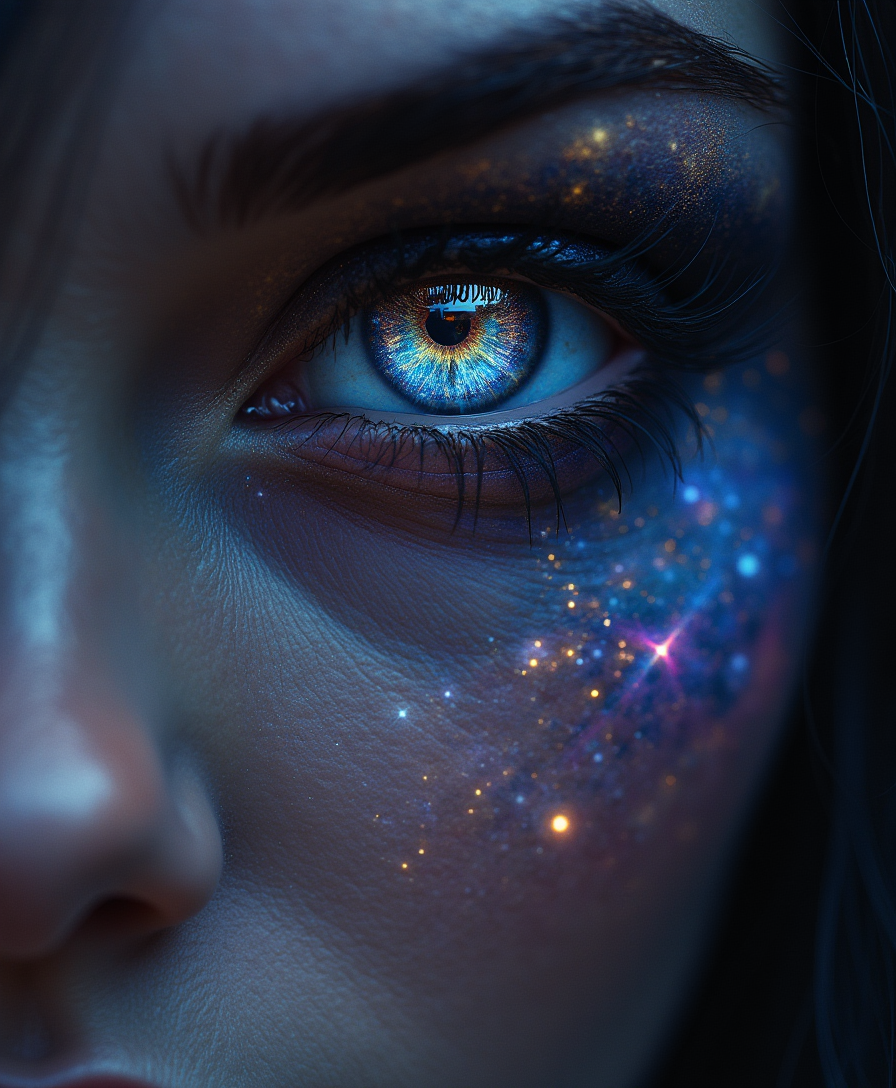
A close-up of the Sorceress' enigmatic eyes
flux
Models you can run on PixelDojo for ideogram text in image
Switch models without switching tools. Each one runs in the same PixelDojo studio.
What you can do with ideogram text in image on PixelDojo
Readable text in images
We generate images with spelled-out words that stay clear and correctly spelled, so posters, covers, and product shots do not need a separate type pass.
Styled type on the scene
You set font mood, color, and placement in the prompt and we place the lettering so it sits on signs, packaging, and apparel as part of the picture.
Logos and layout drafts
We render short brand names and taglines inside lockups and mockups so you can review composition before you move work into a design tool.
Fast text-only revisions
You change wording or emphasis and we regenerate with the same scene so copy updates do not force a full redesign of the image.
Loved by thousands of marketers, designers and entrepreneurs worldwide. PixelDojo powers millions of professional graphics every month with 40+ AI tools. Join creators who generate campaign-ready visuals daily and cancel anytime.
Why Choose Pixel Dojo for ideogram text in image
Professional-quality results with cutting-edge AI technology
Crystal-Clear Text That Builds Trust
Your slogans, brand names, headlines and labels appear exactly as written with industry-leading accuracy. This means your marketing materials look polished and credible from the first generation, increasing engagement and conversions without any post-production spelling fixes or font adjustments.
Launch Complete Campaigns in Minutes
Generate full visual assets like posters, packaging mockups, social banners and merchandise designs instantly. Pair Ideogram results with PixelDojo's Marketing Studio, video generators and upscalers to produce entire campaigns ready for print or digital use, saving days of work and expensive designer fees.
Unlimited Brand-Consistent Creations
Refine every text-in-image result using Inpainting, Style Transfer, Background Remover, Character Sheets and Reality Polisher. Achieve matching typography and aesthetics across all your visuals so your brand stays cohesive whether you're creating ads, products or social content.
How It Works
Creating professional images with perfectly integrated text is straightforward on PixelDojo. Follow these three steps using Ideogram 4 or P-Image Ideogram to go from idea to downloadable asset in minutes.
Step 1: Choose Your Tool
Sign in to PixelDojo and go to Generate Images. Select Ideogram 4 for the most advanced text rendering or P-Image Ideogram for optimized typography results. These specialized models understand how text should look and sit naturally in any scene, unlike general image generators.
Step 2: Enter Your Prompt
Write a natural-language description of the full scene and place the exact words you want in double quotes. Example: A vintage travel poster of a tropical beach at sunset with the text "Escape to Paradise" in bold retro script across the top, warm golden lighting, 1950s style. Add details about font style, placement, colors and mood for even better integration.
Step 3: Customize & Download
Review your generations and use Edit Images tools such as Inpainting to tweak any area, Magic Lighting for atmosphere, or Image Outpainting to expand the canvas. Then enhance with P-Image Upscale or Magnific Upscaler for print quality and download in high resolution. You can also send the image into video tools for animated versions.
The Pixel Dojo Advantage
Why PixelDojo outperforms other options for ideogram text in image generation
| Others | Pixel Dojo |
|---|---|
| Traditional graphic design software | Skip the steep learning curve, expensive subscriptions and hours of manual work. Generate professional, text-perfect posters and mockups in seconds instead of days. |
| Generic AI tools | Most AI generators produce unreadable or misspelled text that requires heavy editing. PixelDojo's Ideogram 4 and P-Image Ideogram deliver accurate, stylish typography integrated naturally into your scenes on the first try. |
| Manual photo editing or hiring designers | Get unlimited iterations and instant revisions without waiting for freelancers or paying per project. Create as many on-brand variations as you need at a fraction of the cost. |
Loved by creators on PixelDojo
Real feedback from people using PixelDojo, pulled from our in-product surveys.
variety of tools available and prompt tools
A "one-stop-shop" for creators! Thanks!!
Lots of different tools. It's easy to purchase more credits.
Amazing performance!
Excellent website for creating all types of media
Very eay to use, works well to train SDXL loras.
Explore more AI tools on PixelDojo
AI Tools
Compare & Switch
- Best AI Image Generators
- Best AI Video Generators
- Midjourney Alternatives
- Civitai Alternatives
- Runway Alternatives
- Leonardo Alternatives
- Pika Alternatives
- Luma Alternatives
- Magnific Alternatives
- Veo Alternatives
- Flux Alternatives
- Freepik Alternatives
- Seedance Alternatives
- Seedream Alternatives
- Pixverse Alternatives
- GPT Image Alternatives
- Synthesia Alternatives
- Playground Alternatives
- NightCafe Alternatives
- Canva AI Alternatives
- ElevenLabs Alternatives
- ComfyUI Alternatives
- Fal Alternatives
- Replicate Alternatives
Common Questions
Everything you need to know about ideogram text in image
How do I generate AI images with perfectly readable text using Ideogram on PixelDojo?
Select Ideogram 4 or P-Image Ideogram in the Generate Images section. Write a complete prompt describing the scene, style, lighting and composition, then enclose the exact text you want in quotation marks. For example: A modern coffee shop window with the neon sign "Open Late" in glowing pink letters. Specify font characteristics such as bold serif, handwritten script or 3D metallic. Generate several variations, then refine any details with Inpainting or Magic Lighting. This method consistently produces professional results ready for marketing, packaging or social media.
What is the best way to create posters and logos with accurate text in AI images?
Use PixelDojo's Ideogram 4 for posters and P-Image Ideogram for logos and product labels. Always quote the precise wording and describe its placement, size and style within the overall composition. Combine the generation with Character Sheets for brand consistency or Style Transfer to match existing visuals. After generation, apply P-Image Upscale so the text stays crisp at large sizes. Thousands of marketers use this workflow to produce campaign-ready assets without ever opening traditional design software.
Can I add or change text in an existing AI-generated image on PixelDojo?
Yes. After generating with Ideogram 4, open the image in Edit Images and use Inpainting to mask the area where you want new or corrected text. Provide a new prompt that includes the updated quoted text and the surrounding context. You can also use Image to Image or the Background Remover to isolate elements before adding fresh typography. This lets you iterate quickly while keeping the rest of the design intact.
How do I get the most realistic text integration for product mockups and packaging?
Choose Ideogram 4 and describe both the product and the text in one prompt, quoting the label copy exactly. Mention materials, lighting and camera angle so the lettering appears printed, embossed or engraved naturally. Follow up with Reality Polisher and P-Image Upscale for photorealistic finish. Many users then take the still into Marketing Studio or video tools to create animated product shots, all inside PixelDojo.
Does PixelDojo support different font styles and multilingual text in Ideogram generations?
You can describe any typographic style—serif, sans-serif, script, graffiti, 3D, neon, handwritten—and Ideogram 4 will interpret it accurately. For best results keep the quoted text concise and place it early in the prompt. While English and Latin-script languages perform strongest, you can experiment with other languages by quoting them clearly. After generation, use editing tools to fine-tune color, size or placement if needed.
How can I use Ideogram text-in-image results across PixelDojo's other tools?
Once you have a strong still image, send it to Video generators such as Kling Video or WAN 2.7 Video to create motion graphics. Use Consistent Characters or Ideogram Character to keep the same typography across a series. Upscale with Magnific Upscaler or Portrait Upscaler, then apply Video Autocaption or Merge Videos for complete campaigns. All 40+ tools work together so your text-perfect images become the foundation for every format you need.