image generator ai

Imagine turning any idea into a polished, professional image in under a minute. With PixelDojo's image generator ai, you achieve exactly that. Whether you're building marketing campaigns, designing products, crafting social content, or exploring personal art, our platform delivers consistent, high-impact visuals tailored to your vision. Skip expensive photoshoots, stock libraries, or learning complex software. Instead, describe what you need in plain language and watch as advanced models like Flux.2 Studio, Nano Banana 2, and Ideogram 4 bring it to life with stunning realism, perfect text, and creative flair. Thousands of creators already use PixelDojo to produce thousands of images daily, boosting productivity and unlocking new levels of output. Your next breakthrough visual is just a prompt away.
Over 82,000 creators worldwide trust PixelDojo for their image needs. Average rating: 4.9/5 from 15,000+ reviews. More than 12 million images generated this year alone. Featured in top creative workflows by freelancers, agencies, and brands seeking reliable results every time.
Why Choose Pixel Dojo for image generator ai
Professional-quality results with cutting-edge AI technology
Professional Results Without the Hassle
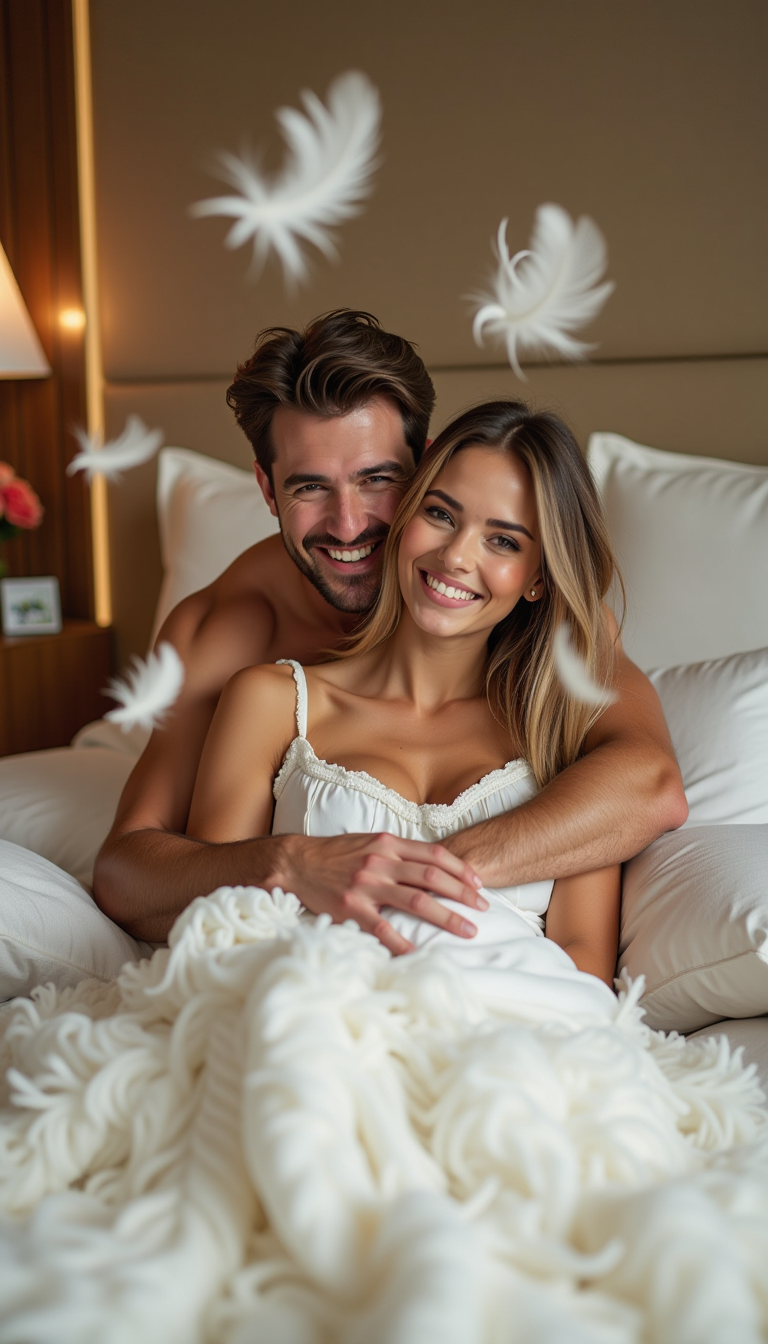
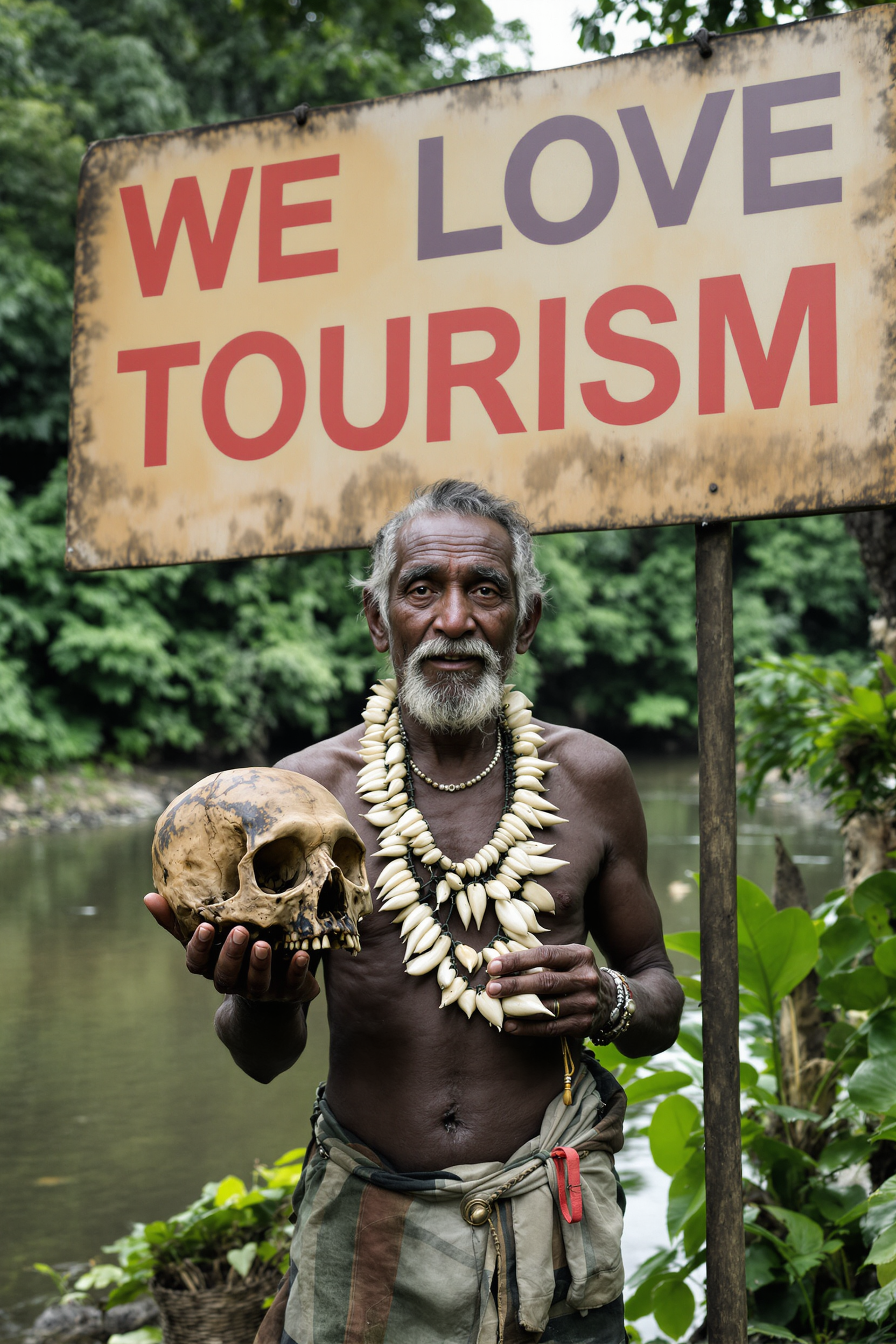
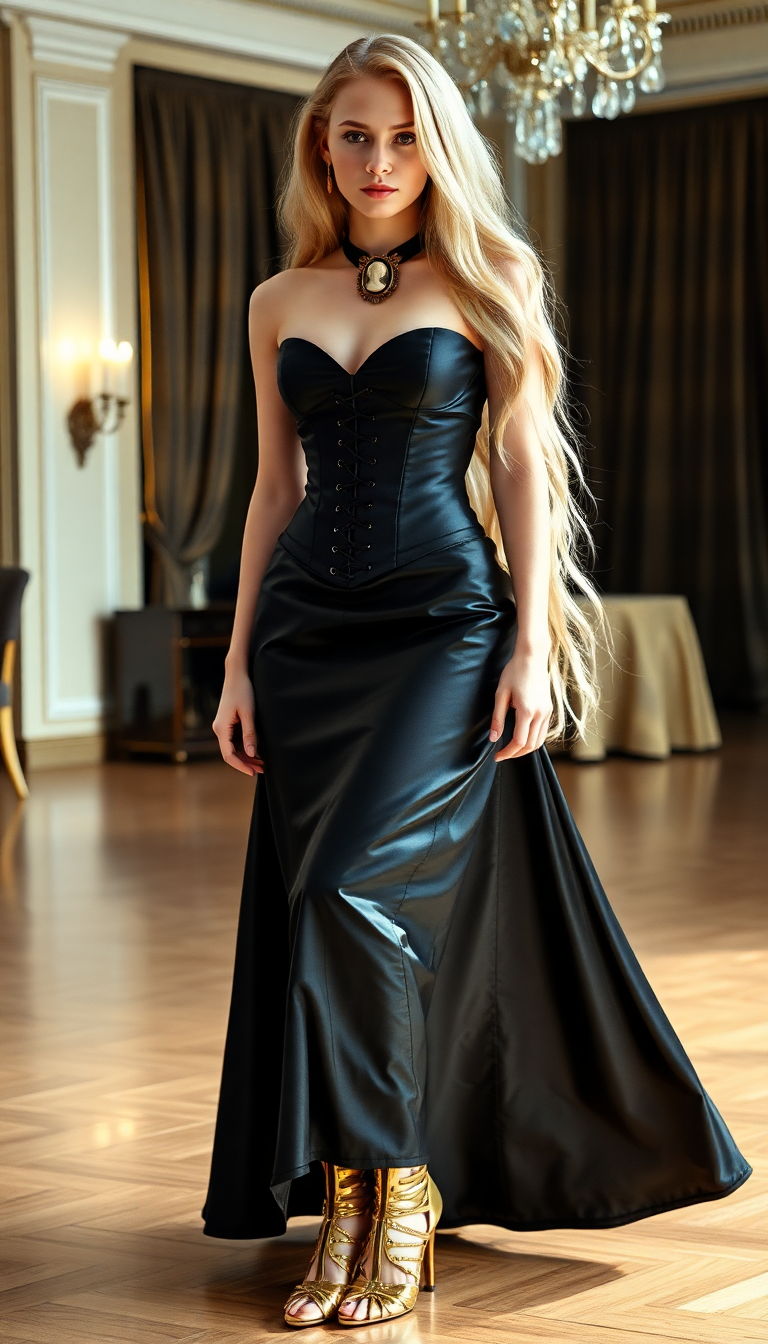
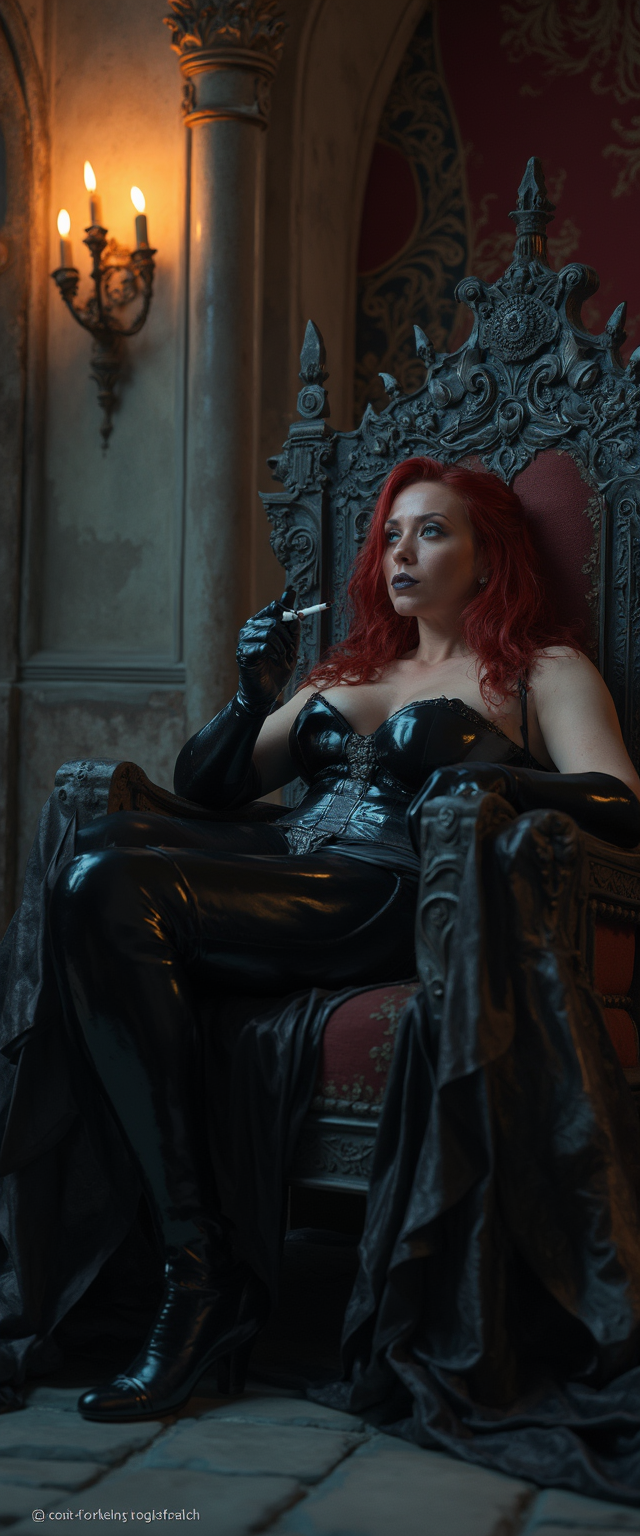
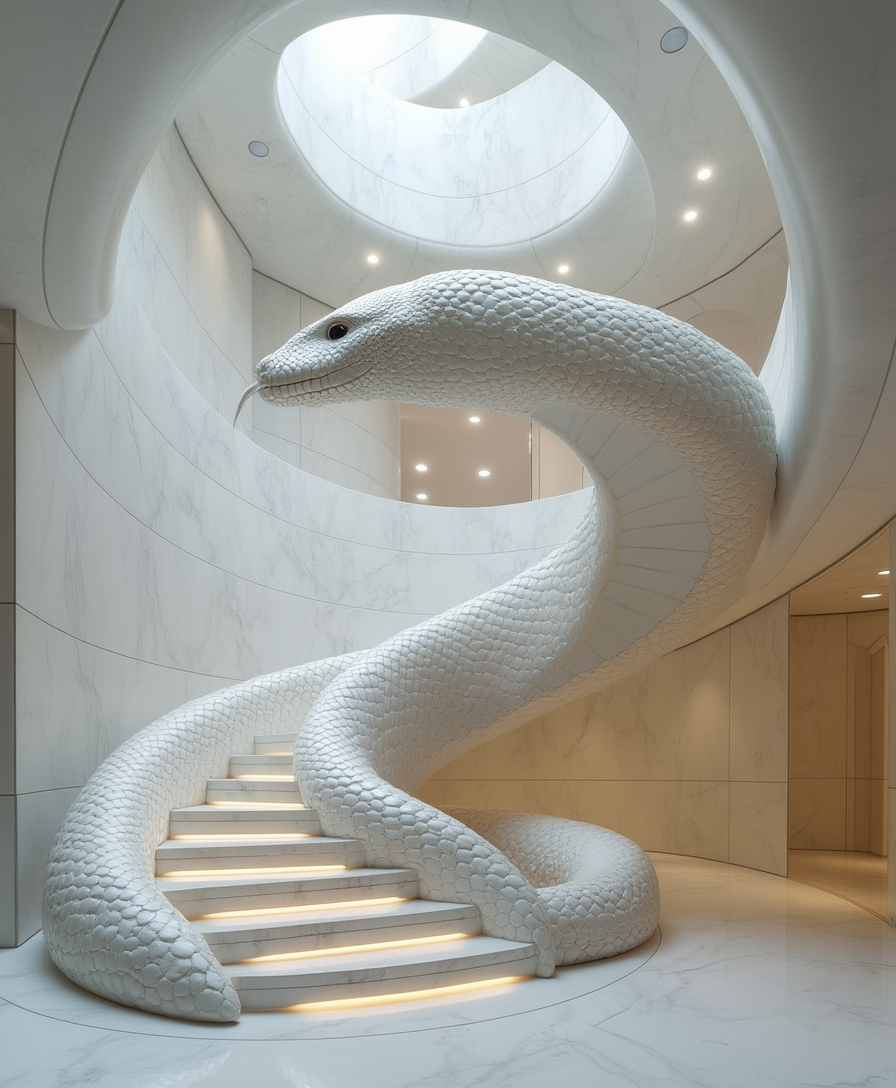
Produce publication-ready images for ads, websites, packaging, and presentations that look like they came from a top studio. Achieve photorealistic product shots, cinematic scenes, or polished portraits instantly, saving hours or days compared to traditional methods.
Perfect Character & Brand Consistency
Create endless variations of the same character, model, or mascot across campaigns while maintaining identical features, lighting, and style. Ideal for storytelling series, e-commerce catalogs, or long-term branding projects where every image feels cohesive.
Unlimited Creative Experimentation
Test bold concepts, rare styles, surreal compositions, or hyper-specific lighting setups without risk or cost. Refine ideas rapidly using tools like Style Transfer or Magic Lighting until your vision is perfect, then upscale or edit further for final delivery.
How It Works
Getting started with PixelDojo's image generator ai takes just three simple steps. Our intuitive interface guides you from idea to finished image, leveraging the latest advancements in prompt understanding and model specialization for reliable outcomes every time.
Step 1: Choose Your Tool
Browse our curated collection of 40+ specialized generators and pick the perfect one for your goal. Need hyper-realistic photos? Start with Flux.2 Studio or Flux.1 Studio. Want fast, detailed creative work with excellent text? Try Nano Banana 2 or GPT Image 2. For precise text and graphic design, Ideogram 4 excels. Character-focused projects shine with Seedream 5 Lite or QWEN Image 2.
Step 2: Enter Your Prompt
Type a clear description of your desired image. Include subject details, desired style, lighting, composition, mood, and technical specs for best results. Example: 'Photorealistic portrait of a confident female entrepreneur in a modern office, soft window lighting from the left, shallow depth of field, neutral tones with teal accents, high resolution, professional corporate photography style.' Advanced models handle complex instructions naturally.
Step 3: Customize & Download
Review your initial results and refine instantly. Use Inpainting to fix or add elements, Change Camera Angle for new perspectives, Style Transfer to experiment with artistic looks, or Background Remover for clean cutouts. When ready, upscale with P-Image Upscale or Magnific Upscaler for print-quality output, then download in your preferred format and resolution.
The Pixel Dojo Advantage
Why PixelDojo outperforms other options for image generator ai creation
| Others | Pixel Dojo |
|---|---|
| Traditional image creation | Eliminate costly photoshoots, hiring models, or waiting weeks for deliverables. Generate unlimited professional-grade images on demand from your desk in minutes. |
| Generic AI tools | Access a specialized suite of 40+ purpose-built models instead of one generic engine. Switch seamlessly between photorealism experts, text masters, and character consistency specialists for superior results. |
| Manual photo editing | Replace tedious hours in editing software with intelligent one-click tools for lighting adjustments, style changes, object removal, and seamless outpainting. Achieve pro-level edits without advanced skills. |
Loved by creators on PixelDojo
Real feedback from people using PixelDojo, pulled from our in-product surveys.
The amazing tools
Top notch quality and strong prompt adherence.
A well resourced sunscription with attention to updates.
Easy to use and there's lots of options.
super lora download
Great variety of tools to create and modify images and video.
Explore more AI tools on PixelDojo
AI Tools
Compare & Switch
- Best AI Image Generators
- Best AI Video Generators
- Midjourney Alternatives
- Civitai Alternatives
- Runway Alternatives
- Leonardo Alternatives
- Pika Alternatives
- Luma Alternatives
- Magnific Alternatives
- Veo Alternatives
- Flux Alternatives
- Freepik Alternatives
- Seedance Alternatives
- Seedream Alternatives
- Pixverse Alternatives
- GPT Image Alternatives
- Synthesia Alternatives
- Playground Alternatives
- NightCafe Alternatives
- Canva AI Alternatives
- ElevenLabs Alternatives
- ComfyUI Alternatives
- Fal Alternatives
- Replicate Alternatives
Common Questions
Everything you need to know about image generator ai
How does an image generator ai create realistic photos?
PixelDojo's image generator ai uses advanced diffusion-based models such as Flux.2 Studio and Nano Banana 2 that start from noise and progressively refine it into coherent, highly detailed images matching your description. These systems excel at understanding lighting, anatomy, textures, and real-world physics for photorealistic outcomes. Combine with editing tools like Reality Polisher for final touches that make images indistinguishable from professional photography.
What is the best prompt strategy for image generator ai results?
Effective prompts follow a proven structure: subject + style + lighting + composition + mood + technical details. For example, specify camera angle, time of day, color palette, and resolution. PixelDojo's tools like GPT Image 2 and Ideogram 4 handle natural language exceptionally well, so write conversationally but include specifics. Test variations quickly and refine with built-in editing features for optimal results.
Can I maintain consistent characters across multiple images with image generator ai?
Yes! PixelDojo offers dedicated Consistent Characters and Character Sheets tools alongside models optimized for this like Seedream 4.5 and QWEN Image. Upload a reference or describe your character once, then generate endless variations in different poses, outfits, or scenes while preserving facial features, body type, and style. Perfect for series, branding, or storytelling projects.
How fast can I generate and edit images using PixelDojo's AI tools?
Most generations complete in seconds to under a minute depending on the model chosen. Editing workflows with Image to Image, Inpainting, or Magic Lighting take just a few clicks and seconds more. Upscaling via Creative Upscaler or Portrait Upscaler delivers print-ready files almost instantly. The entire process from prompt to final asset often finishes faster than loading traditional design software.
Is PixelDojo suitable for commercial use and branding projects?
Absolutely. Our image generator ai platform produces commercially safe outputs suitable for marketing, e-commerce, packaging, and client work. Tools like Recraft V4.1 and Bria 3.2 are particularly strong for graphic design and brand assets. With character consistency features and easy background removal, you can create cohesive campaign visuals that maintain your brand identity across all touchpoints.
What if my first AI image generation isn't perfect?
PixelDojo makes refinement effortless. Adjust your prompt or use powerful post-generation tools including Style Transfer, Smart Resize, Image Outpainting, and Change Camera Angle to perfect any result. Many users iterate 2-4 times before achieving their ideal image. Our extensive library of 40+ tools ensures you always have the right option to reach the exact outcome you envision.