image quality increase
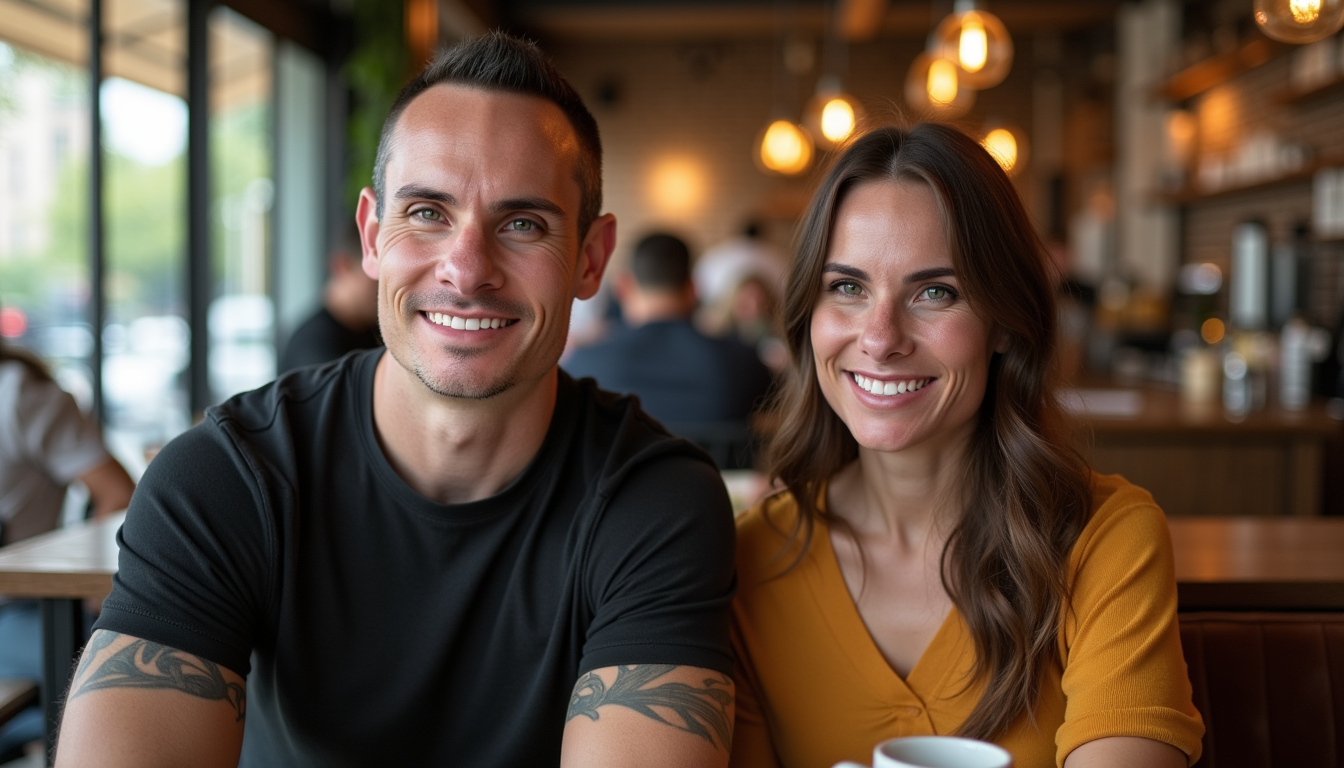
You want your AI-generated images to look incredible at any size. With PixelDojo, you can easily increase image quality, turning standard outputs into crisp, highly detailed visuals ready for print, social media, marketing materials, or large-scale displays. Our specialized upscaling and enhancement tools add realistic textures, sharpen edges, and recover fine details that make your creations stand out—no technical expertise required.
Join 12,000+ creators who have enhanced over 2 million images with PixelDojo. Rated 4.9/5 for delivering professional results that look sharp even at 8K resolution. Thousands trust our tools for client work, print projects, and portfolio pieces every day.
Why Choose Pixel Dojo for image quality increase
Professional-quality results with cutting-edge AI technology
Print-Ready Quality at Any Scale
Upscale your images up to 16x with P-Image Upscale or Magnific Upscaler to create large posters, billboards, or product photos that stay sharp and vibrant without pixelation or artifacts.
Add Realistic Detail & Fix Imperfections
Use Creative Upscaler and Clarity Pro to intelligently enhance textures, restore faces with Portrait Upscaler, and remove noise or blur, giving your AI art a polished, professional finish that rivals traditional photography.
Save Hours with One-Click Professional Results
Achieve gallery-worthy enhancements in seconds instead of spending hours in editing software. Reality Polisher and Smart Resize deliver consistent, high-impact improvements across portraits, landscapes, and product shots.
How It Works
Creating higher-quality versions of your images is straightforward with PixelDojo's dedicated enhancement tools. Start with any generated image from models like Flux.1 Studio or SDXL and follow these simple steps.
Step 1: Choose Your Tool
Select from PixelDojo's Upscale & Enhance category—start with Magnific Upscaler for creative enhancements or P-Image Upscale for precise resolution boosts. Options like Creative Upscaler and Portrait Upscaler are perfect for specific needs like art or faces.
Step 2: Enter Your Prompt or Upload Image
Upload your existing AI-generated image or reference one created with tools like Flux.2 Studio or QWEN Image. Add a brief description if needed to guide enhancements, such as 'increase detail and sharpness for print'.
Step 3: Customize & Download
Adjust upscale factor (up to 16x), choose enhancement strength with Clarity Pro or Reality Polisher, and preview results. Download your high-resolution, quality-increased image ready for any use case.
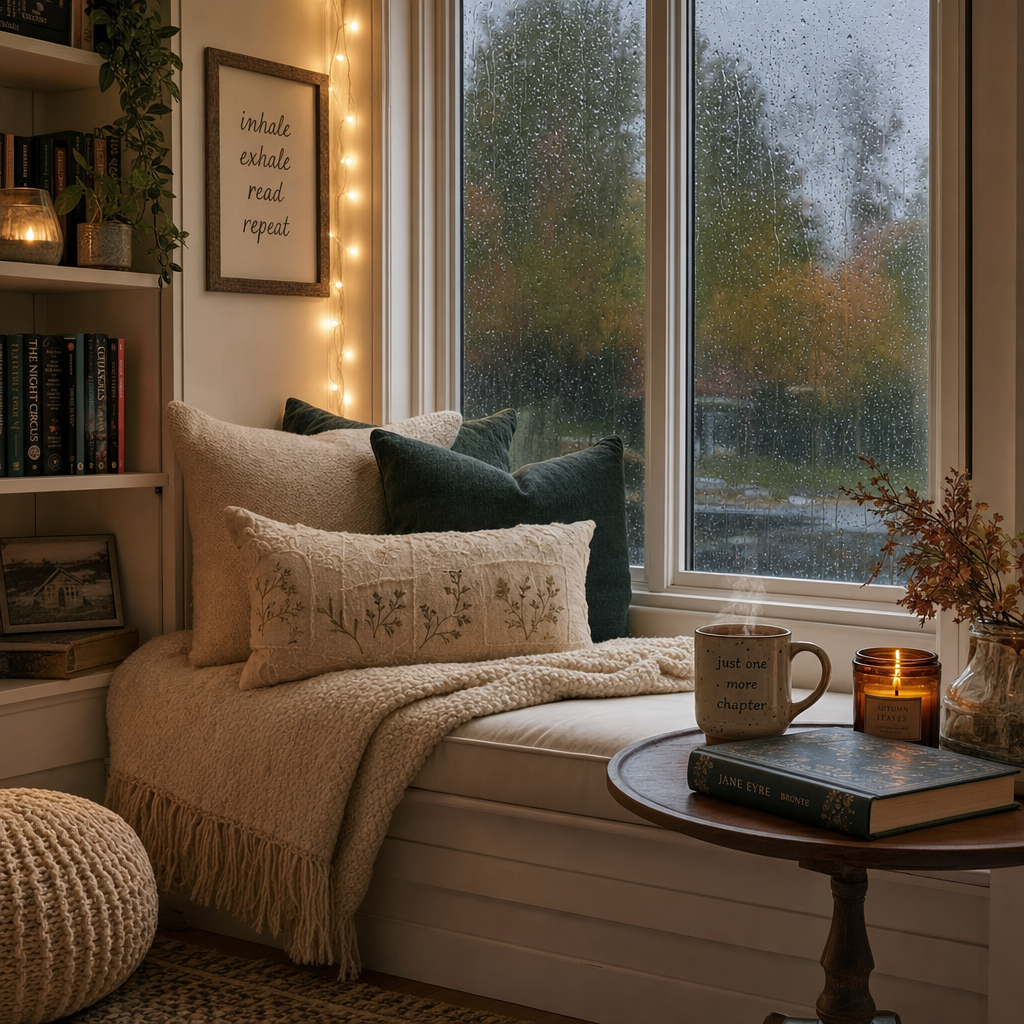
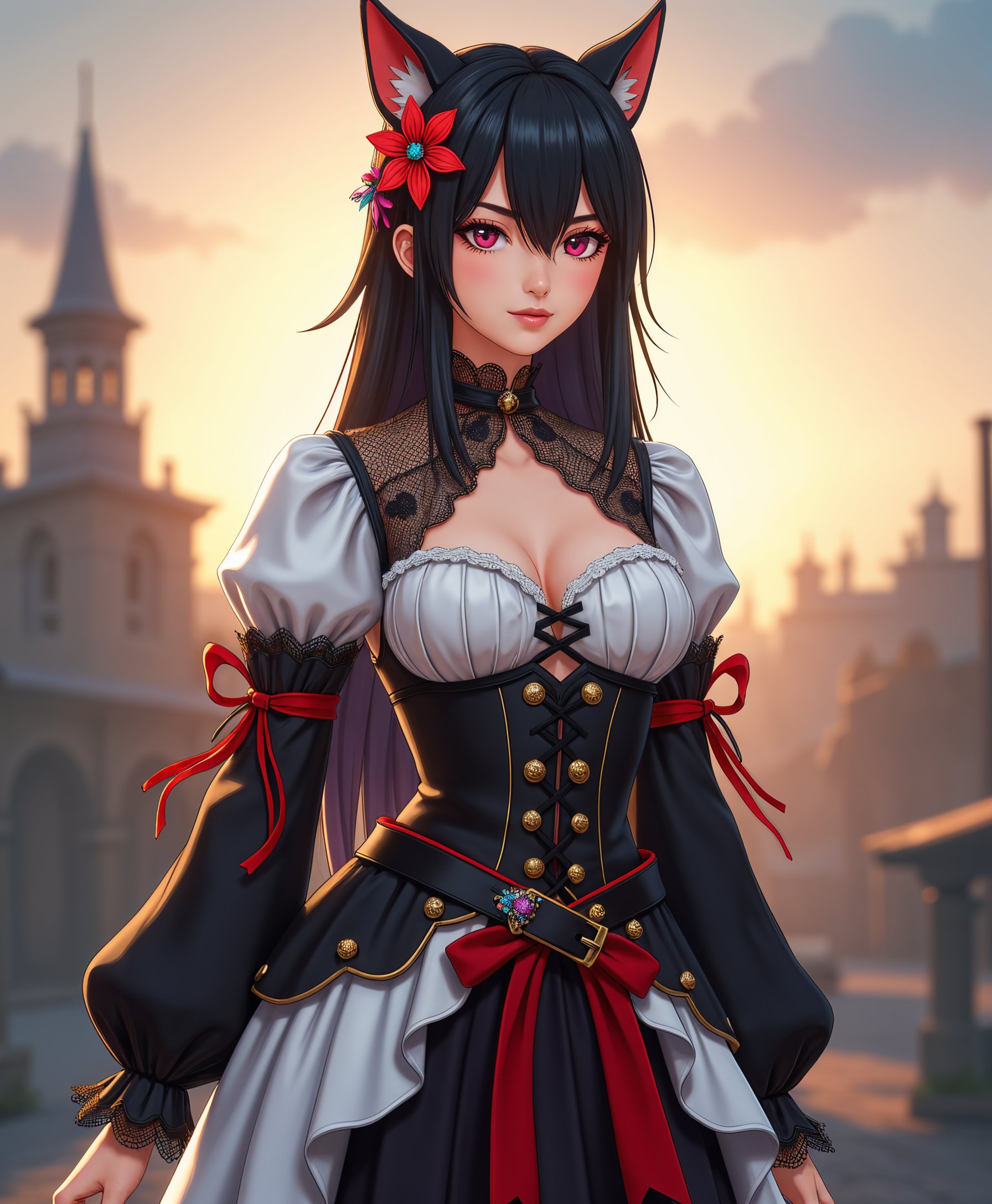
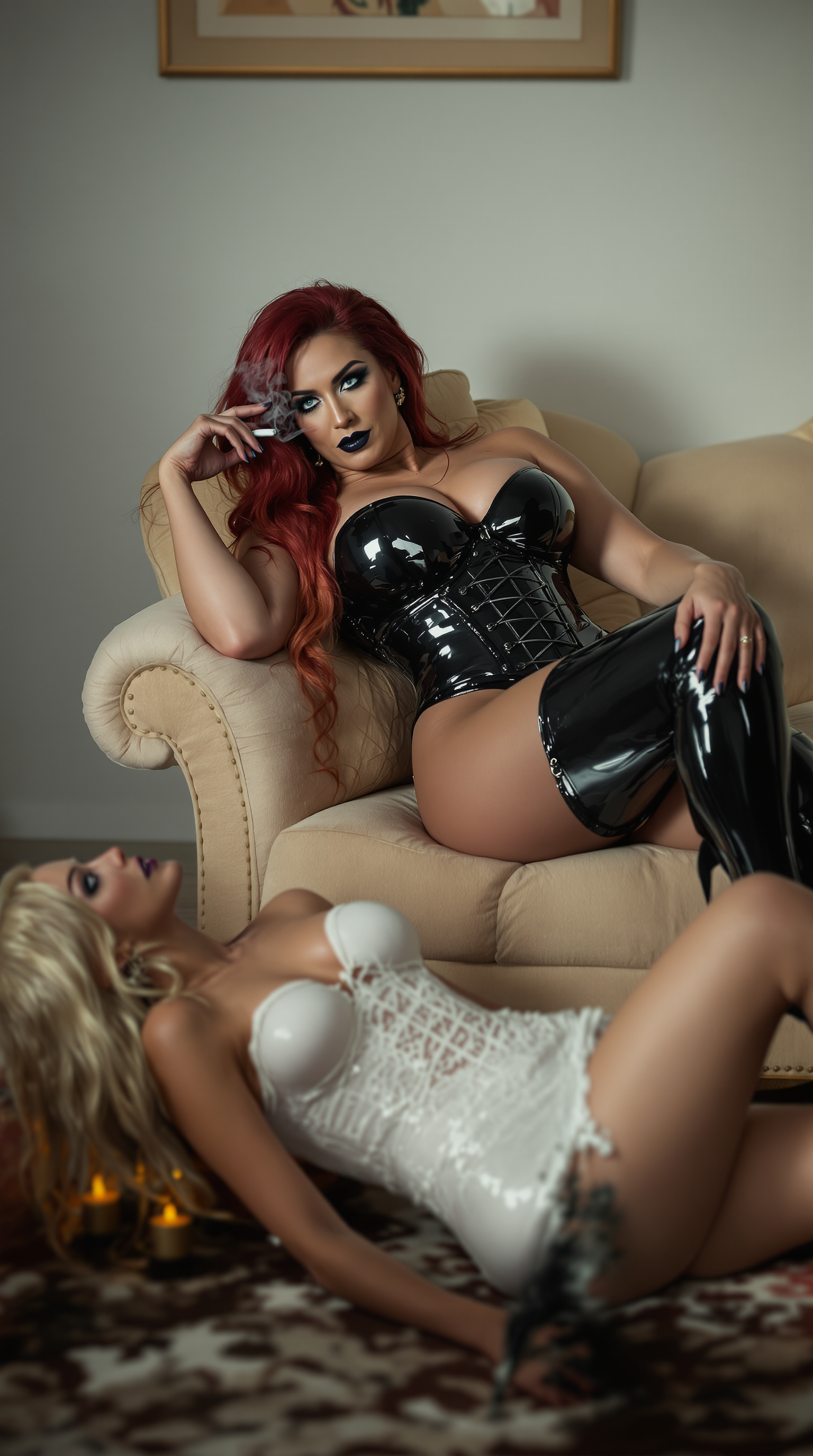
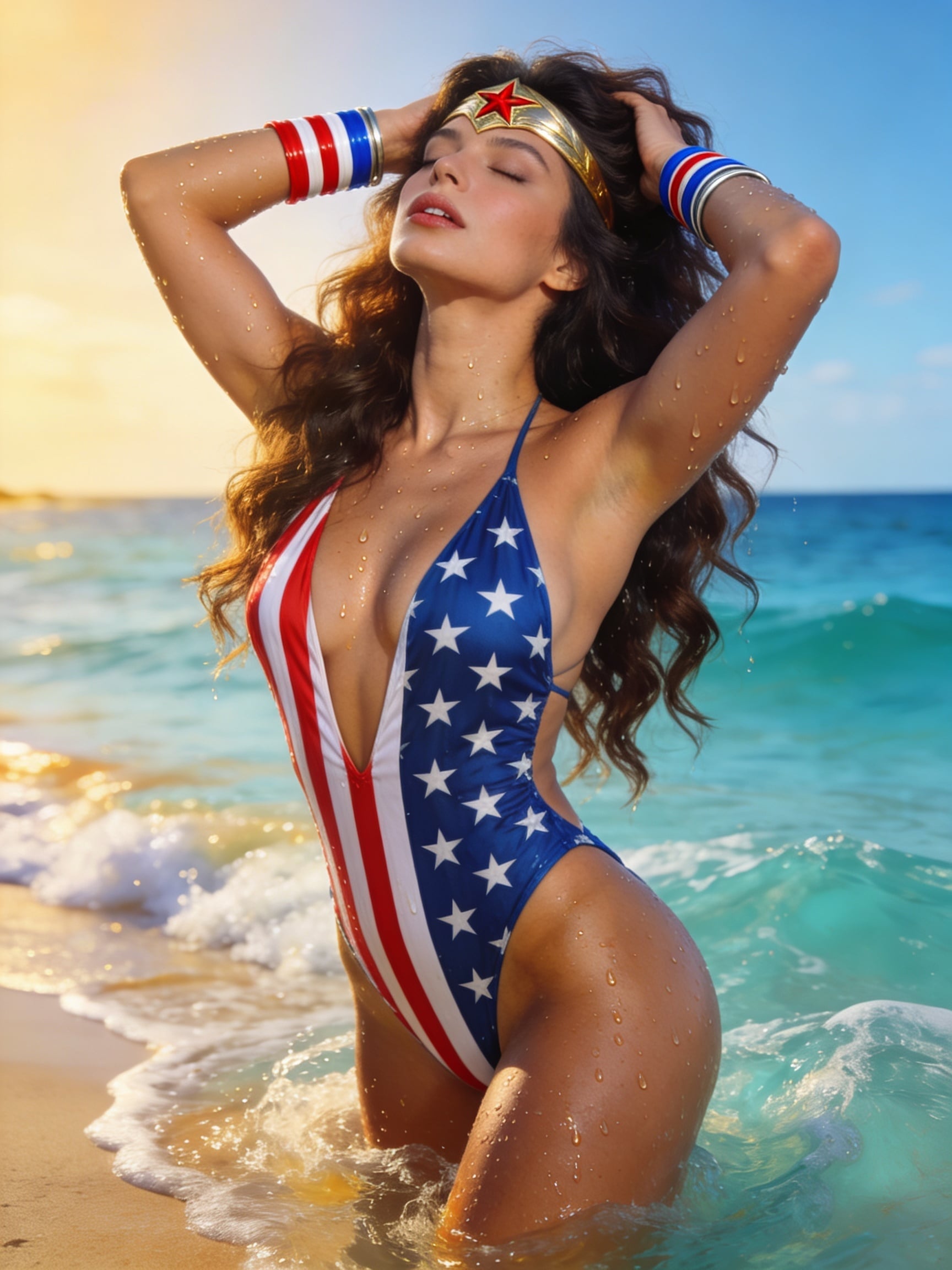
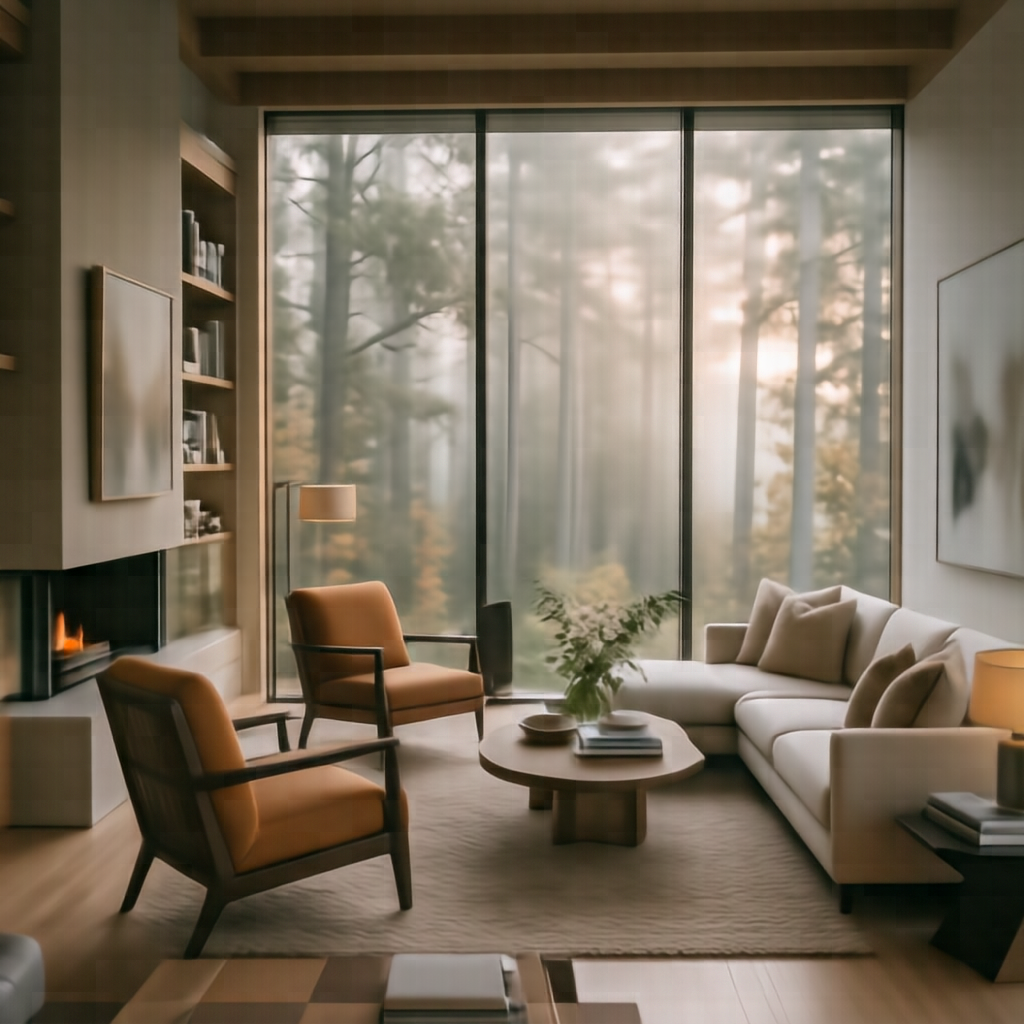
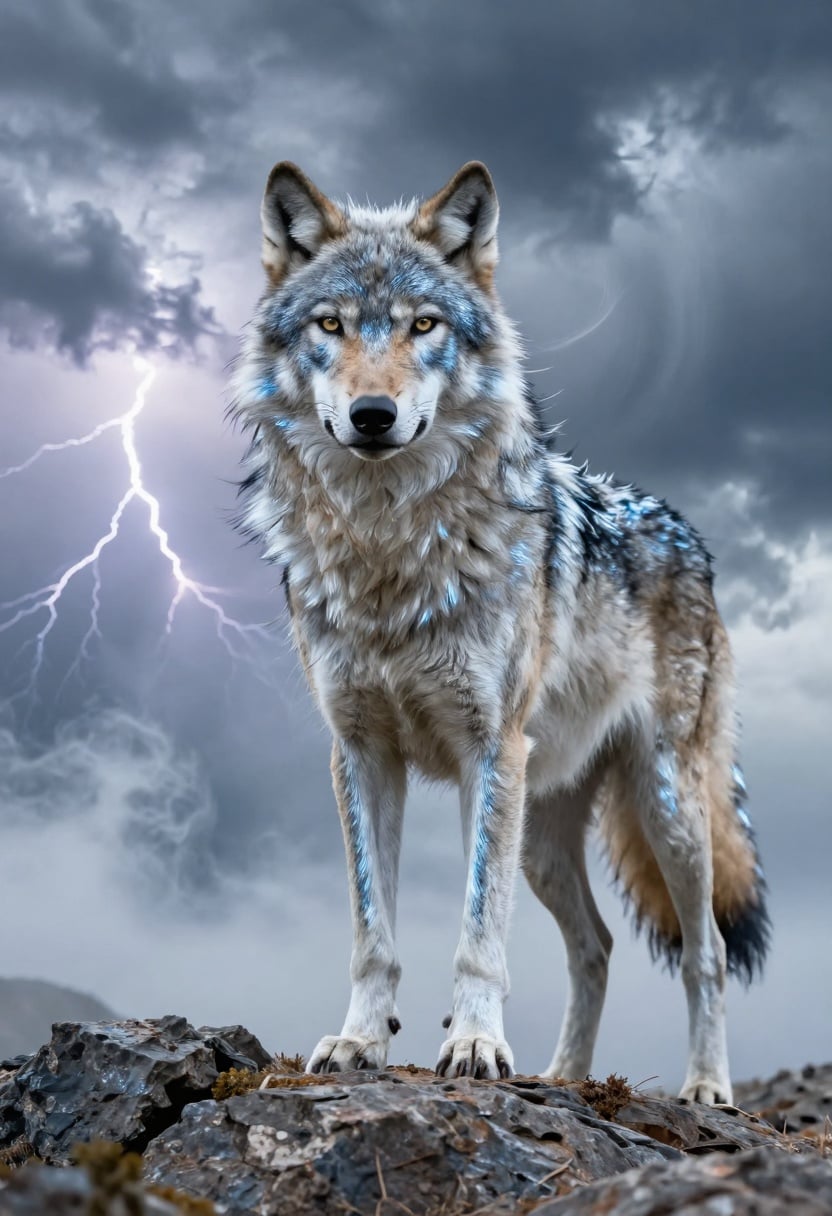
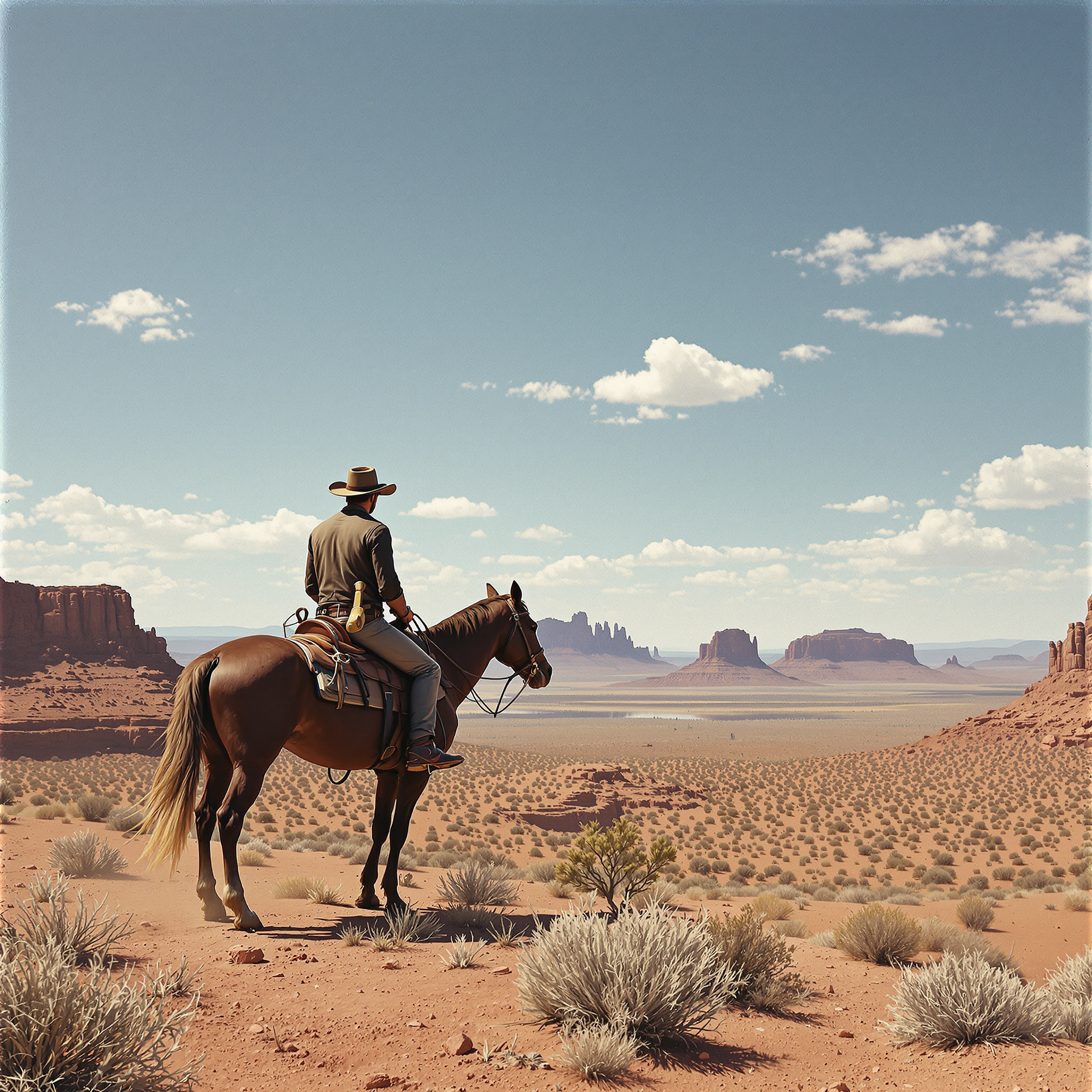
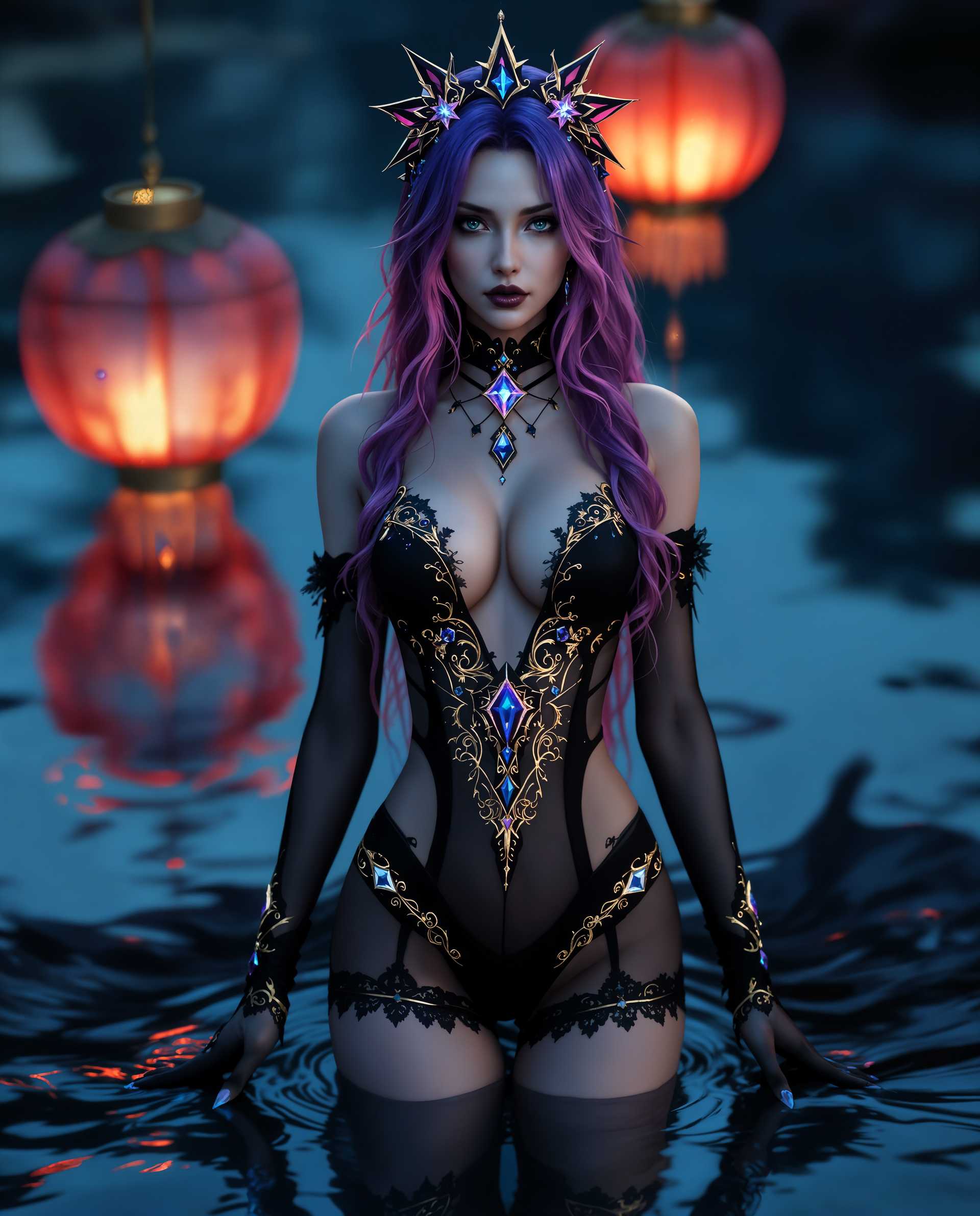
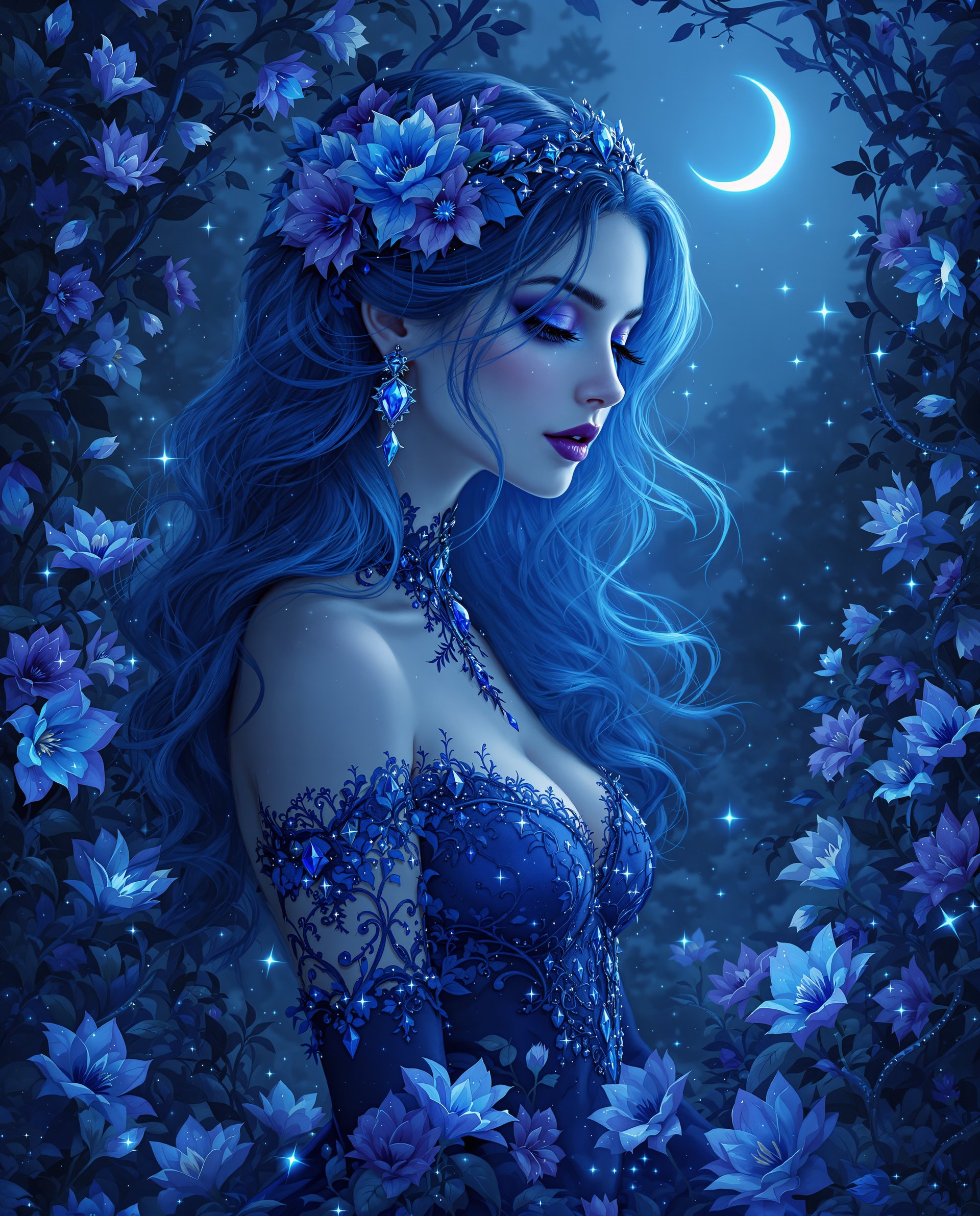
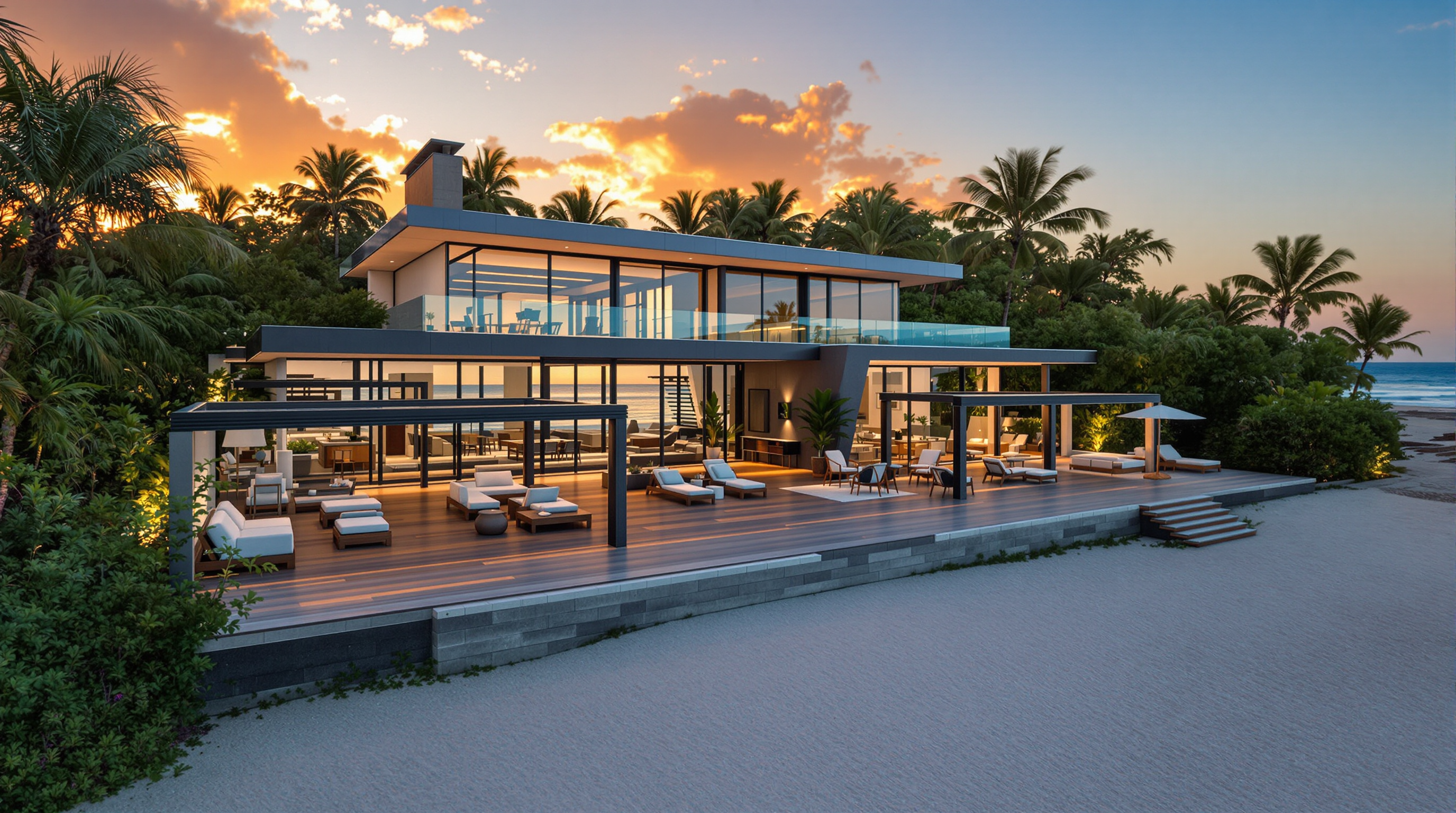
The Pixel Dojo Advantage
Why PixelDojo outperforms other options for image quality increase
| Others | Pixel Dojo |
|---|---|
| Traditional image creation | Generate base images quickly then upscale instantly—no need for expensive cameras, studios, or hours of shooting and manual retouching. |
| Generic AI tools | Access specialized upscalers like Magnific Upscaler and Portrait Upscaler alongside 40+ generation models in one workspace for seamless quality boosts tailored to your content. |
| Manual photo editing | Intelligent AI handles detail reconstruction, artifact removal, and resolution increases automatically, delivering consistent professional results without learning complex software or risking unnatural edits. |
Loved by creators on PixelDojo
Real feedback from people using PixelDojo, pulled from our in-product surveys.
all in one place
It is a lot of fun to uae and easy too.
So many different models to try out
You keep adding to it to stay up to date and that is GOLD.
very easy to use and good support
Very easy to use
Explore more AI tools on PixelDojo
AI Tools
Compare & Switch
- Best AI Image Generators
- Best AI Video Generators
- Midjourney Alternatives
- Civitai Alternatives
- Runway Alternatives
- Leonardo Alternatives
- Pika Alternatives
- Luma Alternatives
- Magnific Alternatives
- Veo Alternatives
- Flux Alternatives
- Freepik Alternatives
- Seedance Alternatives
- Seedream Alternatives
- Pixverse Alternatives
- GPT Image Alternatives
- Synthesia Alternatives
- Playground Alternatives
- NightCafe Alternatives
- Canva AI Alternatives
- ElevenLabs Alternatives
- ComfyUI Alternatives
- Fal Alternatives
- Replicate Alternatives
Common Questions
Everything you need to know about image quality increase
How to increase image quality of AI generated images for print?
Use PixelDojo's Magnific Upscaler or P-Image Upscale to boost resolution up to 16x while adding realistic details. Start with a high-quality base from Flux.1 Studio, apply Creative Upscaler for textures, and download print-ready files that stay sharp at large sizes.
What are the best AI techniques to enhance resolution without artifacts in 2026?
PixelDojo combines advanced upscaling models with tools like Clarity Pro and Reality Polisher. These intelligently reconstruct details using super-resolution approaches, preserving style while eliminating blur and noise for natural-looking high-res results.
Can I fix blurry AI images and increase quality with PixelDojo?
Yes. Upload blurry outputs to Creative Upscaler or Portrait Upscaler. The AI analyzes content and adds sharp details, restores faces, and enhances clarity in seconds—perfect for turning rough generations into polished, professional images.
How does PixelDojo help increase image quality for product photography?
Apply P-Image Upscale or Magnific Upscaler to your AI-generated product shots. These tools sharpen edges, enhance textures and materials, and deliver high-resolution files ideal for e-commerce, catalogs, and marketing campaigns.
What is the easiest way to upscale AI art to 8K resolution?
Choose Magnific Upscaler or Creative Upscaler in PixelDojo, upload your art from models like Ideogram 4 or PonyXL, select your desired upscale factor, and let the AI add intricate details while maintaining artistic style for stunning 8K results.
How to improve face quality in AI generated portraits using upscaling?
Use the dedicated Portrait Upscaler or Reality Polisher. These tools specifically target facial details, smooth skin naturally, enhance eyes and features, and increase overall resolution for lifelike, high-quality portrait images.