image quality increaser
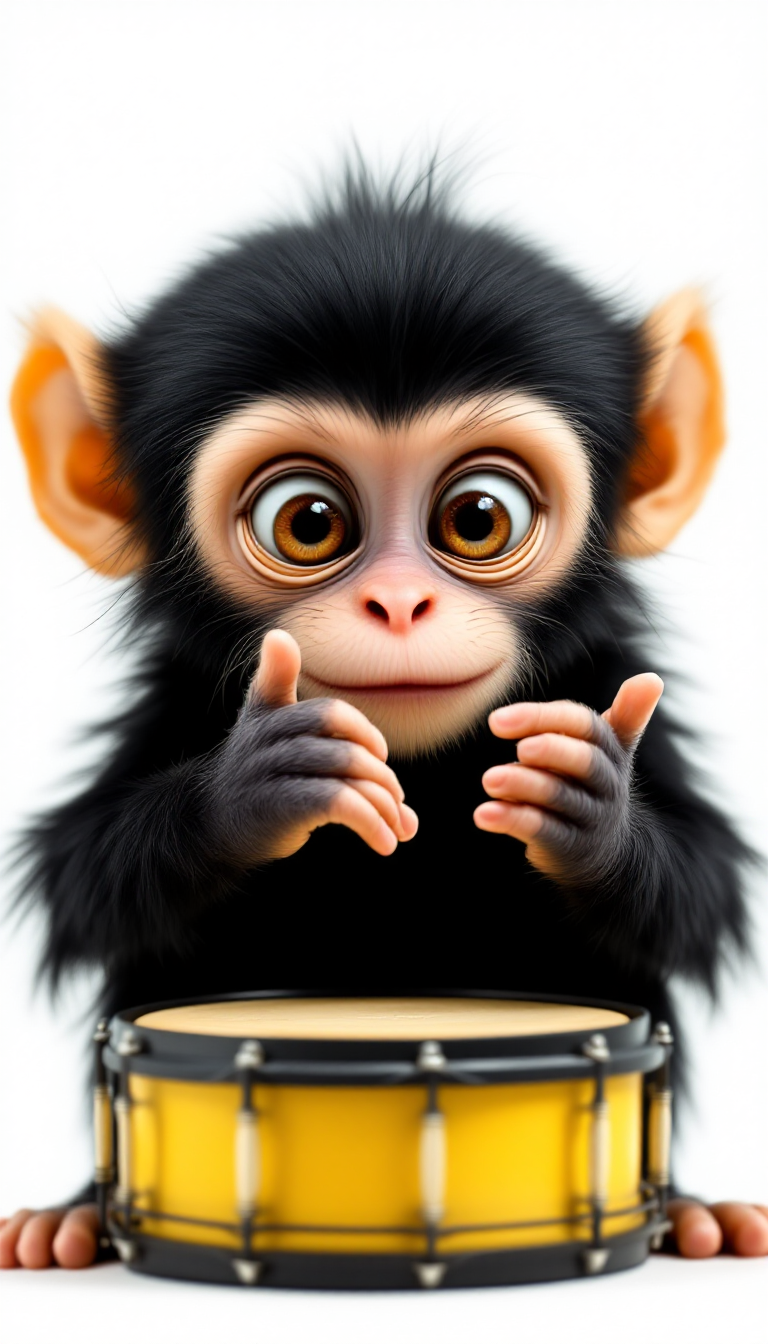
Imagine turning your blurry smartphone snaps, old family photos, or AI-generated drafts into crisp, vibrant, print-ready masterpieces in just seconds. PixelDojo's AI image quality increaser tools deliver exactly that—professional-grade enhancements that recover lost details, sharpen edges, reduce noise, and boost resolution up to 32K without artifacts or unnatural looks. Whether you're a photographer preparing gallery prints, a content creator optimizing social media visuals, or a designer refining product shots, you achieve stunning outcomes that captivate viewers and elevate your work. No technical expertise required; simply upload and let the AI handle the transformation so you can focus on creating and sharing your best visuals yet.
Over 75,000 creators worldwide have enhanced more than 2.5 million images using PixelDojo, earning a 4.9/5 average rating. Trusted by photographers, marketers, and digital artists for natural, high-fidelity results every time. Cancel anytime—no long-term commitments.
Why Choose Pixel Dojo for image quality increaser
Professional-quality results with cutting-edge AI technology
Achieve Print-Ready Professional Quality
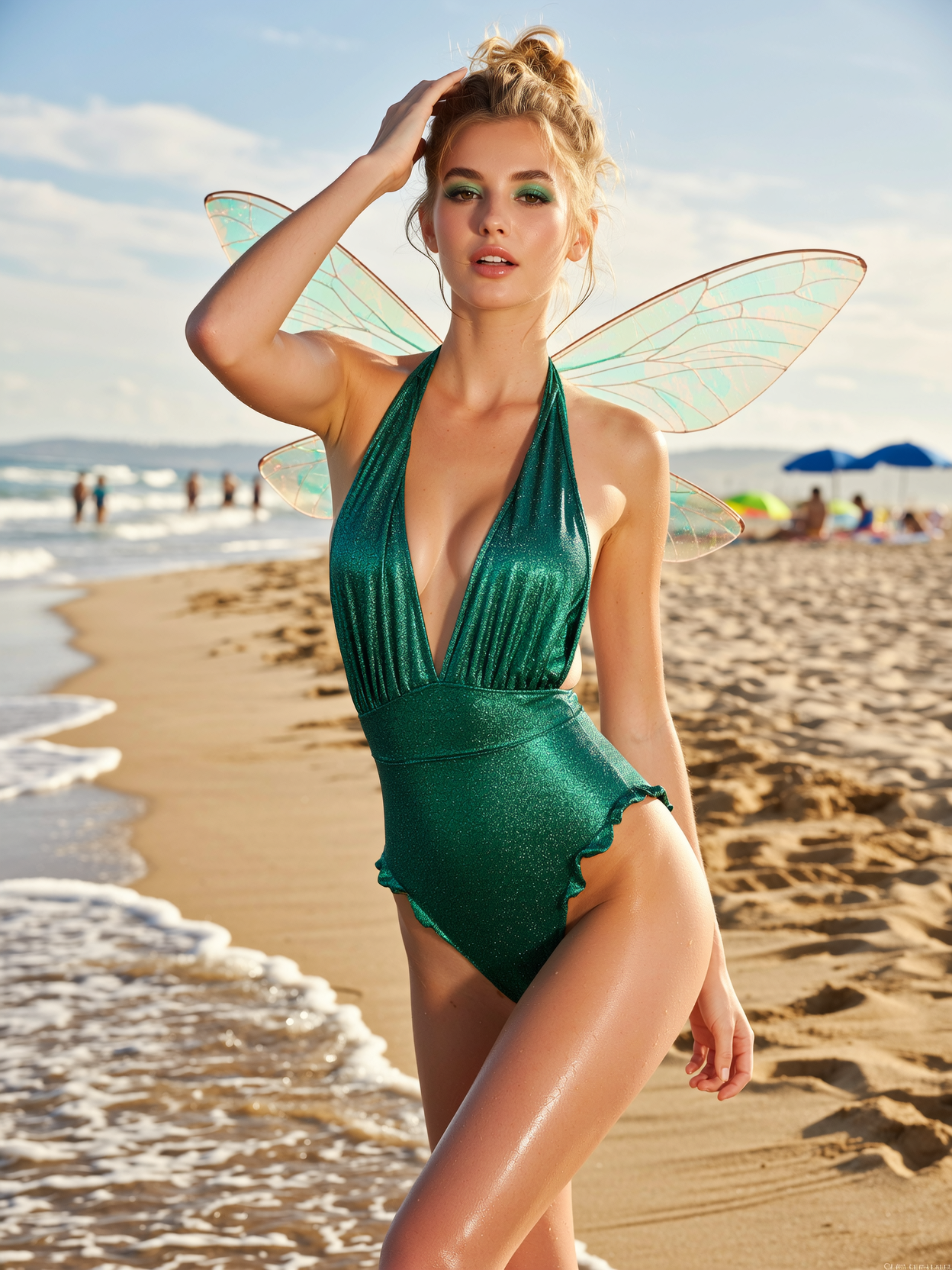
Upscale images to 8K, 16K, or higher while preserving intricate textures like fabric weaves, skin pores, and foliage details. Your photos look sharp and natural in large formats, posters, or client presentations—ready for professional printing without pixelation or blur.
Restore Old, Blurry, or Damaged Photos Instantly
Breathe new life into faded family heirlooms, low-light shots, or scratched negatives. AI intelligently reconstructs missing details, removes noise and scratches, and enhances clarity so memories shine brighter than ever before.
Polish AI-Generated and Creative Images
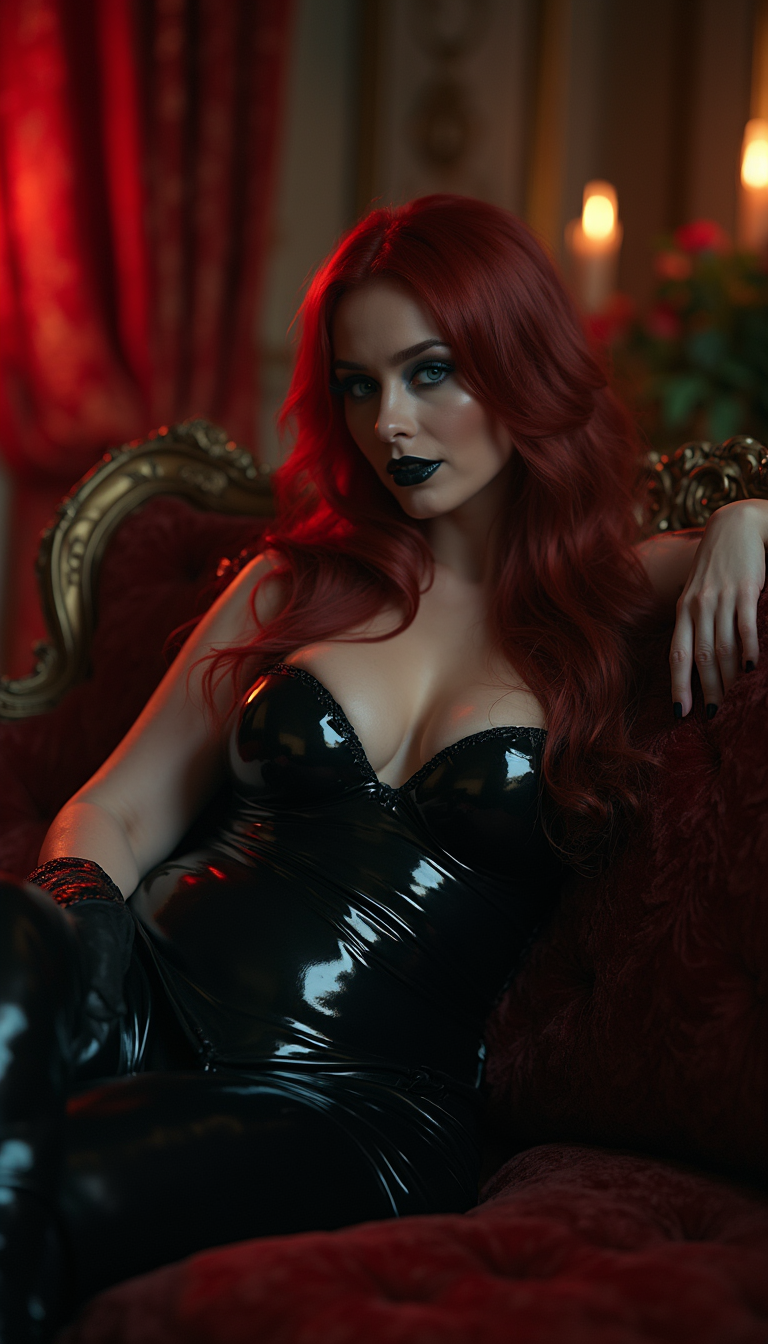
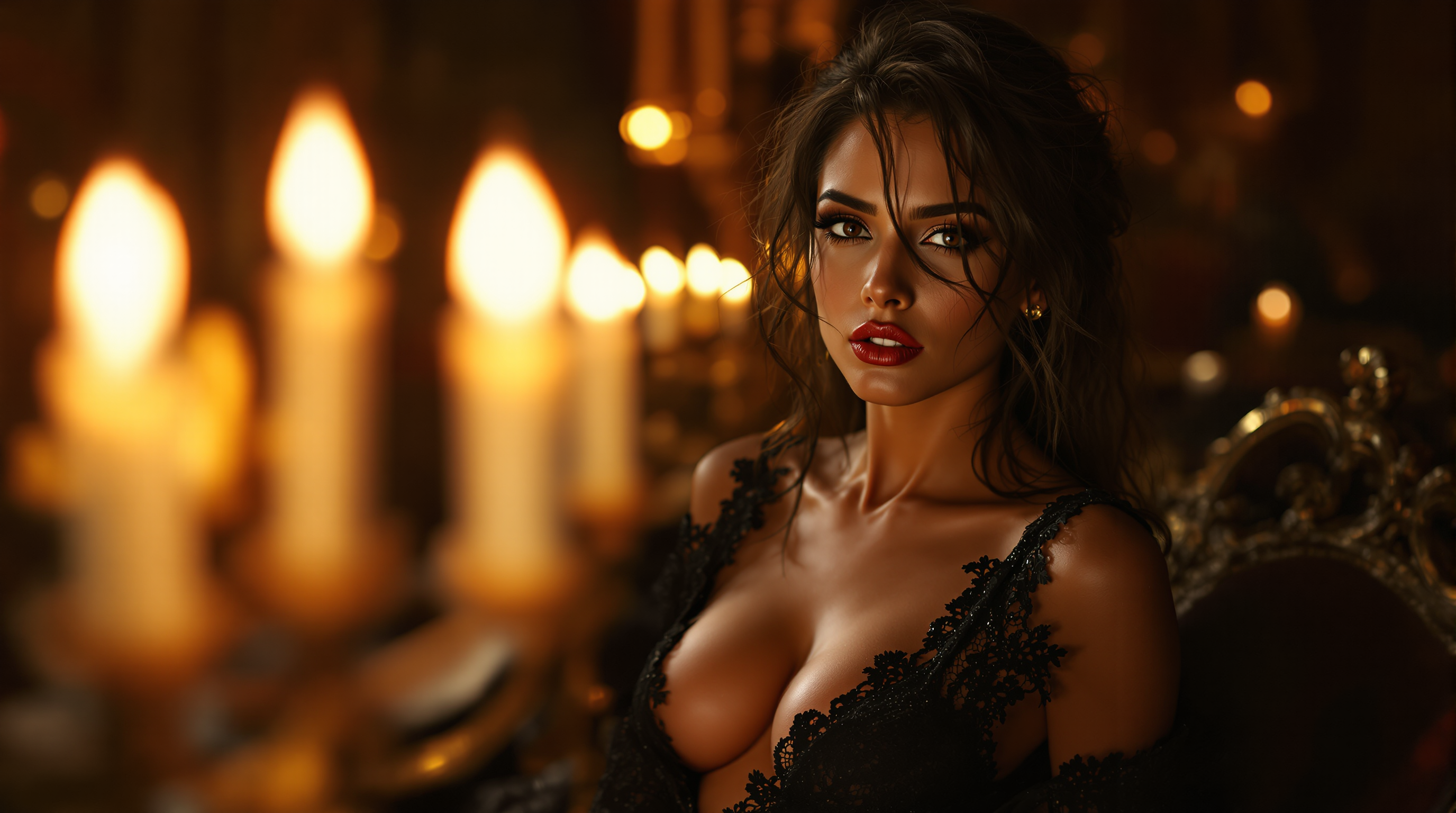
Refine outputs from any generator into flawless final pieces. Add sharpness, balance lighting, and perfect compositions for social posts, marketing materials, or portfolios that stand out with premium quality.
How It Works
Creating high-quality images with PixelDojo's image quality increaser is straightforward. Upload your low-res or imperfect photo to specialized tools like Magnific Upscaler, P-Image Upscale, Clarity Pro, or Portrait Upscaler and watch the AI deliver transformative results in moments.
Step 1: Choose Your Tool
Browse the Upscale & Enhance section and select the perfect match—Magnific Upscaler for creative detail enhancement, P-Image Upscale for rapid resolution boosts, Clarity Pro for overall sharpness, or Portrait Upscaler for faces and people.
Step 2: Upload Your Image and Customize
Drag and drop your photo or paste a URL. Optionally add a prompt like 'enhance details naturally, increase sharpness, remove noise while keeping original colors' or choose presets for portraits, landscapes, or product shots. The AI analyzes and prepares enhancements automatically.
Step 3: Preview, Refine & Download
Review the enhanced version side-by-side, tweak settings like resolution multiplier or detail intensity if desired, then download your high-resolution result. Batch process multiple images for efficiency on larger projects.

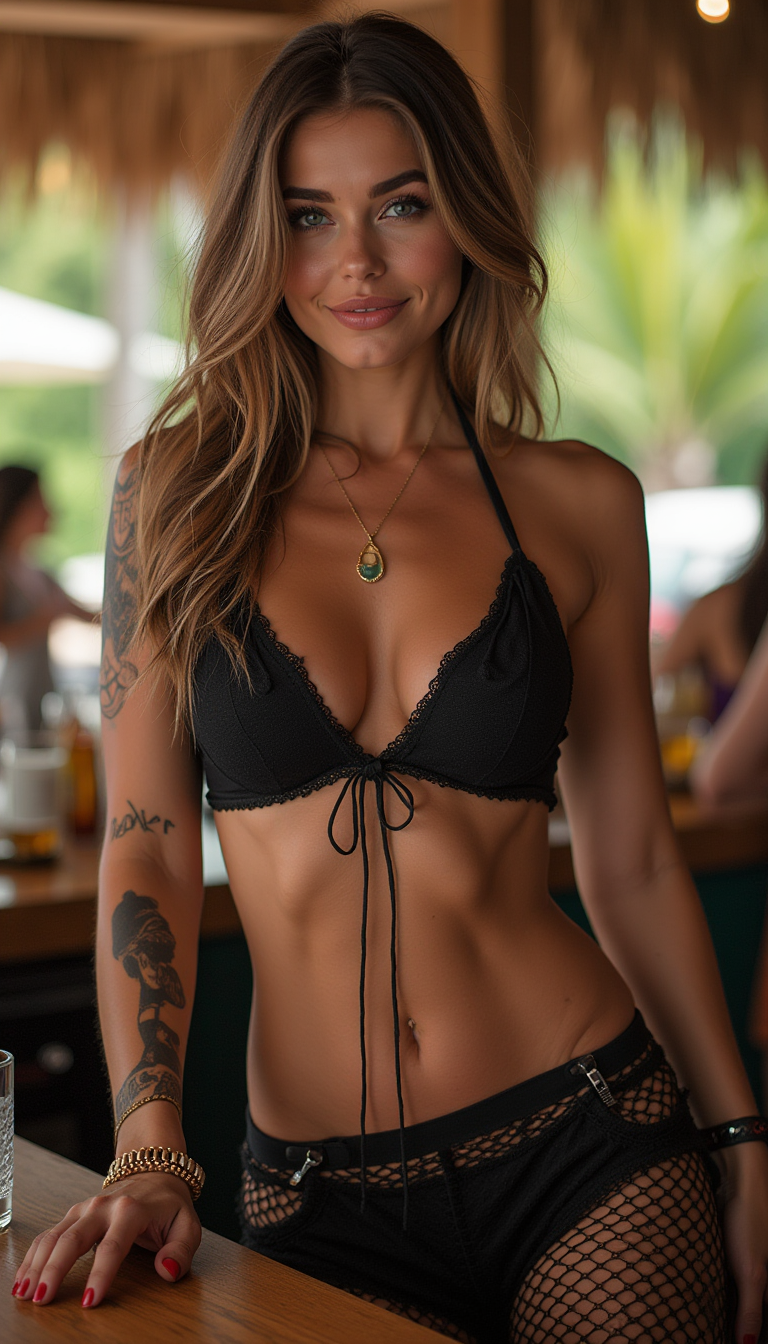
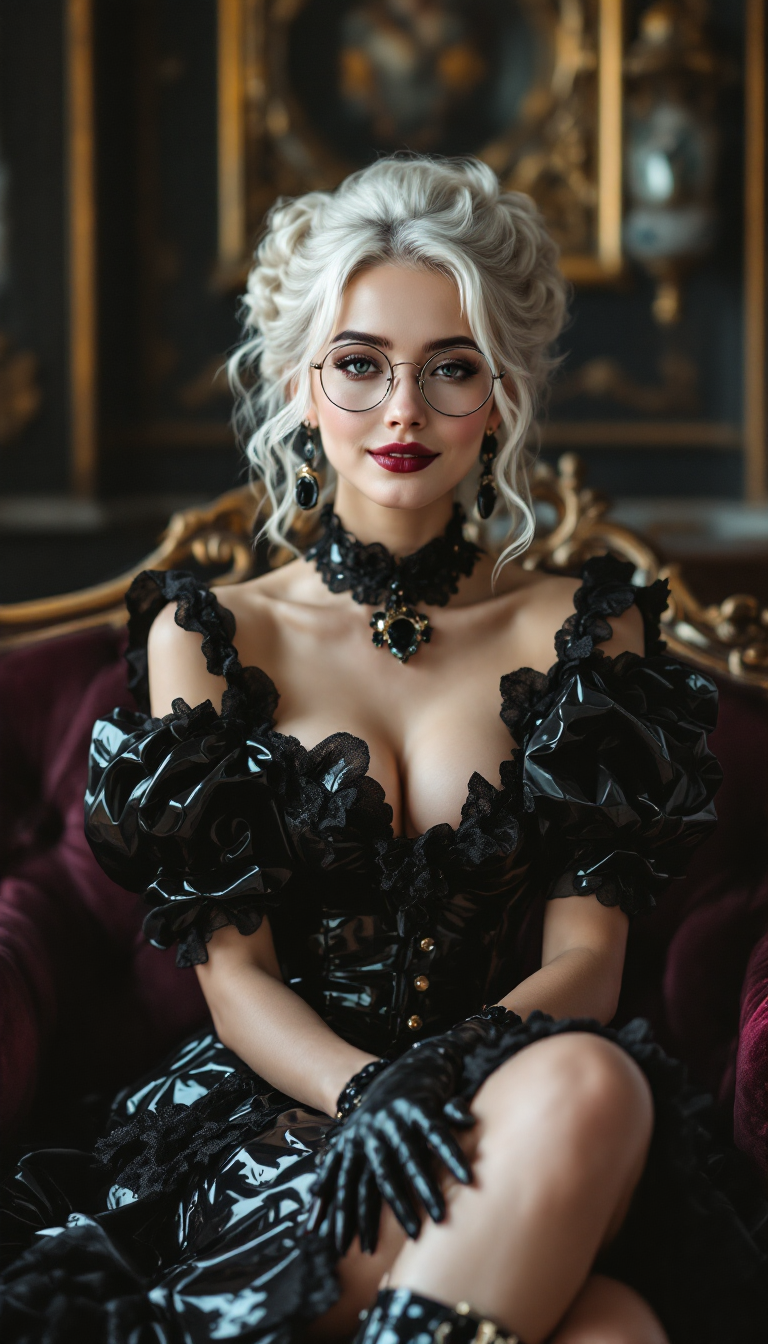
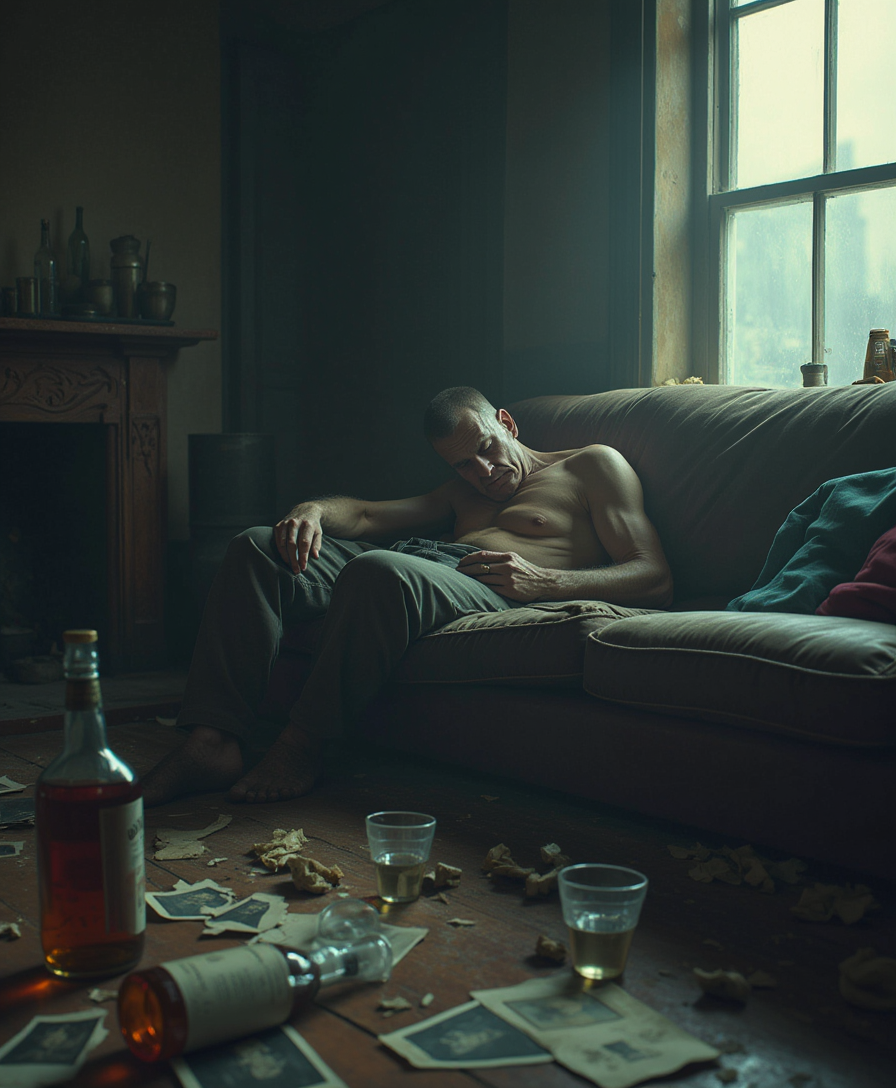
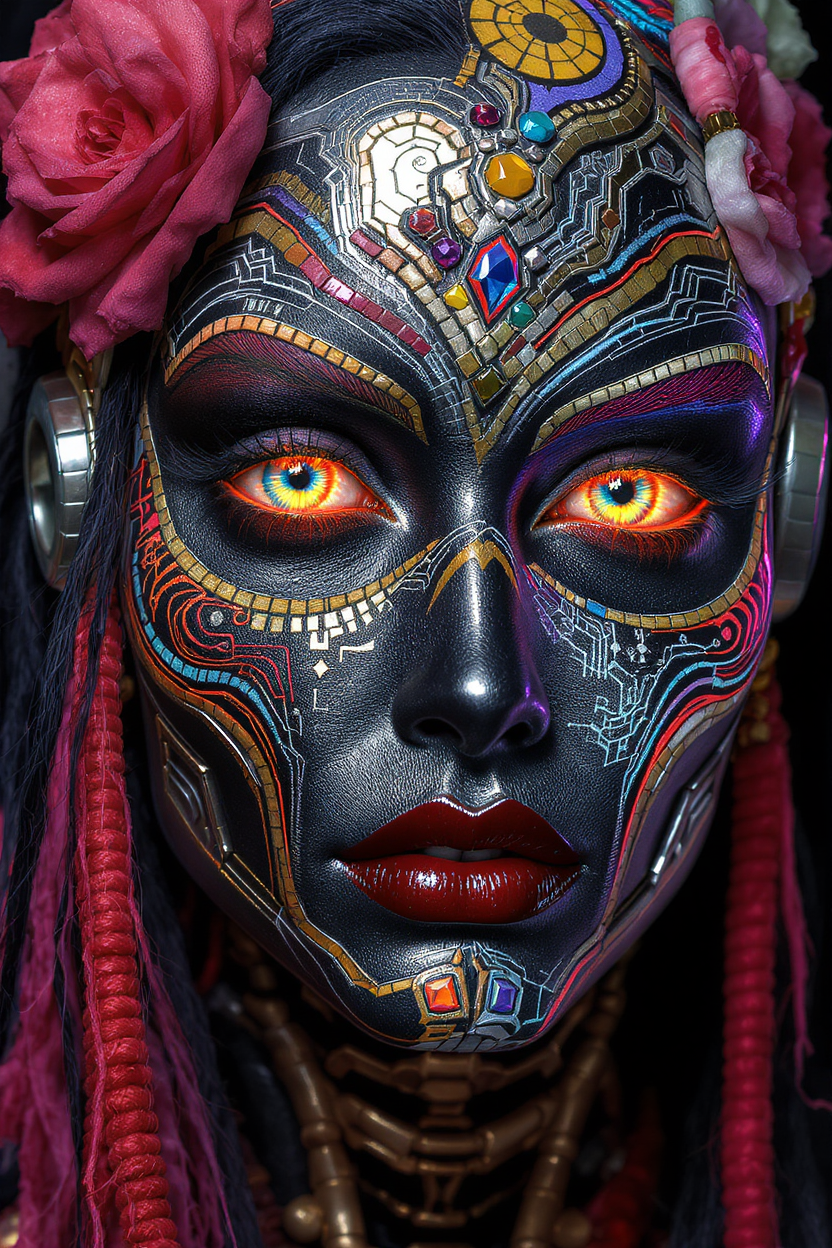
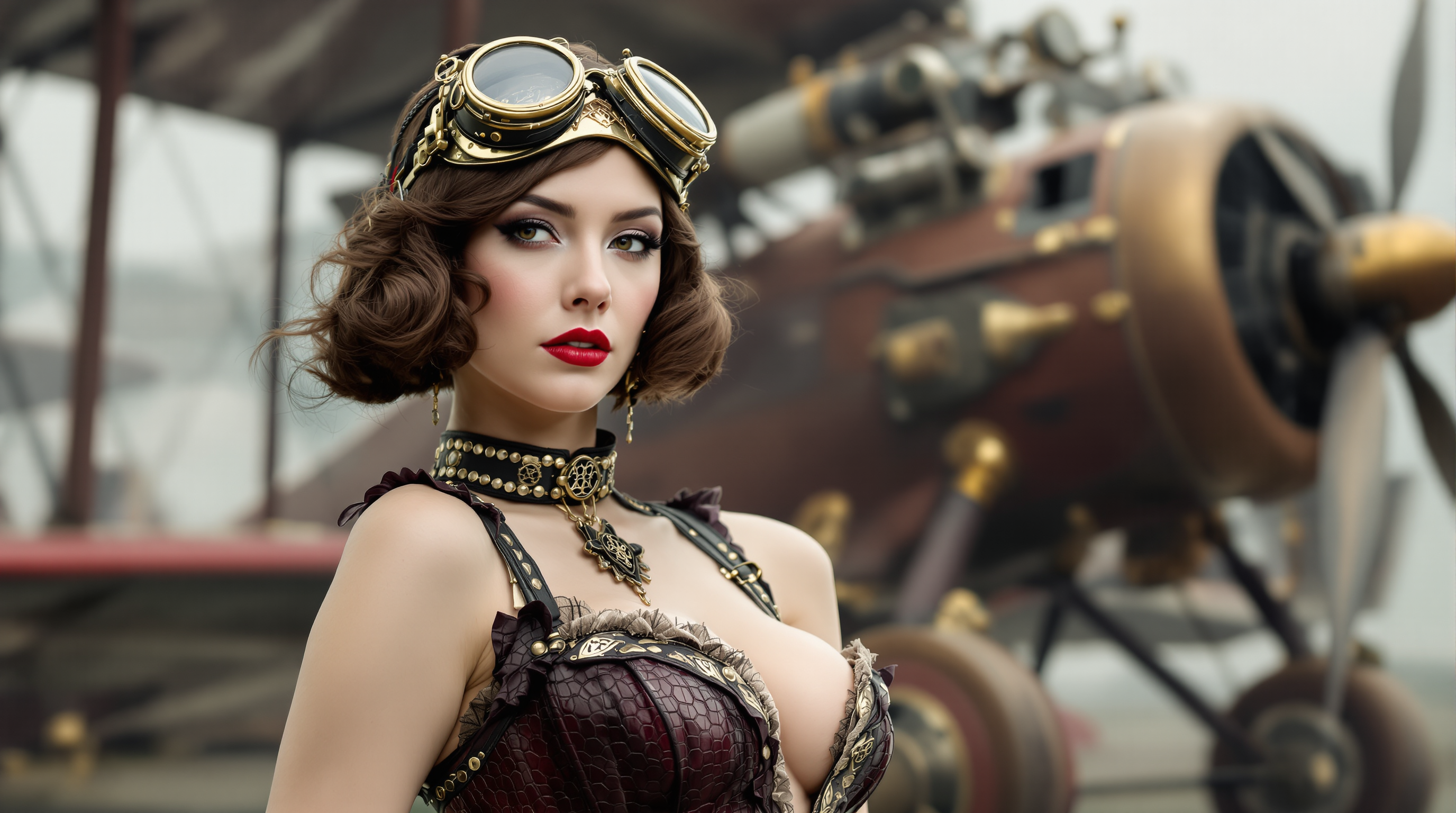
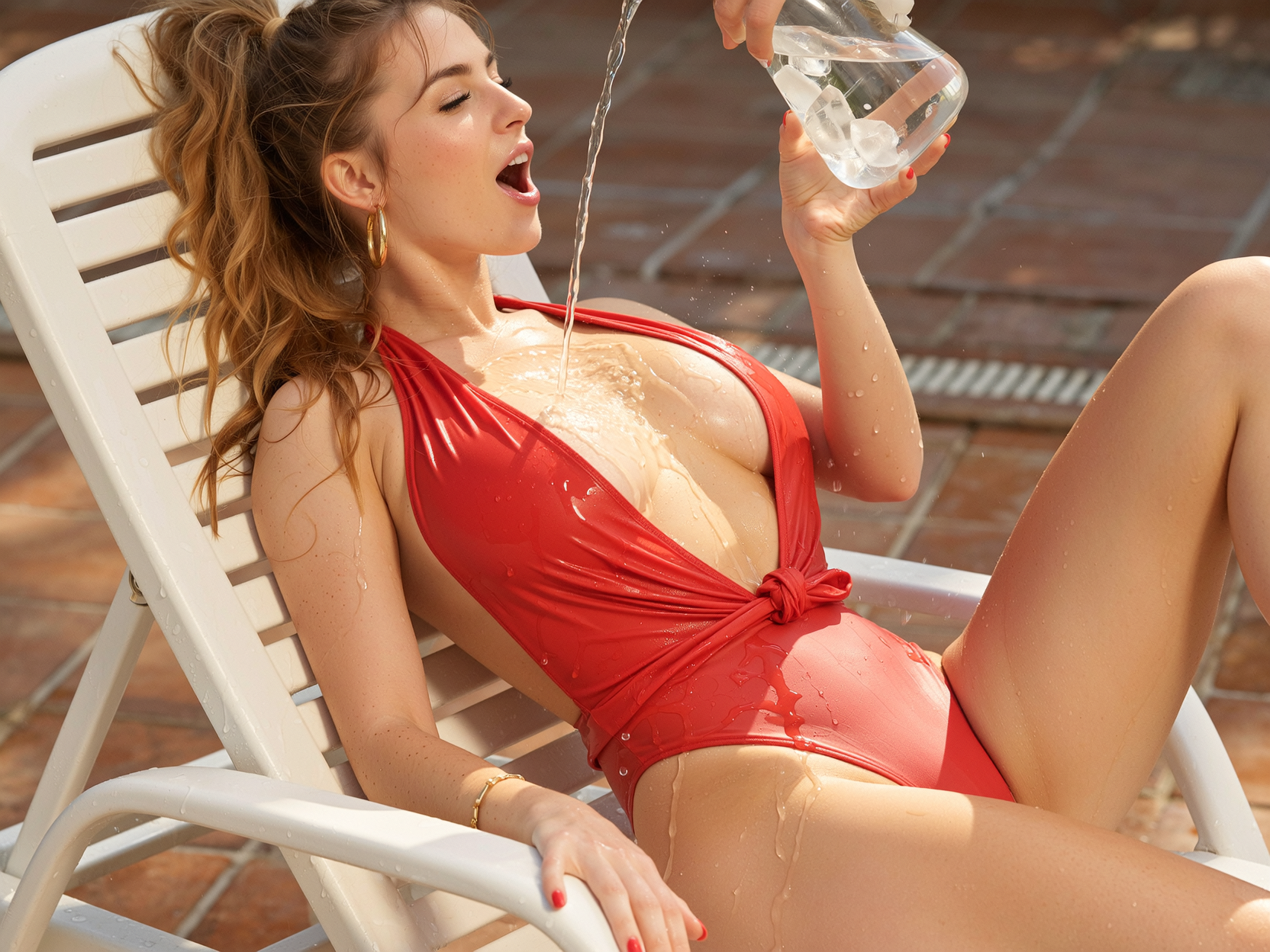
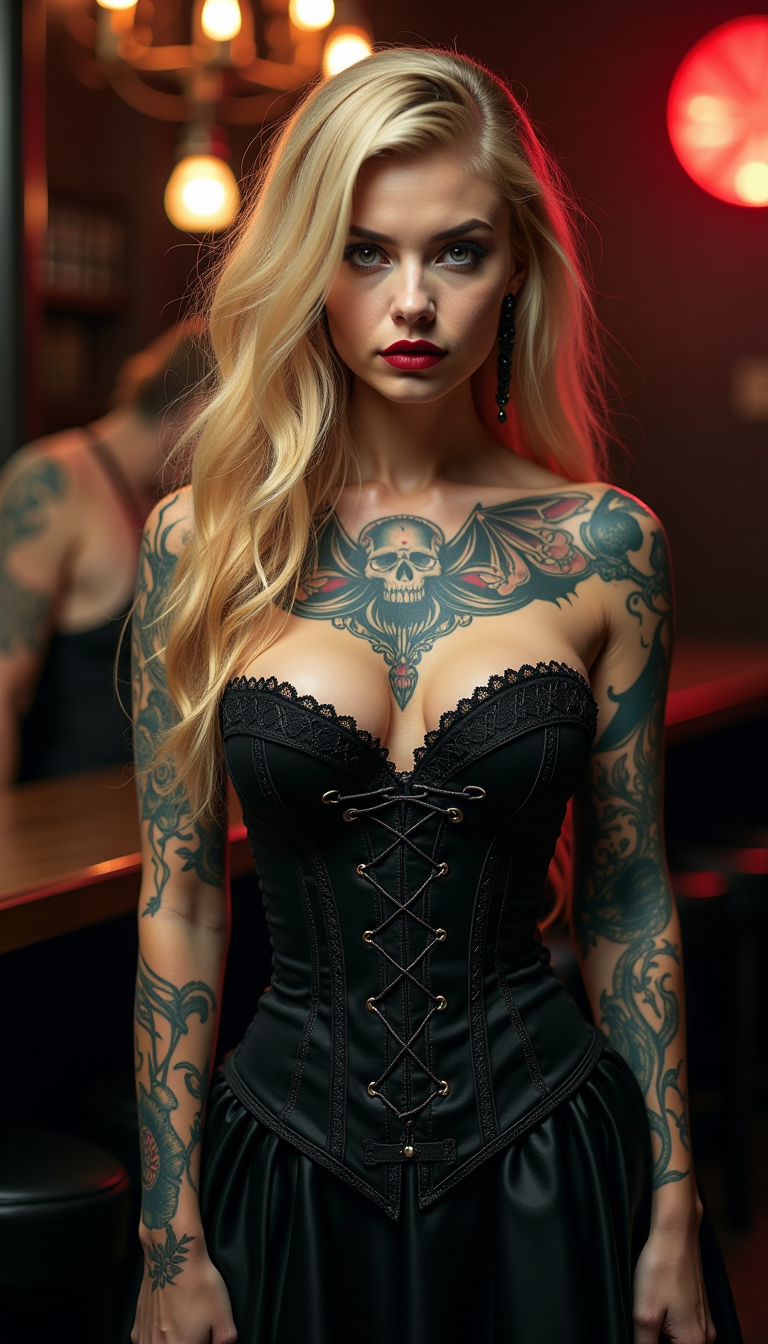
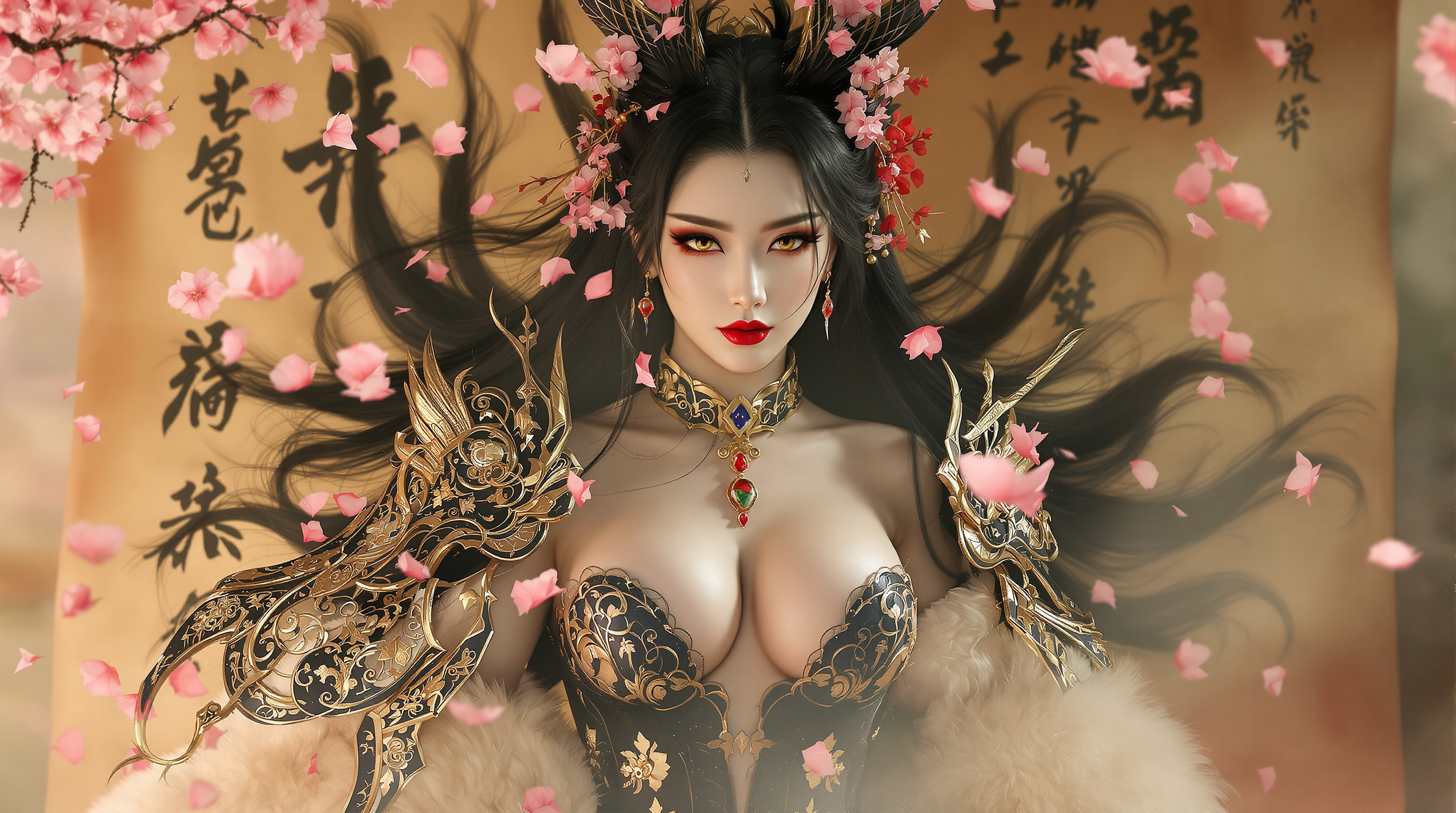
The Pixel Dojo Advantage
Why PixelDojo outperforms other options for image quality increaser generation
| Others | Pixel Dojo |
|---|---|
| Traditional image creation | Skip hours of manual retouching and expensive equipment—achieve superior, consistent results instantly with AI that understands context and restores details naturally. |
| Generic AI tools | Access 40+ specialized enhancers like Magnific Upscaler and Clarity Pro tailored for quality boosting, versus limited one-size-fits-all options that often produce artifacts or unnatural results. |
| Manual photo editing | Eliminate trial-and-error and inconsistent outcomes—our AI delivers predictable, professional enhancements every time, saving you time and frustration while producing superior visual impact. |
Loved by creators on PixelDojo
Real feedback from people using PixelDojo, pulled from our in-product surveys.
Accurate results
Great site and so much fun to use!
very useful set of tools for image creation, upscaling and enhancement
ease of use, variety of tools, high quality trainings, and a well-maintained discord channel
Ease of use, friendliness and support of the owner, continued innovation.
it is an amazing site to create a pics and vids for those who don't have the hardware themselves
Explore more AI tools on PixelDojo
AI Tools
Compare & Switch
- Best AI Image Generators
- Best AI Video Generators
- Midjourney Alternatives
- Civitai Alternatives
- Runway Alternatives
- Leonardo Alternatives
- Pika Alternatives
- Luma Alternatives
- Magnific Alternatives
- Veo Alternatives
- Flux Alternatives
- Freepik Alternatives
- Seedance Alternatives
- Seedream Alternatives
- Pixverse Alternatives
- GPT Image Alternatives
- Synthesia Alternatives
- Playground Alternatives
- NightCafe Alternatives
- Canva AI Alternatives
- ElevenLabs Alternatives
- ComfyUI Alternatives
- Fal Alternatives
- Replicate Alternatives
Common Questions
Everything you need to know about image quality increaser
How does PixelDojo's AI image quality increaser work to upscale photos?
PixelDojo uses advanced AI models in tools like Magnific Upscaler and P-Image Upscale to analyze your image's structure, textures, and context. It intelligently generates new pixels to increase resolution while recovering fine details, reducing noise, and sharpening edges for natural, high-fidelity results up to 32K.
Can I use PixelDojo to enhance old or damaged family photos?
Yes! Upload faded, scratched, or low-res vintage images to Portrait Upscaler or Clarity Pro. The AI restores colors, fills in missing details, removes imperfections, and produces crisp, vibrant versions perfect for printing or sharing memories.
What resolution can PixelDojo's image quality increaser achieve?
Our tools support massive upscaling—easily go from low-res inputs to 8K, 16K, or even 32K outputs. This makes your images suitable for large prints, billboards, or ultra-high-definition displays while maintaining sharpness and realism.
Is PixelDojo good for enhancing AI-generated images?
Absolutely. Use Creative Upscaler or Magnific Upscaler to refine AI art or generated photos. Add missing details, improve textures, balance lighting, and polish compositions so your creations look professionally finished and ready for portfolios or sales.
How long does it take to increase image quality with PixelDojo?
Most enhancements complete in seconds to a minute depending on file size and settings. Batch processing lets you handle multiple photos efficiently, making it ideal for photographers and creators with large libraries.
Do I need any design experience to use PixelDojo's image quality increaser?
No experience needed. The intuitive interface guides you through simple uploads and optional prompts. Thousands of users with zero technical background achieve stunning professional results on their first try.