image to video ai 2k
Imagine turning your favorite photos, product shots, or AI-generated artwork into smooth, professional 2K videos that captivate audiences on social media, websites, and ads—without cameras, crews, or complex editing software. With PixelDojo's image to video AI 2K tools, you achieve stunning high-resolution motion that looks polished and ready to share. Whether you're a marketer needing dynamic product demos, a content creator building engaging Reels, or a storyteller bringing stills to life, you get cinematic results in minutes. Focus on your vision while our advanced AI handles realistic movement, camera angles, and crisp 2K detail that stands out on every screen. Join thousands of creators who save hours and elevate their content with effortless high-quality video from simple images.
Loved by thousands of creators worldwide with 40+ cutting-edge AI tools. Rated highly for quality and ease—cancel anytime. Creators report turning static images into scroll-stopping 2K videos that boost engagement and conversions.
Why Choose Pixel Dojo for image to video ai 2k
Professional-quality results with cutting-edge AI technology
Produce Scroll-Stopping 2K Content Instantly
Transform ordinary photos into high-resolution 2K videos perfect for TikTok, Instagram Reels, YouTube Shorts, and ads. Achieve professional polish that grabs attention and drives more views, likes, and sales without expensive production.
Unlock Realistic Motion and Storytelling Power
Bring characters, products, and scenes to life with natural movement, dynamic camera work, and consistent details. Create marketing videos, animated stories, or product reveals that feel cinematic and keep your audience engaged longer.
Save Time and Budget While Scaling Creativity
Skip filming setups, actors, and lengthy edits. Generate multiple 2K variations from one image in minutes using tools like WAN 2.7 Spicy Image-to-Video and Kling Reference to Video, then refine with upscalers for endless creative freedom and faster campaign launches.
How It Works
Creating stunning image to video AI 2K content on PixelDojo is simple and results-driven. Start with any image—your photo, AI art from Flux.2 Studio or Seedream 5, or product shot—and let specialized tools animate it into high-res video.
Step 1: Upload or Generate Your High-Quality Starting Image
Choose or create a sharp, well-lit image using PixelDojo's Generate Images tools like Flux.2 Studio, MAI Image, Ideogram 4, or Seedream 5 for optimal results. Upload your own photo or refine it with Edit Images features such as Reality Polisher, Magic Lighting, or Image Upscale via P-Image Upscale or Magnific Upscaler to ensure maximum detail for 2K output.
Step 2: Animate with Specialized Image-to-Video Tools
Select from Generate Videos options like WAN 2.7 Spicy Image-to-Video, WAN 2.2 Spicy Image-to-Video, Kling Reference to Video, Kling Video, Seedance 2, or Luma UNI 1. Describe the desired motion, camera movement, or style in simple prompts—add subtle zooms, character actions, or dynamic pans. Generate short clips with realistic physics and consistency, then extend or edit using Grok Video Edit, WAN 2.7 Video Edit, or Kling Video Edit.
Step 3: Enhance to Perfect 2K, Edit & Download
Upscale and polish your video to crisp 2K resolution using Video Upscaler, Clarity Pro, or Creative Upscaler. Apply final touches with Video Autocaption, Video Reframe, Merge Videos, or Extract Frame. Download in high quality ready for any platform—your professional 2K image to video masterpiece is complete and shareable.

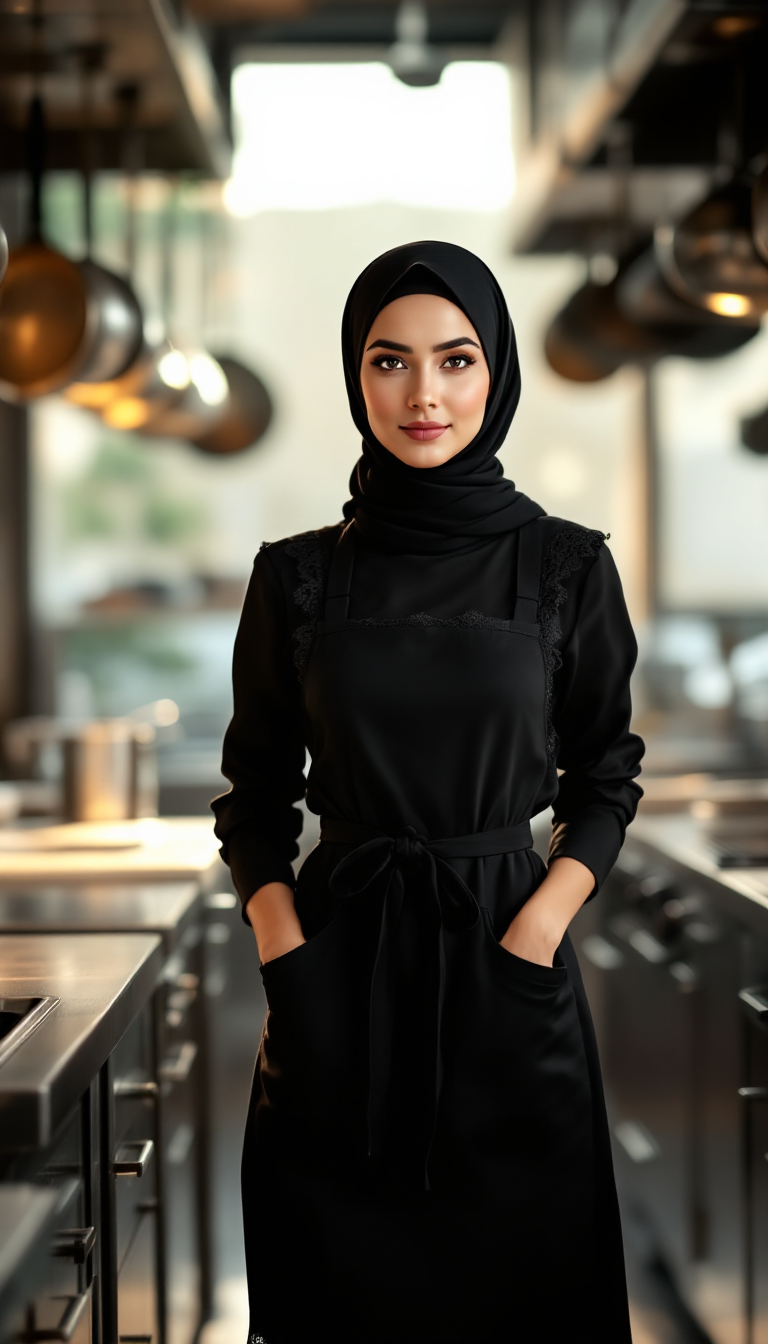

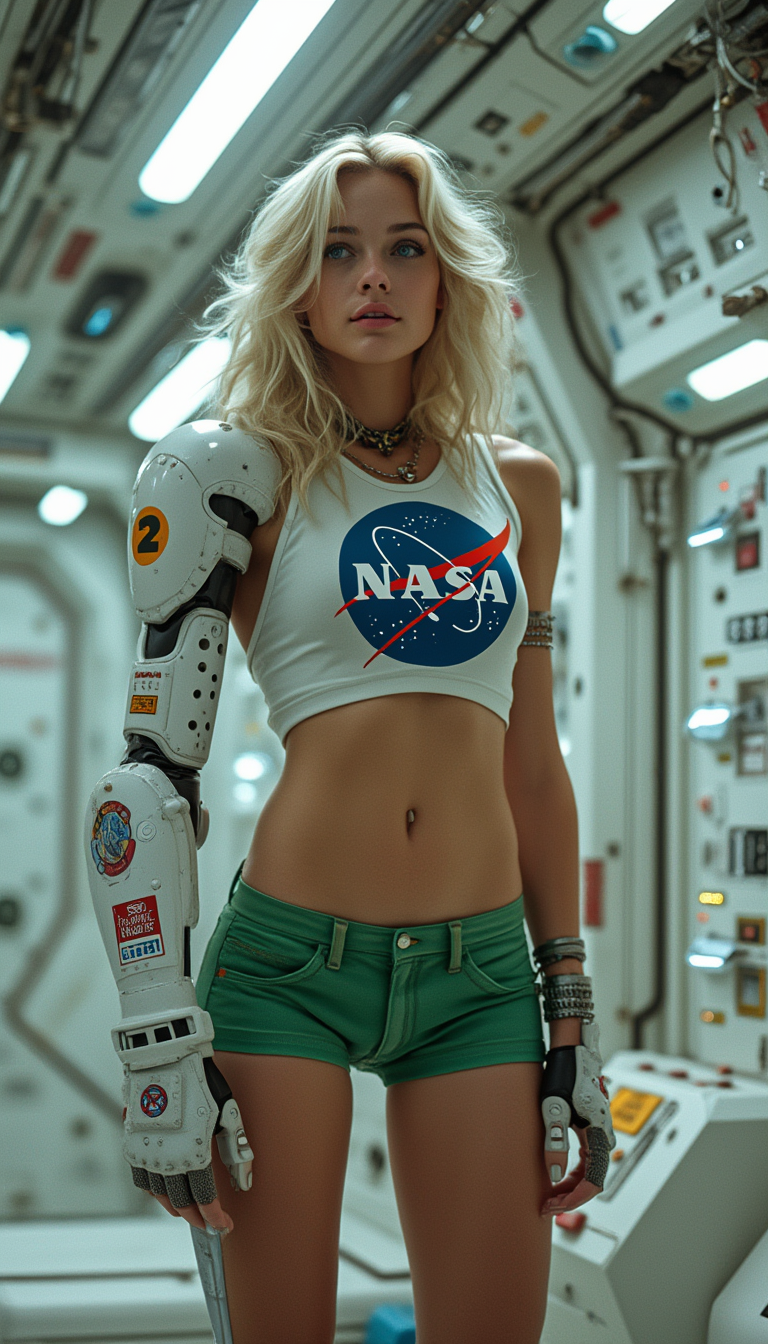
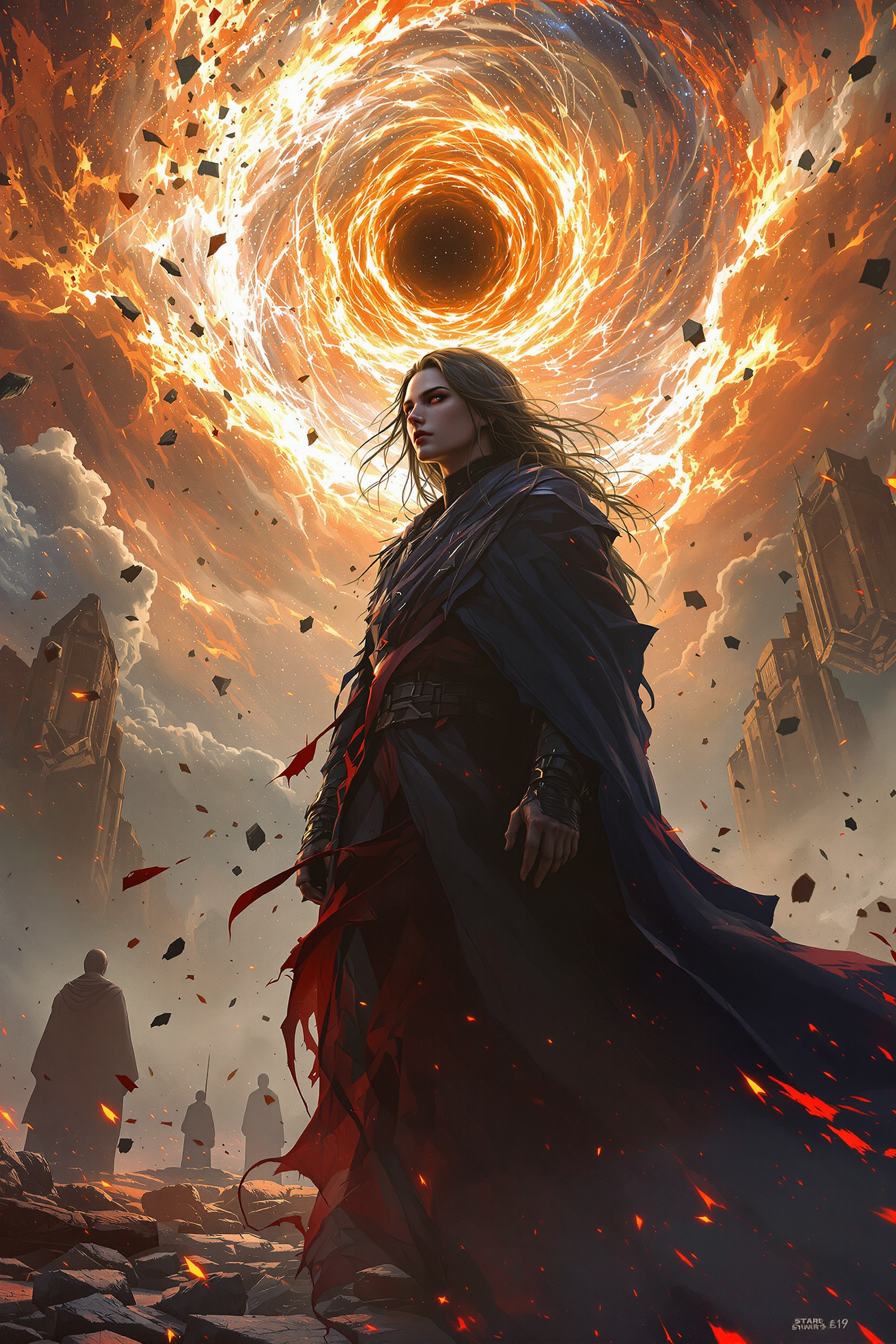
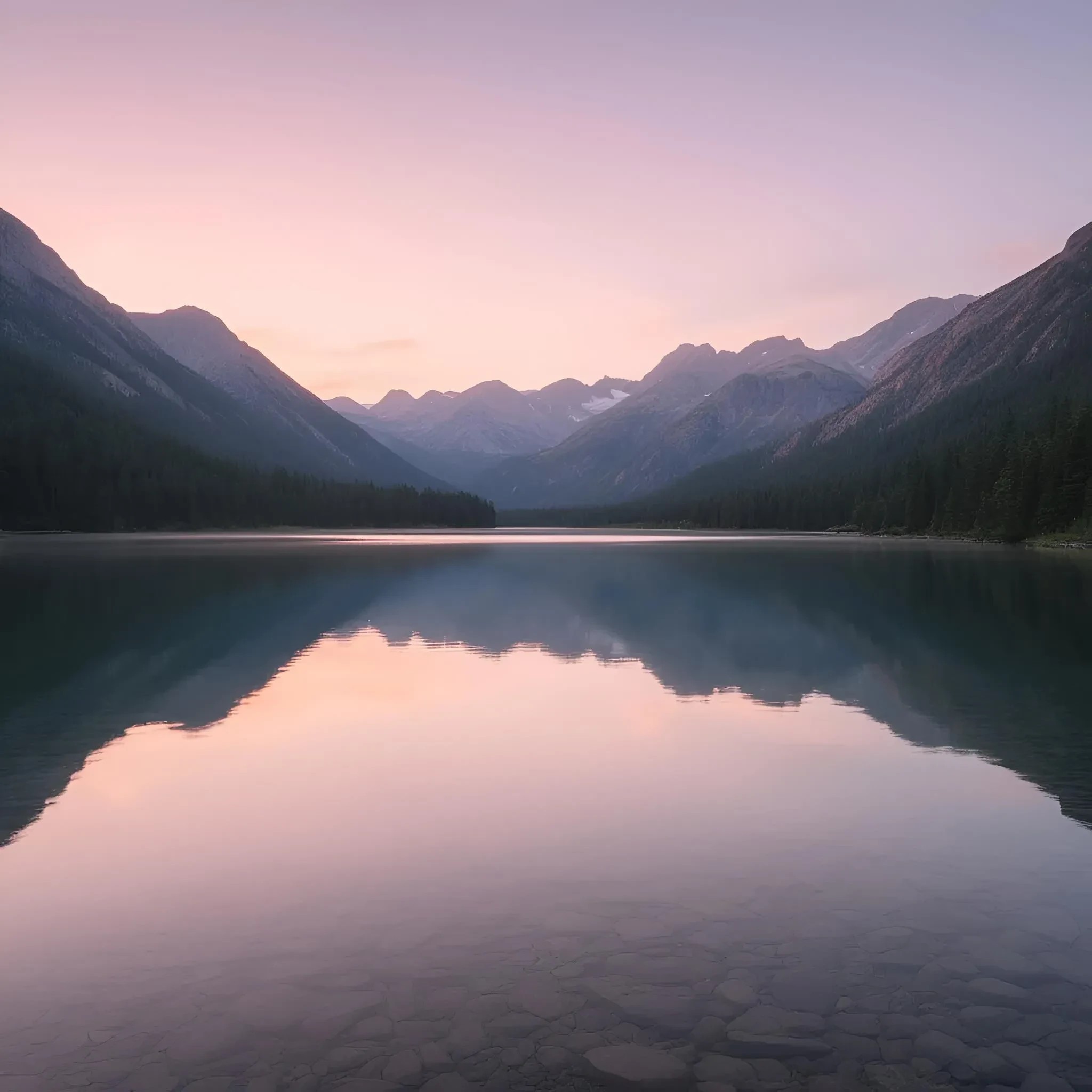
The Pixel Dojo Advantage
Why PixelDojo outperforms other options for image to video AI 2K generation
| Others | Pixel Dojo |
|---|---|
| Traditional video production | Eliminate costly shoots, equipment, and editing time—generate multiple high-res 2K videos from one image in minutes instead of days or weeks, perfect for rapid testing and iteration. |
| Generic AI tools | Access specialized high-performance options like WAN 2.7 Spicy Image-to-Video, Kling Reference to Video, Seedance 2, plus integrated image generation, editing, and dedicated Video Upscaler for true 2K quality and seamless multi-tool workflows in one platform. |
| Manual photo editing and animation | Achieve natural motion, realistic physics, and cinematic effects automatically without frame-by-frame work or advanced software skills, then refine with one-click upscales and edits for professional results faster. |
Loved by creators on PixelDojo
Real feedback from people using PixelDojo, pulled from our in-product surveys.
THIS IS SO DOPE !
I have already recommended it to friends
All the tools, plus the guidance
Excellent tools. Ease of use. Well thought out interface. Wide variety of AI tools and features which are up to date with more added each month
I really like how the site is kept up to date, and the leaderboard (where I'm currently #11 most popular artist)
This is the best image generator I've used so far. Well done!
Explore more AI tools on PixelDojo
AI Tools
Compare & Switch
- Best AI Image Generators
- Best AI Video Generators
- Midjourney Alternatives
- Civitai Alternatives
- Runway Alternatives
- Leonardo Alternatives
- Pika Alternatives
- Luma Alternatives
- Magnific Alternatives
- Veo Alternatives
- Flux Alternatives
- Freepik Alternatives
- Seedance Alternatives
- Seedream Alternatives
- Pixverse Alternatives
- GPT Image Alternatives
- Synthesia Alternatives
- Playground Alternatives
- NightCafe Alternatives
- Canva AI Alternatives
- ElevenLabs Alternatives
- ComfyUI Alternatives
- Fal Alternatives
- Replicate Alternatives
Common Questions
Everything you need to know about image to video ai 2k
What is image to video AI 2K and how does it work on PixelDojo?
Image to video AI 2K converts still images into high-resolution approximately 1440p or 2K videos with natural motion and detail. On PixelDojo, upload or generate an image, use tools like WAN 2.7 Spicy Image-to-Video or Kling Reference to Video to add movement via prompts, then enhance with Video Upscaler for crisp 2K output. You get professional results ideal for marketing and social content without technical expertise.
Can I create true 2K resolution videos from images with PixelDojo AI tools?
Yes. Start with high-quality images from tools like Flux.2 Studio or Seedream 5, animate using WAN 2.7 Spicy Image-to-Video, Kling Video, or Seedance 2, then apply Video Upscaler, Clarity Pro, or Creative Upscaler to reach sharp 2K quality. This multi-step approach delivers detailed, professional videos that look great on large screens and high-res platforms.
What are the best PixelDojo tools for high-quality image to video AI 2K generation?
Top choices include WAN 2.7 Spicy Image-to-Video and WAN 2.2 Spicy Image-to-Video for dynamic motion, Kling Reference to Video and Kling Video for realistic control, Seedance 2 and Luma options for smooth results, plus Video Upscaler and P-Image Upscale for resolution boosts. Combine with image generators like Ideogram 4 or Grok Image and editors like Magic Lighting for end-to-end excellence.
How do I get the best results when turning images into 2K AI videos?
Begin with sharp, well-composed, high-resolution images—enhance them first with Reality Polisher or Magnific Upscaler. Use clear prompts describing motion, lighting, and camera style. Leverage reference features in Kling or WAN tools for consistency, experiment with short clips, then upscale and refine with Video Edit tools. PixelDojo's integrated suite makes iteration fast so you achieve polished, engaging 2K videos every time.
Is image to video AI 2K suitable for professional marketing and commercial use?
Absolutely. Creators use PixelDojo to produce product demos, social ads, explainer clips, and branded stories in 2K quality that convert. Tools like Marketing Studio, Consistent Characters, and high-res outputs from WAN and Kling ensure brand consistency and professionalism. Thousands of users create commercial-ready content quickly, with flexible plans you can cancel anytime.
Do I need any video editing experience to use PixelDojo for image to video AI 2K?
No experience required. The intuitive interface lets you upload an image, select a tool like Happy Horse Reference or PixVerse V6, enter a simple motion description, generate, upscale to 2K with one click, and download. Advanced users can dive into edits with Runway Aleph or Grok Video Edit, but beginners achieve impressive results immediately. Start creating today and scale as you grow.