openart alternative
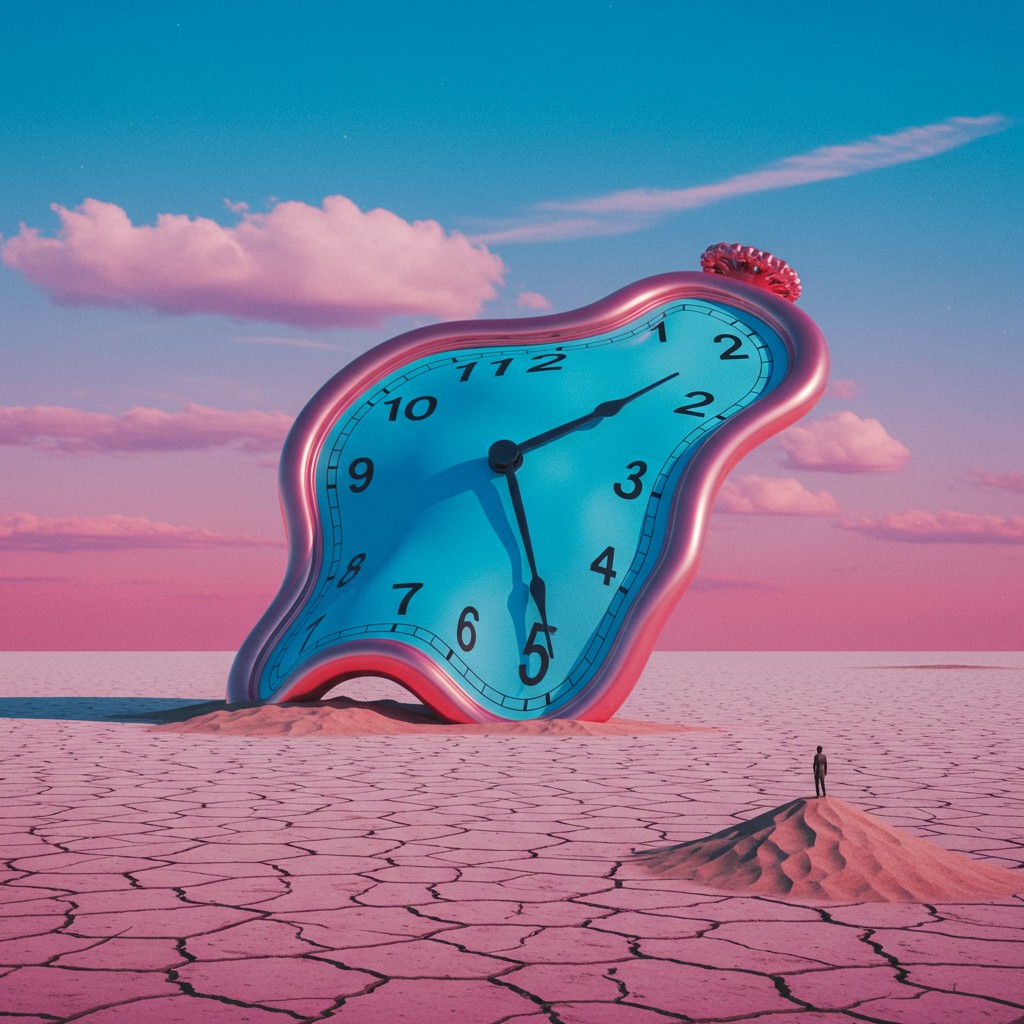
Generated on PixelDojo. Produced by PixelDojo's generation pipeline.
If you need an OpenArt alternative that actually lets you finish projects instead of bouncing between disconnected tools, PixelDojo puts professional image and video creation in one place. You describe the campaign visual, the product shot, the story character or the cinematic scene you want, and you walk away with ready-to-use assets. Generate photorealistic or stylized images using Nano Banana 2, GPT Image 2, Flux.2 Studio, Krea Image, QWEN Image 2, Seedream 5 and Ideogram 4. Turn those stills into motion with VEO 3.1, Kling Video, WAN 3.0, Seedance 2.5 and Flux 3 Video. Keep every face, outfit and product identical across dozens of frames thanks to Consistent Characters, Character Sheets, Ideogram Character and video character swap tools. Then polish everything with Inpainting, Style Transfer, Reality Polisher, Background Remover and Magnific Upscaler. The result is marketing-ready content, social posts, product mockups and short films produced in minutes instead of days. Thousands of creators already rely on PixelDojo’s 40+ cutting-edge AI tools because they can cancel anytime and never lose access to the latest models. You stay in control of the look, the story and the brand while the platform handles the heavy generation work.
Real image examples generated on PixelDojo
Every example below was produced on PixelDojo. Hover to see the prompt.
Surreal conceptual artwork
imagen
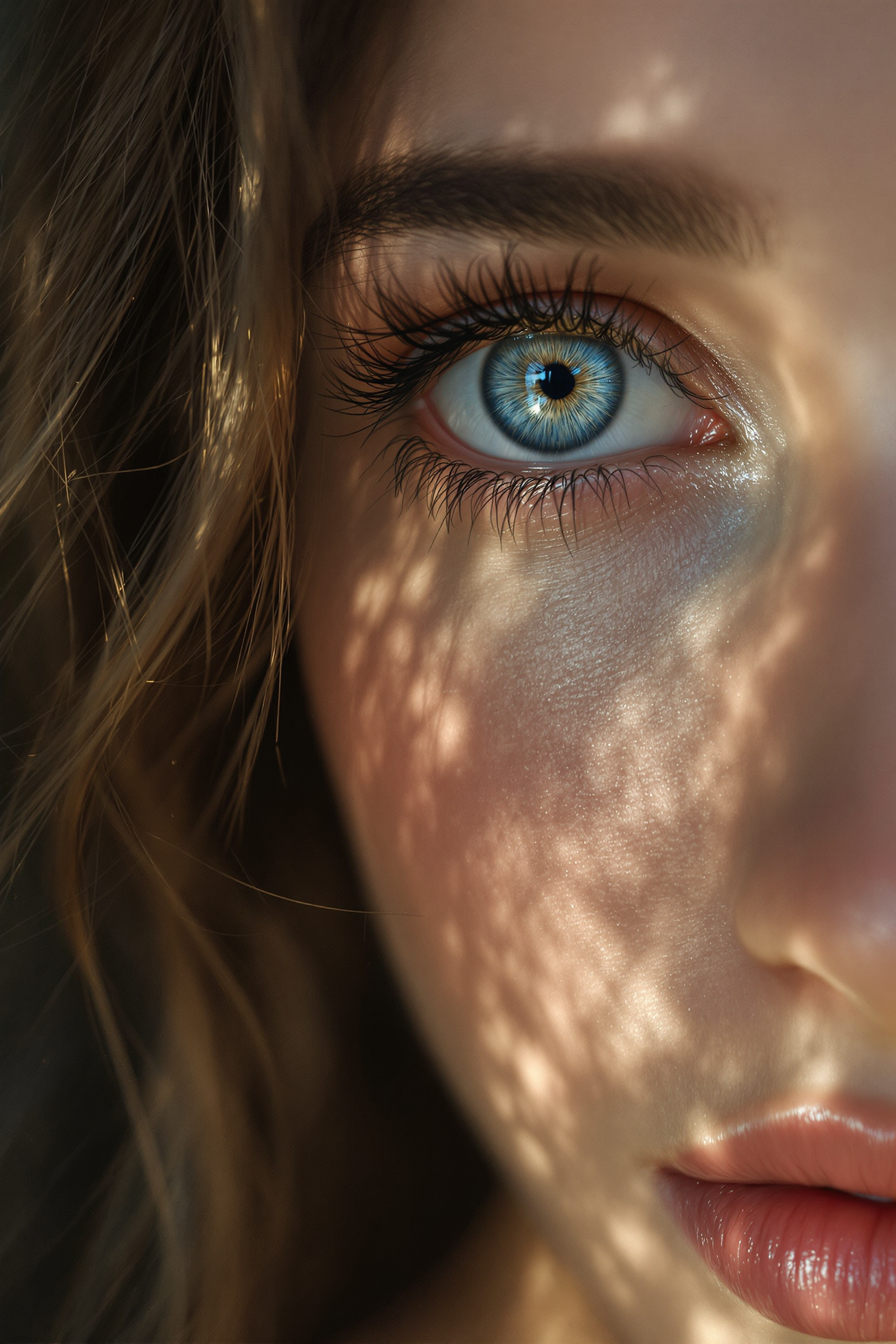
Midjourney ai art specializes in creating stunning zoom out portraits of beautiful woman
flux
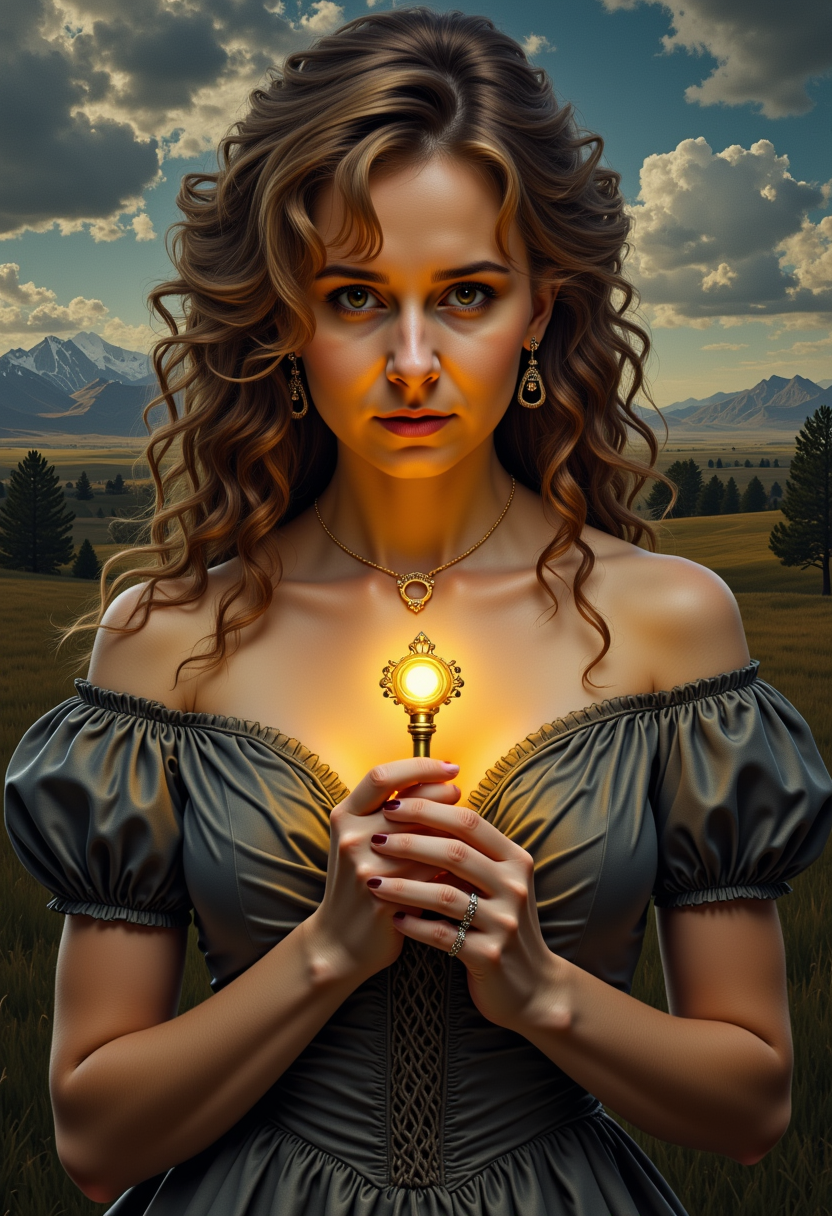
VS-LoRA-Zip2 Portrait painting of Courtney Whitemore gripping a luminous
stable-diffusion
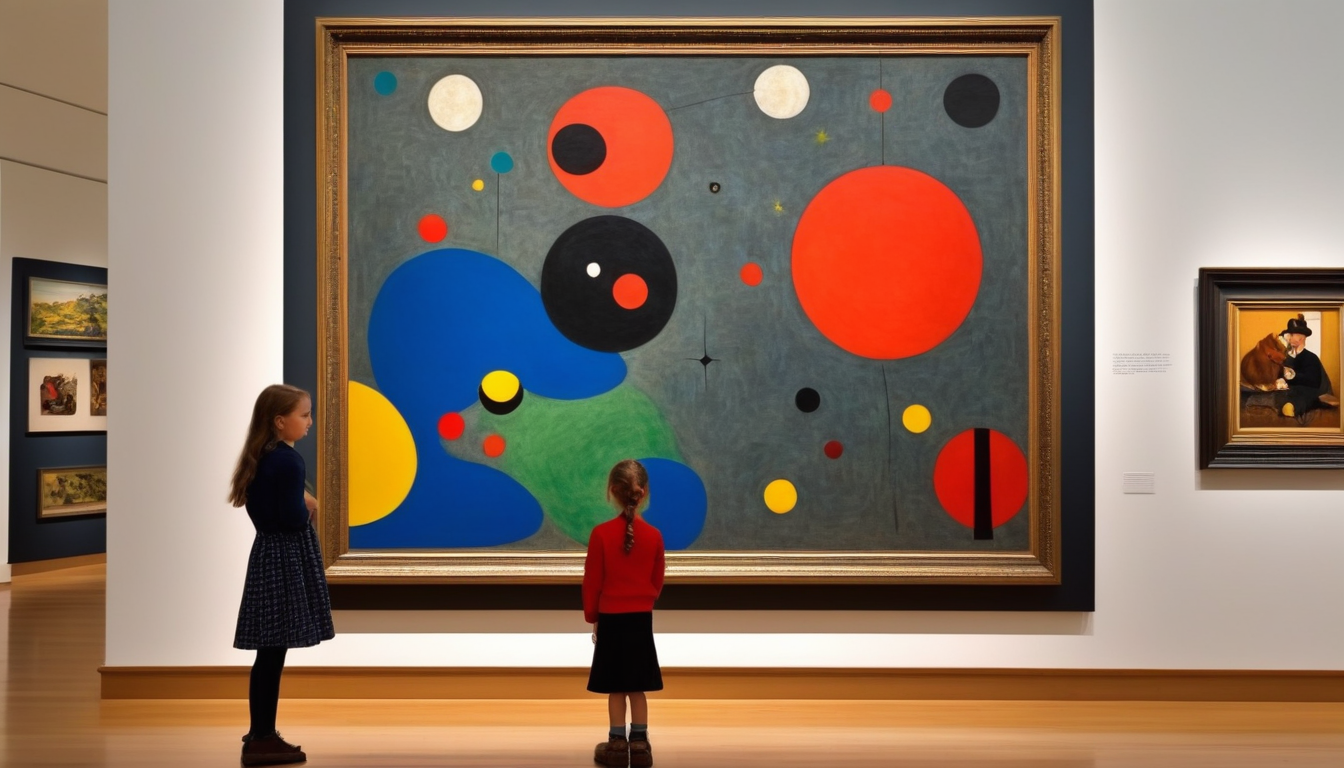
A realistic photograph of a norman rockwell painting
stable-diffusion
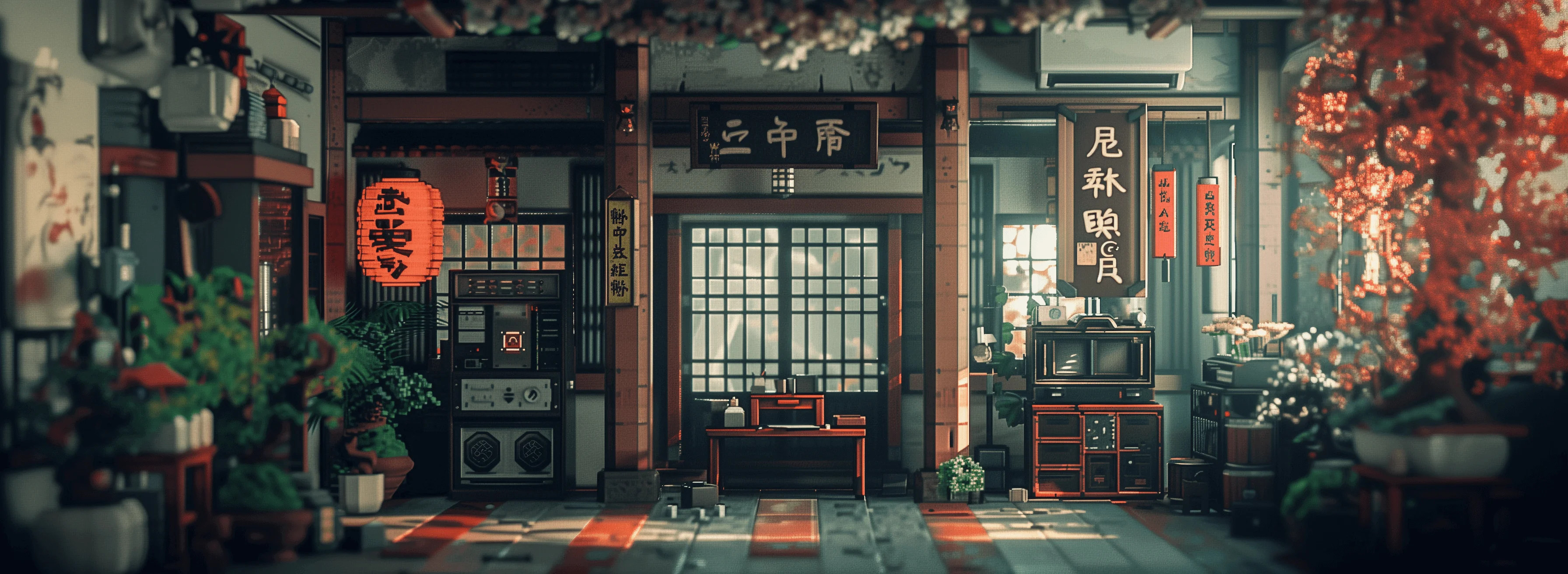
Masterpiece
creative-upscaler
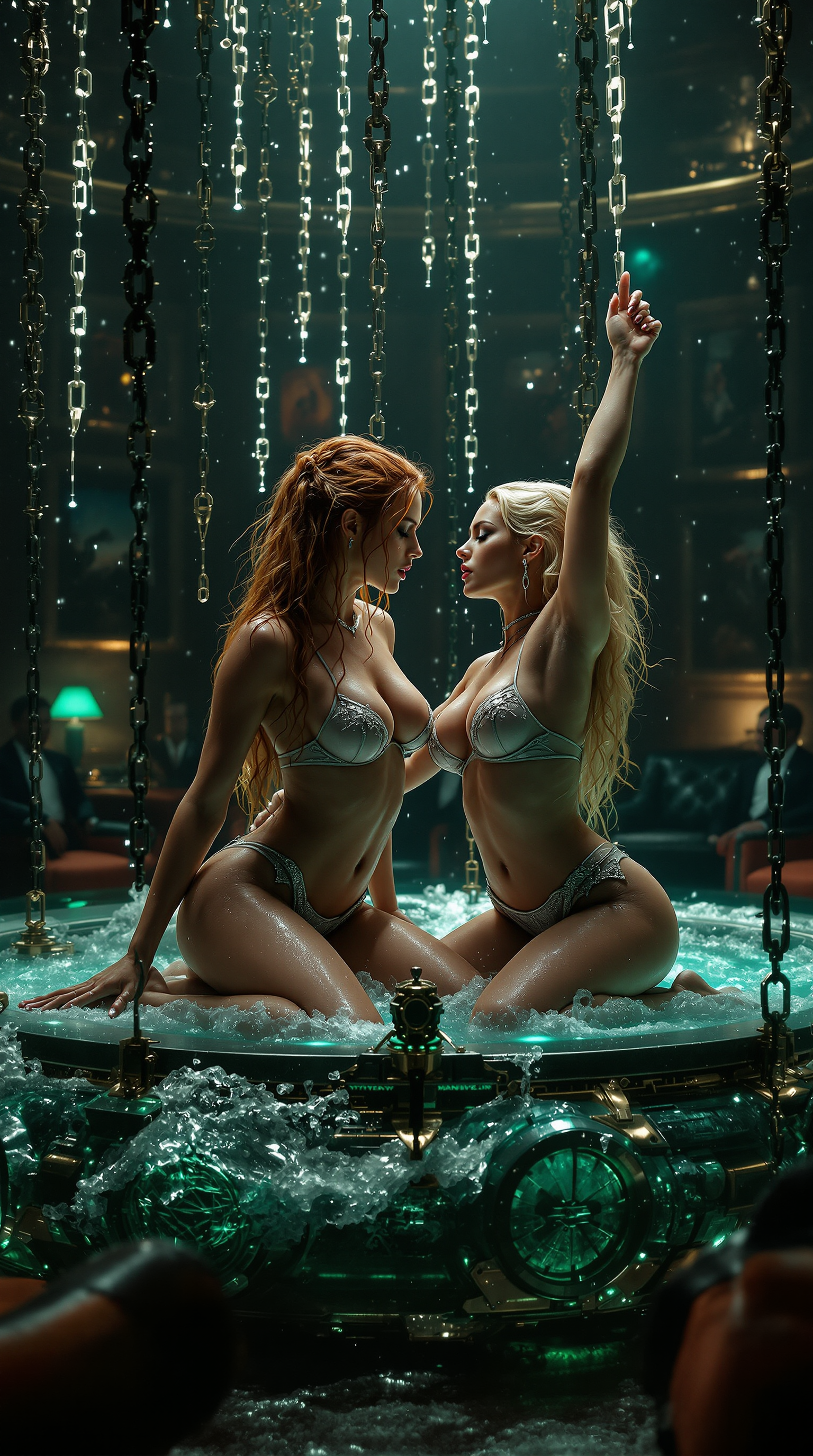
IMG_XXXX
flux
Models you can run on PixelDojo for openart alternative
Switch models without switching tools. Each one runs in the same PixelDojo studio.
What you can do with openart alternative on PixelDojo
Multi-model image generation
We give you access to several image models in one workspace so you can try different looks without switching sites. Generate from text prompts and iterate until the composition matches what you need.
Prompt and style controls
You can refine prompts, apply style presets, and adjust common generation settings such as aspect ratio and quality. We keep the controls visible so you can compare results and lock in a look you like.
Batch and variation workflows
We support generating multiple images from one prompt so you can review options side by side. Create variations of a strong result instead of starting over from scratch.
Exports for creator use
Download your images in formats suited to social, print, and client delivery. We keep your generations organized so you can return to a project and keep producing related artwork.
Loved by thousands of creators worldwide who generate professional images and videos every day with PixelDojo’s 40+ cutting-edge AI tools. Cancel anytime with zero risk.
Why Choose Pixel Dojo for openart alternative
Professional-quality results with cutting-edge AI technology
Keep Characters and Brands Identical Everywhere
Build a mascot, influencer or product once with Consistent Characters, Character Sheets and Ideogram Character, then reuse it across Flux.2 Studio images, Kling Video clips and WAN 3.0 scenes so every asset looks like it came from the same shoot.
Turn One Idea into Finished Video Campaigns
Go from a single prompt to multi-shot cinematic videos using Marketing Studio, VEO 3.1, Seedance 2.5, WAN 3.0 and Kling Video, complete with native audio, camera moves and consistent lighting so you publish ads and stories the same day.
Polish and Scale Assets Without Extra Software
Fix hands, change camera angles, transfer styles, remove backgrounds and upscale to print quality with Inpainting, Change Camera Angle, Style Transfer, Reality Polisher, Background Remover and Magnific Upscaler, all inside the same workflow.
How It Works
You can produce studio-quality images and videos on PixelDojo in three straightforward steps that keep you focused on the story you want to tell.
Step 1: Choose Your Tool
Open PixelDojo and pick the right engine for the job. For stills select Nano Banana 2 for speed and consistency, GPT Image 2 for text and composition, Flux.2 Studio for photoreal detail, or Seedream 5 and Ideogram 4 for stylized work. For motion choose VEO 3.1, Kling Video, WAN 3.0 or Seedance 2.5. Character tools sit right beside them so you can load an existing identity before you generate.
Step 2: Enter Your Prompt
Type a clear description of the scene, lighting, camera and mood. Add reference images for characters or products, set aspect ratio and quality, then generate. PixelDojo’s models understand complex instructions so you get the composition, typography and consistency you asked for on the first or second try.
Step 3: Customize & Download
Refine the result with Image to Image, Inpainting, Style Transfer, Magic Lighting or Video Autocaption. Upscale with Magnific Upscaler or Clarity Pro, then download high-resolution files ready for social, print or client delivery. Everything stays inside PixelDojo so you never export to another app.
The Pixel Dojo Advantage
Why PixelDojo outperforms other options for AI image and video generation as your OpenArt alternative
| Others | Pixel Dojo |
|---|---|
| Traditional design software | You generate complete campaigns in minutes instead of spending hours on layouts, stock searches and manual compositing, freeing you to iterate on ideas rather than pixels. |
| Generic AI tools | You access 40+ specialized models for images, video, 3D, audio and custom training in a single subscription instead of paying for and switching between limited single-purpose apps. |
| Manual photo editing | You automate lighting, background removal, outpainting and upscaling with dedicated tools so retouching that used to take an afternoon now takes seconds while quality stays professional. |
Loved by creators on PixelDojo
Real feedback from people using PixelDojo, pulled from our in-product surveys.
the amount you can do on this site
all in one place
It is a lot of fun to uae and easy too.
So many different models to try out
You keep adding to it to stay up to date and that is GOLD.
very easy to use and good support
Explore more AI tools on PixelDojo
Popular AI Models
AI Tools
Compare & Switch
- Best AI Image Generators
- Best AI Video Generators
- Midjourney Alternatives
- Civitai Alternatives
- Runway Alternatives
- Leonardo Alternatives
- Pika Alternatives
- Luma Alternatives
- Magnific Alternatives
- Veo Alternatives
- Flux Alternatives
- Freepik Alternatives
- Seedance Alternatives
- Seedream Alternatives
- Pixverse Alternatives
- GPT Image Alternatives
- Synthesia Alternatives
- Playground Alternatives
- NightCafe Alternatives
- Canva AI Alternatives
- ElevenLabs Alternatives
- ComfyUI Alternatives
- Fal Alternatives
- Replicate Alternatives
Common Questions
Everything you need to know about openart alternative
What makes PixelDojo the best OpenArt alternative for AI image generation?
PixelDojo gives you direct access to the newest models including Nano Banana 2, GPT Image 2, Flux.2 Studio, QWEN Image 2, Seedream 5 and Ideogram 4 plus a full editing suite, character system and video pipeline. You stay inside one platform from first prompt to final download, which means faster iteration, consistent branding and no extra subscriptions. Thousands of creators already use it daily because they can cancel anytime and still keep every tool they need.
How can I create consistent characters with PixelDojo as an OpenArt alternative?
Start with Consistent Characters or Character Sheets, upload a few references or describe the look, then generate across Flux.2 Studio, Nano Banana 2 and Ideogram Character. The same identity automatically carries into Kling Video Character Swap, WAN Video Character Swap and P Video Avatar so your mascot or influencer looks identical in stills and motion. You never have to re-prompt the face or outfit again.
Does PixelDojo support advanced video generation as an OpenArt alternative?
Yes. You can produce cinematic clips with VEO 3.1, Kling Video, WAN 3.0, Seedance 2.5, Flux 3 Video and Marketing Studio, complete with native audio, camera control and character continuity. Edit the results with Runway Aleph, Grok Video Edit, Video Autocaption and Video Reframe, then upscale with FLUX Video Upscale. The entire video workflow lives next to your image tools.
Can I train custom models on PixelDojo like other advanced platforms?
Absolutely. Use Flux Trainer, QWEN Trainer, SDXL Trainer, Z-Image Trainer and WAN 2.2 Image Trainer to teach the system your brand style, product line or character. Once trained, those models appear alongside the public ones so every new generation stays on-brand without extra prompting. Developers can also call everything through the Developer API and ComfyUI.
What image and video editing tools does PixelDojo include as an OpenArt alternative?
You get Image to Image, Inpainting, Change Camera Angle, Style Transfer, Magic Lighting, Background Remover, Reality Polisher, Image Outpainting, plus video tools like Kling Video Edit, WAN 2.7 Video Edit, Seedance 2.5 Video Edit, Merge Videos and Extract Frame. Upscale everything with P-Image Upscale, Magnific Upscaler and Portrait Upscaler. All edits happen in the same canvas so you never lose quality or consistency.
Is there any risk trying PixelDojo as my OpenArt alternative?
None. You get 40+ cutting-edge AI tools used by thousands of creators worldwide, and you can cancel anytime. There are no long-term contracts, no hidden fees and no loss of access to the latest models. Start generating today and keep only what you love.