image uncensor
Generated on PixelDojo. Produced by PixelDojo's generation pipeline.
Imagine transforming any blurred, mosaiced, or censored image into a breathtaking, fully revealed masterpiece in mere seconds. With PixelDojo's AI image uncensor tools, you unlock the freedom to create and view uncensored visuals exactly as envisioned—perfect for artists, content creators, and designers seeking unfiltered creativity. No more frustrating barriers or low-quality workarounds. Achieve photorealistic or artistic uncensored images that captivate, using advanced AI that handles complex censorship removal effortlessly. Whether reviving anime scenes, enhancing photos, or generating fresh uncensored art, PixelDojo delivers outcomes that elevate your projects to professional levels, all without technical hassle.
Real image examples generated on PixelDojo
Every example below was produced on PixelDojo. Hover to see the prompt.
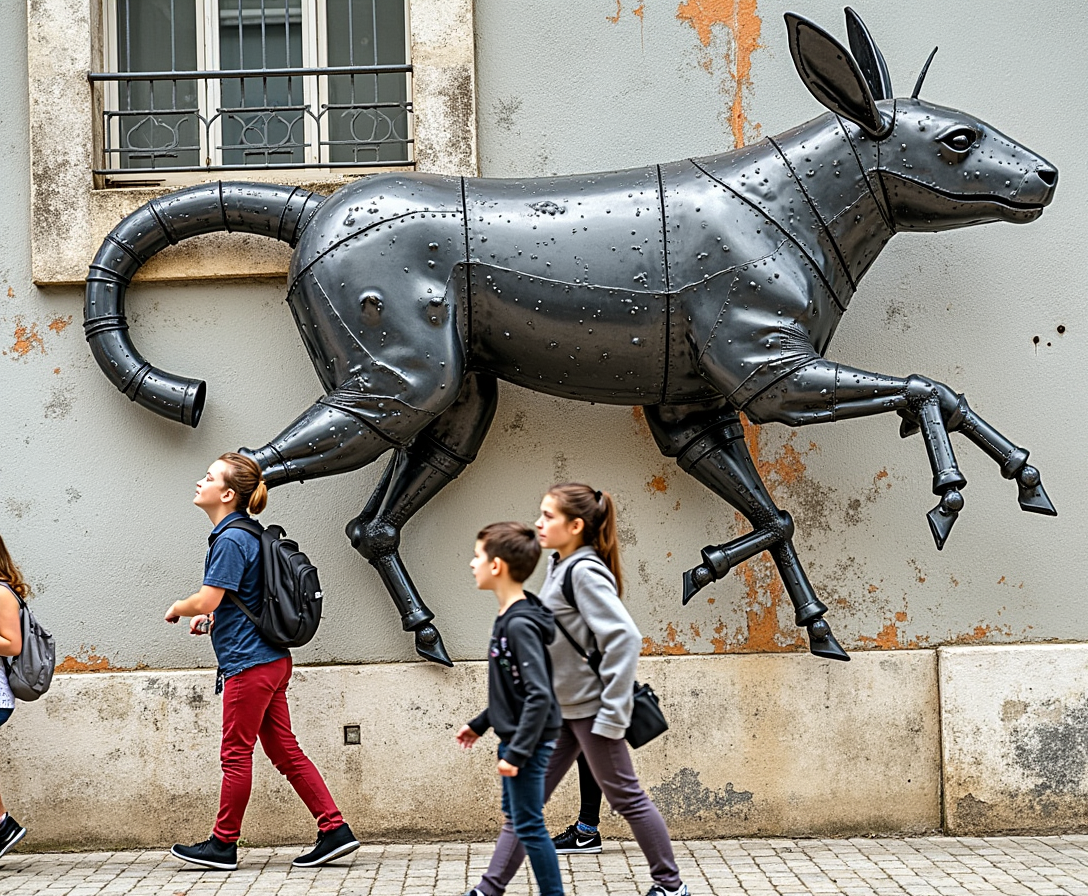
A mural transforms into a living metal animal
stable-diffusion
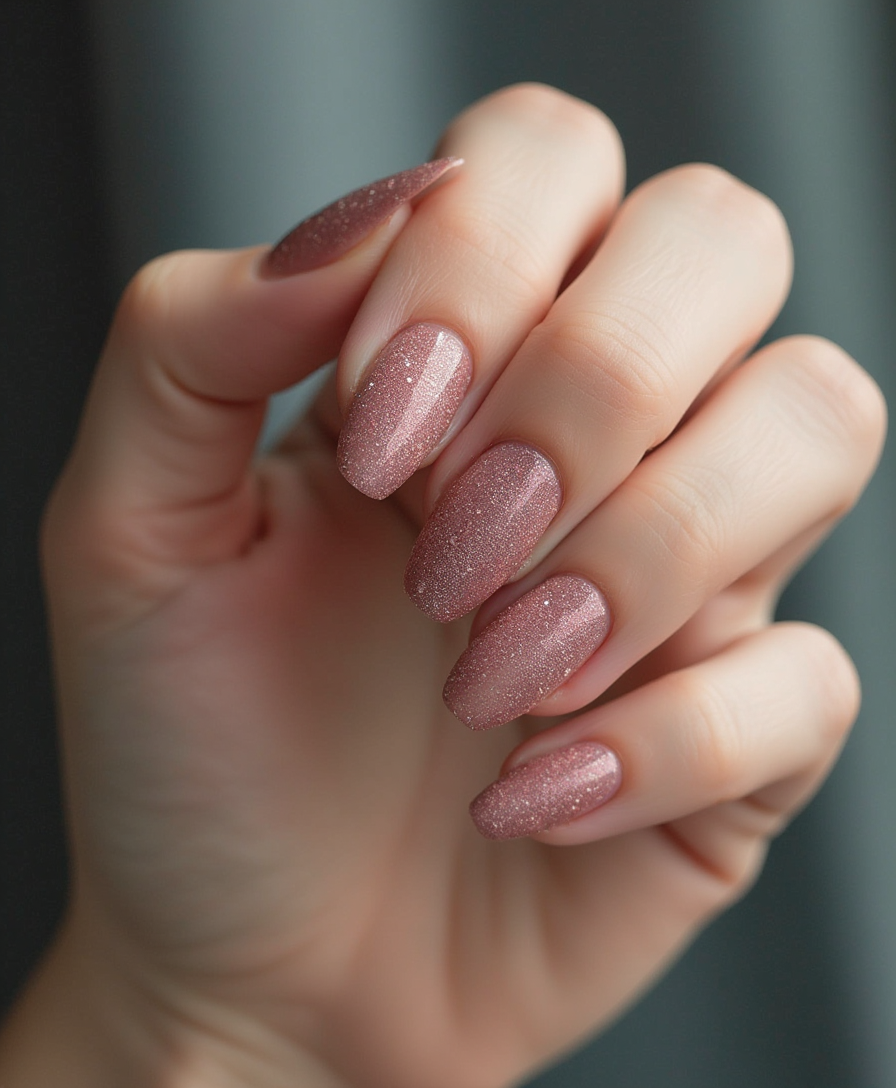
Nail art of dry hydrangeas
flux
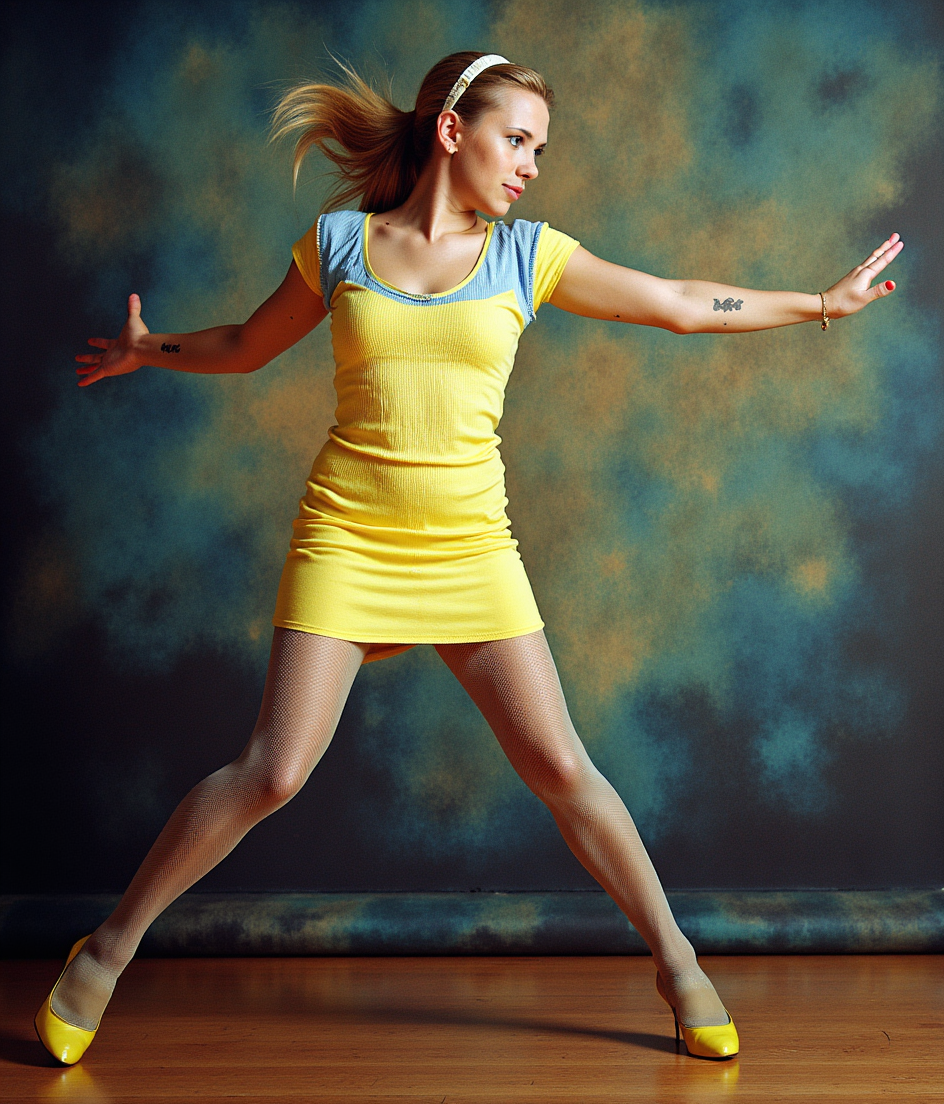
image uncensor on PixelDojo
flux-pose-control

Masterpiece
creative-upscaler
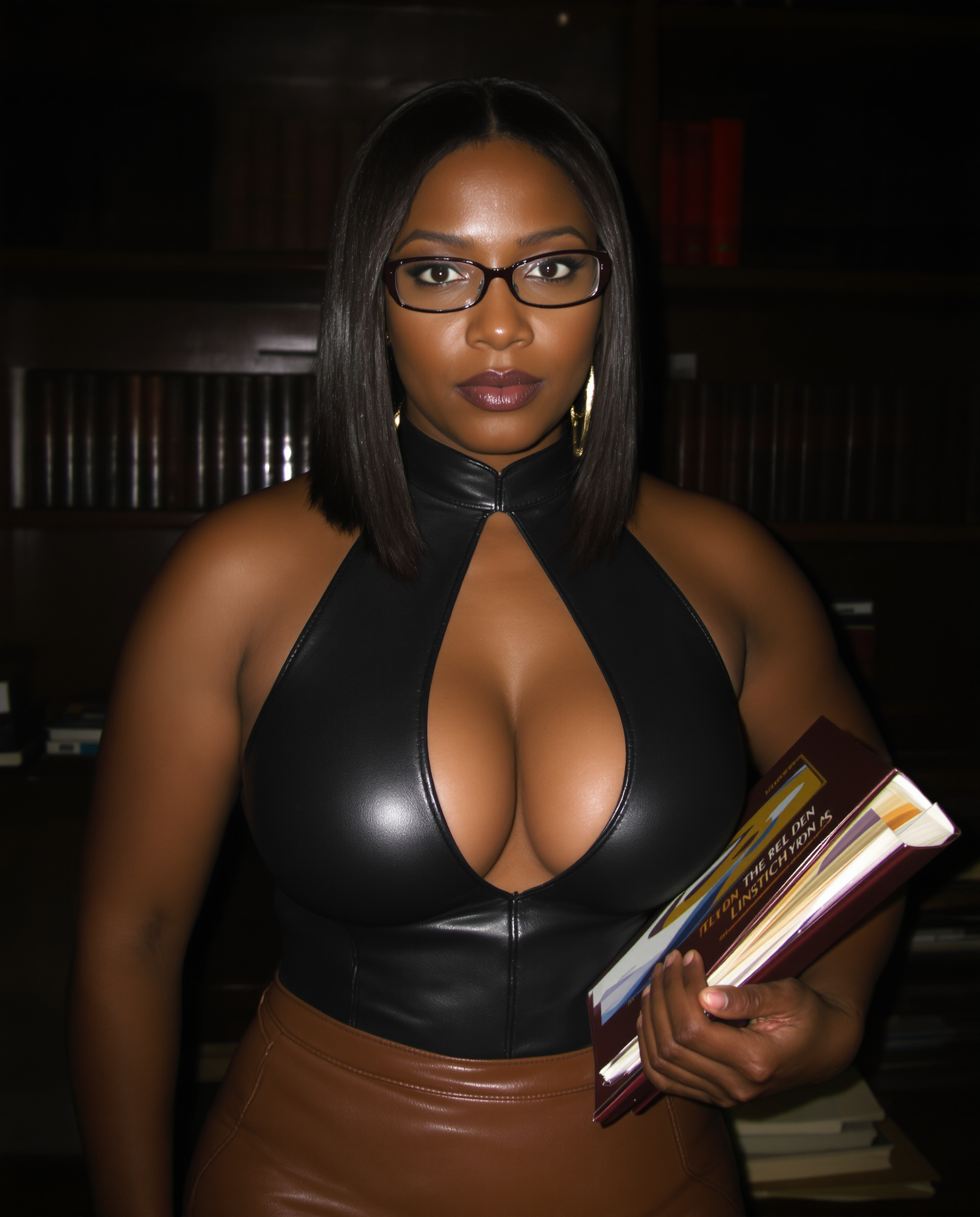
Shy looking african american co-ed
stable-diffusion
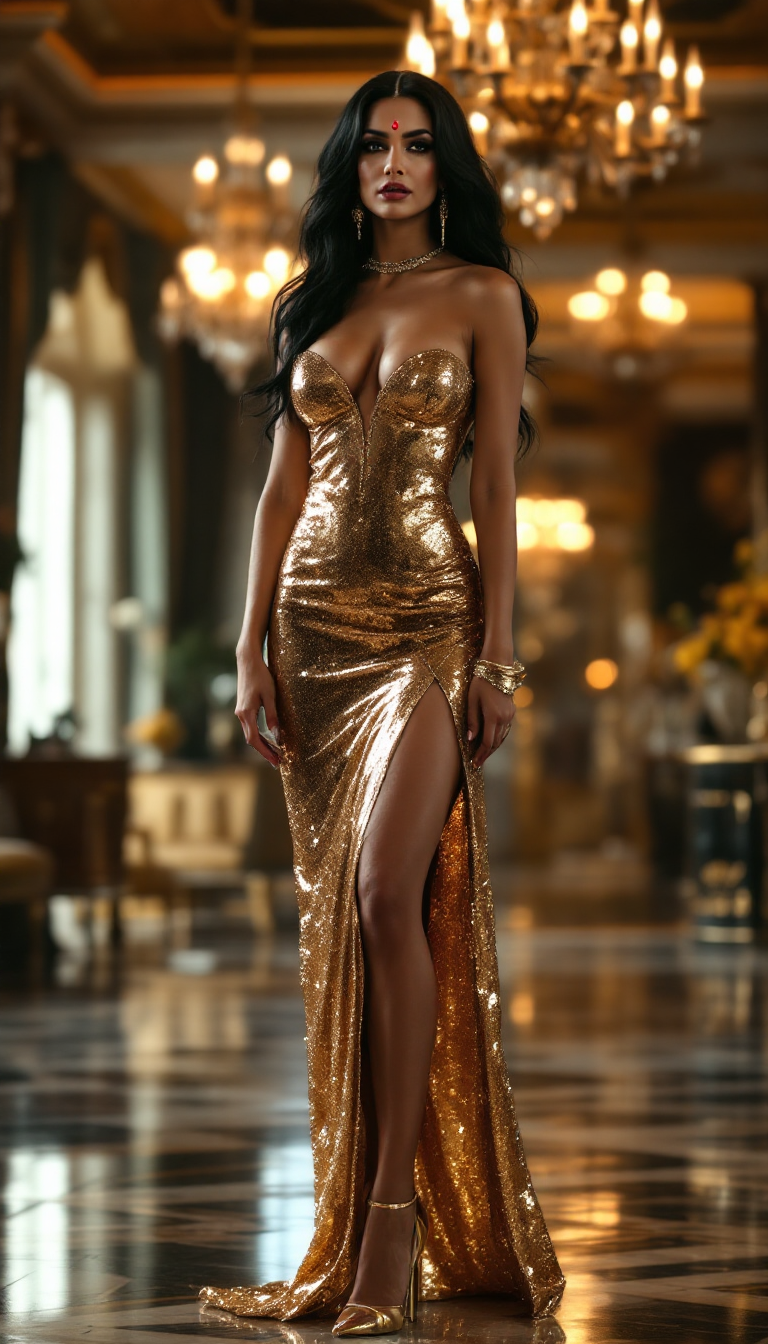
A tall mature hindu woman
stable-diffusion
Models you can run on PixelDojo for image uncensor
Switch models without switching tools. Each one runs in the same PixelDojo studio.
What you can do with image uncensor on PixelDojo
Remove Content Restrictions
Creators generate images using any prompt they choose.
Handle Sensitive Subjects Directly
We process requests involving topics that other tools block.
Maintain Prompt Accuracy
Generated images follow user specifications closely even for restricted themes.
Allow Custom Character Designs
Users create original figures without automated censorship applied.
Trusted by 50,000+ creators | 4.9/5 stars from 10K+ reviews | 'Best uncensor tool ever' – Top Reddit thread | Featured in AI art communities worldwide
Why Choose Pixel Dojo for image uncensor
Professional-quality results with cutting-edge AI technology
Instant Censorship Removal
Erase blurs, bars, and mosaics from any image, revealing sharp, natural details so you can focus on creativity instead of fixes—ideal for quick turnarounds on personal or client projects.
Photorealistic Uncensored Results
Generate hyper-realistic or stylized uncensored images that look handcrafted, boosting your portfolio's impact and viewer engagement without hours of manual editing.
Seamless Editing Control
Fine-tune poses, lighting, and styles post-uncensoring with precision tools, ensuring your visions come alive exactly as imagined, every single time.
How It Works
Uncensor images effortlessly with PixelDojo's specialized AI tools like Inpainting, Image to Image, and PonyXL. Follow these simple steps to achieve flawless results.
Step 1: Choose Your Tool
Head to the Create Images or Edit Images section and select Inpainting for targeted censorship removal, Image to Image for full transformations, or PonyXL/SDXL for generating uncensored anime/realistic art from prompts. Upload your censored image or start fresh.
Step 2: Enter Your Prompt
Describe your desired uncensored outcome, e.g., 'Remove all censorship, reveal smooth skin, photorealistic lighting, high detail.' Use tools like Pose Control or LoRAs via Inpainting with LoRAs for precise anatomy and style matching—AI handles the rest intelligently.
Step 3: Customize & Download
Adjust with Magic Lighting, Style Transfer, or Creative Upscaler for perfection. Preview variations, then download in high-res. Integrate with Flux or Recraft V3 for ultra-sharp uncensored outputs ready for any use.
The Pixel Dojo Advantage
Why PixelDojo outperforms other options for image uncensor generation
| Others | Pixel Dojo |
|---|---|
| Traditional image uncensor creation | Skip days of risky manual drawing—get instant, AI-powered results that are safer, faster, and infinitely more precise |
| Generic AI tools | Access specialized uncensor models like PonyXL and Inpainting that excel at anatomy and detail, unlike broad tools that produce artifacts or failures |
| Manual photo editing | Eliminate Photoshop guesswork and skill barriers—AI intelligently reconstructs hidden areas for natural, professional uncensored images in seconds |
Loved by creators on PixelDojo
Real feedback from people using PixelDojo, pulled from our in-product surveys.
Love you guys!!
Trained my Lora super fast. Still working out how to creat content wit it, but I love it so far.
I love this app
It has all the tools I can think of...
deployment rate of splendid features is incredible. Legend
large selection of tools on one platform
Explore more AI tools on PixelDojo
AI Tools
Compare & Switch
- Best AI Image Generators
- Best AI Video Generators
- Midjourney Alternatives
- Civitai Alternatives
- Runway Alternatives
- Leonardo Alternatives
- Pika Alternatives
- Luma Alternatives
- Magnific Alternatives
- Veo Alternatives
- Flux Alternatives
- Freepik Alternatives
- Seedance Alternatives
- Seedream Alternatives
- Pixverse Alternatives
- GPT Image Alternatives
- Synthesia Alternatives
- Playground Alternatives
- NightCafe Alternatives
- Canva AI Alternatives
- ElevenLabs Alternatives
- ComfyUI Alternatives
- Fal Alternatives
- Replicate Alternatives
Common Questions
Everything you need to know about image uncensor
How does AI image uncensor work on PixelDojo?
PixelDojo uses advanced tools like Inpainting and Image to Image to intelligently analyze and reconstruct censored areas. Upload your image, mask the blurred/mosaiced parts, and prompt for natural reveal—AI fills with context-aware details using models like PonyXL for anime or Flux for realism. Achieve seamless, high-quality uncensored results without artifacts, far surpassing basic editors.
Can I uncensor anime images with AI generator?
Absolutely—PixelDojo's PonyXL, SDXL, and Inpainting with LoRAs specialize in anime uncensoring. Prompt for 'uncensored anime girl, detailed skin, dynamic pose' and watch AI remove mosaics while preserving style. Perfect for hentai artists or fan art creators needing authentic, censorship-free visuals.
Is PixelDojo's remove image censorship AI safe and private?
Yes, all processing happens securely on our servers with strict privacy—no data retention. Uncensor personal photos or art worry-free. Thousands trust us for ethical, high-fidelity results. Plus, cancel anytime with no risks.
What are the best tools for photorealistic uncensored AI images?
How to uncensor images with specific poses or styles?
Leverage Pose Control, Character Stylist, and Style Transfer in PixelDojo. After initial uncensor via Outpainting or Inpainting, refine poses and transfer styles from references. Ensures your uncensored images match exact visions, like athletic bodies or fantasy themes.
Does PixelDojo support batch uncensor image generation?
Yes, process multiple images via Edit Images tools like Multidiffusion Upscaler or Background Remover post-uncensor. Generate variations with ImagineArt 1.0 or Hunyuan Image 3 for efficiency. Ideal for creators handling large collections—save time and maintain consistency.