ImagineArt ultra-detailed AI Generator

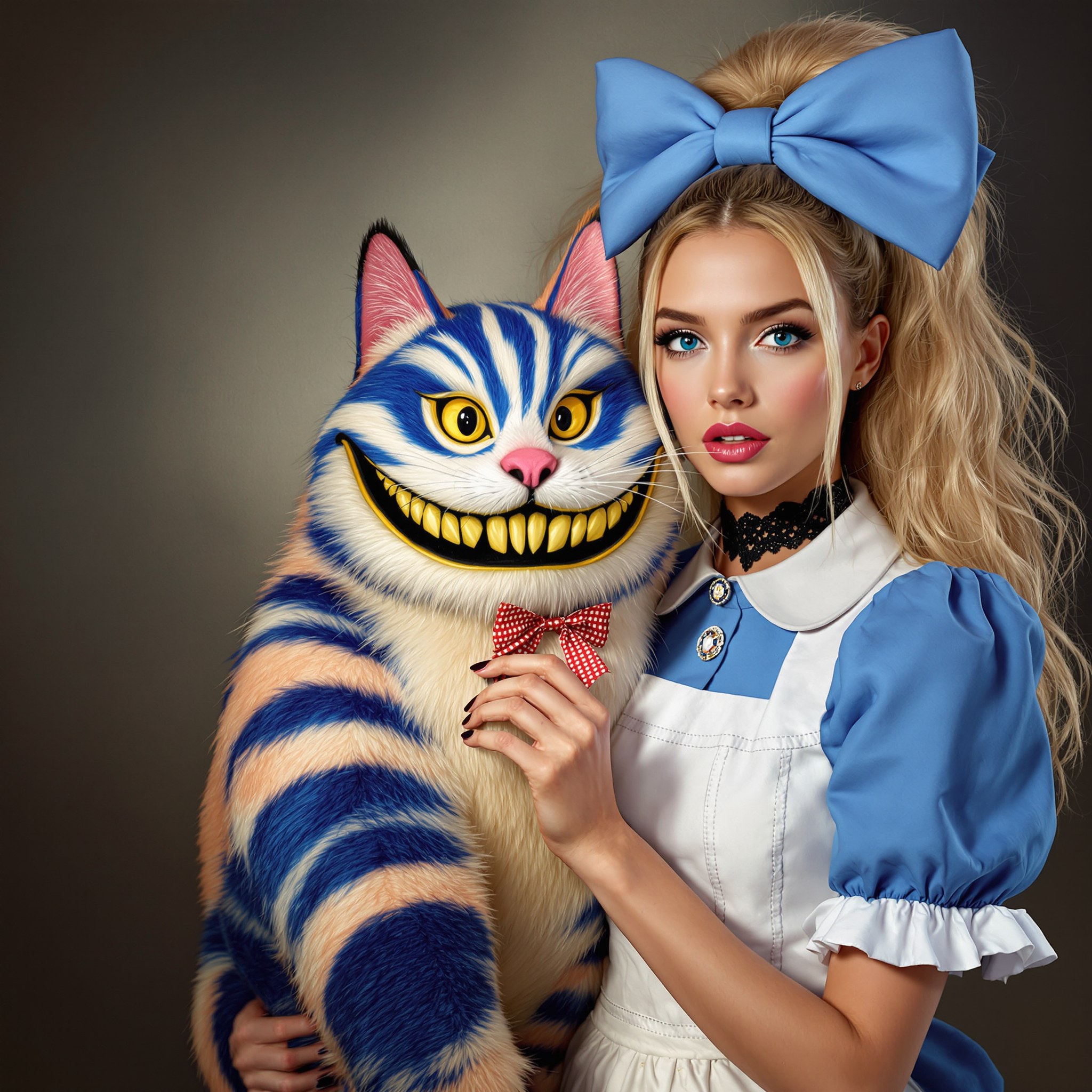
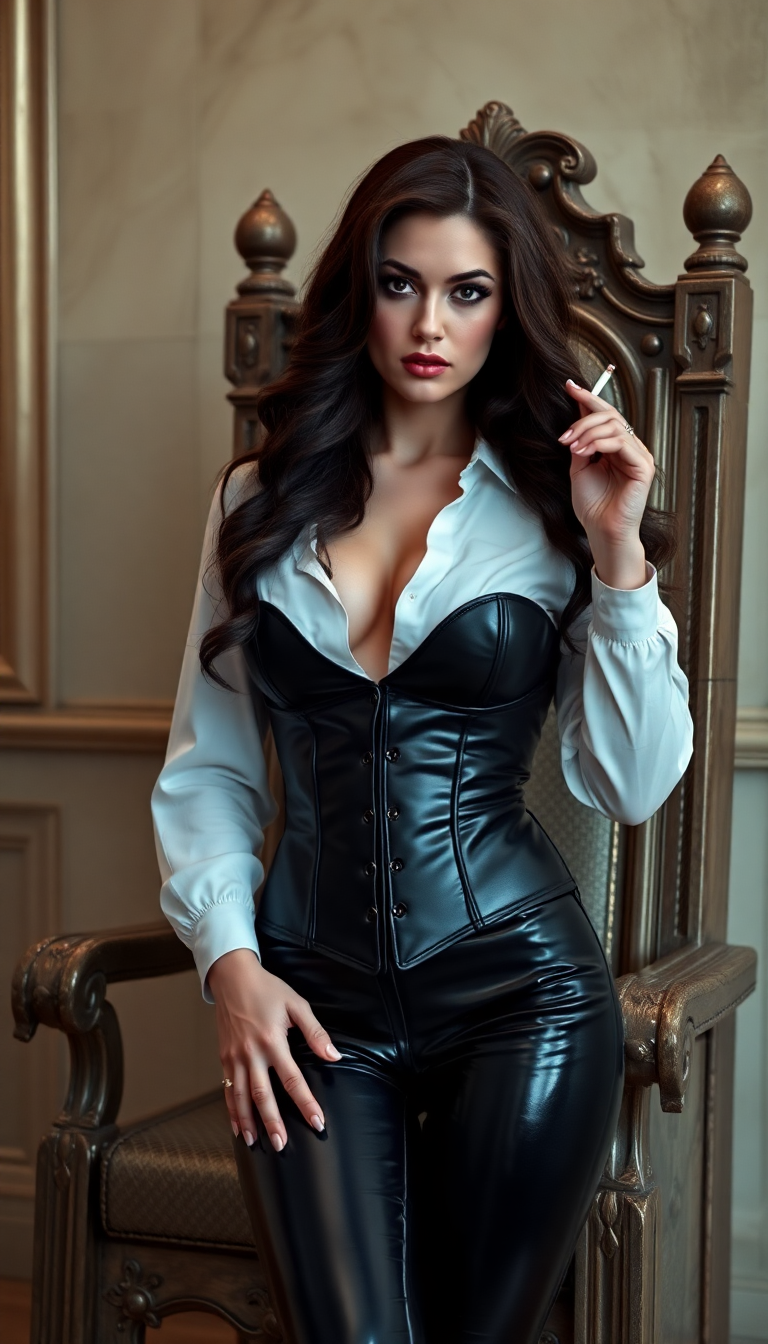
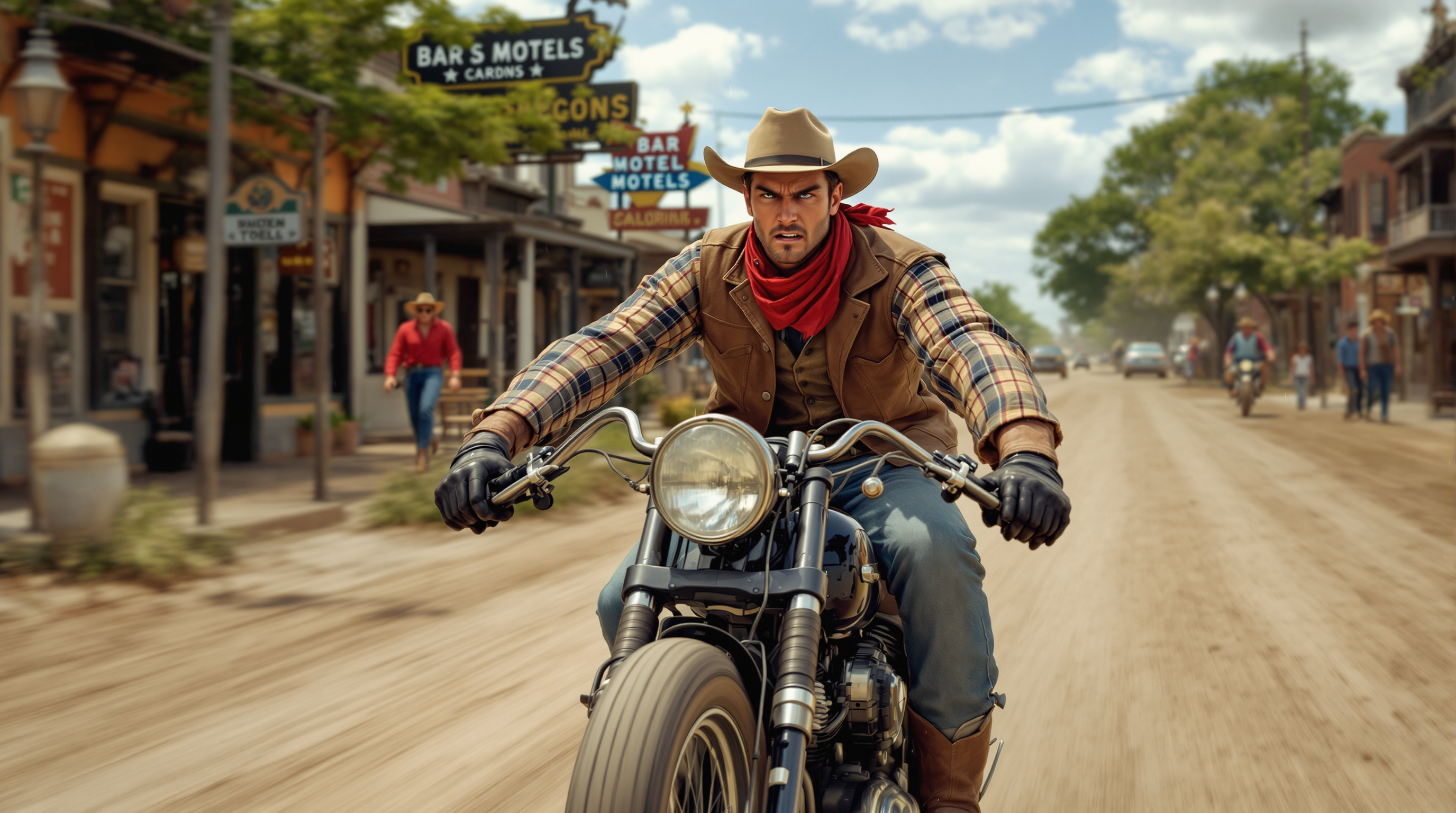
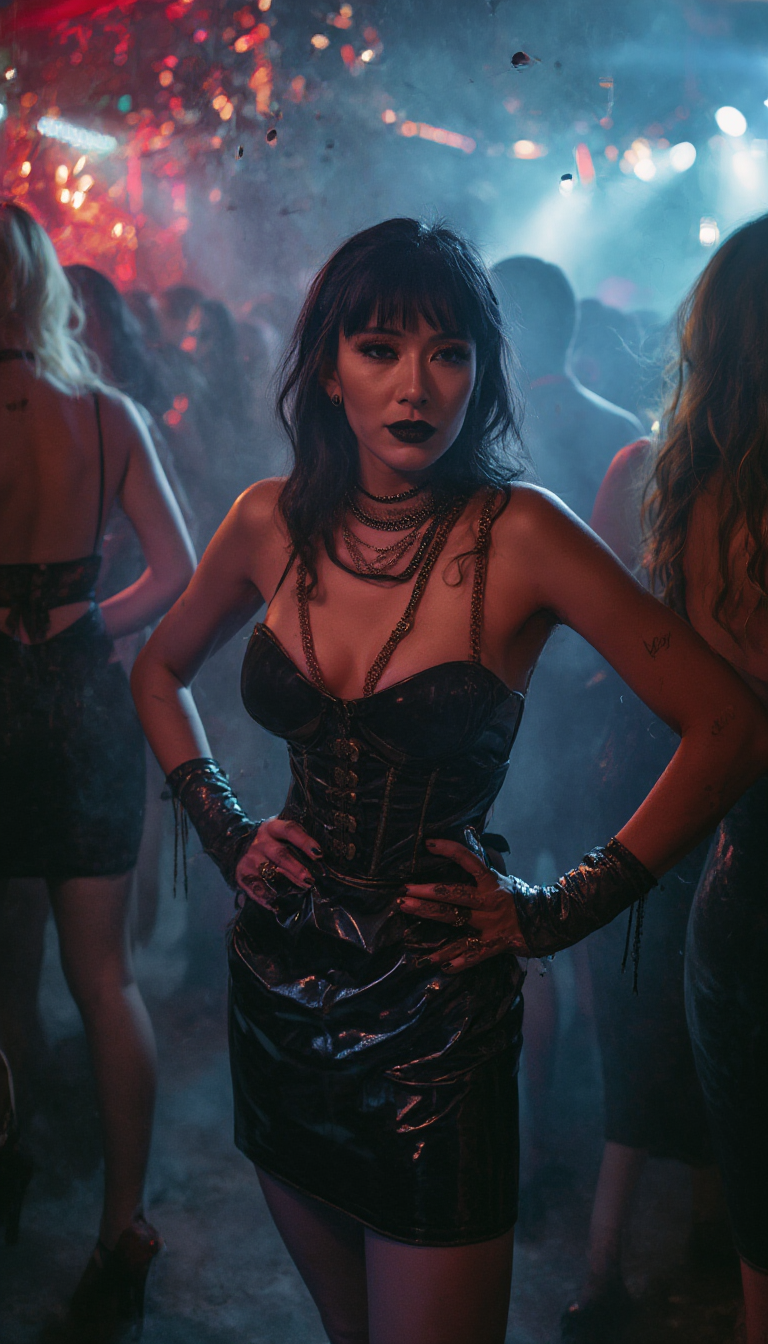
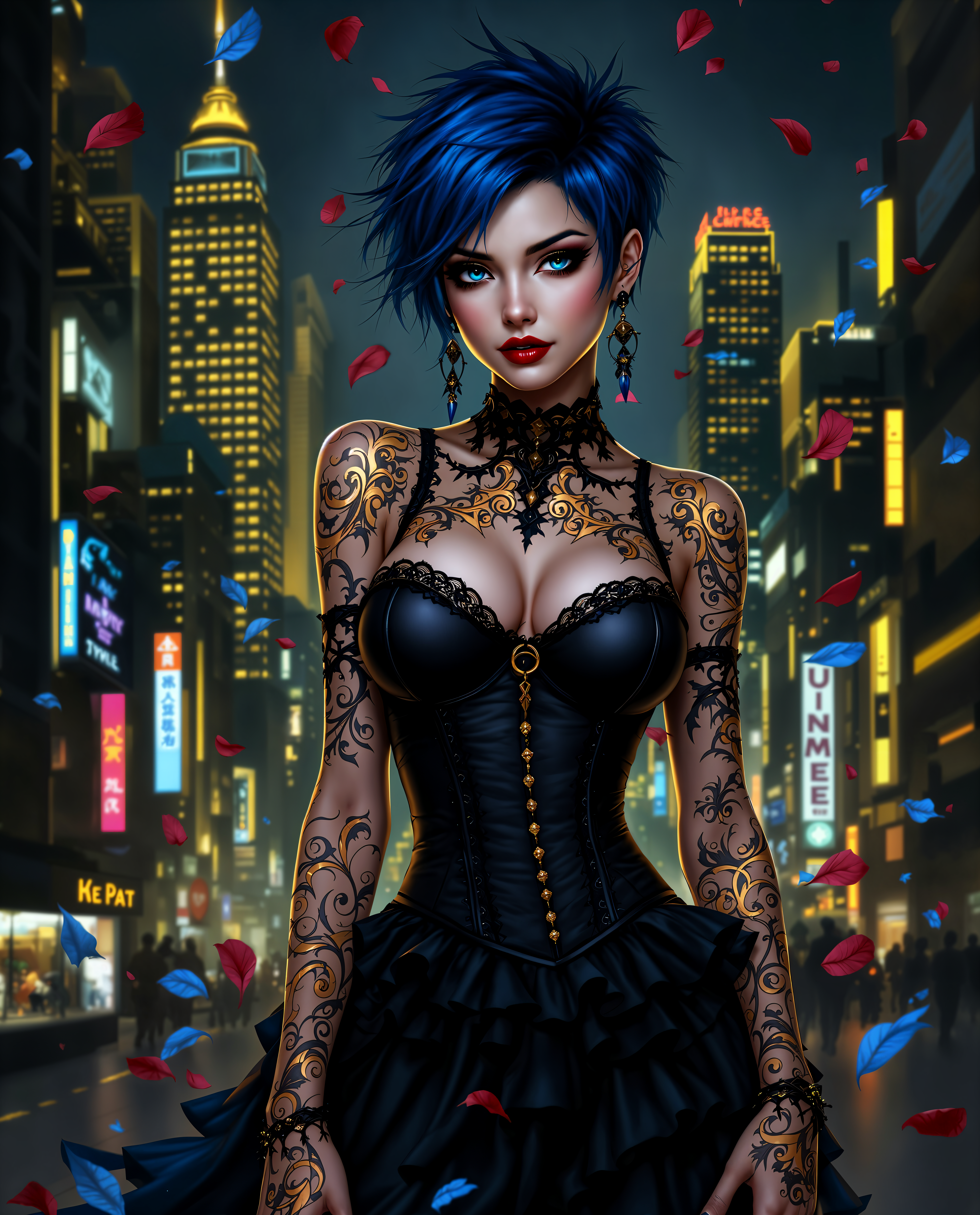
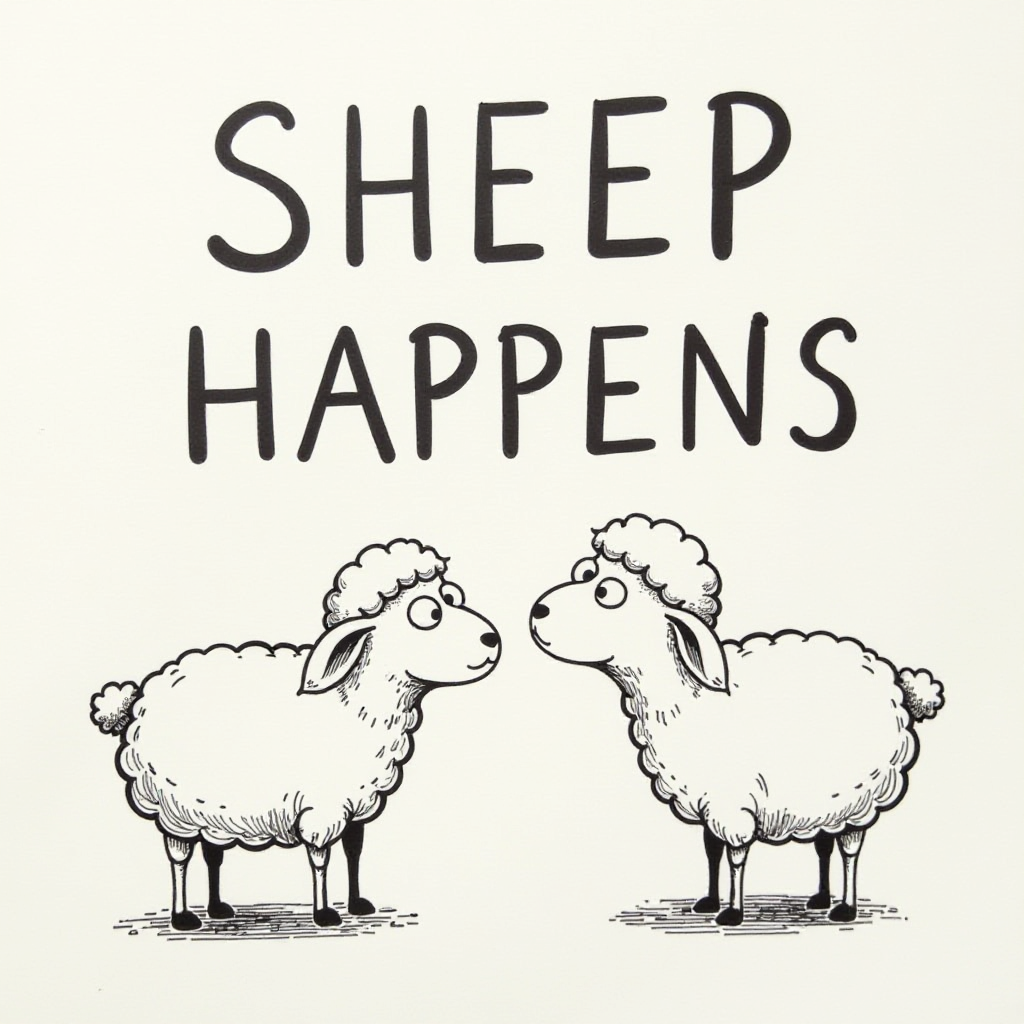
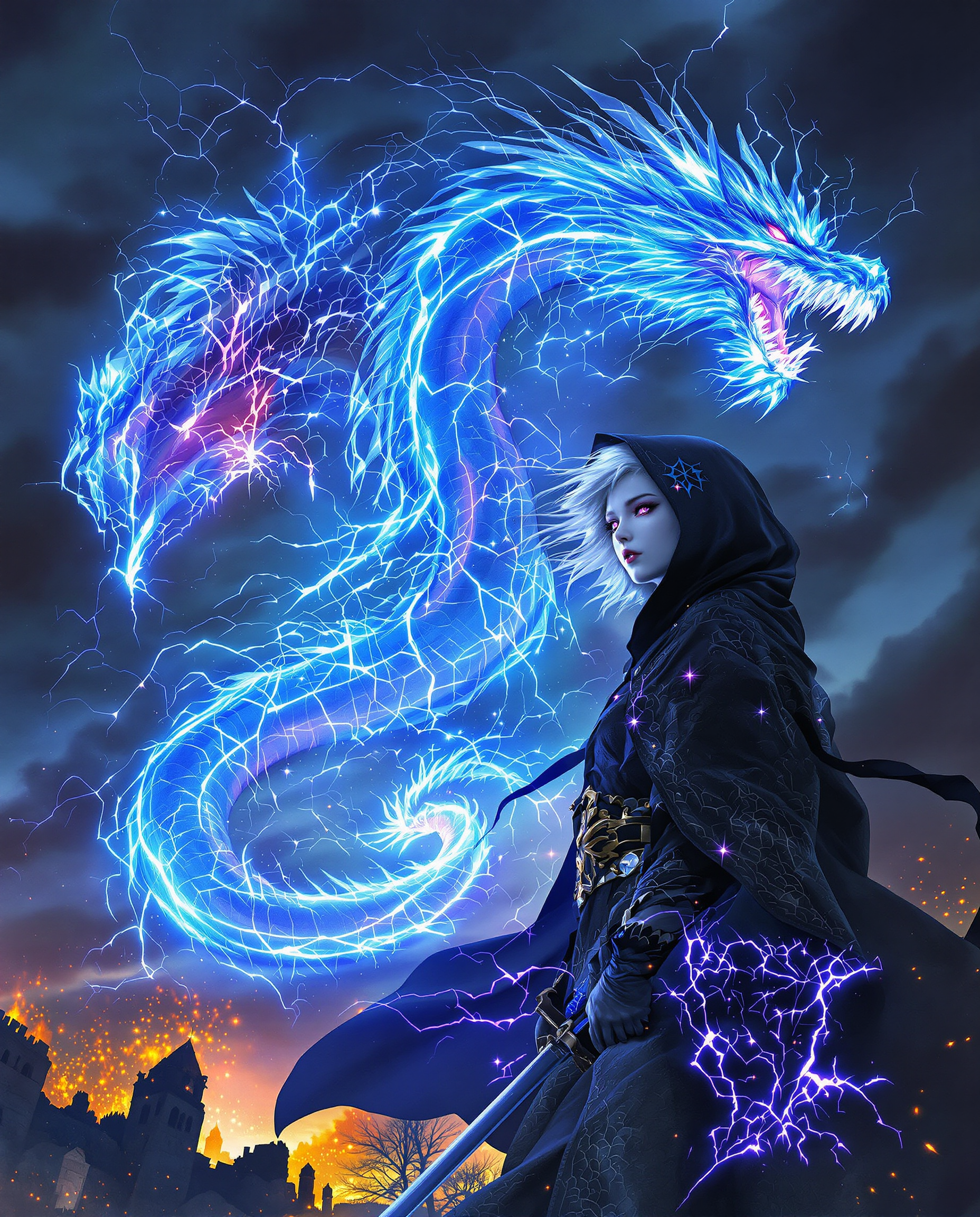
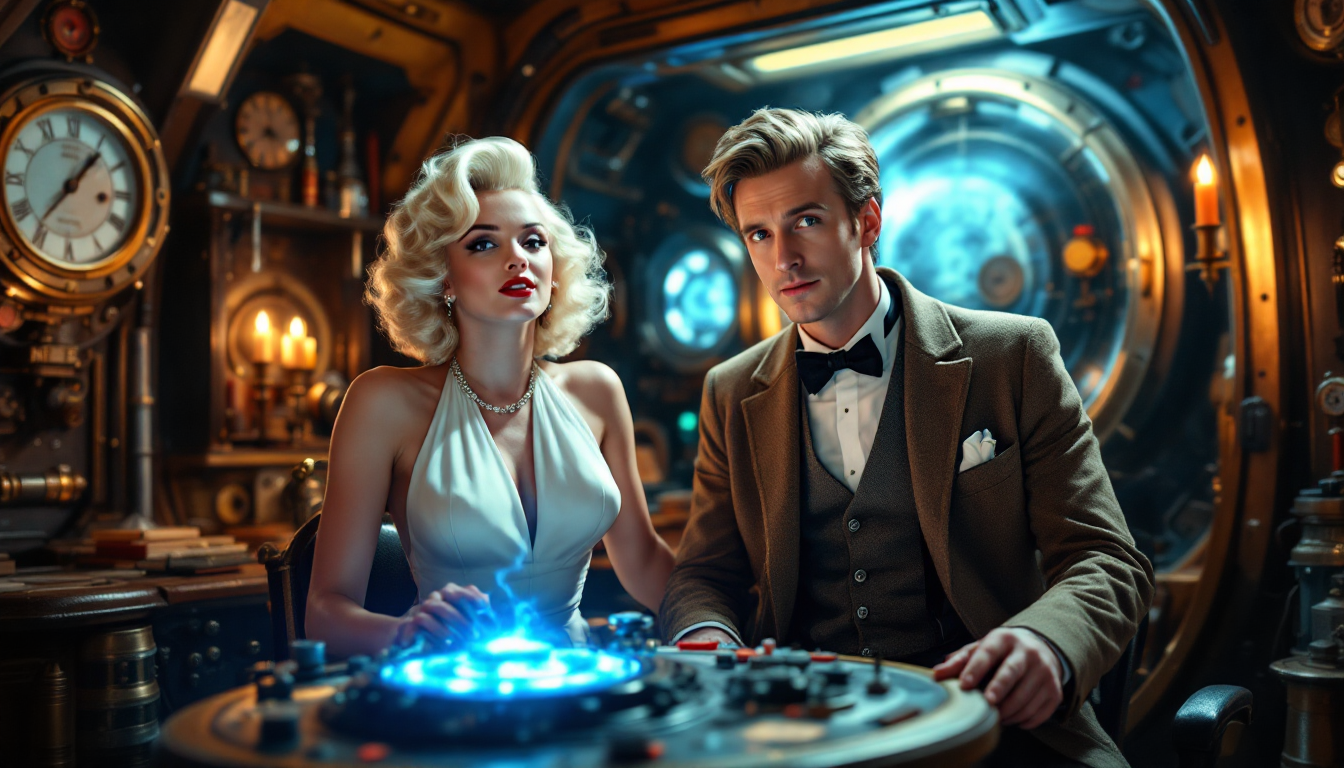
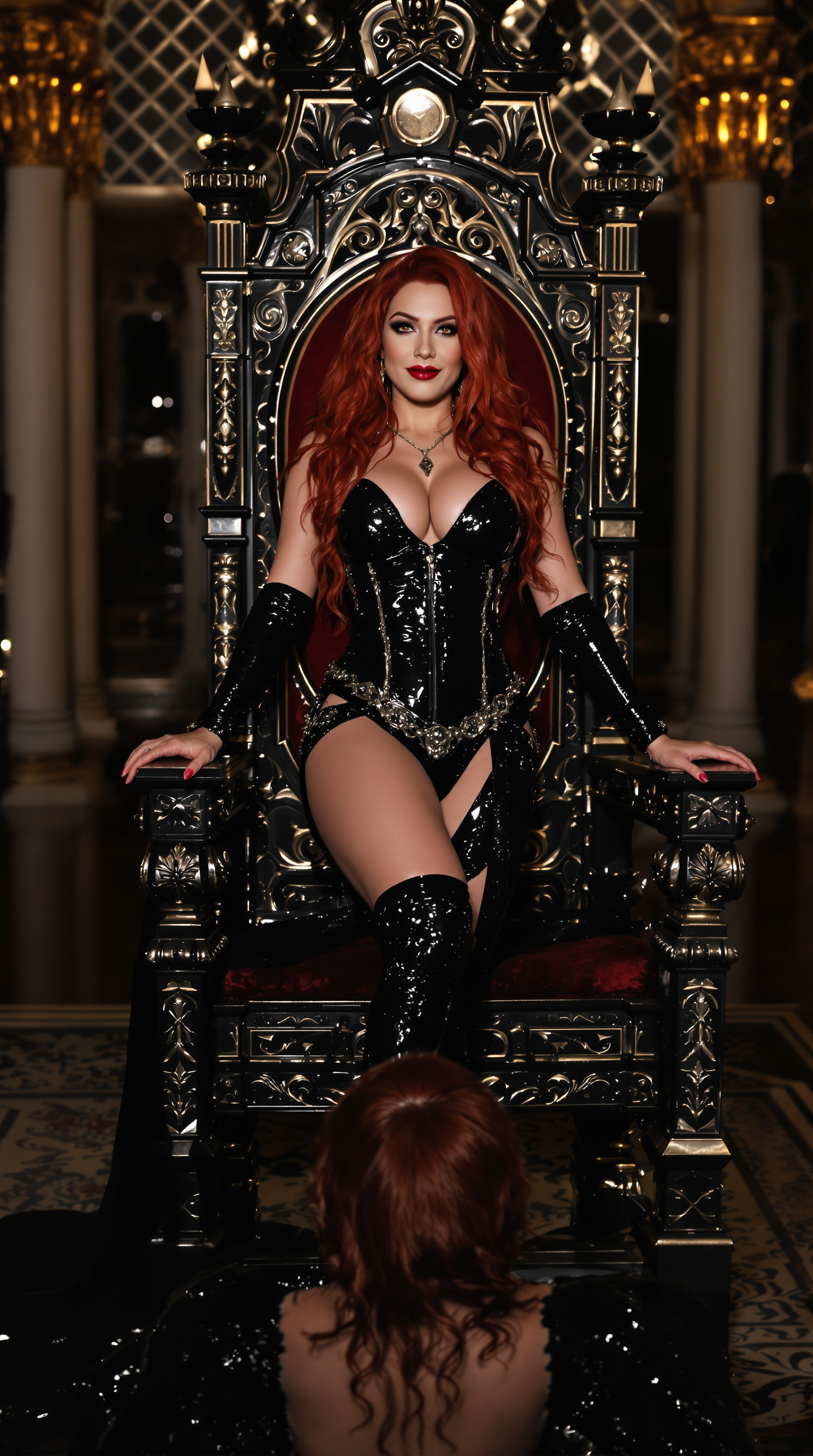
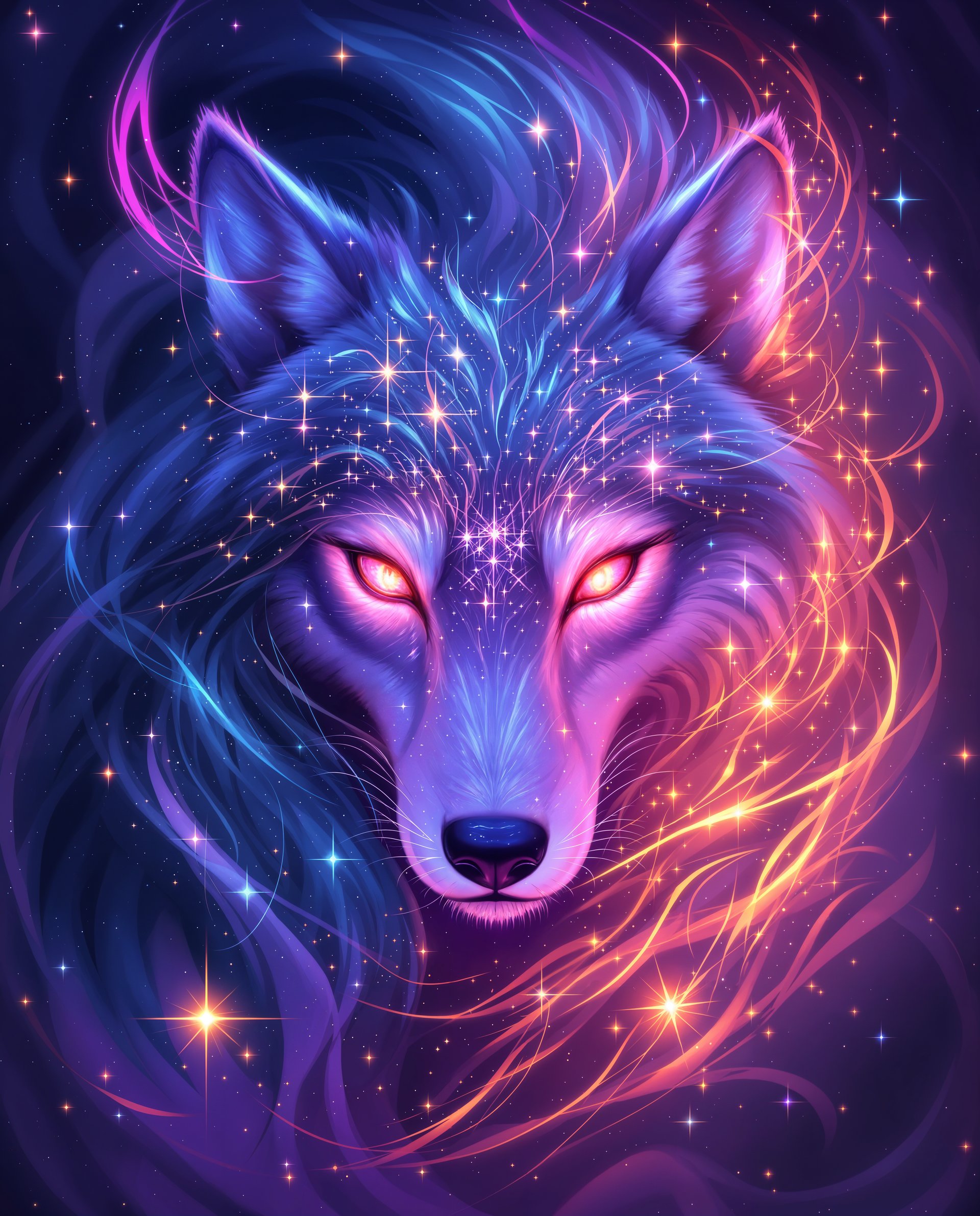
Imagine transforming your most intricate ideas into hyper-realistic images with just a few clicks. With PixelDojo's ImagineArt 1.0, you can create ultra-detailed visuals that captivate and engage your audience, all without the need for advanced design skills or expensive equipment.
Join over 50,000 creators who have generated millions of images on PixelDojo. Rated 4.9/5 stars on Trustpilot from 2,500+ reviews. Featured in top design blogs for revolutionizing AI art creation.
Why Choose Pixel Dojo for ImagineArt ultra-detailed
Professional-quality results with cutting-edge AI technology
Effortless Hyper-Realism
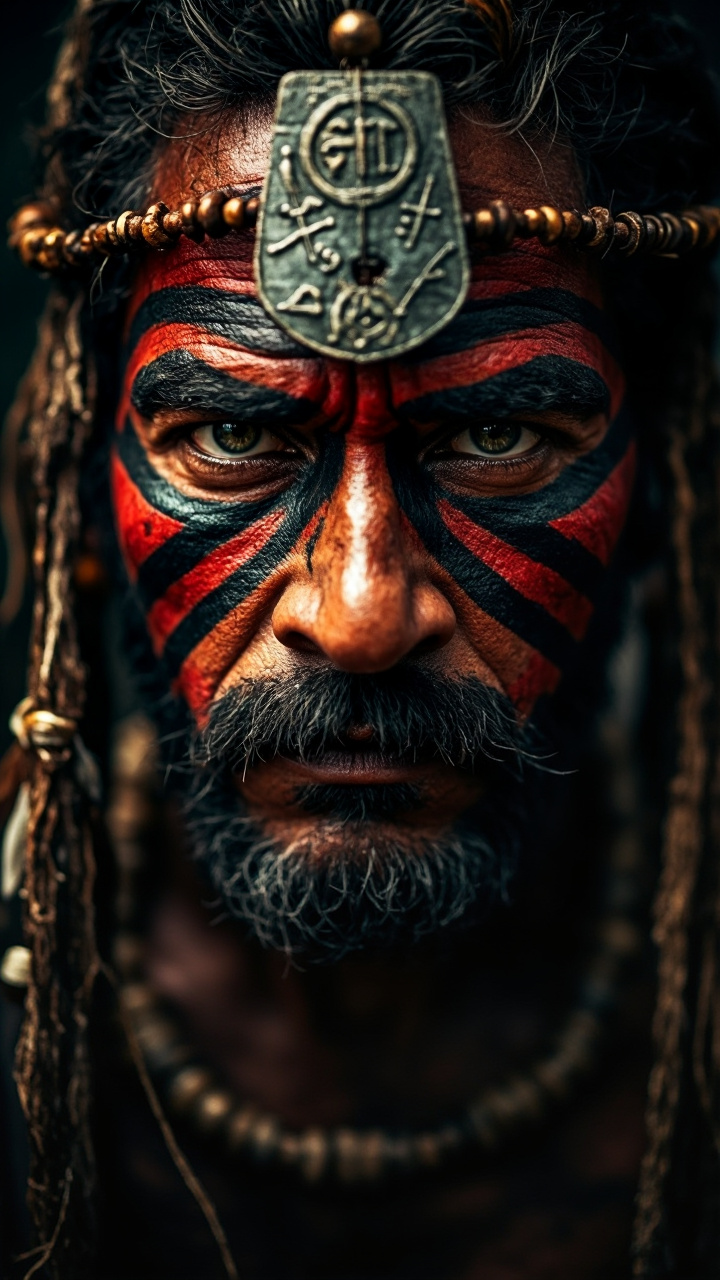
Produce lifelike images with intricate details, from realistic textures to nuanced lighting, enhancing the visual appeal of your projects.
Rapid Image Generation
Generate high-quality images in seconds, allowing you to iterate quickly and meet tight deadlines without compromising on quality.
Unlimited Creative Freedom
Explore endless possibilities by customizing styles, compositions, and elements to bring your unique vision to life.
How It Works
Creating ultra-detailed images with ImagineArt 1.0 is simple and intuitive. Follow these steps to bring your ideas to life:
Step 1: Choose Your Tool
Log in to PixelDojo and select ImagineArt 1.0 from our suite of AI tools. This model is optimized for generating hyper-realistic images with exceptional detail.
Step 2: Enter Your Prompt
Describe your desired image in detail. For example, 'A serene mountain landscape at sunrise with mist covering the peaks, ultra-detailed, 4K.' The more specific your prompt, the better the results.
Step 3: Customize & Download
Use built-in tools like Enhance Realism or Creative Upscaler to refine your image. Once satisfied, download your high-resolution image ready for use.





The Pixel Dojo Advantage
Why PixelDojo outperforms other options for ultra-detailed image generation
| Others | Pixel Dojo |
|---|---|
| Traditional Photography | Avoid the costs and logistics of photoshoots; generate high-quality images instantly with ImagineArt 1.0. |
| Generic AI Tools | Our specialized model delivers superior detail and realism tailored for professional-grade visuals. |
| Manual Digital Art | Save countless hours of manual work; let ImagineArt 1.0 handle the heavy lifting while you focus on creativity. |
Loved by creators on PixelDojo
Real feedback from people using PixelDojo, pulled from our in-product surveys.
Amazing features, easy to use, privacy
the number of options, and especially the quick response to questions on Discord
Love you guys!!
Trained my Lora super fast. Still working out how to creat content wit it, but I love it so far.
I love this app
It has all the tools I can think of...
Explore more AI tools on PixelDojo
AI Tools
Compare & Switch
- Best AI Image Generators
- Best AI Video Generators
- Midjourney Alternatives
- Civitai Alternatives
- Runway Alternatives
- Leonardo Alternatives
- Pika Alternatives
- Luma Alternatives
- Magnific Alternatives
- Veo Alternatives
- Flux Alternatives
- Freepik Alternatives
- Seedance Alternatives
- Seedream Alternatives
- Pixverse Alternatives
- GPT Image Alternatives
- Synthesia Alternatives
- Playground Alternatives
- NightCafe Alternatives
- Canva AI Alternatives
- ElevenLabs Alternatives
- ComfyUI Alternatives
- Fal Alternatives
- Replicate Alternatives
Common Questions
Everything you need to know about ImagineArt ultra-detailed
How can I create ultra-detailed images with ImagineArt 1.0?
Simply log in to PixelDojo, select ImagineArt 1.0, and enter a detailed description of your desired image. The AI will generate a hyper-realistic image based on your prompt, which you can further refine and download.
What are the latest techniques for generating hyper-realistic images using ImagineArt 1.0?
Utilize specific and descriptive prompts, experiment with different styles and settings, and use built-in tools like Enhance Realism to achieve the best results.
Can I customize the images generated by ImagineArt 1.0?
Yes, after generating an image, you can use various editing tools within PixelDojo to adjust elements, apply filters, and enhance details to match your vision.
What makes ImagineArt 1.0 ideal for creating ultra-detailed images?
ImagineArt 1.0 is designed to produce images with exceptional detail and realism, making it perfect for professional projects that require high-quality visuals.
How do I get started with ImagineArt 1.0 on PixelDojo?
Sign up for a free account on PixelDojo, navigate to the ImagineArt 1.0 tool, and start creating by entering your image descriptions.
Are there examples of ultra-detailed images created with ImagineArt 1.0?
Yes, our gallery showcases numerous examples of hyper-realistic images generated by ImagineArt 1.0, demonstrating its capabilities and versatility.