head swap ai
Generated on PixelDojo. Produced by PixelDojo's generation pipeline.
Imagine effortlessly transforming your photos by swapping heads to create captivating and personalized images. With PixelDojo's advanced AI head swap tools, you can achieve professional-quality results in minutes, enhancing your creative projects, marketing materials, and social media content.
Real image examples generated on PixelDojo
Every example below was produced on PixelDojo. Hover to see the prompt.
A kpop girl dancing and singing a song about how pixel dojo is the only ai tool you need
image-to-video
A kpop girl dancing and singing a song about how pixel dojo is the only ai tool you need
image-to-video
A kpop girl dancing and singing a song about how pixel dojo is the only ai tool you need
image-to-video
A kpop girl dancing and singing a song about how pixel dojo is the only ai tool you need
image-to-video
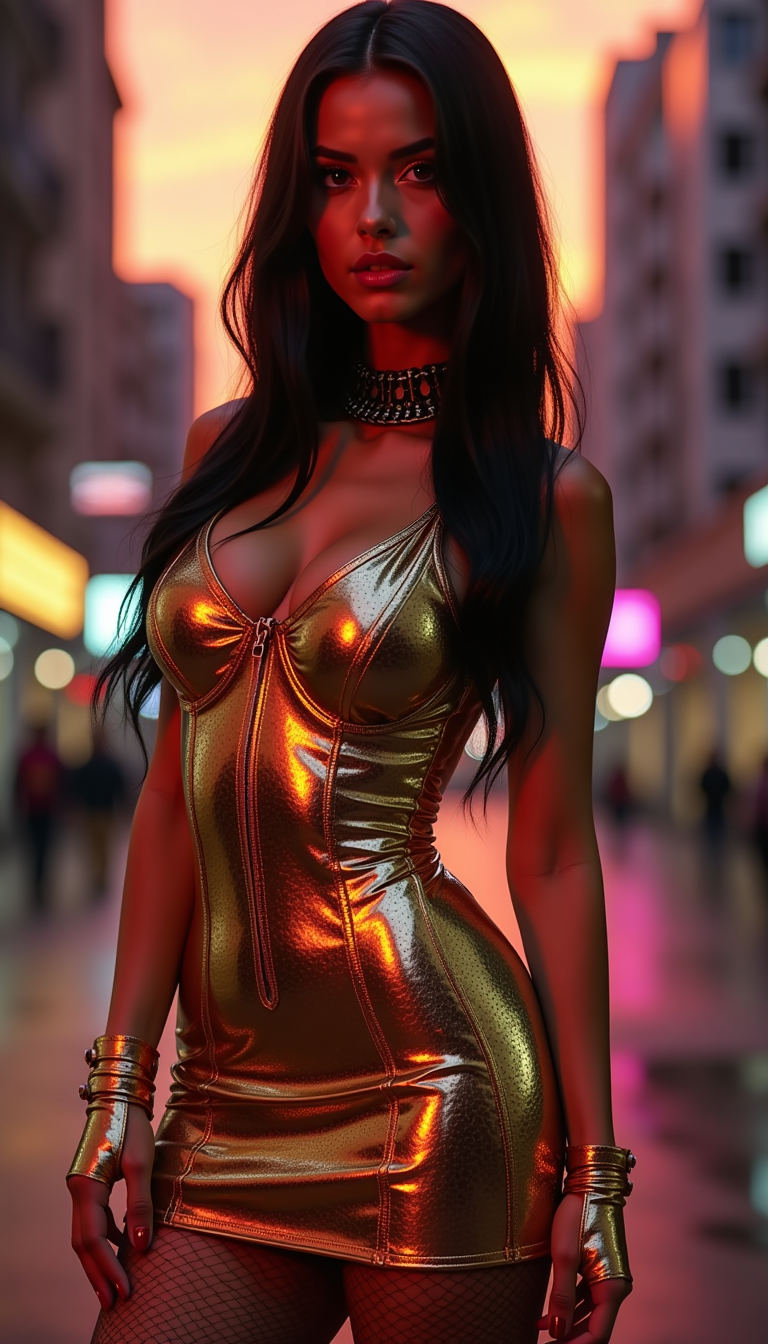
A full body photo of a stunning
flux
Wi-product
image-to-image
Models you can run on PixelDojo for head swap ai
Switch models without switching tools. Each one runs in the same PixelDojo studio.
What you can do with head swap ai on PixelDojo
Upload Source and Target
Creators upload images to select the head for replacement and the photo that receives it.
Run Head Swap Process
We apply the selected head to the target image through our AI model.
Review Generated Output
Creators view the resulting image and choose to keep or adjust inputs.
Download Final Image
We provide the completed head swap file for saving or further editing.
Join over 10,000 satisfied users who have created more than 500,000 head swap images using PixelDojo's cutting-edge AI tools.
Why Choose Pixel Dojo for head swap ai
Professional-quality results with cutting-edge AI technology
Effortless Creativity
Easily create engaging and entertaining images by swapping heads in your photos, perfect for social media and personal projects.
Enhanced Marketing
Develop unique and personalized marketing materials that capture attention and resonate with your audience.
User-Friendly Interface
No technical skills required. Our intuitive platform makes head swapping accessible to everyone.
How It Works
Creating head swap images with PixelDojo is simple and straightforward. Follow these steps to get started:
Step 1: Choose Your Tool
Navigate to the 'Face Swap' feature under the 'Characters' section in PixelDojo's sidebar.
Step 2: Upload Your Images
Upload the background image and the face image you want to swap. Ensure both images are clear and well-lit for optimal results.
Step 3: Generate and Download
Click 'Generate' to let the AI seamlessly swap the heads. Once satisfied with the result, download your new image.
The Pixel Dojo Advantage
Why PixelDojo outperforms other options for head swap image generation
| Others | Pixel Dojo |
|---|---|
| Traditional Photo Editing | Achieve seamless head swaps without the need for complex manual editing or advanced software skills. |
| Generic AI Tools | Access specialized head swap features tailored for high-quality, realistic results. |
| Manual Face Swapping | Save time and effort with automated processes that deliver consistent and professional outcomes. |
Loved by creators on PixelDojo
Real feedback from people using PixelDojo, pulled from our in-product surveys.
Very easy to use
super easy to use
it's very easy to use
Practically every Ai suite in one place? Who wouldn't?
versatile menu of tools
Best AI tool availble the suite is rad
Explore more AI tools on PixelDojo
Popular AI Models
AI Tools
Compare & Switch
- Best AI Image Generators
- Best AI Video Generators
- Midjourney Alternatives
- Civitai Alternatives
- Runway Alternatives
- Leonardo Alternatives
- Pika Alternatives
- Luma Alternatives
- Magnific Alternatives
- Veo Alternatives
- Flux Alternatives
- Freepik Alternatives
- Seedance Alternatives
- Seedream Alternatives
- Pixverse Alternatives
- GPT Image Alternatives
- Synthesia Alternatives
- Playground Alternatives
- NightCafe Alternatives
- Canva AI Alternatives
- ElevenLabs Alternatives
- ComfyUI Alternatives
- Fal Alternatives
- Replicate Alternatives
Common Questions
Everything you need to know about head swap ai
How does PixelDojo's head swap AI work?
PixelDojo utilizes advanced AI algorithms to seamlessly replace heads in images, ensuring realistic blending and high-quality results.
Do I need any technical skills to use the head swap feature?
No, PixelDojo's platform is designed to be user-friendly, allowing anyone to create head swap images without prior experience.
Can I use PixelDojo's head swap tool for commercial projects?
Yes, images created with PixelDojo can be used for both personal and commercial purposes, including marketing materials and advertisements.
Is there a limit to the number of head swap images I can create?
PixelDojo offers credit-based plans starting at $10 a month, with no daily caps on image creation.
How long does it take to generate a head swap image?
The AI processes images quickly, typically generating a head swap image within seconds.
What image formats are supported for head swapping?
PixelDojo supports common image formats such as JPEG and PNG for both input and output files.