PixelDojo 實際生成圖片範例
以下每個範例都是在 PixelDojo 上製作。將滑鼠移到上方即可查看提示詞。
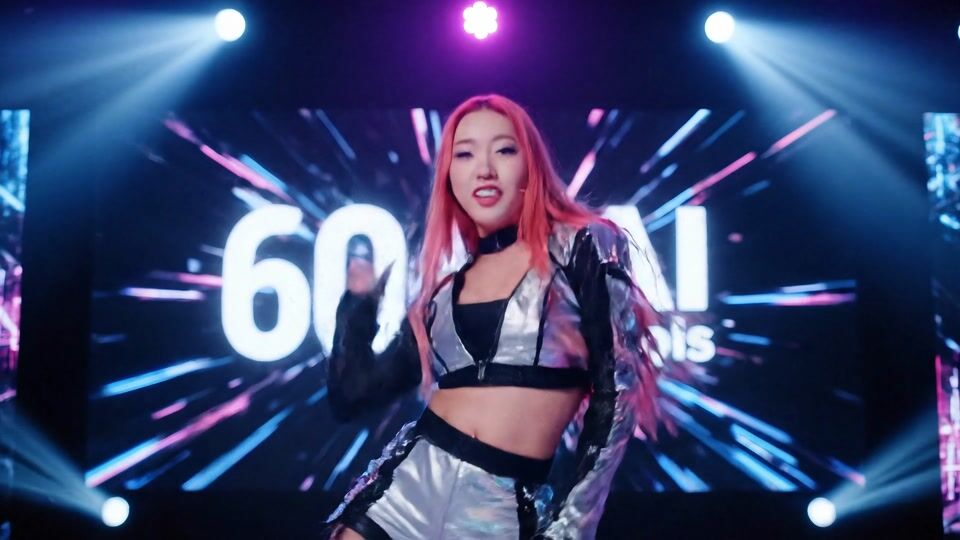
A kpop girl dancing and singing a song about how pixel dojo is the only ai tool you need
image-to-video
A kpop girl dancing and singing a song about how pixel dojo is the only ai tool you need
image-to-video
A kpop girl dancing and singing a song about how pixel dojo is the only ai tool you need
image-to-video
A kpop girl dancing and singing a song about how pixel dojo is the only ai tool you need
image-to-video
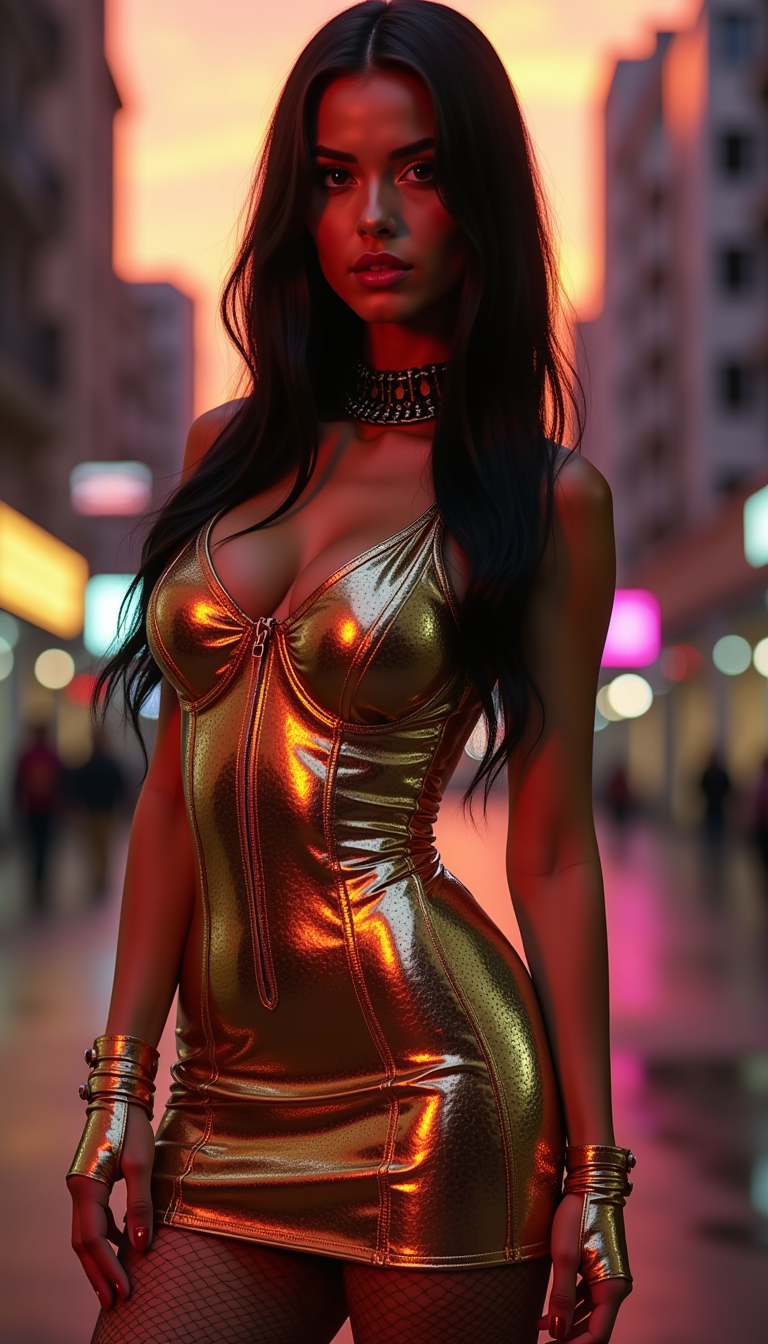
A full body photo of a stunning
flux
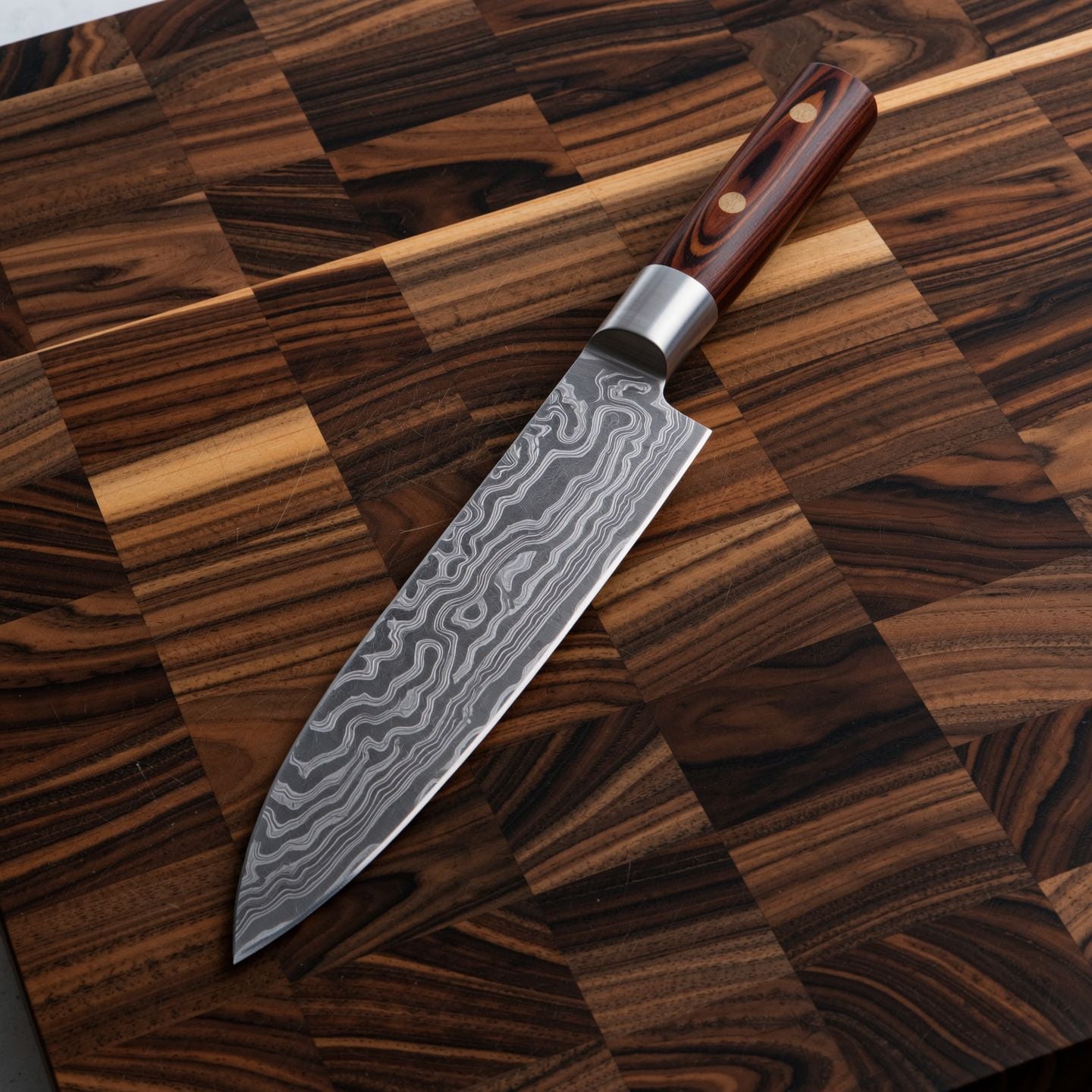
Wi-product
image-to-image
在 PixelDojo 上,AI 換頭能做什麼
上傳來源與目標圖片
創作者上傳圖片,選擇要換上的頭部,以及接收該頭部的目標照片。
執行換頭
我們透過 AI 模型,將選定的頭部套用到目標圖片。
檢視生成結果
創作者查看生成圖片,選擇保留結果或調整輸入內容。
下載完成圖片
我們提供完成的換頭圖片檔案,供你儲存或進一步編輯。
超過 10,000 位滿意用戶,已透過 PixelDojo 的尖端 AI 工具打造超過 500,000 張換頭圖片。一起加入他們。
為什麼選擇 Pixel Dojo 製作head swap ai
最先進的 AI 技術,帶來專業級成果
創意輕鬆實現
輕鬆替照片換頭,打造吸睛又有趣的圖片,適合社群分享與個人創作。
行銷更出色
打造獨特、個人化的行銷素材,抓住目光,也打中受眾的心。
介面直覺好上手
不需要技術背景。直覺易用的平台,讓每個人都能輕鬆換頭。
使用方式
用 PixelDojo 製作換頭圖片,就是這麼簡單。跟著以下步驟開始:
步驟 1:選擇工具
在 PixelDojo 側邊欄的「角色」區塊中,選擇「換臉」功能。
步驟 2:上傳圖片
上傳背景圖片,以及要換上的臉部圖片。兩張圖片都要清晰、光線充足,才能呈現最佳效果。
步驟 3:生成並下載
點擊「生成」,讓 AI 自然無痕地完成換頭。滿意後,即可下載新圖片。
The Pixel Dojo Advantage
製作換頭圖片,為什麼 PixelDojo 比其他選擇更出色
| Others | Pixel Dojo |
|---|---|
| 傳統修圖 | 不必繁複手動修圖,也不需要進階軟體操作技巧,就能打造自然無痕的換頭效果。 |
| 通用 AI 工具 | 使用專為換頭打造的功能,呈現高品質、逼真的效果。 |
| 手動換臉 | 透過自動化流程,省下時間與心力,穩定產出專業成果。 |
PixelDojo 創作者好評推薦
來自 PixelDojo 使用者的真實回饋,取自我們的產品內問卷。
Great for all your ideas use it encourage more people to use it
Because it is awesome
exceptional quality and great overall design of platform and interface. very intuative. love the creative freedom.
Qwen image 2 is amazing!!
Creative freedom, range of tools and options.
I love the training feature
探索更多 PixelDojo AI 工具
熱門 AI 模型
AI 工具
常見問題
關於head swap ai,你需要知道的一切
PixelDojo 的 AI 換頭如何運作?
PixelDojo 運用先進 AI 演算法替換圖片中的頭部,讓接合自然、效果逼真,同時維持高品質。
使用換頭功能需要技術背景嗎?
不需要。PixelDojo 的平台直覺易用,即使沒有任何經驗,也能製作換頭圖片。
PixelDojo 的換頭工具可以用於商業專案嗎?
可以,使用 PixelDojo 製作的圖片可用於個人及商業用途,包括行銷素材與廣告。
換頭圖片的製作數量有限制嗎?
PixelDojo 提供點數制方案,每月 $10 起,圖片生成沒有每日上限。
生成一張換頭圖片需要多久?
AI 處理圖片的速度很快,通常幾秒內就能生成換頭圖片。
換頭功能支援哪些圖片格式?
PixelDojo 支援 JPEG、PNG 等常見圖片格式,上傳與輸出皆適用。