Kling 2.6 multi-character dialogues AI Generator
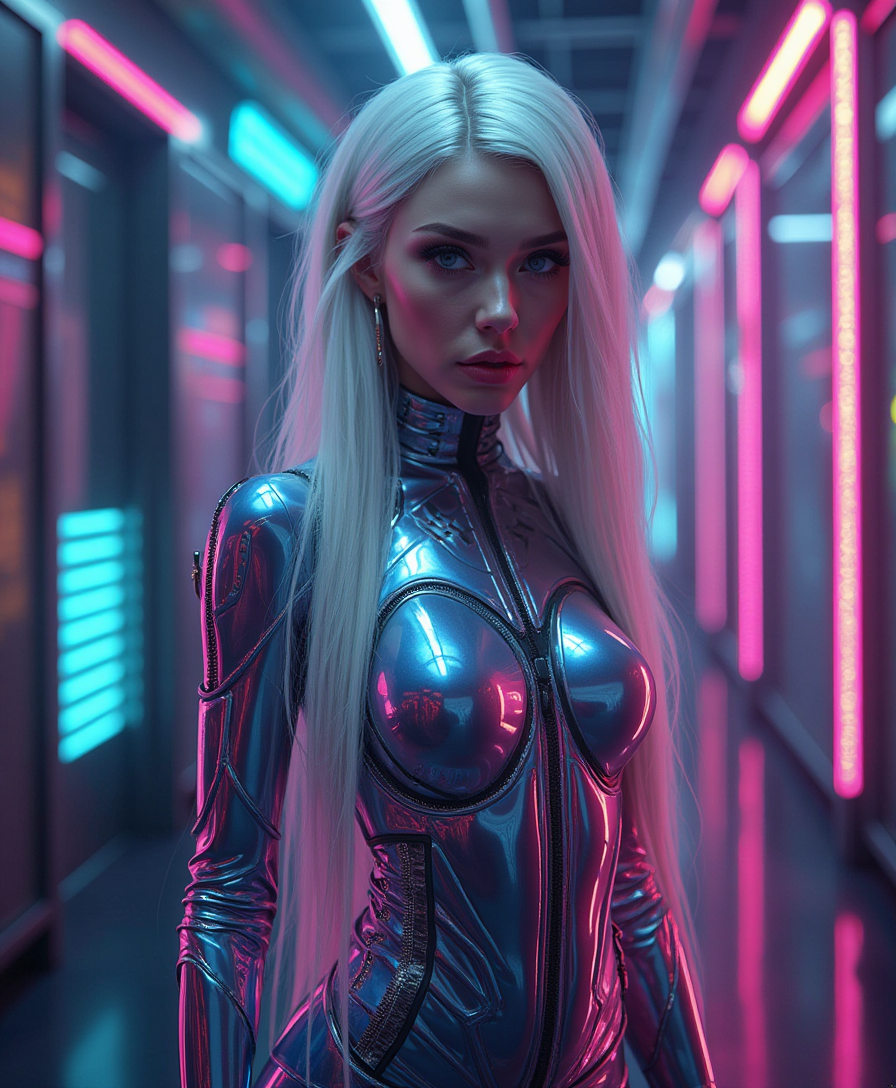
Imagine effortlessly creating videos where multiple characters engage in natural, synchronized dialogues, complete with lifelike audio and visuals. With Kling 2.6 on PixelDojo, you can transform your ideas into captivating multi-character dialogue videos, perfect for storytelling, marketing, and educational content.
Join over 10,000 creators who have enhanced their storytelling with Kling 2.6's advanced multi-character dialogue capabilities.
Why Choose Pixel Dojo for Kling 2.6 multi-character dialogues
Professional-quality results with cutting-edge AI technology
Seamless Audio-Visual Synchronization
Achieve perfect lip-sync and natural dialogue flow between multiple characters, enhancing viewer engagement.
Effortless Multi-Character Interaction
Create complex scenes with multiple characters interacting naturally, without the need for extensive editing.
Time and Cost Efficiency
Reduce production time and costs by generating high-quality dialogue videos directly from text prompts.
How It Works
Creating multi-character dialogue videos with Kling 2.6 is straightforward. Follow these steps to bring your scenes to life:
Step 1: Select Kling 2.6 on PixelDojo
Log in to your PixelDojo account and choose Kling 2.6 from the video generation tools.
Step 2: Craft Your Scene Description
Write a detailed prompt describing the scene, characters, actions, and dialogues. Ensure each character's dialogue is labeled and includes emotional cues for accurate audio-visual synchronization.
Step 3: Generate and Review Your Video
Submit your prompt to Kling 2.6. The AI will generate a video with synchronized audio. Review the output and make adjustments as needed to perfect your scene.














The Pixel Dojo Advantage
Why PixelDojo's Kling 2.6 is the superior choice for multi-character dialogue video creation:
| Others | Pixel Dojo |
|---|---|
| Traditional Video Production | Eliminates the need for actors and extensive editing, significantly reducing production time and costs. |
| Generic AI Video Tools | Offers native audio-visual synchronization, ensuring natural dialogue flow and lip-sync accuracy. |
| Manual Animation | Automates complex animations and audio integration, allowing creators to focus on storytelling. |
Loved by creators on PixelDojo
Real feedback from people using PixelDojo, pulled from our in-product surveys.
all in one place
It is a lot of fun to uae and easy too.
So many different models to try out
You keep adding to it to stay up to date and that is GOLD.
very easy to use and good support
Very easy to use
Explore more AI tools on PixelDojo
AI Tools
Compare & Switch
- Best AI Image Generators
- Best AI Video Generators
- Midjourney Alternatives
- Civitai Alternatives
- Runway Alternatives
- Leonardo Alternatives
- Pika Alternatives
- Luma Alternatives
- Magnific Alternatives
- Veo Alternatives
- Flux Alternatives
- Freepik Alternatives
- Seedance Alternatives
- Seedream Alternatives
- Pixverse Alternatives
- GPT Image Alternatives
- Synthesia Alternatives
- Playground Alternatives
- NightCafe Alternatives
- Canva AI Alternatives
- ElevenLabs Alternatives
- ComfyUI Alternatives
- Fal Alternatives
- Replicate Alternatives
Common Questions
Everything you need to know about Kling 2.6 multi-character dialogues
How does Kling 2.6 ensure accurate lip-sync in multi-character dialogues?
Kling 2.6 uses advanced AI algorithms to synchronize audio and visual elements, ensuring each character's speech matches their lip movements perfectly.
Can I customize the voices and emotions of characters in Kling 2.6?
Yes, you can specify voice tones, accents, and emotional cues in your prompts to tailor each character's dialogue delivery.
What is the maximum duration for videos created with Kling 2.6?
Kling 2.6 supports video generation up to 10 seconds in length, ideal for short-form content and scenes.
Is Kling 2.6 suitable for creating educational content?
Absolutely. Kling 2.6 is perfect for generating educational videos with multiple characters, making learning more interactive and engaging.
Do I need prior video editing experience to use Kling 2.6?
No, Kling 2.6 is designed to be user-friendly, allowing creators of all skill levels to produce high-quality videos from text prompts.
Can I use Kling 2.6 for commercial projects?
Yes, videos created with Kling 2.6 can be used for commercial purposes, making it a valuable tool for marketers and businesses.