gfpan AI Generator
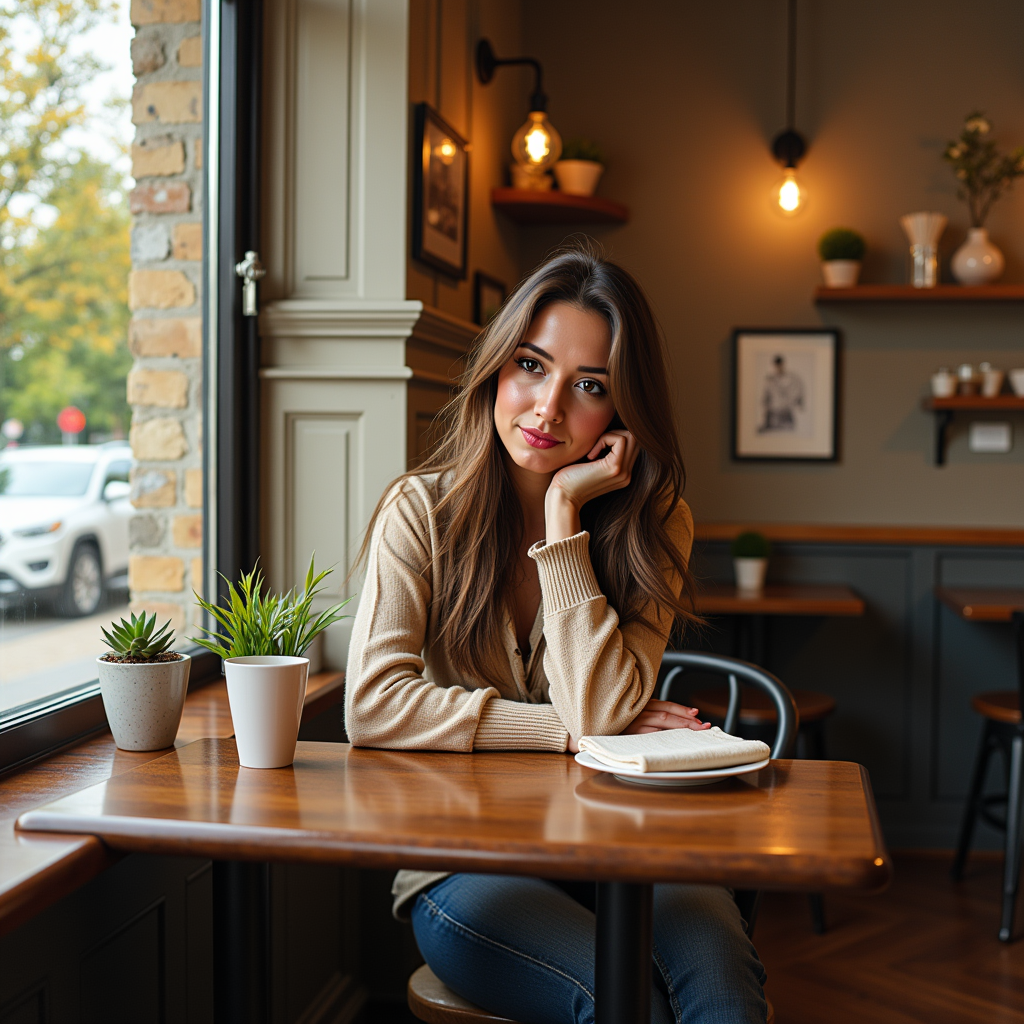
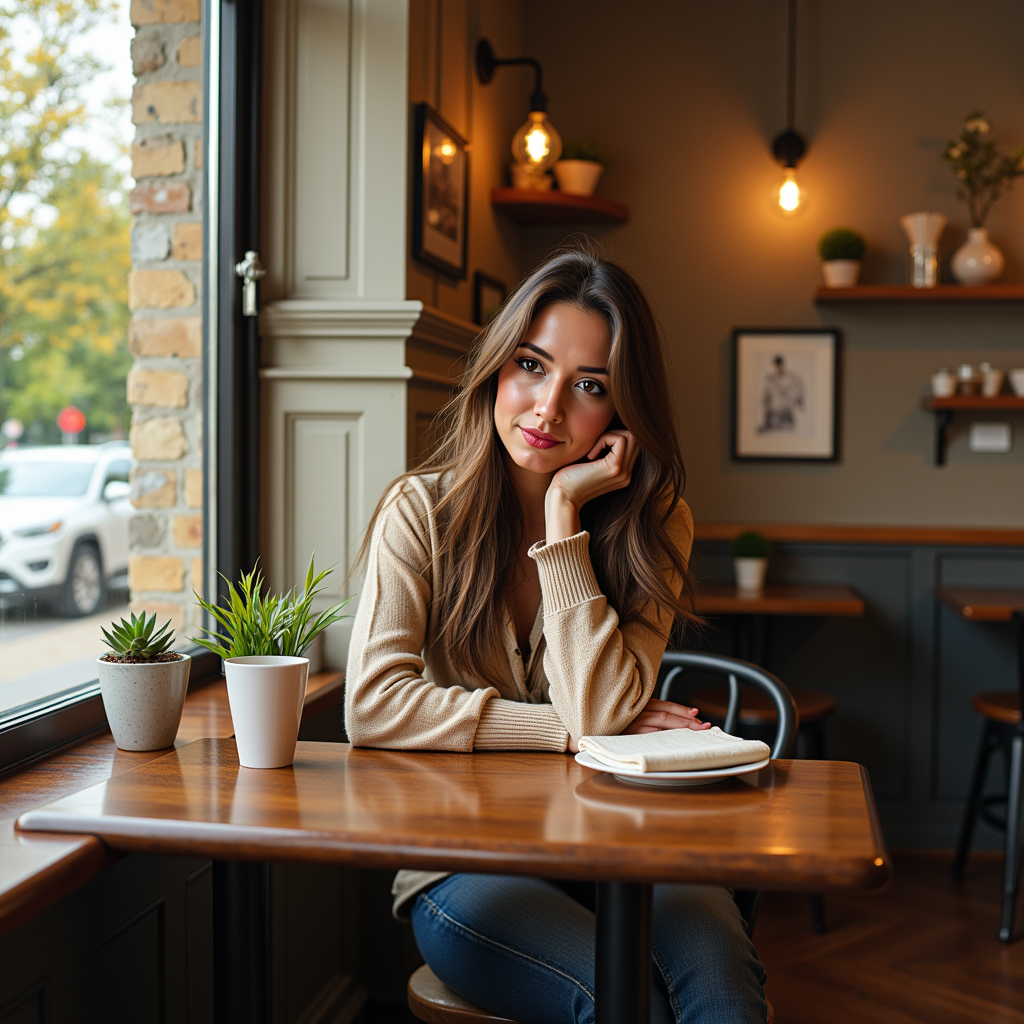
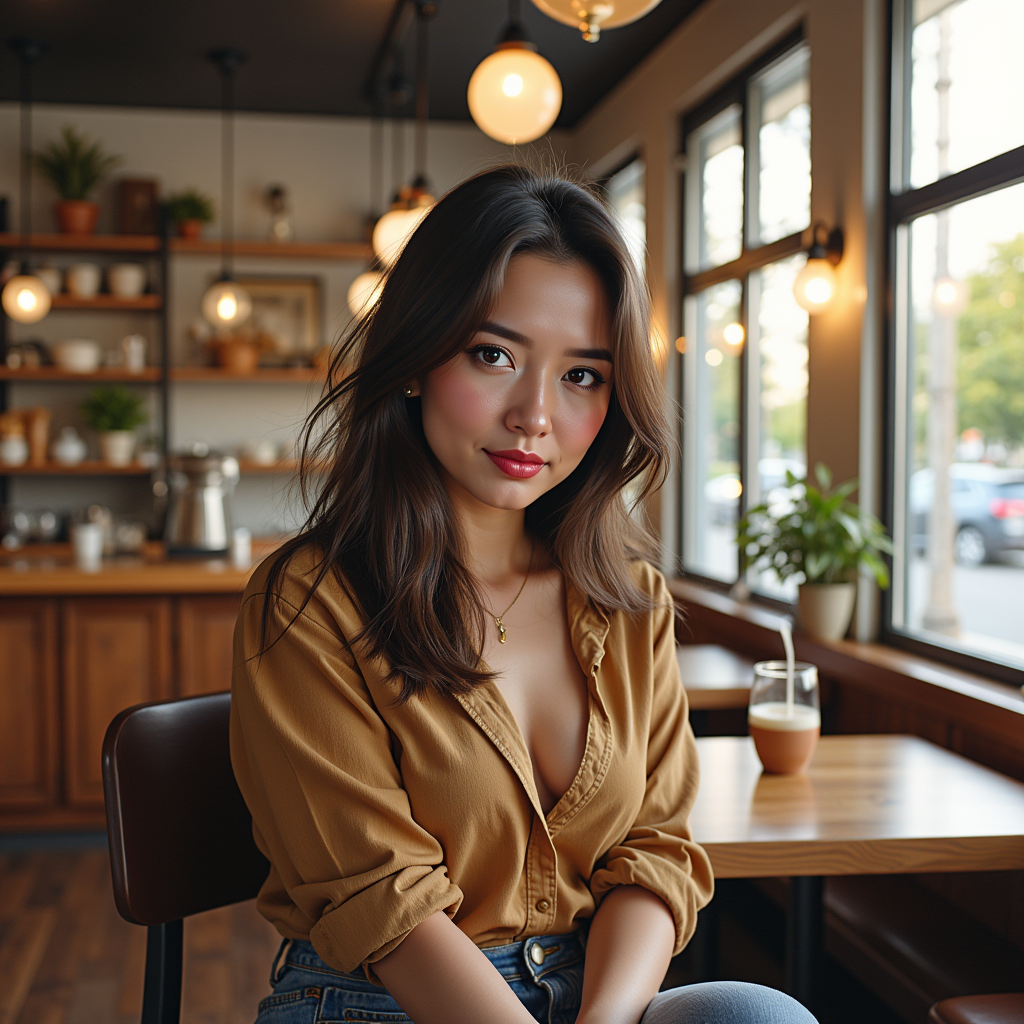
Unlock the power to breathe new life into your cherished photos with PixelDojo's GFPGAN-inspired face restoration capabilities. Imagine turning faded family portraits into vibrant, high-definition masterpieces that capture every detail and emotion. Whether you're preserving historical images, enhancing selfies, or creating professional-grade edits, our AI tools deliver professional results without the need for expensive software or expert skills. You'll achieve lifelike facial enhancements, remove imperfections, and upscale resolutions effortlessly, saving hours of manual work and ensuring your memories shine forever. Join thousands of users who trust PixelDojo to make their visual stories unforgettable.
Rated 4.9/5 by over 5,000 creators | Featured in AI innovation blogs | 1M+ images restored worldwide | Trusted by photographers and historians for accurate, ethical restorations
Why Choose Pixel Dojo for gfpan
Professional-quality results with cutting-edge AI technology
Revive Old Memories Instantly
Bring blurry or damaged faces back to life with stunning clarity, allowing you to preserve family heirlooms and historical photos that look brand new and ready to share.
Achieve Professional Enhancements Effortlessly
Enhance facial details like skin texture, eyes, and expressions without any editing skills, giving you polished results that impress clients, followers, or loved ones in minutes.
Upscale and Refine with Precision
Boost image resolution while maintaining natural looks, enabling you to create high-quality prints, digital archives, or social media posts that stand out and evoke emotions.
How It Works
Creating GFPGAN-style face restorations on PixelDojo is simple and intuitive, letting you focus on your creative vision while our AI handles the heavy lifting.
Step 1: Choose Your Tool
Start by selecting from our Edit Images suite, such as Creative Upscaler or Inpainting, which integrate GFPGAN-like techniques for face-focused enhancements. Upload your photo and let the AI analyze facial elements automatically.
Step 2: Enter Your Prompt
Describe the desired outcome, like 'restore facial details and upscale to 4K' or 'enhance skin texture and remove blemishes.' Our tools like Flux or SDXL will process the image, applying advanced restoration to make faces look natural and vivid.
Step 3: Customize & Download
Fine-tune aspects like lighting with Magic Lighting or extend backgrounds via Outpainting. Preview variations, select your favorite, and download high-res files ready for printing or sharing.
The Pixel Dojo Advantage
Why PixelDojo outperforms other options for GFPGAN-style face restoration
| Others | Pixel Dojo |
|---|---|
| Traditional photo restoration | Skip hours of manual retouching and costly professionals; get instant, accurate results that preserve authenticity while enhancing details automatically. |
| Generic AI tools | Enjoy specialized face-focused algorithms integrated with 40+ tools, delivering superior realism and customization without generic artifacts or limited options. |
| Manual photo editing | Avoid tedious brushwork and software learning curves; achieve pro-level enhancements in seconds, freeing you to focus on creativity and storytelling. |
Loved by creators on PixelDojo
Real feedback from people using PixelDojo, pulled from our in-product surveys.
Excellent website for creating all types of media
Very eay to use, works well to train SDXL loras.
The amazing tools
Top notch quality and strong prompt adherence.
A well resourced sunscription with attention to updates.
Easy to use and there's lots of options.
Explore more AI tools on PixelDojo
Popular AI Models
AI Tools
Compare & Switch
- Best AI Image Generators
- Best AI Video Generators
- Midjourney Alternatives
- Civitai Alternatives
- Runway Alternatives
- Leonardo Alternatives
- Pika Alternatives
- Luma Alternatives
- Magnific Alternatives
- Veo Alternatives
- Flux Alternatives
- Freepik Alternatives
- Seedance Alternatives
- Seedream Alternatives
- Pixverse Alternatives
- GPT Image Alternatives
- Synthesia Alternatives
- Playground Alternatives
- NightCafe Alternatives
- Canva AI Alternatives
- ElevenLabs Alternatives
- ComfyUI Alternatives
- Fal Alternatives
- Replicate Alternatives
Common Questions
Everything you need to know about gfpan
What is GFPGAN AI face restoration and how does it work on PixelDojo?
GFPGAN is an advanced AI technique for restoring and enhancing faces in images, focusing on realism and detail recovery. On PixelDojo, you can achieve this using tools like Creative Upscaler and Inpainting, which apply similar generative priors to fix blurriness, add missing details, and upscale resolutions. You'll get natural-looking results perfect for old photos, with options to customize lighting via Magic Lighting or extend images with Outpainting, all in a user-friendly interface.
Can I use GFPGAN-style tools for restoring historical photos on PixelDojo?
Absolutely! PixelDojo's Edit Images suite, including Image to Image and Background Remover, excels at historical photo restoration. Upload your image, prompt for GFPGAN-like enhancements such as 'restore aged portrait with clear facial features,' and watch as our AI revives details while preserving authenticity. It's ideal for archivists, helping you create shareable, high-res versions without artifacts.
How to enhance facial details with GFPGAN AI in PixelDojo?
Enhancing facial details is straightforward with PixelDojo. Select tools like SDXL or Flux for initial generation, then refine with Inpainting to target specific areas like eyes or skin. Enter prompts like 'upscale face with realistic texture,' and use Multidiffusion Upscaler for precision. You'll achieve outcomes like smoother skin and sharper expressions, making your images pop for professional or personal use.
What are the latest trends in GFPGAN image generation techniques?
Recent trends in GFPGAN techniques include integration with diffusion models for better realism, real-time processing, and video applications. PixelDojo stays ahead by incorporating these into tools like Runway Gen-4 Image and Creative Upscaler, allowing you to generate enhanced faces quickly. Trends also emphasize ethical AI, which we support by ensuring restorations maintain original integrity, helping you create trending content effortlessly.
Is PixelDojo's GFPGAN-style restoration free to try?
No, PixelDojo has no free trial, but you can try GFPGAN-style restorations on our Lite plan from $10 a month. Access tools like ImagineArt 1.0 or PonyXL to test enhancements, and upgrade to Pro or Pro Max for more monthly credits. With 40+ tools and cancel-anytime subscriptions, it's loved by thousands for its ease and quality.
How does PixelDojo compare to other GFPGAN AI tools for photo enhancement?
PixelDojo stands out with its comprehensive suite, including specialized edits like Style Transfer and Material Transfer, offering more customization than basic tools. You get faster processing, higher accuracy in face restoration, and integration with video tools like LTX-2 Video for dynamic projects. Focus on outcomes like stunning portfolios or family albums, all backed by our user-loved platform.