p-image edit
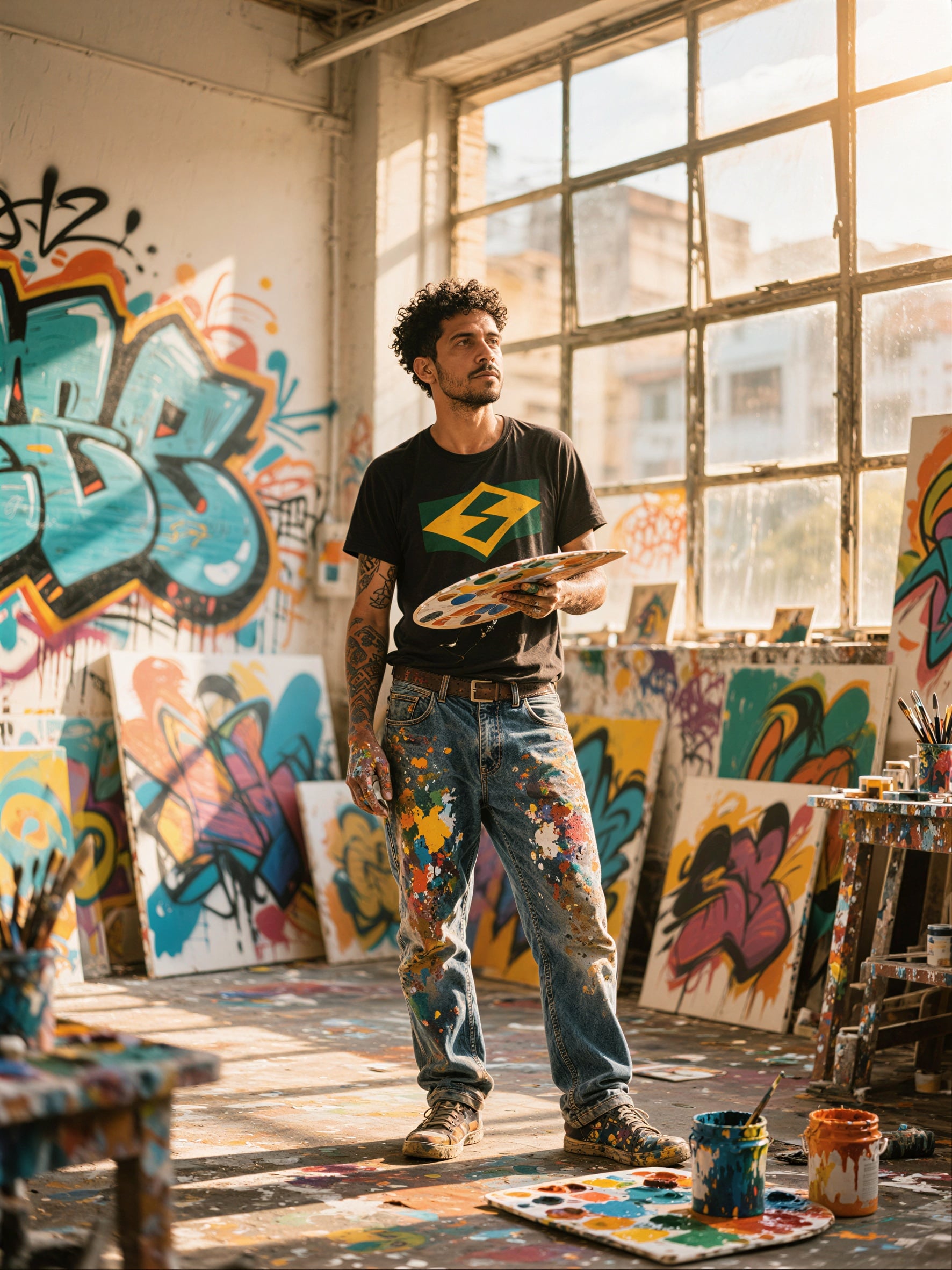
Generated on PixelDojo. Produced by PixelDojo's generation pipeline.
You already have the photo. Now you need it to sell, tell a story, or match a brand in seconds—not hours. P-Image Edit on PixelDojo lets you describe the change in plain English and receive a polished result almost instantly. Swap a background, add a product, restyle a portrait, rewrite on-image text, or composite elements from several references while the rest of the image stays exactly as you left it. Marketers ship campaign variants the same afternoon. Product teams refresh catalog shots without reshoots. Creators iterate moodboards and social assets without waiting. Pair it with Image to Image, Inpainting, Style Transfer, Background Remover, and P-Image Upscale and you move from raw capture to finished asset in one workflow. 100+ cutting-edge AI tools, loved by 1M+ creators worldwide, cancel anytime.
Real image examples generated on PixelDojo
Every example below was produced on PixelDojo. Hover to see the prompt.
P-Image Upscale
p-image-upscale
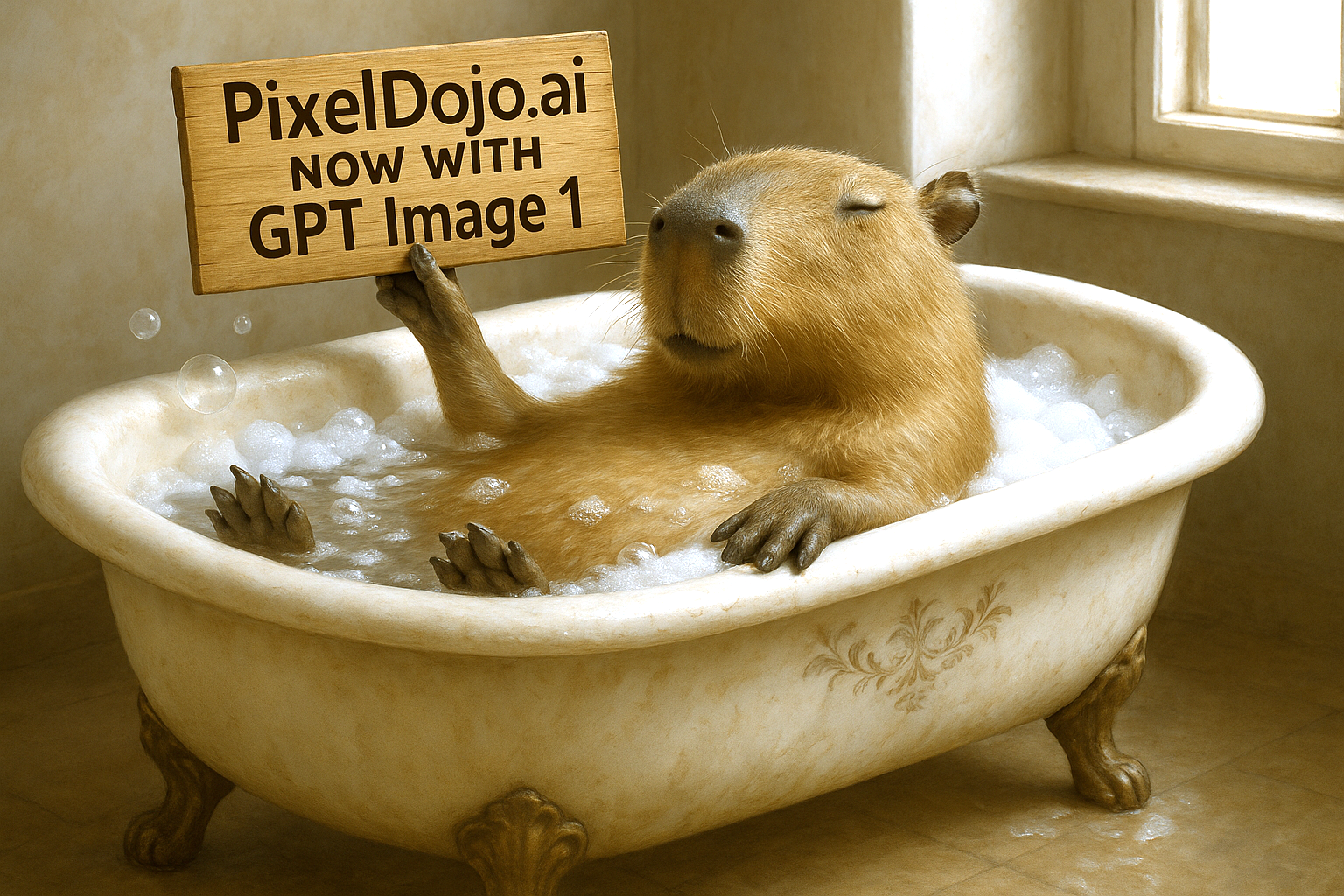
Make it photo realistic edit
stable-diffusion
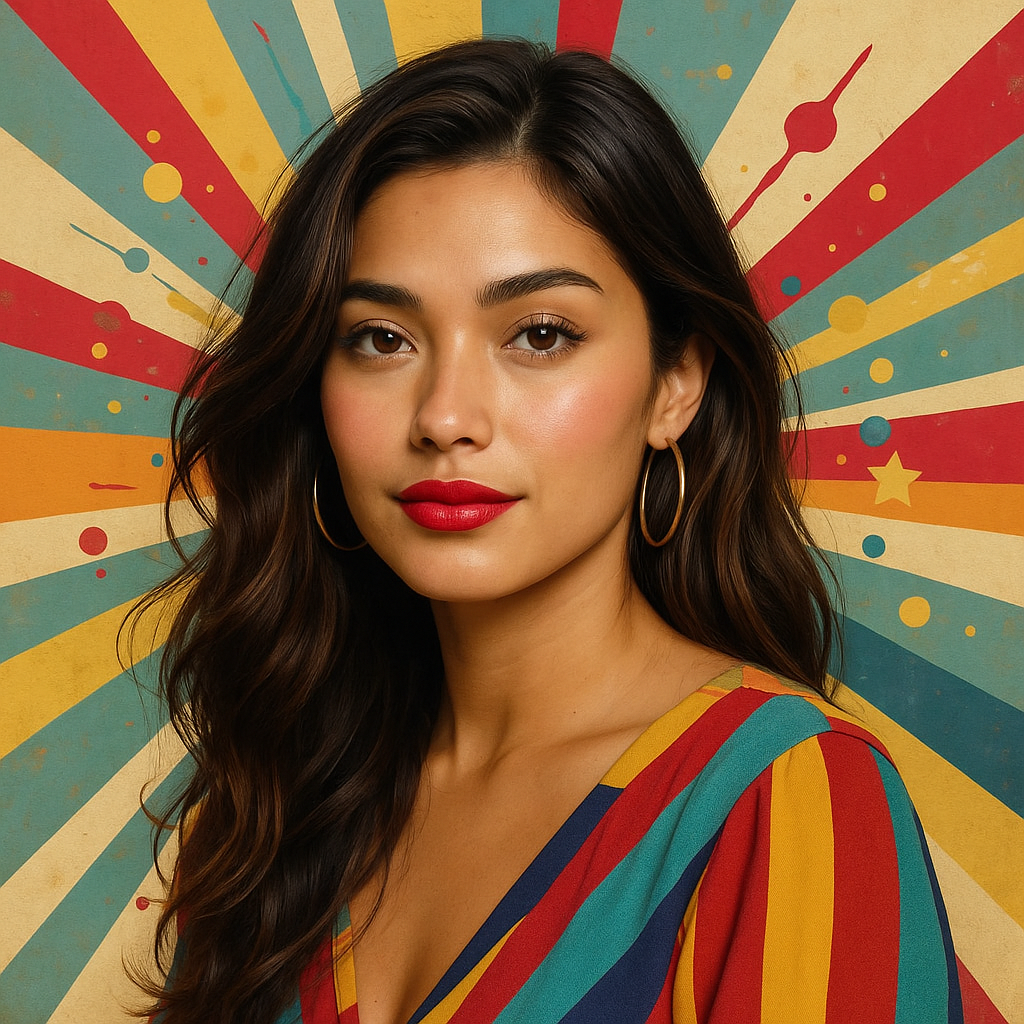
Make this photo realistic edit
stable-diffusion
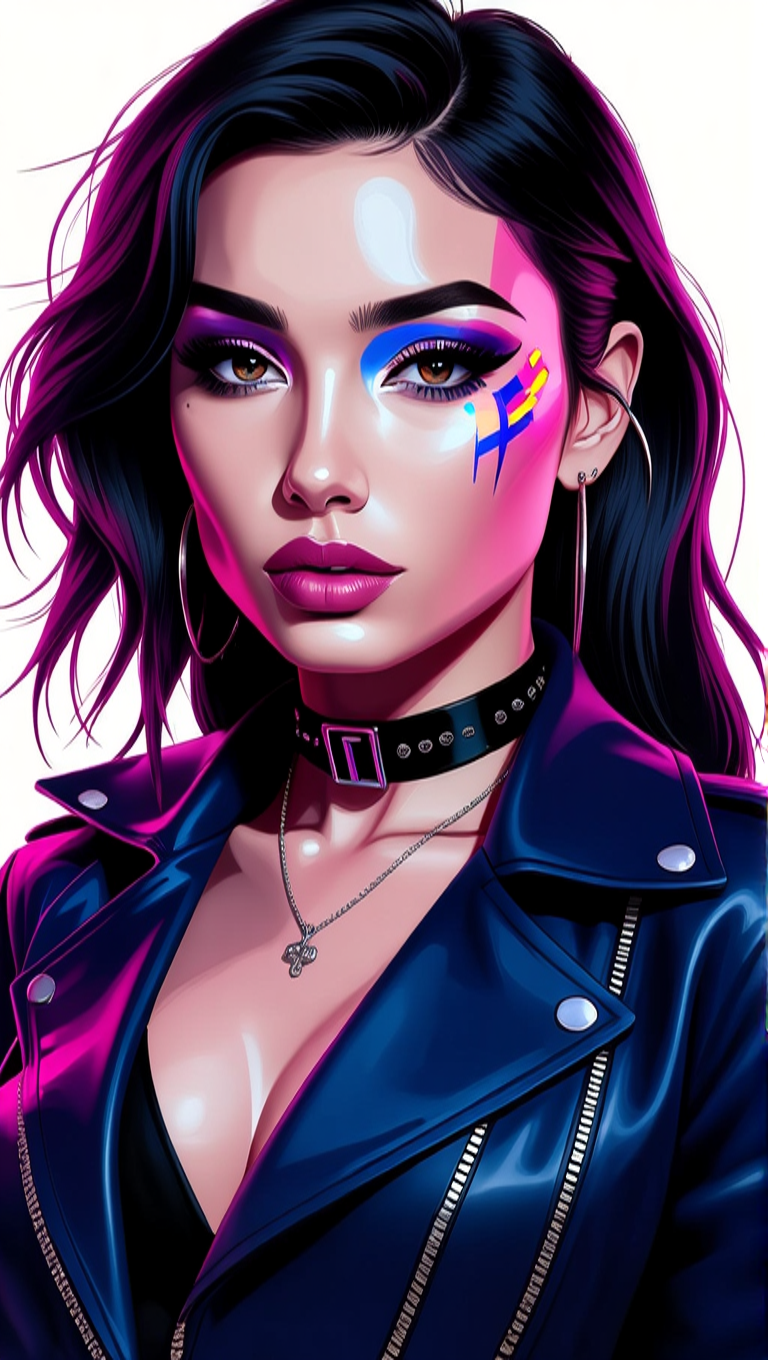
Make her photo realistic edit
hidream
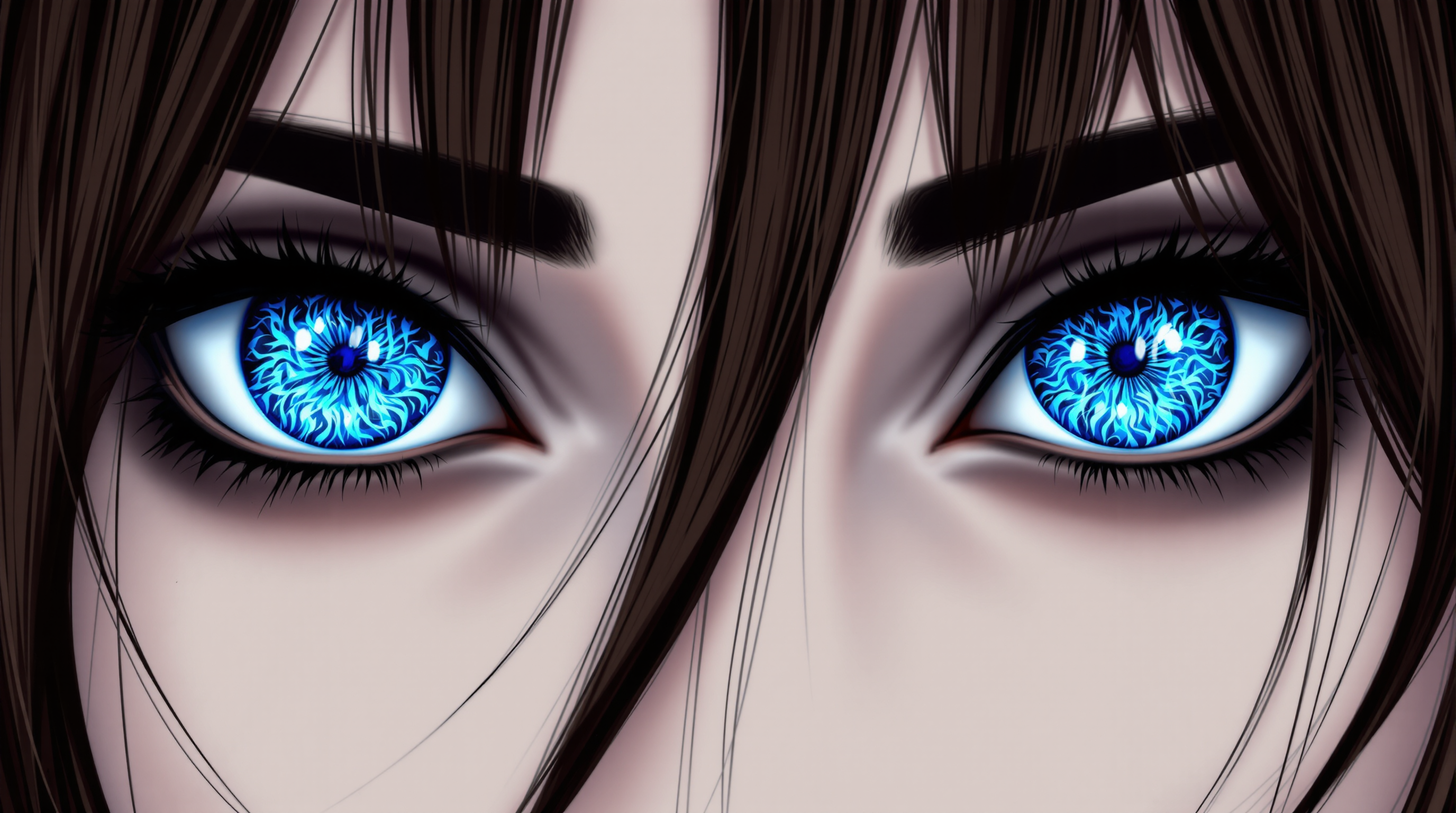
This image is realistic photo photograph of a female real person a closeup digital illustr…
flux
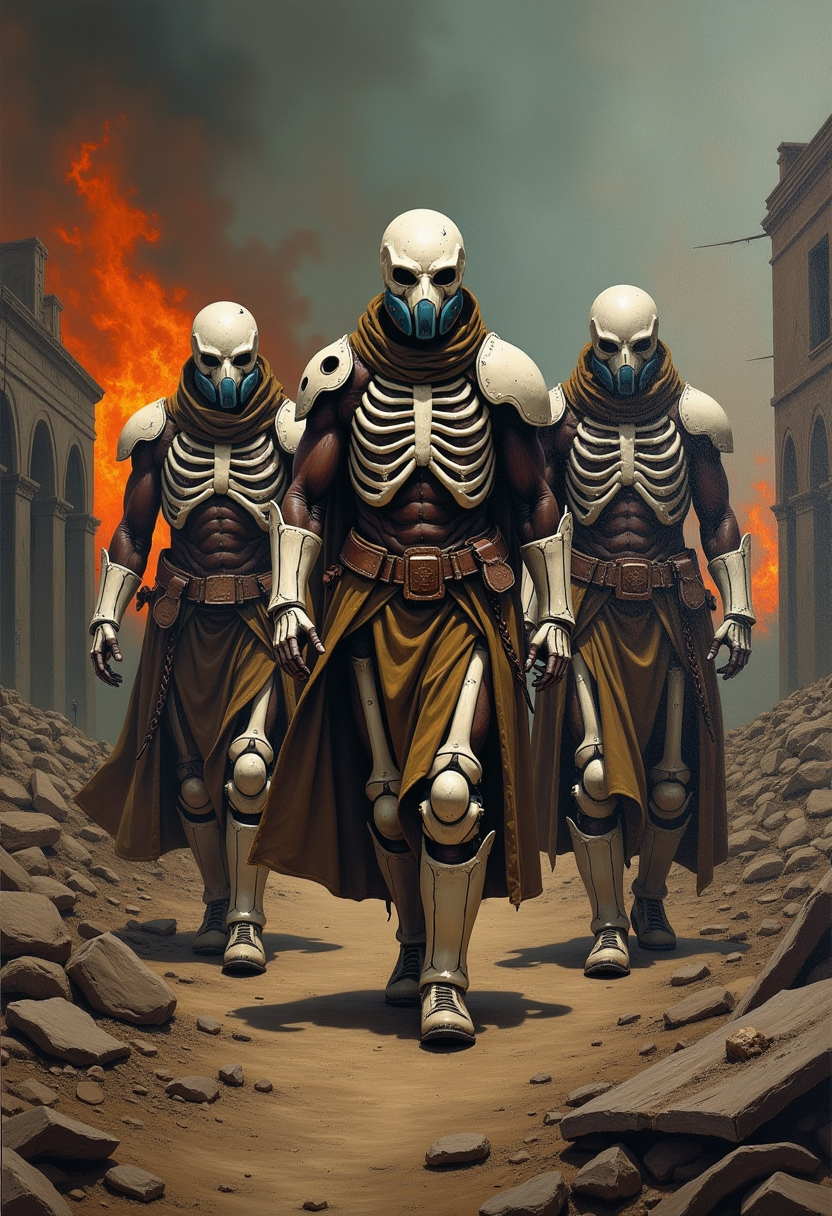
Oil painting - ultra-detailed - film epic: showing post-apocalyptic Zulu warriors walking…
flux
Models you can run on PixelDojo for p-image edit
Switch models without switching tools. Each one runs in the same PixelDojo studio.
What you can do with p-image edit on PixelDojo
Prompt to Image
We turn your text prompts into stills you can iterate on. You keep control of subject, lighting, and composition as you generate.
Edit Existing Images
We let you refine photos and generations with targeted edits. Change details, restyle regions, and keep the rest of the frame intact.
Style and Reference Control
We support style cues and reference images so outputs stay on-brief. You can match a look without rebuilding the scene from scratch.
Variations and Upscale
We generate alternatives from a selected result and upscale keepers for delivery. You can explore options, then export at a higher resolution.
1M+ creators, marketers, and developers already rely on PixelDojo for production-ready edits. P-Image Edit delivers sub-second turnaround with exceptional prompt adherence and text rendering, helping teams ship more assets with less friction.
Why Choose Pixel Dojo for p-image edit
Professional-quality results with cutting-edge AI technology
Ship Campaign Assets the Same Day
Turn one product photo into dozens of on-brand variants—new backgrounds, colors, props, or lifestyle settings—without booking another shoot or waiting for a designer.
Keep Identity, Pose, and Lighting Intact
Change only what you ask for. Faces, composition, and lighting stay faithful so your edits look like they were captured that way, not generated from scratch.
Composite Multiple References in One Pass
Blend a subject from one image, a background from another, and a style from a third. Perfect for consistent characters, catalog lookbooks, and ad mockups.
How It Works
P-Image Edit turns a simple instruction into a finished image. Combine it with PixelDojo’s other edit and enhance tools for a complete production pipeline.
Step 1: Choose Your Tool
Open P-Image Edit (or Image to Image / Inpainting for masked work). Upload one to five reference photos. Mark the main image if you are compositing. Select aspect ratio or match the original. Complementary tools like Background Remover and Style Transfer sit one click away.
Step 2: Enter Your Prompt
Write a clear instruction: name the change, the target, and what must stay the same. Example: “Replace the city street with a sun-drenched coastal highway, keep the red car, lighting, and reflections unchanged.” For text, quote the exact wording you want rendered. Use Image Analyzer first if you need to understand the source.
Step 3: Customize & Download
Review the result, then refine with Magic Lighting, Reality Polisher, or P-Image Upscale for extra sharpness. Export in the format you need. Iterate instantly—P-Image Edit is built for rapid passes. Cancel anytime, 100+ tools included.
The Pixel Dojo Advantage
Why PixelDojo outperforms other options for p-image edit image generation
| Others | Pixel Dojo |
|---|---|
| Reshoots and manual retouching | You skip reshoots, retouching rounds, and studio time. One photo plus a sentence gives you dozens of finished variants in minutes instead of days. |
| Generic AI tools | You get a dedicated P-Image Edit model plus Image to Image, Inpainting, Style Transfer, Background Remover, P-Image Upscale, and P-Image Ideogram in one place—no jumping between apps or losing consistency. |
| Manual photo editing | You describe the outcome instead of masking, cloning, and color-matching by hand. Complex composites and style shifts that used to take hours happen in a single pass. |
Loved by creators on PixelDojo
Real feedback from people using PixelDojo, pulled from our in-product surveys.
Awesome site with so many features
Love how I can almost create anything
The Flux Pro Ultra is just amazing!
Very easy to use, and they have fast wan 2.2 video generation with custom loras available.
The overall quality of the site and it's amazing variety of tools. The continued updates of the UI. The unbelievable level of tech support.
THIS IS SO DOPE !
Explore more AI tools on PixelDojo
Popular AI Models
AI Tools
Compare & Switch
- All AI Tool Alternatives
- Pollo AI Alternative
- PixelDojo vs Pollo AI
- Pollo AI Review
- MotionMuse AI Alternative
- MioCreate Alternative
- Dessi AI Alternative
- Runway Alternatives
- CapCut Alternatives
- Leonardo Alternatives
- OpenArt Alternatives
- Midjourney Alternatives
- Canva AI Alternatives
- Pika Alternatives
- InVideo Alternatives
- Higgsfield Alternatives
- Krea Alternatives
- Luma Alternatives
- Magic Hour Alternatives
- HeyGen Alternatives
- PixAI Alternatives
- Vidu Alternatives
- Seedream Alternatives
- Tensor.Art Alternatives
Common Questions
Everything you need to know about p-image edit
What is P-Image Edit and how does it differ from regular image generation?
P-Image Edit is PixelDojo’s fast instruction-based editor. You upload an existing photo (or several) and tell it what to change. Unlike generating from a blank prompt, it preserves the original composition, identity, and lighting while applying only the requested modifications—ideal for product shots, portraits, and marketing assets.
How do I write effective prompts for P-Image Edit on PixelDojo?
Name the modification, the exact target, and what must stay unchanged. Example: “Add a knitted purple teddy bear next to the character, matching textures, preserve overall style and all other elements.” Be specific about people, objects, and text. Quote any on-image wording you want rewritten. Start simple, then layer additional changes in follow-up passes.
Can I use multiple reference images with P-Image Edit?
Yes. Upload up to five images. Designate the main photo and instruct the model to pull a subject, background, style, or lighting from the others. This is powerful for consistent characters, lookbook composites, and mixing product photography with lifestyle scenes.
Which PixelDojo tools work best with P-Image Edit for a complete workflow?
Start with P-Image Edit or Image to Image. Use Inpainting for precise local fixes, Background Remover for clean cutouts, Style Transfer for artistic looks, Magic Lighting and Reality Polisher for polish, and P-Image Upscale or Portrait Upscaler for final resolution. P-Image Ideogram handles heavy on-image text. Train custom behavior with Flux Trainer or QWEN Trainer if you need a repeating style.
Is P-Image Edit good for product photography and e-commerce?
It is one of the fastest ways to create catalog variants. Change backgrounds, add props, adjust colors, or place the same product in new environments while keeping accurate reflections and branding. Pair with Virtual Try-On or Flux Pro Virtual Try-On for apparel and with P-Image Upscale for print-ready files.
How much does P-Image Edit cost and can I cancel?
PixelDojo includes P-Image Edit among 100+ cutting-edge AI tools. You pay only for the credits you use, with no long-term lock-in. 1M+ creators worldwide already use the platform; you can cancel anytime and still keep the assets you generated.