kling 2.6 online AI Generator
Generated on PixelDojo. Produced by PixelDojo's generation pipeline.
You can now create breathtaking photorealistic images that look like they were shot on a professional film set, then instantly transform them into cinematic videos complete with native audio and fluid motion. With PixelDojo's Kling 2.6 online tools, you achieve Hollywood-level stills that convert viewers into customers, whether you are building marketing campaigns, social content, or storyboards. Imagine generating a hero product shot with perfect lighting and texture in seconds, then watching it come alive as a 5 or 10-second clip that feels authentic and engaging. You skip expensive photoshoots, lengthy editing sessions, and disconnected workflows. Everything happens in one studio where Kling Image delivers the foundation and Kling Video, Kling Video Edit, and related tools add the movement and sound you need. Thousands of creators already use this approach to produce high-converting visuals that stand out in crowded feeds. Your next campaign, reel, or presentation starts with a single prompt and ends with polished assets ready for any platform.
Real video examples generated on PixelDojo
Every example below was produced on PixelDojo. Hover to see the prompt.
FLUX Video Upscale Lola talking-head Friday 9am
seedance-2-5
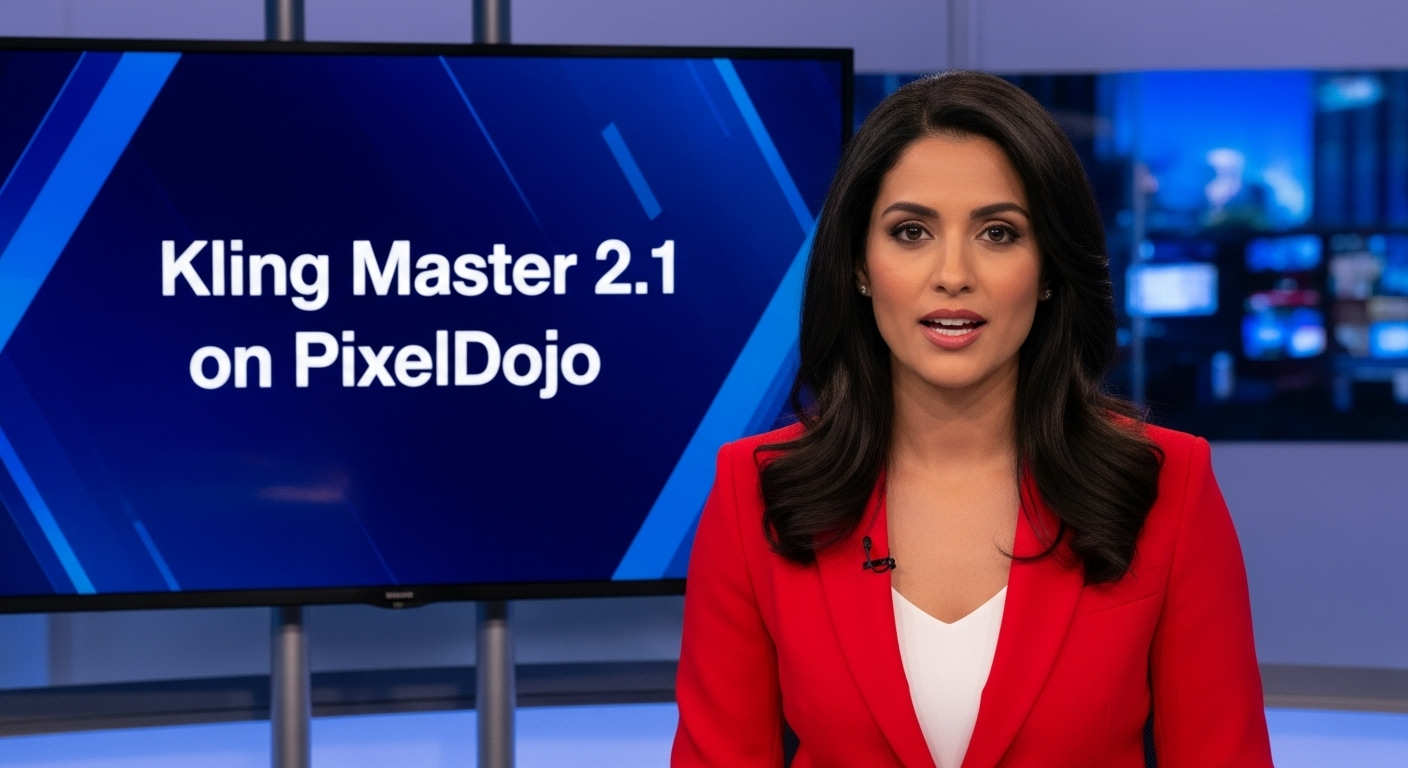
A photo of a beautiful news anchor
imagen
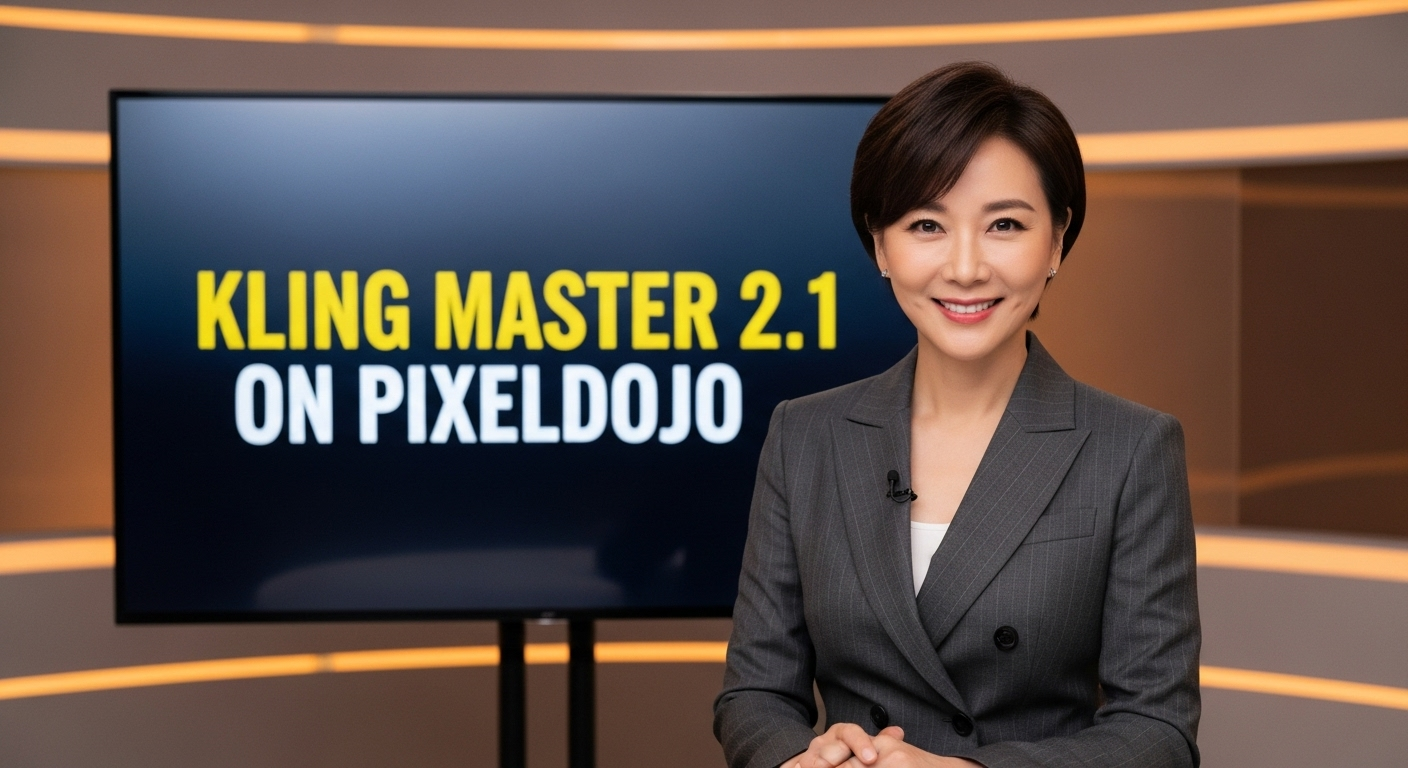
A photo of a beautiful news anchor
imagen
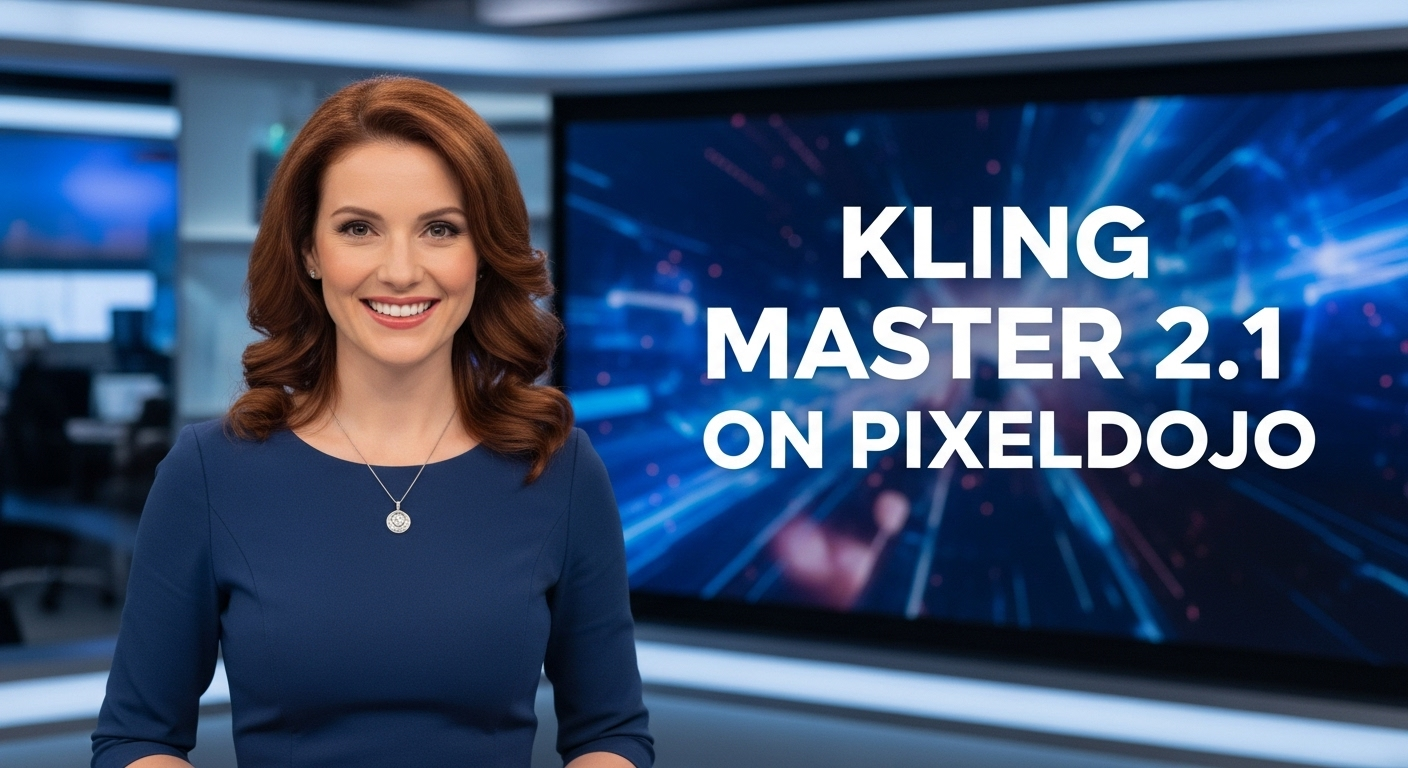
A photo of a beautiful news anchor
imagen
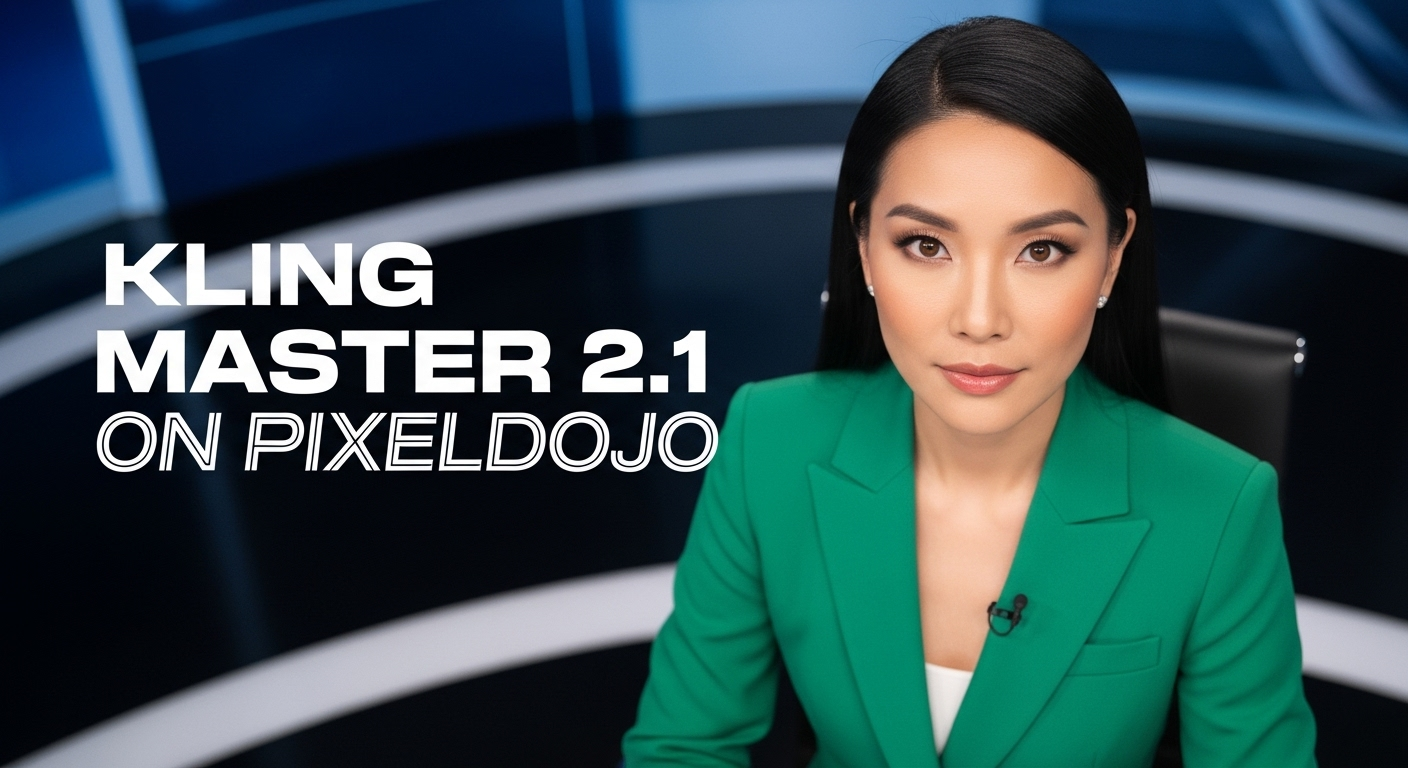
A photo of a beautiful news anchor
imagen

Add a log edited with Flux Kontext Dev
flux-studio
Models you can run on PixelDojo for kling 2.6 online
Switch models without switching tools. Each one runs in the same PixelDojo studio.
What you can do with kling 2.6 online on PixelDojo
Kling 2.6 In Browser
We host Kling 2.6 online so you can generate video from prompts without installing models or a local GPU.
Text And Image Inputs
You start from a written scene or a still frame. We run Kling 2.6 to produce short clips with subject and camera motion.
Motion And Scene Continuity
Kling 2.6 is built for coherent movement across frames. We expose that model so you can iterate on shots for ads, storyboards, and social video.
Iterate Without Local Hardware
We queue and return Kling 2.6 jobs in your PixelDojo workspace so you can refine prompts and outputs from any machine with a browser.
Loved by thousands of creators worldwide who generate millions of images and videos every month using PixelDojo's 40+ cutting-edge AI tools. Join them and cancel anytime.
Why Choose Pixel Dojo for kling 2.6 online
Professional-quality results with cutting-edge AI technology
Deliver Photorealistic Images That Stop the Scroll
You produce images with intricate skin texture, realistic material reflections, volumetric lighting, and emotional micro-expressions that make viewers pause and engage. These stills feel cinematic and professional, giving your brand an instant premium look that traditional methods cannot match at this speed.
Turn Stills into Fully Voiced Cinematic Videos Instantly
You take any Kling 2.6 image and animate it with Kling Video or Kling Video Edit, adding native audio, lip-sync, sound effects, and camera movement in one step. Your static concept becomes a complete 5-10 second clip ready for ads, reels, or presentations without extra software or post-production.
Keep Characters and Products Perfectly Consistent
You lock identity across every generation using reference images, Consistent Characters, Character Sheets, and Kling Image. Your hero stays recognizable from the first still through every video sequence, saving hours of matching work and ensuring professional cohesion in campaigns.
How It Works
You create Kling 2.6 style images on PixelDojo in three straightforward steps that combine specialized generation with powerful editing and animation tools. The process is designed so you move from idea to finished asset without leaving the studio.
Step 1: Choose Your Tool
Open PixelDojo and select Kling Image from the Generate Images collection. For even richer results, start with Flux.2 Studio, WAN 2.6, or QWEN Image 2 to build a strong base, then refine in Kling Image. Upload a reference photo if you need character or product consistency. Pick your aspect ratio (16:9 cinematic, 9:16 vertical, 1:1 square) so the image is already optimized for its final use.
Step 2: Enter Your Prompt
Write a layered prompt that describes your subject, emotion, environment, lighting, and camera. Include details like volumetric god rays, realistic physics, shallow depth of field, and photorealistic textures. Use the built-in enhancer to add Kling 2.6 best practices automatically. Generate multiple variations so you can pick the strongest starting frame.
Step 3: Customize & Download
Fine-tune with Edit Images tools such as Inpainting, Magic Lighting, Reality Polisher, or Background Remover. Upscale with P-Image Upscale or Magnific Upscaler if needed. When you are happy, download the high-resolution still or send it directly to Kling Video, WAN Reference to Video, or Kling Video Edit to add motion, native audio, and cinematic camera work. Your finished assets are ready for commercial use.
The Pixel Dojo Advantage
Why PixelDojo outperforms other options for Kling 2.6 image generation
| Others | Pixel Dojo |
|---|---|
| Traditional photography and design | You generate unlimited photorealistic variations in minutes instead of scheduling shoots, hiring talent, and spending days on post-production. Every element stays under your control. |
| Generic AI tools | You access dedicated Kling Image plus 40+ specialized models in one studio, then move seamlessly into Kling Video and Kling Video Edit for native-audio animation that generic platforms cannot match. |
| Manual photo editing | You skip hours of retouching because PixelDojo's AI already delivers perfect lighting, texture, and consistency. Tools like Reality Polisher and Style Transfer finish the job in seconds. |
Loved by creators on PixelDojo
Real feedback from people using PixelDojo, pulled from our in-product surveys.
Tons of variety. Ease of use. Tools for beginners and advance users.
easiest workflow to get best output image or video
awesome functionality, UX, constant flood of improvements, discord interactivity
Awesome site with so many features
Love how I can almost create anything
The Flux Pro Ultra is just amazing!
Explore more AI tools on PixelDojo
AI Tools
Compare & Switch
- Best AI Image Generators
- Best AI Video Generators
- Midjourney Alternatives
- Civitai Alternatives
- Runway Alternatives
- Leonardo Alternatives
- Pika Alternatives
- Luma Alternatives
- Magnific Alternatives
- Veo Alternatives
- Flux Alternatives
- Freepik Alternatives
- Seedance Alternatives
- Seedream Alternatives
- Pixverse Alternatives
- GPT Image Alternatives
- Synthesia Alternatives
- Playground Alternatives
- NightCafe Alternatives
- Canva AI Alternatives
- ElevenLabs Alternatives
- ComfyUI Alternatives
- Fal Alternatives
- Replicate Alternatives
Common Questions
Everything you need to know about kling 2.6 online
How do I generate Kling 2.6 style images online quickly?
You simply log into PixelDojo, choose Kling Image (or combine it with Flux.2 Studio or WAN 2.6), enter a detailed cinematic prompt, and generate. The entire process takes seconds. You can then refine with Inpainting or Magic Lighting and download or send the image straight to Kling Video. No software installation required and you can cancel anytime.
What are the best prompting techniques for Kling 2.6 online image generation?
You get the strongest results by layering subject, emotion, lighting, camera, and quality terms. Describe volumetric lighting, realistic physics, material interactions, and micro-expressions. End with enhancers like photorealistic, 8k, sharp focus. PixelDojo's prompt enhancer suggests these elements automatically so your Kling 2.6 images look cinematic from the first try.
Can I turn my Kling 2.6 images into videos with native audio on PixelDojo?
Yes. After generating the still with Kling Image, you send it directly to Kling Video, Kling Video Edit, or WAN Reference to Video. The tools add fluid motion, lip-sync, sound effects, and ambient audio in one generation. You produce complete 5 or 10-second cinematic clips without any extra editing software.
Is Kling 2.6 image generation suitable for product photography and marketing?
Absolutely. You create studio-quality product shots with perfect reflections, lighting, and textures using Kling Image, then animate them into rotating reveals or lifestyle videos with Kling Video. Consistent Characters and Virtual Try-On keep branding locked. Thousands of marketers already use this workflow for high-converting ads.
How does PixelDojo help me keep characters consistent in Kling 2.6 images?
You upload a reference image or use Consistent Characters and Character Sheets. Kling Image plus Face Swap and LoRA Face Swap lock identity across every generation. When you later animate with Kling Video Character Swap or Kling Avatar, the same face and style remain intact, giving you professional series-ready assets.
Do I need to pay extra or install anything to use Kling 2.6 online on PixelDojo?
No. Everything runs in your browser. You get access to Kling Image, Kling Video, 40+ other cutting-edge tools, upscalers, and editors under one subscription. Try it today, loved by thousands of creators worldwide, and cancel anytime with no hidden fees.