kling 3.0 ai
Generated on PixelDojo. Produced by PixelDojo's generation pipeline.
Imagine producing gallery-quality, print-ready images that look like they came from a Hollywood production – complete with cinematic lighting, realistic textures, and characters that stay perfectly consistent from one frame to the next. That's the outcome you achieve with PixelDojo's Kling Image tool, powered by Kling 3.0 AI. You skip expensive photoshoots, lengthy editing sessions, and inconsistent results. Instead, you generate native 4K stills that tell complete visual stories through film-grade composition and visual reasoning. Marketers create campaign-ready posters and product shots. Storytellers build entire narrative series from a single idea. Designers lock in brand-consistent characters across dozens of images. All of this happens in seconds on PixelDojo, where you also access 40+ cutting-edge AI tools loved by thousands of creators worldwide. You control every detail – from aspect ratios to multi-reference blending – and download professional files ready for print, web, or further editing. No technical expertise needed. Just describe the scene like a director, and watch photorealistic, high-contrast images appear with punchy details that rival the best photography. Start turning your creative vision into stunning, conversion-ready visuals today and cancel anytime if it doesn't exceed your expectations.
Real video examples generated on PixelDojo
Every example below was produced on PixelDojo. Hover to see the prompt.
The woman is talking and saying "welcome to pixel dojo the only AI tool you need"
image-to-video
A korean kpop girl dancing and singing a song about how pixel dojo is the only ai tool you…
image-to-video
kling 3.0 ai on PixelDojo
p-video-avatar
Your message
p-video-avatar
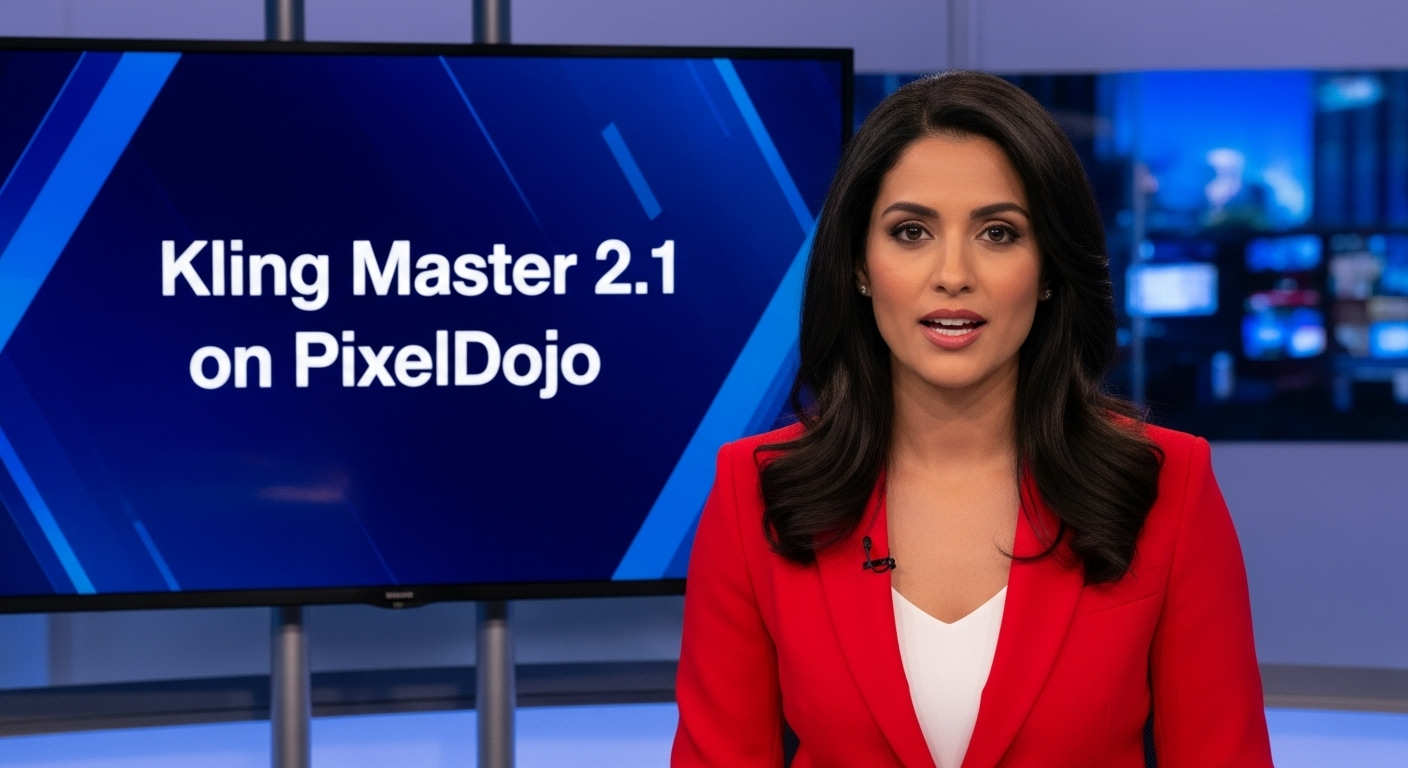
A photo of a beautiful news anchor
imagen
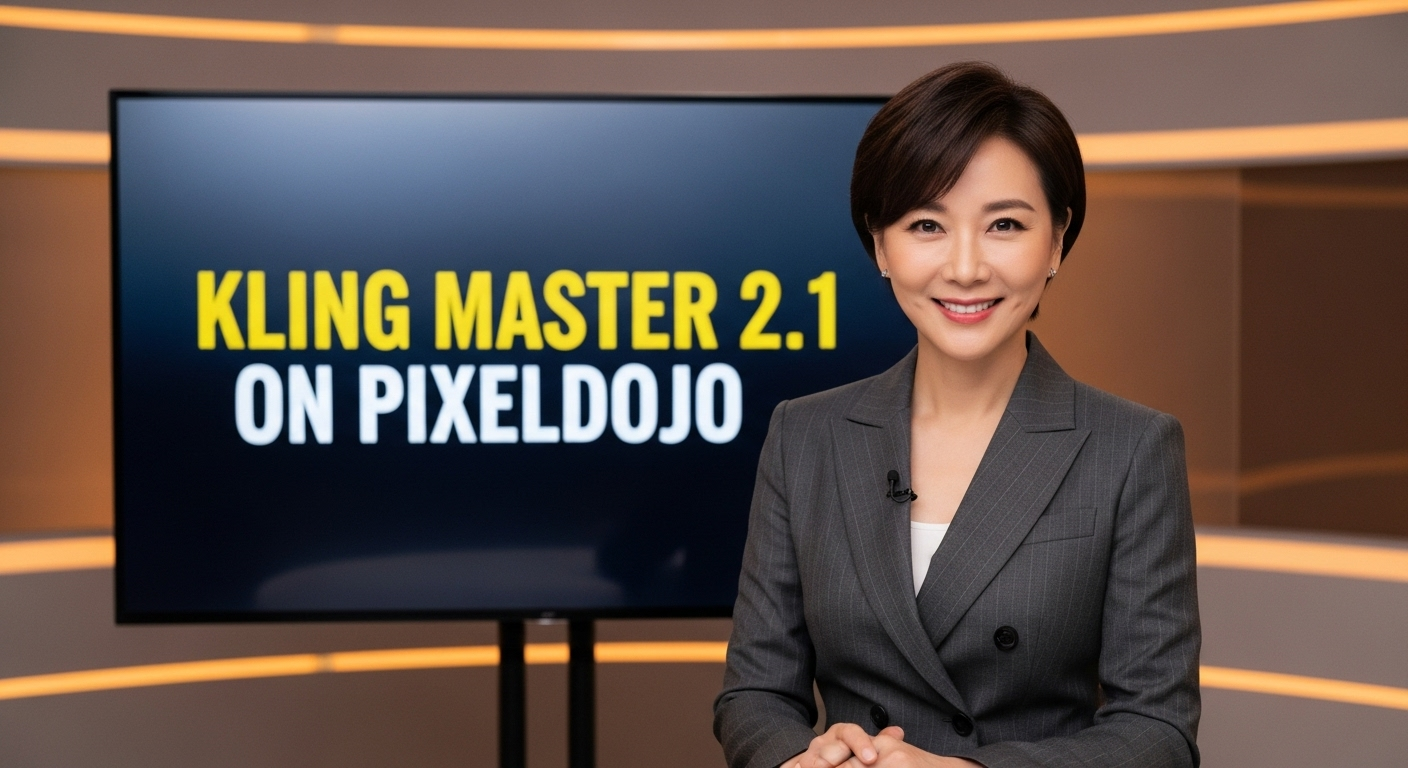
A photo of a beautiful news anchor
imagen
Models you can run on PixelDojo for kling 3.0 ai
Switch models without switching tools. Each one runs in the same PixelDojo studio.
What you can do with kling 3.0 ai on PixelDojo
Text to Video Generation
We run Kling 3.0 so you can turn a written prompt into a short video clip with coherent motion and scene continuity.
Image to Video Motion
Upload a still and we animate it with Kling 3.0, extending composition, lighting, and subject pose into a moving sequence.
Longer Clip Lengths
Create multi-second videos in one generation pass, then iterate on the same prompt or reference without leaving PixelDojo.
Camera and Shot Control
Steer framing with prompt language for pans, zooms, and subject tracking so clips better match the shot you planned.
Thousands of creators worldwide rely on PixelDojo's 40+ AI tools, including Kling Image, to produce cinematic 4K results that consistently outperform traditional methods. High ratings for photorealism, character consistency, and narrative quality. Risk-free with cancel anytime.
Why Choose Pixel Dojo for kling 3.0 ai
Professional-quality results with cutting-edge AI technology
Print-Ready Native 4K Cinematic Stills
You produce sharp, gallery-quality images directly at 2K and 4K resolution without any upscaling or extra processing. These stills feature film-grade composition, realistic reflections, rich textures, and punchy contrast that look stunning in print campaigns, posters, product pages, and high-detail concept art. PixelDojo's Kling Image delivers professional photography outcomes instantly, saving you time and budget while giving you files ready for immediate commercial use.
Locked-In Character Consistency Across Series
You maintain perfect facial features, clothing, and style across multiple images by uploading reference photos. This lets you build coherent storyboards, ad campaigns, or character sheets where every person looks like the same individual from different angles and scenes. Combined with PixelDojo's Consistent Characters and Character Sheets tools, you achieve production-level identity lock that traditional shooting or generic generators simply cannot match, turning one idea into an entire visual narrative.
Narrative Image Series That Tell Complete Stories
You create multi-panel sequences from a single prompt that flow like a film storyboard, with enhanced narrative expression and visual chain-of-thought reasoning. Each still feels like a carefully directed frame with proper lighting, depth, and emotional impact. Use this on PixelDojo alongside Image to Image and Style Transfer to expand your series, resulting in cohesive campaigns or illustrated stories that captivate audiences and drive engagement far beyond single isolated pictures.
How It Works
PixelDojo makes Kling 3.0 AI image generation simple and powerful. You select the dedicated Kling Image tool, write director-style prompts that describe scenes, lighting, and camera, then customize with references and series mode for professional results in minutes.
Step 1: Choose Your Tool
Log into PixelDojo and navigate to Generate Images. Select Kling Image, which brings you the full Kling 3.0 capabilities including native 4K output, multi-reference support, and image series mode. You can also combine it with tools like Flux.2 Studio or Ideogram 4 for complementary styles, or use Edit Images features such as Inpainting and Style Transfer afterward. This one-click access puts cinematic generation at your fingertips without any software installation.
Step 2: Enter Your Prompt
Write your prompt like a film director rather than a simple object list. Describe the scene, camera angle, lighting, mood, and specific actions – for example, 'Cinematic wide shot of a rain-slicked neon alley at twilight, lone figure in trench coat walking toward camera, reflections on wet pavement, shallow depth of field, 4K photorealistic.' Upload up to three reference images for character or style lock. PixelDojo's interface lets you add these easily, and the visual reasoning engine interprets your intent for superior composition and realism.
Step 3: Customize & Download
Choose from seven aspect ratios, enable Image Series Mode for coherent multi-panel outputs, and generate. Review the results, then refine with PixelDojo's Edit Images tools like Change Camera Angle, Magic Lighting, or Reality Polisher if needed. Download your native 4K files instantly. You can also upscale further with P-Image Upscale or Magnific Upscaler, or feed stills into Kling Video for animation. Everything stays in one platform so you move from idea to finished asset without leaving PixelDojo.
The Pixel Dojo Advantage
Why PixelDojo outperforms other options for Kling 3.0 AI image generation – you get faster, higher-quality, more consistent results with zero extra cost or complexity.
| Others | Pixel Dojo |
|---|---|
| Traditional photography and photoshoots | You eliminate location scouting, model fees, lighting setups, and post-production hours. PixelDojo's Kling Image produces equivalent or better cinematic 4K stills in seconds, with perfect consistency across an entire series that would require multiple expensive shoots. |
| Generic AI image tools | You avoid low-resolution outputs, character drift, and weak narrative flow. PixelDojo gives you native 4K from Kling 3.0 plus multi-reference locking, series mode, and seamless integration with 40+ specialized tools like Consistent Characters and Image Outpainting for professional-grade outcomes every time. |
| Manual photo editing and compositing | You skip tedious layer work, masking, and lighting matching that takes hours per image. With PixelDojo you generate the base cinematic still, then use Inpainting, Style Transfer, and Reality Polisher for precise local edits while the AI handles the heavy lifting of realism and consistency. |
Loved by creators on PixelDojo
Real feedback from people using PixelDojo, pulled from our in-product surveys.
Trained my Lora super fast. Still working out how to creat content wit it, but I love it so far.
I love this app
It has all the tools I can think of...
deployment rate of splendid features is incredible. Legend
large selection of tools on one platform
the amount you can do on this site
Explore more AI tools on PixelDojo
AI Tools
Compare & Switch
- Best AI Image Generators
- Best AI Video Generators
- Midjourney Alternatives
- Civitai Alternatives
- Runway Alternatives
- Leonardo Alternatives
- Pika Alternatives
- Luma Alternatives
- Magnific Alternatives
- Veo Alternatives
- Flux Alternatives
- Freepik Alternatives
- Seedance Alternatives
- Seedream Alternatives
- Pixverse Alternatives
- GPT Image Alternatives
- Synthesia Alternatives
- Playground Alternatives
- NightCafe Alternatives
- Canva AI Alternatives
- ElevenLabs Alternatives
- ComfyUI Alternatives
- Fal Alternatives
- Replicate Alternatives
Common Questions
Everything you need to know about kling 3.0 ai
What is Kling 3.0 AI image generation and how can I use it on PixelDojo?
Kling 3.0 AI image generation refers to Kuaishou's advanced Image 3.0 and Image 3.0 Omni models that use visual chain-of-thought reasoning to create cinematic, narrative stills at native 2K and 4K resolution. On PixelDojo you access this directly through the Kling Image tool in the Generate Images section. You simply write a director-style prompt, optionally add reference images for consistency, choose your aspect ratio, and generate. The result is photorealistic images with film-grade lighting, textures, and composition that you can immediately download or refine with PixelDojo's full suite of editing tools. This combination lets you achieve professional outcomes without leaving the platform, and you can cancel anytime.
How do I get consistent characters when generating Kling 3.0 AI images on PixelDojo?
You upload one to three reference images of your character, face, clothing, or style directly in the Kling Image tool. The model uses these for high-feature retention so the same person appears across different scenes, angles, and lighting. For even stronger results, combine this with PixelDojo's Consistent Characters, Character Sheets, and Ideogram Character tools. You can then expand the set using Image to Image or generate a full series in one go. This workflow produces campaign-ready visual identities that stay locked in, something that used to require extensive photoshoots or complex training.
Can PixelDojo's Kling 3.0 AI generate native 4K images without upscaling?
Yes. Kling Image 3.0 Omni on PixelDojo outputs directly at 2K and 4K resolution with exceptional edge clarity, detail, and no need for separate upscalers. These files are print-ready for posters, packaging, and large-format work. If you ever want even more resolution or creative enhancement, you can send the result to P-Image Upscale, Magnific Upscaler, or Creative Upscaler – all inside the same PixelDojo account. This native high-resolution capability is one of the biggest time-savers compared to older generators that required extra processing steps.
What are the best prompting techniques for Kling 3.0 AI images on PixelDojo?
Write prompts as if you are directing a cinematographer. Lead with camera angle and shot type, then describe the subject, environment, lighting, mood, and specific details like reflections or textures. Example: 'Cinematic medium close-up, golden hour side lighting, woman in vintage coat standing on misty dock, water reflections, shallow depth of field, photorealistic 4K.' Avoid simple object lists. For series, describe the overall narrative and let the Image Series Mode handle coherence. PixelDojo also lets you reverse-engineer descriptions from existing images using the Image Analyzer, making it easy to iterate toward the exact cinematic look you want.
Does Kling 3.0 AI on PixelDojo support creating image series or storyboards?
Absolutely. The Image Series Mode in Kling Image generates coherent multi-panel sequences from a single prompt, perfect for storyboards, comic-style narratives, or campaign sequences. Each panel maintains character, style, and lighting consistency thanks to the model's visual reasoning. You can then take individual frames into Edit Images tools like Change Camera Angle or Inpainting for fine-tuning, or feed them into Kling Video or WAN 2.7 Video to animate the story. This turns PixelDojo into a complete visual storytelling studio where one idea becomes an entire sequence in minutes.
Is there any risk to trying Kling 3.0 AI image generation on PixelDojo?
None. PixelDojo offers 40+ cutting-edge AI tools including Kling Image, all loved by thousands of creators worldwide. You can start generating immediately, explore native 4K cinematic results, and cancel anytime with no long-term commitment. There are no watermarks on paid generations, and you keep full commercial rights to everything you create. This risk-free approach lets you test the quality of Kling 3.0 stills against your actual projects before deciding, while also giving you access to complementary tools like Flux.2 Studio, Seedream 5, and professional upscalers in one place.