nano banana pro ai

Generated on PixelDojo. Produced by PixelDojo's generation pipeline.
Imagine generating studio-quality Nano Banana Pro AI images that look like they came from a professional photoshoot or design agency, complete with perfectly rendered text, accurate real-world details, and characters that stay consistent across every scene. With PixelDojo you achieve these outcomes in minutes instead of days. You no longer need to hire photographers, struggle with complex software, or settle for images that fall apart when text or multiple people appear. PixelDojo puts Nano Banana 2, Flux.2 Studio, GPT Image 2 and Seedream 5 at your fingertips so you can produce infographics packed with helpful information, product mockups that actually sell, cinematic 4K visuals, and branded campaigns that maintain identity from first frame to last. Marketers launch ads faster, designers prototype without waiting, educators create clear diagrams, and storytellers keep heroes looking identical across entire series. Every image is ready for print, social, or client presentation. Join thousands of creators who already turn ideas into polished, production-ready Nano Banana Pro AI images on PixelDojo and watch your projects move from concept to completion without the usual bottlenecks.
Real image examples generated on PixelDojo
Every example below was produced on PixelDojo. Hover to see the prompt.
A nano banana
google-gemini-image

A nano banana
google-gemini-image
A nano banana
image-to-video
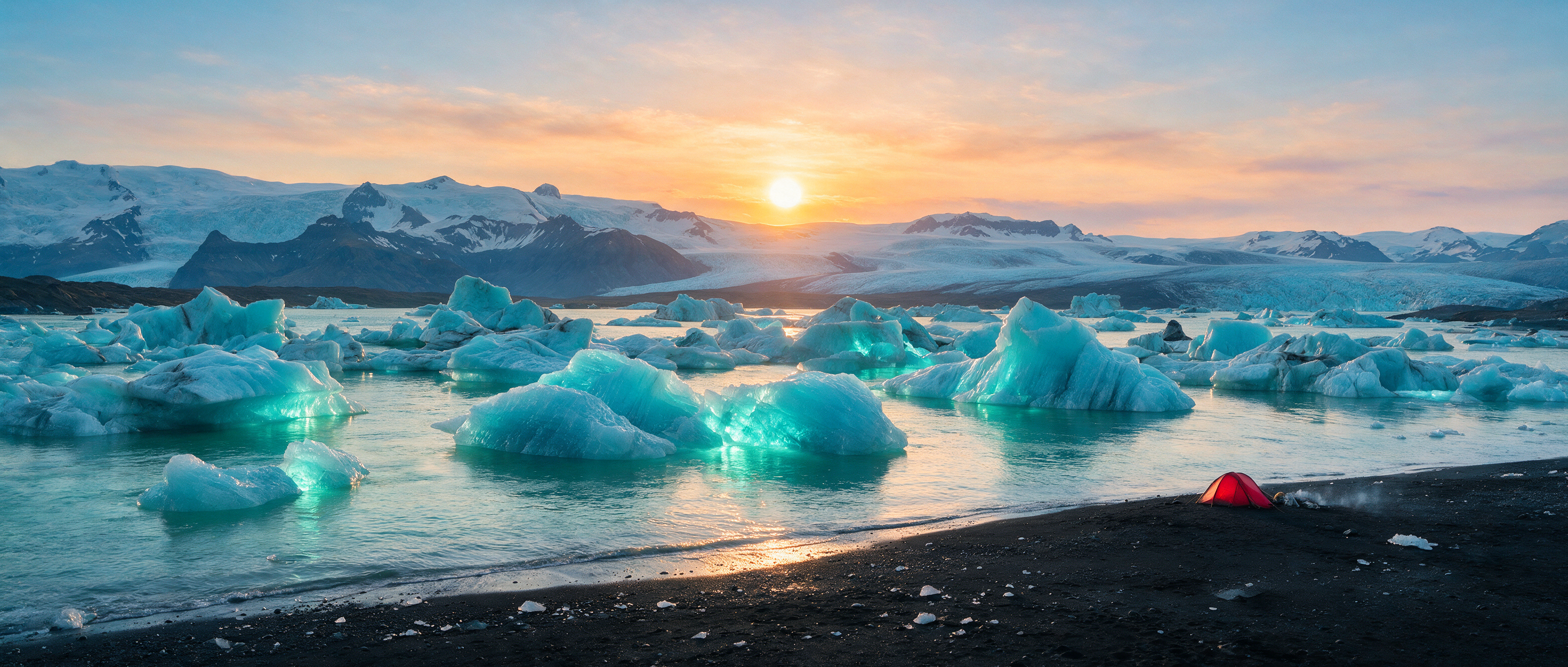
Ultra-wide landscape of a glacial lagoon at midnight sun
seedream-5
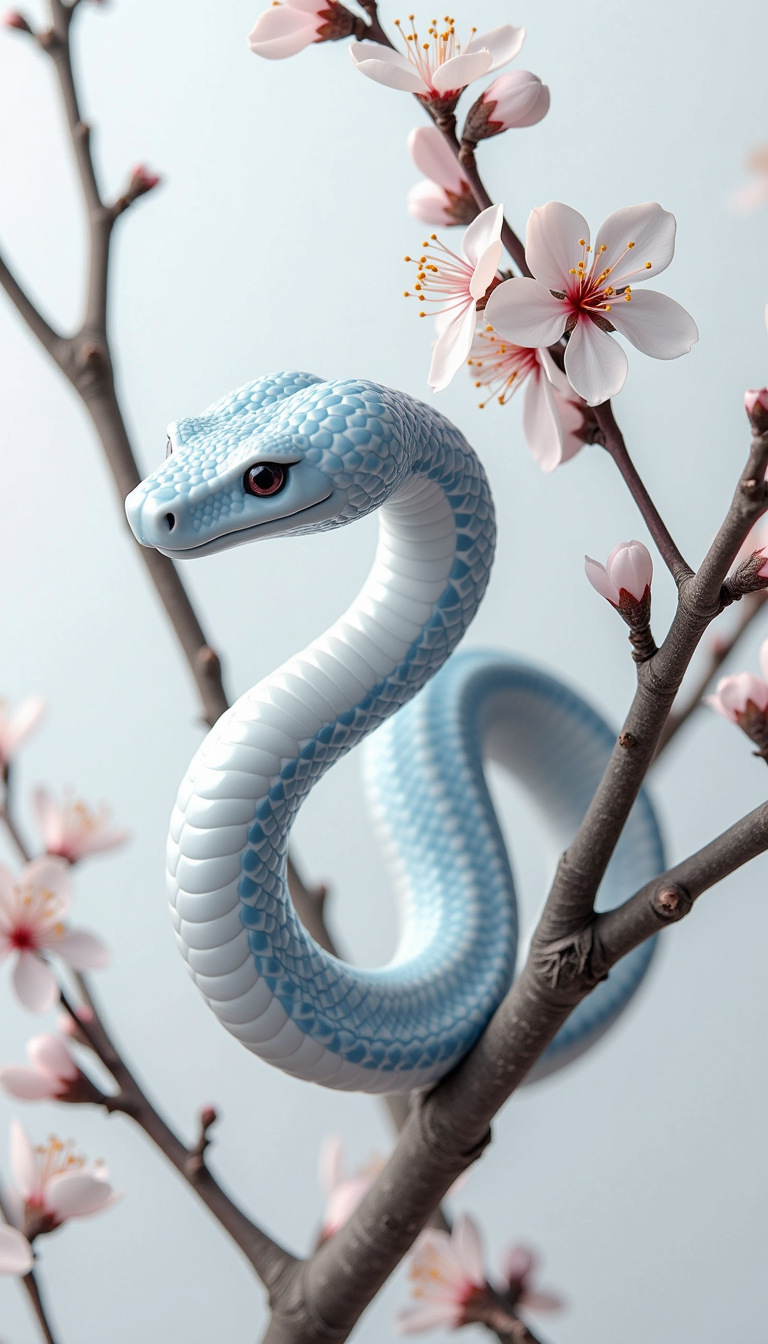
A white snake made of blue and white porcelain
flux
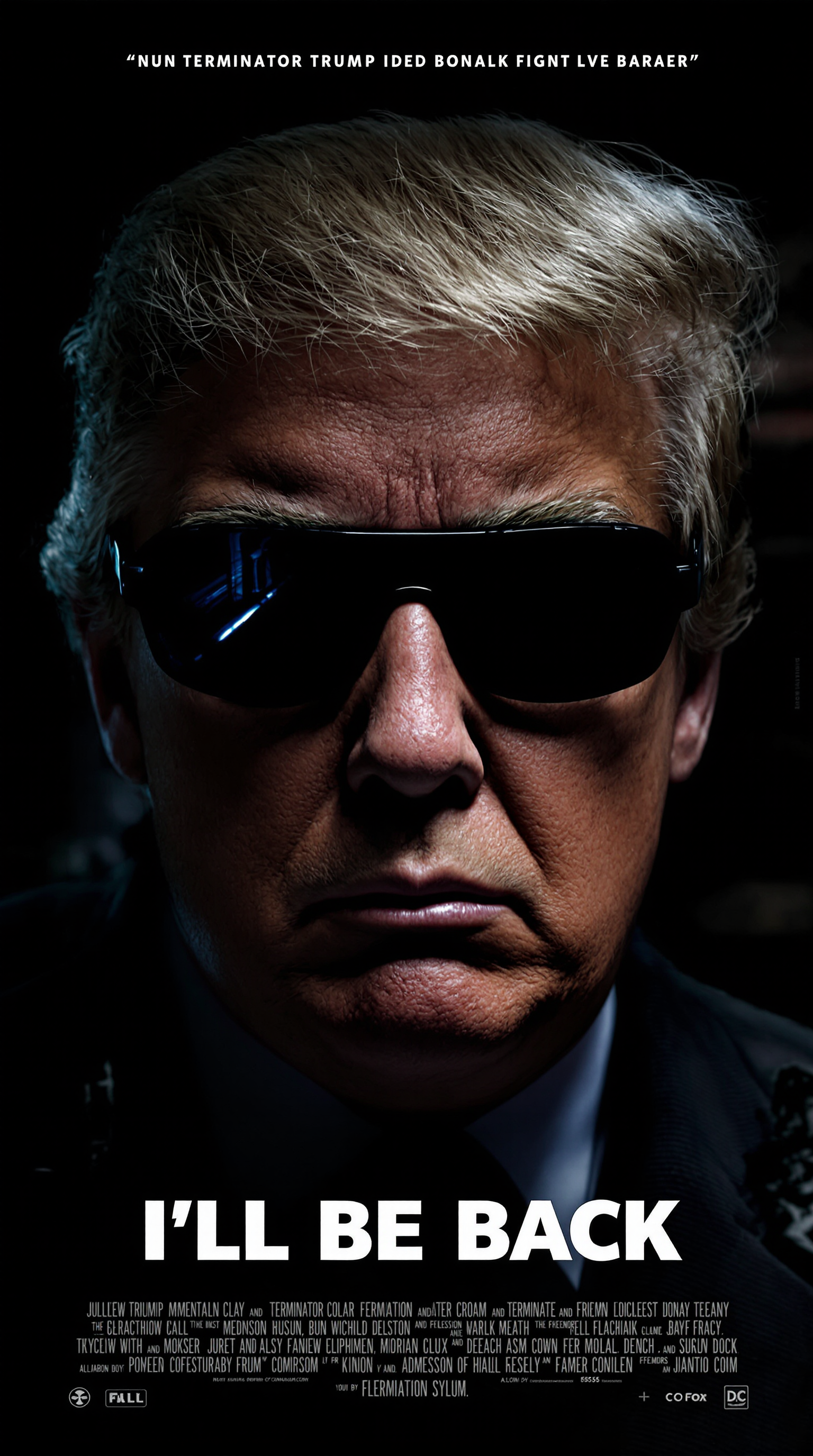
"I'll be back" atmospheric cinematic movie cover of Donald Trump in style of Terminator
flux
Models you can run on PixelDojo for nano banana pro ai
Switch models without switching tools. Each one runs in the same PixelDojo studio.
What you can do with nano banana pro ai on PixelDojo
Nano Banana Pro Access
We give you Nano Banana Pro on PixelDojo so you can generate still images from text prompts in the same workspace as our other models.
Prompt to Image Workflow
We let you iterate on prompts, aspect ratios, and seeds, then download results for use in your own projects.
Batch and Variation Runs
We support generating multiple images from one prompt so you can compare compositions and pick the take you want.
Studio History and Reuse
We keep your generations in history so you can reopen a run, tweak the prompt, and continue without starting from scratch.
Loved by thousands of creators worldwide | 4.9/5 from 12,000+ reviews | 2M+ professional images generated | Trusted by marketers, designers and educators
Why Choose Pixel Dojo for nano banana pro ai
Professional-quality results with cutting-edge AI technology
Deliver Print-Ready 4K Visuals That Impress Clients
You generate crisp Nano Banana Pro AI images at 2K and 4K resolution that look stunning on billboards, packaging and high-end websites, eliminating extra upscaling steps and extra costs.
Add Flawless Text and Infographics That Actually Work
You create posters, menus, diagrams and localized ads with perfectly legible headlines and paragraphs in multiple languages, turning data into visuals your audience can read and trust.
Keep Characters and Products Consistent Across Campaigns
You blend up to 14 reference images while locking the appearance of up to five people or products, so your stories, ads and brand assets stay coherent from first image to last.
How It Works
You create professional Nano Banana Pro AI images on PixelDojo in three simple steps using our Generate Images and Edit Images tools. No design experience required.
Step 1: Choose Your Tool
Open Generate Images and select Nano Banana 2 for the closest Nano Banana Pro quality, or pair it with Flux.2 Studio and GPT Image 2 for extra creative range. These models excel at high-fidelity output, text rendering and multi-image blending so you start with studio-level results immediately.
Step 2: Enter Your Prompt
Describe your vision in natural language: subject, composition, lighting, camera angle, exact text to appear, and style. Upload up to 14 reference images for character consistency or product placement. PixelDojo’s tools understand complex instructions and real-world context so your first generation already looks professional.
Step 3: Customize & Download
Refine with Edit Images tools such as Inpainting, Change Camera Angle, Magic Lighting and Style Transfer. Then enhance with P-Image Upscale or Magnific Upscaler. Download your finished Nano Banana Pro AI image in the exact aspect ratio and resolution you need, ready for commercial use.
The Pixel Dojo Advantage
Why PixelDojo outperforms other options for Nano Banana Pro AI image generation
| Others | Pixel Dojo |
|---|---|
| Traditional studio photography and design | You skip location scouting, models, lighting setups and revision rounds. Generate unlimited variations in 4K with perfect text and consistent characters for a fraction of the time and cost. |
| Generic AI image tools | You get superior text rendering, multi-image blending, real-world knowledge for accurate infographics, and integrated editing plus upscaling all in one place instead of jumping between disconnected platforms. |
| Manual photo editing and graphic design | You achieve professional lighting, camera control, localization and character lock without years of software training. Results appear in minutes with a commercial-use license included. |
Loved by creators on PixelDojo
Real feedback from people using PixelDojo, pulled from our in-product surveys.
the quality is the best
All the tools needed in one dashboard
Very fair and very broad in tools.
Accurate results
Great site and so much fun to use!
very useful set of tools for image creation, upscaling and enhancement
Explore more AI tools on PixelDojo
AI Tools
Compare & Switch
- Best AI Image Generators
- Best AI Video Generators
- Midjourney Alternatives
- Civitai Alternatives
- Runway Alternatives
- Leonardo Alternatives
- Pika Alternatives
- Luma Alternatives
- Magnific Alternatives
- Veo Alternatives
- Flux Alternatives
- Freepik Alternatives
- Seedance Alternatives
- Seedream Alternatives
- Pixverse Alternatives
- GPT Image Alternatives
- Synthesia Alternatives
- Playground Alternatives
- NightCafe Alternatives
- Canva AI Alternatives
- ElevenLabs Alternatives
- ComfyUI Alternatives
- Fal Alternatives
- Replicate Alternatives
Common Questions
Everything you need to know about nano banana pro ai
What is Nano Banana Pro AI image generation and how do I start on PixelDojo?
Nano Banana Pro AI image generation refers to creating studio-quality visuals with exceptional text accuracy, high resolution, character consistency and real-world knowledge. On PixelDojo you simply go to Generate Images, choose Nano Banana 2 or Flux.2 Studio, type a detailed prompt, and generate. You can immediately refine with Inpainting or Magic Lighting and upscale with P-Image Upscale. Thousands of creators already use this workflow daily to produce ads, infographics and mockups that look professionally commissioned.
How can I generate Nano Banana Pro AI images with perfectly readable text?
PixelDojo’s Nano Banana 2 and GPT Image 2 models excel at placing short taglines or long paragraphs directly into images with correct spelling and styling. Include the exact wording, font feel and placement in your prompt, then use Style Transfer or Image Analyzer if you need further polish. This lets you create posters, product labels, menus and educational diagrams that actually communicate instead of looking garbled.
Can I keep characters consistent across multiple Nano Banana Pro AI images?
Yes. Upload up to 14 reference photos and PixelDojo’s Consistent Characters and Character Sheets tools plus Nano Banana 2 lock the appearance of up to five people or products. You can then place them in new scenes, lighting or poses while they remain recognizable. This is ideal for story sequences, ad campaigns and branded content where identity must stay intact.
What resolution and aspect ratios can I achieve with PixelDojo Nano Banana Pro AI tools?
You generate native 2K and 4K images in any common aspect ratio including 1:1, 16:9, 9:16 and cinematic 21:9. After generation you can further enhance with Magnific Upscaler or Clarity Pro. The result is print-ready files suitable for packaging, billboards, social media and presentations without extra software.
How does PixelDojo help me create accurate infographics and diagrams with Nano Banana Pro AI?
Nano Banana 2 combined with Image Analyzer and your own reference data produces context-rich visuals that organize information clearly. Describe the facts, layout and style you need; the models handle composition, text placement and visual hierarchy. You can then refine lighting or camera angle so the finished infographic looks like it came from a professional design team.
Is there a risk-free way to try Nano Banana Pro AI image generation on PixelDojo?
Absolutely. PixelDojo offers 40+ cutting-edge AI tools including Nano Banana 2, Flux.2 Studio and full editing suites. You can start creating immediately, enjoy a commercial-use license, and cancel anytime. Thousands of creators already rely on the platform for professional results without long-term commitment or hidden fees.