kling 3.0 online AI Generator
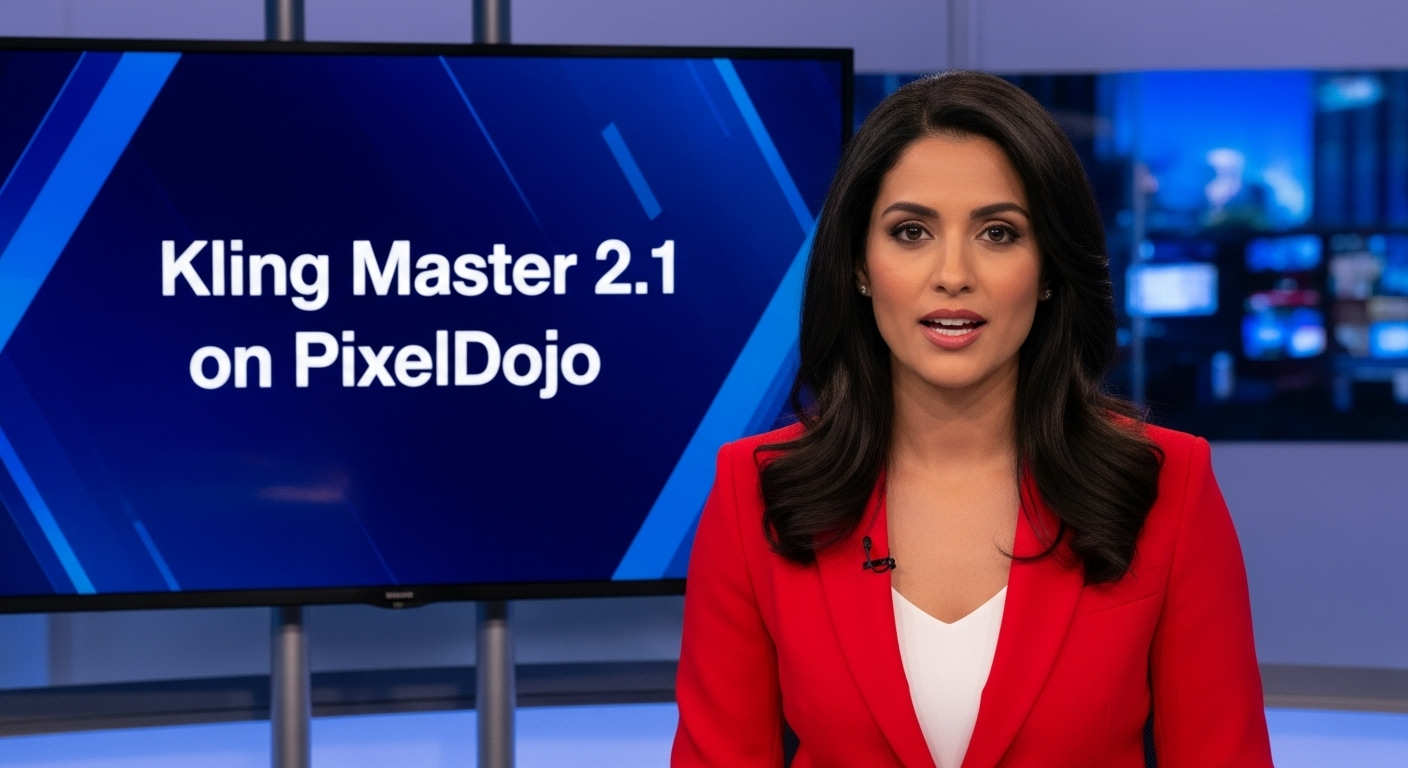
Generated on PixelDojo. Produced by PixelDojo's generation pipeline.
You can now produce Hollywood-caliber cinematic stills, cohesive visual narratives, and print-ready 4K images in minutes without cameras, studios, or design teams. Kling 3.0 online on PixelDojo transforms your concepts into breathtaking visuals packed with emotion, photorealistic detail, and storytelling power. Filmmakers use it to storyboard entire scenes with perfect lighting and composition. Marketers build consistent brand campaigns that look shot by professionals. Creators develop rich character universes that stay identical across dozens of images. PixelDojo's Kling Image tool delivers native ultra-high-definition outputs that pop on screens or in print, complete with punchy contrast, realistic textures, and filmic depth. Pair it with our Image to Image, Inpainting, and Kling Video tools to refine, expand, or animate everything you make. Join thousands of creators worldwide who rely on PixelDojo's 40+ cutting-edge AI tools every day. Start creating immediately and cancel anytime if it doesn't exceed your expectations.
Real video examples generated on PixelDojo
Every example below was produced on PixelDojo. Hover to see the prompt.
A photo of a beautiful news anchor
imagen
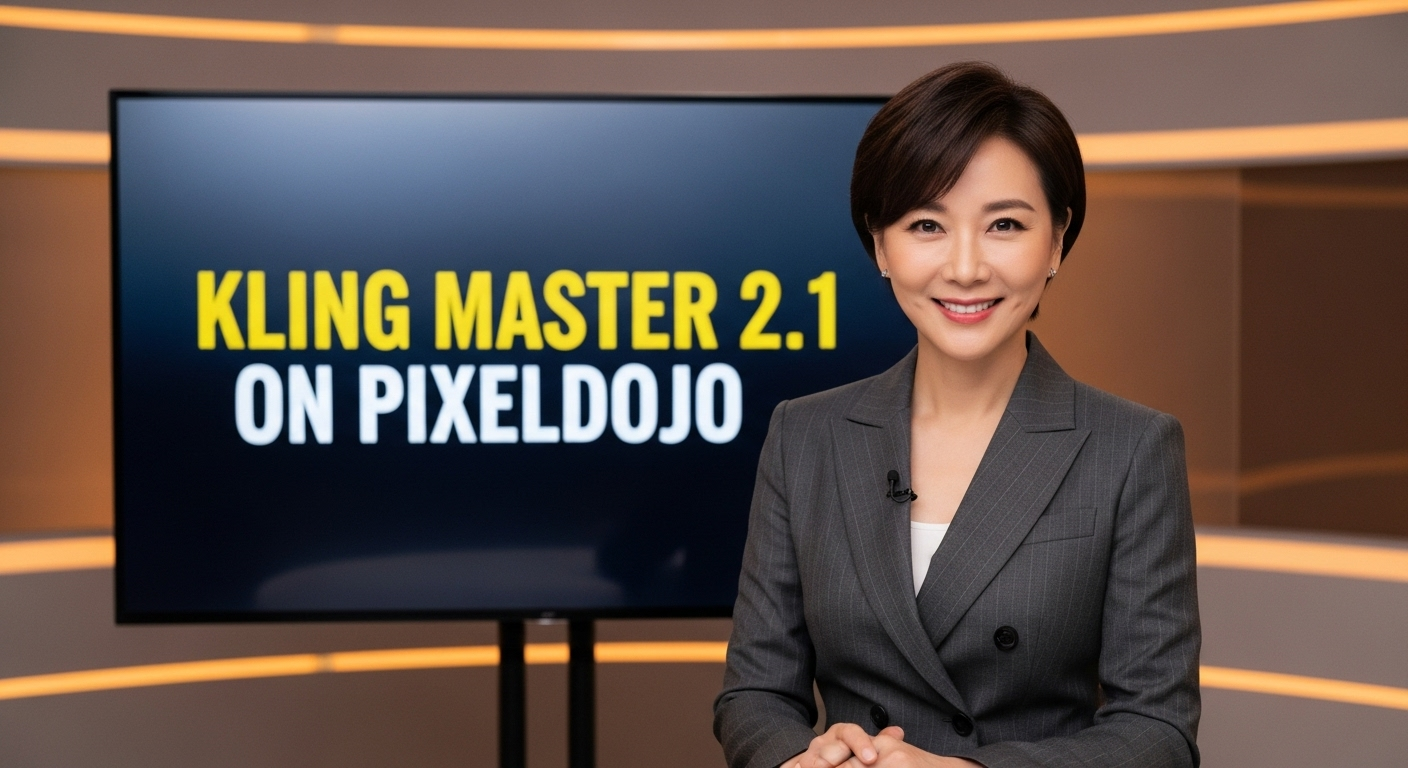
A photo of a beautiful news anchor
imagen
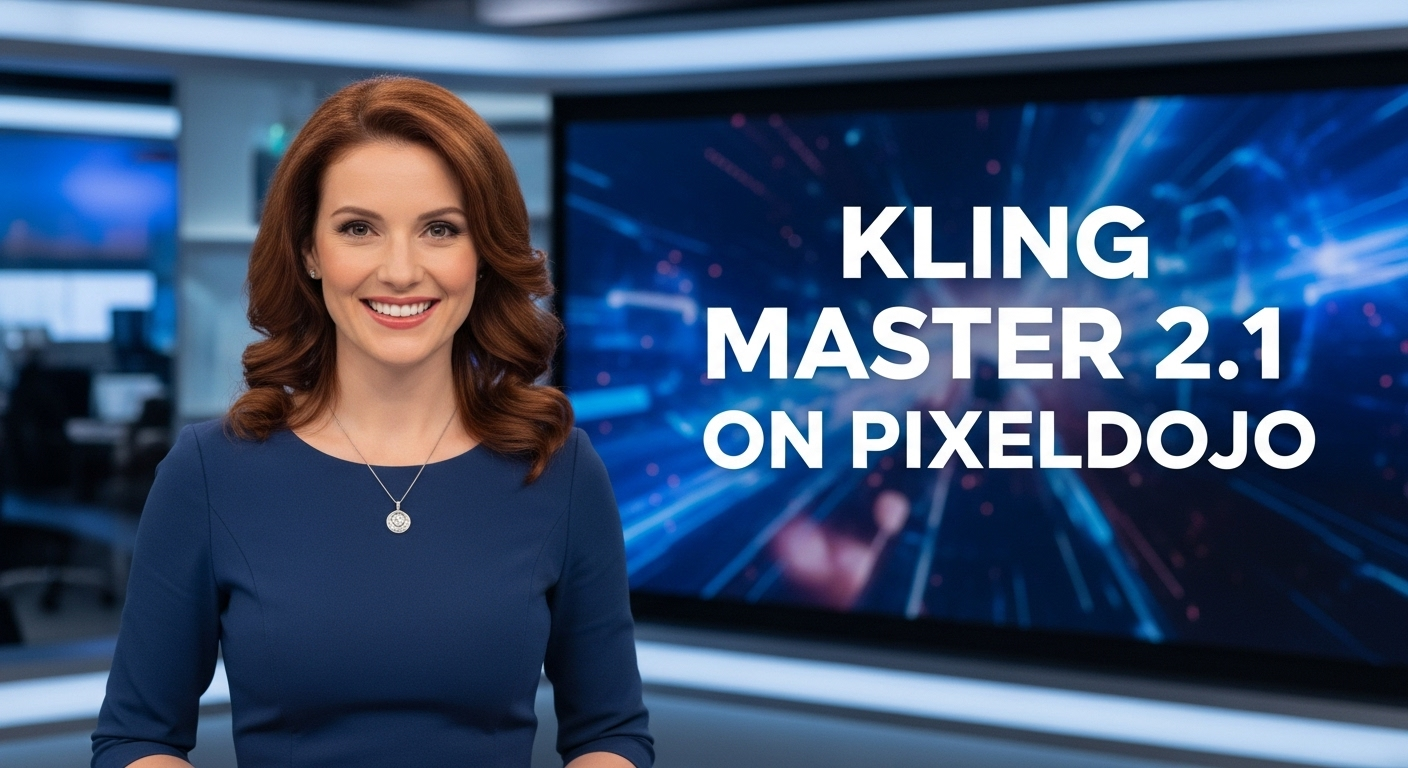
A photo of a beautiful news anchor
imagen
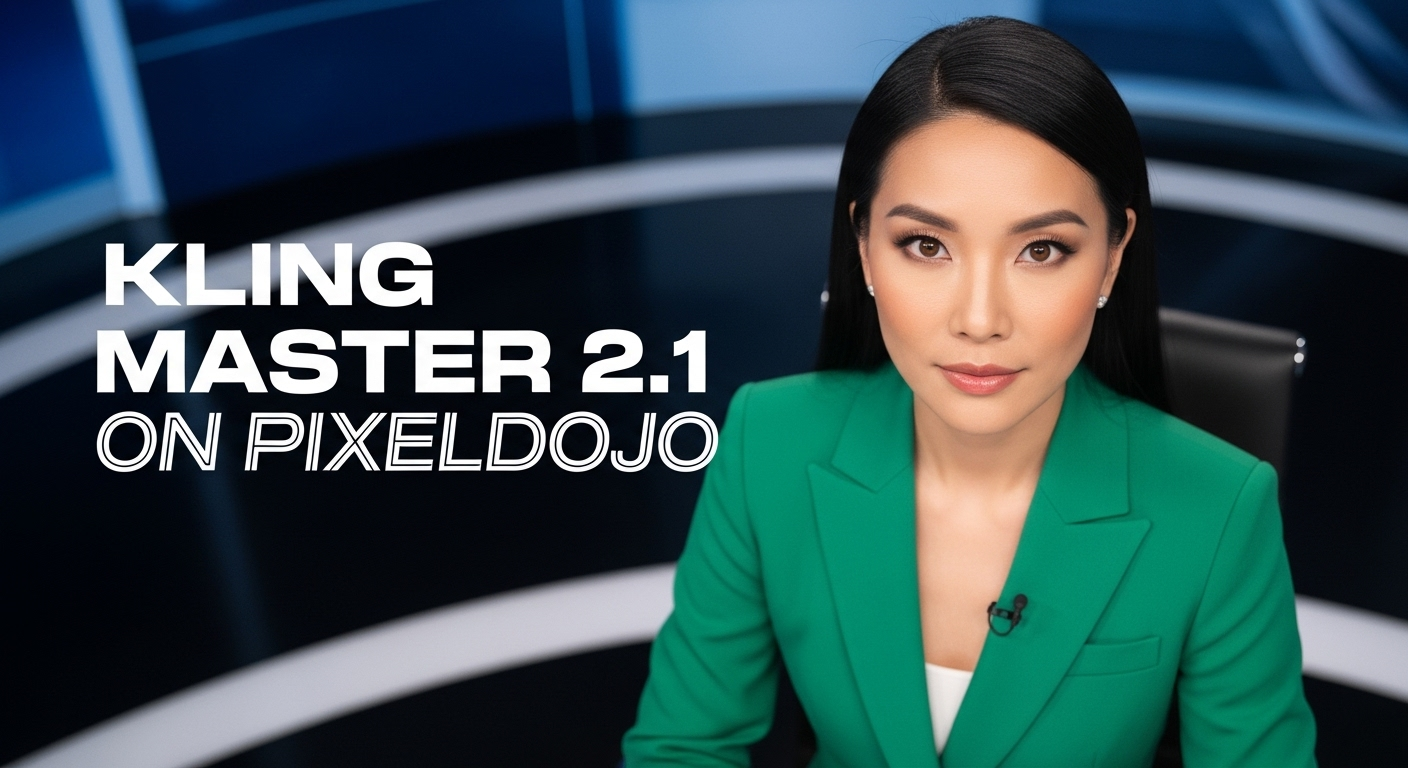
A photo of a beautiful news anchor
imagen

Add a log edited with Flux Kontext Dev
flux-studio

Kira-Super
stable-diffusion
Models you can run on PixelDojo for kling 3.0 online
Switch models without switching tools. Each one runs in the same PixelDojo studio.
What you can do with kling 3.0 online on PixelDojo
Kling 3.0 in Browser
We host Kling 3.0 so you can generate video from a web page without installing a local model. You write a prompt, queue a job, and review the clip when it finishes.
Text to Video Prompts
We turn written scene descriptions into short clips with Kling 3.0. You control subject, motion, and style in the prompt and generate multiple takes from the same brief.
Image to Video Motion
We animate a still you upload so Kling 3.0 extends it into a moving shot. You keep the source framing and add camera or character motion in the prompt.
Iterate, Preview, Download
We keep generations in your workspace so you can refine prompts and compare takes. You preview results on the page and download files when you are ready to edit.
Loved by thousands of creators worldwide using 40+ cutting-edge AI tools. High ratings for cinematic quality and consistency. Cancel anytime with no risk.
Why Choose Pixel Dojo for kling 3.0 online
Professional-quality results with cutting-edge AI technology
Native 4K Print-Ready Cinematic Quality Instantly
You achieve gallery-worthy images with true 2K and 4K resolution, razor-sharp edges, rich textures, and professional grading that look like they came from a high-end photoshoot—ready for posters, ads, or large-format print without any extra work.
Build Complete Visual Stories with One Prompt
You generate logically flowing multi-panel sequences that maintain character identity, lighting, and mood from start to finish, turning a single idea into comics, ad campaigns, or pre-visualization boards that feel directed by a cinematographer.
Lock Perfect Character and Style Consistency Every Time
You upload multiple references and get unified faces, outfits, products, and aesthetics across every generation, creating professional character sheets, product lines, or branded worlds that stay on-model without endless tweaking.
How It Works
You create professional Kling 3.0 images on PixelDojo in three simple steps designed around the results you actually want, not complicated settings.
Step 1: Choose Your Tool
Open PixelDojo and select Kling Image from the Generate Images section. For extra control, start with Image to Image if you have a photo to transform, or Consistent Characters if you need a locked identity from the beginning. This gives you immediate access to Kling 3.0's cinematic engine plus our full editing suite.
Step 2: Enter Your Prompt
Describe your vision using cinematic language: the subject, lighting, camera angle, mood, and textures. Add up to multiple reference images to lock faces, clothing, or products. For series, simply tell it the sequence of panels you want. Kling 3.0 reasons through object relationships so your results feel naturally composed and realistic.
Step 3: Customize & Download
Pick your aspect ratio from 1:1 to 16:9, enable Series Mode for multi-image stories, generate, then refine with Inpainting, Style Transfer, or Magic Lighting. Animate the best frames instantly with Kling Video or other video tools. Download native 4K files ready for any use. Everything stays in one place so you never lose momentum.
The Pixel Dojo Advantage
Why PixelDojo outperforms other options for Kling 3.0 image generation
| Others | Pixel Dojo |
|---|---|
| Traditional photography and photoshoots | You skip location scouting, talent booking, and lighting setups entirely. Generate unlimited cinematic variations of any scene or character in minutes at a fraction of the cost, then iterate until it's perfect. |
| Generic AI image tools | You get specialized Kling 3.0 capabilities like native 4K output, dedicated Series Mode for narratives, and multi-reference consistency that basic generators lack, plus seamless handoff to Kling Video, Inpainting, and Character tools in one platform. |
| Manual photo editing and compositing | You create or transform images from scratch in seconds instead of spending hours in complex software. AI handles consistency, lighting, and storytelling automatically so you focus on creative direction rather than technical labor. |
Loved by creators on PixelDojo
Real feedback from people using PixelDojo, pulled from our in-product surveys.
The guy that operates the website is constantly updating it
I’ve been using PixelDojo for around 8 months now and it’s always worked wonderfully while constantly adding features.
The site is easy to navigate and use.
All the tools, readily available and easy to understand
You guys, the LORA training is the BEST in the space right now, great job with that!
Tons of variety. Ease of use. Tools for beginners and advance users.
Explore more AI tools on PixelDojo
AI Tools
Compare & Switch
- Best AI Image Generators
- Best AI Video Generators
- Midjourney Alternatives
- Civitai Alternatives
- Runway Alternatives
- Leonardo Alternatives
- Pika Alternatives
- Luma Alternatives
- Magnific Alternatives
- Veo Alternatives
- Flux Alternatives
- Freepik Alternatives
- Seedance Alternatives
- Seedream Alternatives
- Pixverse Alternatives
- GPT Image Alternatives
- Synthesia Alternatives
- Playground Alternatives
- NightCafe Alternatives
- Canva AI Alternatives
- ElevenLabs Alternatives
- ComfyUI Alternatives
- Fal Alternatives
- Replicate Alternatives
Common Questions
Everything you need to know about kling 3.0 online
How do I generate Kling 3.0 images online with PixelDojo for cinematic results?
You simply log into PixelDojo, choose the Kling Image tool, write a cinematic prompt describing lighting, composition, and mood, add any reference images, and generate. PixelDojo gives you native 4K output plus easy access to Image to Image, Inpainting, and Kling Video so you can refine or animate immediately. Thousands of creators use this exact workflow daily because it delivers professional stills without leaving the platform.
What makes Kling 3.0 4K image generation the best choice for print-ready professional work?
You get true native 2K and 4K resolution with no upscaling artifacts, plus punchy contrast, realistic reflections, and filmic textures that hold up in large prints or high-end campaigns. Combined with PixelDojo's Reality Polisher and Portrait Upscaler, your images look like they were shot on professional cameras, saving you time and money on traditional production.
Can I create consistent multi-image series and storyboards with Kling 3.0 online?
Yes. Kling 3.0's Series Mode lets you generate coherent multi-panel sequences from one prompt while locking character identity, lighting, and style. On PixelDojo you can then expand those stills into Character Sheets, apply Style Transfer, or turn them into motion with Kling Video, giving you complete visual stories in a single session.
How do I use reference images in Kling 3.0 for perfect character consistency on PixelDojo?
You upload multiple photos of your character, product, or style directly into the Kling Image tool. The model analyzes and blends them so faces, outfits, and details stay locked across every new generation. PixelDojo then lets you save those as Consistent Characters or use Face Swap and LoRA Face Swap for even more control, making it easy to build entire campaigns that look unified.
What are the best techniques for writing cinematic Kling 3.0 image prompts that convert ideas into stunning visuals?
You describe the scene like a director: subject action, specific lighting (volumetric, golden hour), camera framing, textures, and emotional mood. Add references for identity and use Series Mode language for sequences. PixelDojo's Kling Image plus Image Analyzer and Magic Lighting tools let you iterate quickly until the result matches your vision exactly, turning simple ideas into portfolio-quality work.
How does PixelDojo enhance Kling 3.0 image generation with extra AI tools for complete projects?
You start with Kling Image then immediately use Image to Image or Inpainting for edits, Background Remover for clean cutouts, Kling Video or WAN Video to add motion, Consistent Characters for identity locking, and Upscale tools if needed. This all-in-one approach with 40+ tools means you go from still to finished video campaign without switching platforms, which is why thousands of creators stay with PixelDojo.