kling 3.0 without kuaishou AI Generator
Generated on PixelDojo. Produced by PixelDojo's generation pipeline.
You can now produce Hollywood-caliber short films, scroll-stopping ads, and consistent character stories using Kling 3.0 quality without ever touching the official Kuaishou platform. On PixelDojo you generate up to 15-second 4K videos with native lip-synced audio in five languages, automatic multi-shot direction, and locked character identity across every camera angle. Start from a simple text prompt or a reference photo and watch PixelDojo’s Kling Video and Kling Image tools turn your idea into photorealistic motion, precise on-screen text, and cinematic lighting in minutes. No daily credit resets, no watermarks on your downloads, no regional blocks. Pair Kling Video with Consistent Characters, Kling Avatar, and Kling Video Character Swap to keep the same face, outfit, and voice through an entire sequence. Then polish with Kling Video Edit, Image to Image, or Reality Polisher. Thousands of creators already rely on PixelDojo’s 40+ cutting-edge AI tools to ship professional content faster than traditional production ever allowed. Cancel anytime and keep every file you generate. Your next cinematic project is one prompt away.
Real video examples generated on PixelDojo
Every example below was produced on PixelDojo. Hover to see the prompt.
A korean kpop girl dancing and singing a song about how pixel dojo is the only ai tool you…
image-to-video
Happy Horse Guide R2V Multi-character Qipao + Fan + Earrings
image-to-video
A playful kitten
image-to-video
A playful kitten
image-to-video

Kira-Super
stable-diffusion
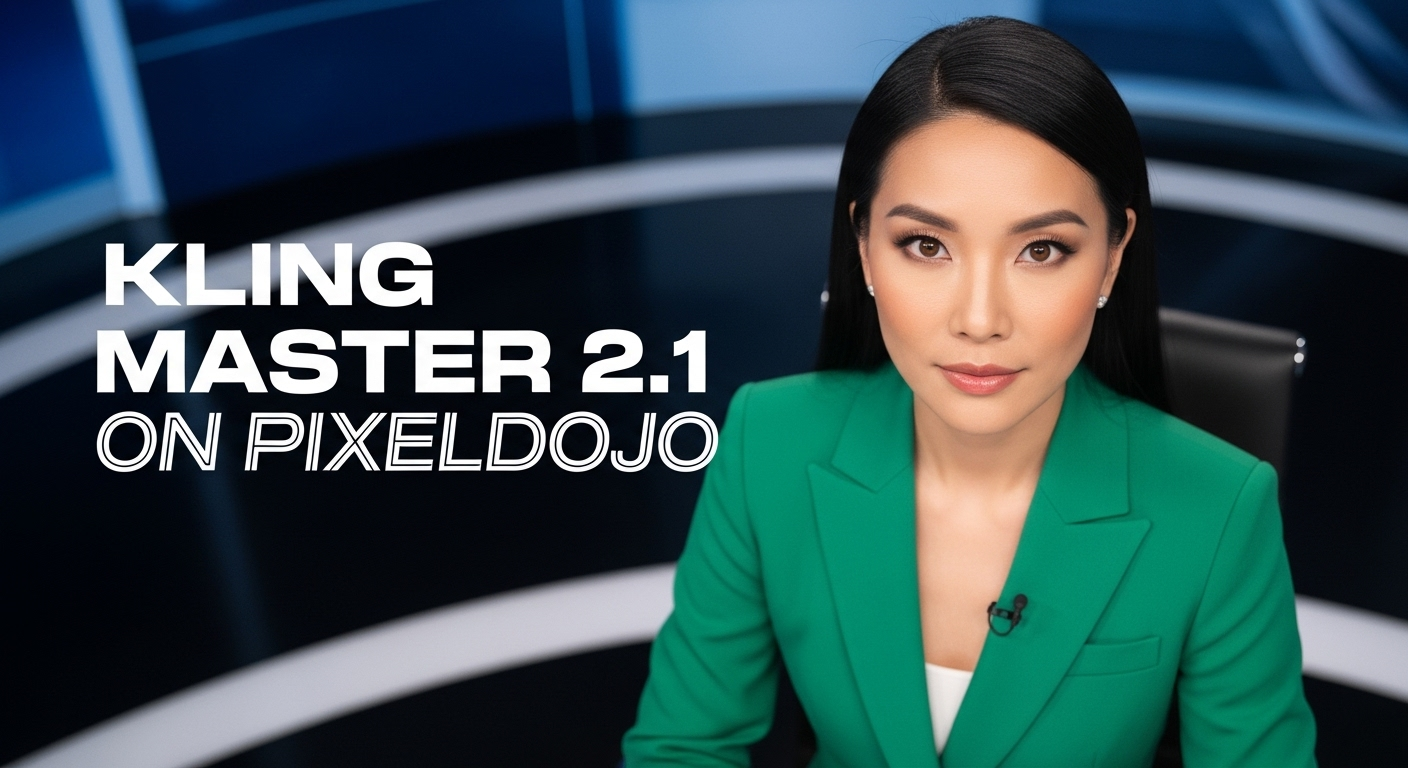
A photo of a beautiful news anchor
imagen
Models you can run on PixelDojo for kling 3.0 without kuaishou
Switch models without switching tools. Each one runs in the same PixelDojo studio.
What you can do with kling 3.0 without kuaishou on PixelDojo
Kling 3.0 Without Kuaishou
We run Kling 3.0 video generation inside PixelDojo so you can prompt and download clips without a Kuaishou account or the Kuaishou app.
Text And Image Prompts
We accept text prompts and still frames, then generate short videos with Kling 3.0 in the same workspace you already use for other models.
English Interface And Queue
You write prompts, pick duration settings, and track jobs in our English UI. Projects stay in PixelDojo instead of a separate Chinese platform.
Credits On One Account
We bill Kling 3.0 runs against your PixelDojo credits. You keep history, downloads, and iterations in one creator account.
Loved by thousands of creators worldwide. Access 40+ cutting-edge AI tools including Kling Video, Kling Image, Kling Avatar and Kling Video Edit. Cancel anytime.
Why Choose Pixel Dojo for kling 3.0 without kuaishou
Professional-quality results with cutting-edge AI technology
Direct Multi-Shot Cinematic Stories in One Click
You become the director. Kling Video on PixelDojo automatically plans shot-reverse-shot, cross-cuts, and camera moves while keeping every character’s face, clothing, and voice identical across the entire 15-second clip. Native audio in English, Chinese, Japanese, Korean or Spanish with accurate lip sync and accents means you never need a separate sound studio. Perfect for ads, social reels, and short films you can ship the same day.
Native 4K Images and Videos Without Any Upscaling
You skip the blurry upscaled look. Kling Image 3.0 and Kling Video deliver true 4K detail, textures, and lighting straight from the model. Use Image Series Mode to generate consistent storyboard frames that share the same characters and style. Combine with P-Image Upscale, Magnific Upscaler, or FLUX Video Upscale only when you want even more polish. Your final files look like they came from a high-end camera, ready for commercial use.
Watermark-Free Commercial Files and Total Workflow Freedom
You download clean, high-resolution files immediately. Edit further with Kling Video Edit, WAN 2.7 Video Edit, Inpainting, Style Transfer, or Background Remover. Swap faces with Kling Video Character Swap or Face Swap, add custom music via Text to Music, then merge clips. PixelDojo’s Developer API and ComfyUI support let you scale into production pipelines. No hidden limits, cancel anytime.
How It Works
PixelDojo puts Kling 3.0 power in your hands without any Kuaishou account, waitlists, or watermarks. Follow these three simple steps and start directing cinematic content today.
Step 1: Choose Your Kling Tool
Sign in to PixelDojo and go to Generate Videos or Generate Images. Select Kling Video for full cinematic clips with native audio and multi-shot direction, or Kling Image for 4K stills and Image Series Mode storyboards. For character-driven work add Consistent Characters, Kling Avatar, or Kling Video Character Swap so the same person appears across every shot. This gives you instant access to Kling 3.0 capabilities without official-platform restrictions.
Step 2: Enter Your Director-Style Prompt
Write like a film director. Describe the environment, exact camera move (slow dolly-in, pan, tilt), character action, lighting, and any spoken dialogue with language and accent. Upload one or more reference images so Kling’s Omni features lock faces, outfits, and objects. PixelDojo automatically handles multi-shot sequencing and native audio generation. Keep descriptions consistent across shots for perfect continuity.
Step 3: Customize, Enhance & Download
Preview your 4K result, then refine with Kling Video Edit, Image to Image, Magic Lighting, or Reality Polisher. Add extra audio with Seed Audio 1.0 or Text to Speech. Upscale if needed using P-Image Upscale or FLUX Video Upscale. Extract frames, merge videos, or reframe for different platforms. Download watermark-free files ready for commercial use. Your entire workflow stays inside PixelDojo’s 40+ tools.
The Pixel Dojo Advantage
Why PixelDojo outperforms other options for Kling 3.0 without Kuaishou image and video generation
| Others | Pixel Dojo |
|---|---|
| Traditional video production | You eliminate crews, locations, and weeks of shooting. Generate 15-second 4K cinematic sequences with native audio, multi-shot direction, and locked characters in minutes using Kling Video, then polish with Kling Video Edit and Consistent Characters. |
| Generic AI tools | Generic generators lack Kling 3.0’s AI Director, native 4K, multilingual lip-sync, and Image Series Mode. PixelDojo gives you dedicated Kling Image, Kling Video, Kling Avatar plus 40+ complementary tools like WAN 3.0 and Seedance so every frame stays consistent and professional. |
| Manual photo editing | Manual editing cannot create motion, audio, or multi-shot stories. On PixelDojo you start with Kling Image stills, animate them with Kling Video, keep identity with Face Swap and Character Sheets, then finish with Inpainting, Style Transfer, and Video Autocaption—all in one place. |
Loved by creators on PixelDojo
Real feedback from people using PixelDojo, pulled from our in-product surveys.
Excellent website for creating all types of media
Very eay to use, works well to train SDXL loras.
The amazing tools
Top notch quality and strong prompt adherence.
A well resourced sunscription with attention to updates.
Easy to use and there's lots of options.
Explore more AI tools on PixelDojo
AI Tools
Compare & Switch
- Best AI Image Generators
- Best AI Video Generators
- Midjourney Alternatives
- Civitai Alternatives
- Runway Alternatives
- Leonardo Alternatives
- Pika Alternatives
- Luma Alternatives
- Magnific Alternatives
- Veo Alternatives
- Flux Alternatives
- Freepik Alternatives
- Seedance Alternatives
- Seedream Alternatives
- Pixverse Alternatives
- GPT Image Alternatives
- Synthesia Alternatives
- Playground Alternatives
- NightCafe Alternatives
- Canva AI Alternatives
- ElevenLabs Alternatives
- ComfyUI Alternatives
- Fal Alternatives
- Replicate Alternatives
Common Questions
Everything you need to know about kling 3.0 without kuaishou
How can I generate Kling 3.0 videos without a Kuaishou account?
PixelDojo gives you direct access to Kling Video and Kling Image tools that deliver the same native 4K, 15-second multi-shot, and multilingual audio capabilities. Simply sign up, choose Kling Video, enter a director-style prompt or upload references, and generate. Paid plans provide watermark-free commercial downloads. Combine with Kling Video Edit, Consistent Characters, and Kling Avatar for complete control. Thousands of creators already use this workflow and you can cancel anytime.
What latest Kling 3.0 features can I use without Kuaishou restrictions?
You get the full Kling 3.0 suite on PixelDojo: AI Director for automatic multi-shot sequences, native audio with lip-sync in five languages plus dialects, character and object binding across shots, Image 3.0 Omni 4K stills, and Image Series Mode for consistent storyboards. Kling Video Character Swap and Kling Avatar keep identities locked. All of this runs without official credit caps or watermarks, and you can further enhance with PixelDojo’s 40+ tools such as Reality Polisher and FLUX Video Upscale.
Can I create Kling 3.0 images without the official Kuaishou site?
Yes. PixelDojo’s Kling Image tool produces native 2K and 4K images plus Image Series Mode that maintains the same characters, lighting, and style across multiple frames. Use it for storyboards, product shots, or character sheets. Then animate any still with Kling Video or refine with Image to Image, Inpainting, and Style Transfer. Everything stays watermark-free and commercially licensed when you choose a paid plan.
How do I get watermark-free Kling 3.0 videos on PixelDojo?
Every generation on a PixelDojo paid plan downloads without watermarks and includes commercial rights. After creating with Kling Video you can edit using Kling Video Edit, WAN 2.7 Video Edit, or Video Reframe, add captions with Video Autocaption, and upscale with Magnific Upscaler or FLUX Video Upscale. The entire pipeline lives inside PixelDojo so you never need the official platform.
What are the best prompting techniques for Kling 3.0 without Kuaishou?
Write like a director: specify shot type, camera movement, character action, lighting, and exact dialogue with language and accent. Keep character descriptions identical across shots and upload reference images so Omni features lock identity. PixelDojo’s Kling Video automatically handles multi-shot continuity. After generation, use Kling Video Edit or Change Camera Angle to refine. This approach consistently produces cinematic 4K results you can use immediately.
Does PixelDojo support Kling 3.0 Omni and character consistency tools?
Absolutely. Kling Video and Kling Image on PixelDojo include Omni-style reference input so you can lock faces, outfits, and voices. Pair them with dedicated tools like Consistent Characters, Character Sheets, Kling Avatar, Kling Video Character Swap, and Face Swap. You can also train custom looks with Flux Trainer or QWEN Trainer and apply them across your Kling generations. All of this happens without any Kuaishou account and you can cancel anytime.