replicate playground alternative
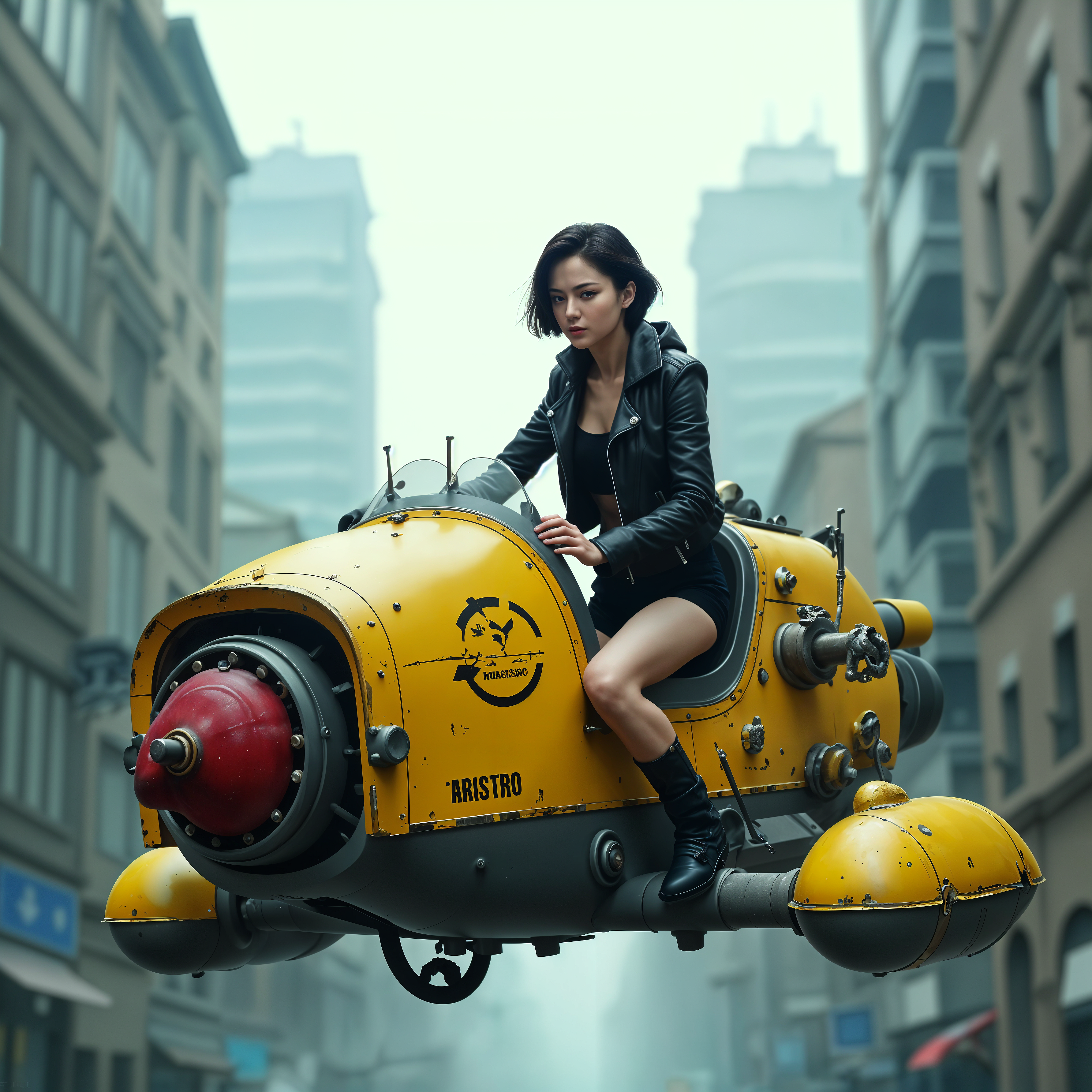
Generated on PixelDojo. Produced by PixelDojo's generation pipeline.
You want professional AI images and videos without wrestling with developer dashboards, long waits, or fragmented tools. PixelDojo is the Replicate playground alternative built for creators like you. In one simple studio you generate photorealistic scenes, marketing assets, consistent characters, and cinematic clips using the latest models. Achieve campaign-ready visuals, social content, product mockups, and character sheets in minutes instead of hours. Focus on your vision while PixelDojo handles the rest with tools including Nano Banana 2, GPT Image 2, Flux.2 Studio, Seedream 5, and Kling Video. Loved by thousands of creators worldwide, you get 40+ cutting-edge AI tools and can cancel anytime.
Real image examples generated on PixelDojo
Every example below was produced on PixelDojo. Hover to see the prompt.
replicate playground alternative on PixelDojo
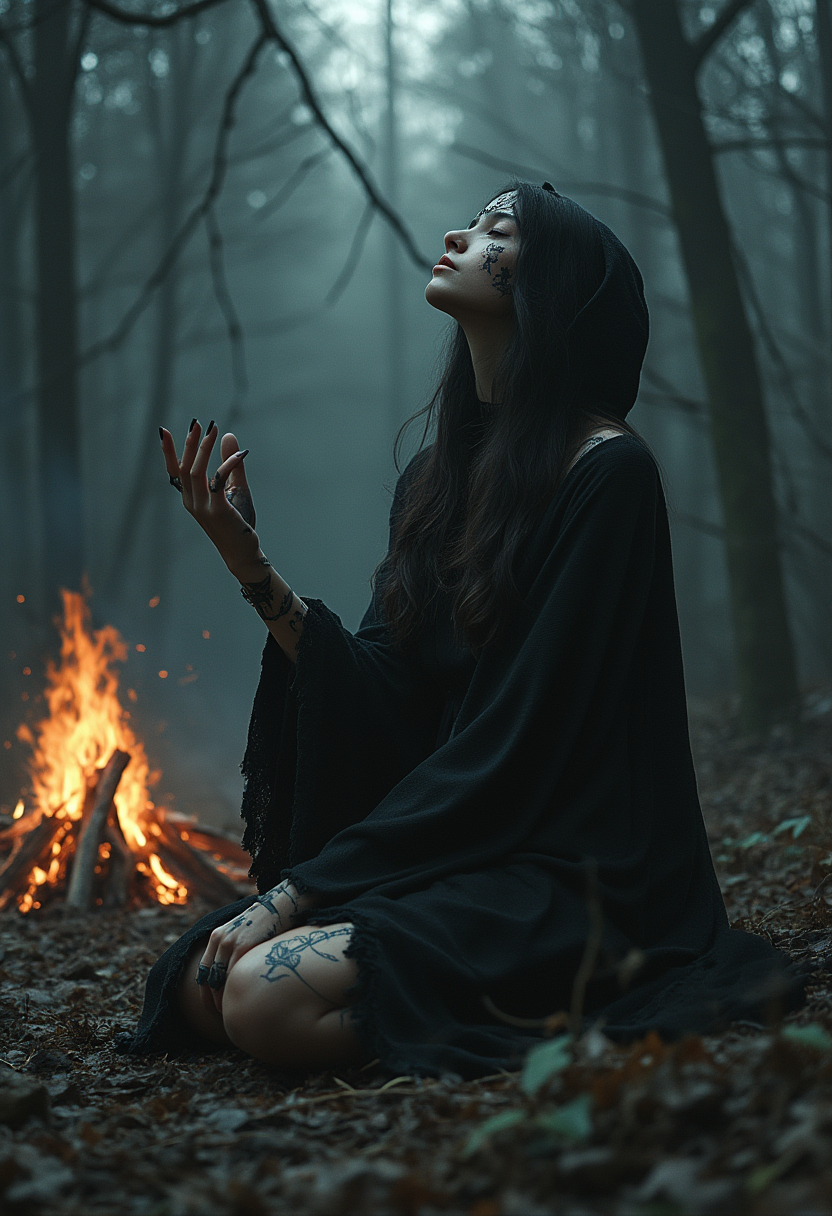
Dark and picturesque scene in a dense forest
stable-diffusion
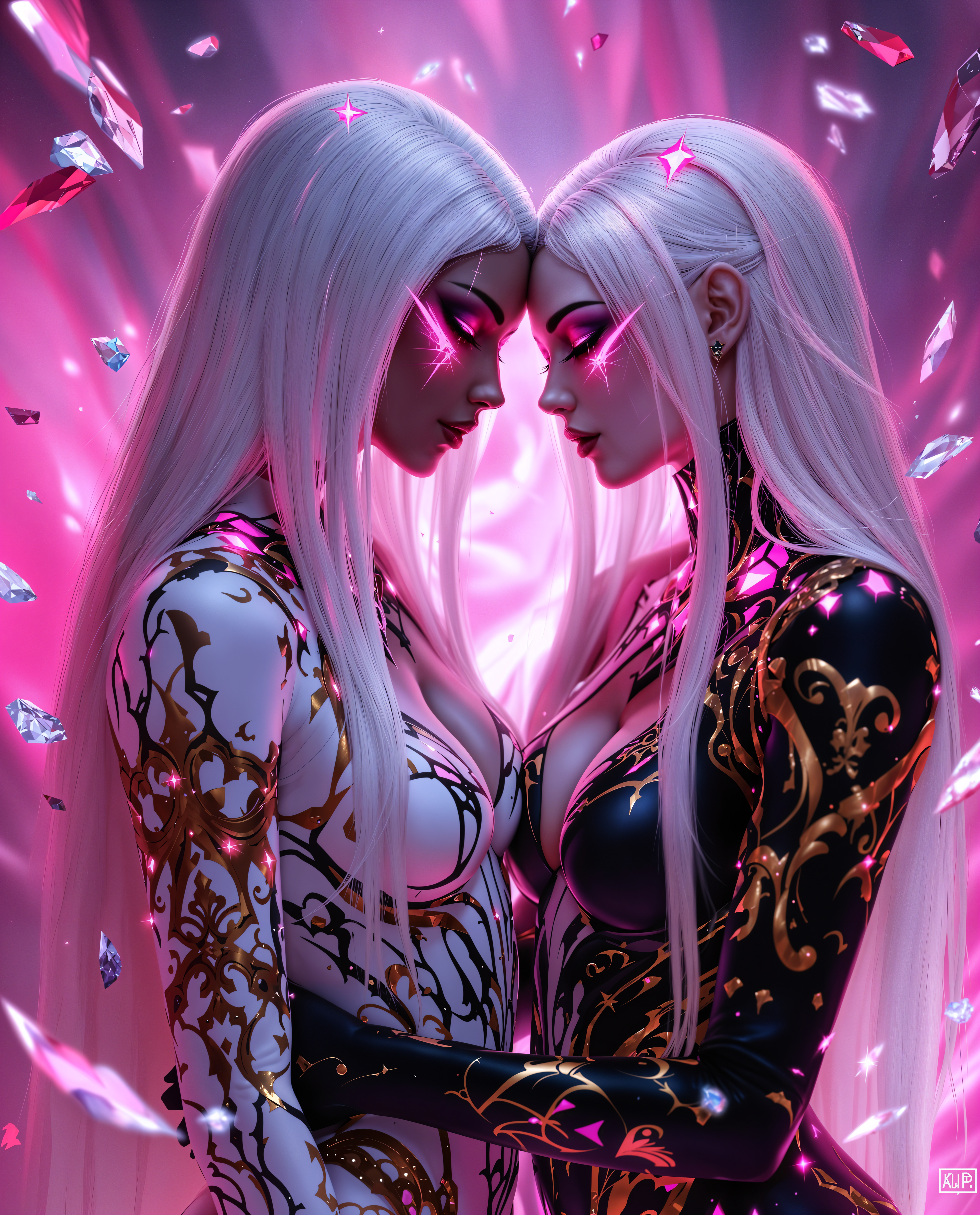
replicate playground alternative on PixelDojo
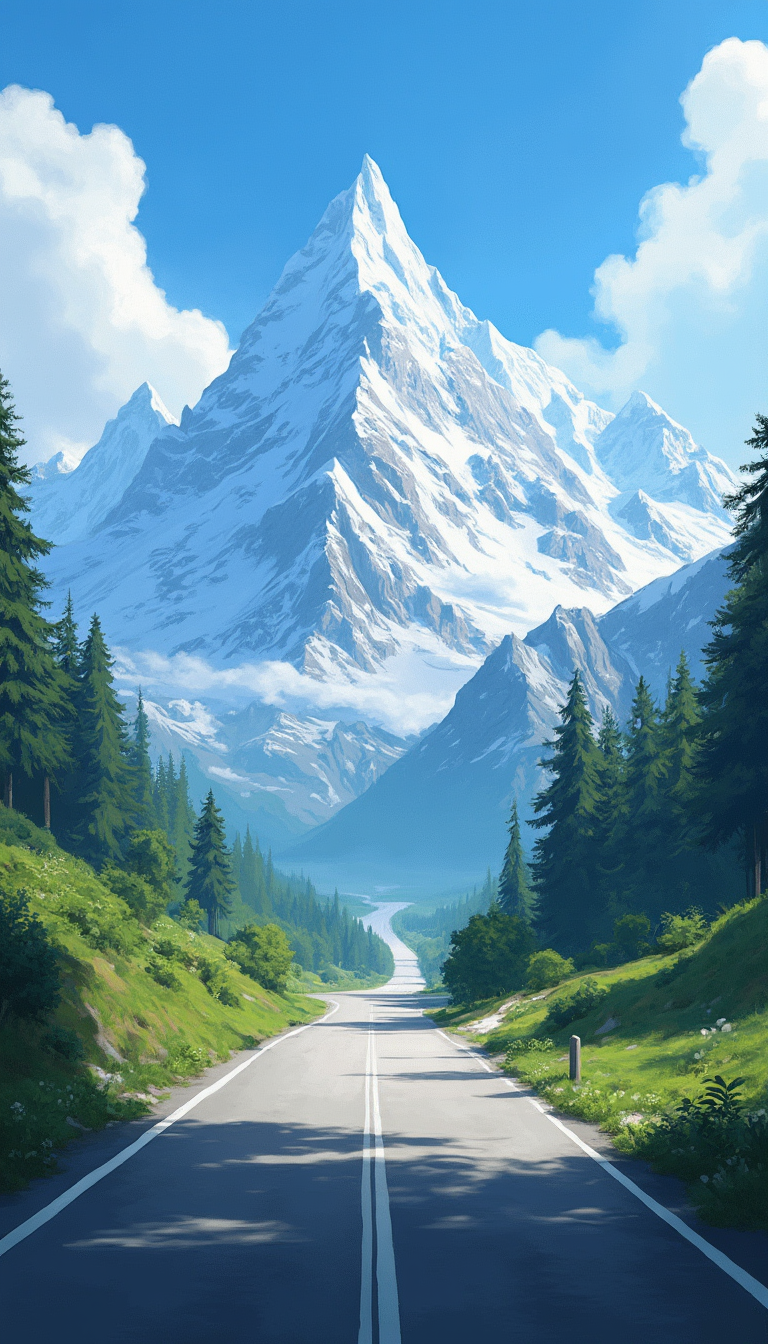
This realistic photo captures a breathtaking landscape dominated by towering snowcapped mo…
flux

Masterpiece
creative-upscaler
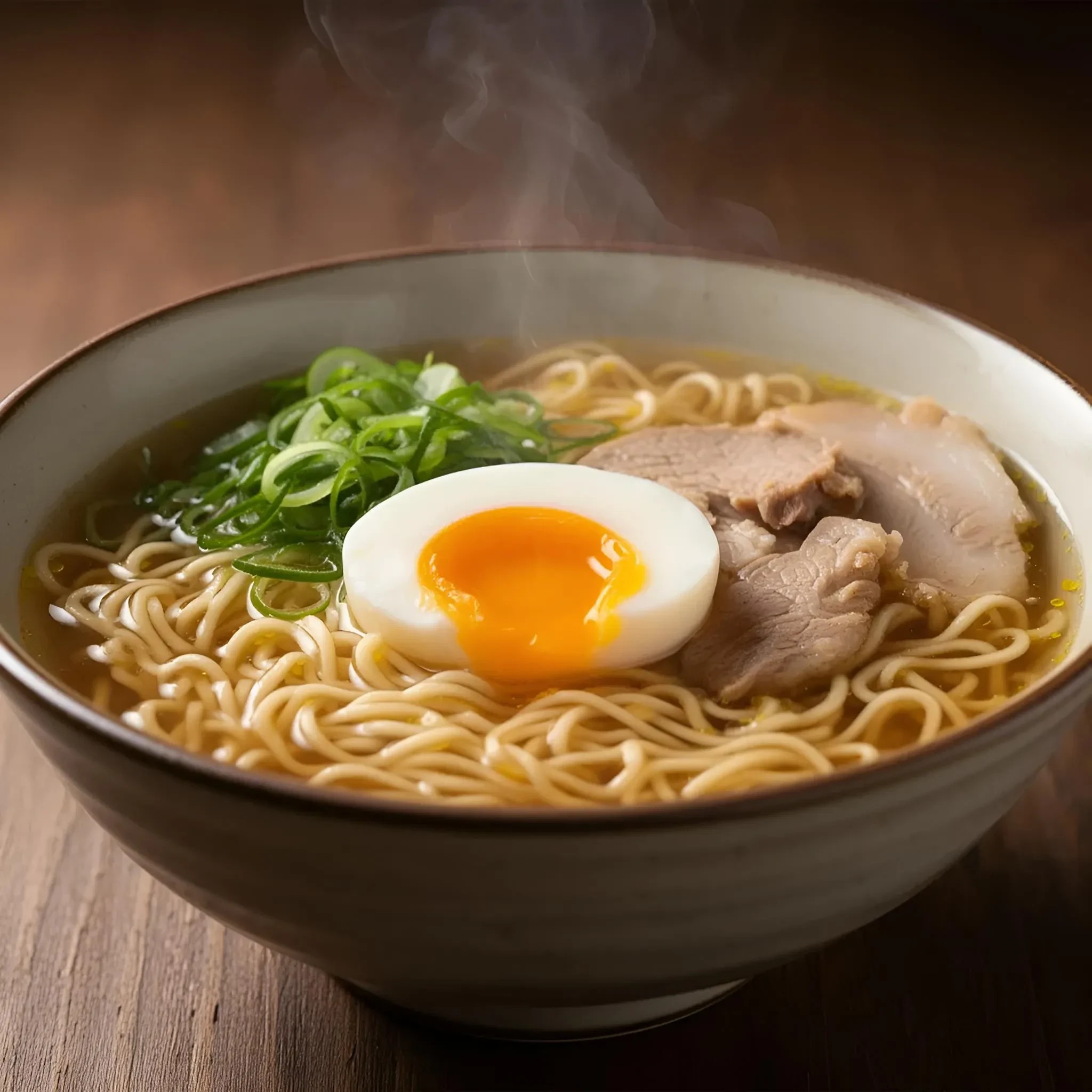
A steaming bowl of ramen with soft-boiled egg
riverflow
Models you can run on PixelDojo for replicate playground alternative
Switch models without switching tools. Each one runs in the same PixelDojo studio.
What you can do with replicate playground alternative on PixelDojo
Multi-model image playground
We give you a browser playground to try popular image models side by side. You can compare prompts, seeds, and settings without leaving one workspace.
Iterate prompts and settings
We keep your prompt, negative prompt, and generation parameters together so you can refine a look in small steps. You can rerun variants and save the versions you want to keep.
Export ready image outputs
We let you download generated images in common formats for editing and publishing. You can organize results in your library and return to a run when you need the same setup.
Creator-focused generation tools
We support typical image workflows such as aspect ratios, guidance, and batch runs. You work from a simple interface aimed at daily production, not a research-only console.
Trusted by thousands of creators worldwide who produce professional images and videos daily. Access 40+ cutting-edge AI tools in one place. Start free, cancel anytime, no long-term commitment.
Why Choose Pixel Dojo for replicate playground alternative
Professional-quality results with cutting-edge AI technology
Instant Professional Visuals Without Technical Barriers
Skip setup and delays. Generate high-aesthetic images and videos immediately with Nano Banana 2, GPT Image 2, Flux.2 Studio, and Seedream 4.5 so you can deliver client work, social posts, and brand assets the same day.
Complete Creative Control From Idea to Final Asset
Move seamlessly from generation to editing. Use Image to Image, Inpainting, Style Transfer, Consistent Characters, and Video Autocaption to refine lighting, swap faces, extend scenes, and produce polished results ready for marketing or production.
Reliable Quality and Character Consistency Every Time
Maintain the same faces, products, and styles across dozens of images and videos with Character Sheets, WAN Video Character Swap, Flux Pro Virtual Try-On, and Reality Polisher. You get campaign-ready output that looks cohesive and professional.
How It Works
Creating stunning images and videos as your Replicate playground alternative takes just three straightforward steps inside PixelDojo. You stay in control while the platform delivers the latest generation and editing capabilities.
Step 1: Choose Your Tool
Open the Generate Images or Generate Videos section and pick the model that matches your goal. Select Nano Banana 2 or GPT Image 2 for vibrant photorealism, Flux.2 Studio or Recraft V4.1 for precise control, Seedream 5 for high-resolution marketing shots, or Kling Video and WAN 3.0 for motion. The interface shows you exactly what each tool excels at so you start with the right engine.
Step 2: Enter Your Prompt and References
Describe the scene, style, lighting, and composition in natural language. Upload reference images for character consistency or product matching. Add details like camera angle, mood, or text you want rendered accurately. PixelDojo’s tools understand complex requests so you get closer to the final look on the first try.
Step 3: Customize, Enhance, and Download
Review the results, then refine with Inpainting, Change Camera Angle, Magic Lighting, Background Remover, or Image Outpainting. Upscale with P-Image Upscale or Magnific Upscaler. For video, use Grok Video Edit or Seedance 2.5 Video Edit. When you are happy, download high-resolution files ready for any platform. Everything stays in one workspace.
The Pixel Dojo Advantage
Why PixelDojo outperforms other options for replicate playground alternative image generation
| Others | Pixel Dojo |
|---|---|
| Traditional playground-style model hosting | You avoid waiting for models to load and juggling separate interfaces. PixelDojo delivers instant access to Nano Banana 2, Flux.2 Studio, Seedream 5, and video tools in a single polished studio so you create instead of configure. |
| Generic AI tools | Instead of limited models and basic outputs, you get specialized engines plus full editing suites including Consistent Characters, Virtual Try-On, Film Studio, and Reality Polisher. Your results look professional and stay on-brand across an entire campaign. |
| Manual photo editing and stock sourcing | Hours of searching, shooting, and retouching become minutes. Generate custom scenes, swap backgrounds, polish lighting, and produce variations at scale while keeping full creative ownership of every asset. |
Loved by creators on PixelDojo
Real feedback from people using PixelDojo, pulled from our in-product surveys.
You keep adding to it to stay up to date and that is GOLD.
very easy to use and good support
Very easy to use
super easy to use
it's very easy to use
Practically every Ai suite in one place? Who wouldn't?
Explore more AI tools on PixelDojo
AI Tools
Compare & Switch
- Best AI Image Generators
- Best AI Video Generators
- Midjourney Alternatives
- Civitai Alternatives
- Runway Alternatives
- Leonardo Alternatives
- Pika Alternatives
- Luma Alternatives
- Magnific Alternatives
- Veo Alternatives
- Flux Alternatives
- Freepik Alternatives
- Seedance Alternatives
- Seedream Alternatives
- Pixverse Alternatives
- GPT Image Alternatives
- Synthesia Alternatives
- Playground Alternatives
- NightCafe Alternatives
- Canva AI Alternatives
- ElevenLabs Alternatives
- ComfyUI Alternatives
- Fal Alternatives
- Replicate Alternatives
Common Questions
Everything you need to know about replicate playground alternative
What makes PixelDojo the best Replicate playground alternative for everyday creators?
PixelDojo removes the technical overhead of model hosting platforms. You get a clean, visual studio with 40+ tools including Nano Banana 2, GPT Image 2, Flux.2 Studio, Krea Image, Seedream 5, and Kling Video. Generate, edit, upscale, and produce video without APIs, wait times, or switching tabs. Thousands of creators already use it daily for marketing, social content, and client work, and you can cancel anytime.
Can I achieve character consistency and multi-image workflows without advanced setup?
Yes. PixelDojo’s Consistent Characters, Character Sheets, Ideogram Character, WAN Video Character Swap, and Flux Pro Virtual Try-On let you lock faces, outfits, and products across stills and video. Upload references once and generate dozens of matching shots or clips. Combined with Image to Image and Style Transfer, you maintain a cohesive look for entire campaigns.
How does PixelDojo handle both images and videos as a complete Replicate playground alternative?
You stay inside one platform. Start with Generate Images using QWEN Image 2, Recraft V4.1, or Hunyuan Image 3, then move to Generate Videos with VEO 3.1, Seedance 2.5, PixVerse V6, or Film Studio. Edit either medium with Inpainting, Grok Video Edit, Video Reframe, or Merge Videos. Upscale everything with Clarity Pro or FLUX Video Upscale. The workflow feels like a professional creative suite rather than separate experiments.
Is PixelDojo suitable for marketing teams who need fast, on-brand visuals?
Absolutely. Marketing Studio plus tools like Background Remover, Magic Lighting, Reality Polisher, and Video Autocaption let you produce ads, social carousels, product shots, and talking-head clips in minutes. Virtual Try-On and Character Stylist keep products and talent looking consistent. You iterate quickly, export high-resolution files, and never wait for a model to spin up.
Do I need technical knowledge or API keys to start generating with PixelDojo?
No. Everything runs in your browser. Choose a tool, type a prompt or upload a reference, and generate. Advanced users can still access Developer API, API Keys, and ComfyUI if they want, but most creators never leave the visual interface. You get the power of the latest models without the complexity.
What if I want to train custom models or go beyond standard generation?
PixelDojo includes Flux Trainer, QWEN Trainer, SDXL Trainer, Z-Image Trainer, and WAN 2.2 Image Trainer so you can teach the system your unique style or product line. Combine trained results with the rest of the studio—editing, video, 3D via Rodin and Hunyuan 3D, even Text to Music and Text to Speech—for a complete production pipeline. Start simple and expand as your needs grow, all while keeping the option to cancel anytime.