side by side ai model comparison
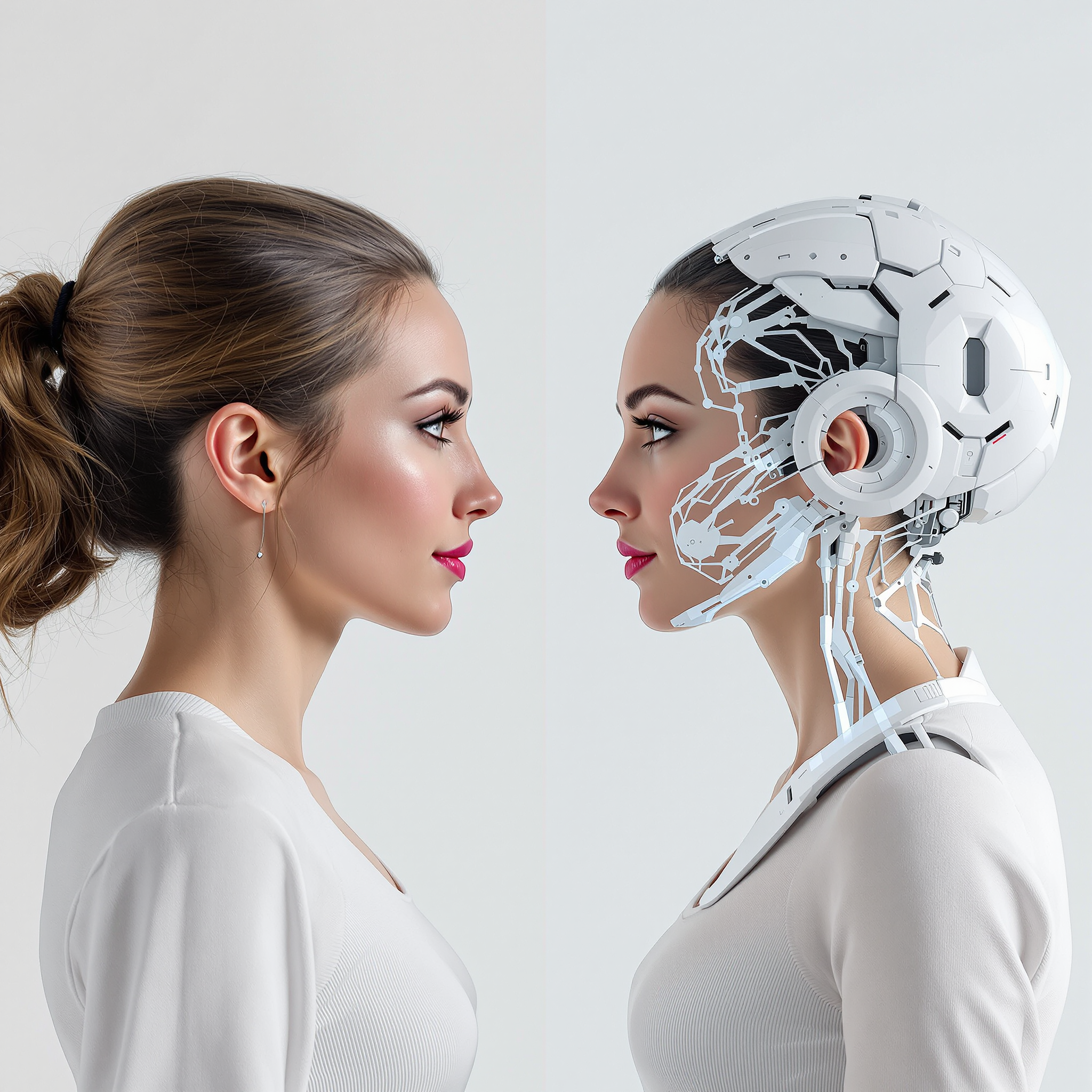
Generated on PixelDojo. Produced by PixelDojo's generation pipeline.
You deserve to know exactly which AI model will bring your vision to life before you commit time or credits. PixelDojo puts more than 40 cutting-edge generators at your fingertips so you can produce professional side-by-side AI model comparison images in minutes. Generate the same idea with Flux.2 Studio for photorealistic depth, GPT Image 2 for razor-sharp text and reasoning, Seedream 5 for vibrant product shots, Nano Banana 2 for lightning-fast iteration, QWEN Image 2 for multilingual accuracy, and Ideogram 4 for typography-perfect layouts. Then combine the results into a clean, labeled grid that instantly reveals which model nailed composition, lighting, detail, and style. Whether you are briefing a client, writing a blog, building a pitch deck, or simply exploring creative directions, these comparison images turn subjective preference into an obvious visual decision. Thousands of creators already use PixelDojo every day to skip the guesswork, lock in the winning look, and ship work faster. Start creating your first comparison now and experience the difference of having every leading model in one place.
Real image examples generated on PixelDojo
Every example below was produced on PixelDojo. Hover to see the prompt.
A woman standing face to face with her digital twin
flux
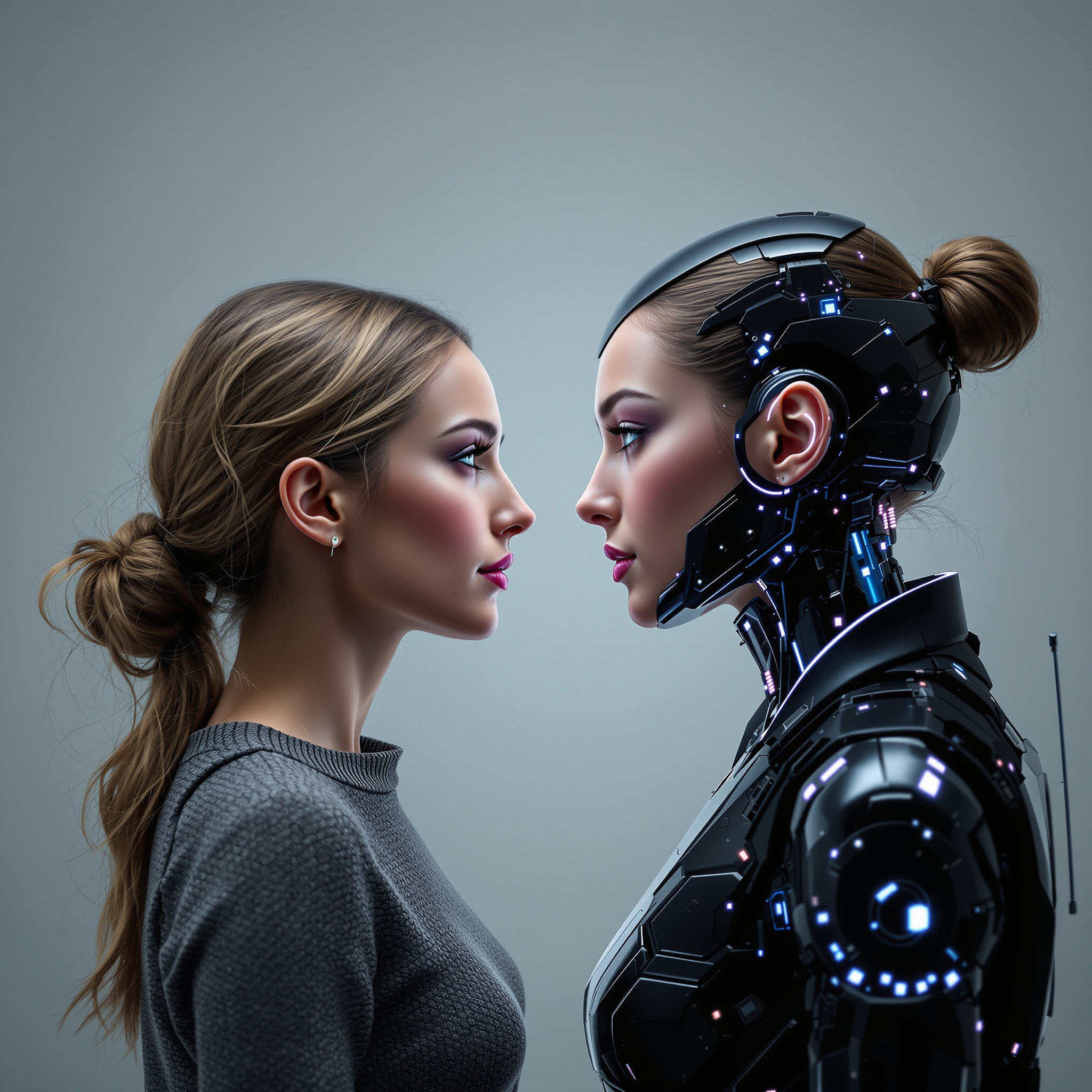
A woman standing face to face with her digital twin
flux
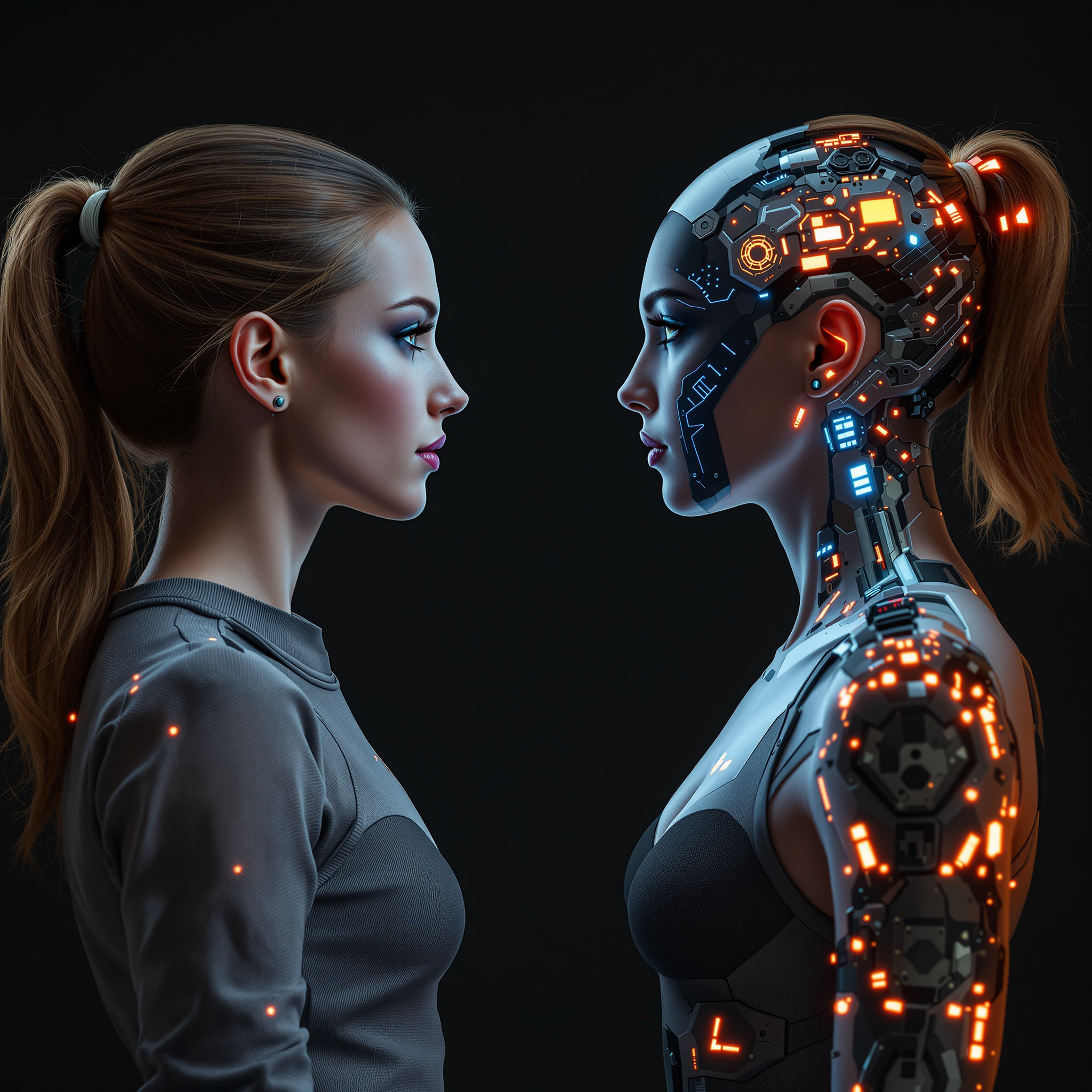
A woman standing face to face with her digital twin
flux

A woman standing face to face with her digital twin
flux
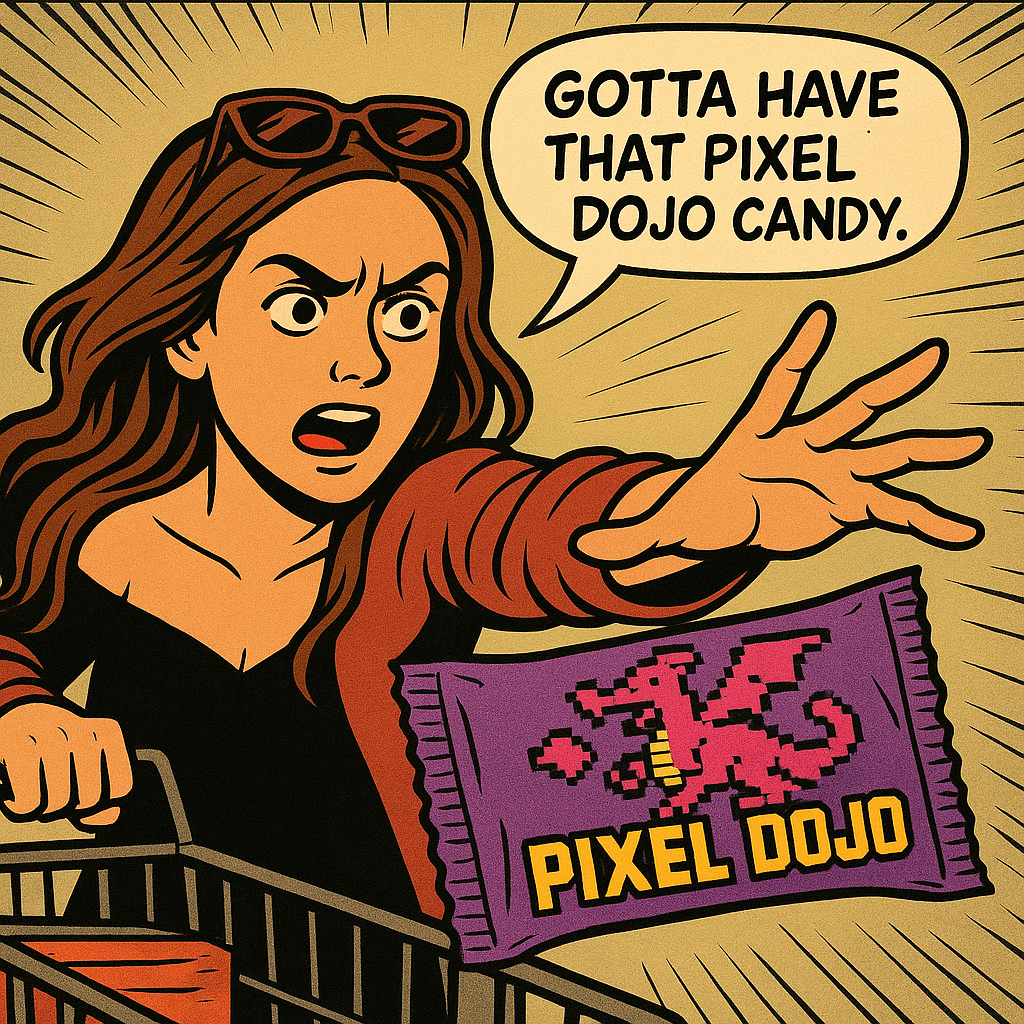
Show me this woman in the cartoon image edited with OpenAI Image 1
openai-image-1
A korean kpop girl dancing and singing a song about how pixel dojo is the only ai tool you…
image-to-video
Models you can run on PixelDojo for side by side ai model comparison
Switch models without switching tools. Each one runs in the same PixelDojo studio.
What you can do with side by side ai model comparison on PixelDojo
Compare Models Side by Side
We run the same prompt on multiple image models and show the results together so you can judge style, detail, and prompt follow-through in one view.
Align Seeds and Settings
We let you keep seed, steps, and resolution consistent across models so the differences you see come from the model, not mismatched setup.
Scan Results in One Grid
We place outputs in a shared grid so you can check composition, color, and artifacts without jumping between tabs or sessions.
Save Comparison Sets
We store your comparison runs in the workspace so you can reopen them later or share them when a project needs a model choice.
Loved by thousands of creators worldwide. 40+ cutting-edge AI tools in one platform. Cancel anytime. Join the community that generates millions of comparison images each month.
Why Choose Pixel Dojo for side by side ai model comparison
Professional-quality results with cutting-edge AI technology
Decide in Seconds, Not Hours
You see every model’s interpretation of your prompt lined up in a single professional image. No more opening ten tabs or trying to remember which version felt better. The side-by-side layout makes the winner jump out so you can move forward with confidence and keep your creative momentum.
Produce Client-Ready Comparison Graphics
You walk into every meeting with a polished, labeled visual that proves you tested the options. Flux.2 Studio versus Seedream 5, GPT Image 2 versus QWEN Image 2—your comparison image looks like it came from a design studio, complete with clean dividers, captions, and high-resolution output you can drop straight into presentations, social posts, or case studies.
Experiment Across the Entire Frontier Without Leaving the Site
You switch between Nano Banana 2, Grok Image, Recraft V4.1, Kling Image, P-Image Ideogram, Z Image Turbo, and Hunyuan Image 3 in the same session. Generate, compare, refine, and download—all without exporting files or learning a new interface. The result is faster iteration and consistently better final assets.
How It Works
Creating a stunning side-by-side AI model comparison image takes just three simple steps on PixelDojo. You stay in control of every prompt, every model, and every visual detail.
Step 1: Choose Your Comparison Models
Open the Generate Images section and pick two or more tools that match the qualities you want to test. Select Flux.2 Studio for cinematic realism, GPT Image 2 for complex scene understanding, Seedream 5 for commercial polish, Nano Banana 2 for speed, QWEN Image 2 for precise text, and Ideogram 4 when lettering must be perfect. You can generate with as many models as you like in one sitting.
Step 2: Enter One Consistent Prompt
Type the exact same detailed prompt into each selected tool. Include subject, lighting, camera angle, mood, and any text you need rendered. Because every model receives identical instructions, the differences you see later are truly about the model, not the wording. Add a short label request such as “left panel Flux.2, right panel Seedream 5” if you want the generator itself to produce a split layout.
Step 3: Generate, Refine, and Download Your Comparison
Hit generate on each model, then use Image to Image, Style Transfer, or Image Outpainting to combine the best outputs into one cohesive comparison graphic. Add labels, a subtle divider, and your branding with a few extra clicks. Download the final high-resolution image ready for any platform. You can also upscale with P-Image Upscale or Magnific Upscaler for print-quality results.
The Pixel Dojo Advantage
Why PixelDojo is the fastest, most complete way to produce side-by-side AI model comparison images that actually help you choose and sell your vision.
| Others | Pixel Dojo |
|---|---|
| Traditional comparison creation | You skip hiring illustrators or spending hours in layout software. PixelDojo generates both the individual model outputs and the finished comparison graphic in the time it used to take to brief a designer. |
| Generic AI tools | You never have to jump between disconnected platforms or lose prompt consistency. Every leading model—Flux.2 Studio, GPT Image 2, Seedream 5, Nano Banana 2, QWEN Image 2, Recraft V4.1—lives in one account so your comparisons stay fair and your workflow stays simple. |
| Manual photo editing | You eliminate the tedious work of resizing, aligning, labeling, and color-matching two images by hand. PixelDojo’s generators plus Image Outpainting and Style Transfer produce perfectly matched panels automatically, giving you a professional result in minutes instead of an afternoon. |
Loved by creators on PixelDojo
Real feedback from people using PixelDojo, pulled from our in-product surveys.
The amazing tools
Top notch quality and strong prompt adherence.
A well resourced sunscription with attention to updates.
Easy to use and there's lots of options.
super lora download
Great variety of tools to create and modify images and video.
Explore more AI tools on PixelDojo
Popular AI Models
AI Tools
Compare & Switch
- Best AI Image Generators
- Best AI Video Generators
- Midjourney Alternatives
- Civitai Alternatives
- Runway Alternatives
- Leonardo Alternatives
- Pika Alternatives
- Luma Alternatives
- Magnific Alternatives
- Veo Alternatives
- Flux Alternatives
- Freepik Alternatives
- Seedance Alternatives
- Seedream Alternatives
- Pixverse Alternatives
- GPT Image Alternatives
- Synthesia Alternatives
- Playground Alternatives
- NightCafe Alternatives
- Canva AI Alternatives
- ElevenLabs Alternatives
- ComfyUI Alternatives
- Fal Alternatives
- Replicate Alternatives
Common Questions
Everything you need to know about side by side ai model comparison
How do I create a side by side AI model comparison image on PixelDojo?
Choose two or more generators such as Flux.2 Studio and Seedream 5, enter the identical prompt in each, generate the images, then combine them using Image to Image or a simple split-layout prompt. Add labels and download. The entire process stays inside PixelDojo so you never lose quality or consistency.
Which PixelDojo tools work best for side by side AI model comparisons?
Flux.2 Studio and GPT Image 2 excel at photorealism and complex scenes, Seedream 5 and Recraft V4.1 shine for commercial and product work, Nano Banana 2 and Z Image Turbo deliver speed, QWEN Image 2 and Ideogram 4 handle text and multilingual needs, while Hunyuan Image 3 and Kling Image add unique artistic flavors. Mix any of them for the comparison that matches your project.
Can I generate a comparison image with just one prompt?
Yes. Many PixelDojo models understand layout instructions. Simply write “create a professional side-by-side comparison, left panel generated in photorealistic style, right panel in illustrative style, both showing [your subject], with clear labels.” Models like GPT Image 2, Ideogram 4, and Recraft V4.1 often produce a ready-to-use split image in a single generation.
How do I keep the comparison fair when models have different strengths?
Always use the exact same prompt, seed when available, and aspect ratio. PixelDojo makes this easy because you copy-paste once and generate across tools without changing wording. The resulting side-by-side image then honestly shows each model’s native interpretation so you can judge on equal footing.
What resolution can I export my side by side AI model comparison images?
Every generator on PixelDojo supports high-resolution output. After you assemble the comparison, run it through P-Image Upscale, Magnific Upscaler, or Clarity Pro to reach print-ready sizes. You keep full commercial rights and can download PNG or JPG instantly.
Is there a free way to try side by side AI model comparison on PixelDojo?
Absolutely. New users receive credits to generate with multiple models including Flux.2 Studio, GPT Image 2, and Nano Banana 2. Create your first comparison image, see the quality for yourself, and upgrade only if you love the results. You can cancel anytime.