kling image generator
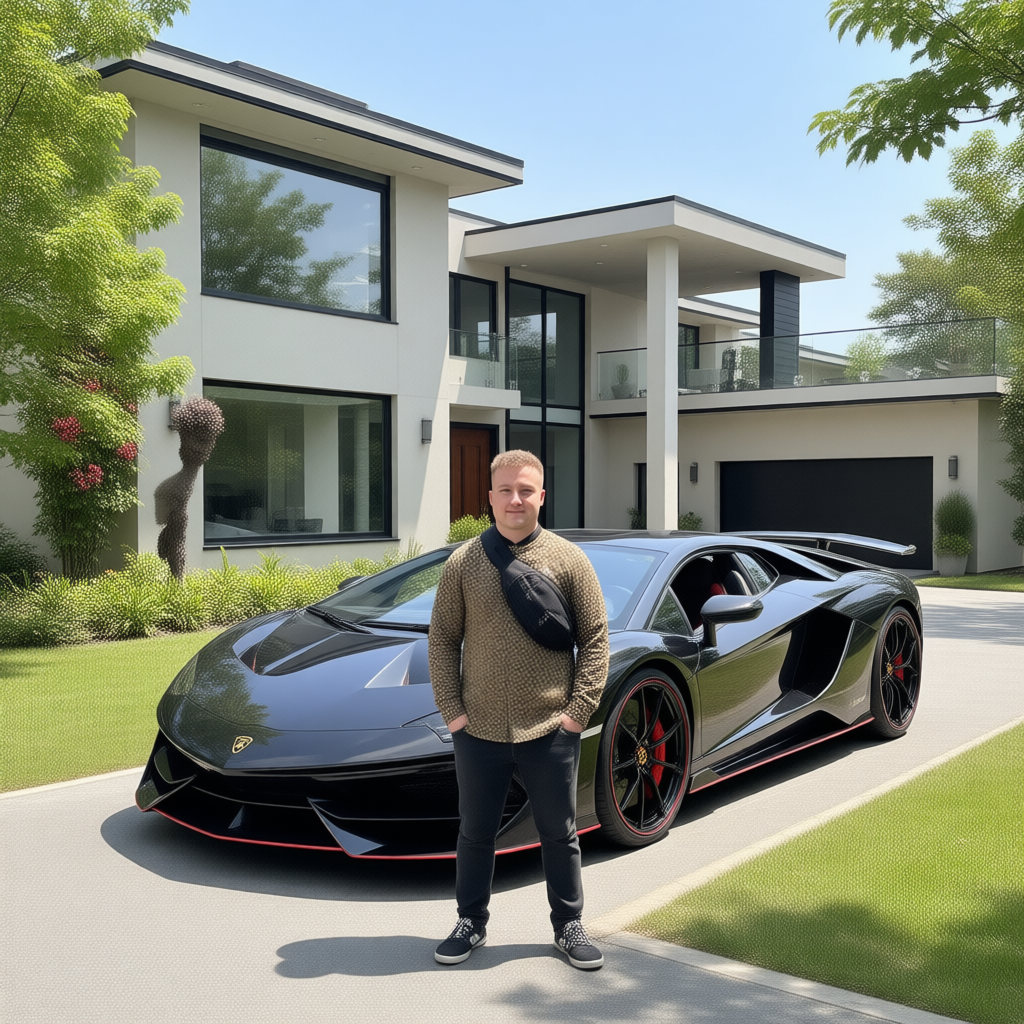
Generated on PixelDojo. Produced by PixelDojo's generation pipeline.
You can finally produce images that feel like they belong on a movie poster or in a high-end campaign – rich cinematic lighting, emotional depth, and story in every frame. PixelDojo's Kling Image generator turns your ideas into photorealistic, production-ready visuals that capture attention and drive results. Whether you need consistent character portraits for a comic series, lifestyle shots for e-commerce, or storyboard frames that look professionally shot, you get Hollywood-level quality without the studio costs or wait times. Combine Kling Image with tools like Consistent Characters, Image to Image, and Kling Video to move seamlessly from stills to motion. Thousands of creators already use PixelDojo to replace expensive photoshoots and endless revisions. Start generating the images that make your projects stand out today.
Real video examples generated on PixelDojo
Every example below was produced on PixelDojo. Hover to see the prompt.
Canvas generate — From qwen-image
canvas-generate
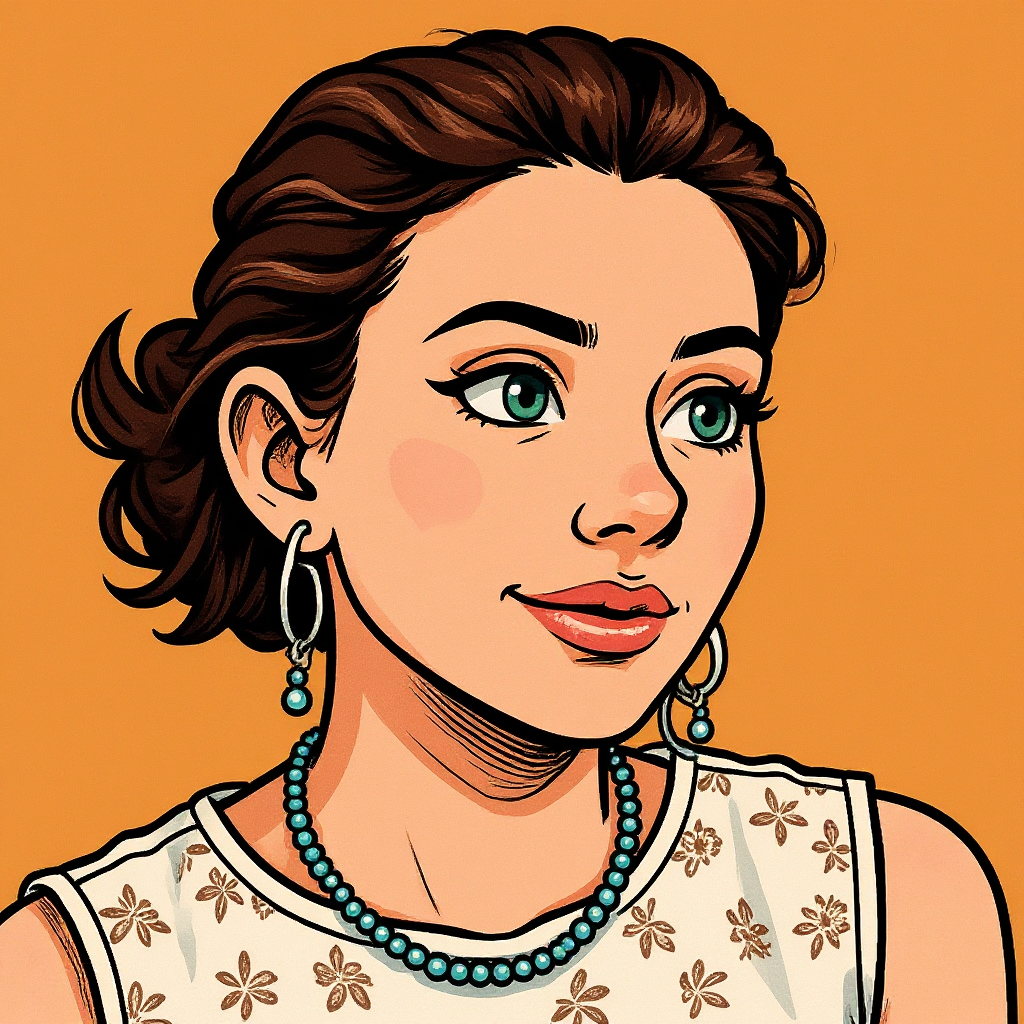
Turn your image into a cartoon with FLUX
stable-diffusion
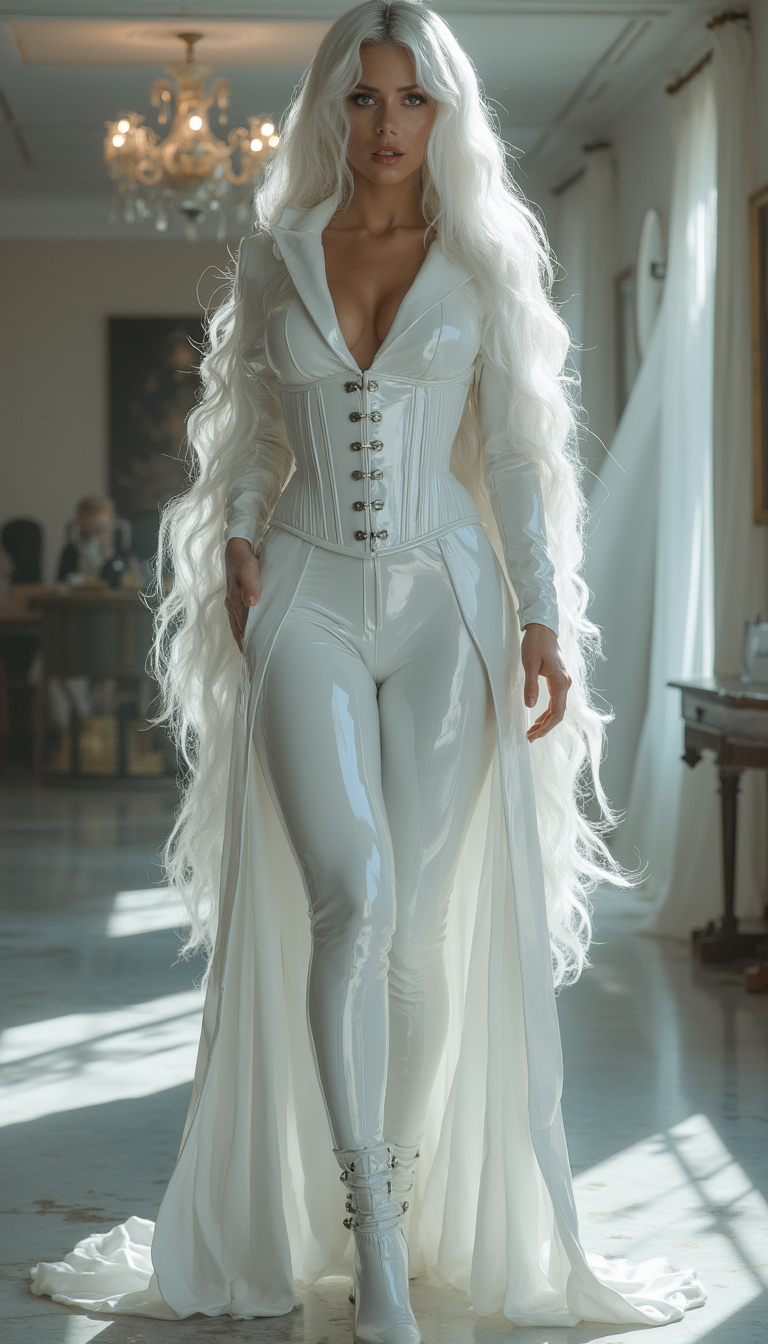
Image from library
flux-studio
A cat diving into a swimming pool at the olympicss
image-to-video
Subtle breathing motion
wan-2.7-i2v-spicy
Ultra-wide cinematic drone shot sweeping across a vast desert canyon at golden hour
flux-3-video
Models you can run on PixelDojo for kling image generator
Switch models without switching tools. Each one runs in the same PixelDojo studio.
What you can do with kling image generator on PixelDojo
Kling Text to Video
We run Kling so you can turn a prompt into a short video clip without leaving PixelDojo. You keep the same project space for prompts, takes, and exports.
Image Driven Motion
We let you start from a still and generate Kling motion that follows your frame. You can iterate on the same source image until the clip matches the shot you need.
Clip Length and Quality
We expose Kling generation settings so you can choose clip length and output quality for drafts versus final renders. You pick the pass that fits your timeline instead of regenerating blindly.
Download and Reuse
We store Kling outputs in your library so you can download files and drop them into later edits. You can reuse a take as a reference or a starting point for the next generation.
Loved by thousands of creators worldwide who generate millions of images every month. 40+ cutting-edge AI tools in one platform. 4.9/5 average user satisfaction. Cancel anytime – zero risk to try.
Why Choose Pixel Dojo for kling image generator
Professional-quality results with cutting-edge AI technology
Cinematic Storytelling That Converts
You create stills with film-grade lighting, composition, and mood that instantly communicate emotion and narrative, turning casual viewers into engaged customers for marketing, social, and brand campaigns.
Unbreakable Character Consistency Across Every Image
You lock in exact facial features, clothing, and style using multiple references so your hero looks identical in every scene, pose, and setting – perfect for comics, ads, and series work.
Native 4K Files Ready for Print and Web
You download ultra-sharp images at 2K and 4K without extra upscaling, saving hours and delivering professional assets that look stunning on posters, product pages, and large screens.
How It Works
Creating cinematic images with PixelDojo's Kling Image is fast, intuitive, and designed around the results you actually need. Follow these three steps to go from idea to downloadable masterpiece.
Step 1: Choose Your Tool
Log into PixelDojo and select Kling Image from the Generate Images section. This specialized tool is built for photorealistic cinematic output, character consistency, and multi-reference support. Pair it later with Flux.2 Studio or Seedream 5 if you want to explore variations, or jump to Consistent Characters for identity lock-in.
Step 2: Enter Your Prompt
Describe your scene like a photo brief: start with the subject (age, clothing, expression), then setting, lighting, lens, and mood. Upload up to several reference images to lock character identity, style, or product details. Use natural language for precise control – Kling Image understands layered instructions and Visual Chain-of-Thought reasoning for coherent, story-driven results.
Step 3: Customize & Download
Generate multiple variations, then refine with PixelDojo's Edit Images tools such as Inpainting, Style Transfer, Magic Lighting, or Image Outpainting. Upscale further with P-Image Upscale or Portrait Upscaler if needed. Download your 4K files instantly and move them into Kling Video or Marketing Studio for animation and campaigns.
The Pixel Dojo Advantage
Why PixelDojo outperforms other options for kling image generator work
| Others | Pixel Dojo |
|---|---|
| Traditional photography and studios | You generate unlimited variations in minutes instead of booking locations, models, and lighting setups that cost thousands and take days. Instant revisions keep your campaign moving. |
| Generic AI image tools | You get specialized cinematic quality, native 4K, and multi-reference character lock that generic platforms simply cannot match, plus seamless handoff to Kling Video and 40+ other professional tools. |
| Manual photo editing and compositing | You skip hours of masking, lighting matching, and retouching. Generate the exact scene you need, then make natural-language tweaks with Inpainting and Style Transfer in seconds. |
Loved by creators on PixelDojo
Real feedback from people using PixelDojo, pulled from our in-product surveys.
Great site and so much fun to use!
very useful set of tools for image creation, upscaling and enhancement
ease of use, variety of tools, high quality trainings, and a well-maintained discord channel
Ease of use, friendliness and support of the owner, continued innovation.
it is an amazing site to create a pics and vids for those who don't have the hardware themselves
good tools in one place
Explore more AI tools on PixelDojo
AI Tools
Compare & Switch
- Best AI Image Generators
- Best AI Video Generators
- Midjourney Alternatives
- Civitai Alternatives
- Runway Alternatives
- Leonardo Alternatives
- Pika Alternatives
- Luma Alternatives
- Magnific Alternatives
- Veo Alternatives
- Flux Alternatives
- Freepik Alternatives
- Seedance Alternatives
- Seedream Alternatives
- Pixverse Alternatives
- GPT Image Alternatives
- Synthesia Alternatives
- Playground Alternatives
- NightCafe Alternatives
- Canva AI Alternatives
- ElevenLabs Alternatives
- ComfyUI Alternatives
- Fal Alternatives
- Replicate Alternatives
Common Questions
Everything you need to know about kling image generator
What is the best kling image generator for cinematic photos and marketing visuals?
PixelDojo's Kling Image is purpose-built for photorealistic cinematic stills with film-grade lighting, composition, and emotional impact. You get native 4K output, multi-reference consistency, and direct integration with tools like Marketing Studio, Consistent Characters, and Kling Video so your images convert into complete campaigns without leaving the platform.
How do I generate consistent characters with the kling image generator on PixelDojo?
Upload multiple reference images (face, full body, clothing, style) when you use Kling Image. The model locks identity, proportions, and details across every generation. Combine this with PixelDojo's Consistent Characters and Character Sheets tools, then refine with Face Swap or LoRA Face Swap for even tighter control across an entire series.
Can I create native 4K images with kling ai image generator and use them commercially?
Yes. Kling Image on PixelDojo delivers native 2K and 4K files ready for print, web, and large-format use. You own the commercial rights to everything you generate. Pair the output with P-Image Upscale or Magnific Upscaler if you ever need even more resolution, then move straight into Video Autocaption or Merge Videos for full production.
What prompting techniques work best for kling image generator cinematic results?
Write prompts like a photography brief: subject first, then setting, lighting, lens choice, and mood. Layer details instead of one long sentence. Upload references for extra control. PixelDojo's Kling Image responds exceptionally well to this structure plus natural-language edits. After generation you can further polish with Magic Lighting, Style Transfer, or Reality Polisher.
How does PixelDojo's kling image generator help with storyboards and comic series?
Kling Image includes Image Series Mode and multi-reference support so characters, palettes, and lighting stay consistent from frame to frame. Generate a sequence, then use Change Camera Angle, Image Outpainting, and Extract Frame to expand the story. Export to Kling Video or WAN Reference to Video when you are ready to animate.
Is there a risk-free way to try the kling image generator and other PixelDojo tools?
Absolutely. PixelDojo gives you access to 40+ cutting-edge AI tools including Kling Image, Flux.2 Studio, Seedream 5, Kling Video, and more. Thousands of creators already use the platform daily. You can cancel anytime with no long-term commitment, so you can test cinematic image generation and full workflows completely risk-free.