image quality enhancer

Generated on PixelDojo. Produced by PixelDojo's generation pipeline.
Your photos deserve to shine at their absolute best. Whether you need crisp product shots that convert shoppers, restored family memories that last generations, or polished visuals that stop the scroll, PixelDojo's AI image quality enhancer makes it effortless. Instantly transform blurry, noisy, compressed, or low-resolution images into vibrant high-definition masterpieces that look professionally captured. You recover lost details, boost resolution for prints and screens, and achieve natural sharpness that captivates audiences. Focus on your creative vision while our specialized tools handle the heavy lifting, helping you stand out and drive real results across social, e-commerce, marketing, and personal projects.
Real image examples generated on PixelDojo
Every example below was produced on PixelDojo. Hover to see the prompt.
Masterpiece
creative-upscaler

This is a realistic photo photograph of a female real person digital artwork that features…
flux
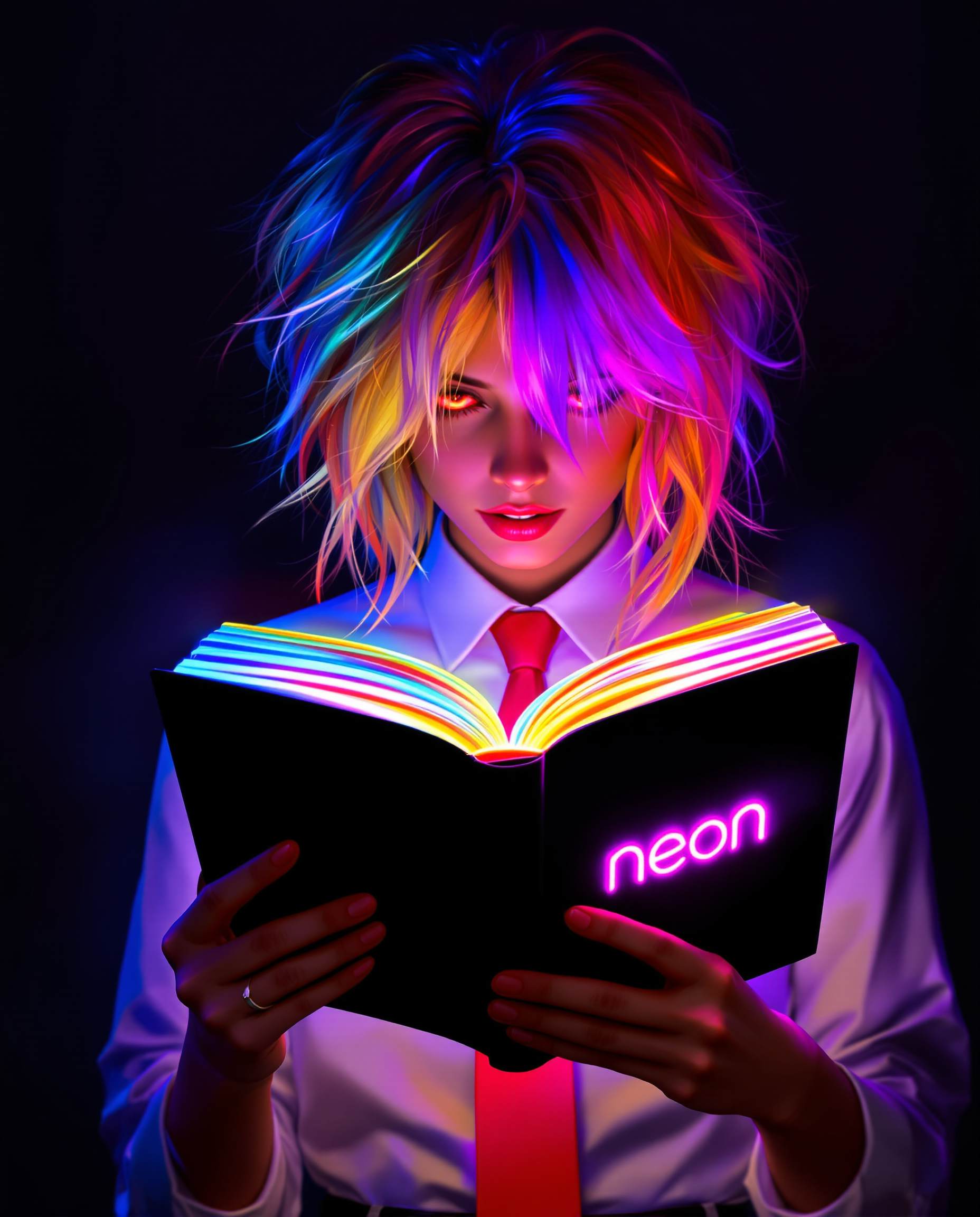
A stunning digital painting of a female character deeply engrossed in reading an open book
flux
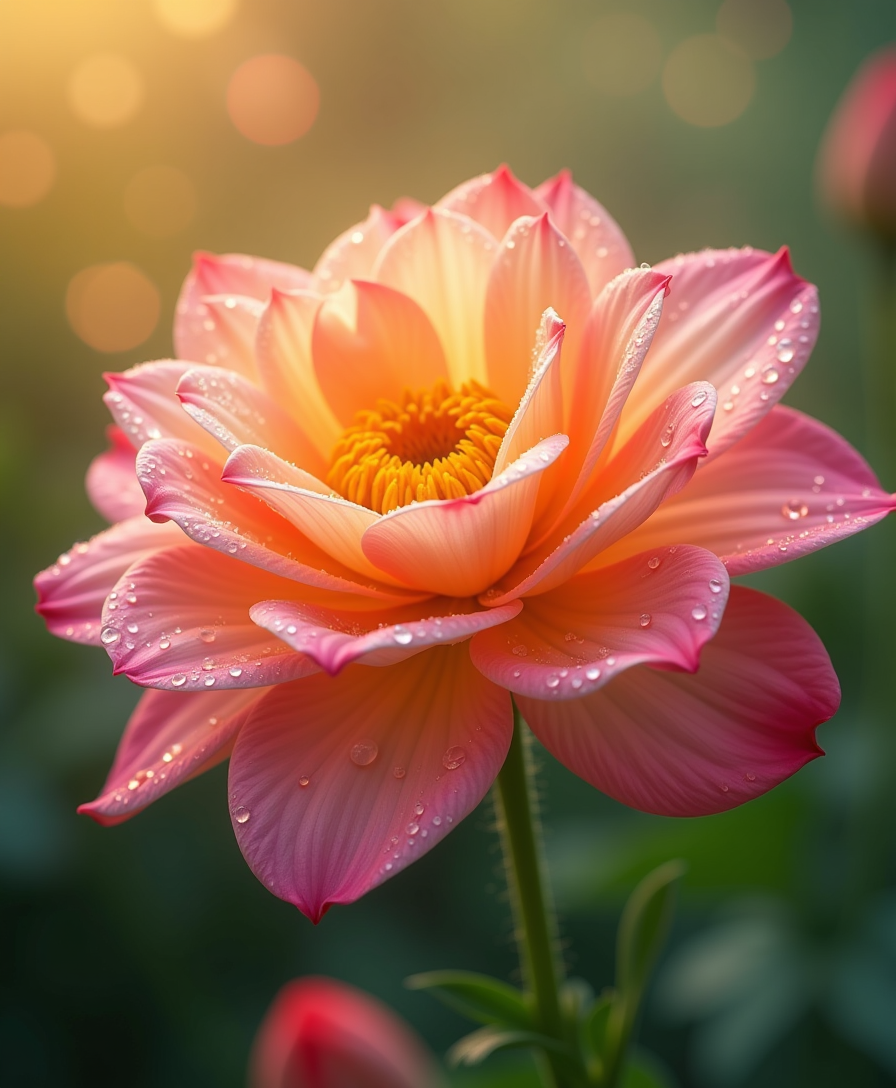
Create a hyper-realistic and detailed close-up of a beautiful
flux
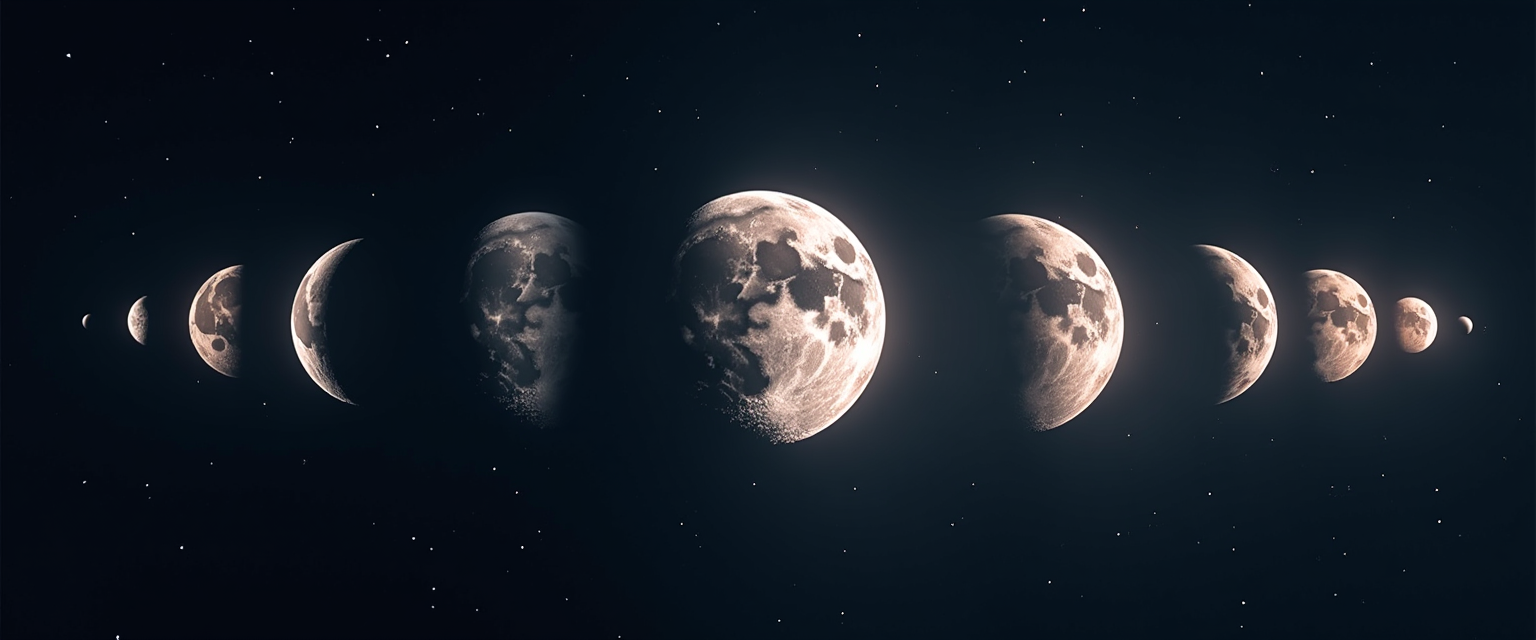
Moon phases
flux
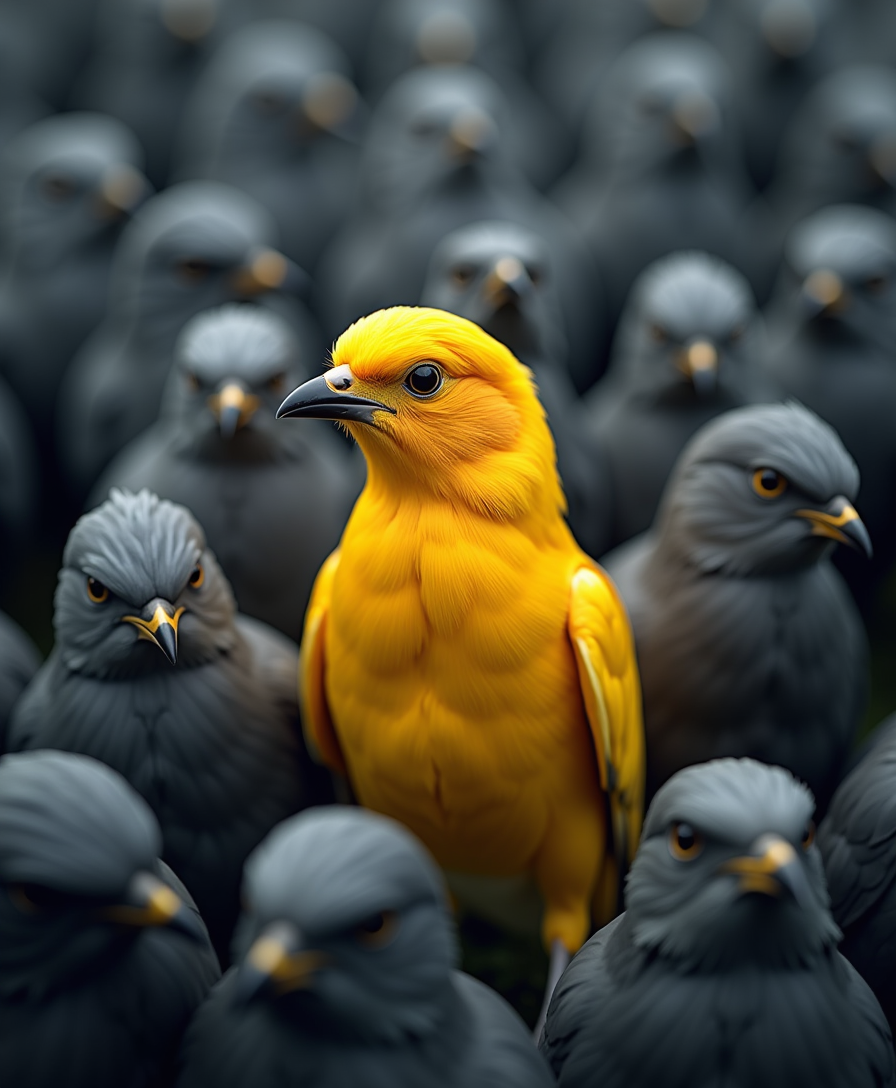
Create a hyper realistic image where there will be a smart
flux
Models you can run on PixelDojo for image quality enhancer
Switch models without switching tools. Each one runs in the same PixelDojo studio.
What you can do with image quality enhancer on PixelDojo
Higher Resolution Output
We upscale generated images so you can export larger files for print, web, and social without starting from a new prompt.
Sharper Fine Detail
We enhance edges, textures, and small features so portraits, products, and environments look clearer in the final render.
Cleaner Compression Artifacts
We reduce noise, banding, and typical generation artifacts so the image reads as more consistent at a glance.
Quality Controls You Set
We let you choose enhancer strength and output size so you can match the look to the rest of your workflow.
Join thousands of creators worldwide who enhance millions of images with PixelDojo. Loved for delivering professional outcomes fast. Access 40+ cutting-edge AI tools, cancel anytime.
Why Choose Pixel Dojo for image quality enhancer
Professional-quality results with cutting-edge AI technology
Print-Ready High-Resolution Visuals
You enlarge everyday photos to stunning 4K quality and beyond, adding realistic textures so they look perfect in large prints, websites, and presentations that impress every viewer.
Natural Sharpness Without Artifacts
You eliminate noise, blur, and compression issues while keeping authentic skin, fabrics, and landscapes intact, so every image looks like it came straight from a high-end camera.
Revive Old and Damaged Photos
You restore faded memories, low-light shots, and compressed files with recovered details, vibrant colors, and enhanced faces, turning forgotten images into shareable treasures.
How It Works
Enhancing image quality on PixelDojo is simple and powerful. Follow these steps to turn any photo into a professional-grade visual using our dedicated upscale and enhance tools.
Step 1: Choose Your Tool
Visit the Upscale & Enhance section and pick the perfect match. Use Magnific Upscaler or Creative Upscaler for general photos that need extra detail. Select Portrait Upscaler for faces and people. Start with Reality Polisher or Clarity Pro to clean artifacts first. Upload your image and let the AI take over.
Step 2: Enter Your Prompt
Upload your photo and choose a scale like 2x for natural improvement or 4x for dramatic boosts. Add a short description such as enhance details naturally or restore textures if you want extra guidance. The AI processes everything instantly, removing noise and reconstructing sharpness while preserving your original look.
Step 3: Customize & Download
Review the side-by-side results and make quick tweaks with tools like Magic Lighting or Image Outpainting. When it looks perfect, download in high-resolution PNG or JPEG ready for any use. Experiment freely across 40+ tools until you achieve exactly the quality you need.
The Pixel Dojo Advantage
Why PixelDojo outperforms other options for image quality enhancement
| Others | Pixel Dojo |
|---|---|
| Traditional photo editing software | You skip hours of manual adjustments and layers. PixelDojo delivers studio-quality enhancement in seconds with consistent professional results you can trust every time. |
| Generic AI tools | You get specialized enhancers like Magnific Upscaler, Portrait Upscaler, Clarity Pro, and Reality Polisher plus 40+ other tools in one place for complete creative control and superior natural outcomes. |
| Manual photo editing | You achieve better detail recovery and authentic looks without needing expert skills or expensive programs. PixelDojo automatically handles cleanup, upscaling, and polish so you focus on results. |
Loved by creators on PixelDojo
Real feedback from people using PixelDojo, pulled from our in-product surveys.
Trained my Lora super fast. Still working out how to creat content wit it, but I love it so far.
I love this app
It has all the tools I can think of...
deployment rate of splendid features is incredible. Legend
large selection of tools on one platform
the amount you can do on this site
Explore more AI tools on PixelDojo
AI Tools
Compare & Switch
- Best AI Image Generators
- Best AI Video Generators
- Midjourney Alternatives
- Civitai Alternatives
- Runway Alternatives
- Leonardo Alternatives
- Pika Alternatives
- Luma Alternatives
- Magnific Alternatives
- Veo Alternatives
- Flux Alternatives
- Freepik Alternatives
- Seedance Alternatives
- Seedream Alternatives
- Pixverse Alternatives
- GPT Image Alternatives
- Synthesia Alternatives
- Playground Alternatives
- NightCafe Alternatives
- Canva AI Alternatives
- ElevenLabs Alternatives
- ComfyUI Alternatives
- Fal Alternatives
- Replicate Alternatives
Common Questions
Everything you need to know about image quality enhancer
How does an AI image quality enhancer work for photos?
PixelDojo's AI image quality enhancer studies your photo, cleans noise and artifacts, then reconstructs missing details and increases resolution. Tools like Magnific Upscaler and Creative Upscaler add realistic textures while keeping your original composition, so you get stunning professional images in seconds without any guesswork.
What is the best AI image quality enhancer for old photos?
For restoring old photos, PixelDojo's Portrait Upscaler combined with Reality Polisher recovers faded colors, sharpens faces, and brings back lost details naturally. You preserve identities and textures perfectly, turning family archives into vibrant high-quality images ready to print or share.
Can I upscale images to 4K with PixelDojo's image quality enhancer?
Yes, P-Image Upscale, Magnific Upscaler, and Creative Upscaler let you reach 4K and higher with ease. Start with 2x or 4x for the most natural results, then refine with Clarity Pro. You get print-ready files that look sharp on any screen or large format without pixelation.
How to enhance image quality without losing the natural look?
Use Reality Polisher first to clean the image, then apply Magnific Upscaler or Portrait Upscaler with moderate settings. PixelDojo tools prioritize real textures and avoid over-sharpening or artificial effects, so your enhanced photos look authentically professional and true to the original scene.
Is PixelDojo's AI photo enhancer suitable for e-commerce product images?
Absolutely. Creative Upscaler and Background Remover make product photos pop with extra sharpness, accurate colors, and high resolution. You create conversion-focused visuals that look studio-quality, helping thousands of sellers boost sales with images that stand out in listings and ads.
Do I need design skills to use the image quality enhancer?
Not at all. PixelDojo is built for everyone. Just upload your photo, choose a tool like Portrait Upscaler or P-Image Upscale, and the AI handles the rest. With 40+ tools available and the option to cancel anytime, you enjoy professional results instantly with zero learning curve.