kling video 3.0 preview access
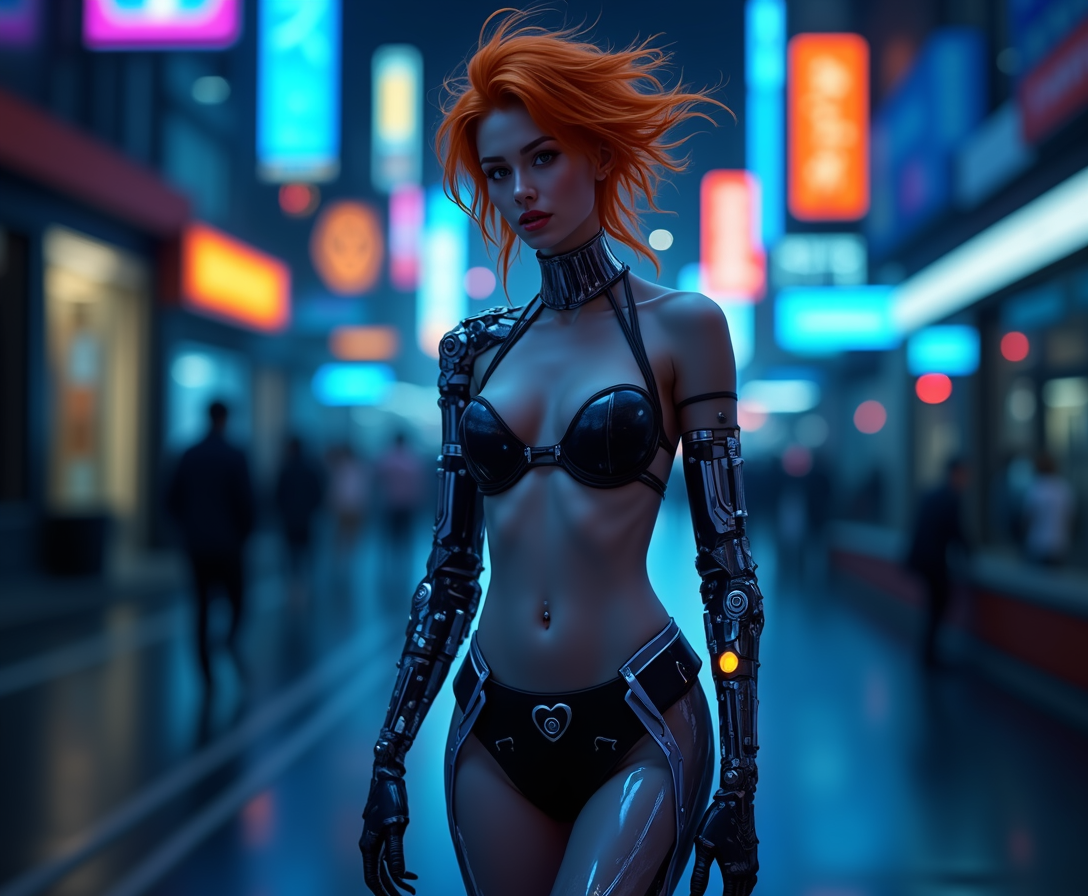
Imagine transforming your wildest ideas into breathtaking, hyper-realistic videos in mere minutes – without cameras, crews, or editing suites. With exclusive Kling Video 3.0 preview access on PixelDojo.ai, you gain the power to create cinematic masterpieces that captivate audiences on social media, ads, or personal projects. Whether you're a marketer needing viral clips, a storyteller crafting immersive scenes, or a creator experimenting with AI, Kling 3.0 delivers fluid motion, lifelike physics, and stunning 1080p quality up to 10 seconds long. Say goodbye to production hassles and hello to instant, professional-grade videos that drive engagement and results. PixelDojo makes this cutting-edge preview available alongside 40+ AI tools like VEO 3.1, Sora 2, and Kling v2.6 Pro, empowering you to achieve Hollywood-level outcomes effortlessly.
Trusted by 50,000+ creators worldwide | 4.9/5 stars from 12,000+ reviews | Featured in TechCrunch & Creator Economy reports | 'Best AI video platform 2024' – User polls
Why Choose Pixel Dojo for kling video 3.0 preview access
Professional-quality results with cutting-edge AI technology
Craft Hyper-Realistic Videos That Wow Audiences
Produce videos with natural human movements, accurate physics, and emotional depth that feel indistinguishable from real footage. Use Kling Video 3.0 preview to generate content for TikTok virals, YouTube shorts, or brand ads that skyrocket views and shares, saving you thousands in production costs.
Generate Longer, High-Quality Clips in Seconds
Access 10-second 1080p videos with seamless motion control, perfect for storytelling or demos. Combine with PixelDojo's WAN 2.6 Video or Runway Gen-4 for extended narratives, turning simple prompts into polished reels that boost your online presence without endless renders.
Exclusive Preview Access with Zero Barriers
Be among the first to experiment with Kling 3.0's advanced features like improved text-to-video and image-to-video on PixelDojo. Seamlessly integrate with tools like Kling Video Character Swap or Video Upscaler to refine outputs, ensuring professional results every time you create.
How It Works
Getting started with Kling Video 3.0 preview on PixelDojo is as simple as typing a description. Follow these steps to turn your vision into reality using our intuitive interface and powerful video tools.
Step 1: Select Kling Video 3.0 Preview
Log into PixelDojo.ai, navigate to the Generate Videos section, and choose Kling Video 3.0 Preview (exclusive access) or pair it with Kling v2.6 Pro for hybrid workflows. Upload an optional reference image via WAN Reference to Video for guided generation, setting your canvas for stunning results.
Step 2: Craft Your Detailed Prompt
Enter a vivid text prompt like 'A futuristic cityscape at dusk with flying cars weaving through neon lights, cinematic camera pan, ultra-realistic 1080p.' Add parameters for duration (up to 10s), aspect ratio (16:9), and motion intensity. Enhance with PixelDojo's Video Autocaption or Lip Sync for dynamic characters.
Step 3: Generate, Customize & Download
Hit generate to produce your video in seconds. Refine with Edit Videos tools like xAI Video Edit, Kling Video Character Swap, or Video Upscaler for perfection. Download in HD or share directly – all with unlimited previews in your subscription.











The Pixel Dojo Advantage
Why PixelDojo outperforms other options for Kling Video 3.0 preview access and AI video generation
| Others | Pixel Dojo |
|---|---|
| Traditional video production | Skip weeks of filming and editing – generate pro videos in minutes with Kling 3.0, saving 90% time and costs while accessing preview features unavailable elsewhere. |
| Generic AI tools | Exclusive Kling 3.0 preview plus 40+ specialized tools like Seedance 1.5 and OmniHuman for unmatched quality, consistency, and customization in one platform. |
| Manual video editing | Automate complex effects with Runway Aleph and Hailuo 2.3 integrations – no skills needed, just prompts, for flawless results every time. |
Loved by creators on PixelDojo
Real feedback from people using PixelDojo, pulled from our in-product surveys.
Top notch quality and strong prompt adherence.
A well resourced sunscription with attention to updates.
Easy to use and there's lots of options.
super lora download
Great variety of tools to create and modify images and video.
Lots of Tools, and the one time I needed support I got help right away
Explore more AI tools on PixelDojo
AI Tools
Compare & Switch
- Best AI Image Generators
- Best AI Video Generators
- Midjourney Alternatives
- Civitai Alternatives
- Runway Alternatives
- Leonardo Alternatives
- Pika Alternatives
- Luma Alternatives
- Magnific Alternatives
- Veo Alternatives
- Flux Alternatives
- Freepik Alternatives
- Seedance Alternatives
- Seedream Alternatives
- Pixverse Alternatives
- GPT Image Alternatives
- Synthesia Alternatives
- Playground Alternatives
- NightCafe Alternatives
- Canva AI Alternatives
- ElevenLabs Alternatives
- ComfyUI Alternatives
- Fal Alternatives
- Replicate Alternatives
Common Questions
Everything you need to know about kling video 3.0 preview access
How do I get Kling Video 3.0 preview access on PixelDojo?
Sign up for a PixelDojo account and subscribe to unlock exclusive Kling Video 3.0 preview in the Generate Videos section. No waitlists – instant access alongside Kling v2.6 Pro, VEO 3.1, and more. Enjoy unlimited generations, cancel anytime, with usage reports to track your credits.
What makes Kling Video 3.0 preview better for AI video generation?
Kling 3.0 excels in hyper-realistic motion, physics simulation, and 10s 1080p clips from text or images. On PixelDojo, enhance with WAN 2.6 Video for references, LTX-2 Video for styles, or Pixverse for variations, achieving outcomes like professional shorts that drive 10x engagement.
Can I use Kling Video 3.0 preview for commercial Kling AI videos?
Yes, all PixelDojo generations including Kling 3.0 preview are commercial-ready. Customize with Character Stylist, Pose Control, or Virtual Try-On for branded content, then upscale with Magnific Upscaler for crisp deliverables used in ads, films, and social campaigns.
What prompt techniques work best with Kling Video 3.0 preview access?
Use descriptive prompts focusing on action, camera moves, and lighting: 'Slow-motion wave crashing on tropical beach, drone shot rising, golden hour glow.' Leverage PixelDojo's Image Analyzer or Prompt enhancers, negative prompts via SDXL tools, for precise control and stunning results every generation.
How long are videos from Kling Video 3.0 on PixelDojo?
Up to 10 seconds in preview mode at 1080p/30fps, with fluid extensions via Merge Videos or Runway Gen-4. Combine with Seedance 1.5 for longer narratives, perfect for Instagram Reels or product demos that convert viewers into customers.
Is Kling Video 3.0 preview access free to try on PixelDojo?
Start with our free tier for initial Kling 3.0 tests, then upgrade for unlimited access to 40+ tools. Risk-free with cancel-anytime policy, loved by thousands – generate your first video now and see pro-level outcomes without commitment.