krea 2 AI Generator
Generated on PixelDojo. Produced by PixelDojo's generation pipeline.
You can finally create images that look exactly the way you envisioned them, without the usual generic AI polish that makes everything feel the same. On PixelDojo, Krea 2 through the Krea Image tool puts aesthetics and creative control first so your work stands out whether you need cinematic stills, grainy film photography, complex digital paintings, or experimental illustrations. You describe a scene, add a few reference images or a moodboard, and watch Krea 2 transfer the exact style, lighting, texture, and mood you want. The result is professional-grade visuals ready for marketing campaigns, concept art, social posts, product mockups, or personal projects in minutes instead of days. Pair Krea Image with PixelDojo tools like Style Transfer, Image to Image, Consistent Characters, and P-Image Upscale to refine, iterate, and scale your ideas without leaving the platform. Thousands of creators already use this combination to produce distinctive work that feels handcrafted rather than generated. You stay in flow, explore freely, and walk away with assets that match your brand or artistic direction perfectly.
Real image examples generated on PixelDojo
Every example below was produced on PixelDojo. Hover to see the prompt.
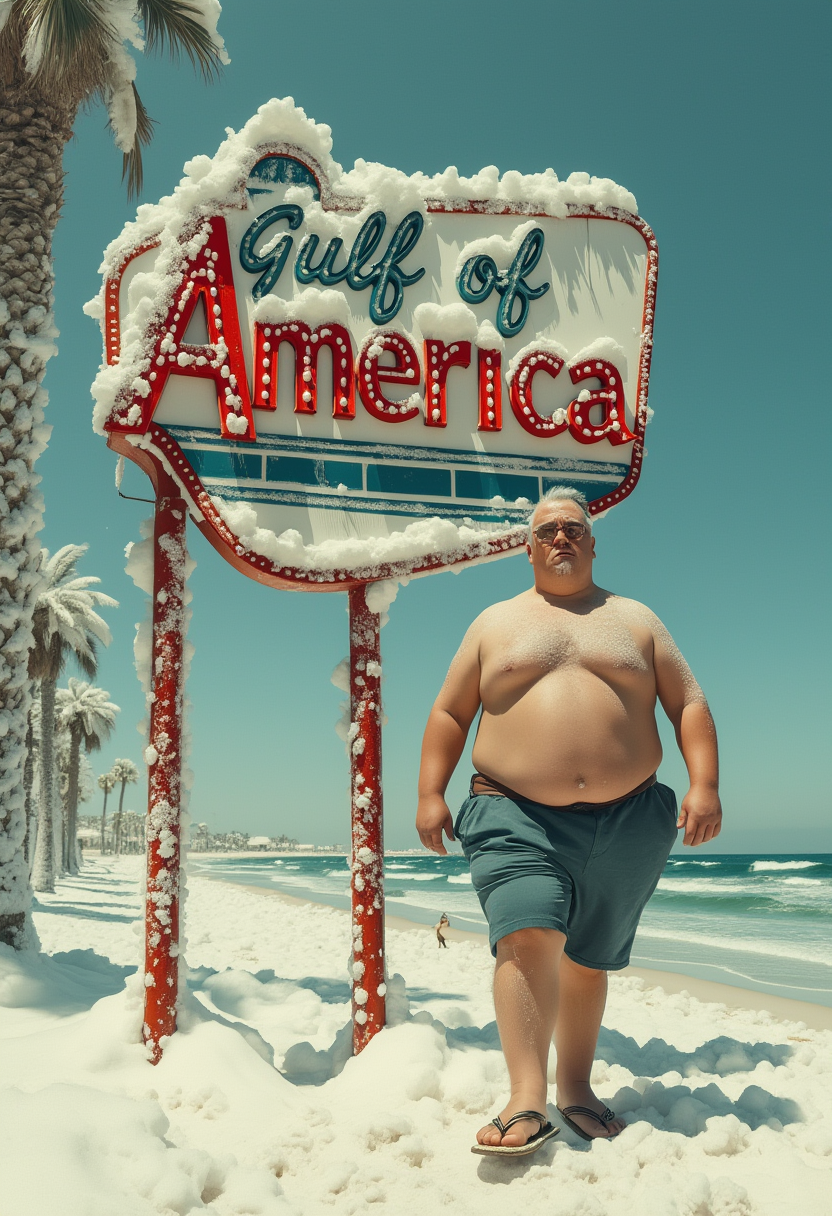
Create a sign the reads "Gulf of America" in red
flux
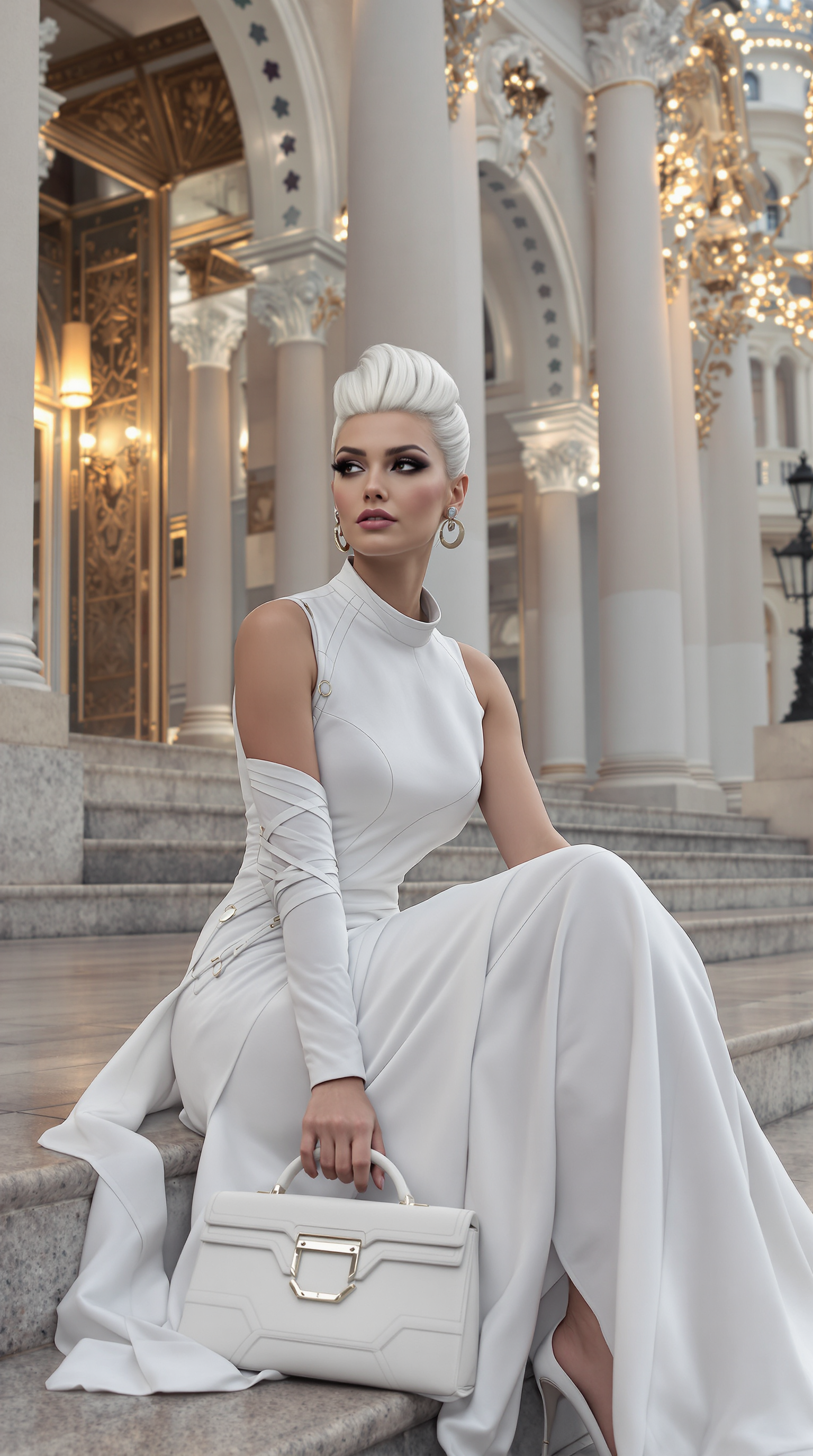
Ultra realistic
stable-diffusion

Masterpiece
creative-upscaler
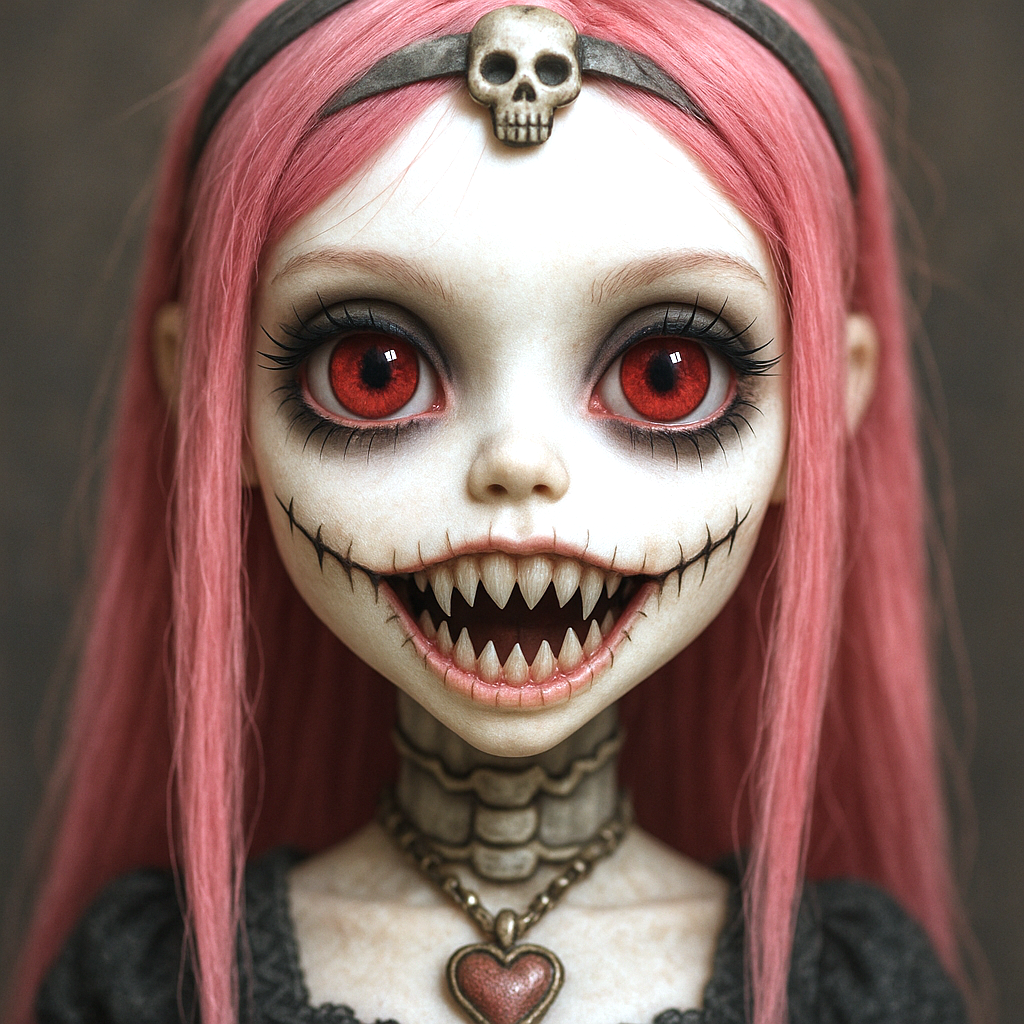
This image features a closeup of a doll with a striking and detailed appearance
stable-diffusion
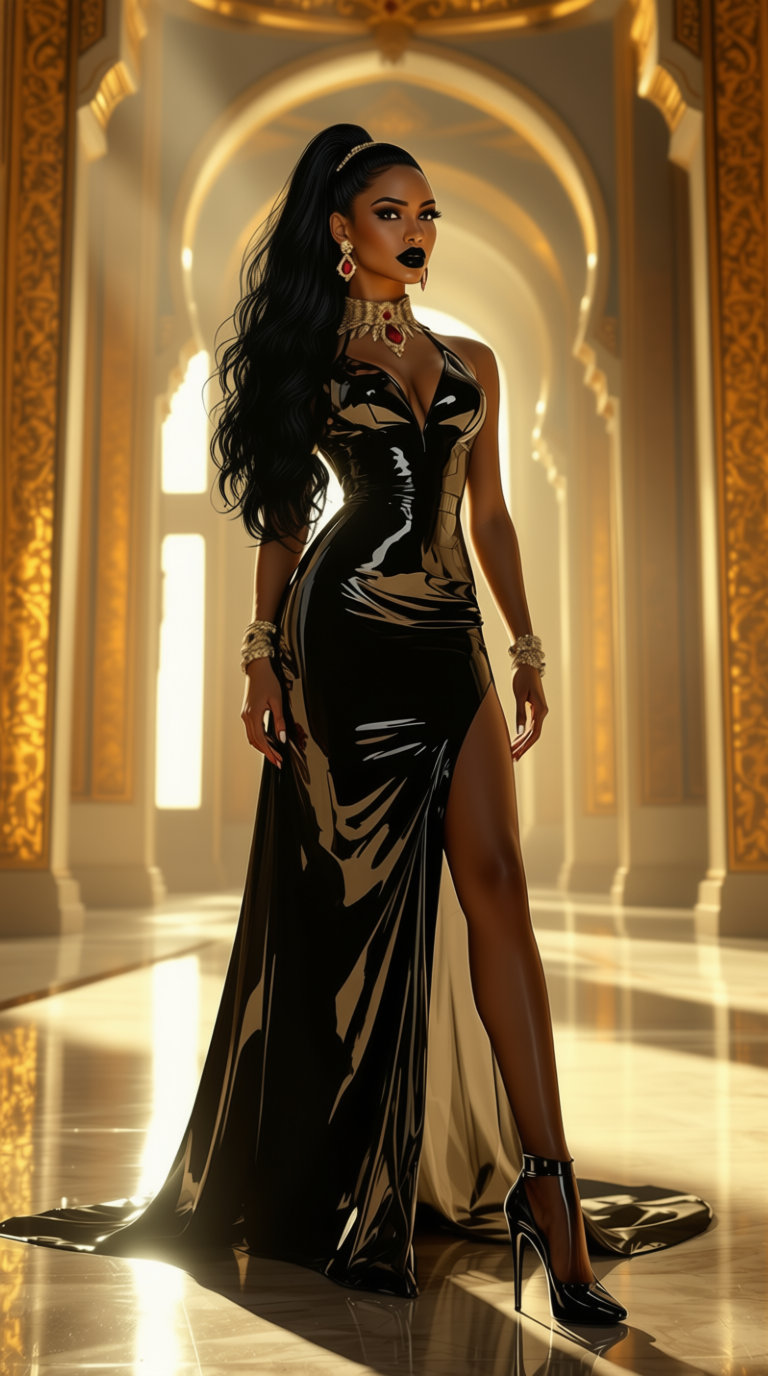
Show me character from a random angle with a neutral background and random lighting
consistent-characters
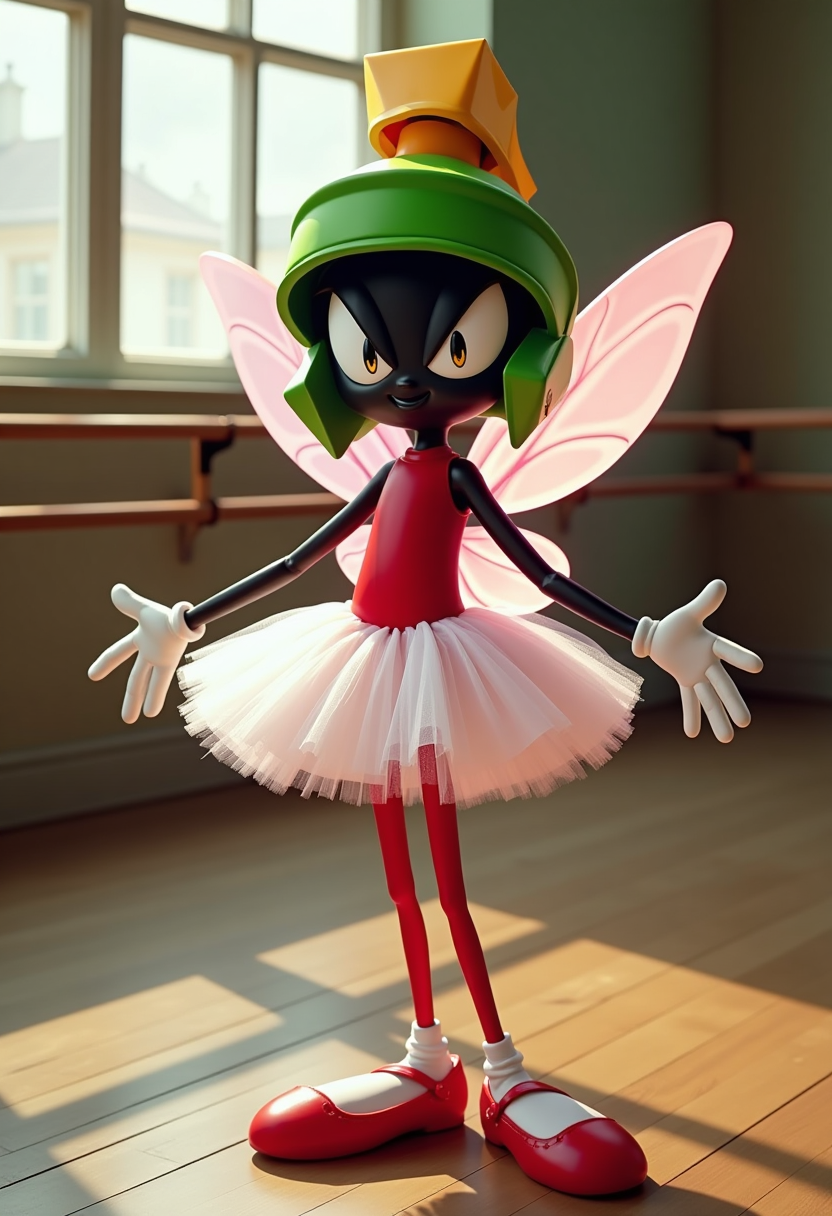
Create an image of Marvin the Martian as a fairy
flux
Models you can run on PixelDojo for krea 2
Switch models without switching tools. Each one runs in the same PixelDojo studio.
What you can do with krea 2 on PixelDojo
Krea 2 Text to Image
We run Krea 2 on PixelDojo so you can turn prompts into still images without leaving the workspace.
Prompt Driven Visual Control
You can steer subject, lighting, and composition through prompt edits and generate new takes from the same idea.
Style and Detail Tuning
We let you refine look and finish with follow-up prompts so outputs better match a chosen aesthetic.
Save and Reuse Outputs
Generated images stay in your PixelDojo library so you can download them, compare versions, and continue a series.
Loved by thousands of creators worldwide who rely on PixelDojo’s 40+ cutting-edge AI tools every day. Flexible plans let you cancel anytime so you can experiment without risk.
Why Choose Pixel Dojo for krea 2
Professional-quality results with cutting-edge AI technology
Create Images That Break the Generic Look
You apply real style from reference photos or moodboards so every generation carries authentic grain, brushwork, lighting, and composition instead of the typical over-smoothed AI aesthetic. Your marketing visuals, illustrations, and concept art instantly feel more original and professional.
Explore Ideas at Lightning Speed
You generate high-quality variations in seconds using Krea Image, then refine with Image to Image or Magic Lighting. Rapid iteration lets you test dozens of directions in the time it used to take to produce one traditional piece, keeping your creative momentum high.
Direct the Entire Visual Universe
You upload a moodboard or multiple weighted style references and Krea 2 understands the overall creative direction, producing cohesive sets that stay on-brand or on-style. Combined with PixelDojo’s Character Sheets and Consistent Characters, you maintain look and feel across an entire campaign.
How It Works
You go from idea to finished, style-perfect image in three straightforward steps inside PixelDojo. No technical knowledge required.
Step 1: Choose Your Tool
Sign in to PixelDojo and open the Generate Images section. Select Krea Image to access Krea 2. You can also keep Flux.2 Studio, Seedream 5, or QWEN Image 2 open in other tabs if you want to compare looks later. The interface is clean so you start creating immediately.
Step 2: Enter Your Prompt and Style Guides
Type a simple or detailed description of the scene you want. Upload one or more style reference images and set their strength, or drop in a full moodboard. Adjust the creativity control from raw to high so the model either stays literal or adds rich aesthetic interpretation. Krea 2 handles the rest, extracting palette, texture, lighting, and composition automatically.
Step 3: Customize, Enhance, and Download
Review the results, then use PixelDojo’s Edit Images tools such as Inpainting, Change Camera Angle, Style Transfer, or Reality Polisher to perfect details. Upscale with P-Image Upscale or Magnific Upscaler for print-ready files. Download in the format you need or send the image straight into Marketing Studio or video tools. Everything stays inside one platform so your workflow never breaks.
The Pixel Dojo Advantage
Why PixelDojo outperforms other options for krea 2 image generation
| Others | Pixel Dojo |
|---|---|
| Traditional photography and illustration | You produce any style, any subject, any lighting condition in minutes instead of booking shoots, hiring illustrators, or waiting days for revisions. Krea Image plus PixelDojo’s edit suite gives you complete creative freedom at a fraction of the cost. |
| Generic AI tools | You get true aesthetic control through style references, moodboards, and a dedicated creativity parameter that generic generators lack. Images avoid the repetitive AI look and stay consistent across a project when you combine Krea Image with Consistent Characters and Character Sheets. |
| Manual photo editing | You achieve complex compositions, lighting changes, and style transfers instantly rather than spending hours in software. After generation you still have PixelDojo’s Inpainting, Background Remover, and Reality Polisher for final polish, turning hours of work into minutes. |
Loved by creators on PixelDojo
Real feedback from people using PixelDojo, pulled from our in-product surveys.
super easy to use
it's very easy to use
Practically every Ai suite in one place? Who wouldn't?
versatile menu of tools
Best AI tool availble the suite is rad
Versatility quality, value, ROI, innovation
Explore more AI tools on PixelDojo
AI Tools
Compare & Switch
- Best AI Image Generators
- Best AI Video Generators
- Midjourney Alternatives
- Civitai Alternatives
- Runway Alternatives
- Leonardo Alternatives
- Pika Alternatives
- Luma Alternatives
- Magnific Alternatives
- Veo Alternatives
- Flux Alternatives
- Freepik Alternatives
- Seedance Alternatives
- Seedream Alternatives
- Pixverse Alternatives
- GPT Image Alternatives
- Synthesia Alternatives
- Playground Alternatives
- NightCafe Alternatives
- Canva AI Alternatives
- ElevenLabs Alternatives
- ComfyUI Alternatives
- Fal Alternatives
- Replicate Alternatives
Common Questions
Everything you need to know about krea 2
What is Krea 2 image generation and how can I use it on PixelDojo?
Krea 2 is an aesthetics-first foundation model that lets you control how an image looks as much as what it contains. On PixelDojo you access it through the Krea Image tool. You write a prompt, add style references or a moodboard, set creativity, and generate. The model excels at everything from grainy film to digital painting and experimental illustration. You can then refine the output with PixelDojo’s Image to Image, Style Transfer, or upscalers so the final file is ready for any use.
How do I get the best style transfer results with Krea 2 on PixelDojo?
Upload one or more reference images that show the exact look you want—palette, texture, lighting, line work. Adjust each reference’s strength slider so you can blend styles or keep one dominant. For broader direction, create a moodboard of many images; Krea 2 understands the overall mood and applies it cohesively. Keep prompts relatively short because the model already has strong built-in taste. After generation, use PixelDojo’s Style Transfer or Magic Lighting tools if you need extra fine-tuning.
What are the most effective Krea 2 prompting techniques for unique images?
Focus on visual language rather than long lists of adjectives. Describe texture, camera angle, lighting quality, and rendering style (for example “grainy 35mm film, low dynamic range, motion blur”). Short, direct prompts often work surprisingly well because Krea 2 fills in aesthetic depth. Pair the prompt with style references for even more precision. On PixelDojo you can generate a batch, pick favorites, then iterate with Image to Image or Change Camera Angle until the result matches your vision perfectly.
Can I keep characters consistent when generating with Krea 2 on PixelDojo?
Yes. After creating a strong base image in Krea Image, switch to PixelDojo’s Consistent Characters or Character Sheets tools to lock in facial features, clothing, and proportions. You can also train a custom look with Flux Trainer or QWEN Trainer and apply it back to Krea 2 generations. This combination lets you produce entire series or campaigns that feel like they belong together.
Is Krea 2 on PixelDojo suitable for commercial projects?
Absolutely. PixelDojo’s terms allow commercial use of images you generate. Many creators use Krea Image plus Marketing Studio, Virtual Try-On, and video tools to produce ads, product visuals, social content, and merch designs. Because you can cancel anytime and the platform includes 40+ tools, you can start small and scale as your needs grow without long-term commitment.
How does Krea 2 on PixelDojo compare to other image tools on the same platform?
Krea Image shines when style and aesthetic direction matter most—moodboards, weighted references, and a creativity slider give you control other generators do not. For photorealism you might also try Flux.2 Studio or Seedream 5; for speed you can jump to Z Image Turbo. The real power is that everything lives together: generate in Krea Image, edit with Inpainting or Reality Polisher, upscale, then move into video or 3D without exporting files. You choose the right tool for each job while staying inside one seamless workflow.