Krea Image
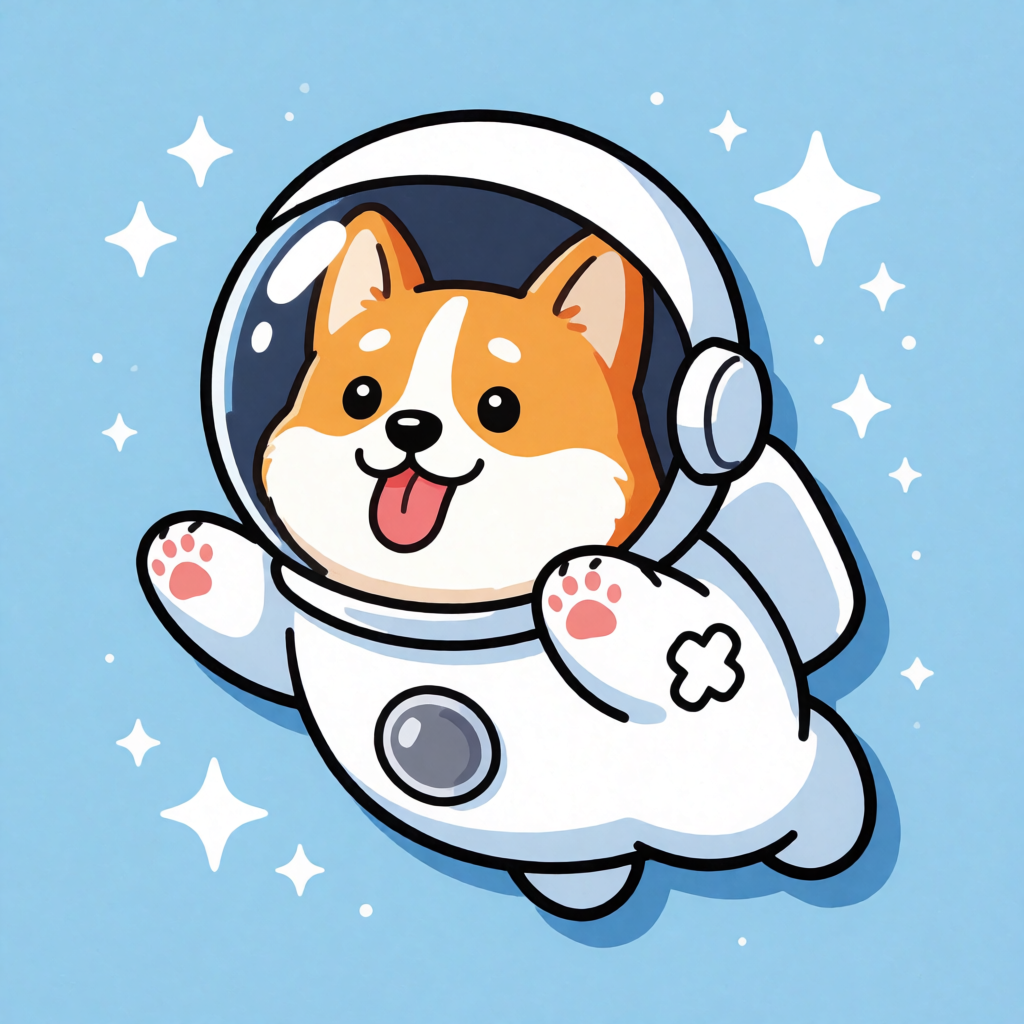
Generated on PixelDojo with Krea Image (Turbo). Produced by PixelDojo's generation pipeline.
Krea Image's cheapest tier, Turbo, costs 0.5 credits and returned our sticker design in about 23 seconds on August 26, 2026. The same tool also offers Medium at 1 credit and Large at 2 credits for higher fidelity, all three sharing one creativity control and the same style-reference input. Here is the quick reference: what each tier costs, what Turbo actually produced, and when to pay more for Medium or Large.
The 0.5 credit sticker test, first result kept
Every example below was produced on PixelDojo. Hover to see the prompt.
A cheerful sticker design of a corgi astronaut floating among stars, bold outlines, flat colors, die-cut style
Krea Image (Turbo)
The three tiers at a glance
Turbo, 0.5 credits: fastest and cheapest
The tier we tested. About 23 seconds for a 1024 by 1024 image, no reference required.
Medium, 1 credit: adds a creativity dial
Same input shape as Turbo, priced at double, aimed at higher fidelity when the extra detail matters.
Large, 2 credits: the highest-fidelity tier
4 times Turbo's price. Same style-reference support, aimed at final output rather than quick drafts.
One creativity control across every tier
The raw to high creativity setting applies the same way whether you pick Turbo, Medium, or Large.
One prompt, Turbo tier, August 26, 2026. 0.5 credits, about 23 seconds, 1024x1024 output.
Why Choose Pixel Dojo for Krea Image
Professional-quality results with cutting-edge AI technology
0.5 credits per image on Turbo
The lowest per-image price in this tool's own lineup.
About 23 seconds, measured
Timed on August 26, 2026 from request to finished file.
Clean flat-color output on the first try
Our corgi astronaut sticker came back with bold black outlines and no stray artifacts, no retry needed.
How It Works
How we ran it, so you can repeat it:
Set model to turbo for the cheapest, fastest run
Turbo is also the default if you omit the field, so a bare prompt already gets the 0.5 credit price.
Describe style directly in the prompt
We asked for bold outlines, flat colors, and die-cut style, and Turbo followed all three without a reference image.
Run it in the app or over the API
Generate from the Krea Image page, or POST to /api/v1/models/krea-v2/run. Ours took about 23 seconds and charged 0.5 credits.
Loved by creators on PixelDojo
Real feedback from people using PixelDojo, pulled from our in-product surveys.
easiest workflow to get best output image or video
awesome functionality, UX, constant flood of improvements, discord interactivity
Awesome site with so many features
Love how I can almost create anything
The Flux Pro Ultra is just amazing!
Very easy to use, and they have fast wan 2.2 video generation with custom loras available.
Explore more AI tools on PixelDojo
AI Tools
Compare & Switch
- Best AI Image Generators
- Best AI Video Generators
- Midjourney Alternatives
- Civitai Alternatives
- Runway Alternatives
- Leonardo Alternatives
- Pika Alternatives
- Luma Alternatives
- Magnific Alternatives
- Veo Alternatives
- Flux Alternatives
- Freepik Alternatives
- Seedance Alternatives
- Seedream Alternatives
- Pixverse Alternatives
- GPT Image Alternatives
- Synthesia Alternatives
- Playground Alternatives
- NightCafe Alternatives
- Canva AI Alternatives
- ElevenLabs Alternatives
- ComfyUI Alternatives
- Fal Alternatives
- Replicate Alternatives
Common Questions
Everything you need to know about Krea Image
What does Krea Image cost?
0.5 credits per image on Turbo, 1 credit on Medium, 2 credits on Large. There is no num_images field, so each request generates one image at the selected tier's price.
How fast is Turbo?
About 23 seconds in our August 26, 2026 run, measured from submission to the finished file. Real turnaround moves with queue load.
What did the Turbo output actually look like?
A corgi in a white spacesuit against a sky-blue background scattered with white sparkle shapes of different sizes. Bold black outlines, flat color fill, visible pink paw pads, and a drop shadow that reads as a die-cut sticker edge. It came back at 1024 by 1024 pixels.
When should I pay for Medium or Large instead of Turbo?
Turbo already handled a flat-color sticker cleanly. Pay for Medium or Large when the brief needs more realistic detail or texture than a flat illustration style, since both add a creativity control on top of the same request shape at 1 and 2 credits.
Can I guide the style with a reference image?
Yes, on every tier. Send reference_images alongside your prompt and Krea Image uses them to steer the style; it still generates a fresh image rather than editing the reference directly.
How do I call it from the API?
POST to /api/v1/models/krea-v2/run with your API key, a prompt, and model set to turbo, medium, or large. Omit model and it defaults to turbo.