leonardo ai alternative
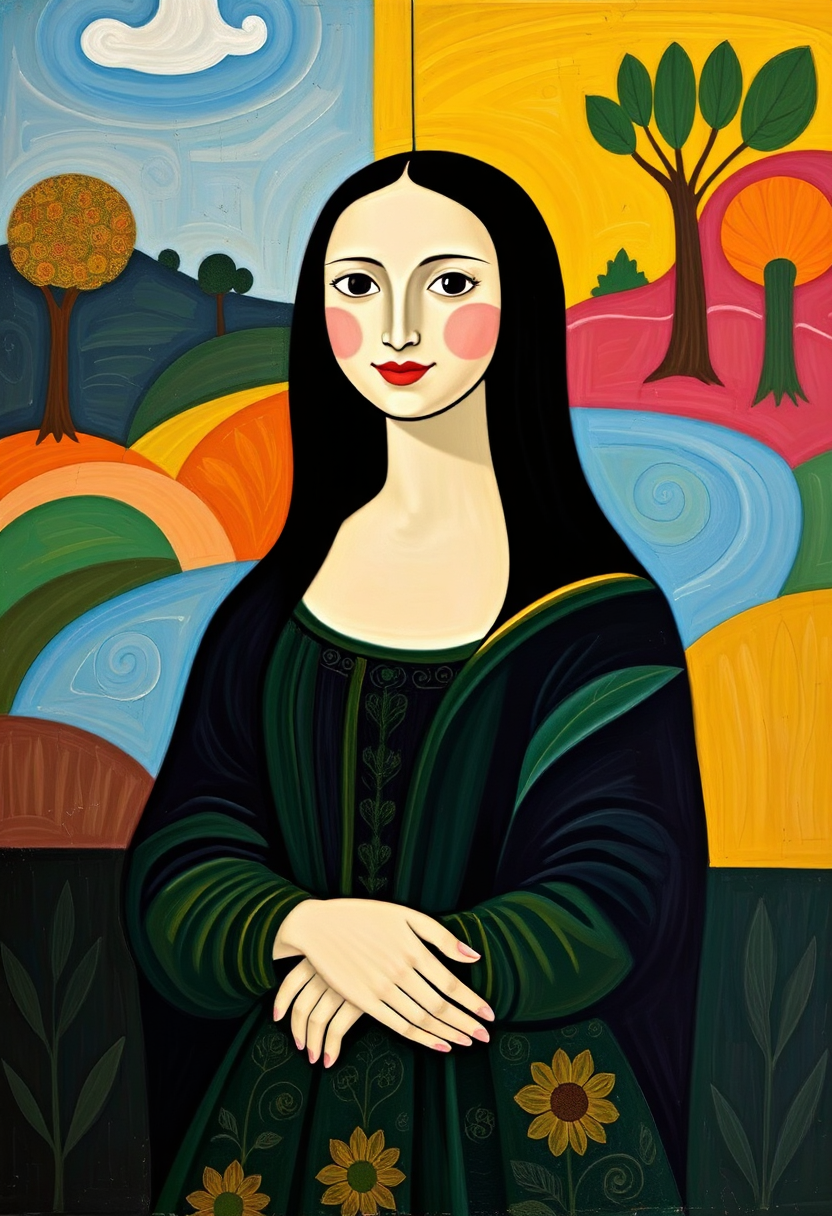
Generated on PixelDojo. Produced by PixelDojo's generation pipeline.
Searching for a Leonardo AI alternative that actually delivers professional results without limits? PixelDojo empowers you to generate breathtaking AI images, cinematic videos, and on-brand characters in minutes. You achieve photorealistic scenes, marketing campaigns, game assets, and social content that stand out—using the latest generation techniques like advanced photorealism, precise character consistency, and seamless image-to-video workflows. With over 40 cutting-edge tools at your command, you skip the frustration of single-model platforms and create exactly what you envision, every time. Thousands of creators already rely on PixelDojo to turn ideas into finished assets faster, so you can focus on growing your projects instead of fighting tools.
Real image examples generated on PixelDojo
Every example below was produced on PixelDojo. Hover to see the prompt.
This image is a playful and modern interpretation of the famous painting Mona Lisa by Leon…
flux

Image of an ai painting a human and a human painting an ai
flux
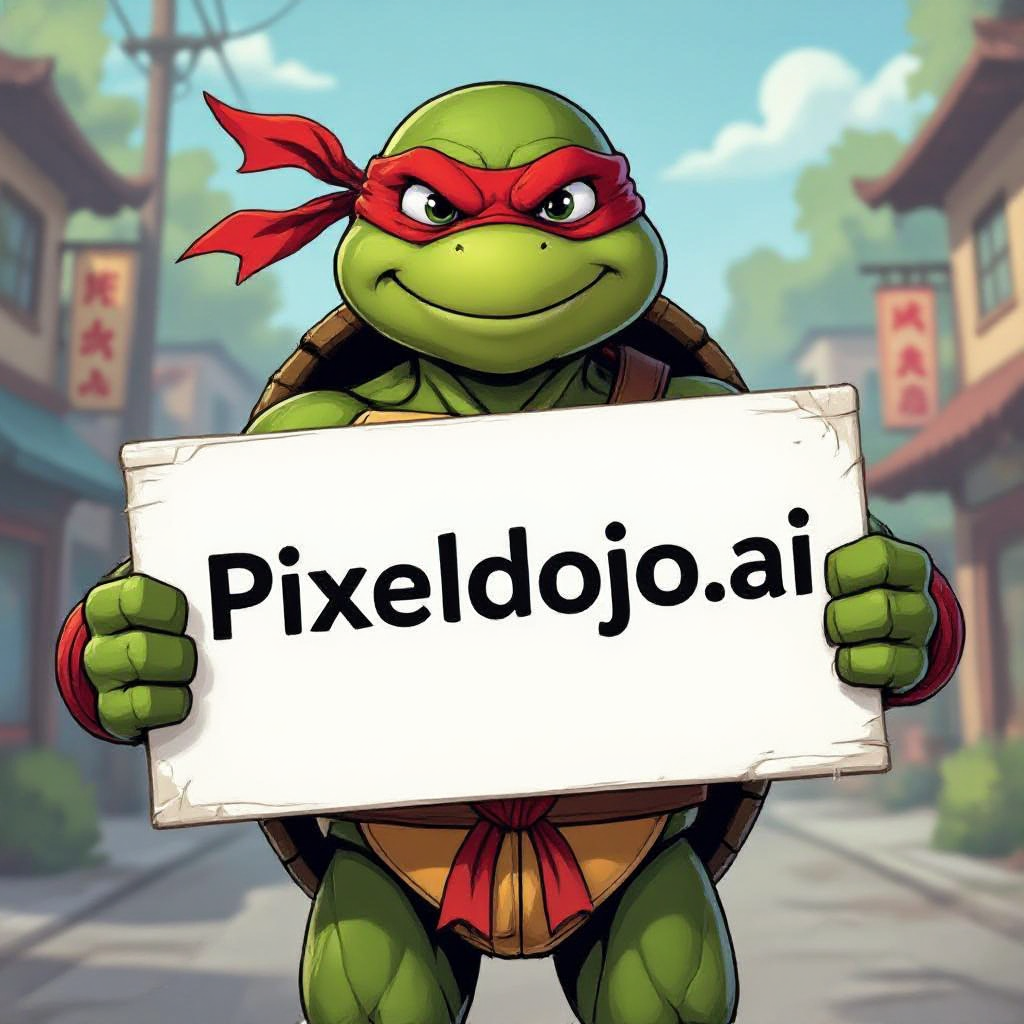
A ninja turtle holding a sign that reads "pixeldojo
hidream

MO-LoRa-Multi
stable-diffusion
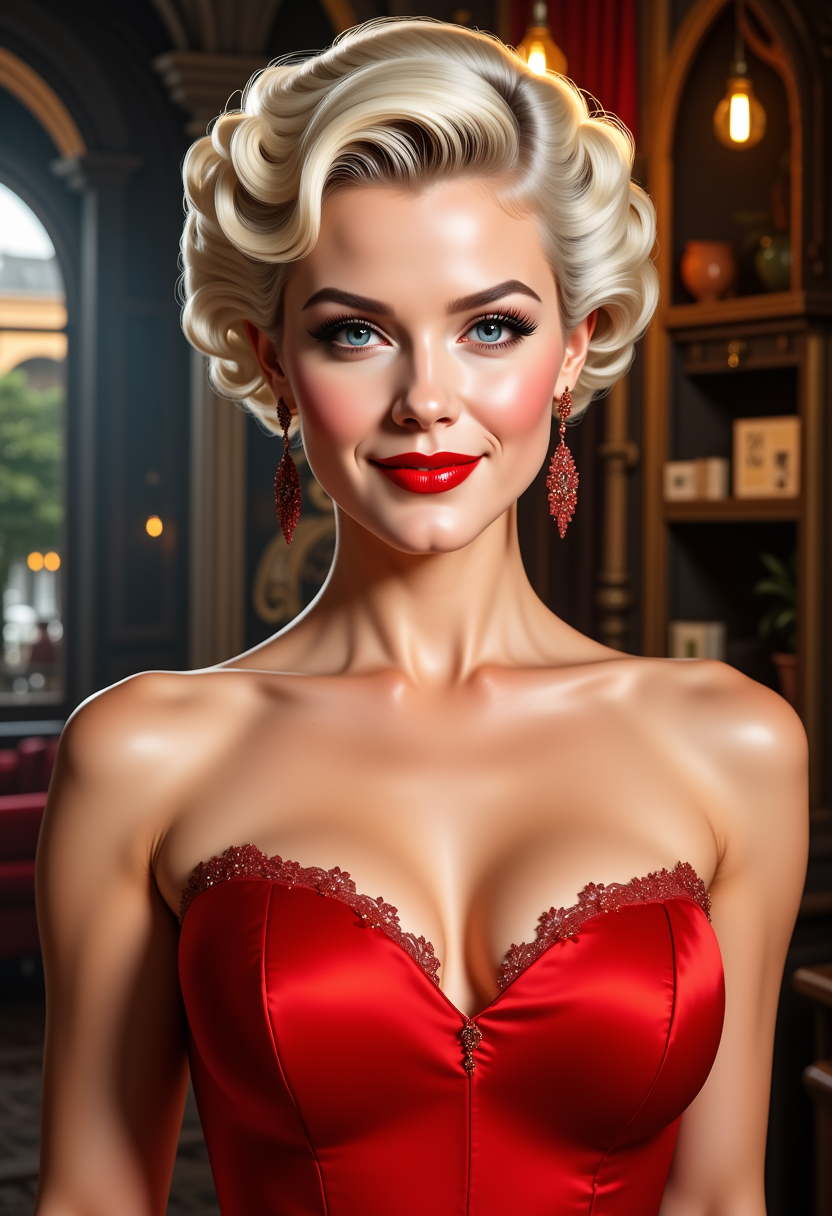
FantasyWomanLoRa
stable-diffusion

FantasyWomanLoRa
stable-diffusion
Models you can run on PixelDojo for leonardo ai alternative
Switch models without switching tools. Each one runs in the same PixelDojo studio.
What you can do with leonardo ai alternative on PixelDojo
Multiple Image Models
We give you access to several image generation models in one workspace so you can try different looks without leaving PixelDojo. Switch models and keep your prompt history in the same project.
Fine Style Control
You can set aspect ratio, style presets, and negative prompts to steer composition and mood. We keep those controls next to the canvas so you can iterate quickly.
Upscale And Variations
We let you upscale outputs and generate variations from a result you like. That helps you refine detail and explore nearby compositions without starting from scratch.
Creator Workspace Tools
You can save generations, organize projects, and reuse prompts across sessions. We support downloads suitable for drafts, social posts, and client presentations.
Loved by thousands of creators worldwide. Access 40+ cutting-edge AI tools for images, videos, editing, and more. Cancel anytime with no risk.
Why Choose Pixel Dojo for leonardo ai alternative
Professional-quality results with cutting-edge AI technology
Build Unbreakable Character Consistency Across Every Project
You keep the same faces, outfits, and styles looking identical in every image and video you produce. Tools like Consistent Characters, Character Sheets, Ideogram Character, WAN Video Character Swap, Kling Video Character Swap, Kling Avatar, P Video Avatar, Face Swap, LoRA Face Swap, Flux Pro Virtual Try-On, Virtual Try-On, and Character Stylist let you lock in identities once and reuse them endlessly for stories, ads, or product lines.
Produce Photorealistic Images and Cinematic Videos Instantly
You generate magazine-quality stills and motion content that captivate audiences. Choose from Nano Banana 2, GPT Image 2, Grok Image, Flux.2 Studio, Krea Image, Riverflow, Luma UNI 1, QWEN Image 2, Qwen 3 Pro, WAN 2.6, WAN 2.7, Kling Image, WAN Image, P-Image, P-Image Ideogram, Z Image Turbo, QWEN Image, Seedream 4.5, Seedream 5, ImagineArt, Ernie, Hunyuan Image 3, Bria 3.2, Recraft V4.1, Ideogram 4, Flux.1 Studio, PonyXL, and SDXL for images, plus Marketing Studio, VEO 3.1, Gemini Omni Flash, Grok Video, P Video, P Video Animate, Kling Video, Happy Horse, WAN 3.0, WAN 2.7 Video, WAN 2.6 Video, WAN Reference to Video, WAN 2.2 Video, WAN 2.1 Video, Flux 3 Video, Seedance 1.5, Seedance 2.5, Seedance 2, Seedance 2 Reference, Hailuo 2.3, MiniMax H3, MiniMax H3 Turbo, Vidu Q3, OmniHuman, PixVerse V6, Pixverse, and Film Studio for videos.
Edit, Upscale, and Perfect Every Asset Like a Studio Pro
You refine raw generations into polished, client-ready files without extra software. Use Image to Image, Inpainting, Change Camera Angle, Style Transfer, Magic Lighting, Background Remover, Image Analyzer, Reality Polisher, Image Outpainting for stills; Runway Aleph, Grok Video Edit, Grok Imagine Video Extend, Kling Video Edit, WAN 2.7 Video Edit, Happy Horse Video Edit, Seedance 2.5 Video Edit, Seedance 2 Video Edit, Video Autocaption, Video Analyzer, Video Reframe, Merge Videos, Extract Frame for motion; plus P-Image Upscale, Magnific Upscaler, Creative Upscaler, Clarity Pro, Portrait Upscaler, and FLUX Video Upscale to boost resolution and detail.
How It Works
You start creating professional results as a Leonardo AI alternative in three straightforward steps that put the latest image generation techniques directly in your hands.
Step 1: Choose Your Tool
Log in and pick the perfect engine from PixelDojo’s library. Select Flux.2 Studio or Nano Banana 2 for photorealistic stills, Consistent Characters for identity lock-in, VEO 3.1 or Kling Video for motion, or Train Models like Flux Trainer if you want a custom style. You instantly access the exact capability you need instead of compromising with one generic option.
Step 2: Enter Your Prompt
Describe your vision in everyday language. Add details about lighting, camera angle, style, or references. PixelDojo’s models understand complex instructions for photorealism, character consistency, and scene composition so your first output already matches what you imagined.
Step 3: Customize & Download
Tweak with inpainting, style transfer, camera angle changes, or video edits. Upscale with Magnific Upscaler or Clarity Pro, then download high-resolution files ready for use. You iterate in seconds and walk away with finished assets that look professionally produced.
The Pixel Dojo Advantage
Why PixelDojo outperforms other options for leonardo ai alternative image generation
| Others | Pixel Dojo |
|---|---|
| Traditional leonardo ai alternative creation | You generate and iterate in minutes instead of hours, accessing dozens of specialized models and editing tools in one place so your workflow stays fast and flexible. |
| Generic AI tools | You enjoy true character consistency, dedicated video generation, 3D options like Rodin and Hunyuan 3D, audio tools, and model training instead of being stuck with limited output quality and no advanced features. |
| Manual photo editing | You skip tedious pixel-level work and produce polished, high-resolution results with Magic Lighting, Reality Polisher, Background Remover, and one-click upscalers that deliver studio quality instantly. |
Loved by creators on PixelDojo
Real feedback from people using PixelDojo, pulled from our in-product surveys.
Easy to use once you get the hang of it
Love it make anything I can think of so far
Great for all your ideas use it encourage more people to use it
Because it is awesome
exceptional quality and great overall design of platform and interface. very intuative. love the creative freedom.
Qwen image 2 is amazing!!
Explore more AI tools on PixelDojo
AI Tools
Compare & Switch
- Best AI Image Generators
- Best AI Video Generators
- Midjourney Alternatives
- Civitai Alternatives
- Runway Alternatives
- Leonardo Alternatives
- Pika Alternatives
- Luma Alternatives
- Magnific Alternatives
- Veo Alternatives
- Flux Alternatives
- Freepik Alternatives
- Seedance Alternatives
- Seedream Alternatives
- Pixverse Alternatives
- GPT Image Alternatives
- Synthesia Alternatives
- Playground Alternatives
- NightCafe Alternatives
- Canva AI Alternatives
- ElevenLabs Alternatives
- ComfyUI Alternatives
- Fal Alternatives
- Replicate Alternatives
Common Questions
Everything you need to know about leonardo ai alternative
What is the best Leonardo AI alternative for professional image and video creation?
PixelDojo stands out as the complete Leonardo AI alternative because you get 40+ specialized tools covering images, videos, editing, characters, 3D, audio, and custom training. You produce consistent, high-quality assets for marketing, games, and content without switching platforms or hitting quality ceilings.
How can I achieve character consistency using a Leonardo AI alternative like PixelDojo?
You lock in faces and styles once using Consistent Characters, Character Sheets, Ideogram Character, Face Swap, LoRA Face Swap, and video swaps like WAN Video Character Swap or Kling Video Character Swap. Your characters stay identical across stills, animations, and campaigns so you never rebuild from scratch.
Does PixelDojo offer video generation as a Leonardo AI alternative?
Yes. You create professional motion content with VEO 3.1, Kling Video, WAN 3.0, Seedance 2.5, Flux 3 Video, Hailuo 2.3, PixVerse V6, and many more. Combine them with image-to-video, reference-to-video, and editing tools like Grok Video Edit or Video Autocaption for complete productions.
Can I train custom models with this Leonardo AI alternative?
Absolutely. You train personalized styles using Flux Trainer, QWEN Trainer, SDXL Trainer, Z-Image Trainer, WAN 2.2 Image Trainer, and Flux 2 Trainer. Your unique look becomes reusable across all generations, giving you an edge no generic platform can match.
Is PixelDojo a risk-free Leonardo AI alternative I can try today?
Yes. You access 40+ cutting-edge AI tools loved by thousands of creators worldwide and can cancel anytime. Start generating immediately and only keep what works for your workflow.
What latest AI image generation techniques does PixelDojo provide as a Leonardo AI alternative?
You use photorealistic engines like Flux.2 Studio and Nano Banana 2, precise editing with Inpainting and Style Transfer, high-res upscaling, 3D with Rodin and Hunyuan 3D, plus audio and developer APIs. These techniques let you produce current-trend results including cinematic lighting, readable text, and multi-shot consistency.