leonardo diffusion alternative
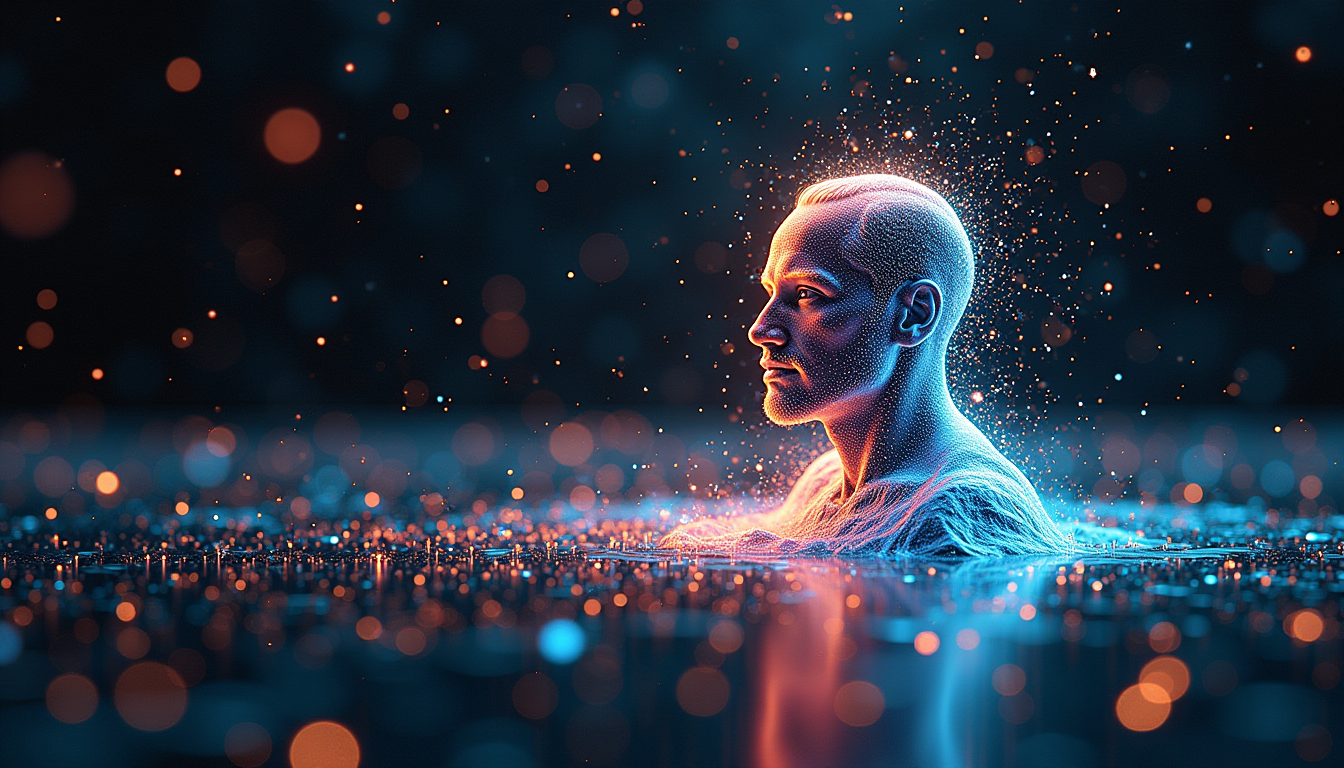
Generated on PixelDojo. Produced by PixelDojo's generation pipeline.
You deserve AI image generation that delivers professional photorealistic results, cinematic lighting, and pixel-perfect details without the usual frustrations. PixelDojo puts 40+ cutting-edge tools at your fingertips so you can produce marketing visuals, social content, product shots, and artwork that look like they came from a high-end studio. Achieve lifelike textures, accurate compositions, readable text in images, and consistent characters across entire campaigns. Whether you need 4K-ready assets or rapid variations, you get gallery-worthy outcomes in seconds instead of hours. Thousands of creators already rely on PixelDojo to turn ideas into polished visuals that convert and captivate. Start creating the images your projects actually need.
Real image examples generated on PixelDojo
Every example below was produced on PixelDojo. Hover to see the prompt.
Digital painting of a holographic Dirac Sea
stable-diffusion
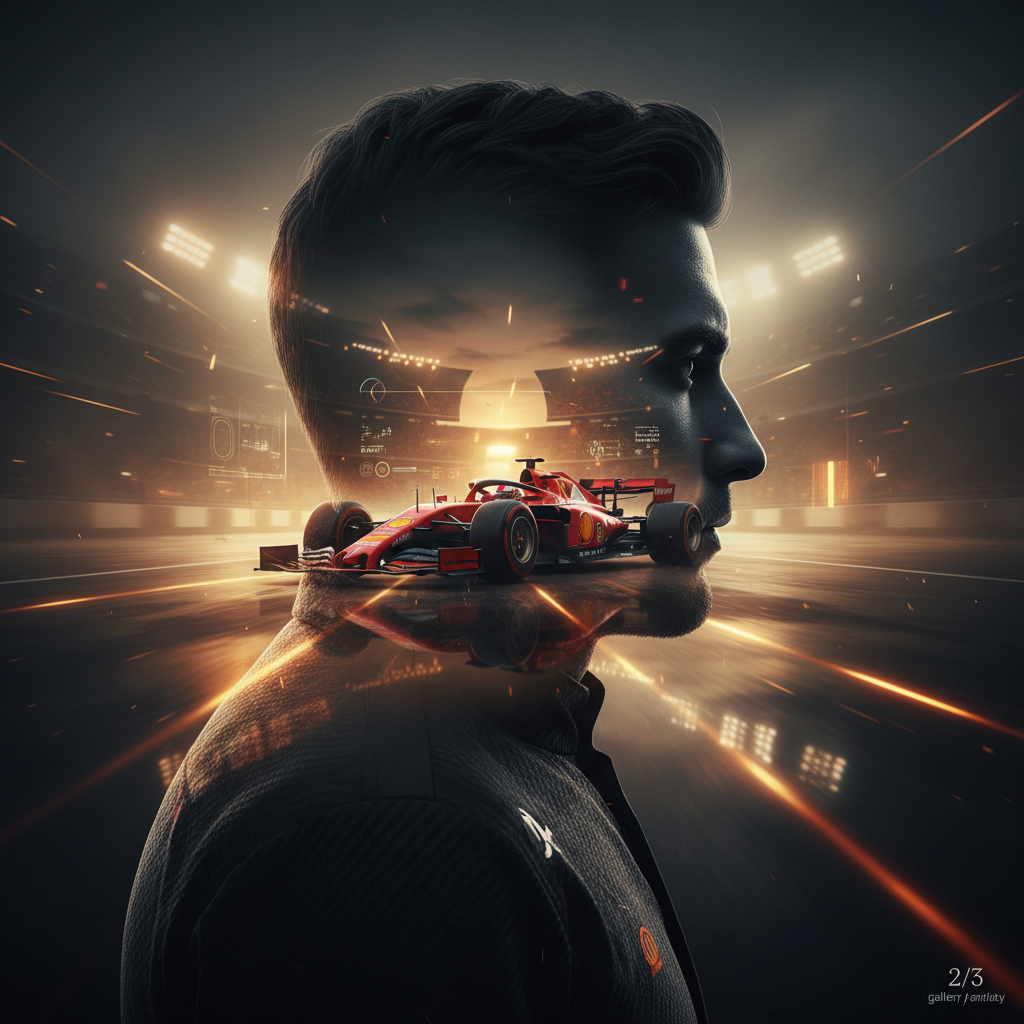
A breathtaking futuristic double exposure portrait of a legendary Formula 1 driver
google-gemini-image
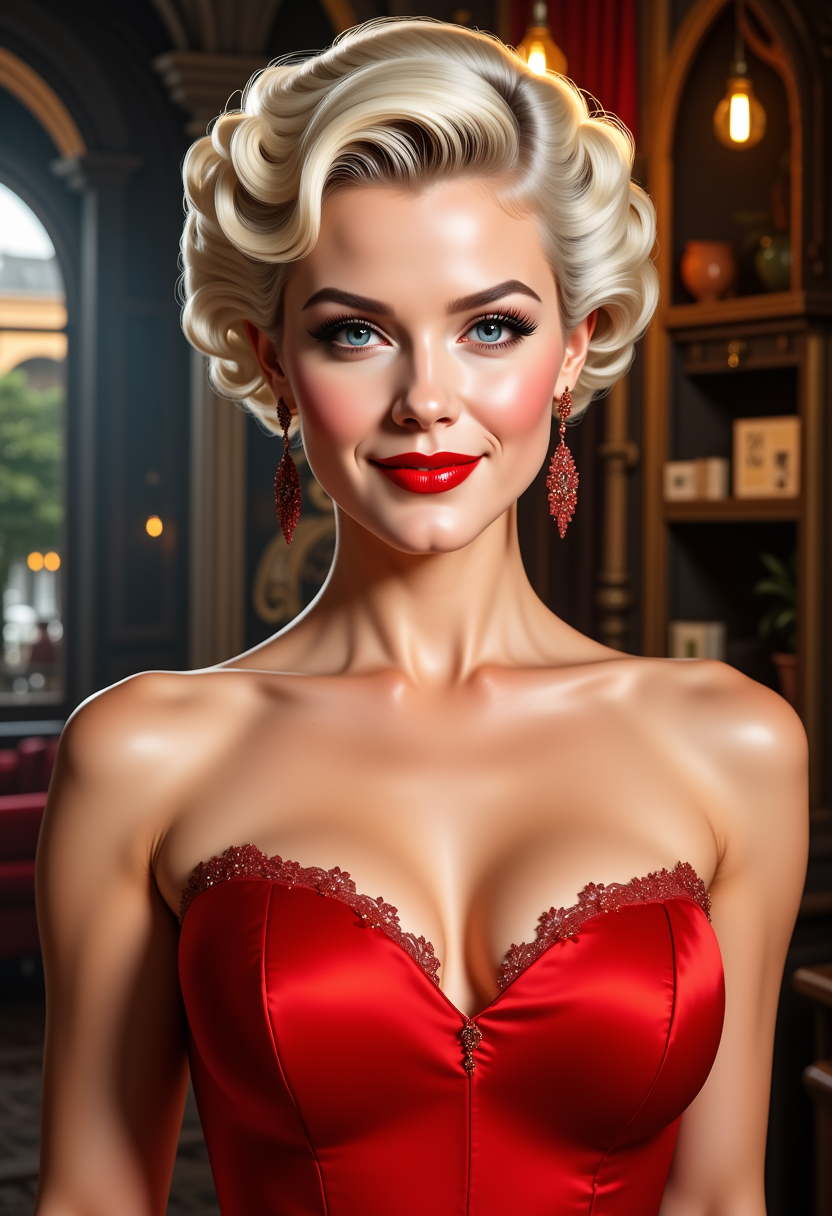
FantasyWomanLoRa
stable-diffusion
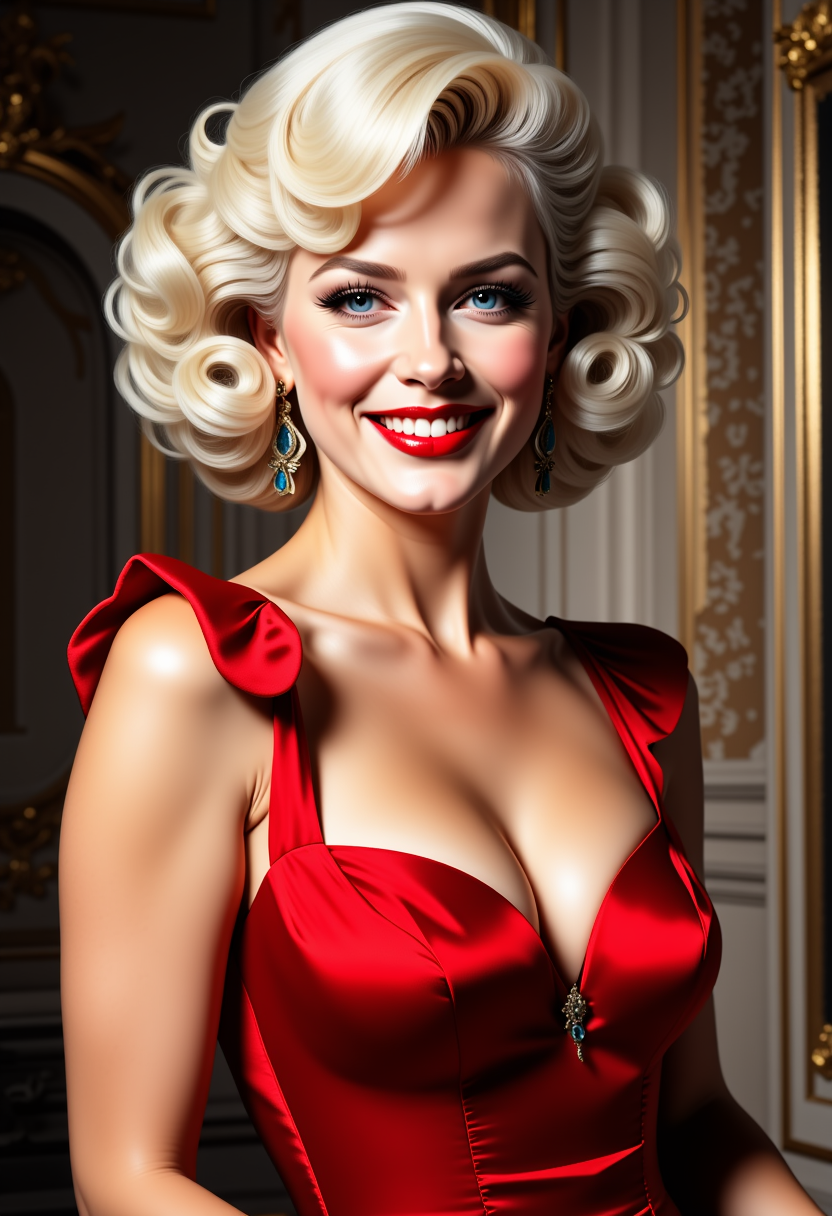
FantasyWomanLoRa
stable-diffusion
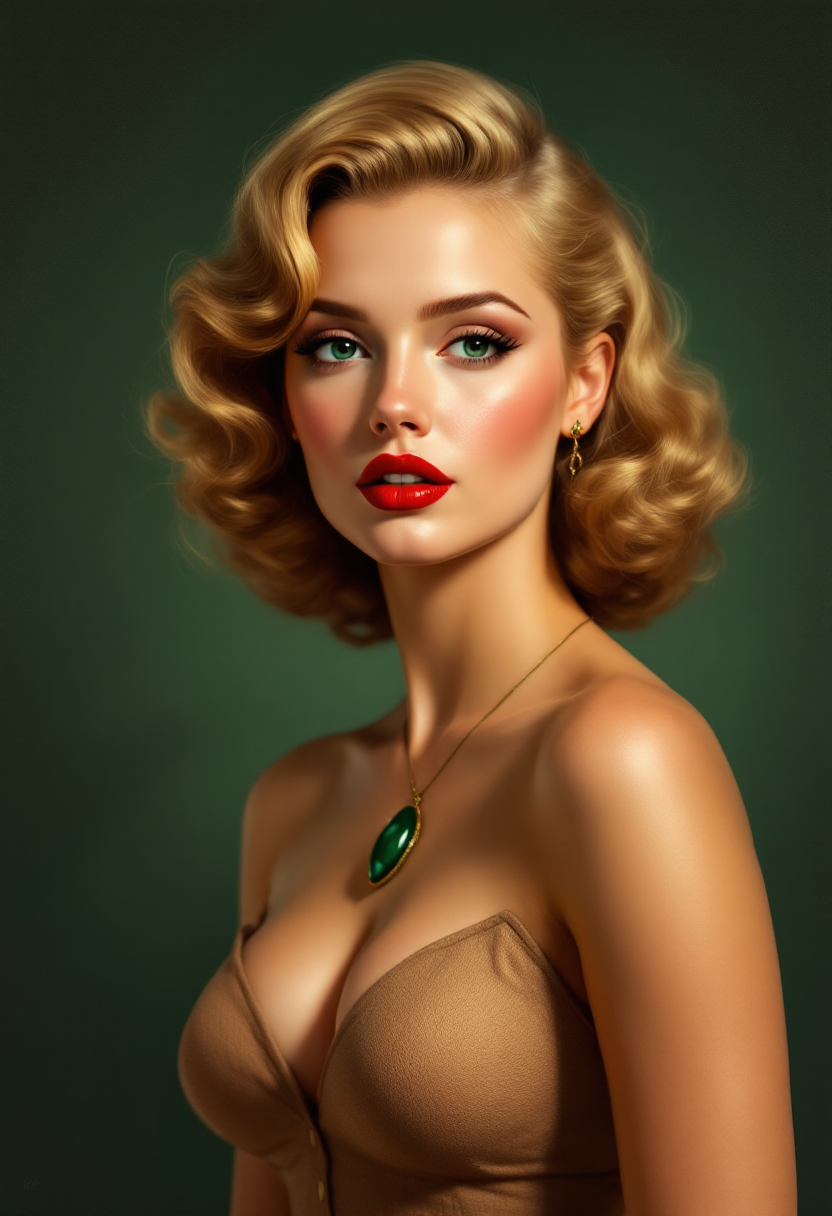
This is a digitally created image that exudes a vintage or retro art style
flux

T3SLAMDLYJNP3R
flux
Models you can run on PixelDojo for leonardo diffusion alternative
Switch models without switching tools. Each one runs in the same PixelDojo studio.
What you can do with leonardo diffusion alternative on PixelDojo
Multiple Image Models
We host several diffusion models so you can generate stills without locking into a single Leonardo-style workflow. Switch models per project and keep prompts, seeds, and outputs in one place.
Prompt And Style Controls
We give you prompt fields, negative prompts, aspect ratios, and style presets for character, product, and scene work. You can iterate batches and reuse settings that already work for your look.
Edit And Upscale Tools
We support inpainting, outpainting, and upscaling so you can fix regions or enlarge drafts after the first pass. Keep composition while you refine lighting, hands, or background detail.
Creator Workspace And Export
We store generations, variants, and prompt history in a workspace you can return to. Export images in common formats for client decks, social posts, or further editing.
Loved by thousands of creators worldwide. 40+ cutting-edge AI tools delivering professional results daily. Cancel anytime with no risk.
Why Choose Pixel Dojo for leonardo diffusion alternative
Professional-quality results with cutting-edge AI technology
Photorealistic Images That Look Shot on Camera
You produce images with natural skin pores, authentic lighting, material textures, and shallow depth of field that fool the eye. Use Flux.2 Studio or Seedream 5 to capture the exact photographic feel your brand or story requires.
Perfect Text and Complex Compositions Every Time
You generate posters, product labels, and scenes with crisp, readable text plus precise object placement. QWEN Image 2 and Ideogram 4 handle multilingual lettering and intricate layouts so your message stays crystal clear.
Consistent Characters and Brand Looks Across Series
You maintain the same faces, outfits, and style from image to image for campaigns or stories. Combine Consistent Characters with WAN Image or Kling Image to keep your visual identity locked in without extra work.
How It Works
You go from idea to downloadable professional image in three straightforward steps using PixelDojo’s specialized tools.
Step 1: Choose Your Tool
Pick the engine that matches your goal. Select Flux.2 Studio or Seedream 5 for photorealistic photography, QWEN Image 2 for text-heavy designs, Recraft V4.1 or Ideogram 4 for graphic styles, Hunyuan Image 3 for cinematic scenes, or WAN 2.7 and Kling Image for high-detail character work. The right starting point gives you superior results immediately.
Step 2: Enter Your Prompt
Describe the scene like a photographer: subject, camera lens, lighting direction, textures, and mood. Add details such as “85mm f/1.4, golden hour backlight, visible skin texture, shallow depth of field.” PixelDojo’s models interpret these cues to deliver authentic, high-fidelity images instead of generic output.
Step 3: Customize & Download
Refine with Image to Image, Inpainting, Style Transfer, or Magic Lighting. Swap backgrounds, adjust camera angle, or polish reality. Then upscale with P-Image Upscale or Magnific Upscaler and download in the resolution you need. Your finished asset is ready for use in minutes.
The Pixel Dojo Advantage
Why PixelDojo outperforms other options for high-quality AI image generation
| Others | Pixel Dojo |
|---|---|
| Traditional photography and stock libraries | You generate unlimited custom variations in seconds at a fraction of the cost, with full commercial rights and no licensing delays. |
| Generic single-model AI tools | You access 40+ specialized engines plus a complete editing suite so every image matches the exact style, resolution, and consistency your project demands. |
| Manual photo editing and illustration | You skip hours of retouching and drawing; PixelDojo delivers production-ready files with perfect lighting, anatomy, and text on the first try. |
Loved by creators on PixelDojo
Real feedback from people using PixelDojo, pulled from our in-product surveys.
Best AI tool availble the suite is rad
Versatility quality, value, ROI, innovation
variety of tools available and prompt tools
A "one-stop-shop" for creators! Thanks!!
Lots of different tools. It's easy to purchase more credits.
Amazing performance!
Explore more AI tools on PixelDojo
AI Tools
Compare & Switch
- Best AI Image Generators
- Best AI Video Generators
- Midjourney Alternatives
- Civitai Alternatives
- Runway Alternatives
- Leonardo Alternatives
- Pika Alternatives
- Luma Alternatives
- Magnific Alternatives
- Veo Alternatives
- Flux Alternatives
- Freepik Alternatives
- Seedance Alternatives
- Seedream Alternatives
- Pixverse Alternatives
- GPT Image Alternatives
- Synthesia Alternatives
- Playground Alternatives
- NightCafe Alternatives
- Canva AI Alternatives
- ElevenLabs Alternatives
- ComfyUI Alternatives
- Fal Alternatives
- Replicate Alternatives
Common Questions
Everything you need to know about leonardo diffusion alternative
What makes PixelDojo the strongest leonardo diffusion alternative for photorealistic images?
You get access to Flux.2 Studio, Seedream 5, and Hunyuan Image 3 that excel at natural lighting, skin texture, and camera-like depth of field. Combined with Reality Polisher and Portrait Upscaler, your images look indistinguishable from real photographs while remaining fully customizable.
Can I generate images with accurate text using this leonardo diffusion alternative?
Yes. QWEN Image 2, Ideogram 4, and Recraft V4.1 are built for crisp, readable lettering in any language. You create posters, packaging, and signage that actually communicate instead of producing garbled characters.
How do I keep characters consistent across multiple images with PixelDojo?
Use Consistent Characters together with WAN Image, Kling Image, or Flux.2 Studio. Upload a reference once and generate entire series with the same face, clothing, and style. Character Sheets and Face Swap tools lock in identity for campaigns or stories.
Does PixelDojo support high-resolution 4K output as a leonardo diffusion alternative?
Absolutely. Seedream 5, WAN 2.7, and Flux.2 Studio generate native high-resolution files. Follow up with P-Image Upscale, Magnific Upscaler, or Creative Upscaler to reach print-ready 4K and beyond without quality loss.
What editing tools are included if I need to refine my AI-generated images?
You have Image to Image, Inpainting, Change Camera Angle, Style Transfer, Magic Lighting, Background Remover, Image Outpainting, and Reality Polisher. These let you iterate quickly until the image matches your exact vision.
Is there any risk trying PixelDojo as my new AI image generation platform?
None. You get 40+ cutting-edge tools loved by thousands of creators worldwide. Start creating immediately and cancel anytime with no long-term commitment. Your first professional images are only a few clicks away.