shot list to video
Generated on PixelDojo. Produced by PixelDojo's generation pipeline.
You no longer need a full production crew, expensive cameras, or weeks of shooting to bring your vision to life. PixelDojo lets you convert any shot list—complete with camera angles, movements, lighting notes, and actions—directly into polished cinematic videos. Filmmakers, marketers, and storytellers achieve Hollywood-quality clips that match every detail of their original plan, from precise dolly-ins to dramatic lighting, all in minutes. You gain complete creative control over multi-shot sequences while maintaining character consistency and visual style across every frame. Whether you are producing ads, short films, social content, or explainer videos, PixelDojo delivers professional results that look like they were captured on a real set. Start today and watch your written shot list become moving, high-impact footage that captivates audiences.
Real video examples generated on PixelDojo
Every example below was produced on PixelDojo. Hover to see the prompt.
Restyle the video
image-to-video
"shot": "composition": "Extreme close-up
image-to-video
PixelDojo makes professional video creation simple and fast
p-video-avatar
"SHOT COMPOSITION": "Description": "The scene opens with a wide shot captured on a Sony A7…
image-to-video
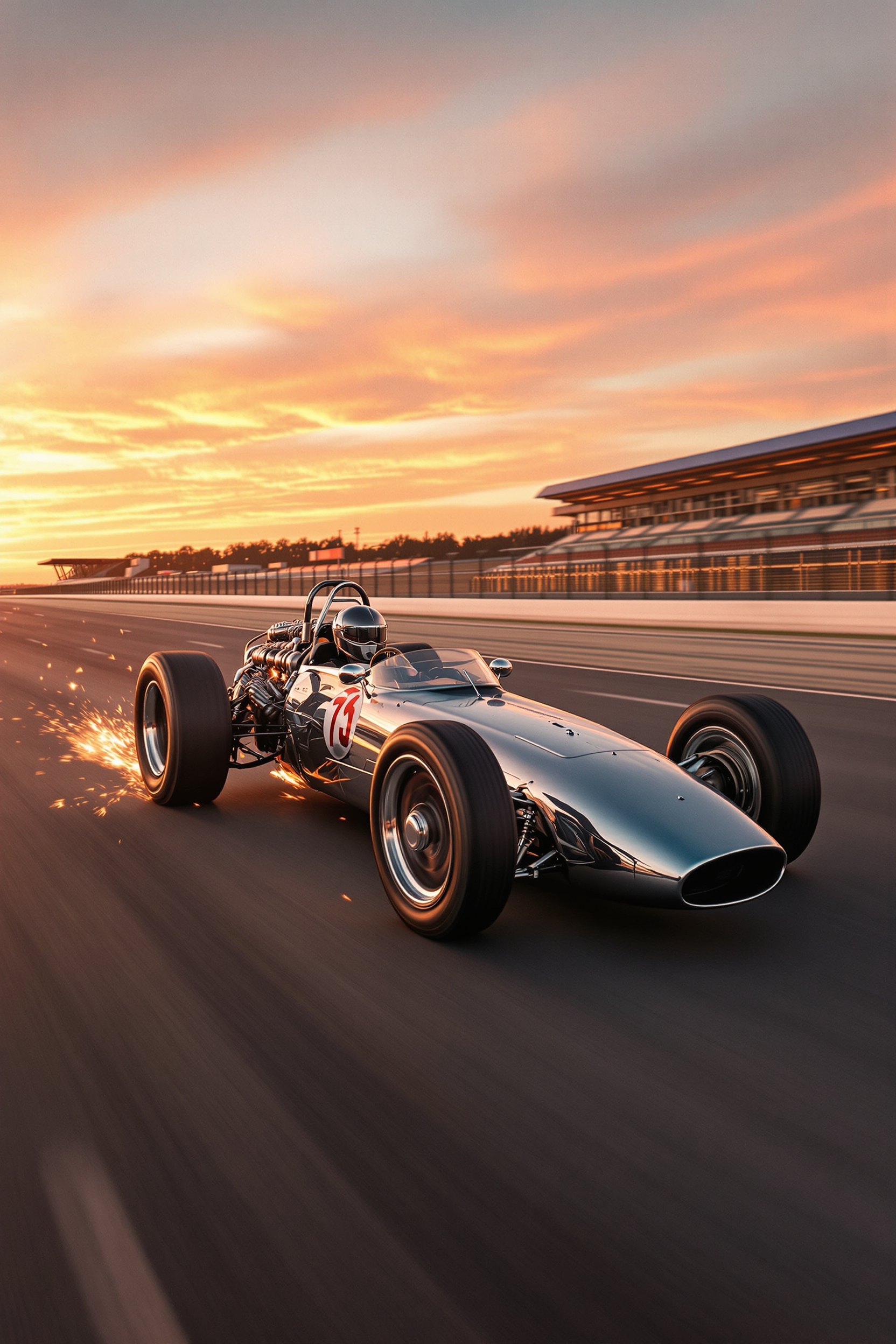
"SHOT COMPOSITION": "Cinematic panning shot capturing a retro 1960s race car in high-speed…
flux-studio
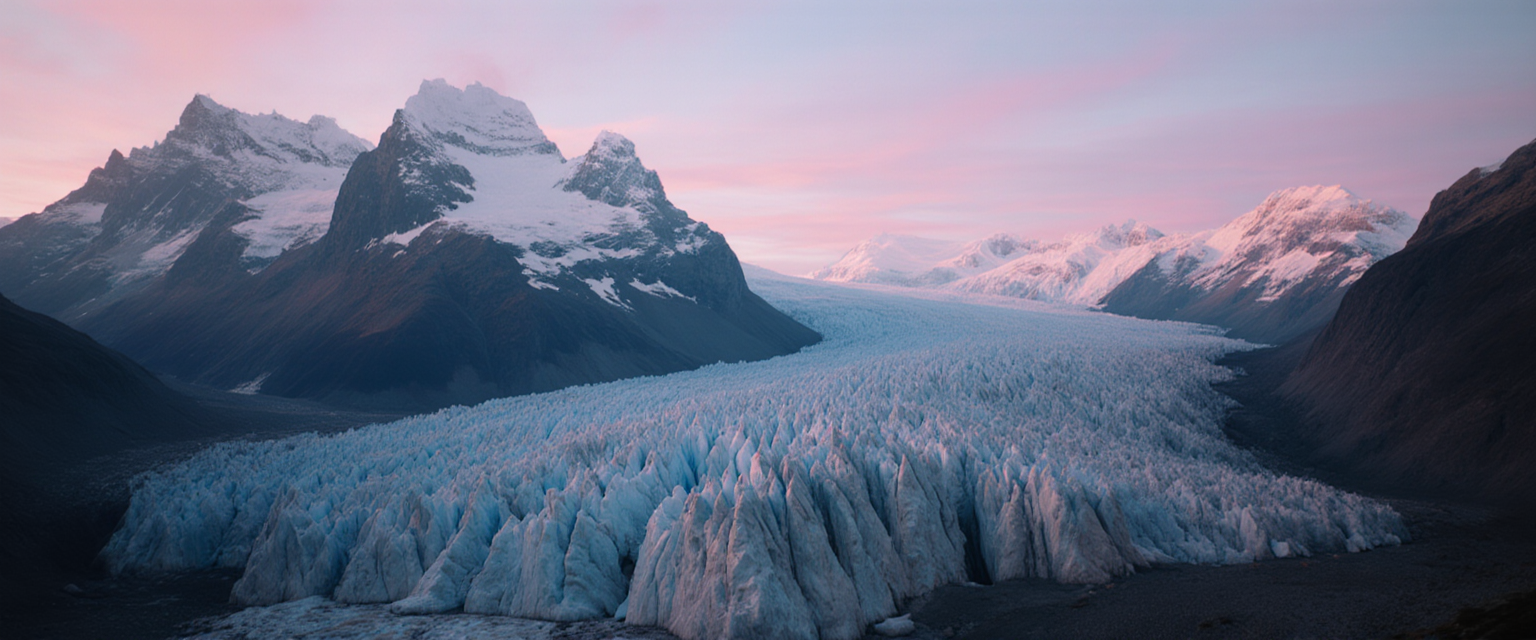
Fs-cinematic
image-to-image
Models you can run on PixelDojo for shot list to video
Switch models without switching tools. Each one runs in the same PixelDojo studio.
What you can do with shot list to video on PixelDojo
Shot list to clips
We turn your shot list into generated clips that follow scene, framing, and action notes so you can review coverage before you assemble the cut.
Scene order from the list
We keep shots in list order and group them by scene so you can generate a sequence that matches how you planned the story.
Consistent characters and look
We reuse character, location, and style cues across shots so the generated footage stays visually aligned from setup to setup.
Assemble and export video
We stitch generated shots into a single video you can preview, tweak, and export for editing or sharing.
Loved by thousands of creators worldwide. 40+ cutting-edge AI tools trusted for professional productions. Cancel anytime with zero risk.
Why Choose Pixel Dojo for shot list to video
Professional-quality results with cutting-edge AI technology
Produce Cinematic Videos Directly from Your Shot List
You skip costly location shoots and instantly generate videos that follow every camera specification, movement, and mood in your shot list using VEO 3.1, Kling Video, and Seedance 2.5.
Lock in Perfect Continuity Across Every Shot
You keep the same characters, outfits, and environments from one shot to the next with Consistent Characters, Character Sheets, and WAN Video Character Swap so your sequence feels like a real film.
Scale Any Project Without Extra Time or Budget
You create dozens of variations for ads in Marketing Studio or full scenes in Film Studio, then refine with Kling Video Edit and Merge Videos, loved by thousands of creators who cancel anytime.
How It Works
Going from a written shot list to finished video is fast and intuitive on PixelDojo. You simply select a tool, feed it your structured shot details, and refine the results into a complete sequence.
Step 1: Choose Your Tool
Pick the right generator for your project. Use VEO 3.1 or Gemini Omni Flash for cinematic quality, Kling Video or Seedance 2.5 for dynamic motion, Marketing Studio for ads, or Film Studio for longer narratives. Generate supporting keyframes first with Flux.2 Studio or GPT Image 2 if you want extra visual guidance.
Step 2: Enter Your Prompt
Paste or type your shot list as a detailed prompt that includes shot size, camera angle, movement, subject action, lens, lighting, and mood. PixelDojo tools such as WAN 3.0 and Kling Video understand cinematic language so each entry becomes a precise video clip.
Step 3: Customize & Download
Generate multiple takes, then polish with Kling Video Edit, Seedance 2.5 Video Edit, or Grok Video Edit. Assemble sequences using Merge Videos, add captions with Video Autocaption, and upscale with FLUX Video Upscale. Download high-resolution files ready for your timeline.
The Pixel Dojo Advantage
Why PixelDojo outperforms other options for shot list to video generation
| Others | Pixel Dojo |
|---|---|
| Traditional shot-list production | You eliminate weeks of filming, crew costs, and location logistics while still achieving professional camera work and lighting with VEO 3.1 and Kling Video. |
| Generic AI tools | You access 40+ specialized tools including Consistent Characters, Film Studio, and Seedance 2.5 that deliver multi-shot continuity and cinematic control generic generators cannot match. |
| Manual photo editing and assembly | You generate full-motion clips directly from your shot list instead of stitching stills, then refine everything in one place with Merge Videos and Kling Video Edit. |
Loved by creators on PixelDojo
Real feedback from people using PixelDojo, pulled from our in-product surveys.
Creative freedom, range of tools and options.
I love the training feature
the quality is the best
All the tools needed in one dashboard
Very fair and very broad in tools.
Accurate results
Explore more AI tools on PixelDojo
Popular AI Models
AI Tools
Compare & Switch
- Best AI Image Generators
- Best AI Video Generators
- Midjourney Alternatives
- Civitai Alternatives
- Runway Alternatives
- Leonardo Alternatives
- Pika Alternatives
- Luma Alternatives
- Magnific Alternatives
- Veo Alternatives
- Flux Alternatives
- Freepik Alternatives
- Seedance Alternatives
- Seedream Alternatives
- Pixverse Alternatives
- GPT Image Alternatives
- Synthesia Alternatives
- Playground Alternatives
- NightCafe Alternatives
- Canva AI Alternatives
- ElevenLabs Alternatives
- ComfyUI Alternatives
- Fal Alternatives
- Replicate Alternatives
Common Questions
Everything you need to know about shot list to video
How do I convert a shot list into a video using PixelDojo AI tools?
You start by selecting a video generator such as VEO 3.1, Kling Video, or Seedance 2.5. Convert each line of your shot list into a prompt that lists shot size, camera angle, movement, action, lighting, and mood. Generate the clips, then use Kling Video Edit or Merge Videos to assemble a seamless sequence. Consistent Characters keeps faces and outfits identical across shots. The entire process takes minutes and requires no filming equipment. You can iterate instantly and download broadcast-ready files. Thousands of creators use this exact workflow every day and cancel anytime if it does not fit their needs.
What is the best AI video generator for turning a shot list into cinematic footage?
PixelDojo gives you the strongest combination of tools for this task. VEO 3.1 and Gemini Omni Flash excel at cinematic lighting and camera language. Kling Video and Seedance 2.5 handle complex motion and multi-shot continuity. Marketing Studio is perfect for ad-style shot lists while Film Studio supports longer narrative sequences. You also have WAN 3.0, Grok Video, and P Video for additional styles. Because everything lives in one platform you never lose character or style consistency. Creators worldwide choose PixelDojo because they can switch tools mid-project and still keep the same look.
How can I keep characters consistent when generating multiple shots from one shot list?
PixelDojo solves this with dedicated tools built for continuity. Create a master look once using Consistent Characters or Character Sheets, then apply it to every generation. WAN Video Character Swap and Kling Video Character Swap let you lock the same face and wardrobe into new shots. You can also generate reference images with Flux.2 Studio or GPT Image 2 and feed them into video models. The result is a sequence that feels like it was shot with the same actor on the same set. This approach saves you from the drift that happens with generic generators and lets you produce professional multi-shot stories quickly.
Can I use PixelDojo to turn a marketing shot list into social-media videos?
Absolutely. Marketing Studio is designed exactly for this. You paste your shot list, choose aspect ratios for Reels, TikTok, or YouTube, and generate high-converting clips in seconds. Combine it with P Video, Vidu Q3, or PixVerse V6 for extra motion styles. Add captions automatically with Video Autocaption and refine timing in Kling Video Edit. You keep brand colors, product details, and talent consistent across every shot. Marketers love that they can test dozens of variations from one shot list without extra budget and cancel anytime. The finished videos are ready to post the same day.
What latest techniques help me get better results when converting a shot list to video?
The most effective current approach is to treat each shot as a short, focused generation. Break your list into 4–15 second clips, generate several takes, then composite the strongest seconds using Merge Videos. Include explicit camera language (dolly, pan, 35 mm, low angle) in every prompt so models like VEO 3.1 and Kling Video follow your intent. Use reference images from Flux.2 Studio or Character Sheets to lock lighting and talent. PixelDojo’s edit tools let you extend, reframe, or swap characters after generation. This method, combined with 40+ specialized models, consistently produces footage that matches professional shot lists.
Is PixelDojo suitable for professional filmmakers who need to turn shot lists into finished videos?
Yes. Professional filmmakers use PixelDojo daily because it delivers the control they expect. You get cinematic models (VEO 3.1, Seedance 2.5), precise editing (Kling Video Edit, Runway Aleph), character lock (Consistent Characters, Kling Avatar), and assembly tools (Merge Videos, Film Studio). You can generate coverage, inserts, and hero shots from the same shot list while keeping visual continuity. The platform scales from short tests to full scenes and lets you cancel anytime. Thousands of working creators already rely on these 40+ tools to replace or supplement traditional production, saving time and money without sacrificing quality.