Lora ai model generator train custom models download
Unlock the power of personalized AI image generation with PixelDojo's LoRA Generator. Whether you're an artist, designer, or content creator, our platform empowers you to train custom AI models that reflect your unique style and vision. Say goodbye to generic outputs and embrace a new era of creativity tailored specifically to you.
Join over 10,000 creators who have transformed their workflows with PixelDojo's AI tools. Rated 4.8/5 based on 2,000+ reviews.
Why Choose Pixel Dojo for Lora ai model generator train custom models download
Professional-quality results with cutting-edge AI technology
Personalized Image Generation
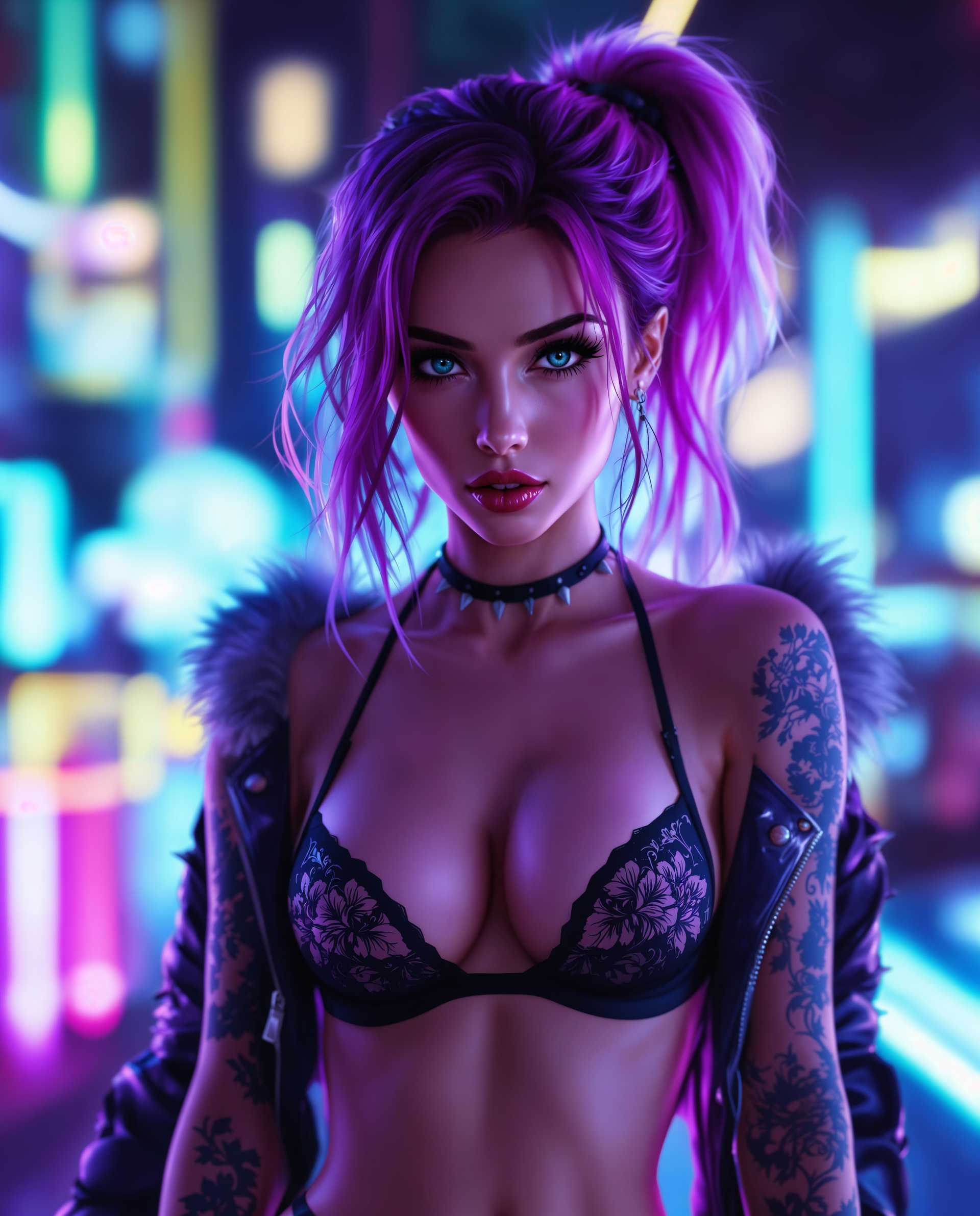
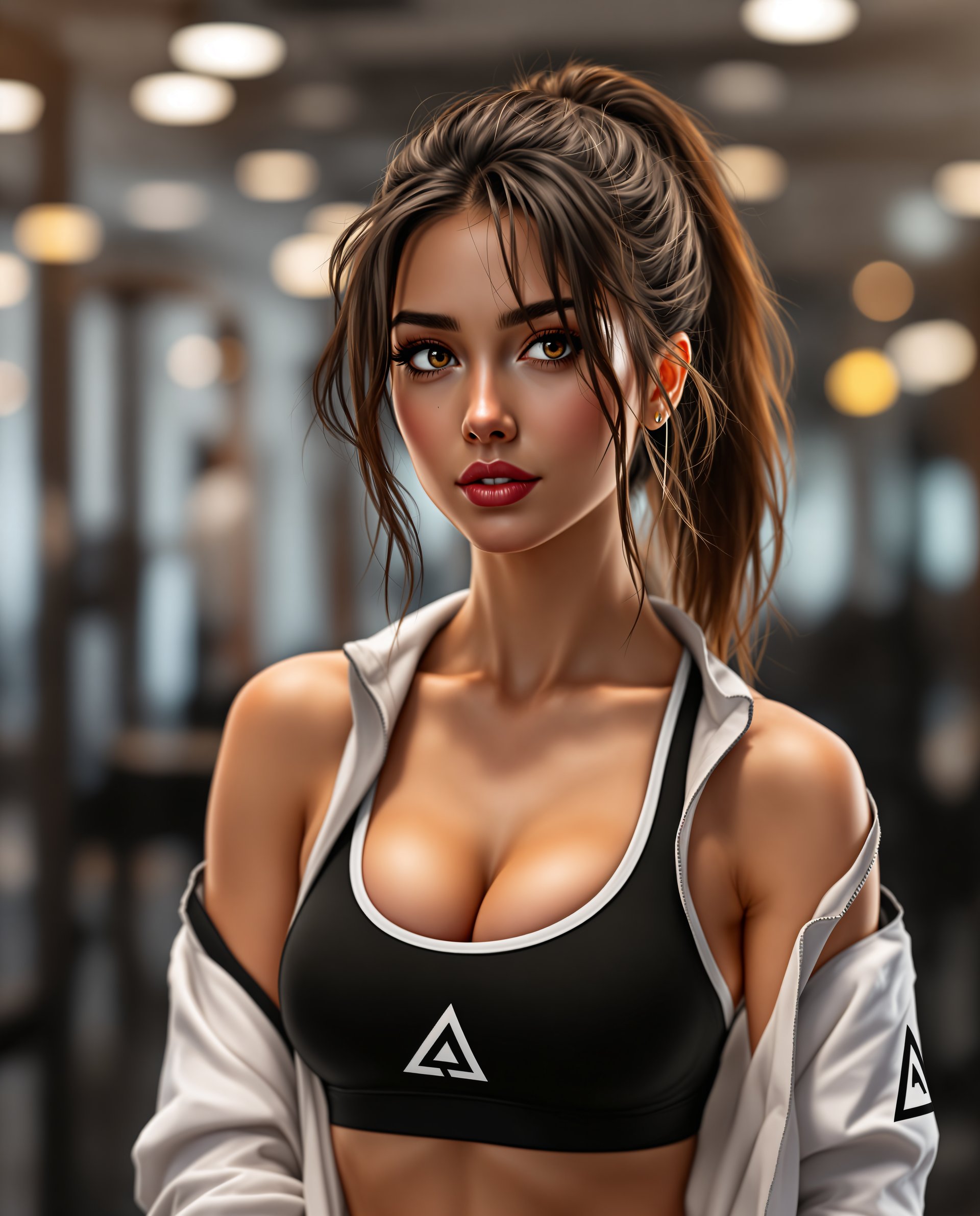
Create AI-generated images that perfectly match your unique style and preferences.
Time and Cost Efficiency
Reduce the need for expensive photoshoots and lengthy design processes by generating high-quality images in minutes.
User-Friendly Interface
Train and utilize custom AI models with ease, no technical expertise required.
How It Works
Creating custom AI models with PixelDojo's LoRA Generator is a straightforward process designed for all users.
Step 1: Upload Your Images
Select and upload a set of images that represent the style or subject you wish to replicate.
Step 2: Train Your LoRA Model
Our AI processes your images to create a custom LoRA model tailored to your specifications.
Step 3: Generate Unique Images
Use your trained LoRA model to generate new images that align with your desired style.


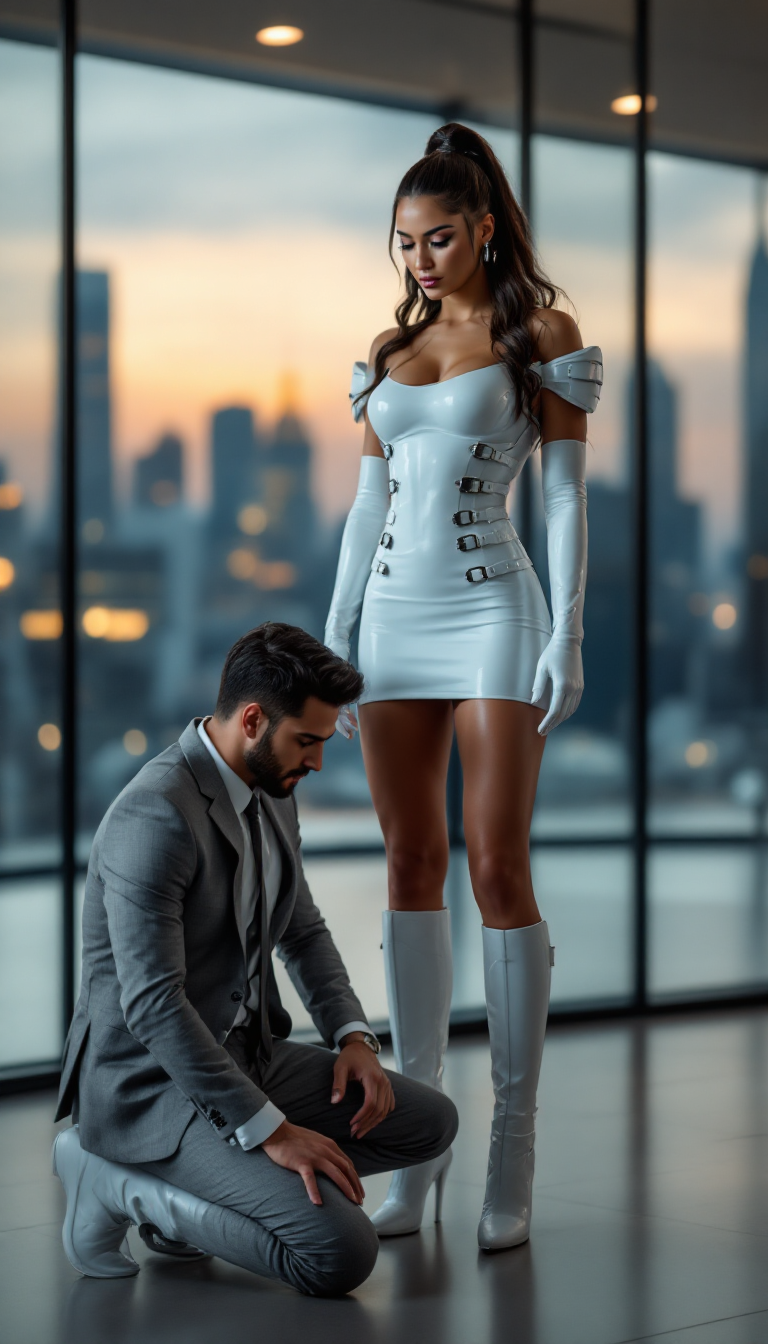
The Pixel Dojo Advantage
Why PixelDojo's LoRA Generator stands out in custom AI model training:
| Others | Pixel Dojo |
|---|---|
| Traditional Model Training | PixelDojo simplifies the process, allowing you to train models without extensive technical knowledge or resources. |
| Generic AI Tools | Our platform offers personalized model training, ensuring outputs that truly reflect your unique style. |
| Manual Image Creation | Save time and effort by generating high-quality images in minutes, without the need for manual design work. |
Loved by creators on PixelDojo
Real feedback from people using PixelDojo, pulled from our in-product surveys.
good tools in one place
Prompt updates, strong features, and a community that is always willing to help and hear/act on professional feedback. I've never had a better experience.
user friendly all in one thing
I really like the schedule of AI work performed!
The best tools for IA on the web !
The guy that operates the website is constantly updating it
Explore more AI tools on PixelDojo
AI Tools
Compare & Switch
- Best AI Image Generators
- Best AI Video Generators
- Midjourney Alternatives
- Civitai Alternatives
- Runway Alternatives
- Leonardo Alternatives
- Pika Alternatives
- Luma Alternatives
- Magnific Alternatives
- Veo Alternatives
- Flux Alternatives
- Freepik Alternatives
- Seedance Alternatives
- Seedream Alternatives
- Pixverse Alternatives
- GPT Image Alternatives
- Synthesia Alternatives
- Playground Alternatives
- NightCafe Alternatives
- Canva AI Alternatives
- ElevenLabs Alternatives
- ComfyUI Alternatives
- Fal Alternatives
- Replicate Alternatives
Common Questions
Everything you need to know about Lora ai model generator train custom models download
How does PixelDojo's LoRA Generator work?
PixelDojo's LoRA Generator allows you to train custom AI models by uploading images that represent your desired style. The AI processes these images to create a personalized model, which you can then use to generate new images that align with your specifications.
Do I need technical expertise to use the LoRA Generator?
No, PixelDojo's platform is designed to be user-friendly and accessible to all users, regardless of technical background. The process of training and using custom AI models is straightforward and guided.
Can I use the LoRA Generator for commercial projects?
Yes, images generated using your custom-trained LoRA models can be used for both personal and commercial projects, providing flexibility for various applications.
How long does it take to train a custom LoRA model?
Training times can vary depending on the complexity and number of images uploaded, but PixelDojo's efficient processing ensures that models are typically ready within minutes.
Is there a limit to the number of images I can upload for training?
While there is no strict limit, it's recommended to upload a diverse set of images (typically between 10 to 50) to achieve the best results in training your custom model.
What file formats are supported for image uploads?
PixelDojo supports common image formats such as JPEG and PNG for uploads, ensuring compatibility with most image files.