LoRA training online AI Generator

Unlock the power of personalized AI image generation with PixelDojo's online LoRA training. Our platform empowers you to fine-tune AI models to reflect your unique artistic vision, enabling the creation of images that truly resonate with your style and preferences.
Join over 10,000 creators who have enhanced their AI artistry with PixelDojo's LoRA training tools.
Why Choose Pixel Dojo for LoRA training online
Professional-quality results with cutting-edge AI technology
Personalized Image Generation
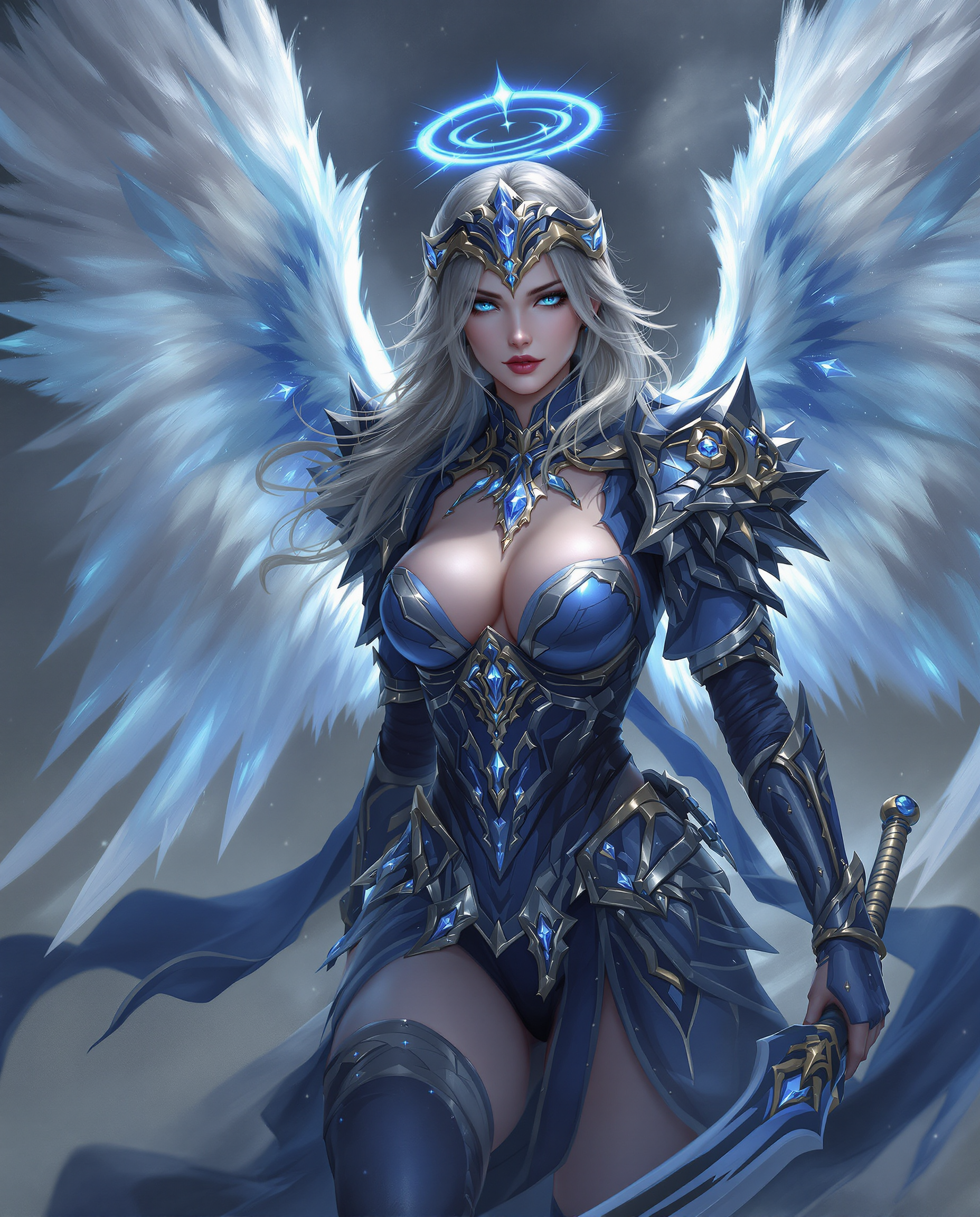
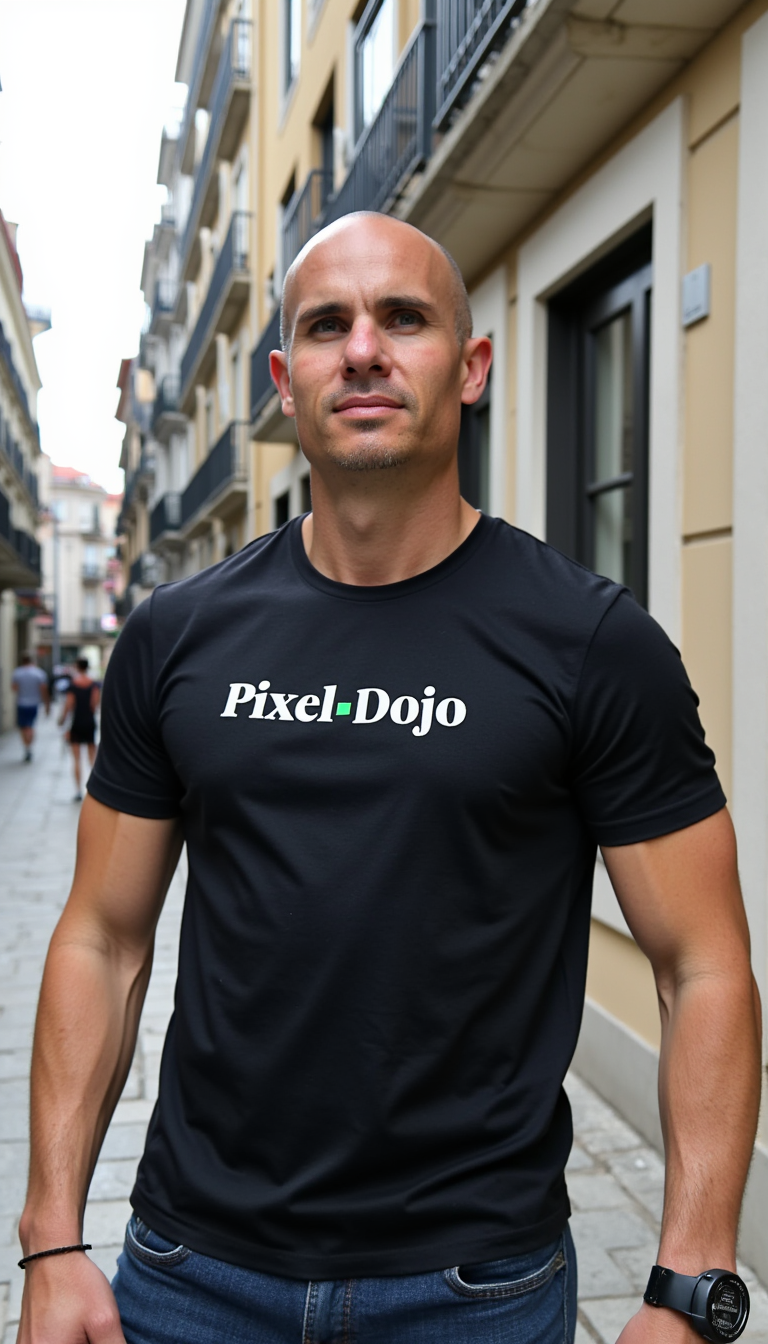
Train AI models to produce images that align perfectly with your unique artistic style.
Efficient and Accessible
Utilize our user-friendly online platform to train LoRA models without the need for extensive technical knowledge.
Cost-Effective Creativity
Achieve high-quality, customized image generation without the expense of traditional model training methods.
How It Works
Creating personalized AI-generated images with PixelDojo's LoRA training is straightforward. Follow these steps to bring your artistic vision to life:
Step 1: Prepare Your Dataset
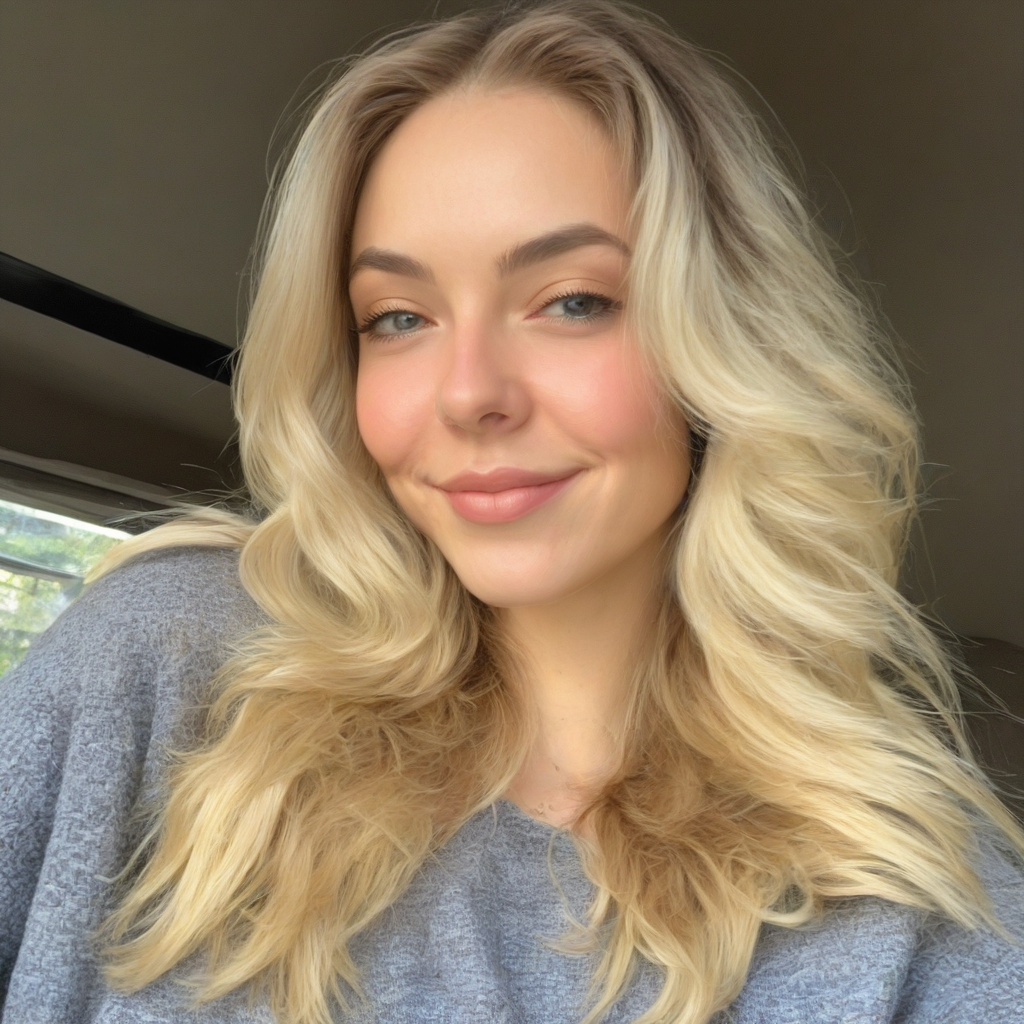
Gather 15-20 high-quality images that represent the style or subject you wish to emulate. Ensure these images are clear and consistent to facilitate effective training.
Step 2: Upload and Configure
Log into your PixelDojo account and navigate to the 'Train' section. Upload your prepared images and adjust parameters such as 'repeat' and 'epic' to control the training intensity and duration.
Step 3: Train and Generate
Initiate the training process and monitor its progress. Once complete, your personalized LoRA model will be ready to generate images that reflect your desired style.

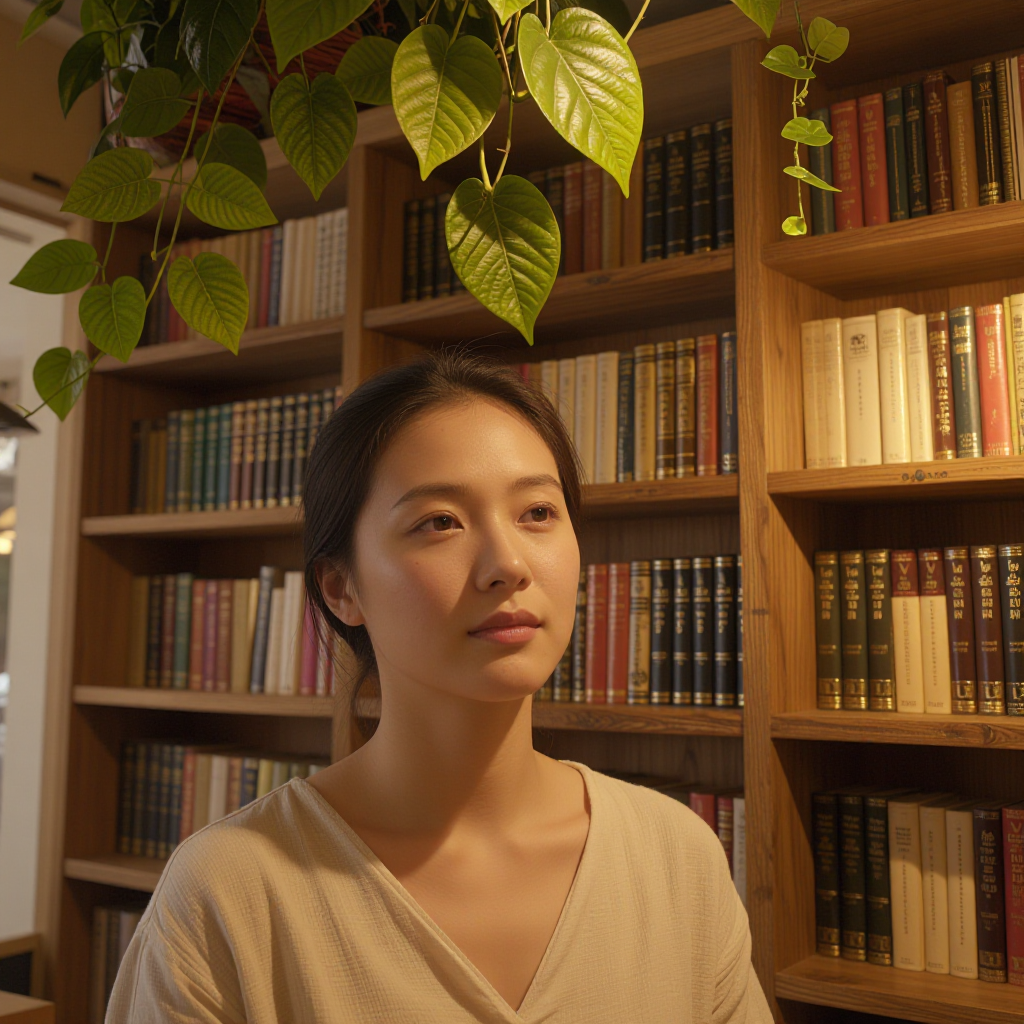
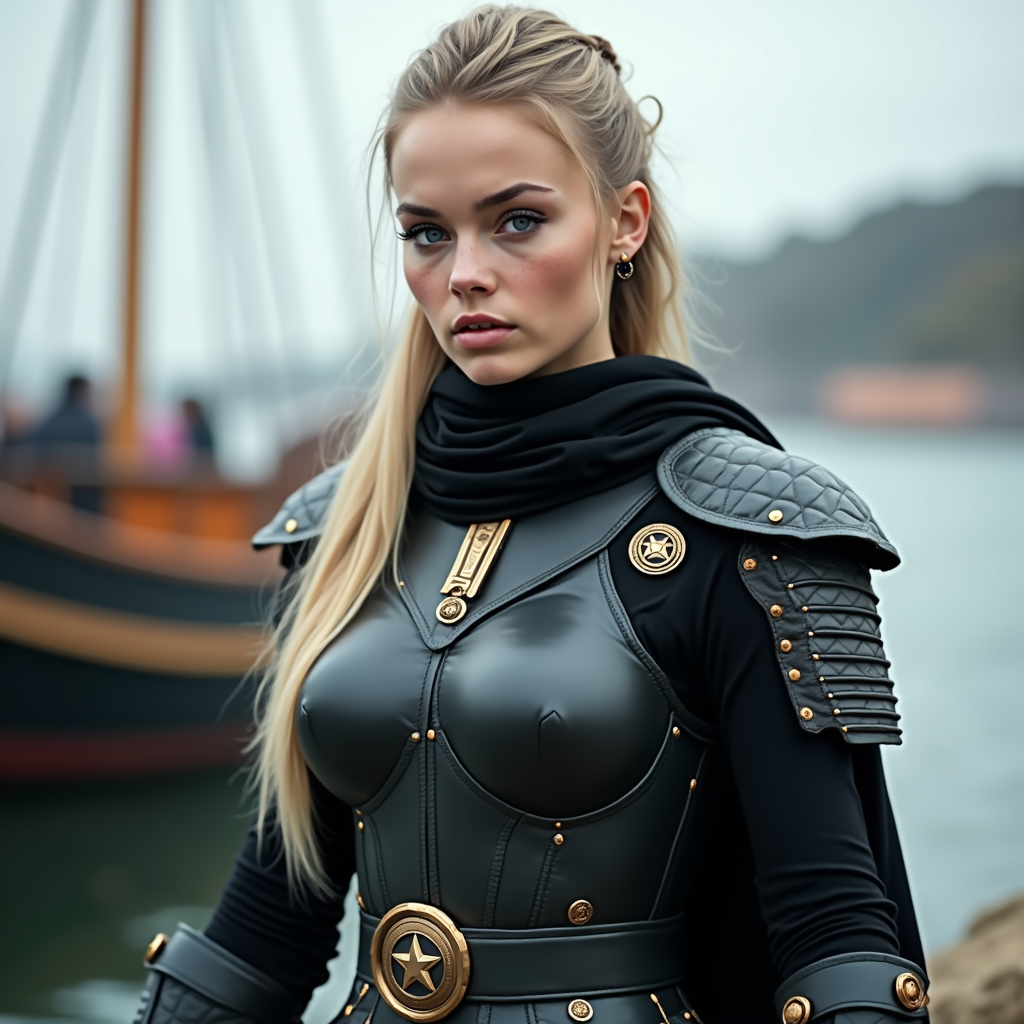
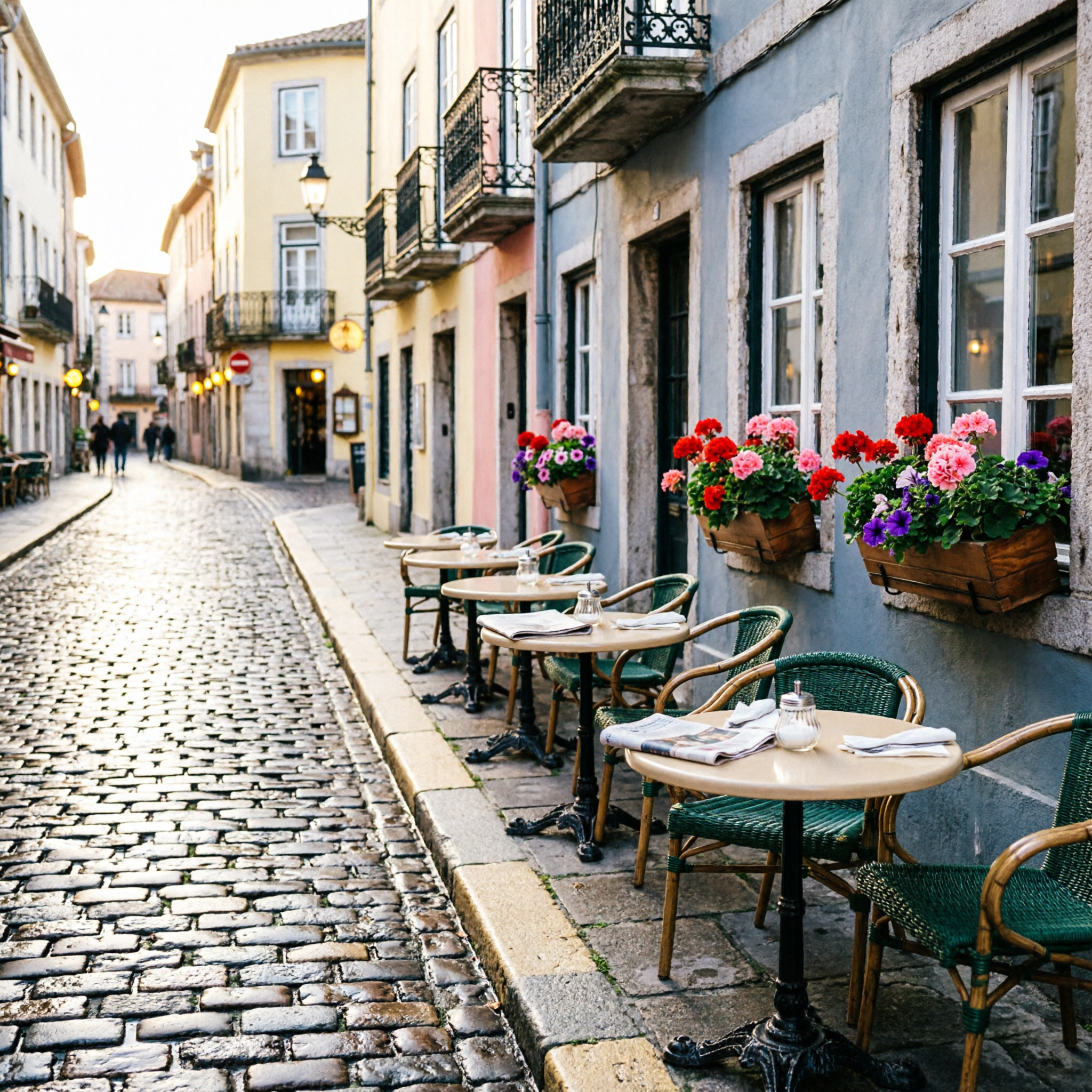
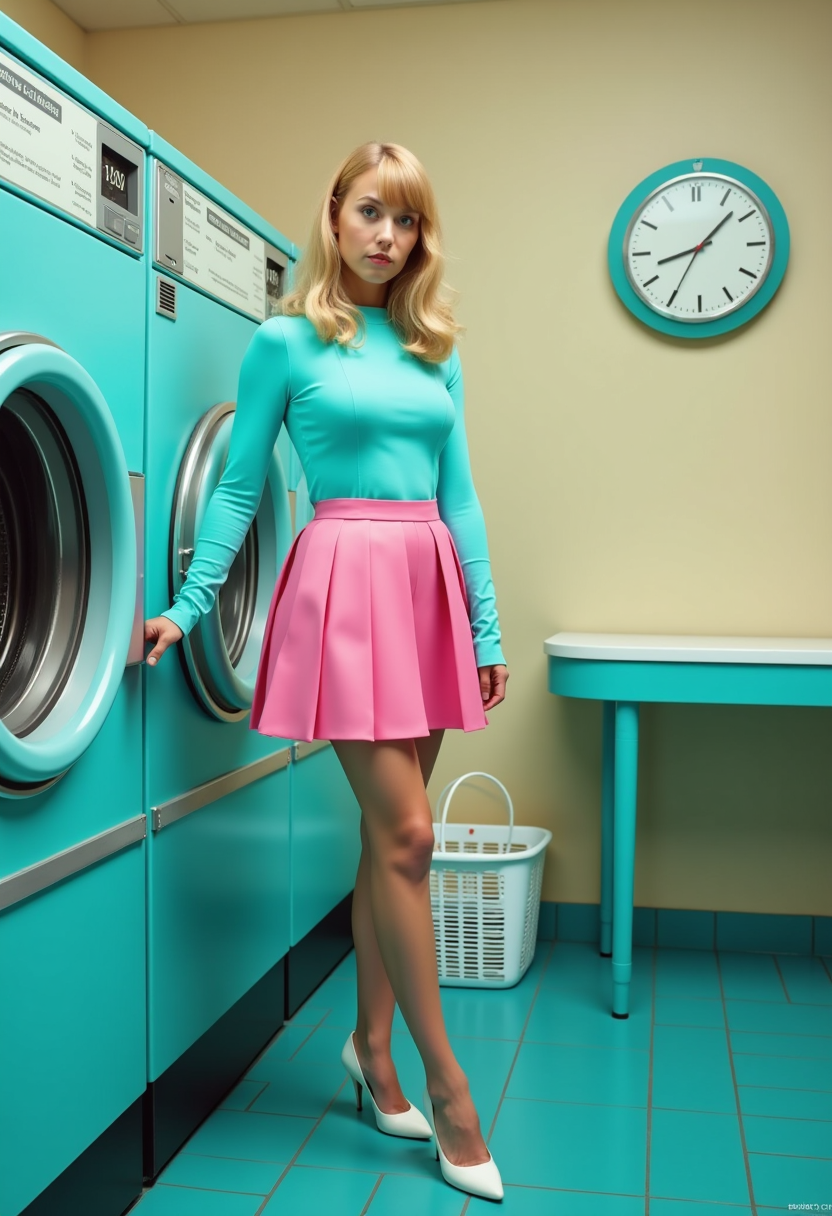


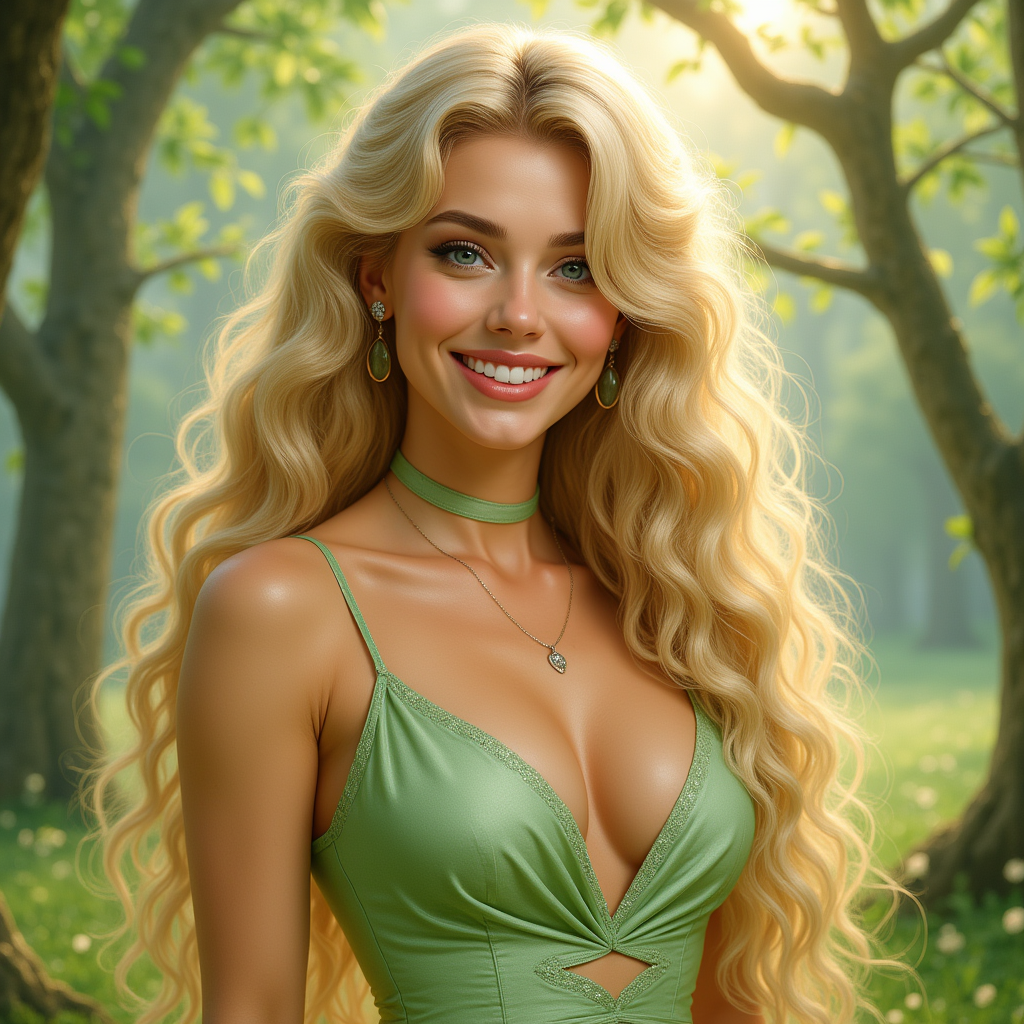
The Pixel Dojo Advantage
Why PixelDojo is the superior choice for online LoRA training:
| Others | Pixel Dojo |
|---|---|
| Traditional Model Training | Avoid the complexity and high costs associated with traditional model training methods. |
| Generic AI Tools | Achieve personalized results tailored to your unique style, unlike one-size-fits-all solutions. |
| Manual Image Editing | Save time and effort by automating the creation of images that match your artistic vision. |
Loved by creators on PixelDojo
Real feedback from people using PixelDojo, pulled from our in-product surveys.
Very fair and very broad in tools.
Accurate results
Great site and so much fun to use!
very useful set of tools for image creation, upscaling and enhancement
ease of use, variety of tools, high quality trainings, and a well-maintained discord channel
Ease of use, friendliness and support of the owner, continued innovation.
Explore more AI tools on PixelDojo
AI Tools
Compare & Switch
- Best AI Image Generators
- Best AI Video Generators
- Midjourney Alternatives
- Civitai Alternatives
- Runway Alternatives
- Leonardo Alternatives
- Pika Alternatives
- Luma Alternatives
- Magnific Alternatives
- Veo Alternatives
- Flux Alternatives
- Freepik Alternatives
- Seedance Alternatives
- Seedream Alternatives
- Pixverse Alternatives
- GPT Image Alternatives
- Synthesia Alternatives
- Playground Alternatives
- NightCafe Alternatives
- Canva AI Alternatives
- ElevenLabs Alternatives
- ComfyUI Alternatives
- Fal Alternatives
- Replicate Alternatives
Common Questions
Everything you need to know about LoRA training online
What is LoRA training in AI image generation?
LoRA (Low-Rank Adaptation) training is a technique that allows you to fine-tune AI models to generate images reflecting specific styles or subjects. By training a LoRA model with your curated dataset, you can achieve personalized and high-quality image generation.
How many images are needed to train a LoRA model effectively?
Typically, 15-20 high-quality images are sufficient to train a LoRA model effectively. The quality and consistency of the images are more crucial than the quantity, as they directly impact the model's ability to learn and replicate the desired style.
Do I need advanced technical skills to train a LoRA model on PixelDojo?
No, PixelDojo's platform is designed to be user-friendly and accessible. Our intuitive interface guides you through the training process, making it easy for users without advanced technical skills to train LoRA models and generate personalized images.
Can I use the trained LoRA model to generate images of different subjects?
Yes, once trained, your LoRA model can generate images of various subjects while maintaining the specific style or characteristics it learned during training. This flexibility allows for diverse and creative image generation.
How long does it take to train a LoRA model on PixelDojo?
The training time can vary based on factors such as the size of your dataset and the parameters you set. However, PixelDojo's efficient training process ensures that you can obtain a trained LoRA model in a reasonable timeframe, often within a few hours.
Is there a cost associated with training LoRA models on PixelDojo?
PixelDojo offers various subscription plans to cater to different user needs. While some features are available for free, advanced tools like LoRA training may require a subscription. We provide flexible options to suit your creative journey.