ltx 2.5 online AI Generator
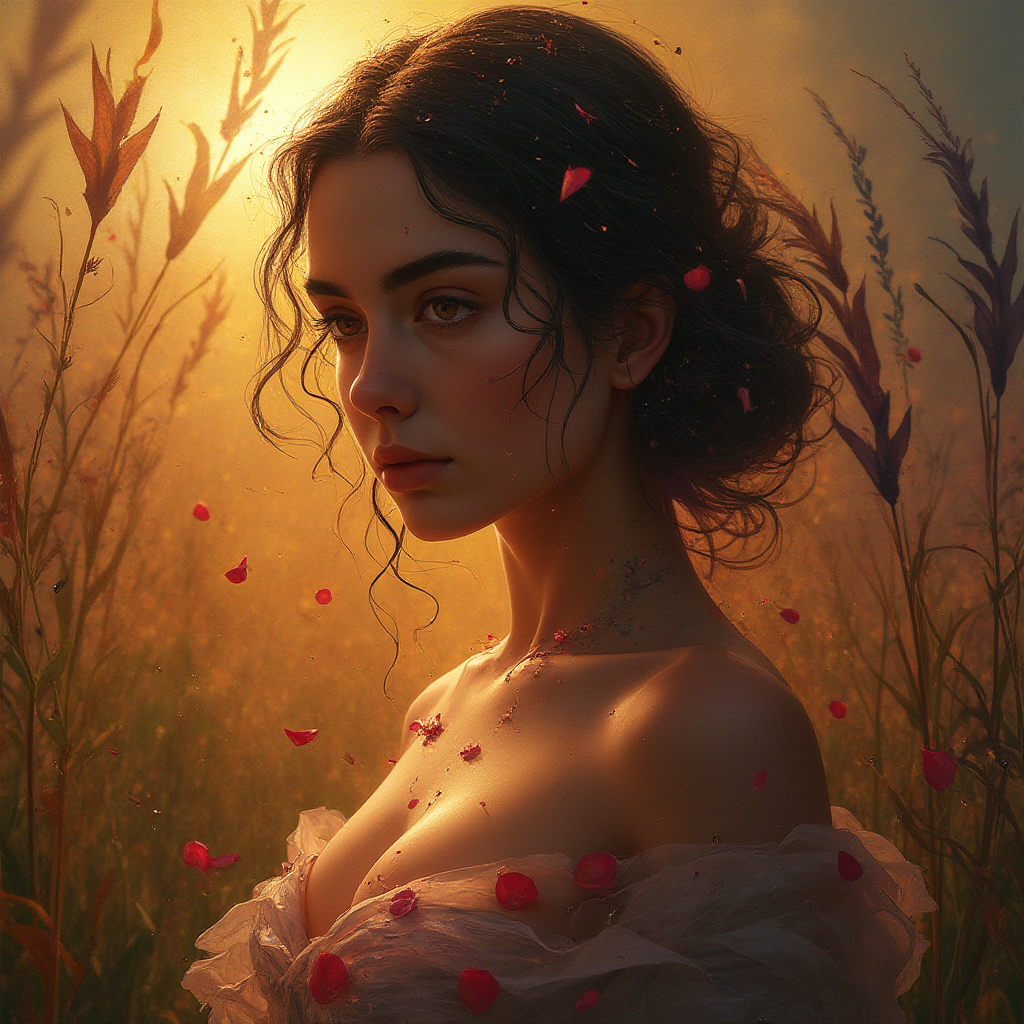
Generated on PixelDojo. Produced by PixelDojo's generation pipeline.
Transform your creative vision into stunning cinematic images inspired by LTX 2.5's professional-grade fidelity right from your browser with PixelDojo. You no longer need complex local setups or lengthy production cycles to capture sharp details, natural lighting, and motion-ready compositions that elevate your marketing campaigns, film pre-visualization, or social content. PixelDojo empowers you to produce high-impact stills that look like they belong in a high-end video sequence, complete with consistent characters and atmospheric depth. Whether you are building keyframes for animation or standalone visuals that demand cinema-screen quality, our platform delivers outcomes that impress clients and audiences alike. Start generating today and watch your ideas come to life in seconds, backed by tools designed for real-world creative success.
Real image examples generated on PixelDojo
Every example below was produced on PixelDojo. Hover to see the prompt.
**Prompt for AI Image Generation:** - **Subject**: A woman of unparalleled beauty
flux

Masterpiece
creative-upscaler
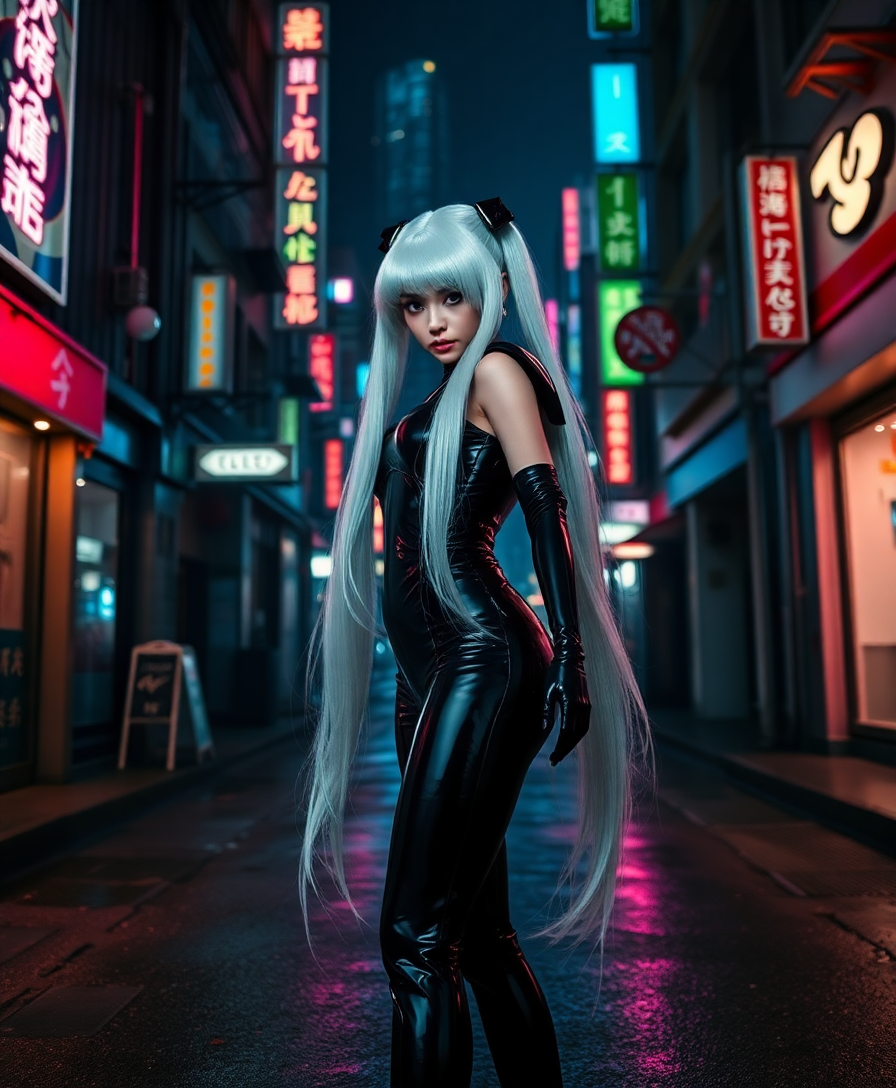
A striking and sinister depiction of an evil Sailor Moon
flux
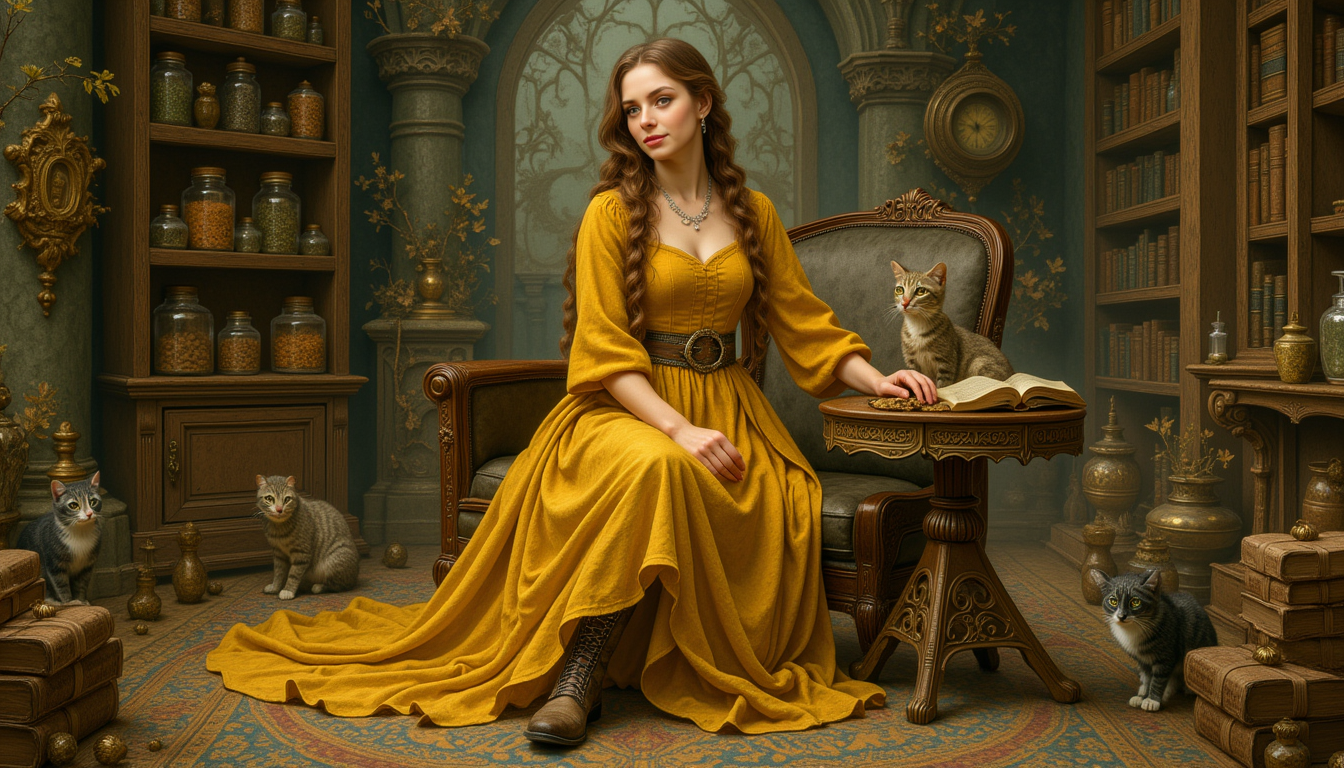
Kira-Lux-Flux
flux
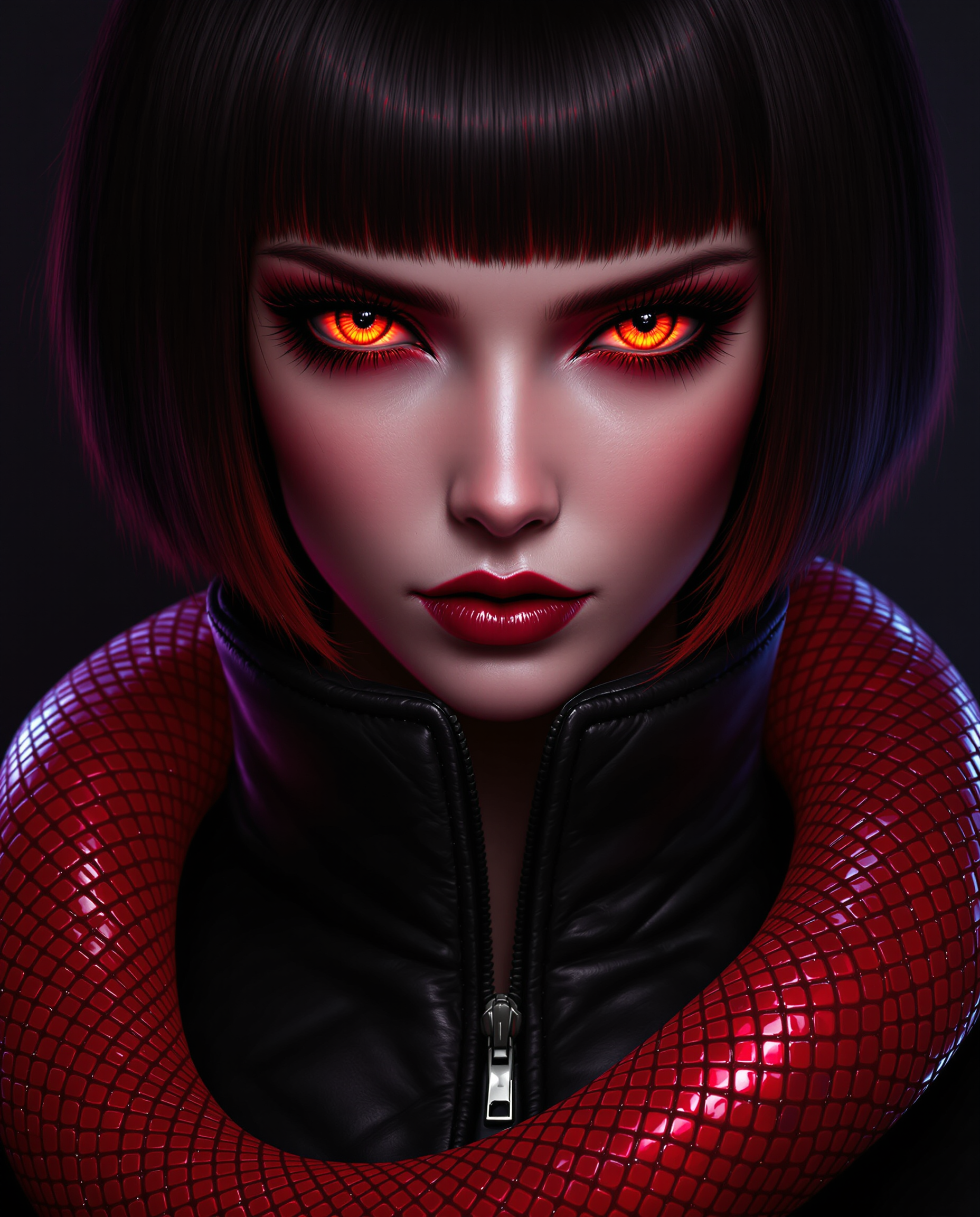
This image is a realistic photo photograph of a female real person closeup portrait of a f…
flux
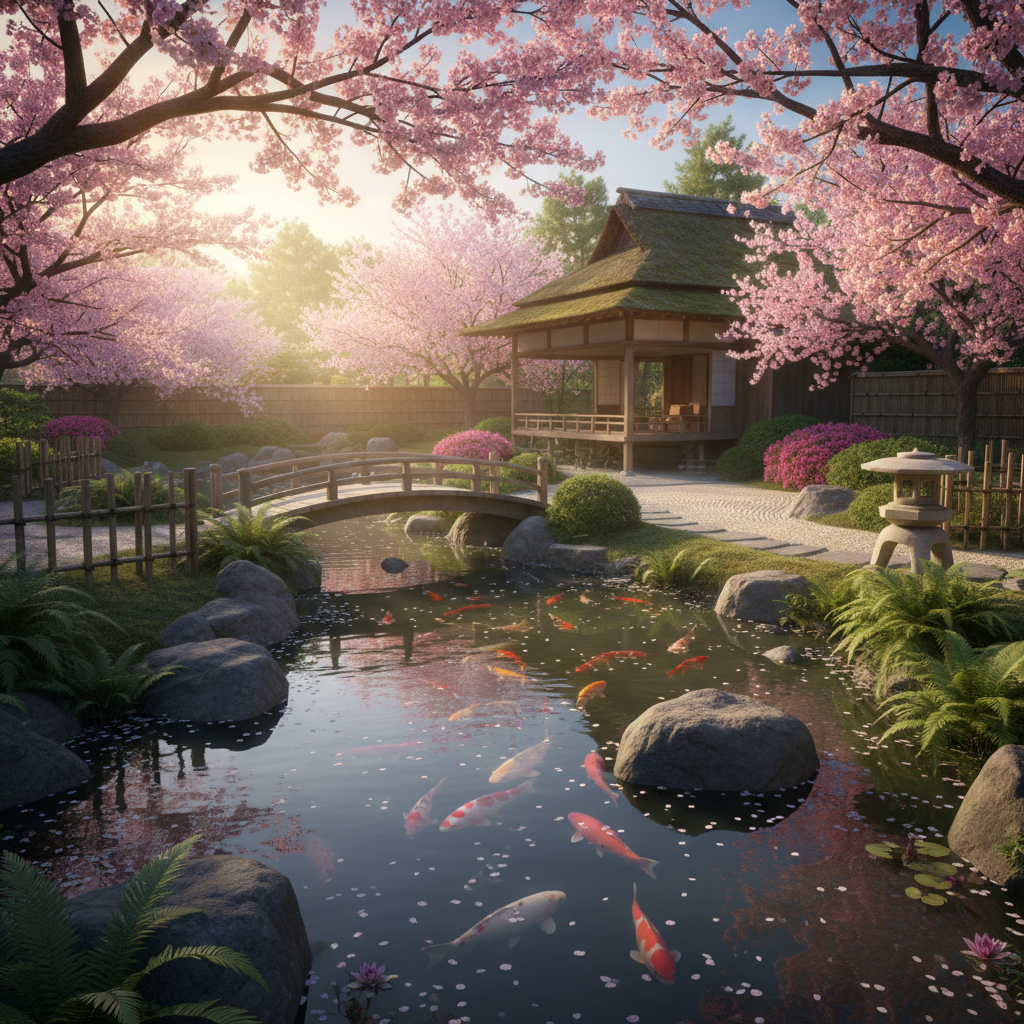
A serene Japanese tea garden in spring
google-gemini-image
Models you can run on PixelDojo for ltx 2.5 online
Switch models without switching tools. Each one runs in the same PixelDojo studio.
What you can do with ltx 2.5 online on PixelDojo
Run LTX 2.5 Online
We host LTX 2.5 so you can generate images in the browser without installing models or managing local hardware.
Prompt Driven Image Creation
You write a prompt, pick settings, and we return stills you can refine for campaigns, concepts, and product mockups.
Iterate Fast In Studio
We keep generations in one workspace so you can retry prompts, compare outputs, and lock a direction without switching tools.
Download And Reuse Assets
You export finished frames for editing, decks, and production pipelines, with history available for later sessions.
Join thousands of creators worldwide who trust PixelDojo for professional results. Over 40 cutting-edge AI tools power millions of generations monthly, earning consistent 4.9-star feedback for speed, quality, and reliability. Cancel anytime with zero risk.
Why Choose Pixel Dojo for ltx 2.5 online
Professional-quality results with cutting-edge AI technology
Cinema-Ready Visuals Without the Wait
You achieve LTX 2.5 inspired sharpness and texture in every image using Flux.2 Studio and Seedream 5, producing frames that hold up under close inspection and integrate seamlessly into larger productions.
Unbreakable Character Consistency
Maintain identity across multiple shots just like advanced multi-shot workflows with Consistent Characters and Character Sheets, so your stories feel cohesive from the first image to the last.
Video-Pipeline Perfect Stills
Create keyframes optimized for animation using Ideogram 4 and QWEN Image 2, then refine lighting and backgrounds so every still becomes a powerful starting point for dynamic sequences.
How It Works
You create LTX 2.5 style images on PixelDojo through an intuitive three-step process that puts professional results in your hands immediately, no technical expertise required.
Step 1: Choose Your Tool
Select the perfect generator from our Generate Images suite. For photoreal cinematic looks pick Flux.2 Studio or Seedream 5. For stylized or design-focused stills choose Recraft V4.1 or Ideogram 4. Each tool is optimized to deliver the high-fidelity, artifact-free output that defines LTX 2.5 inspired work.
Step 2: Enter Your Prompt
Describe your scene with rich cinematic language: lighting direction, camera angle, atmosphere, and subject details. Add phrases like 'high fidelity 4K, sharp textures, professional color grading' to guide the model toward LTX 2.5 quality. Our prompt-friendly interfaces make it easy to iterate until the image matches your exact vision.
Step 3: Customize & Download
Fine-tune with Edit Images tools such as Magic Lighting, Style Transfer, and Reality Polisher. Upscale to print or 4K ready resolution using Magnific Upscaler or P-Image Upscale. Download instantly in the format you need, ready for client delivery or further video work.
The Pixel Dojo Advantage
Why PixelDojo outperforms other options for LTX 2.5 image generation
| Others | Pixel Dojo |
|---|---|
| Traditional cinematic photography | You skip location scouting, lighting setups, and post-production hours. Generate multiple high-fidelity variations in the time it takes to set up a single shot, using Flux.1 Studio and Seedream 5. |
| Generic AI image platforms | PixelDojo gives you 40+ specialized models including PonyXL, SDXL, and Qwen 3 Pro instead of one-size-fits-all engines, plus dedicated consistency and editing tools that generic platforms lack. |
| Manual photo editing software | Achieve LTX 2.5 level polish without years of Photoshop training. One-click Inpainting, Background Remover, and Reality Polisher deliver professional results while you stay focused on creative direction. |
Loved by creators on PixelDojo
Real feedback from people using PixelDojo, pulled from our in-product surveys.
The amazing tools
Top notch quality and strong prompt adherence.
A well resourced sunscription with attention to updates.
Easy to use and there's lots of options.
super lora download
Great variety of tools to create and modify images and video.
Explore more AI tools on PixelDojo
AI Tools
Compare & Switch
- Best AI Image Generators
- Best AI Video Generators
- Midjourney Alternatives
- Civitai Alternatives
- Runway Alternatives
- Leonardo Alternatives
- Pika Alternatives
- Luma Alternatives
- Magnific Alternatives
- Veo Alternatives
- Flux Alternatives
- Freepik Alternatives
- Seedance Alternatives
- Seedream Alternatives
- Pixverse Alternatives
- GPT Image Alternatives
- Synthesia Alternatives
- Playground Alternatives
- NightCafe Alternatives
- Canva AI Alternatives
- ElevenLabs Alternatives
- ComfyUI Alternatives
- Fal Alternatives
- Replicate Alternatives
Common Questions
Everything you need to know about ltx 2.5 online
How do I generate LTX 2.5 style images online without installing software?
PixelDojo runs entirely in your browser. Sign up, choose Flux.2 Studio or Seedream 5 from Generate Images, enter a cinematic prompt, and download your high-fidelity still in seconds. No GPU, no downloads, no technical setup required. You can start creating immediately and cancel anytime.
Which PixelDojo tools work best for LTX 2.5 online image generation?
Flux.2 Studio and Seedream 5 excel at photoreal cinematic quality. Ideogram 4 and Recraft V4.1 handle stylized or graphic looks. Combine them with Consistent Characters for identity lock and Magic Lighting for atmosphere. These tools together give you the full range of LTX 2.5 inspired results.
Can PixelDojo images be used as keyframes for LTX 2.5 video workflows?
Absolutely. Generate sharp, well-composed stills with QWEN Image 2 or ImagineArt, then refine framing and lighting. The resulting images serve as perfect first or last frames because they already contain the high pixel fidelity and consistent details that video models thrive on.
How does PixelDojo help me keep characters consistent like LTX 2.5 multi-shot?
Use our Characters & Faces tools: Consistent Characters, Character Sheets, and Ideogram Character. Create a reference once, then generate new scenes while the model remembers facial features, clothing, and style. This delivers the same identity lock you expect from advanced video pipelines.
Is there a free way to try LTX 2.5 image generation on PixelDojo?
Yes. New users receive credits to generate images with tools like Z Image Turbo and Ernie. Explore the full 40+ tool library, see the quality firsthand, and upgrade only if you love the results. Cancel anytime with no hidden fees.
What current LTX 2.5 trends can I replicate with PixelDojo?
You can produce 4K-ready cinematic stills, HDR-inspired lighting, and multi-character scenes using Hunyuan Image 3, Bria 3.2, and our upscalers. Add Style Transfer and Change Camera Angle to explore different moods and compositions, matching the latest high-fidelity, production-oriented aesthetic.